

Use these steps to work with NozomuNoto PDF planners and notebooks on other e-reader devices. E-readers are best for calm writing, reading, bookmarks, page review, and light annotation, so this guide keeps the setup simple and points out where a tablet app may still be better.
Before you start
- Keep the original download untouched, then import one working copy into other e-reader devices.
- If the product arrives in a ZIP, extract it first, then transfer the PDF file your e-reader can open.
- After the first step, test one Index link, one writing mark, and one page action before setting up the whole planner.
Reference links
Use these for current app or device help, downloads, updates, vendor support, and manual references.
Import the PDF
- Download the NozomuNoto file from Etsy, the website order page, or the provided Google Drive link.
- Save the original file somewhere easy to find. Keep this untouched as your backup copy.
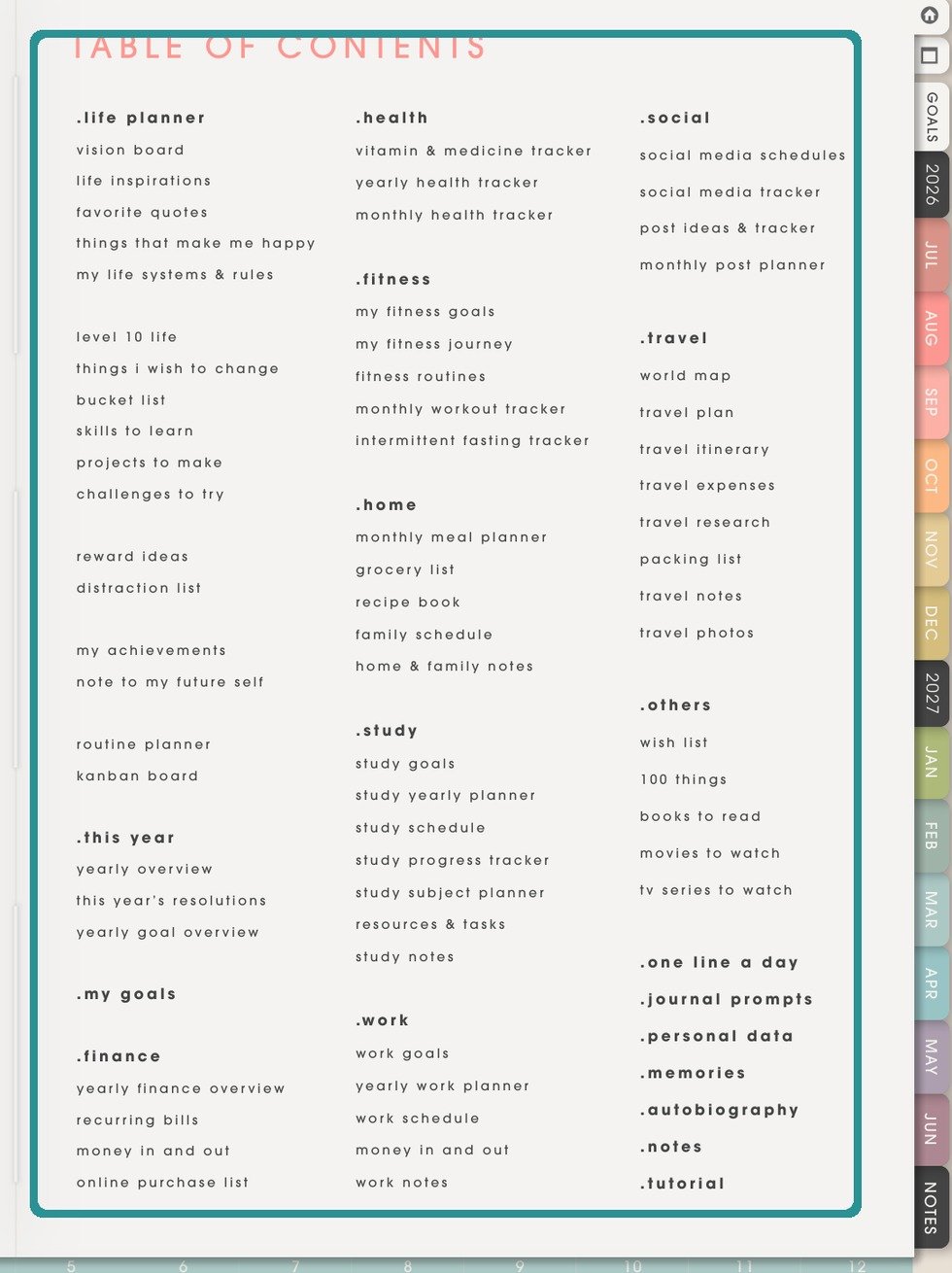
Test the transferred PDFAfter transfer, open the NozomuNoto PDF and confirm the Index page, page turning, writing or annotation, and saving behavior. - Transfer the PDF with the device transfer method, then open it in the native PDF reader first.
- Open the imported file and check the cover, index page, and one monthly or weekly tab before writing in it.
- If the file is a ZIP, extract it first, then import the PDF or app-specific file from the extracted folder.
Good checks after import
- The file opens to the correct cover or first page.
- The index or tab pages are visible.
- You can write on a test page.
- The app has not converted the PDF into a flat image-only file.