
YUME NOTO 夢ノートV1 LANDSCAPEDIGITAL NOTEBOOK
One notebook for the different roles in your life.
Garden Edition · Grid preview
Beginner-friendly, with realistic paper texture and minimalist Japanese design. Make the sections your own.
- 50 subjects & 12 side tabs
- Fully hyperlinked indexes & templates
- 143 pages per PDF · 4 notebook covers
- Grid, lines, dotted, blank & Cornell
Digital PDF download for tablets and computers. Annotation app required. No physical item; not for phones or printing.
- 143
- Pages per PDF
- 50
- Subjects
- 12
- Side tabs
- 58
- Template pages
- 5
- Paper formats
SIMPLE ENOUGH TO START. FLEXIBLE ENOUGH TO GROW.
Your notes, plans and projects, together in a notebook you can make your own.
A familiar paper feel
Realistic scanned paper textures and book binding give you the feel of a Japanese notebook, with space for writing and drawing.
A place for every role
Give your subjects and tabs your own names. Keep home, study, work, clients and creative projects in one place.
Room to keep going
Copy a template into your chosen section whenever you need another page. Add only the layouts you use.
SEE HOW YOUR NOTEBOOK CAN TAKE SHAPE
One example. Your own subjects, your own system.
Start with the parts of your life you want to organize.
The original example shows how one index can bring together yearly reviews, study notes, habit trackers, projects, recipes and journals.
- Name your subjects. Write titles beside the numbers in the index.
- Choose your pages. Duplicate a basic paper or essential template into a section.
- Keep it together. Use the linked tabs to return to your notes.
This filled-in index is an example of use. Your notebook gives you blank spaces to write your own titles.
See how the links workFULLY HYPERLINKED INDEX PAGE
Organize your notes into different sections and subjects for easy navigation and referencing.
Swipe to follow the pages · Select a preview to enlarge
Clickable subject pages
Write a title beside each number. Tap an entry in the index to open its linked subject page. The 50 numbered tabs along the bottom take you to the same subjects.
Clickable index page
Tap the home icon on a subject page to return to the index. The circles show where to tap in your PDF app. Select any preview here to enlarge it.
12 SIDE TABS, YOUR OWN SECTIONS
Name your sections · Tap to open · Make room for every role
Swipe to follow the pages · Select a preview to enlarge
Select a section in the index or its matching numbered side tab. Use these tabs for journaling, keeping track of your gratitude, taking notes, creating mind maps, and brainstorming ideas.
ALL THE ESSENTIAL TEMPLATES
Easy access to all essential papers & templates. All hyperlinked.
Swipe to follow the pages · Select a preview to enlarge
Copy first. Make it yours.
Use this template index page to navigate to the desired page. Copy or duplicate the page, then paste it after your target page. Remember to always copy/duplicate the template first before writing; do not write directly on the template page!
Turn on read-only or navigation mode in your PDF app to follow the hyperlinks.
Basic templates (25)
Scroll to browse · Select a page to enlarge
- Blank
- Blank 1×2
- Blank 2×2
- Blank Left Margin
- Dotted
- Dotted 1×2
- Dotted 2×2
- Dotted Left Margin
- Lines
- Lines 1×2
- Lines 2×2
- Lines Left Margin
- Grid
- Grid 1×2
- Grid 2×2
- Grid Left Margin
- Cornell Blank
- Cornell Lines
- Cornell Grid
- Cornell Dotted
- Todo 1×2
- Todo 2×2
- Todo 3×2
- Grid 2×1
- Music Sheet
Essential templates (33)
Scroll to browse · Select a page to enlarge
- Yearly Spread
- Yearly Grid
- Yearly · Day Month Tracker
- Monthly · Day Tracker
- Monthly Grid · Monday
- Monthly Grid · Sunday
- Monthly Overview
- Weekly Review
- Monthly Spread
- Weekly Horizontal · Monday
- Weekly Horizontal · Sunday
- Weekly Vertical · Monday
- Weekly Vertical · Sunday
- Routines · Monday
- Routines · Sunday
- 30 Day Challenges
- 100 Day Challenges
- Vision Board
- 100 Things
- Multipurpose Table
- Level 10 Life
- 31 Things
- Daily Page · Type 1
- Daily Page · Type 2
- Gantt Chart · Universal
- Gantt Chart · Weekly Monday
- Gantt Chart · Weekly Sunday
- Photo Page
- World Map
- Multipurpose Wheel
- Kanban · 4 Columns
- Kanban · 6 Columns
- Kanban · 8 Columns
EVERYTHING IN YOUR GARDEN DOWNLOAD
Five paper formats, plus instructions and extras to help you get started.
Your notebook files
- 5 PDF notebooksGrid, Lines, Blank, Dotted and Cornell. 143 pages in each file.
- Linked organization50 subjects, 12 side sections, an index and a template index.
- Reusable template library25 basic + 33 essential template pages, including Monday/Sunday variants.
- 4 cover pagesGarden artwork, red, charcoal and kraft covers inside the notebook.
Help and bonuses included
- Download instructions & tutorialsA PDF guide to help you get started.
- NozomuNoto shortcut fileFor iPad users, with Apple Calendar & Reminders shortcuts.
- 200+ digital stickersBonus stickers to personalize your pages.
- 12 illustrated digital coversBonus covers, in addition to the 4 cover pages above.
Choose the paper format you prefer. All five formats are included with Garden; you do not need to buy each format separately.
FIVE PAPER FORMATS
Grid · Lines · Dotted · Blank · Cornell
Perfect for notetaking, studying, journaling, sketching, planning and many more!
EXTRA COVERS
Choose from a range of styles to reflect your personality or mood.
FLEXIBLE & ADAPTABLE FOR ALL NEEDS
With 12 side tabs and 50 subjects, the options are limitless!
- Journaling
- Rapid logging
- Brain dump
- Meal planning
- Music writing
- Bullet Journaling
- Note-taking
- Brainstorming
- Life Planner
- Work Notebook
- Study Notebook
- Teaching Notebook
- Novel Writing
- Bible Study
- ADHD Planner
- Homeschooling
- Home Management
- Recipe Book
- Travel Planner
- Projects Planner
And many many more!
WHICH YUME NOTO IS RIGHT FOR YOU?
Choose the amount of structure that suits how you organize your notes.
V1
A simple starting point
12 side tabs and 50 subjects in Landscape. Start with your own titles and add pages as you need them.
A beginner-friendly choice. You are viewing V1 Landscape.
V2
More detailed organization
12 side tabs, each with 14 subsections. 168 sections in total for a deeper structure.
For people who want to divide their notebook into more areas.
V3
A middle level of structure
12 side tabs, each with 5 subsections. 60 sections in total.
For people who want more built-in organization than V1.
See the full notebook comparison
Landscape or Portrait?
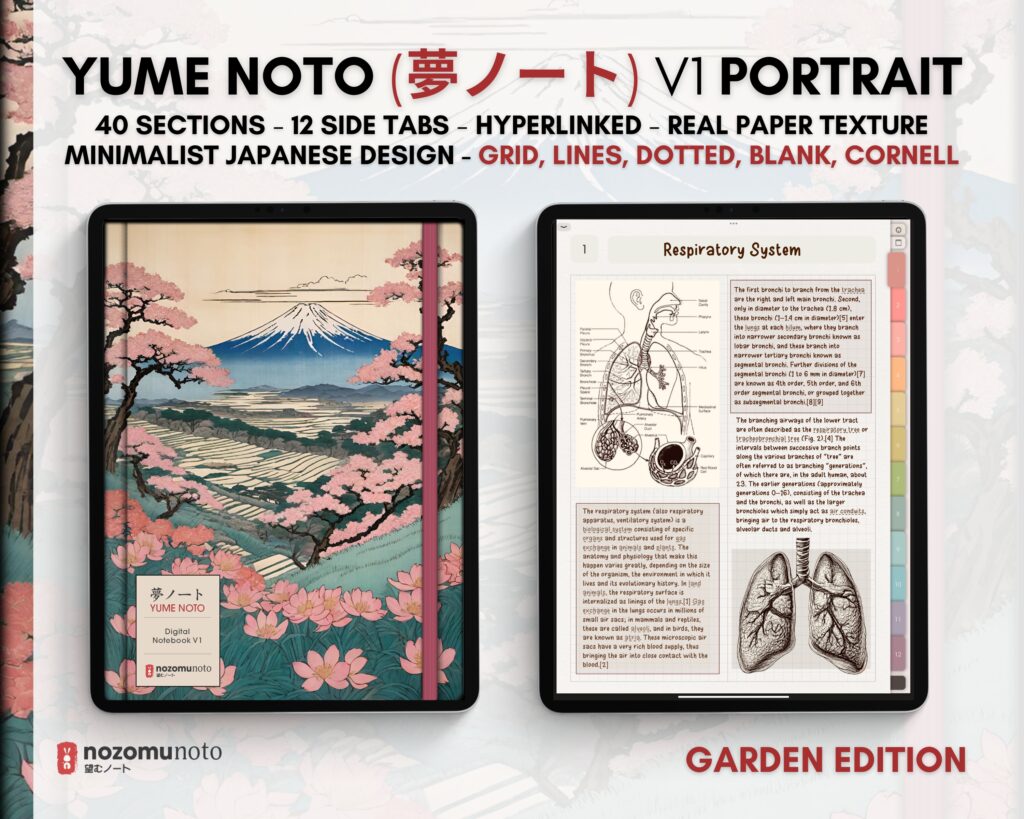
Landscape gives you a wider canvas for study notes, planning and split layouts. Portrait gives you a vertical page for handwriting, reading and journaling, with 40 subjects and 12 side tabs.
Explore V1 PortraitALSO COMES IN PORTRAIT
The same hyperlinked notebook, in a vertical page.
Portrait gives you a focused vertical page for handwriting, reading and journaling. It keeps the same side tabs, indexes, reusable templates and realistic paper texture as this Landscape notebook.
- 12 side tabs
- 40 subjects
- 106 pages in the Garden listing files
- 48 page templates in the Garden listing files
- Grid, lines, blank, dotted and Cornell PDF files
A FEW THINGS BEFORE YOU START
Choose the right setup for your notebook.
Is this a physical notebook or an app?
This is a digital PDF download. No physical item is shipped. Use it inside a compatible PDF annotation app on your tablet or computer.
Can I use it on my phone, print it, or use an e-reader?
This color edition is designed for tablets and computers. It is not designed for phone use or printing. If you use an e-reader, choose an e-reader edition with pages made for e-ink screens.
How do I download and start?
Your files are available after payment is confirmed. Follow the included download instructions and tutorials, then import your chosen paper format into your app. Open the download guide.
Why aren’t the links opening?
Switch your app to read-only or navigation mode. Some Android apps use a long press to follow links. Find device and app help.
Can I keep adding pages?
Yes. Copy or duplicate the template first, then paste it after your chosen linked page. Keep the original template clear so you can use it again.
Can I share or resell the files?
The notebook is for your personal use. Do not share, redistribute or resell the files.
CHOOSE YOUR LANDSCAPE EDITION
Yume Noto V1 Landscape · Garden Edition
Use code 50OFFWEB for 50% off at checkout on NozomuNoto.com.
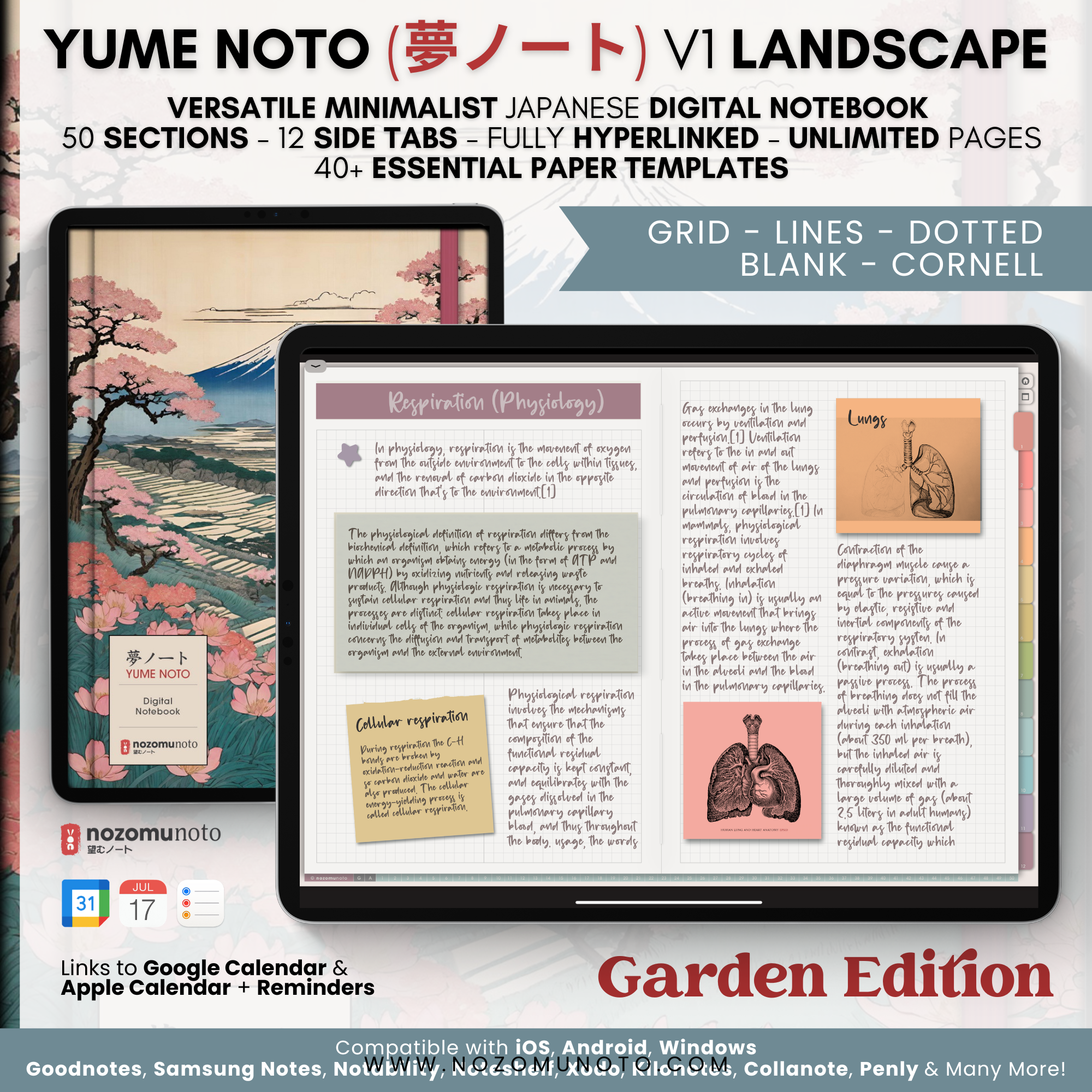 GardenLight edition · Shown aboveView price & details
 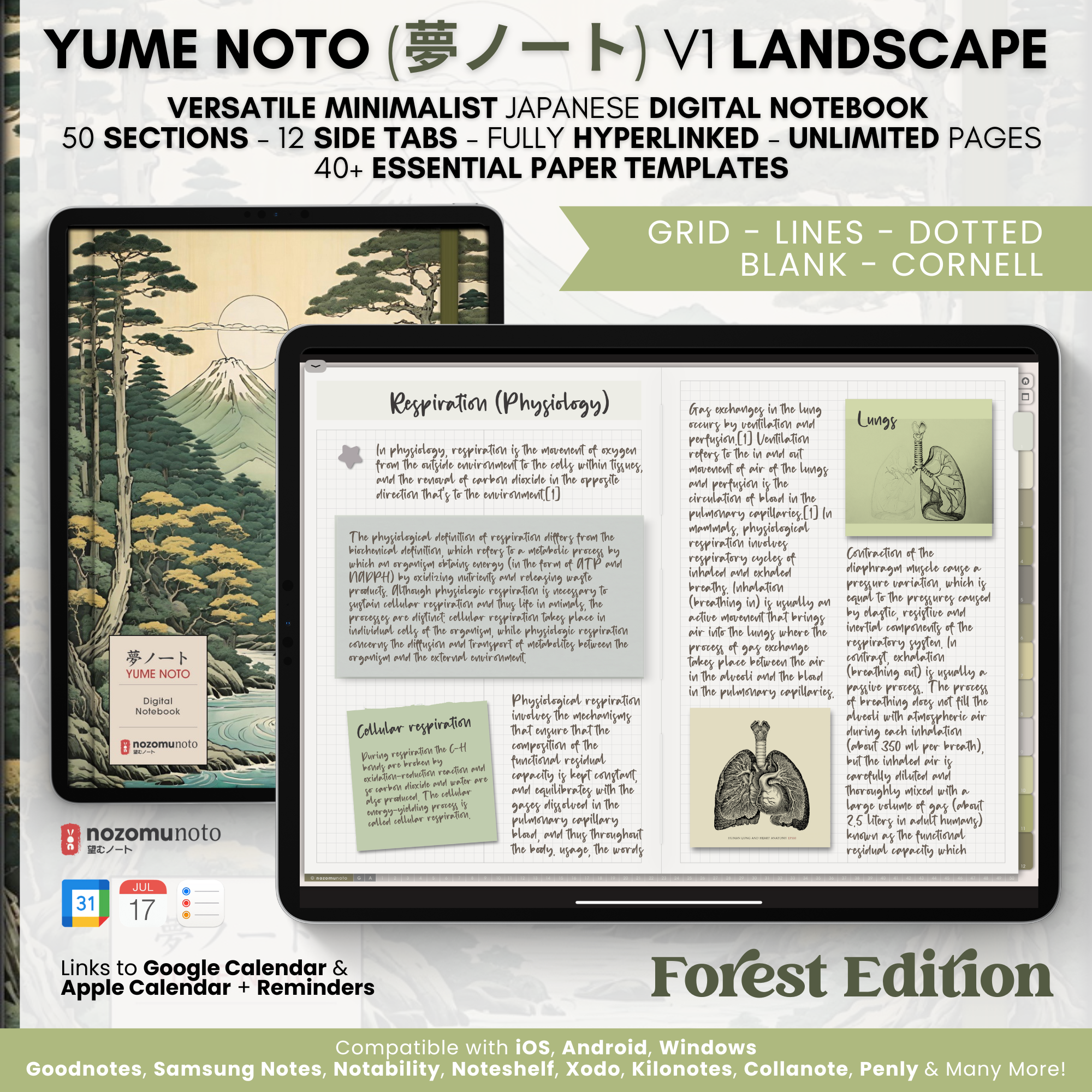 ForestLight editionView price & details
 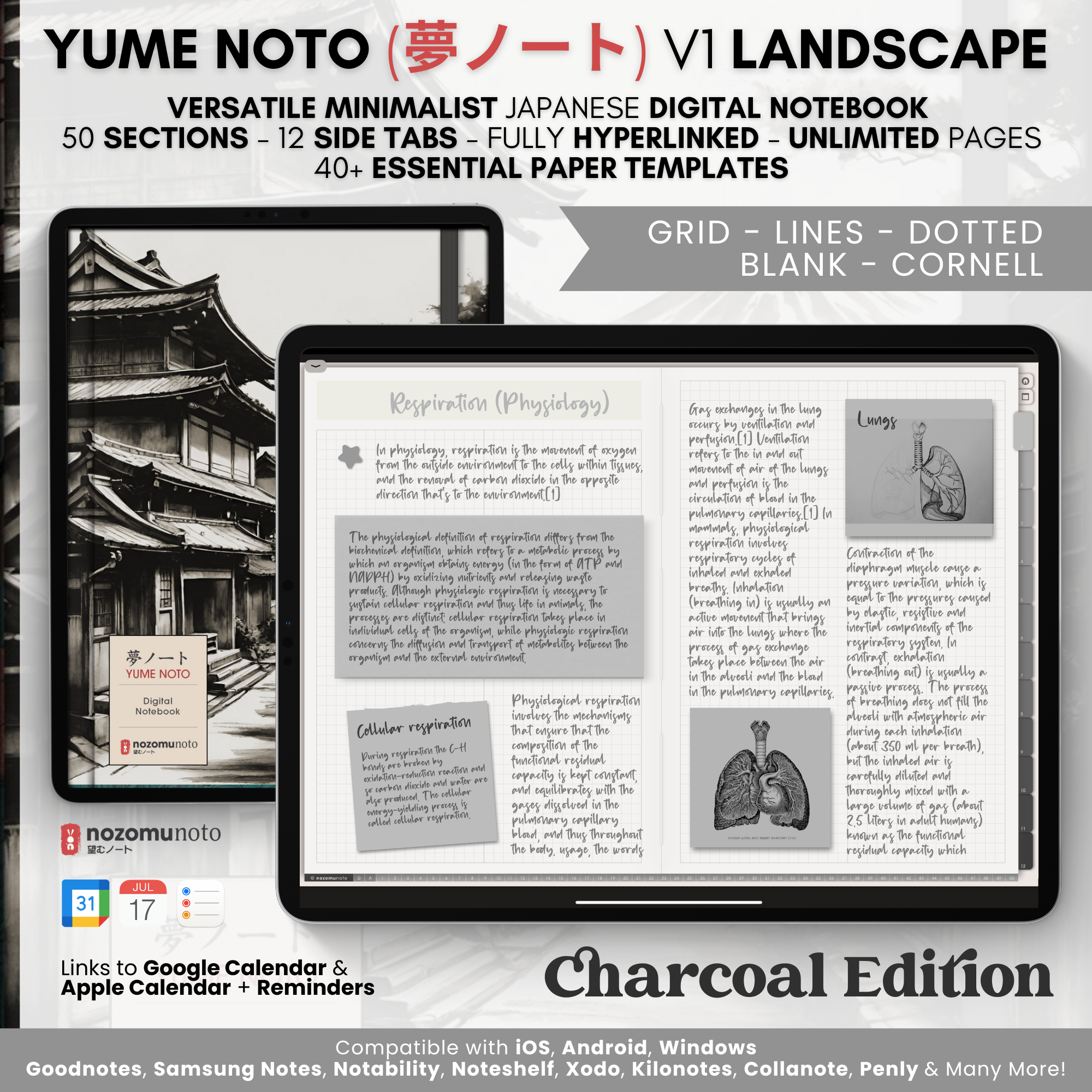 CharcoalLight editionView price & details
 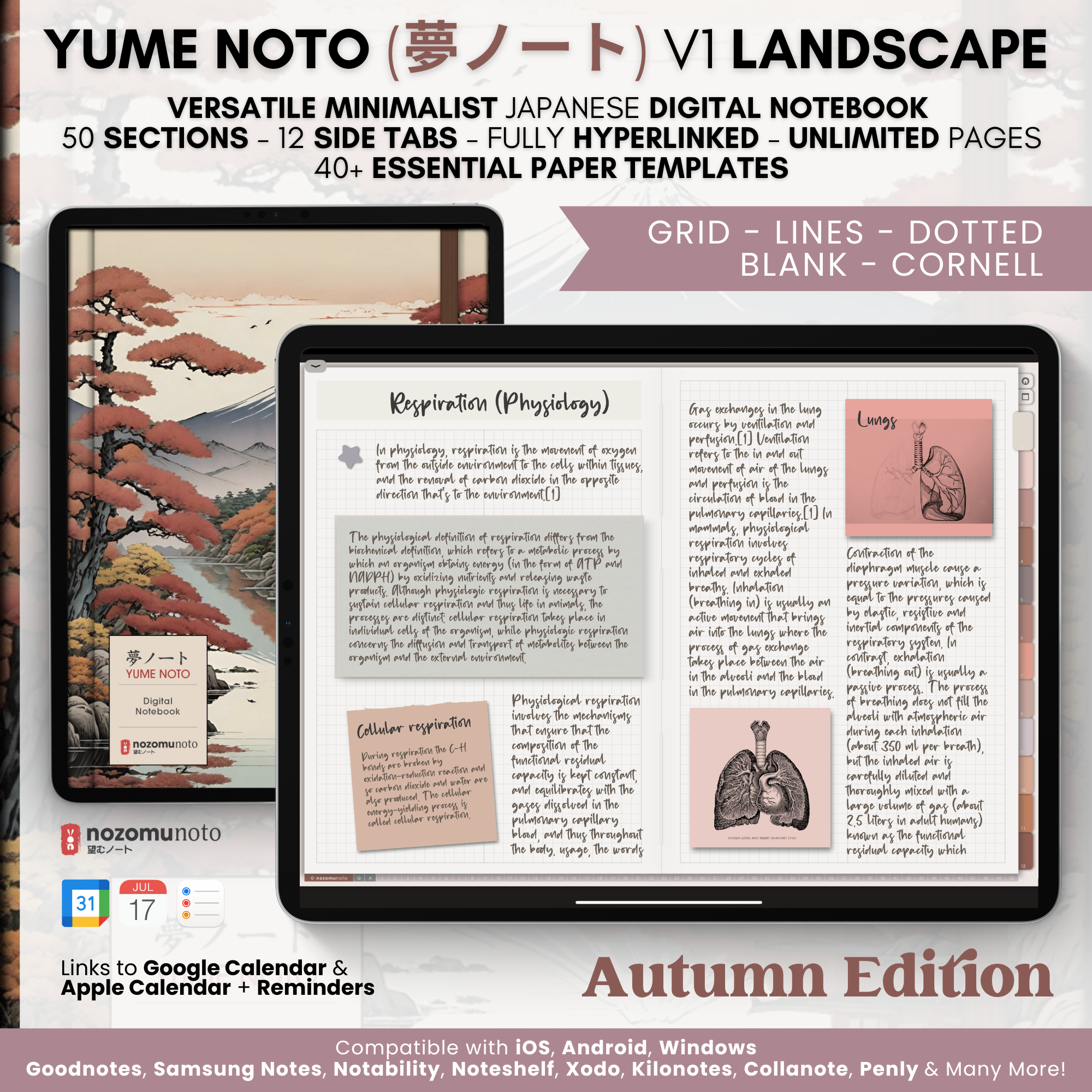 AutumnLight editionView price & details
 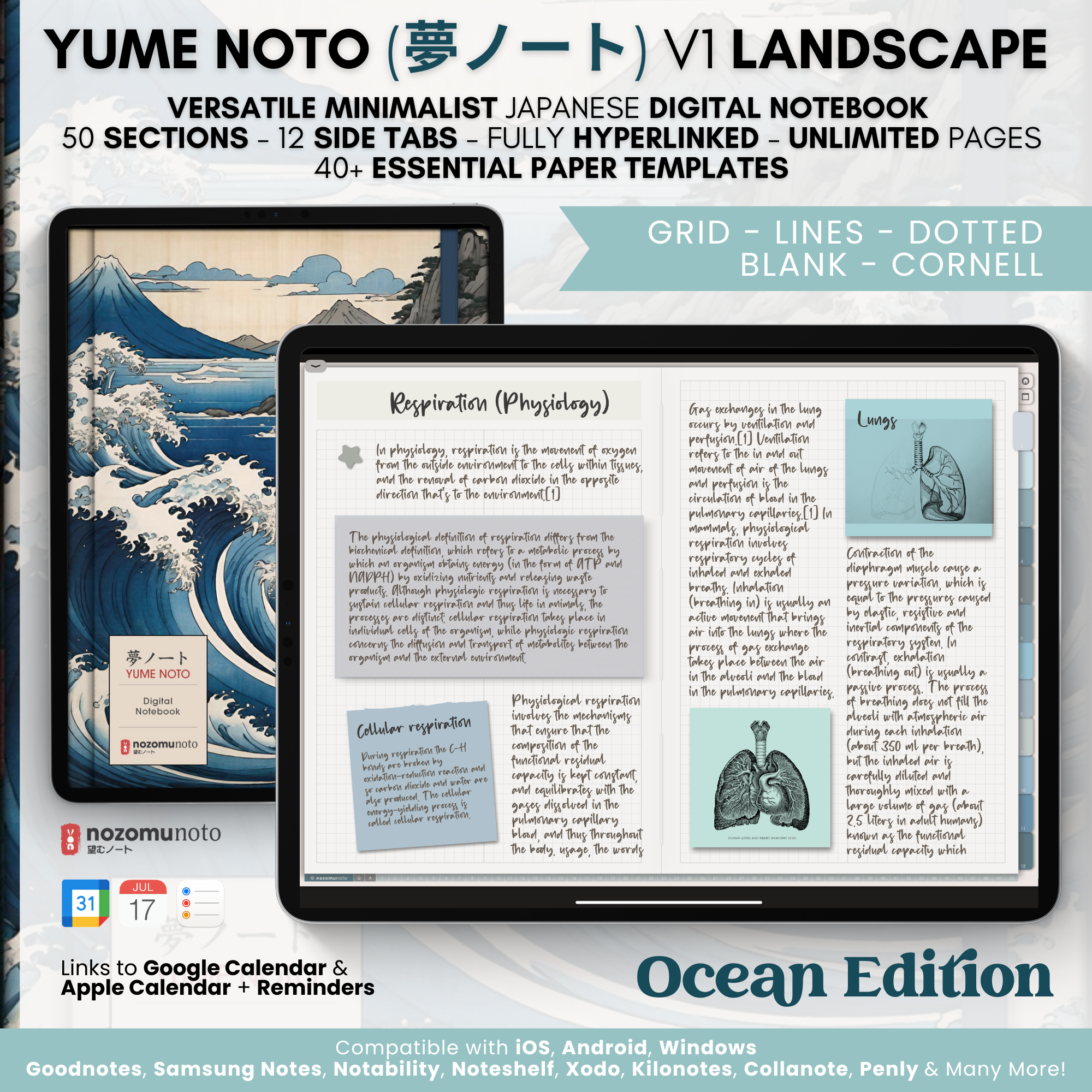 OceanLight editionView price & details
 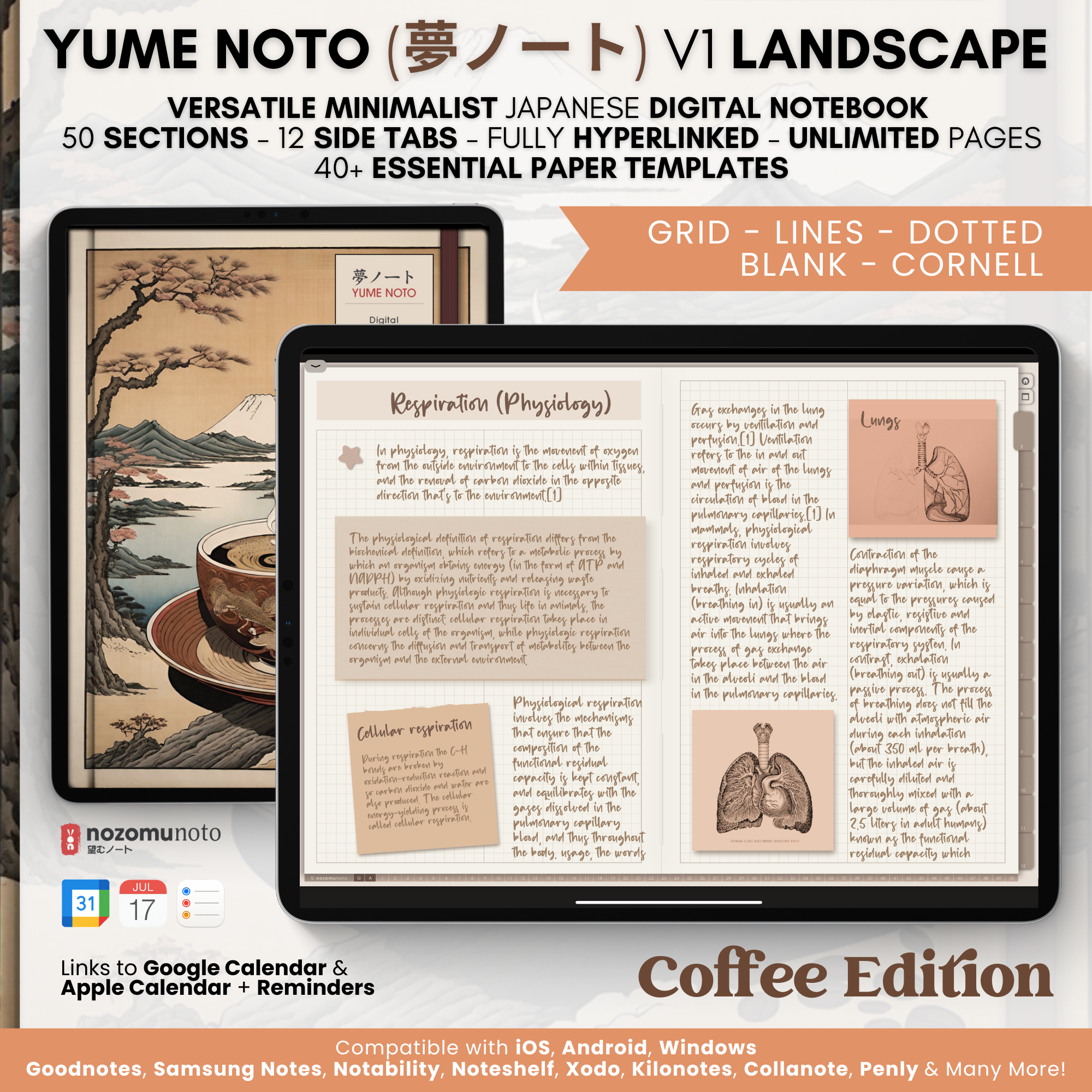 Light CoffeeLight editionView price & details
 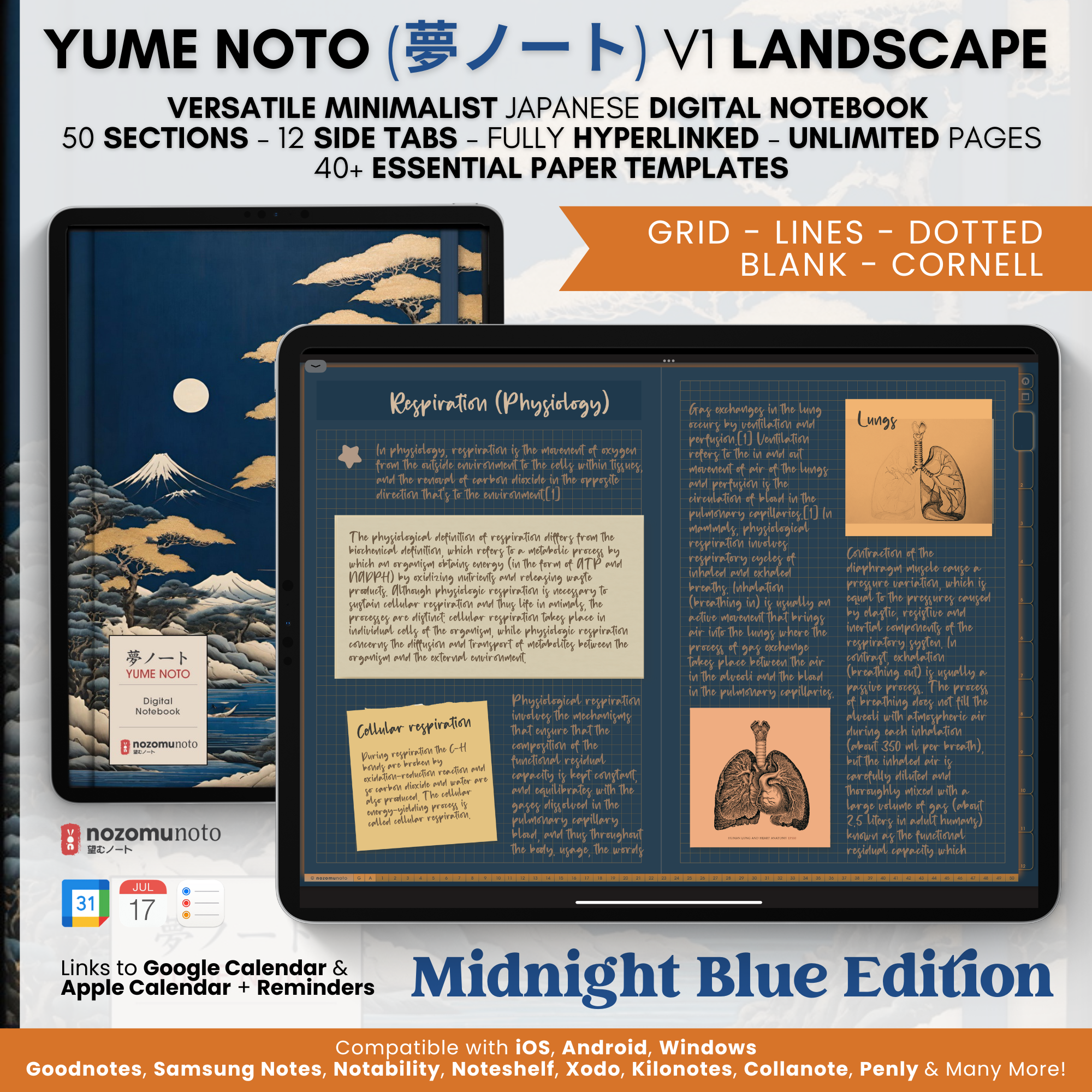 Midnight BlueDark editionView price & details
 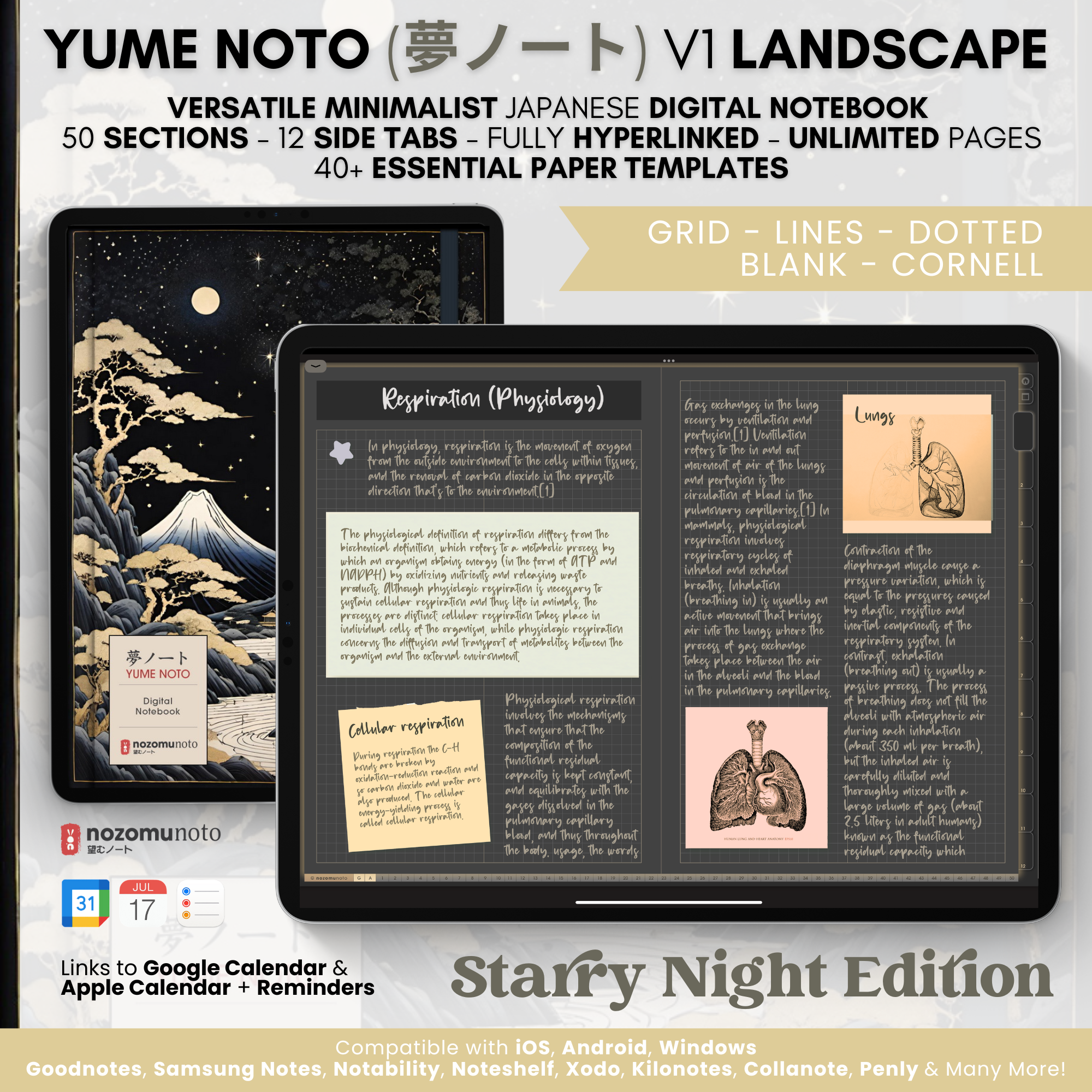 Starry NightDark editionView price & details
 Prefer a vertical notebook? Explore Yume Noto V1 Portrait.