

Browse help topics
Getting Started
Need help choosing?
Need help after purchase?
Download & Import
Using your notebook/planner
- How to change or reuse template pages on planner landing pages
- Why stickers look blurry when enlarged
- What to check if a product does not work on your device
- How to use NozomuNoto index pages
- How to use NozomuNoto template pages
- How to change a digital planner cover
- How to install and use digital stickers
Product Tutorials
- How to use Yume Techo Landscape tutorial pages
- How to use Yume Techo Portrait tutorial pages
- How to use Shibui Techo Weeks tutorial pages
- How to use Shibui Techo Months tutorial pages
- How to use Yume Noto V1 Landscape tutorial pages
- How to use Yume Noto V1 Portrait tutorial pages
- How to use Yume Noto V2 Landscape tutorial pages
- How to use Yume Noto V2 Portrait tutorial pages
- How to use Yume Noto V3 Portrait tutorial pages
- How to use NozomuNoto Ultimate Digital Stickers
- How to use NozomuNoto Digital Covers
- Which NozomuNoto instruction or tutorial file should I open first?
Device & App
iOS / iPadOS
GoodNotes
Notability
Noteshelf
Noteful
StarNote
Flexcil
Kilonotes
Android
StarNote
Samsung Notes
Penly
Flexcil
Noteshelf
Xodo
E-reader Devices
Boox devices
reMarkable
Bigme
Supernote
Which apps work with NozomuNoto planners?
Find the best app type for NozomuNoto PDF planners and notebooks, including iPad, Android, and e-reader options, plus the features to test before setting up your planner.
On this page
- Fast choice by device
- For iPad
- For Android tablet
- For e-reader
- Best app types for NozomuNoto files
- Recommended iPad / iOS apps
- Recommended Android tablet apps
- Go to the exact setup guide
- iPad / iOS setup guides
- Android tablet setup guides
- Minimum features to check
- Apps that may not be enough
- When app choice gets tricky
- 1. The same app feels different on another device
- 2. Links write or select instead of moving
- 3. The planner imports, but page management is limited
- 4. Stickers are harder than the planner
- Best first setup
- Go next
Which apps work with NozomuNoto planners? NozomuNoto planners and notebooks are PDF-based digital products, so choose apps for NozomuNoto planners that can import PDFs, keep pages clear, let you write or type, follow built-in links, manage pages, and save or export your work.
Digital planner apps and apps for PDF planners work best when they are made for PDF notes, not just browser preview. The best app for digital planner use depends on your device, your handwriting style, and how much page management you need.
Fast choice by device
If you are unsure where to start, choose based on the device you will actually use.
For iPad
For a digital planner app for iPad, start with a real note-taking app that has PDF import, handwriting, links, thumbnails, stickers, and export. GoodNotes, Notability, Noteful, StarNote, Flexcil, Kilonotes, CollaNote, and Noteshelf are good apps to check first.
For Android tablet
For a digital planner app for Android, never assume the Android version works exactly like the iPad version. Test import, links, page overview, page copy, stickers, and export first. Penly, Samsung Notes, StarNote, Flexcil, Noteshelf, Xodo, and Kilonotes are good apps to check first.
For e-reader
Start with one clean PDF first. Test the links, writing, page movement, and export before writing too much.
If you want a GoodNotes digital planner on iPad or a Penly digital planner on Android, still test it like any PDF planner app or hyperlinked PDF app before setting up a full planner season.
- Import one NozomuNoto PDF.
- Tap one planner link.
- Write one small note.
- Open the page overview or thumbnails.
- Duplicate or copy one page when your app includes that feature.
- Import one PNG sticker if you use stickers.
- Export or back up one copy.
If those basics feel easy, the app is much safer for daily planning.
Best app types for NozomuNoto files
- PDF note-taking apps: best for digital planners, notebooks, handwriting, typing, stickers, and page management.
- PDF annotation apps: good for writing on planner pages, highlighting, adding images, and exporting marked-up PDFs.
Recommended iPad / iOS apps
For iPad, start with an app that has strong PDF import, handwriting, links, thumbnails, and export. These are the iPad apps to consider first. Use the app-specific Device & App guide when it is available, and test the minimum features below before setting up a full planner season.
- GoodNotes: popular for iPad planning, importing PDFs, writing, stickers, elements, and organized notebooks.
- Notability: good for handwriting, typing, notes, and PDF markup.
- Noteful: clean and flexible for PDF planning, handwriting, layers, and page organization.
- StarNote: useful for iPad PDF planning with import, writing, reading mode, page overview, bookmarks, and image stickers.
- Flexcil: useful for PDF reading, annotation, study, and planner markup.
- Kilonotes: useful for PDF annotation, thumbnails, table of contents, bookmarks, and page search.
- CollaNote: another iPad note-taking option for PDF import and handwriting.
- Noteshelf: works for PDF notebooks and planners when the needed features are available in your version.
Recommended Android tablet apps
For Android, never assume the app works the same way as the iPad version. Android planner apps can feel very different, so test import, links, page overview, page copy, sticker import, and export before committing a whole planner season.
- Penly: a strong Android choice for PDF planners, hyperlinks, writing, stickers, images, page thumbnails, and planner-style workflows.
- Samsung Notes: useful on Samsung tablets, but set up the needed page sorter or thumbnail option first so page copy and page management are available.
- StarNote: works for Android PDF planning with import, writing, navigation, and page tools.
- Flexcil: useful for PDF reading, annotation, links, and study-style planner workflows.
- Noteshelf: can work on Android when the app version and paid features fit your needs.
- Xodo: useful for PDF annotation, links, page tools, and straightforward PDF workflows.
- Kilonotes: can work for PDF planning, handwriting, page tools, and custom bookmarks.
For Android, choose from the Android-specific app guides below instead of assuming an iPad app has the same planner tools on Android.
Go to the exact setup guide
After choosing a tablet app, open the matching setup guide instead of guessing from another app's buttons. Each guide uses the app name, device type, and the clean NozomuNoto workflow for import, links, writing, page tools, stickers or images, and known limits.
iPad / iOS setup guides
- GoodNotes iPad setup guide
- Notability iPad setup guide
- Noteful iPad setup guide
- StarNote iPad setup guide
- Flexcil iPad setup guide
- Kilonotes iPad setup guide
- CollaNote iPad setup guide
- Noteshelf iPad setup guide
Android tablet setup guides
- Penly Android setup guide
- Samsung Notes Android setup guide
- StarNote Android setup guide
- Flexcil Android setup guide
- Noteshelf Android setup guide
- Xodo Android setup guide
- Kilonotes Android setup guide
Minimum features to check
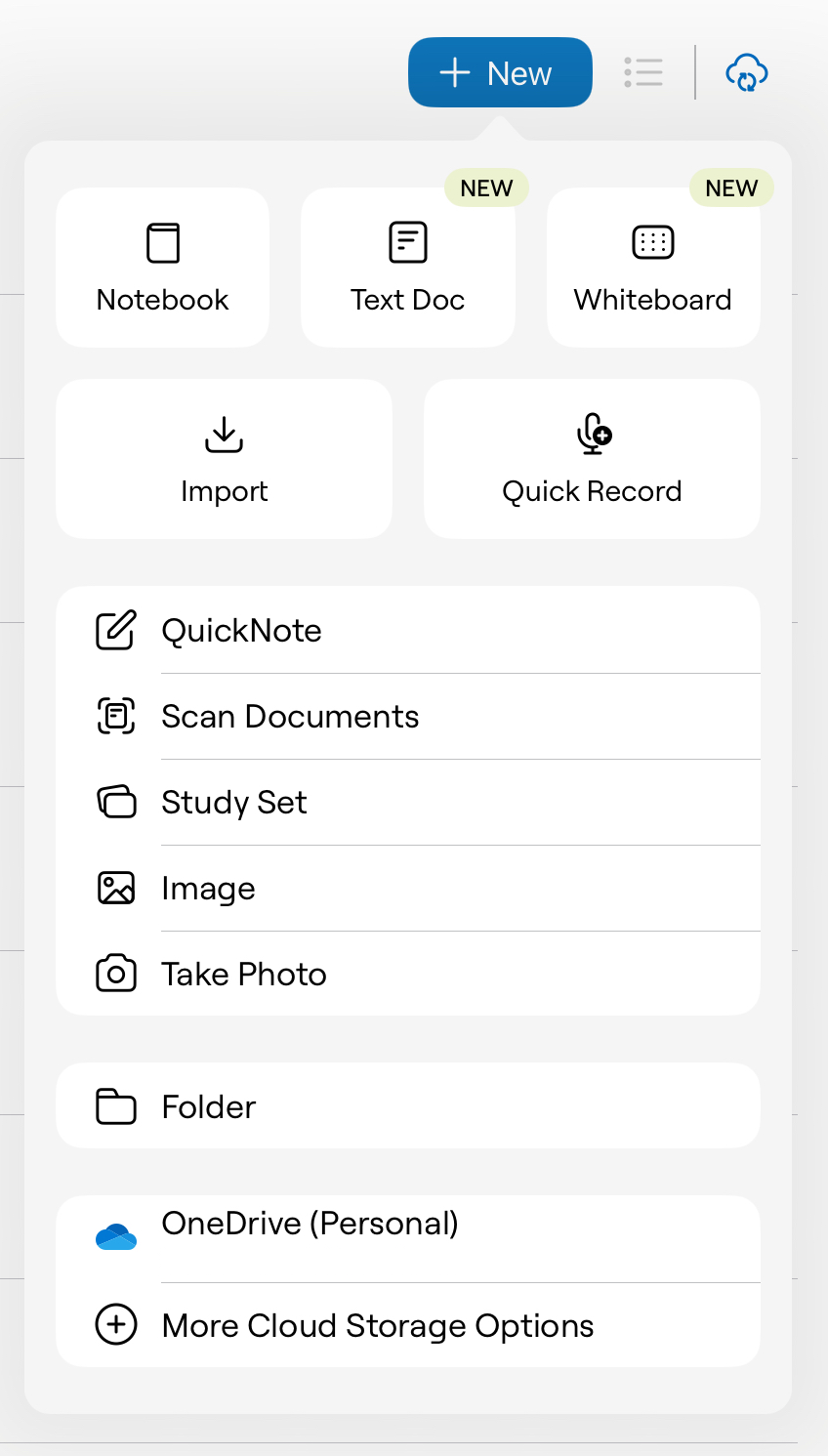
- PDF import: the app should import the planner or notebook as a PDF, not only preview it.
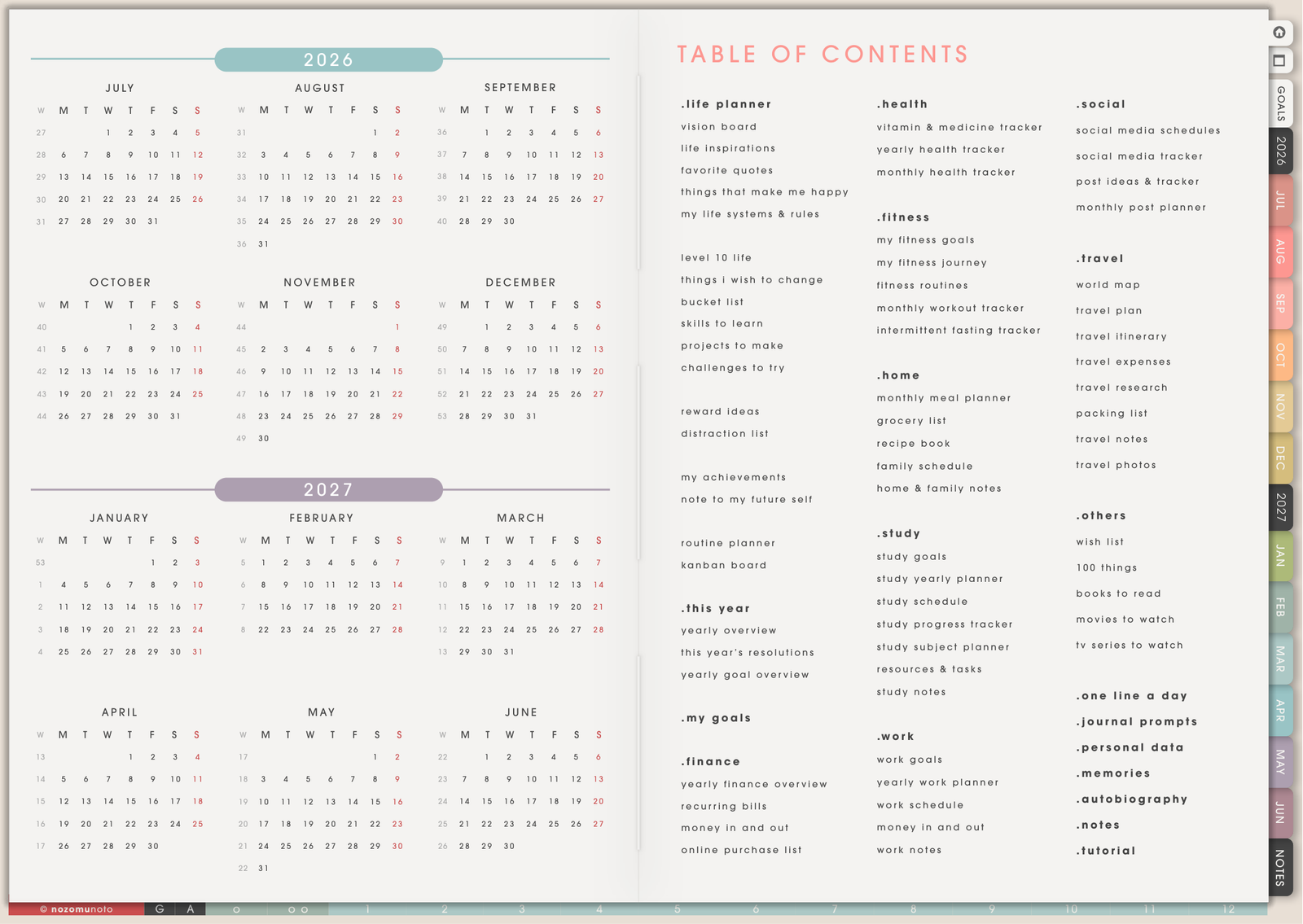
- PDF hyperlinks: tabs, buttons, index links, monthly links, and date links should move to the right pages.
- Writing tools: pen, highlighter, eraser, text, shapes, and selection tools should feel natural.
- Page overview: thumbnails or page sorter make it much easier to find, duplicate, copy, delete, or rearrange pages.
- Image or sticker import: needed if you want to use PNG stickers, photos, widgets, or screenshots.
- Export and backup: you should be able to save a copy of your marked-up planner or notebook.
Apps that may not be enough
- Browser previews: useful for checking a file quickly, but not for daily planning.
- Basic PDF viewers: may open the file but often lack writing, stickers, page copy, or good link behavior.
- Image editors: useful for making graphics, but not for using a hyperlinked PDF planner every day.
- Apps with no page management: can become frustrating if you need duplicate pages, templates, or rearranged sections.
When app choice gets tricky
1. The same app feels different on another device
What happens: an app works beautifully on iPad, but the Android version or web version behaves differently.
Example: an iPad tutorial may show smooth page management, stickers, and links, but the Android app may have different menus, missing tools, or more limited planner behavior.
What to do: choose based on the exact device you will use. For Android, use the Android-specific app guides and test import, links, page tools, stickers, and export before committing a full planner season.
2. Links write or select instead of moving
What happens: tapping a planner tab makes ink, selects an object, or nothing happens.
Example: the planner link is fine, but the app is still in pen mode instead of read, view, hand, gesture, or link mode.
What to do: find the app's navigation mode and test the Index page before decorating. The Device & App guides show exact buttons when screenshots are available.
3. The planner imports, but page management is limited
What happens: you can write on the planner, but copying templates, duplicating pages, moving pages, or finding thumbnails is hard.
Example: a simple monthly planner may feel okay, but a larger planner with template pages becomes frustrating without thumbnails or page tools.
What to do: test thumbnails, page overview, duplicate/copy, delete, and export before committing. If those tools are missing, use the app for simple writing only or choose a more planner-friendly app.
4. Stickers are harder than the planner
What happens: the PDF planner works, but PNG stickers, photos, widgets, or image files are hard to import.
Example: some apps can write on a PDF but make image insertion slow, hidden, or limited.
What to do: test one PNG sticker before importing a whole sticker collection. If stickers matter to your planning style, image import should be easy and repeatable.
Best first setup
If you are on iPad, start with GoodNotes, Notability, Noteful, Flexcil, CollaNote, or Noteshelf depending on the app you already like. If you are on Android, start with Penly, Samsung Notes, StarNote, Flexcil, Noteshelf, Xodo, or Kilonotes. If you are on an e-reader, start with one clean PDF and test the links before writing too much.
The important thing is not choosing the fanciest app. The important thing is choosing an app that makes your planner easy to open tomorrow.
Go next
Still need help?
Send your order number, product name, device, app, and a screenshot or short screen recording if the issue is visual.