

Browse help topics
Getting Started
Need help choosing?
Need help after purchase?
Download & Import
Using your notebook/planner
- How to change or reuse template pages on planner landing pages
- Why stickers look blurry when enlarged
- What to check if a product does not work on your device
- How to use NozomuNoto index pages
- How to use NozomuNoto template pages
- How to change a digital planner cover
- How to install and use digital stickers
Product Tutorials
- How to use Yume Techo Landscape tutorial pages
- How to use Yume Techo Portrait tutorial pages
- How to use Shibui Techo Weeks tutorial pages
- How to use Shibui Techo Months tutorial pages
- How to use Yume Noto V1 Landscape tutorial pages
- How to use Yume Noto V1 Portrait tutorial pages
- How to use Yume Noto V2 Landscape tutorial pages
- How to use Yume Noto V2 Portrait tutorial pages
- How to use Yume Noto V3 Portrait tutorial pages
- How to use NozomuNoto Ultimate Digital Stickers
- How to use NozomuNoto Digital Covers
- Which NozomuNoto instruction or tutorial file should I open first?
Device & App
iOS / iPadOS
GoodNotes
Notability
Noteshelf
Noteful
StarNote
Flexcil
Kilonotes
Android
StarNote
Samsung Notes
Penly
Flexcil
Noteshelf
Xodo
E-reader Devices
Boox devices
reMarkable
Bigme
Supernote
How to Use Planner Hyperlinks in Flexcil on iPad
Learn how to use NozomuNoto planner hyperlinks in Flexcil on iPad and what to check if tabs, dates, buttons, or index links fail to move.
On this page
Use these steps to work with NozomuNoto PDF planners, notebooks, stickers, covers, and template pages in Flexcil. The official links below are for downloads, updates, and current help pages.
If links fail to move
If tapping a tab, date, Index item, or button writes on the page, selects something, or stays on the same page, the planner is usually okay. Flexcil may still be in Pen mode, selection mode, or a preview screen.
- Switch to Gesture mode before testing planner links.
- Try tapping the link with your finger instead of Apple Pencil.
- Test one clear link from the Index page.
- Make sure the PDF has been imported into Flexcil, not only opened in Files, Safari, Google Drive, or another preview screen.
- If links still fail, import a fresh clean copy and test again before changing pages.
Reference links
Use these for current app or device help, downloads, updates, vendor help, and manual references.
Use planner hyperlinks in Flexcil
- Open the imported NozomuNoto PDF.
- Switch from writing tools to Gesture mode on the Flexcil toolbar.
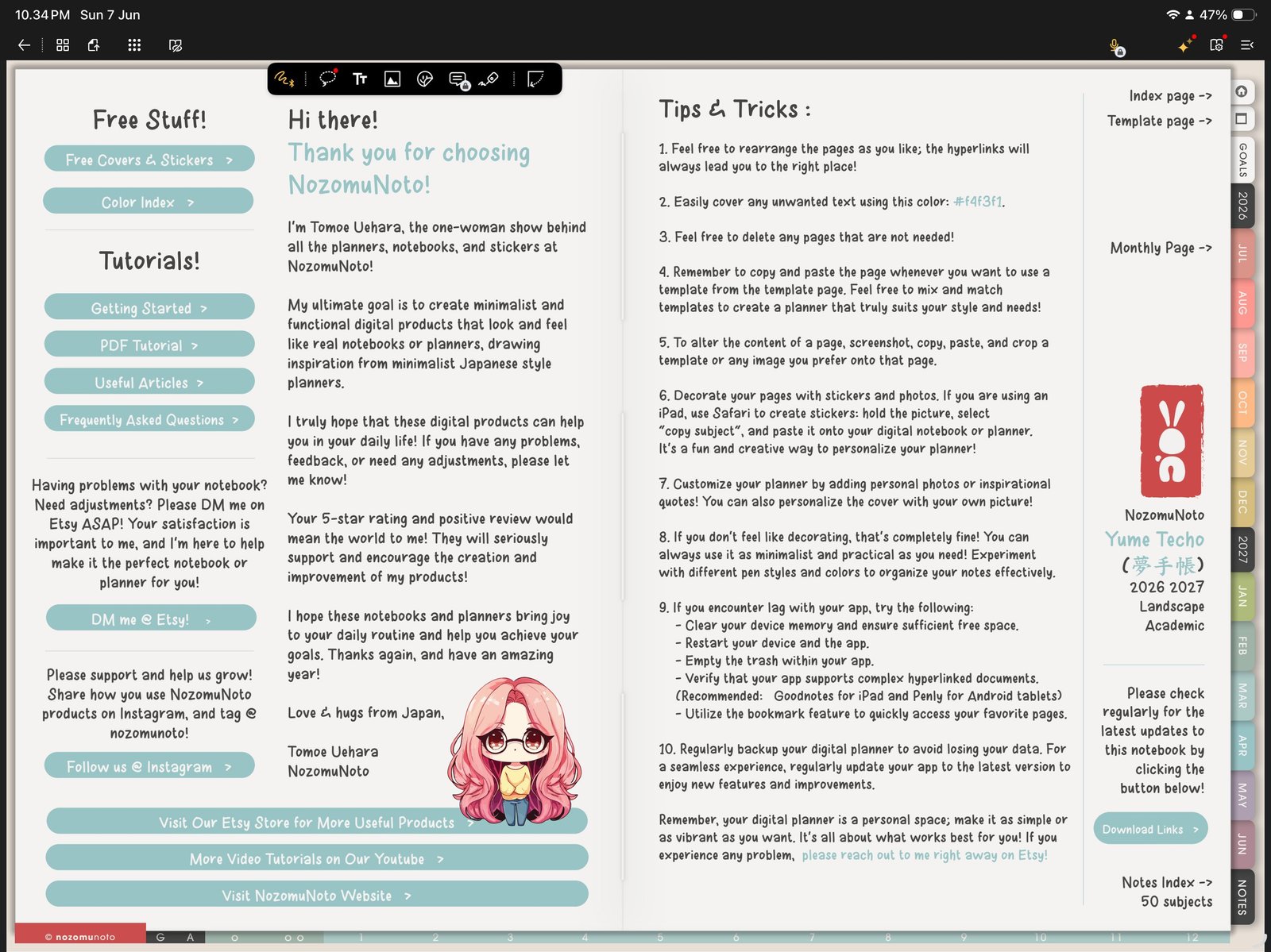
Gesture modeUse Gesture mode before tapping planner tabs, Index links, or date buttons. Product shown: Yume Techo Academic 26-27 Landscape. - Tap one obvious planner tab first, such as a month tab or the Index button.
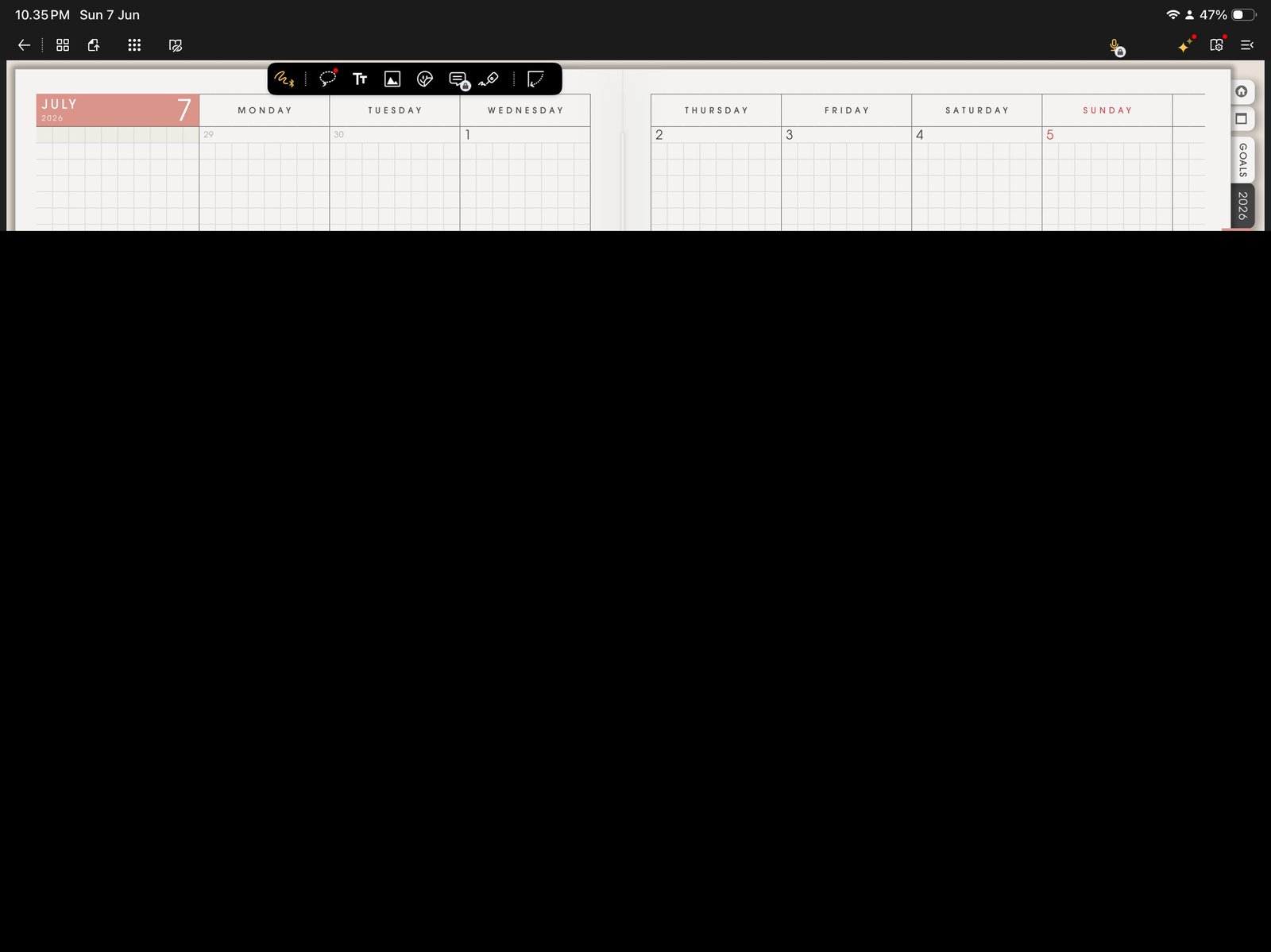
First link testTap one obvious planner tab first. Product shown: Yume Techo Academic 26-27 Landscape. - Tap one second link from inside the planner, such as a monthly-to-weekly or Index-to-template link.
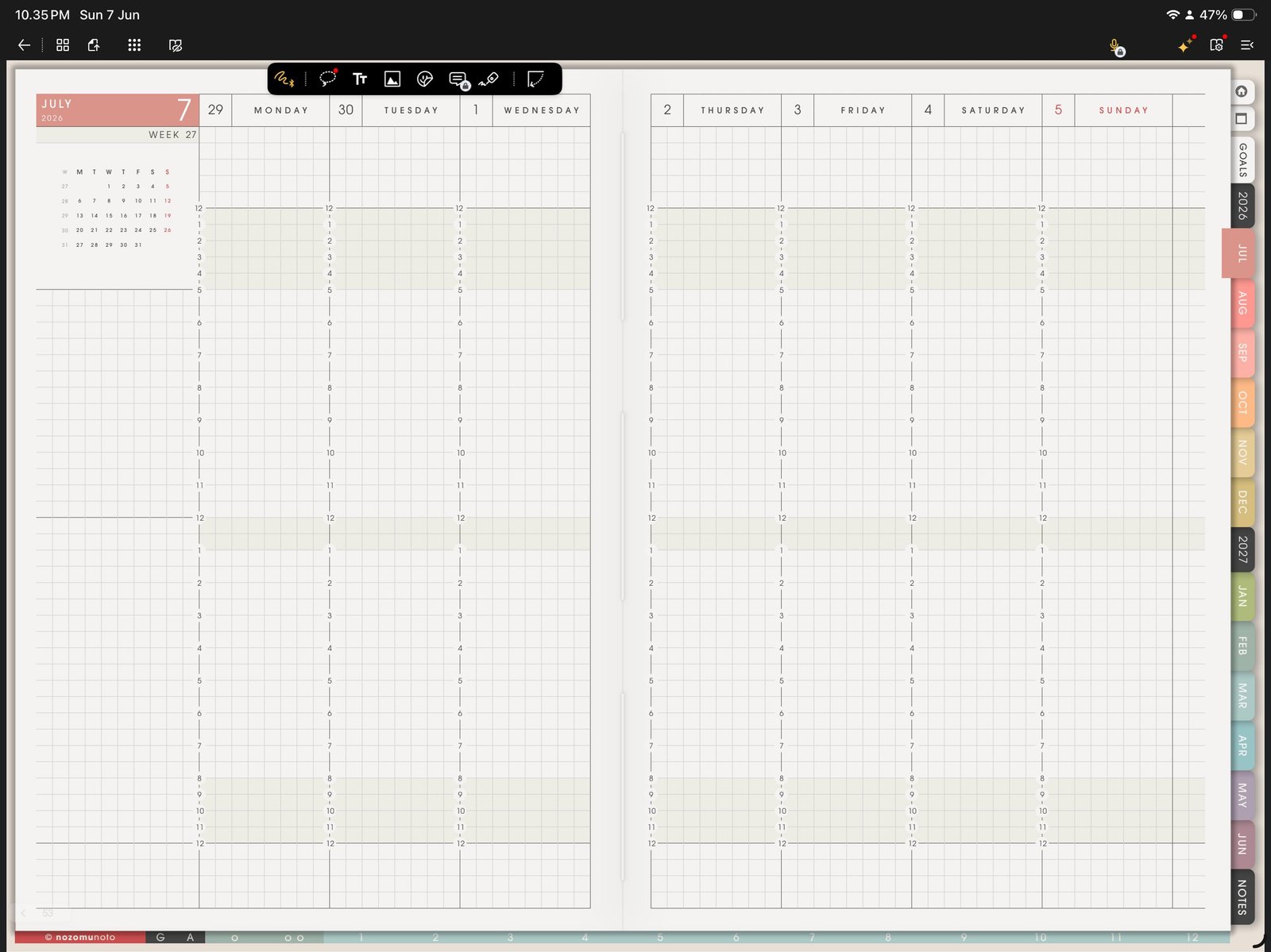
Second link testTest one more link inside the planner before writing heavily. Product shown: Yume Techo Academic 26-27 Landscape. 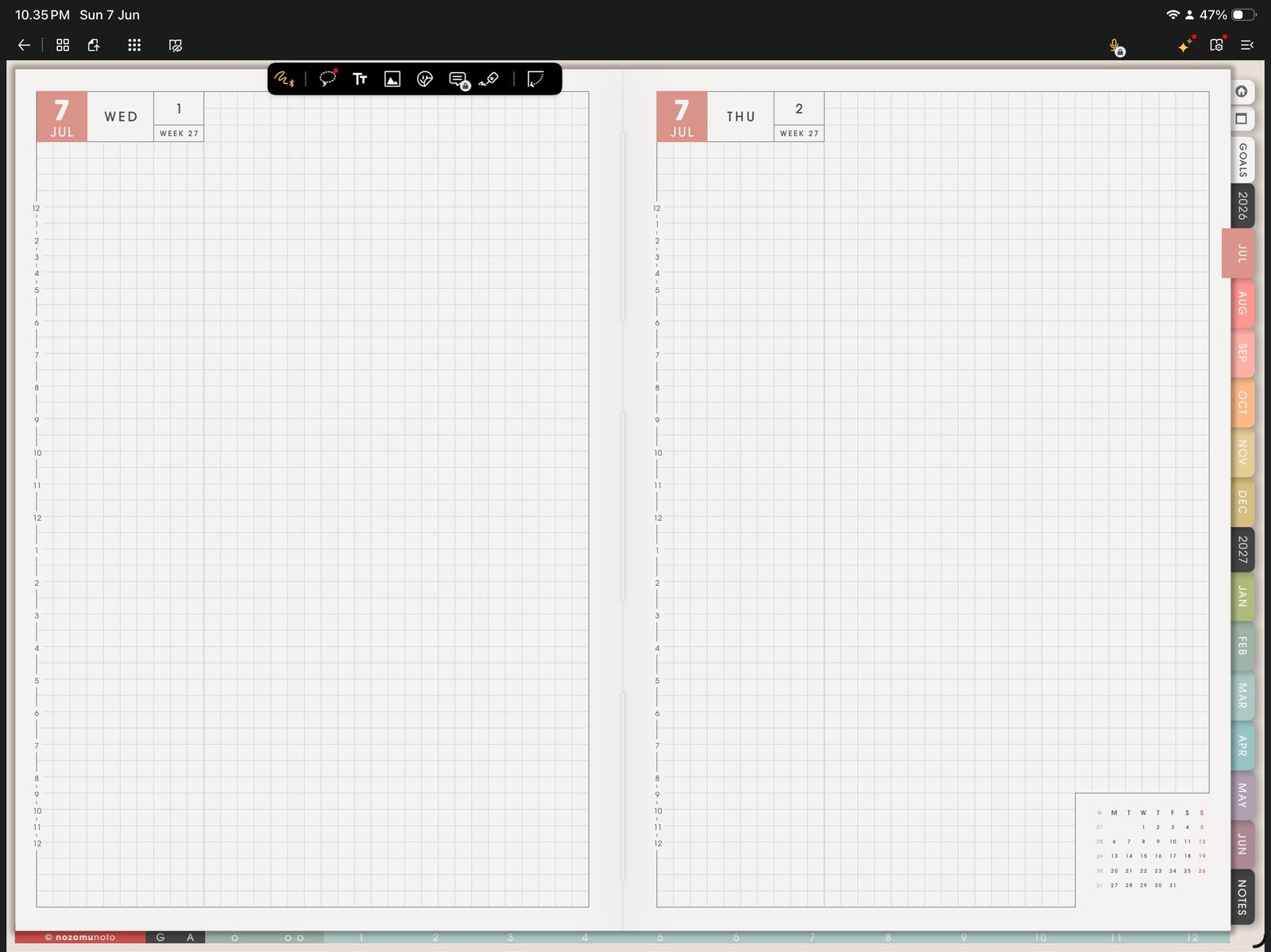
Daily or weekly link testConfirm another planner jump works in the same imported PDF. Product shown: Yume Techo Academic 26-27 Landscape. - Return to Pen mode only after navigation works.
- If the link fails to move, test the same original PDF in Apple Files or another PDF viewer before editing pages.
Why Gesture mode matters
Flexcil separates writing from navigation. If the pen tool is active, tapping a tab can feel like the link is broken because Flexcil is ready to write or select instead of navigate. Test links in Gesture mode first, then switch back to writing.
Quick link test
- Test one outside tab. Tap an obvious month, section, or Index tab.
- Test one inside link. From the Index or monthly page, tap a weekly, daily, template, or notes link.
- Return and write. After the jump works, switch back to Pen mode and write a small test note.
If links still fail to move
1. The wrong mode is active
What happens: tapping the tab writes ink, selects something, or stays on the same page.
What to do: switch to Gesture mode and tap the same link again.
2. The working copy was changed too much
What happens: links worked at first, then became unreliable after page moves, exports, or heavy edits.
What to do: import a fresh copy of the original PDF and test the same link before moving pages again.
3. The original file needs checking
What happens: the same link fails in Apple Files or another PDF viewer too.
What to send: product name, page, link you tapped, device, iPadOS version, and Flexcil version.
Next Flexcil link checks
Still need help?
Send your order number, product name, device, app, and a screenshot or short screen recording if the issue is visual.