

Browse help topics
Getting Started
Need help choosing?
Need help after purchase?
Download & Import
Using your notebook/planner
- How to change or reuse template pages on planner landing pages
- Why stickers look blurry when enlarged
- What to check if a product does not work on your device
- How to use NozomuNoto index pages
- How to use NozomuNoto template pages
- How to change a digital planner cover
- How to install and use digital stickers
Product Tutorials
- How to use Yume Techo Landscape tutorial pages
- How to use Yume Techo Portrait tutorial pages
- How to use Shibui Techo Weeks tutorial pages
- How to use Shibui Techo Months tutorial pages
- How to use Yume Noto V1 Landscape tutorial pages
- How to use Yume Noto V1 Portrait tutorial pages
- How to use Yume Noto V2 Landscape tutorial pages
- How to use Yume Noto V2 Portrait tutorial pages
- How to use Yume Noto V3 Portrait tutorial pages
- How to use NozomuNoto Ultimate Digital Stickers
- How to use NozomuNoto Digital Covers
- Which NozomuNoto instruction or tutorial file should I open first?
Device & App
iOS / iPadOS
GoodNotes
Notability
Noteshelf
Noteful
StarNote
Flexcil
Kilonotes
Android
StarNote
Samsung Notes
Penly
Flexcil
Noteshelf
Xodo
E-reader Devices
Boox devices
reMarkable
Bigme
Supernote
CollaNote Tips for Using NozomuNoto Planners and Notebooks on iPad
Get practical CollaNote tips for using NozomuNoto planners and notebooks, including links, index pages, templates, stickers, covers, and backups.
On this page
Use these steps to work with NozomuNoto PDF planners, notebooks, stickers, covers, and template pages in CollaNote. The official links below are for downloads, updates, and current help pages.
Best CollaNote habits
These small habits make NozomuNoto easier to use in CollaNote.
- Keep one clean backup outside CollaNote.
- Test one hyperlink before setting up the whole planner.
- Use the Index page as your home base.
- Bookmark or mark the pages you use often if your app version has that option.
- Duplicate template pages before writing on them.
- Use page tools carefully when moving, copying, or deleting pages.
- Resize stickers little by little so they stay clear.
- Export or back up your working copy regularly.
- Learn one feature at a time.
You can enjoy your planner without using every CollaNote feature.
Reference links
Use these for current app or device help, downloads, updates, vendor help, and manual references.
Best CollaNote habits for planners and notebooks
- Keep one clean backup outside CollaNote before experimenting.
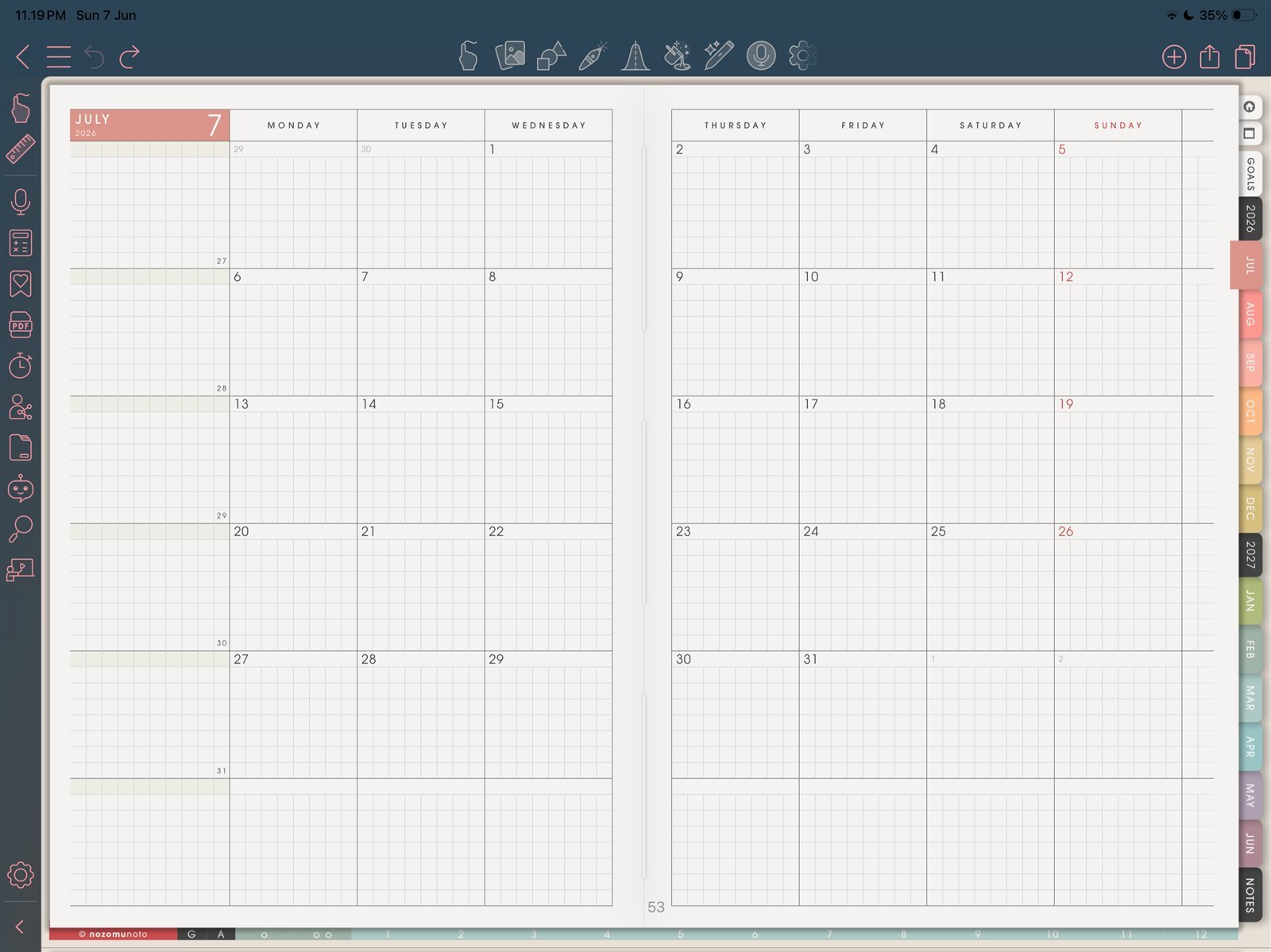
Use the hand toolUse the hand tool for links and tabs, then switch back to writing tools. Product shown: Yume Techo Academic 26-27 Landscape. - Test one NozomuNoto hyperlink before setting up the whole planner.
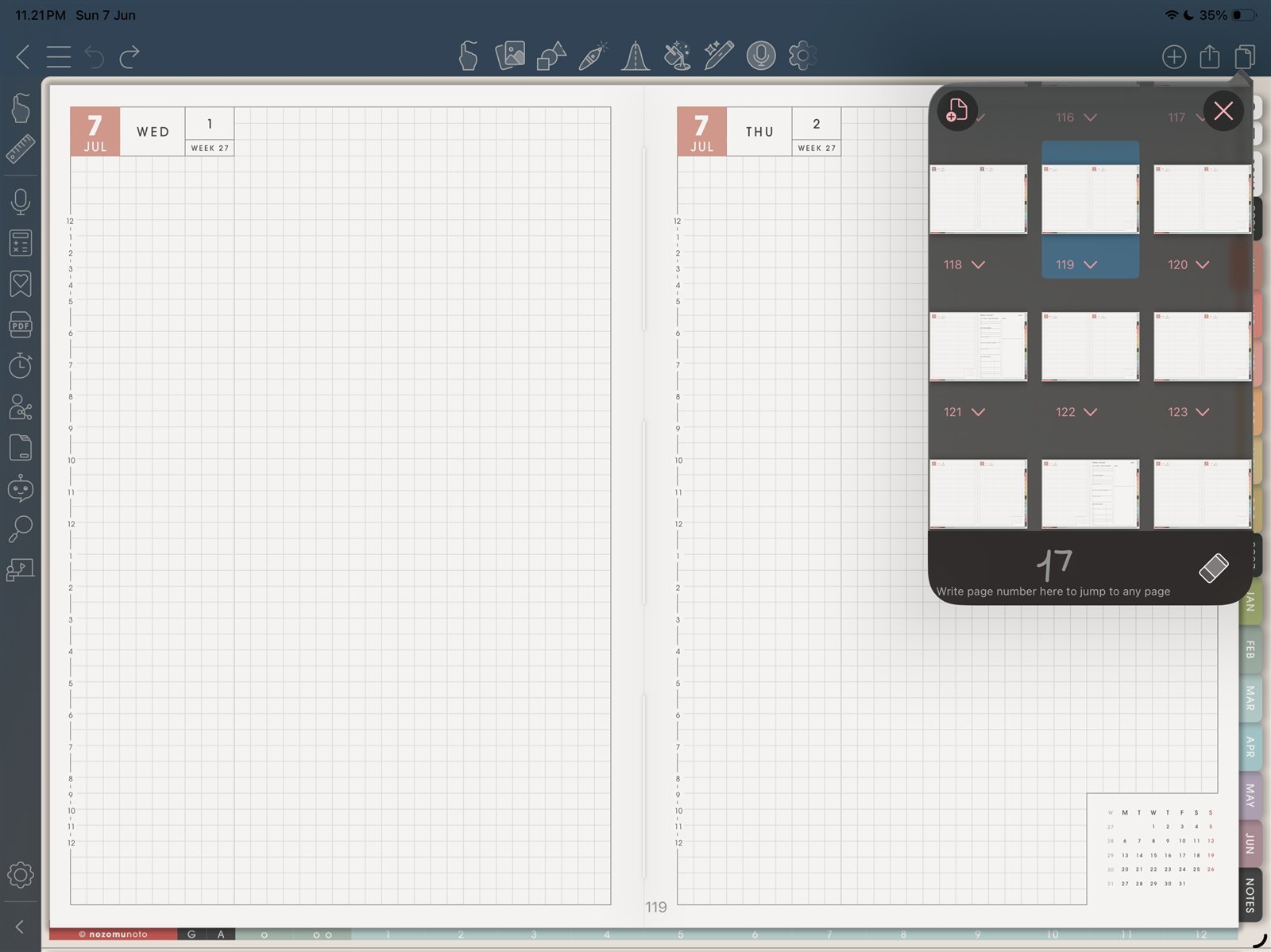
Use page thumbnailsUse thumbnails when you need to understand where pages live. Product shown: Yume Techo Academic 26-27 Landscape. - Use the Index page as your home base when you feel lost.
- Bookmark or mark the pages you use often if your CollaNote version has that option.
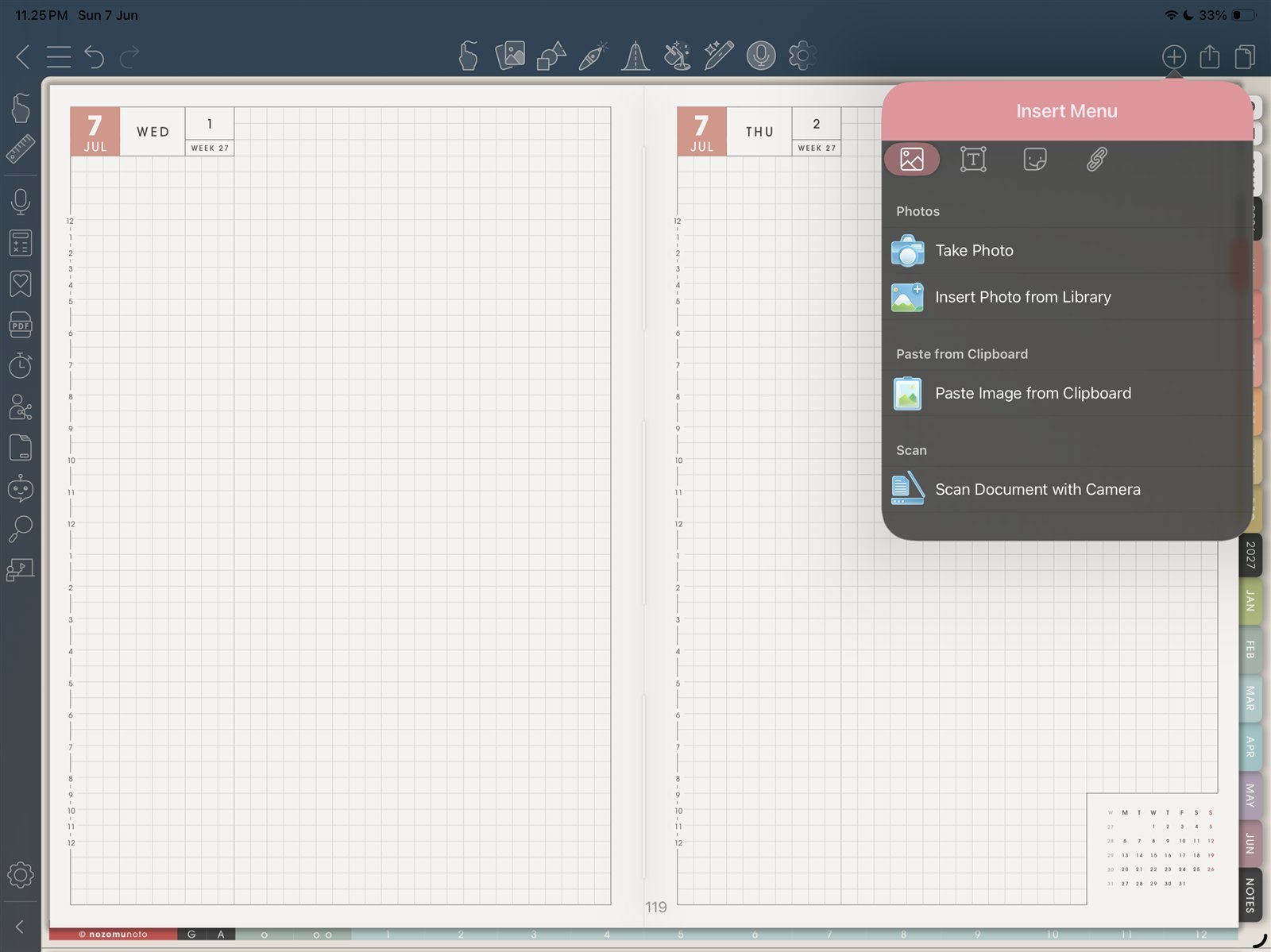
Keep images lightInsert one image test before adding many stickers. Product shown: Yume Techo Academic 26-27 Landscape. - Duplicate template pages before writing on them.
- Use page tools carefully when moving, copying, or deleting pages.
- Resize stickers little by little so they stay clear.
- Export or back up your working copy regularly.
- Learn one feature at a time.
Best habit order
Start with the clean backup, import the PDF, test one link, choose one real page, then add bookmarks, copied templates, stickers, covers, and page edits as you need them.
Quick tips by task
Navigation
Use the hand / navigation tool for tabs, buttons, and Index links. Return to writing tools after the page opens.
Pages and templates
Use thumbnails to check page order before moving pages. Duplicate a clean template page before writing on it.
Stickers and covers
Insert one sticker or cover file first, resize it little by little, and check the page before adding more images.
Backups
Keep the original download outside CollaNote, and export or back up your working copy after large page or sticker changes.
Next CollaNote tips links
Still need help?
Send your order number, product name, device, app, and a screenshot or short screen recording if the issue is visual.