
Browse help topics
Getting Started
Need help choosing?
Need help after purchase?
Download & Import
Using your notebook/planner
- How to change or reuse template pages on planner landing pages
- Why stickers look blurry when enlarged
- What to check if a product does not work on your device
- How to use NozomuNoto index pages
- How to use NozomuNoto template pages
- How to change a digital planner cover
- How to install and use digital stickers
Product Tutorials
- How to use Yume Techo Landscape tutorial pages
- How to use Yume Techo Portrait tutorial pages
- How to use Shibui Techo Weeks tutorial pages
- How to use Shibui Techo Months tutorial pages
- How to use Yume Noto V1 Landscape tutorial pages
- How to use Yume Noto V1 Portrait tutorial pages
- How to use Yume Noto V2 Landscape tutorial pages
- How to use Yume Noto V2 Portrait tutorial pages
- How to use Yume Noto V3 Portrait tutorial pages
- How to use NozomuNoto Ultimate Digital Stickers
- How to use NozomuNoto Digital Covers
- Which NozomuNoto instruction or tutorial file should I open first?
Device & App
iOS / iPadOS
GoodNotes
Notability
Noteshelf
Noteful
StarNote
Flexcil
Kilonotes
Android
StarNote
Samsung Notes
Penly
Flexcil
Noteshelf
Xodo
E-reader Devices
Boox devices
reMarkable
Bigme
Supernote
Should I get a digital notebook or a digital planner?
Compare digital notebooks and digital planners so you can choose the right NozomuNoto product for notes, planning, routines, projects, and daily life.
On this page
- Quick decision
- Choose a digital planner if
- Choose a digital notebook if
- Choose both if
- Examples
- When this choice gets tricky
- 1. You want a planner, but most of your content is notes
- 2. You want a notebook, but keep missing deadlines
- 3. You want one file to do everything
- 4. You are new to digital planning and afraid to choose wrong
- If you are still unsure
- Go next
This guide helps you decide whether to buy a digital notebook or a digital planner first. Choose a digital planner when dates, schedules, routines, deadlines, and calendar pages are the main thing. Choose a digital notebook when notes, sections, collections, study pages, work notes, lists, and flexible pages are the main thing.
The simple rule is: a planner answers when does this happen? A notebook answers where do I keep this information?
If you are choosing a NozomuNoto notebook or planner, let the job lead the choice before you choose the cover or color.
If you are comparing a digital notebook vs digital planner, ask whether your main problem is time or information. This planner vs notebook choice is easier when you name the job first.
Quick decision
| Choose | When your main problem is | Good for |
|---|---|---|
| Digital planner | Time, dates, routines, deadlines, appointments, and weekly planning. | Monthly, weekly, daily, school, work, project timelines, bills, and life admin. |
| Digital notebook | Information, notes, topics, ideas, study, work notes, collections, and research. | Study notes, meeting notes, journaling, reading notes, lists, creative projects, and topic-based pages. |
| Both | You need the planner to hold what happens when, and the notebook to hold the details behind it. | A digital notebook and planner setup for daily life, school, work, home, projects, and notes. |
If your search is "should I get a digital notebook or digital planner?", choose a digital planner for planning and choose a digital notebook for notes. You can add the second file later when the first one is already useful.
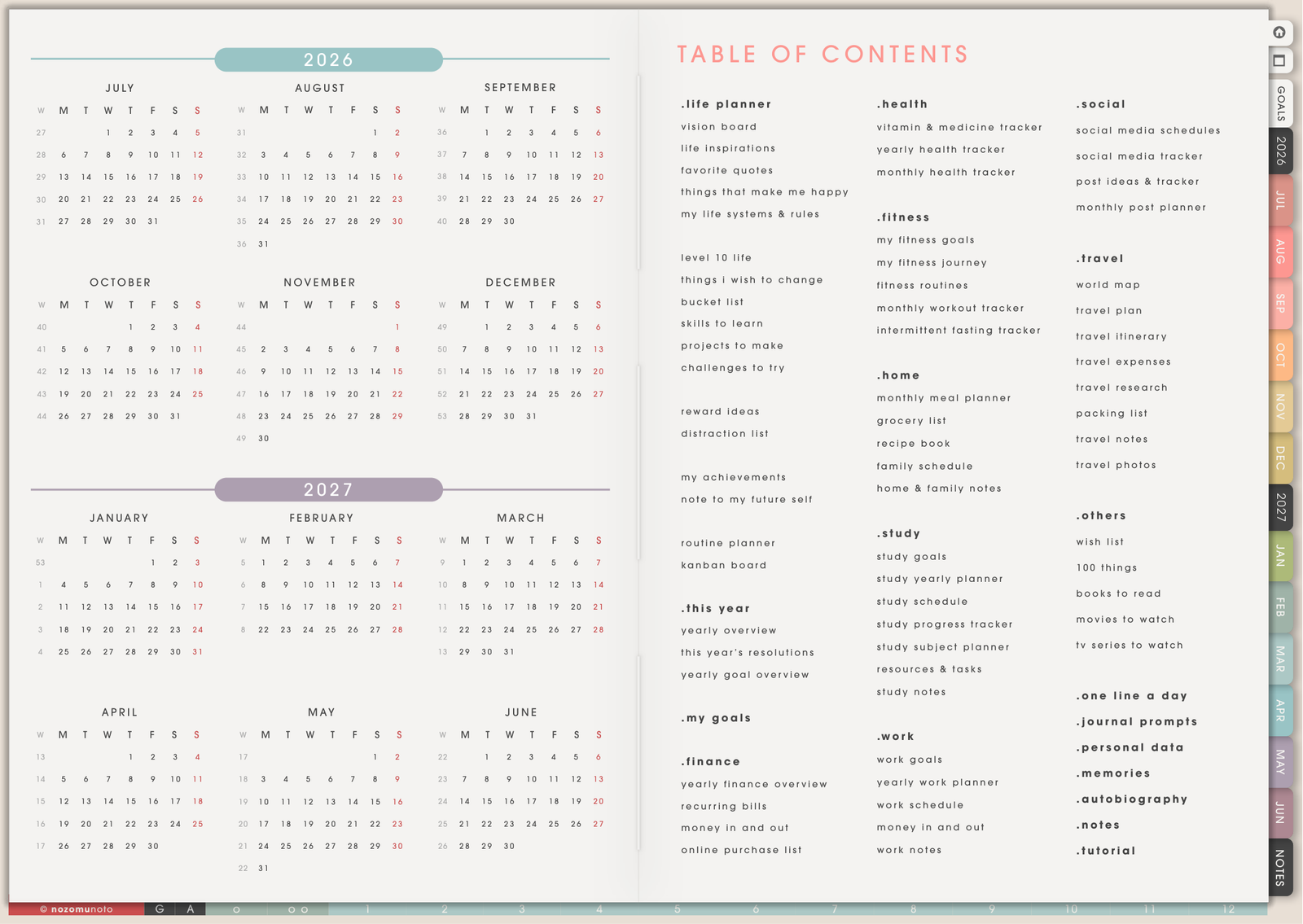
Choose a digital planner if
- You need dated pages. Yearly, monthly, weekly, and daily pages help you see what happens when.
- You manage appointments or deadlines. Classes, bills, shifts, launches, exams, family events, and project due dates belong in a planner.
- You want a daily or weekly home base. A planner gives you a page to open when the day starts to feel scattered.
- You like built-in structure. If blank pages make you freeze, a planner gives you a starting shape.
Choose a digital notebook if
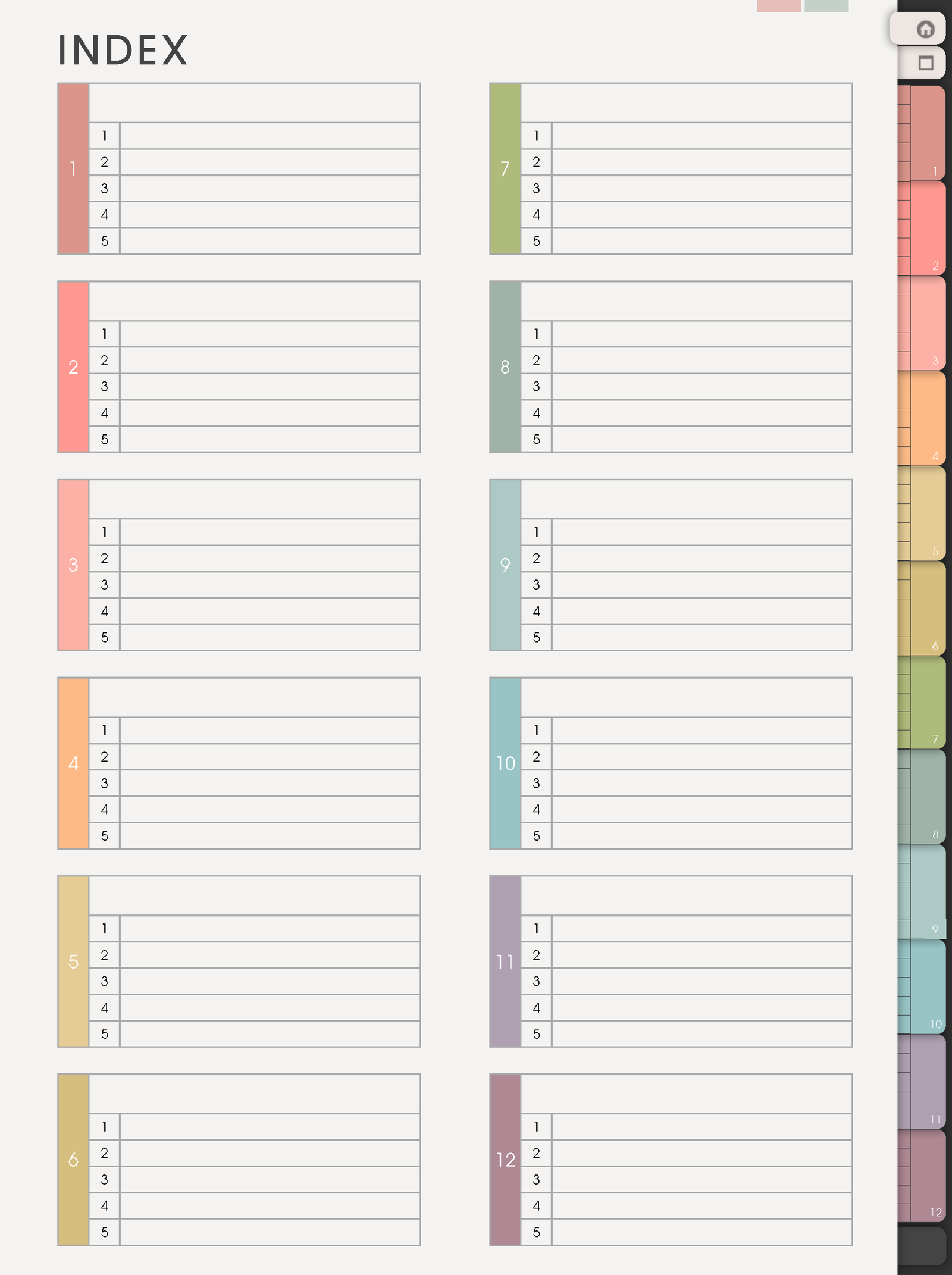
- You mostly collect information. Notes, lists, research, recipes, study notes, reading notes, ideas, and project references belong well in a notebook.
- You want pages that never expire. A notebook stays useful even if you skip days, weeks, or months.
- You want to name sections yourself. You can make sections for Study, Work, Home, Orders, Books, Bible Study, Craft Projects, Health, or anything you need.
- You want flexible templates. Copy the page layout only when you need it, instead of carrying every calendar page all year.
Choose both if
Use a planner for time and commitments. Use a notebook for the information behind the calendar: class notes, work notes, recipes, content ideas, book notes, craft plans, homeschool notes, Bible study, product ideas, or personal journaling.
Examples
- Student: planner for assignment due dates and exams, notebook for class notes and study summaries.
- Small business: planner for launches and posting schedule, notebook for product ideas, customer notes, and content drafts.
- Home: planner for bills, appointments, and meal plan, notebook for recipes, home projects, and family notes.
- ADHD planning: planner for today and this week, notebook for overflow thoughts that would crowd the calendar.
When this choice gets tricky
1. You want a planner, but most of your content is notes
What happens: the planner looks organized, but your real use is journaling, studying, researching, writing lists, or collecting ideas.
Example: you buy a dated planner, then most pages become loose notes with no date job.
What to do: choose a digital notebook first. Add a planner later if dates become the problem.
2. You want a notebook, but keep missing deadlines
What happens: flexible pages feel nice, but commitments disappear because there is no monthly or weekly calendar home.
Example: assignment details are in class notes, but the due dates are spread across different pages.
What to do: choose a planner first, then use a notebook for the related notes.
3. You want one file to do everything
What happens: one product feels simpler, but time-sensitive tasks and flexible notes want different structures.
Example: weekly tasks, project research, journal pages, recipes, school notes, and meeting notes all compete for the same pages.
What to do: choose the product that solves the biggest pain first. If dates hurt most, start with Yume Techo or Shibui Techo. If information feels scattered, start with Yume Noto.
4. You are new to digital planning and afraid to choose wrong
What happens: every option looks useful, so the decision gets stuck.
Example: you want calendar pages, study notes, stickers, templates, and a clean notebook, but you are unsure which one should be the first purchase.
What to do: start with the problem you feel weekly. Missed dates mean planner. Lost notes mean notebook. Decoration and stickers can wait until the main file works.
If you are still unsure
Start with a planner if missed dates are the biggest problem. Start with a notebook if scattered information is the biggest problem. If both are true, let the planner hold the schedule and let the notebook hold the details behind it.
Go next
Still need help?
Send your order number, product name, device, app, and a screenshot or short screen recording if the issue is visual.