
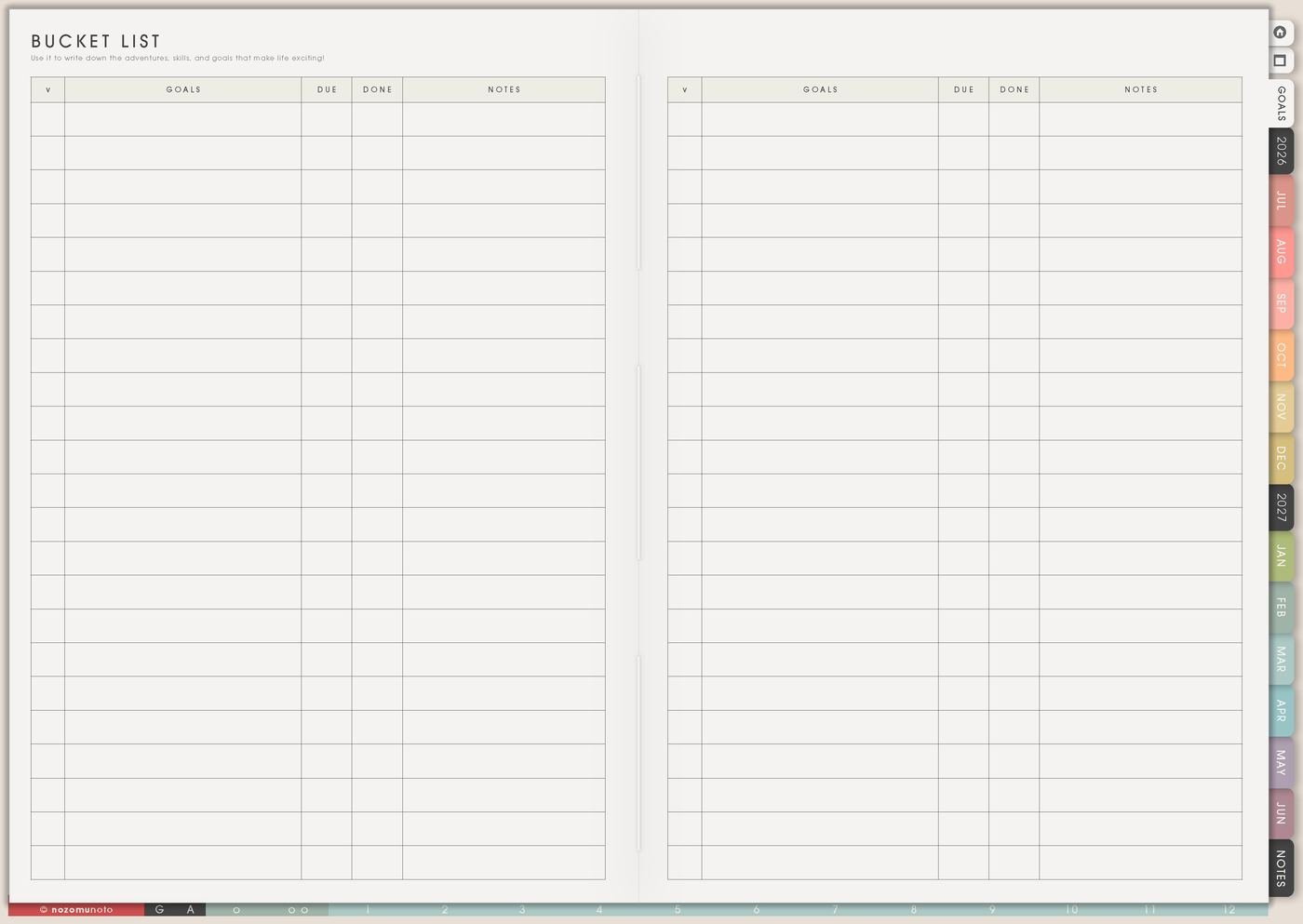
The Bucket List page is for memories I want to make, from tiny ordinary joys to bigger once-in-a-while plans. It can hold places, meals, photos to take, skills to try, seasonal traditions, family ideas, creative experiments, and dream trips.
This page is a menu, not a list I have to finish. Some ideas can happen this week, some can wait for the right season, and some can stay as beautiful future possibilities.
How to fill the Bucket List page
- Write small, medium, and big ideas. Give the page a useful mix.
- Add labels. Mark season, cost, energy, location, or who it is for.
- Choose one idea for this month. Pick something that fits real life now.
- Write the first action. Choose the date, check hours, invite someone, save money, or prepare supplies.
- Record what happened. Add a note, photo, rating, or memory after you do it.
Ways to use Bucket List
1. Tiny local joys first
Start with things that can happen near your real week: buy a favorite snack and eat it outside, print three photos, visit a library, try a new cafe, make toast with fruit, take a sunset walk, write a letter, finish a tiny craft, or watch a movie with proper snacks.
Small ideas make the page usable. They give you something to choose even when there is not much time, budget, or energy.
2. Seasonal ideas
Give some ideas a natural moment: summer, rainy day, birthday month, school break, after exams, holiday season, payday, moving month, after a launch, or when the weather is nice.
Season labels make choosing easier. Beach day belongs to summer. Print photos can be a rainy-day idea. Museum day might fit school break. A special dinner may belong near a birthday or finished project.
3. Labels for energy, budget, and company
Add short labels such as free, cheap, solo, family, friends, at home, outside, needs booking, needs energy, creative, food, study break, with kids, or quiet day.
Labels keep the page useful when the list grows. On a tired day, choose at home. When money is tight, choose free. When you have a free Saturday, choose outside or needs booking.
4. One idea becomes a Monthly date
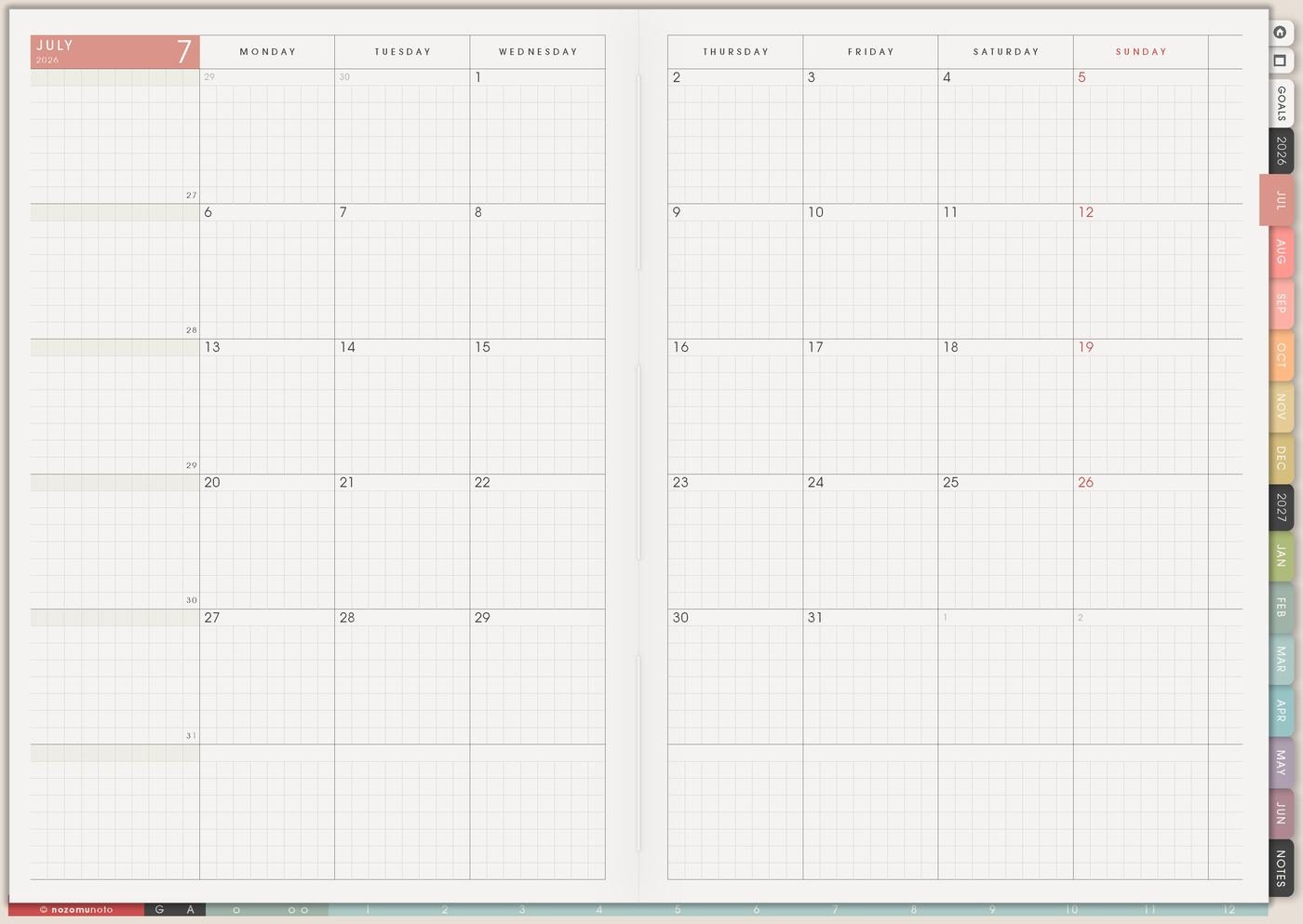
Pick one idea and move it into Monthly. Then give it a first action on Weekly: choose date, check opening hours, invite a friend, book ticket, save budget, pack bag, print photo, or prepare the supplies.
The Bucket List holds the possibility. Monthly gives it a place. Weekly gives it a next step.
5. Different lists for different seasons of life
Students can add study cafes, bookshops, museum days, campus events, language practice, and end-of-semester treats. Families can add simple outings, meals to cook together, game nights, park visits, holiday traditions, and photo days.
Creative or work seasons can include launches to celebrate, workshops, photo walks, portfolio ideas, places that give inspiration, or skills that make the next project easier.
6. Save the memory after it happens
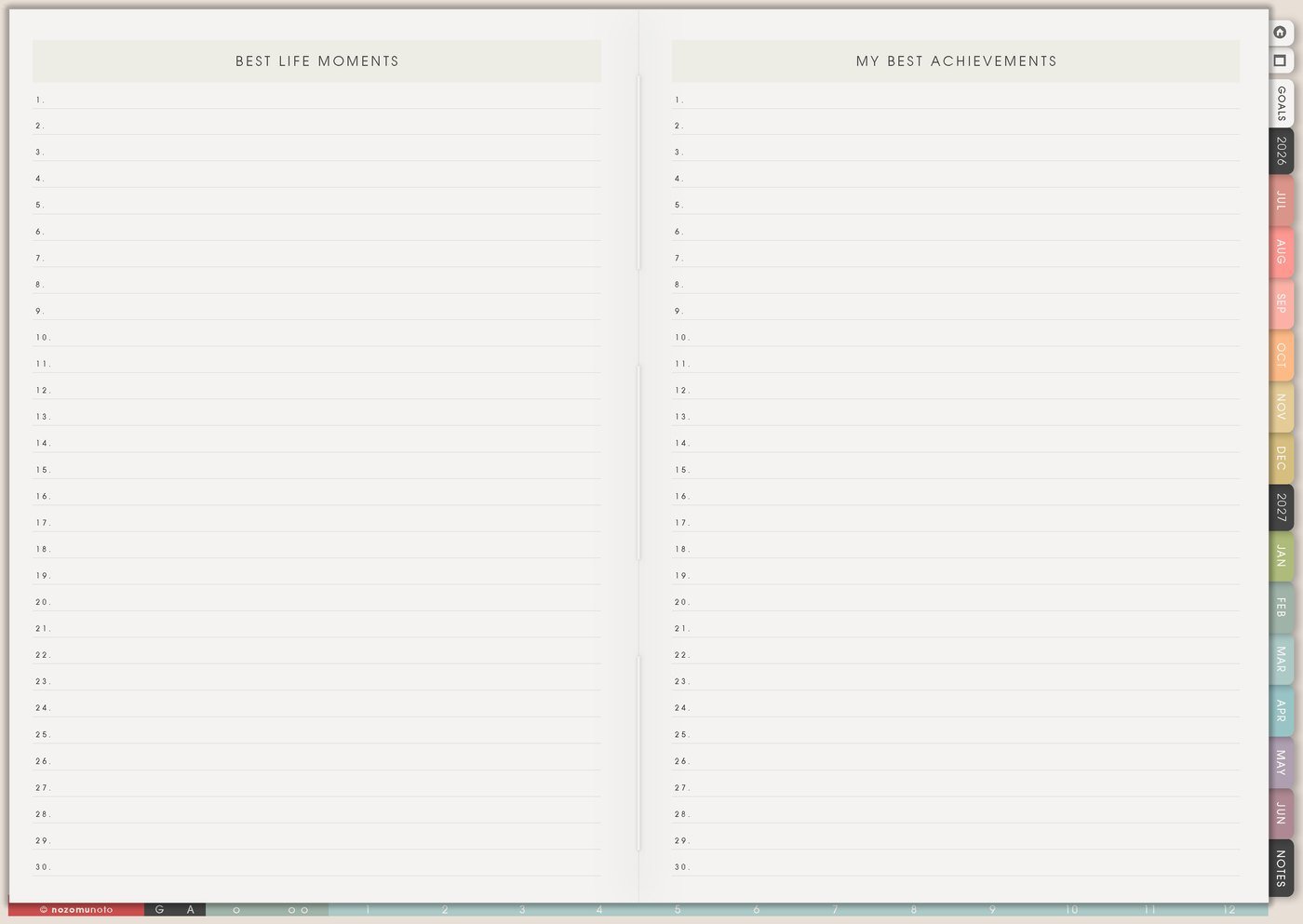
After an idea happens, write one sentence, add a photo, give it a rating, or move the memory to Best Life Moments. The page becomes more satisfying when it shows both what you hoped for and what you actually lived.
Examples: best noodles, rainy cafe day, finished the tiny craft, studied in the library for the first time, kids loved the beach, or finally printed the photos.
A simple Bucket List setup
- Write ten ideas. Include three tiny ideas, three medium ideas, and one or two big dreams.
- Label each idea. Use season, cost, energy, place, or people.
- Circle one idea for this month. Choose one that fits your current life.
- Give it one action. Put the action on Monthly, Weekly, or Daily.
- Keep a tiny memory. Add one note, photo, rating, or sentence after it happens.
What I usually use it for and how I use it
Related Tips: Weekly page setup helps me give one bucket-list idea a first action, Monthly Grid ideas helps me give the idea a place on the calendar, Memory Photos page ideas helps me save proof after it happens, and Best Life Moments page ideas helps me keep the story.
Tips for using this page
- Mix small, medium, and big ideas. Add library day, local walk, print one photo, cafe sketching, family meal, museum visit, workshop, and one bigger trip or class.
- Treat it like a menu. Circle what fits this season and let the rest stay available for later.
- Give one idea a date. Move one item to Monthly, then write the smallest next step on Weekly.
- Add energy and budget labels. Free, low-cost, at home, outside, needs booking, family, solo, and creative make the list easier to choose from.
- Save the memory after it happens. Add one note, photo, rating, or sentence. Move favorite moments to Best Life Moments or Memory Photos.
Keep private plans safe
Bucket List can include family plans, travel dreams, photos, money, school breaks, and private wishes. Keep full addresses, booking numbers, payment details, children’s personal details, private schedules, and images that need permission outside the planner. In Yume Techo, write safe labels like book ticket, check budget, ask family, save photo later, or open secure file.
When you need setup help
Bucket List helps with idea planning and memory keeping. If you need exact app steps for copying pages, adding photos, importing Yume Techo, writing on the PDF, or using hyperlinks, open the NozomuNoto Help Center for your app or device.
Final thought
Bucket List works best when it holds both ordinary joy and bigger hopes. Write the ideas, label them for real life, move one into the calendar, and keep a tiny memory after it happens. I hope this page makes the year feel more lived, even when the first idea is very small!