
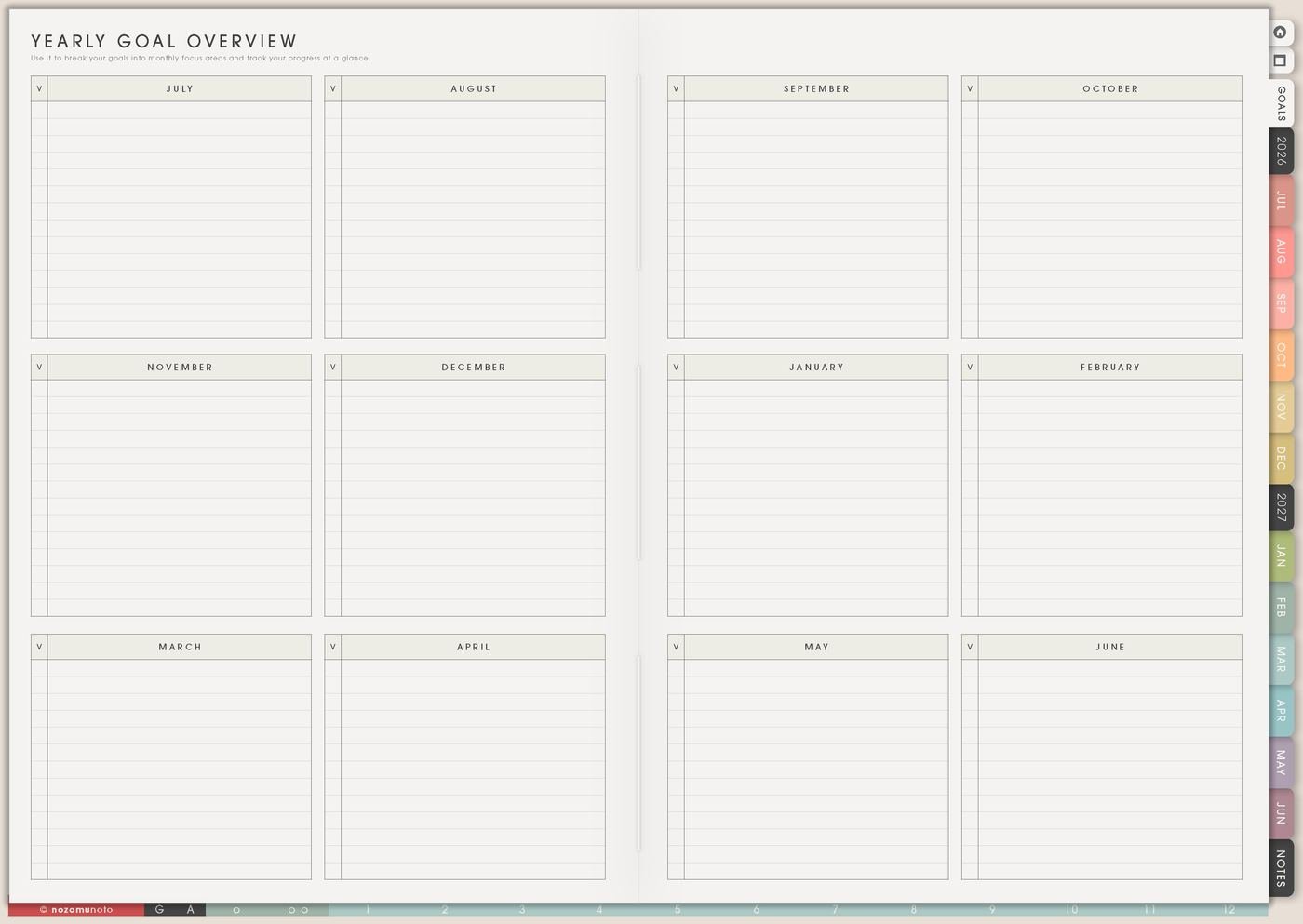
The Yearly Goal Overview page is for seeing goals across the whole year before they all land in the same busy season. I use it to place goals, notice heavy months, choose review points, and decide which goals need their own Goal Planner page.
Yearly Overview and Yearly Goal Overview have different jobs. Yearly Overview shows dates, events, and seasons. Yearly Goal Overview shows goal capacity: what can realistically move, wait, shrink, or be reviewed.
How to fill Yearly Goal Overview
- List the goals that matter this year. Keep the first pass short.
- Place each goal in a season. Use months, school terms, quarters, or launch windows.
- Mark active, later, paused, or done. Not every goal needs action now.
- Add review months. Decide when to check fit and progress.
- Move one active goal forward. Use Goal Planner for deep planning or Weekly for the next action.
- Save proof notes. Write what moved, changed, paused, or finished.
Ways to use Yearly Goal Overview
1. Goal capacity map
Use the page to see whether the year has room for the goals you wrote down. A goal can be active, later, paused, done, or waiting for another season. This keeps the page honest.
Examples: study goal during the semester, product cleanup before launch season, savings goal before travel planning, home reset during a lighter month, or family memory project near holidays.
2. Spread heavy goals apart
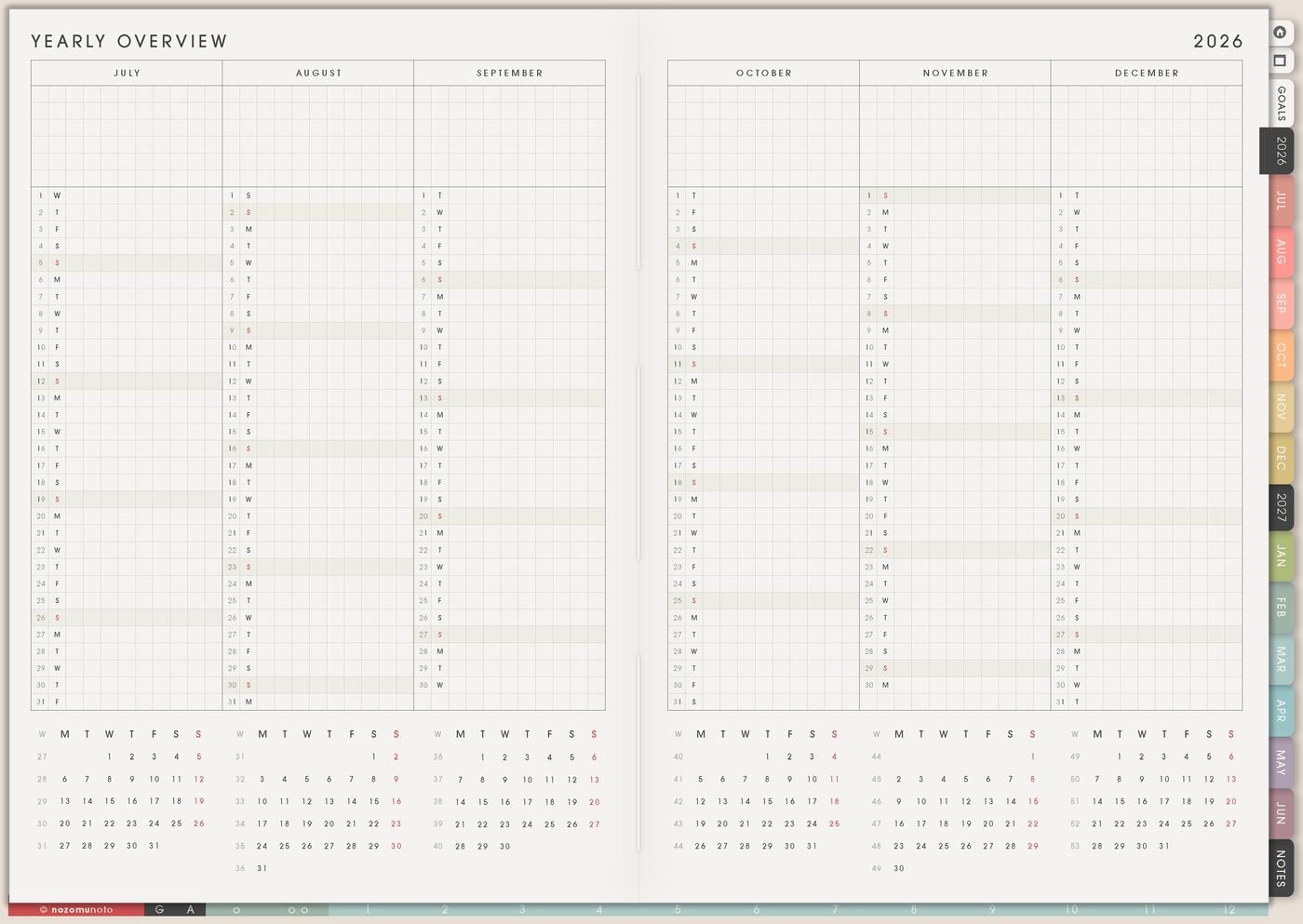
Compare the goal page with Yearly Overview. If one month has exams, travel, a launch, family events, and a new health goal, something probably needs to move or shrink.
The year can have focus seasons, maintenance seasons, and lighter seasons. A goal overview is allowed to protect space.
3. Review months before the year gets busy
Add review points by month, school term, quarter, or season. The review is for deciding whether the goal still fits, needs a smaller version, needs a helper step, or belongs somewhere else.
Useful review questions are: what moved, what got stuck, what still matters, what can wait, and what helper step makes the next action easier?
4. Goal Planner handoff
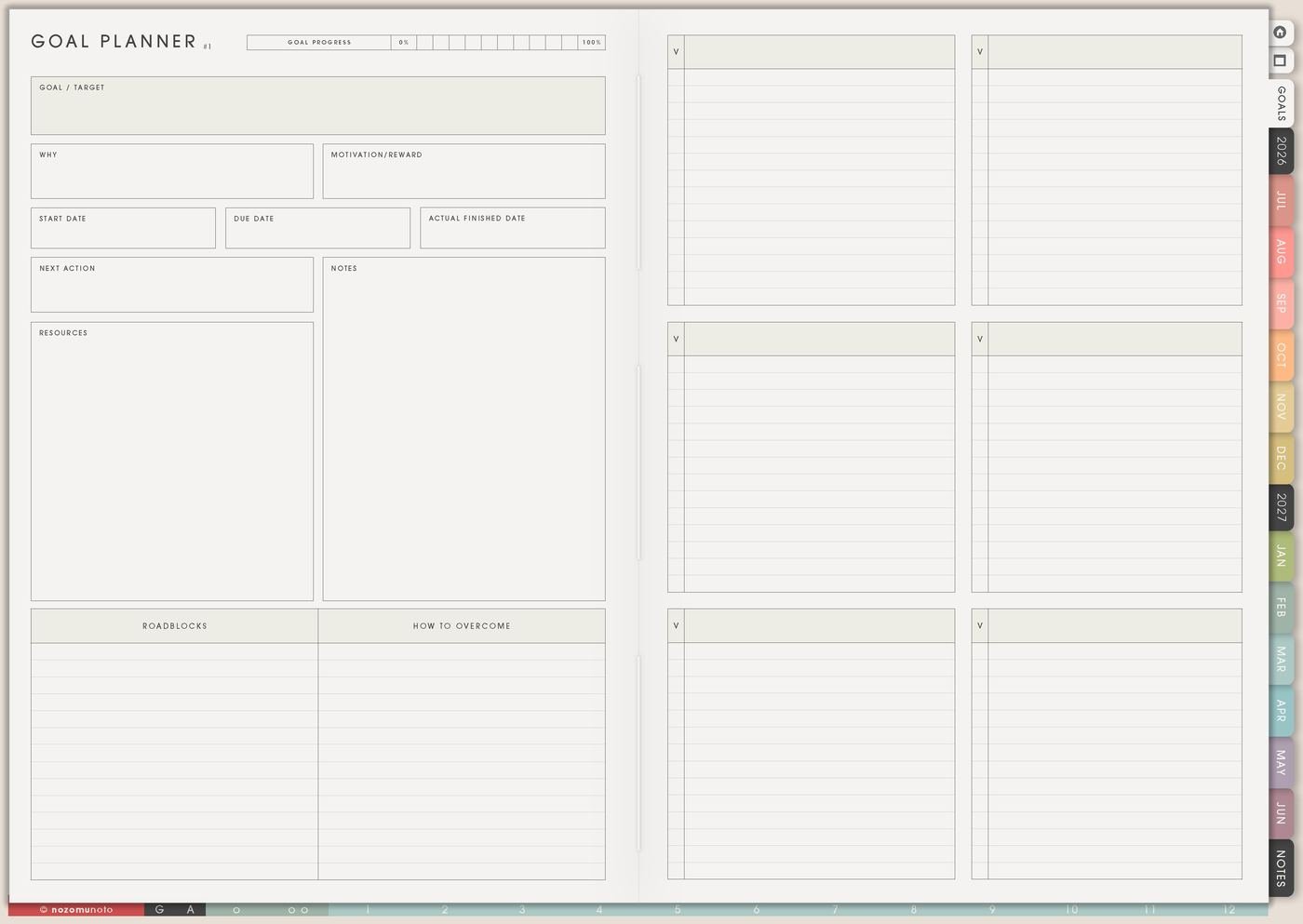
Yearly Goal Overview should not hold every detail. Choose the active goal that needs more planning and move it to one of the 12 Goal Planner pages.
If the yearly goal is write 20 articles, Goal Planner can hold topics, research needs, writing blocks, and review steps. If the goal is save for a trip, Goal Planner can hold budget, dates, savings plan, and booking steps.
5. Weekly holds the next action

Choose one goal and write the next weekly action. This keeps the overview connected to real planning instead of becoming a page you only look at once.
If the goal is write 20 articles, the weekly action might be outline one article. If the goal is save for a trip, the weekly action might be move twenty dollars Friday. If the goal is build a routine, the weekly action might be walk after lunch twice.
6. Proof, pause, and change notes
As the year moves, write small notes: drafted, published, saved, booked, learned, practiced, finished, paused, changed, moved, or released. These notes show what actually happened.
Paused and changed goals still belong in the review. The point is to understand the year, not pretend every January idea stayed the same.
A simple Yearly Goal Overview setup
- List the year goals. Start with the goals that truly matter.
- Place each goal in time. Use months, seasons, school terms, quarters, or launch windows.
- Check for crowded seasons. Move, shrink, pause, or split goals that stack too heavily.
- Add review points. Decide when to check fit, progress, and capacity.
- Move one active goal forward. Use Goal Planner or Weekly for the next step.
- Add proof notes. Record what moved, changed, paused, or finished.
What I usually use it for and how I use it
Related Tips: Goal Planner Index and 12 goal pages helps me give one active goal enough room, Weekly page setup helps me move only the next action forward, Monthly Overview reset helps me review goals month by month, and Resolutions page ideas helps when a yearly goal starts as a fresh promise.
Tips for using this page
- Spread heavy goals apart. A launch, course, home reset, savings push, health routine, and travel plan may all matter, but they cannot all be the main focus in one busy term.
- Choose one active goal at a time. Let Weekly carry the current action, not the whole year. The other goals can wait in their season.
- Add review dates before the year gets crowded. Use monthly, quarterly, school-term, or seasonal reviews to ask: keep, shrink, move, pause, or release?
- Move unclear goals to Goal Planner. If a goal says grow shop, get healthy, study better, or organize home, give it one next action with a verb: outline, test, walk, pay, sort, email, read, or book.
- Plan lighter seasons on purpose. Add buffer after exams, launches, travel, family events, and hard deadlines. Lighter months are part of a realistic year.
Keep private goal details safe
Yearly Goal Overview can include money, health, school, work, shop, family, travel, faith, and personal life plans. Keep medical records, full account details, passwords, client information, private family details, financial documents, addresses, and sensitive relationship notes in a secure place outside the planner. In Yume Techo, write safe labels like emergency fund, health appointment, shop photos, family trip, study routine, or home reset.
When you need setup help
Yearly Goal Overview helps with goal pacing. If you need exact app steps for copying pages, using hyperlinks, importing Yume Techo, or finding Goal Planner pages, open the NozomuNoto Help Center for your app or device.
Final thought
Yearly Goal Overview is useful when it protects capacity. Spread the heavy goals, review them before they get stale, and move only the current action into Weekly. I hope the page helps the year feel possible instead of packed from January to December!