
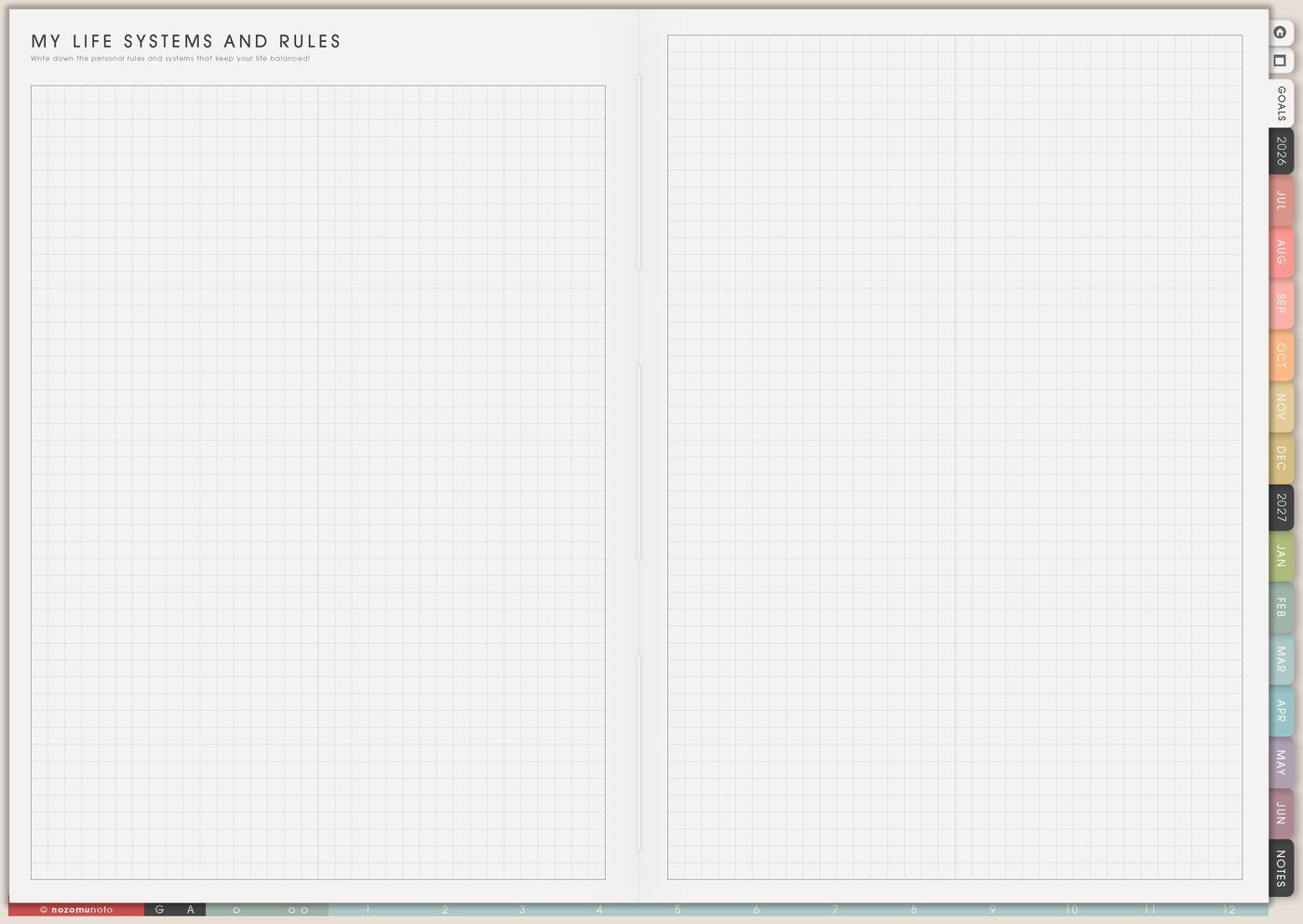
The My Life Systems and Rules page is for repeated decisions. Use it when mornings, meals, money, study, work, chores, planning, rest, or restart days keep asking the same question every week.
A useful rule is a shortcut, not a strict life command. It should make the next step easier to choose, especially on ordinary busy days.
How to fill My Life Systems and Rules
- Choose one life area. Morning, money, home, study, work, health, planning, rest, or restart.
- Name the repeated decision. Write the question that keeps coming back, like when do receipts get handled?
- Write the normal rule. Make it specific enough to follow.
- Write the minimum rule. Add the smallest version for tired, busy, or behind days.
- Add the trigger. Decide when the rule begins.
- Test one rule for one week. Put it on Weekly before adding more.
Ways to use My Life Systems and Rules
1. Repeated decisions
Start with decisions that keep stealing energy: when laundry starts, when groceries are planned, where receipts go, when money gets checked, how the workday starts, what counts as kitchen closed, where school papers live, or what to do after ignoring the planner for a few days.
Good rules sound plain and usable: laundry starts after Sunday breakfast, planner opens before inbox, receipts go into one finance folder, bills are checked on payday, and no new planning system starts at night. The rule should save a decision, not create another performance.
Related Tips: Things I Need To Change page ideas shows how I turn one repeated pattern into a small experiment.
2. Normal and minimum versions
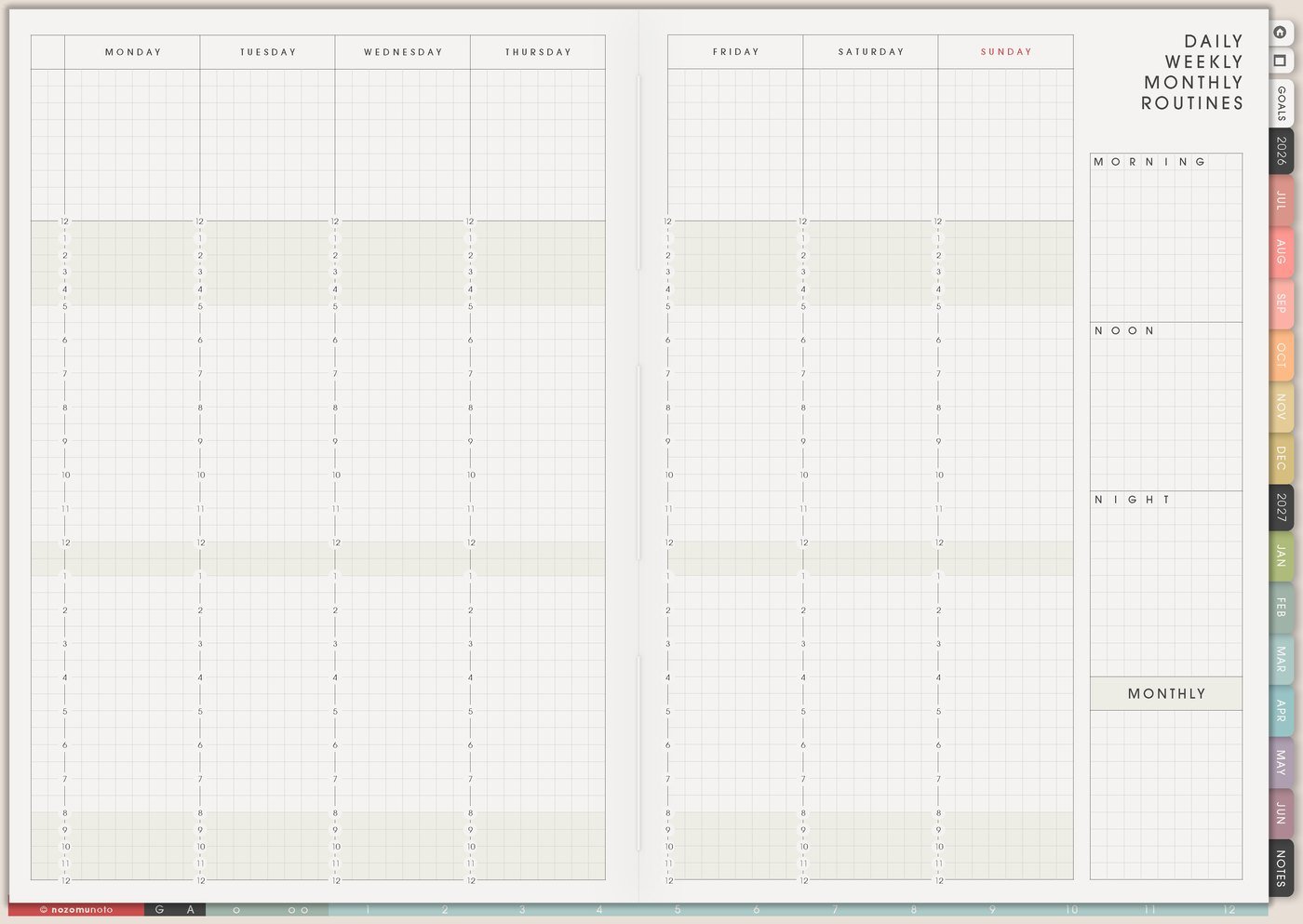
Every helpful system needs two sizes. The normal version might be a full Sunday reset: laundry, groceries, Weekly Review, meal plan, and desk reset. The minimum version might be laundry only, three must-do tasks, and one easy dinner idea.
This helps during busy weeks, ADHD weeks, sick days, parenting days, exam weeks, travel weeks, and heavy work seasons. The smaller version keeps everyone inside the system instead of making one missed day feel like the whole plan is ruined.
Related Tips: Daily Weekly Monthly Routines page ideas shows how I keep normal and minimum versions for real weeks.
3. Triggers that make the rule visible
A rule is easier to remember when it begins after something specific. Use triggers like after breakfast, before school pickup, before opening messages, after payday, when the kitchen closes, after class, when the tablet is charging, or before leaving the desk.
For example, plan tomorrow becomes after dinner, open Weekly and write tomorrow’s first three tasks. Spend less becomes before buying planner supplies, check the wish list and wait 24 hours. The trigger turns a good idea into something the day can hold.
4. Systems for different parts of life
For home, write rules for dishes, laundry, groceries, mail, school bags, bedtime, meal planning, and family reset time. For work, write rules for inbox blocks, meeting notes, project review, admin time, follow-ups, and end-of-day shutdown.
For money, write rules for payday review, subscriptions, receipts, impulse buys, wish-list waiting, and bill reminders. For study, write rules for class review, assignment stages, exam prep, resources, office hours, and catch-up blocks. For creative projects, write rules for idea parking, active project limits, supplies, practice time, draft days, and finishing rituals.
Related Tips: Recurring Bills / Subscriptions page ideas shows how one money rule can become visible before renewals surprise me.
5. One active rule in Weekly

Choose one rule for the week and copy it to Weekly as a tiny cue. If the page says planner before inbox, Weekly can say open planner first on Monday through Friday. If the page says receipts go to finance folder, add a payday check-in to the week.
One active rule gives better feedback than twelve rules hiding on a page. If it works, keep it. If it feels clunky, adjust the trigger, size, or location before adding more rules.
Related Tips: Weekly page setup shows how I keep only the active rule in the current week.
6. Review rules when life changes
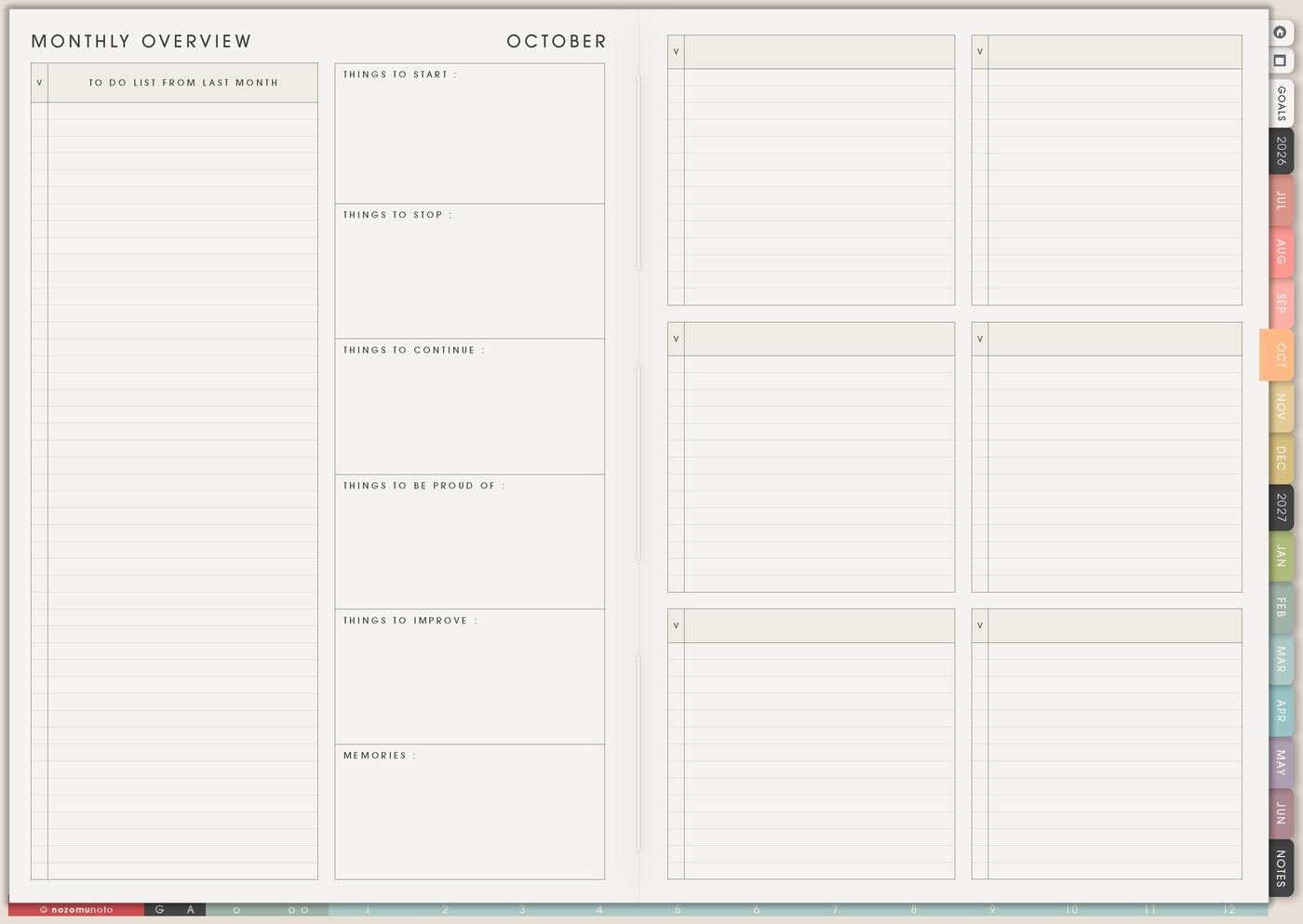
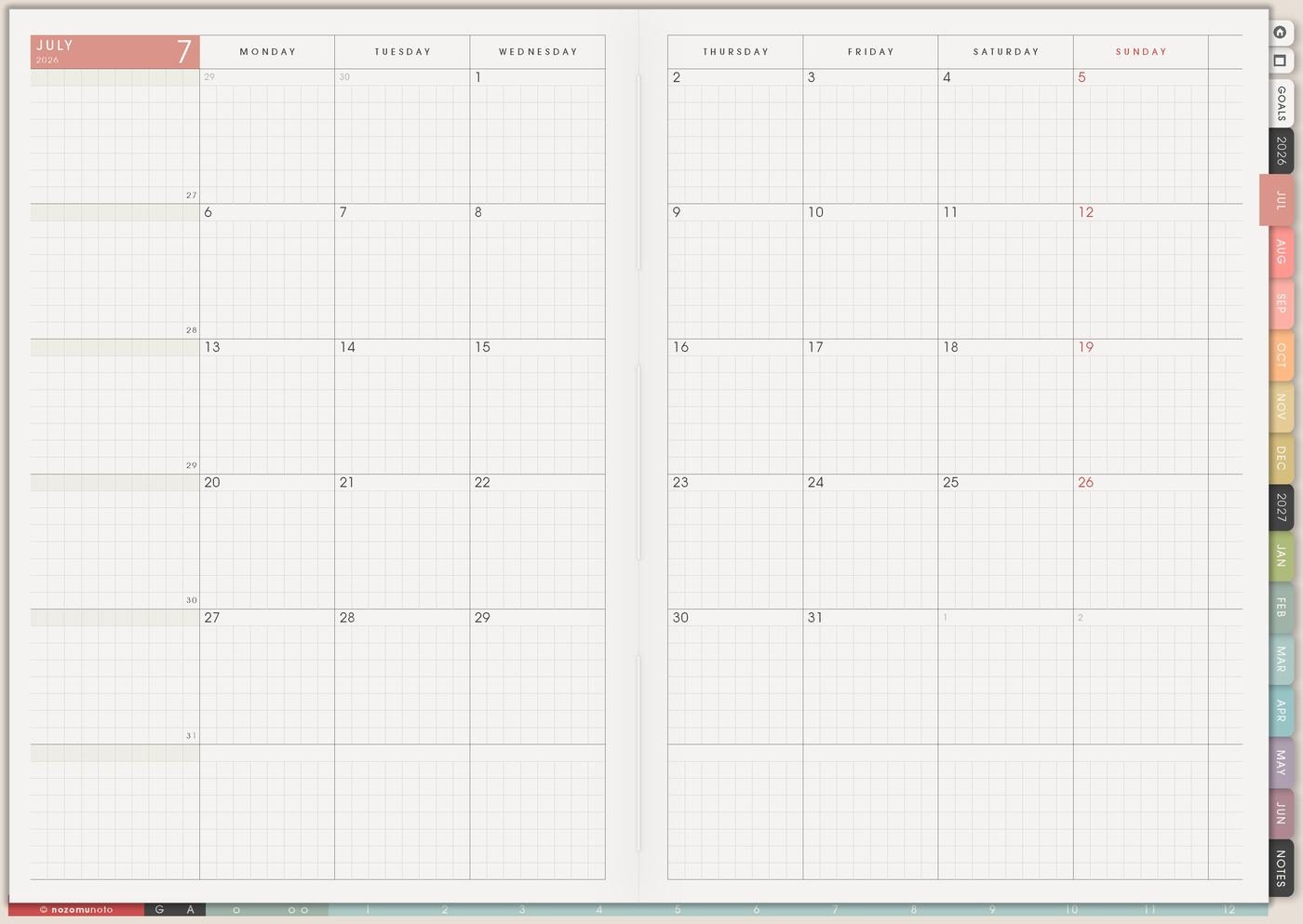
A rule that helped in July might not fit October. During Monthly Overview, mark each rule as keep, change, pause, or retire. This keeps the page honest.
A school-season dinner rule may need a holiday version. A work rule may need a launch-week version. A planner rule may need a low-energy version. Systems should serve the real season, not an imaginary perfect week!
What I usually use it for and how I use it
Tips for using My Life Systems and Rules
- Write two sizes for every important rule. Normal version and minimum version. The minimum can be open planner, drink water, and choose one must-do task.
- Make each rule concrete. Be more organized becomes after opening mail, put bills in the finance folder, or after dinner, write tomorrow’s first task.
- Keep one active rule for the week. Let the rest stay as ideas until the first rule has been tested long enough to learn from it.
- Let rules change with real life. Move the reset to Friday, split it into two smaller blocks, or pause it for the season when the old timing stops fitting.
- Put the active rule where the day can see it. Copy it to Weekly, add it to the morning area, or place it beside the app or device you use first.
When you need setup help
My Life Systems and Rules helps with planning decisions. If you need exact app steps for copying pages, linking sections, importing Yume Techo, writing on the PDF, or using bookmarks, open the NozomuNoto Help Center for your app or device.
Tips for using this page
- Choose the one part of this page that helps the current week instead of trying to fill everything at once.
- Move one small next action to Weekly or Daily so the page changes what happens next.
- Keep the page easy to return to by linking it from Index, favorites, bookmarks, or the related planner section.
Final thought
I hope My Life Systems and Rules helps repeated decisions become lighter. Pick one repeated decision, write the normal and minimum version, and let Weekly test it with less pressure!