
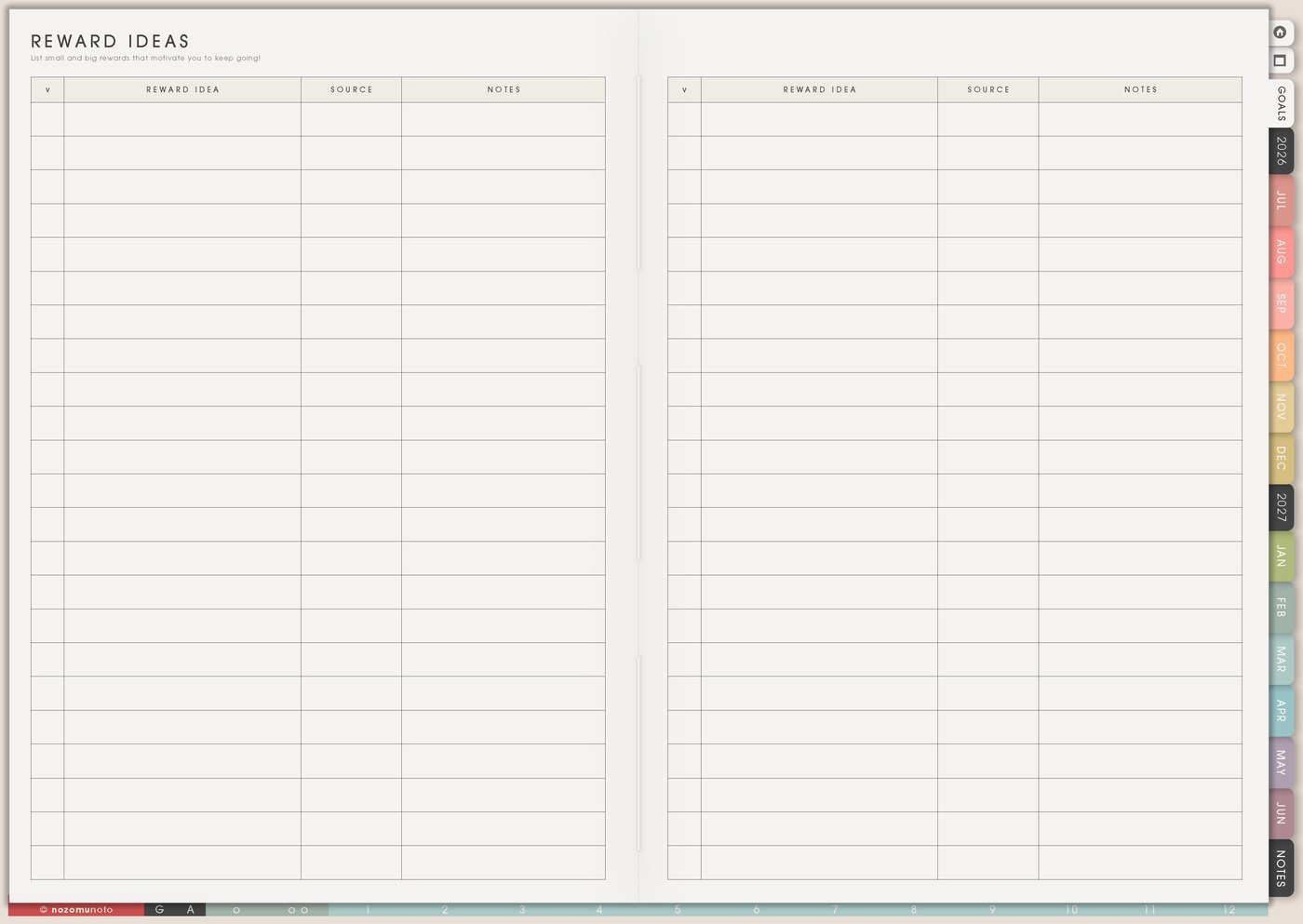
The Reward Ideas page is for planning small rewards, recovery choices, and milestone treats before you are tired. Use it for free rewards, low-cost rewards, rest, joy, connection, creative play, and bigger celebrations after hard seasons.
A good reward page gives you options besides shopping. It helps Weekly include recovery after hard tasks and gives progress a place to feel seen.
How to fill Reward Ideas
- Write free rewards first. Make sure the page works during tight months.
- Add recovery rewards. Choose options for tired, emotional, social, or screen-heavy days.
- Add joy rewards. Include fun, creative, food, movement, or connection ideas.
- Add milestone rewards. Save bigger rewards for completed projects, exams, launches, or hard seasons.
- Mark cost, time, and energy. Make choosing easier later.
- Put one reward on Weekly. Pair it with a hard task or milestone.
Ways to use Reward Ideas
1. Free and low-cost rewards first
Start with rewards without extra spending: clean sheets, library book, favorite playlist, stretching, one hour without errands, sunset walk, home movie night, printed old photos, or a quiet morning.
Paid rewards can still belong here, but the page should not become unusable whenever money is tight.
2. Match reward to the type of effort
Different tasks need different rewards. After social effort, quiet might help. After screen work, movement might help. After a scary email, a soft reset might help. After heavy admin, play or a nice drink might make the day feel human again.
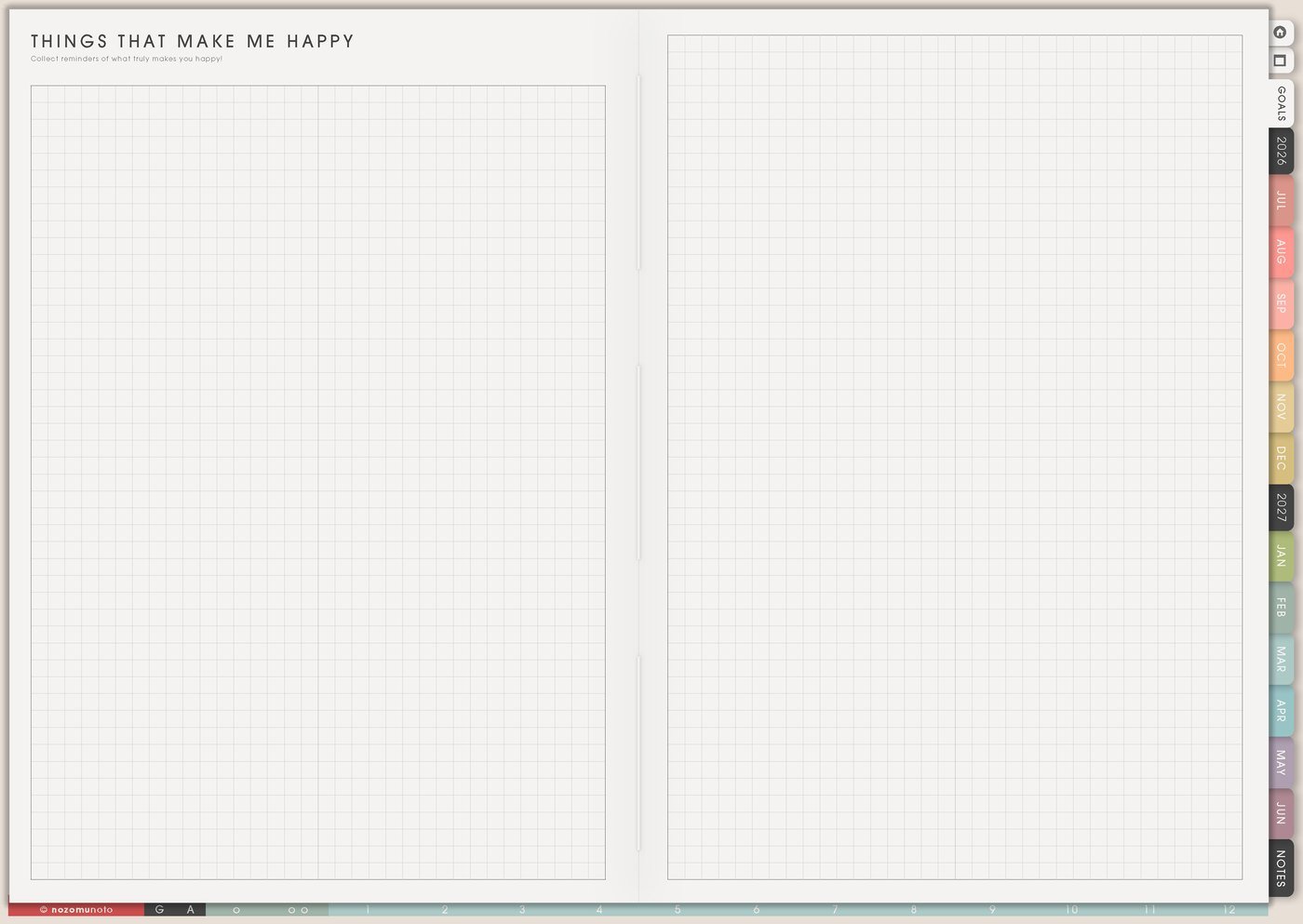
Things That Make Me Happy can hold joy ideas. Reward Ideas connects those ideas to effort, milestones, and recovery.
3. Reward size that fits the milestone
Use tiny rewards for starts and daily actions, medium rewards for milestones, and bigger rewards for finished projects, exam weeks, launches, decluttering zones, health milestones, or hard seasons.
Examples: tea after a study block, favorite movie after submitting an assignment, new brush after a drawing challenge, soft evening after a doctor appointment, or rest day after a launch.
4. Wish List for paid rewards
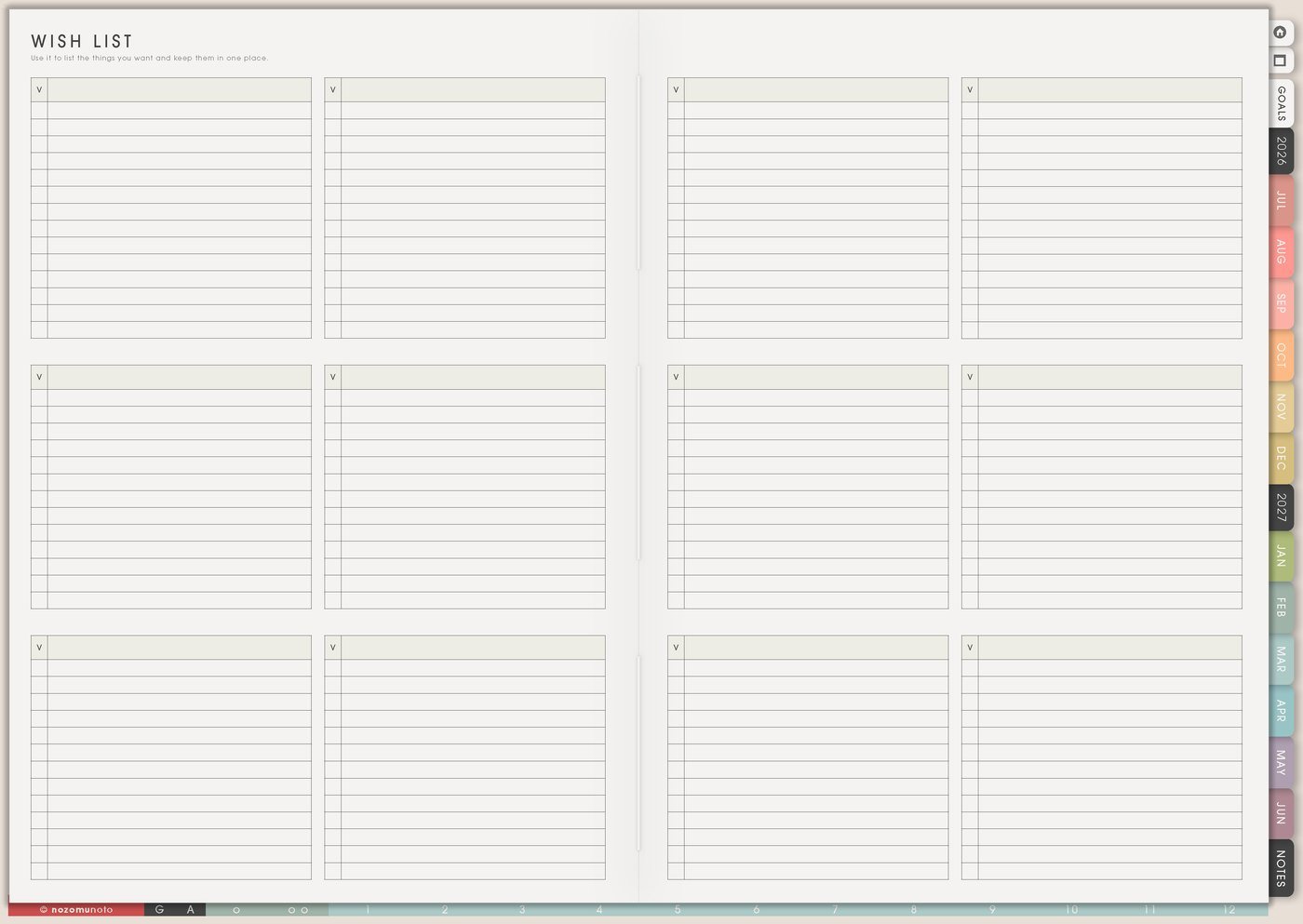
If a reward costs money, move it through Wish List first. Add price, wait-until date, and why it feels worth it.
This keeps paid rewards intentional. The reward can still exist without becoming an impulse purchase.
5. One reward on Weekly after a hard step

Write the reward beside the hard step on Weekly. If Friday has submit final file, add movie night afterward. If Tuesday has doctor appointment, add an easier evening. If Saturday has deep cleaning, add clean sheets and favorite dinner.
This makes Weekly more realistic. Recovery space belongs in the plan too.
6. Review whether the reward helped
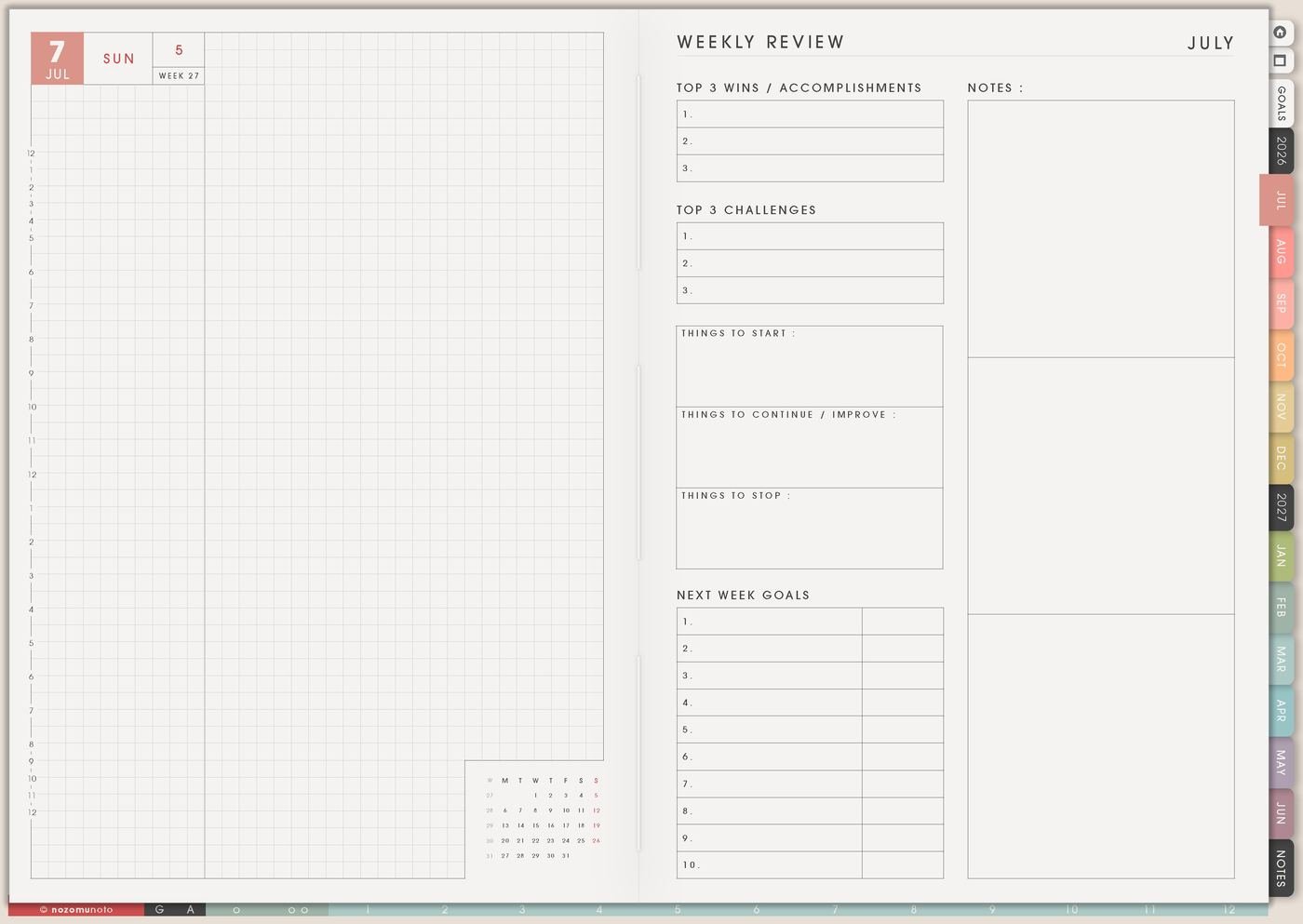
During Weekly Review, write whether the reward was helpful, distracting, expensive, too late, too small, worth repeating, or not the right fit.
Over time, the page becomes a personal menu of what actually helps motivation. A walk might help more than shopping. A quiet evening might help more than a crowded outing.
A simple Reward Ideas setup
- Write five free rewards. Make sure the page works without spending.
- Add recovery rewards. Choose options for tired, social, emotional, or screen-heavy days.
- Add joy rewards. Include fun, creative, food, movement, rest, or connection.
- Add milestone rewards. Save bigger rewards for finished projects, exam weeks, launches, or hard seasons.
- Add labels. Mark free, paid, quick, longer, solo, social, rest, or energy.
- Put one reward on Weekly. Pair it with a hard task or milestone.
What I usually use it for and how I use it
Tips for using Reward Ideas
- Write free and low-cost rewards first. Paid rewards are fine, but the page needs to work during tight months too. Keep paid rewards in Wish List with a wait-until date.
- Give screen rewards clear edges. Choose one episode, ten-minute walk, one chapter, tea break, or set a timer before starting.
- Reward effort milestones too. Started, asked for help, submitted draft, showed up, or restarted after a missed day can count.
- Match the reward to the drain. Choose quiet after social exhaustion, movement after screen fatigue, a soft reset after emotional tasks, and play after heavy admin.
- Add tiny rewards along the way. Tea after the first block, a sticker after submitting a draft, or a walk after an appointment can make long projects easier to return to.
When you need setup help
Reward Ideas helps with motivation and recovery planning. If you need exact app steps for writing on Yume Techo, copying pages, adding bookmarks, importing the planner, or using hyperlinks, open the NozomuNoto Help Center for your app or device.
Tips for using this page
- Choose the one part of this page that helps the current week instead of trying to fill everything at once.
- Move one small next action to Weekly or Daily so the page changes what happens next.
- Keep the page easy to return to by linking it from Index, favorites, bookmarks, or the related planner section.
Final thought
Reward Ideas makes hard things feel more possible. I hope this page helps you keep free options visible, match rewards to the effort spent, and let Weekly include recovery too!