
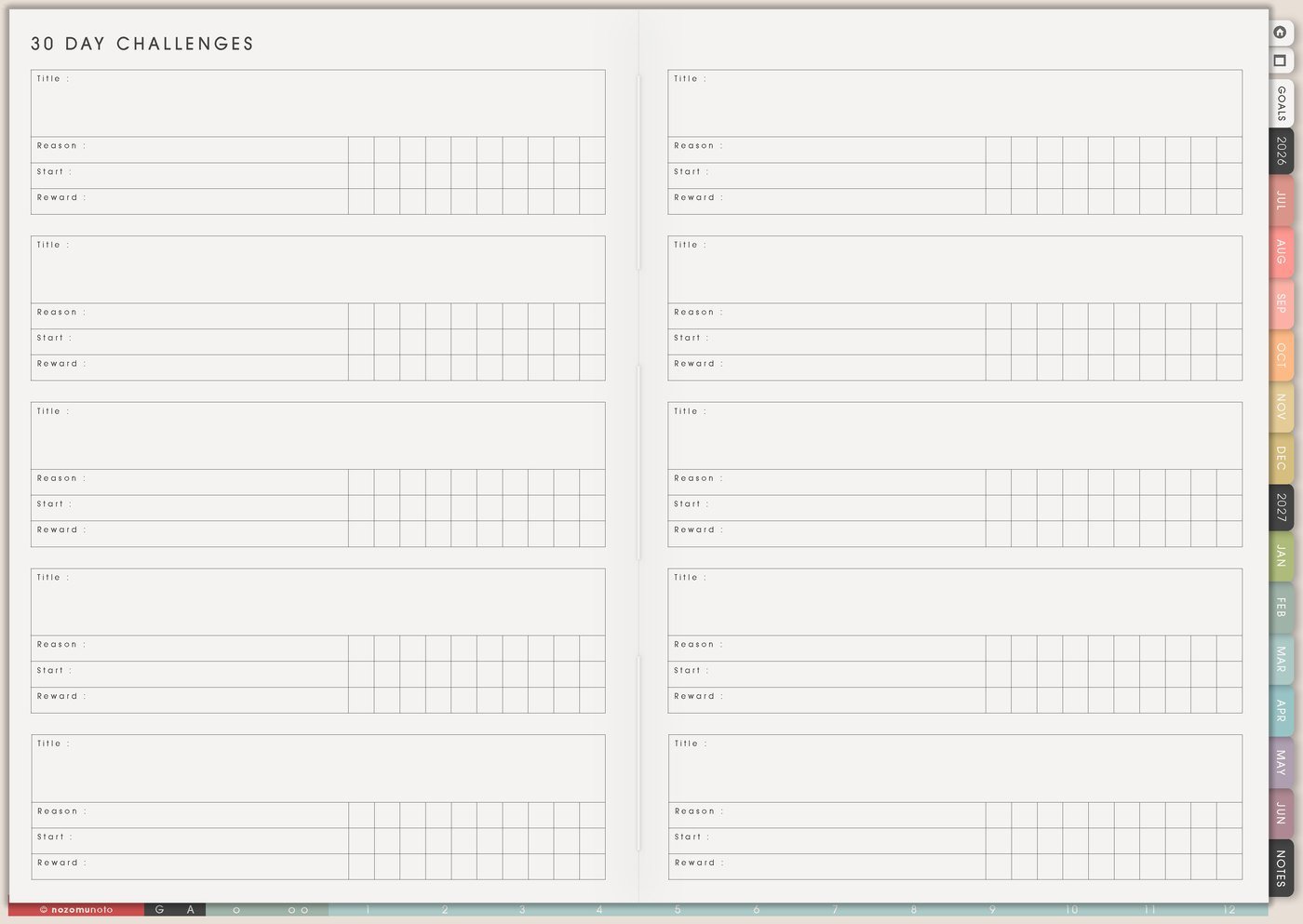
The 30 Day Challenges page is for one small action you want to test for about a month. Use it for planner habits, study practice, creativity, home resets, money check-ins, reading, movement, faith, rest, or any repeated action that needs a clear container.
How to get to these pages
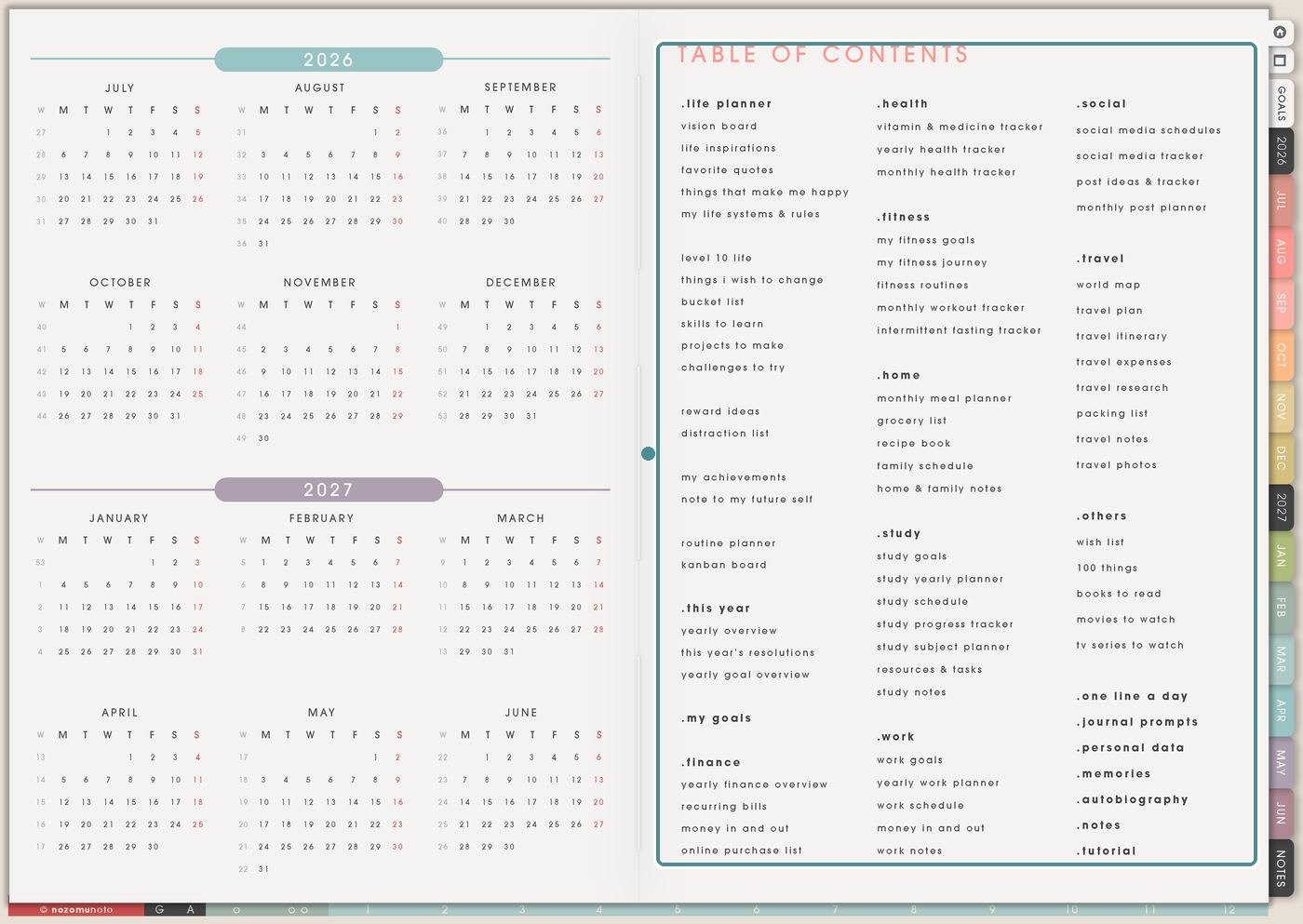
Open the main Index page, then look at the Planner Pages list in the Table of Contents. Find the Others area and tap 30 Day Challenges.
Planner Pages are regular linked pages, so everyone can write on them directly. If you want another copy for a second class, trip, project, month, or family setup, duplicate the page in your app first and name the copy clearly.
Challenges To Try can hold many possible experiments. 30 Day Challenges is for the challenge you are actually starting now: title, reason, start date, reward, full version, minimum version, progress marks, and review.
How to fill 30 Day Challenges
- Write the challenge title. Make it clear and small.
- Write the reason. Name what you want the month to teach or help.
- Add the start date. Choose when the challenge begins.
- Write full and minimum versions. Decide what counts on an ordinary day and a hard day.
- Add a restart rule and reward. Missed days continue from today; rewards can be small.
- Review the lesson. Decide what to keep, change, drop, or repeat.
Ways to use 30 Day Challenges
1. One tiny repeatable action
Choose an action small enough to repeat: open planner, write one line, stretch, read one page, wash one dish, drink water before coffee, send one message, take one photo, or review one flashcard.
For example, a planner challenge could be open Yume Techo after breakfast. The full version might be plan the day. The minimum version might be write one dot on Daily Page.
2. Full version, minimum version, restart rule
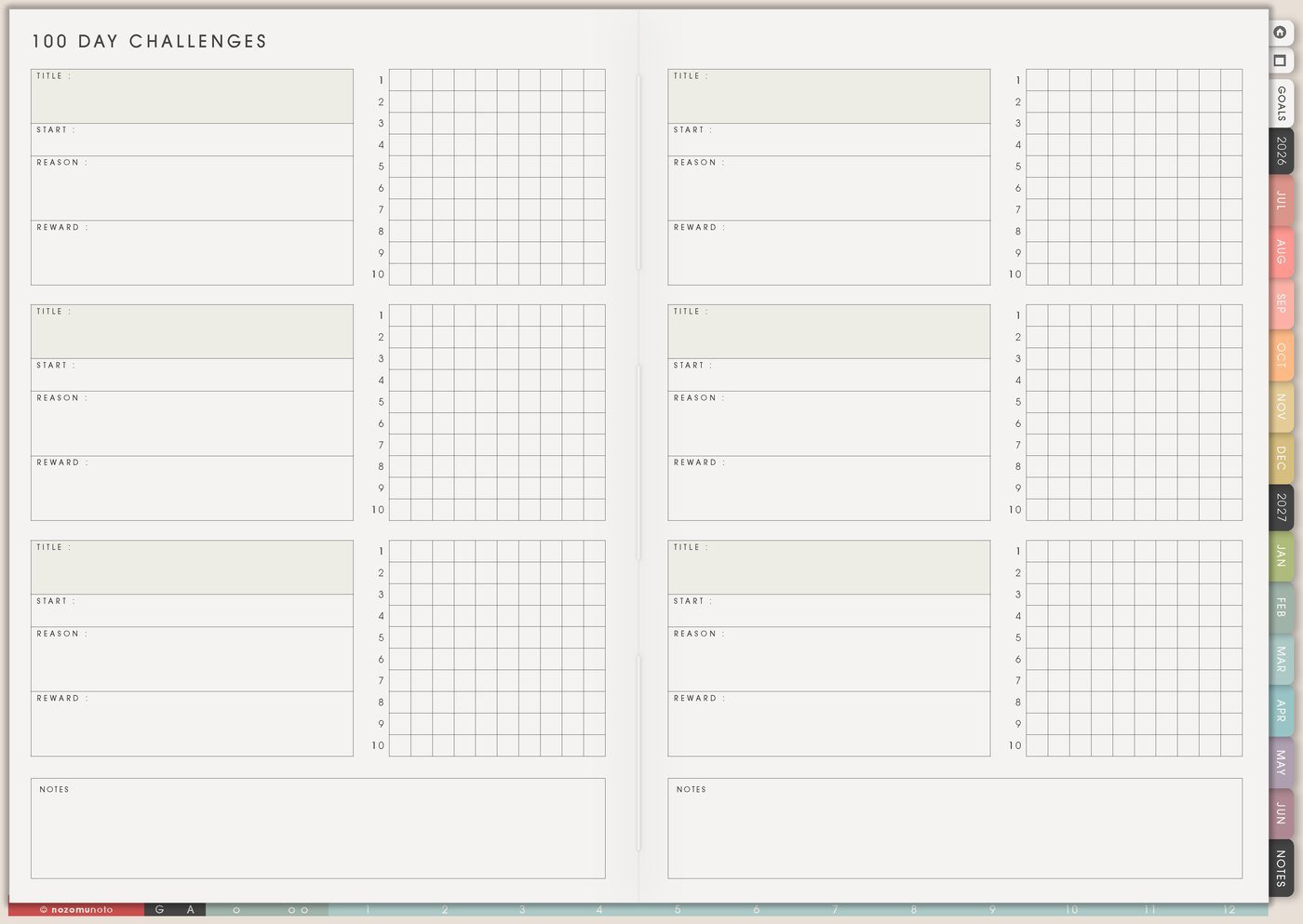
Write the smaller version before you start. Minimum versions help when energy, travel, illness, work, family, or mood changes.
Try this format: full action: read ten pages. Minimum action: open the book and read one paragraph. Restart rule: missed days continue from today.
3. Planner habit challenge
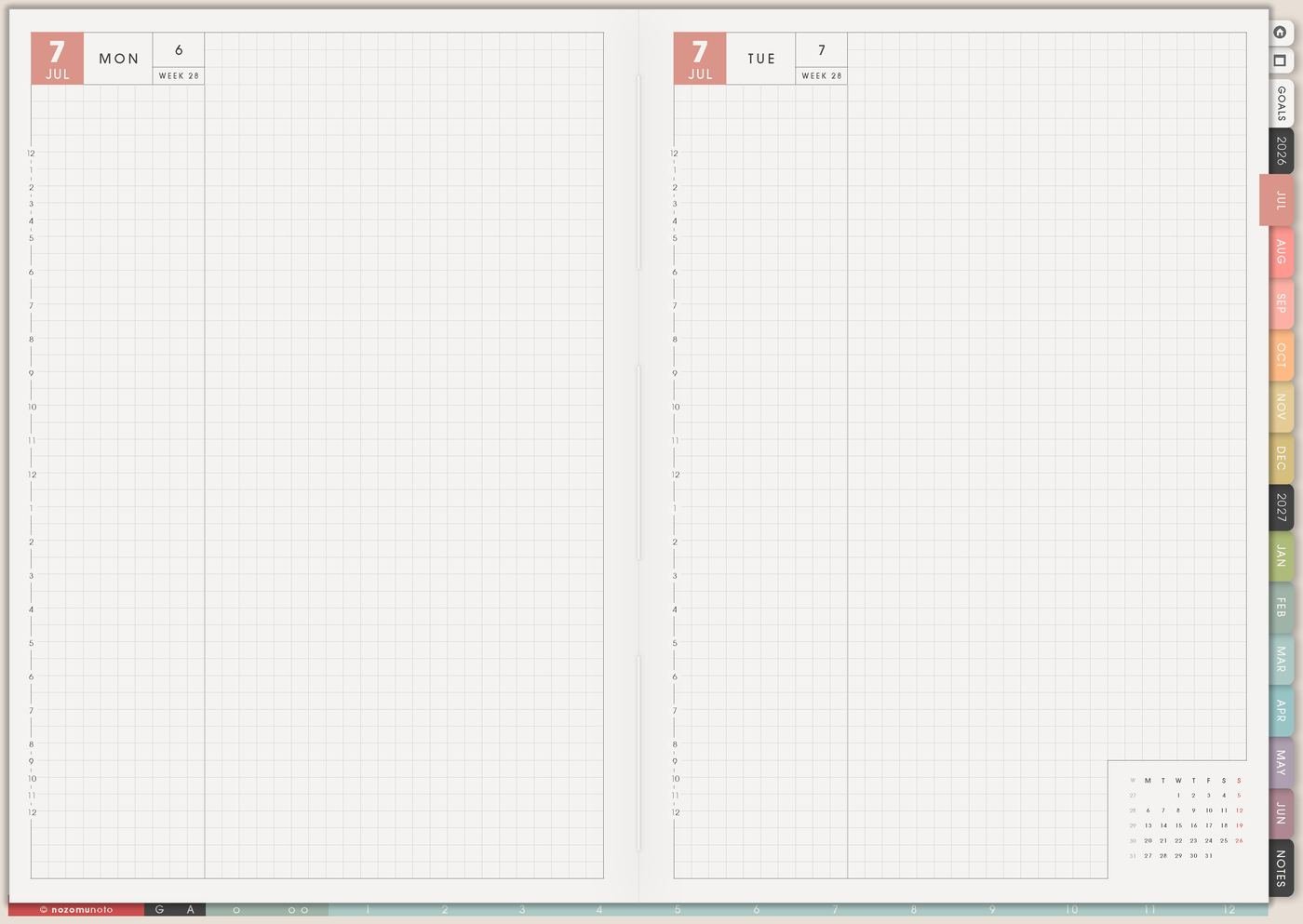
Planner challenges can be very small: open the planner daily, write one line, check Weekly Page, bookmark today, copy one useful template, move one task to the current day, add one memory photo, or review one page before bed.
This is useful after buying a new planner. Instead of trying every page at once, use one challenge to build a simple planner rhythm.
4. Home, study, work, faith, or creative challenge
Home challenges can be one dish, one laundry step, five-minute tidy, clear one surface, or prepare tomorrow’s first thing. Study or work challenges can be one flashcard, one paragraph, one focused block, one email reply, one file update, or one help check.
Faith, reflection, or creative challenges can be one prayer, one verse, one gratitude line, one quiet minute, one sketch, one journal sentence, or one warmth action.
5. Progress marks and review notes
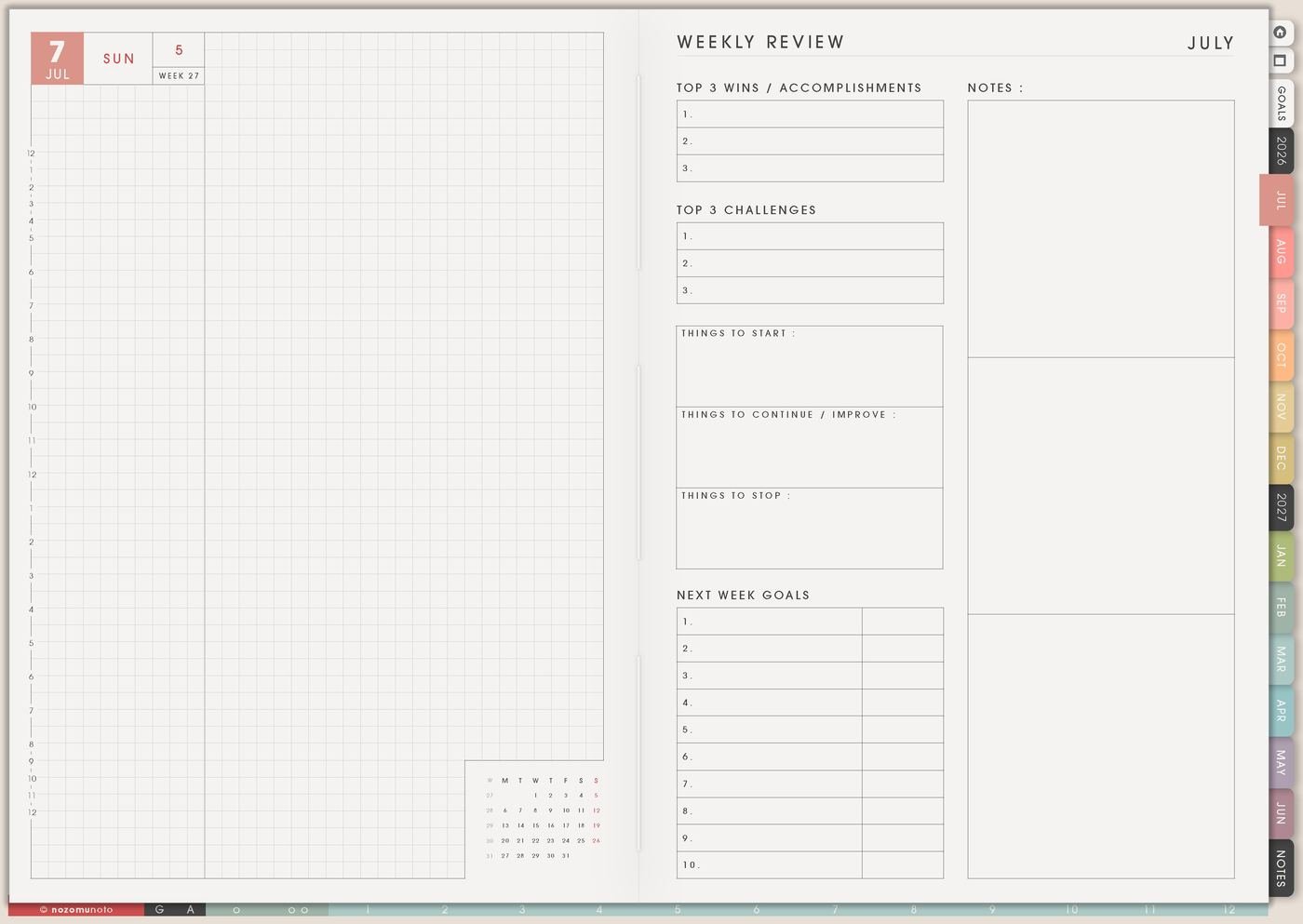
Use progress marks to learn, not to punish yourself. Mark full version, minimum version, skipped, rest, sick, travel, reset, or changed.
Good review questions are: what time worked best, what made it easier, what got in the way, what should be smaller next time, and what should move into a routine?
6. Keep only the useful part
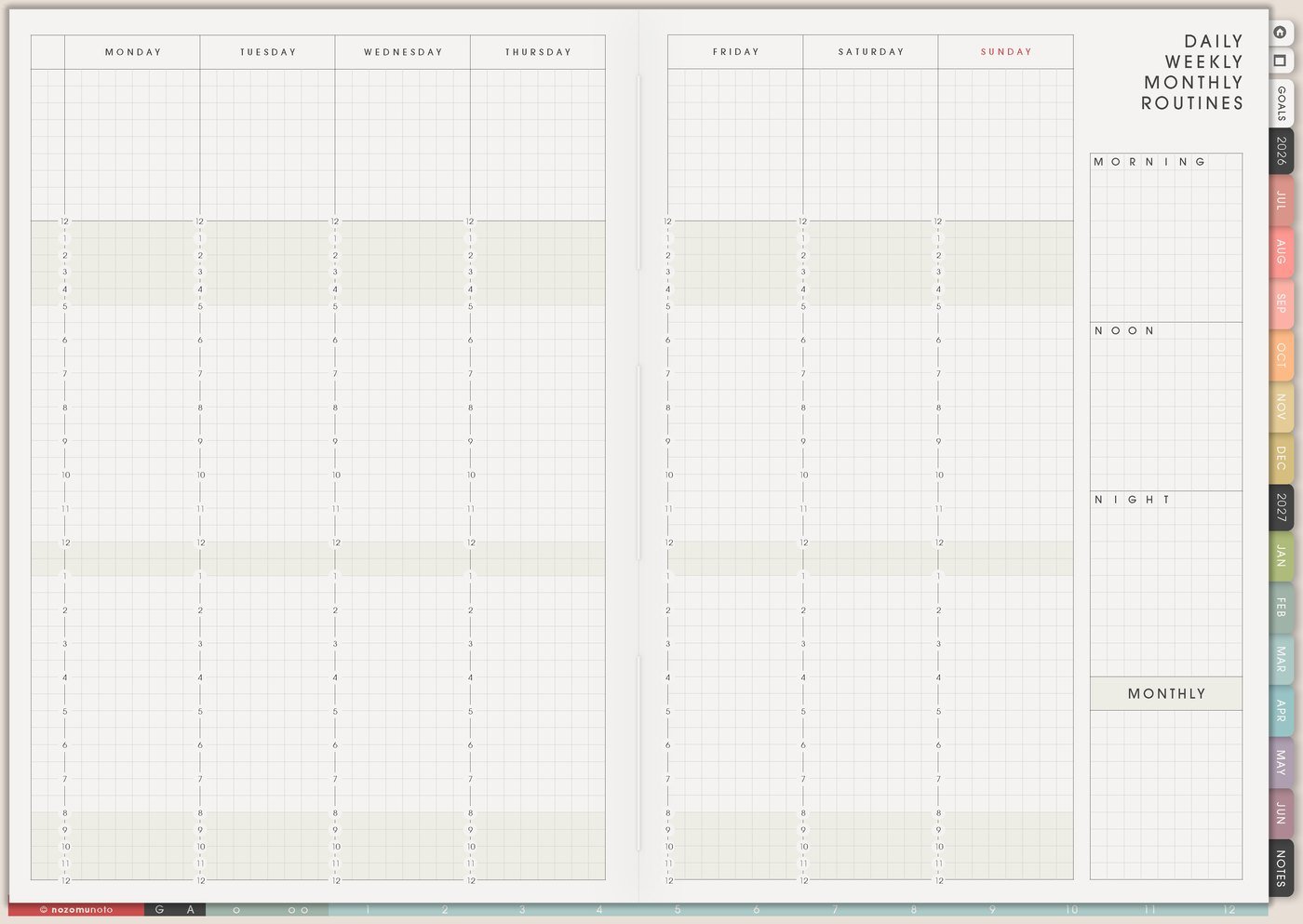
If the challenge helps, move the smallest useful version to Routines, Weekly, Daily Weekly Monthly Routines, or a copied Template Page. Keep only the tiny part that worked.
If a cleaning challenge was too much but the five-minute kitchen reset helped, keep the five-minute reset. The useful lesson is the win.
A simple 30 Day Challenges setup
- Choose one action. Make it tiny, visible, and repeatable.
- Write the reason. Energy, memory, home, study, faith, creativity, health, planner habit, or rest.
- Write full and minimum versions. Decide what counts on ordinary and hard days.
- Add the restart rule. Missed days continue from today.
- Choose a reward. Keep it small enough to actually use.
- Pick review dates. Day 7, day 15, and day 30 are helpful checkpoints.
What I usually use it for and how I use it
Tips for using this page
- Make the action smaller and write a minimum version. A five-minute walk can keep the challenge alive.
- Add a restart rule before starting. Missed days are data. Continue from today and write what got in the way.
- Write the reason at the top. Then choose prompts, tracking, and review questions that match the reason.
- Use neutral marks: done, minimum version, skipped, rest, travel, sick, or reset. The note matters more than a perfect row.
- Choose one main challenge and one optional tiny help habit. Keep the rest in 100 Things or Challenges To Try.
- Write three notes at the end: keep, change, and stop. Move the keep part into Routines, Weekly Page, or Daily Weekly Monthly Routines.
When you need setup help
30 Day Challenges works well with 30 Day Challenge Tracker, Challenges To Try, Daily Page, Weekly Page, Weekly Review, Routines, Daily Weekly Monthly Routines, and the NozomuNoto Help Center. If you need exact app steps for copying challenge pages, importing Yume Techo, adding stickers or photos, or using hyperlinks, open the NozomuNoto Help Center for your app or device.
Final thought
I hope this helps you choose one small next step! 30 Day Challenges works best as a small experiment. Pick one repeatable action, give hard days a minimum version, restart from today, and review what the month taught you!