
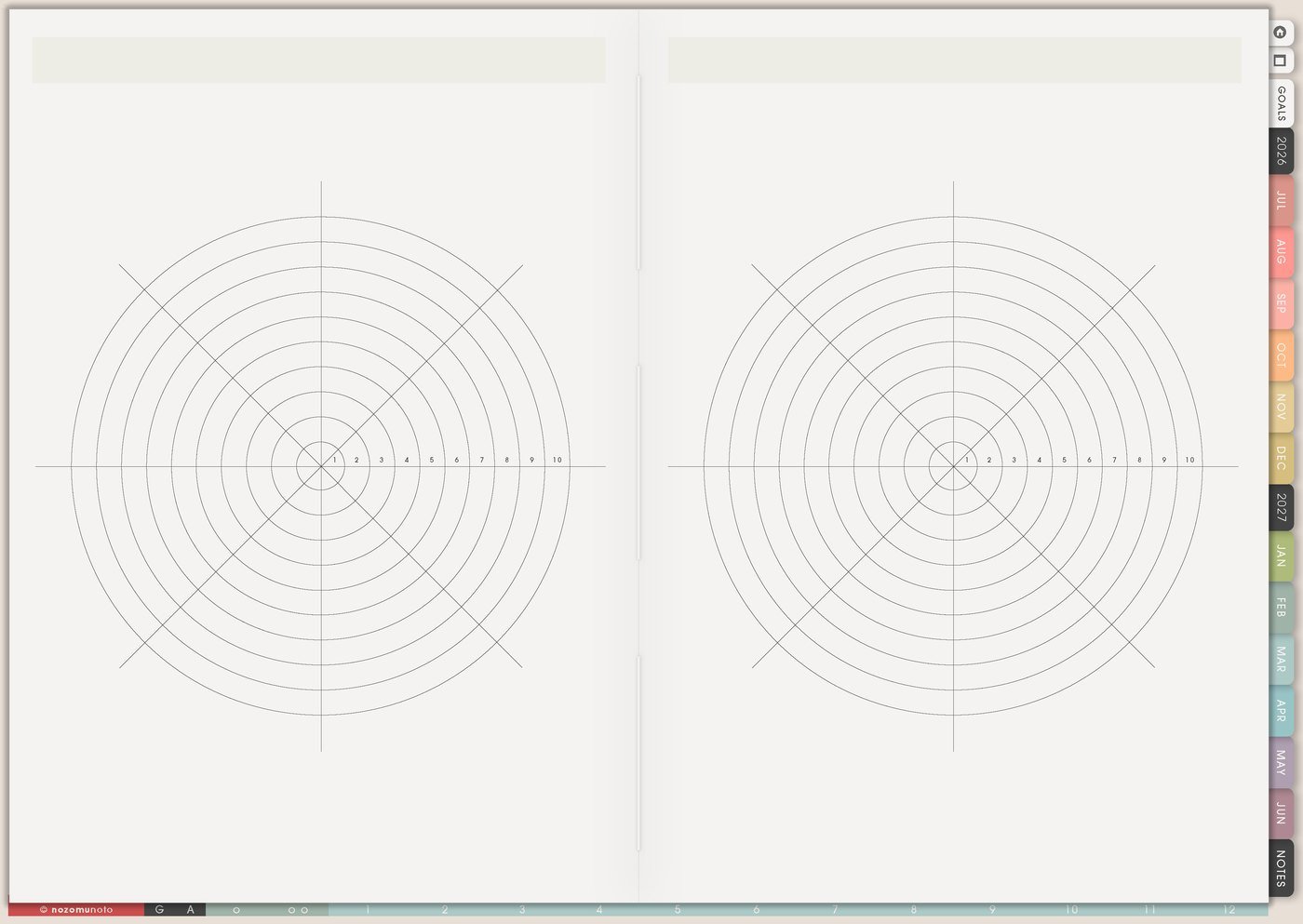
I use Yearly Tracker as the reusable tracker page for patterns that need a long view: habits, health symptoms, energy, planner-open days, spending, reading, study sessions, workouts, creative practice, routines, migraines, medicine, content creation, or anything that makes more sense across months than inside one busy week.
The page works best when one copied tracker answers one clear question. A simple yearly view can show patterns that are hard to remember from daily pages alone.
How I use Yearly Tracker
1. Choose one question for the tracker
Before marking anything, I decide what the page should answer. Is this tracker showing consistency, symptoms, spending, study rhythm, reading days, workout days, planner use, creative sessions, or recovery?
One question keeps the page readable. For example: Which months do migraines happen most? How often did the planner get opened? What weeks had study momentum? Which season made spending higher?
2. Track health patterns as memory help
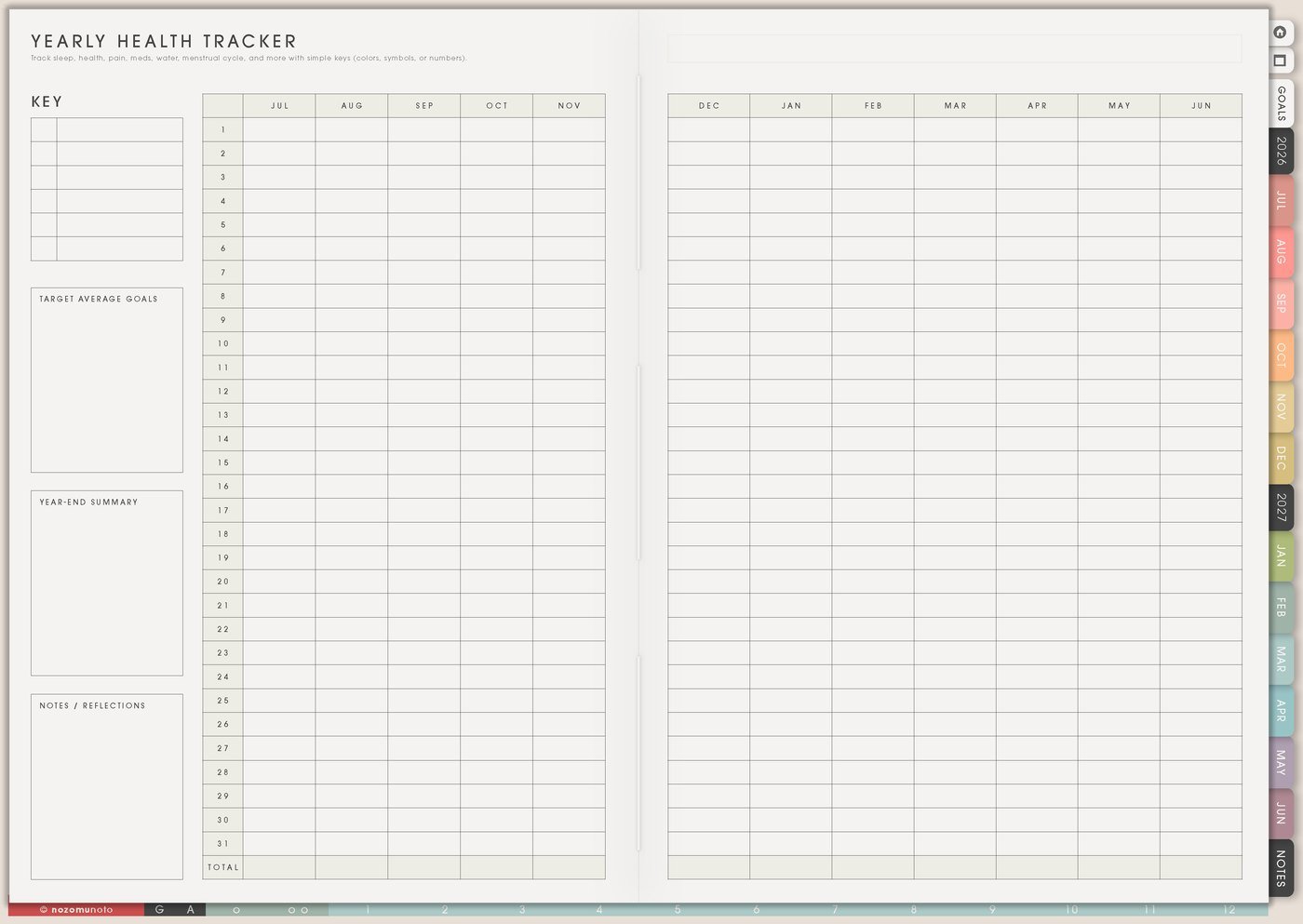
I use a copied Yearly Tracker for symptoms, pain, migraines, sleep quality, cycle notes, medication reminders, energy, appointments, or recovery days. I keep the marks simple so the tracker stays easy to maintain.
For example, I might use M for migraine, L for low energy, A for appointment, or a small color dot for sleep quality. This is memory help, not medical advice or diagnosis; sudden, severe, or unsafe symptoms belong with appropriate professional help.
3. Track money, spending, or no-spend days
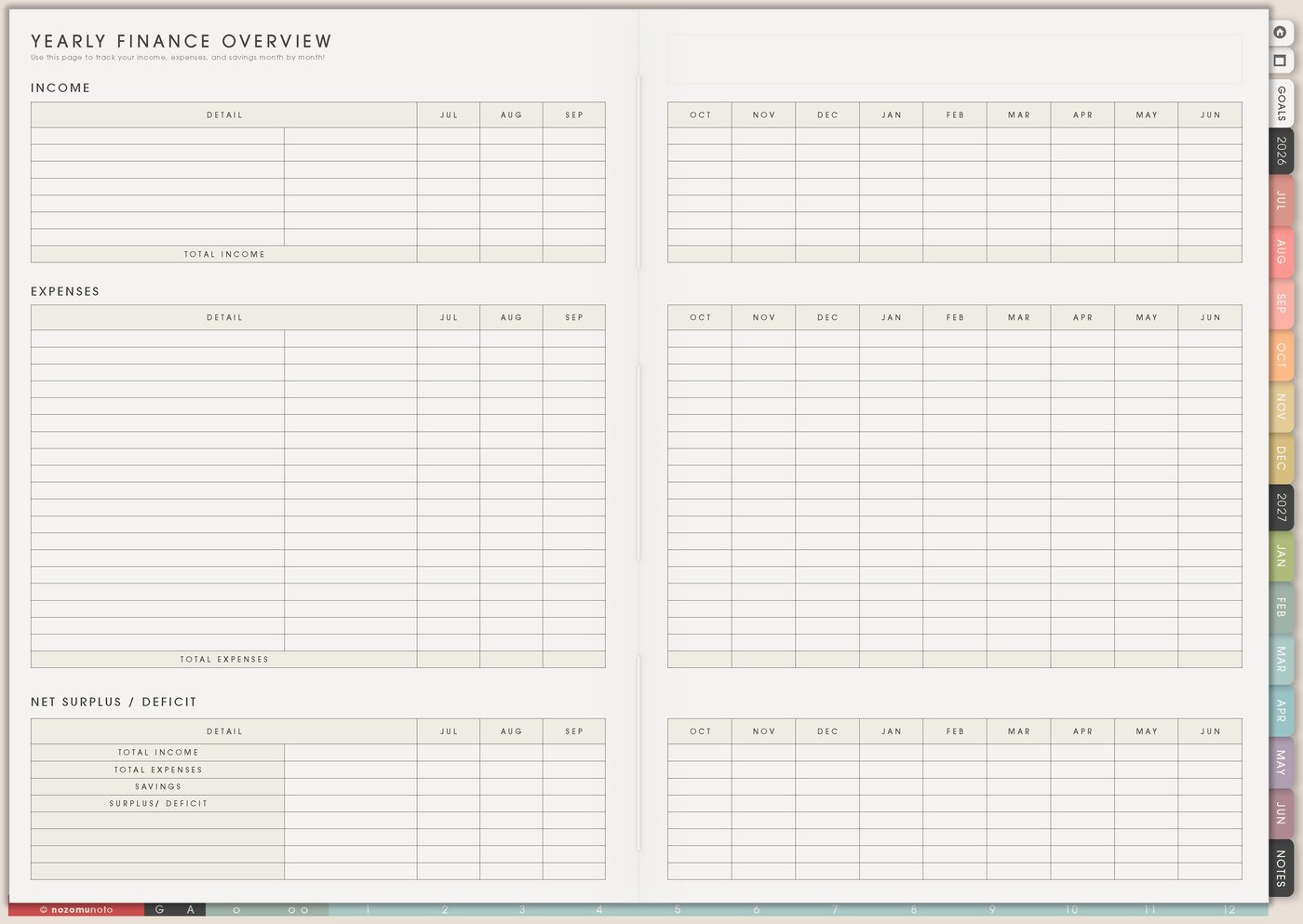
I use the tracker for no-spend days, receipt days, subscription check days, payday review, savings deposits, debt payments, or grocery spending patterns. I pair it with Yearly Finance Overview when I want the bigger money story.
For example, I mark N for no-spend, G for grocery receipt, S for savings, and R for review. At the end of the month, I ask what made spending easier or harder.
4. Track study, reading, or creative practice
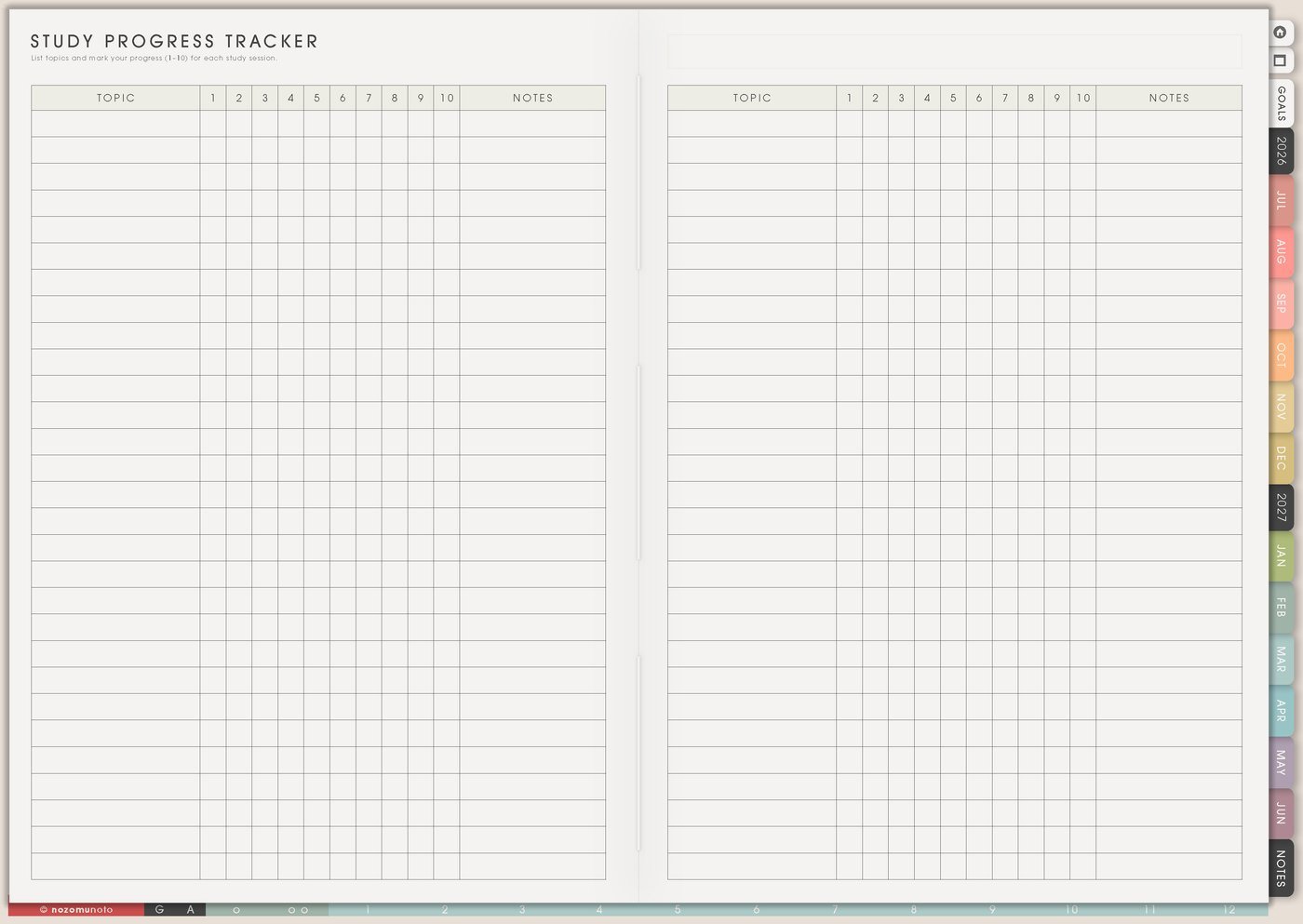
Yearly Tracker is useful for slow growth: reading days, writing sessions, drawing practice, language study, Bible study, craft projects, exam prep, product creation, content batching, or music practice.
Instead of asking for a perfect streak, I use the page to see what rhythm naturally works. Maybe Sunday reading happens often. Maybe weekday study needs a shorter block. Maybe creative work returns when materials are already prepared.
5. Use simple marks and a tiny legend
I use dots, checkmarks, initials, colors, or short numbers. Then I write a tiny legend on the page so the marks still make sense in April, August, and December.
Examples: dot means planner opened, W means walk, R means reading, P means product work, blue means low energy, pink means headache, star means completed session. Keep the code small enough that it can be used quickly.
6. Review monthly instead of staring at the tracker daily
A Yearly Tracker becomes useful when it gets reviewed. At the end of each month, I write one sentence: what helped, what made the pattern harder, and what help should change next month.
This is where the tracker becomes practical. A month with low planner-open days might need an easier Index path. A month with many headaches might need a health note. A month with more study days might show a schedule that works.
7. Turn the pattern into one next action

After noticing a pattern, I move one help action to Weekly. The tracker should not become only proof. It should help the next week.
For example: put vitamins beside breakfast, schedule one reading block, copy the low-energy Daily Template, make Sunday the planning cue, prep workout clothes, or move finance review to payday.
Set up Yearly Tracker in ten minutes
- Choose one pattern. Health, money, reading, study, movement, planner use, creative work, or routines.
- Write the question. What should this tracker help you see by the end of the month or year?
- Choose simple marks. Use one to three symbols, initials, colors, or numbers.
- Add the legend. Put the meaning directly on the page.
- Mark lightly. One tiny mark is enough for most days.
- Review monthly. Write one sentence about what helped and what needs help.
- Move one action to Weekly. Use the pattern to make the next week easier.
What I usually use it for and how I use it
Tips for using this template
- Give each tracker one question. Migraines, workouts, reading, spending, planner use, and medicine usually need separate copied trackers, not six colors on one page.
- Write the legend before the first mark. Green, yellow, pink, W, M, and R may look obvious in January. By April, I need the code written on the page.
- Treat blank days as information. Blank days are not failure. At monthly review, I ask what made the pattern easier or harder.
- Review once a month. A yearly view needs a review moment or the pattern stays interesting but unused. I move one help action to Weekly after each review.
- Keep the mark tiny. If I need detailed notes about symptoms, food, mood, sleep, weather, or energy, those details belong on Monthly Health Tracker, Notes, or Daily Page.
- Match the tracker to the pattern. Subscription review, bill review, backups, or goal review may work better on Monthly Overview, Recurring Bills, or Yearly Finance Overview.
- Make long-term trackers easy to find. I bookmark them, link them from Index, or keep copied trackers together in one section with clear names.
When you need setup help
Yearly Tracker works well with Template Pages, Index, Monthly Overview, Weekly Page, Yearly Health Tracker, Yearly Finance Overview, Study Progress Tracker, 30 Day Challenge Tracker, and the NozomuNoto Help Center. If you need exact app steps for copying template pages, duplicating trackers, importing Yume Techo, or using hyperlinks, open the NozomuNoto Help Center for your app or device.
Tips for using this page
- Choose the one part of this page that helps the current week instead of trying to fill everything at once.
- Move one small next action to Weekly or Daily so the page changes what happens next.
- Keep the page easy to return to by linking it from Index, favorites, bookmarks, or the related planner section.
Final thought
I hope Yearly Tracker helps show what daily memory cannot hold. Choose one question, mark simply, review monthly, and let the pattern become one useful help step.