
I use this Yume Techo small business setup for product ideas, listing fixes, launch seasons, customer questions, content planning, money check-ins, admin work, and the few weekly actions that keep a small shop moving.
For me, business planning has to share space with part-time work, family care, study, design work, and the reality of living in expensive Japan. I need the planner to show what actually helps the shop today: one product to improve, one question to answer better, one content piece to make, one money detail to check, and one next experiment!
Use case ideas for a small business planner
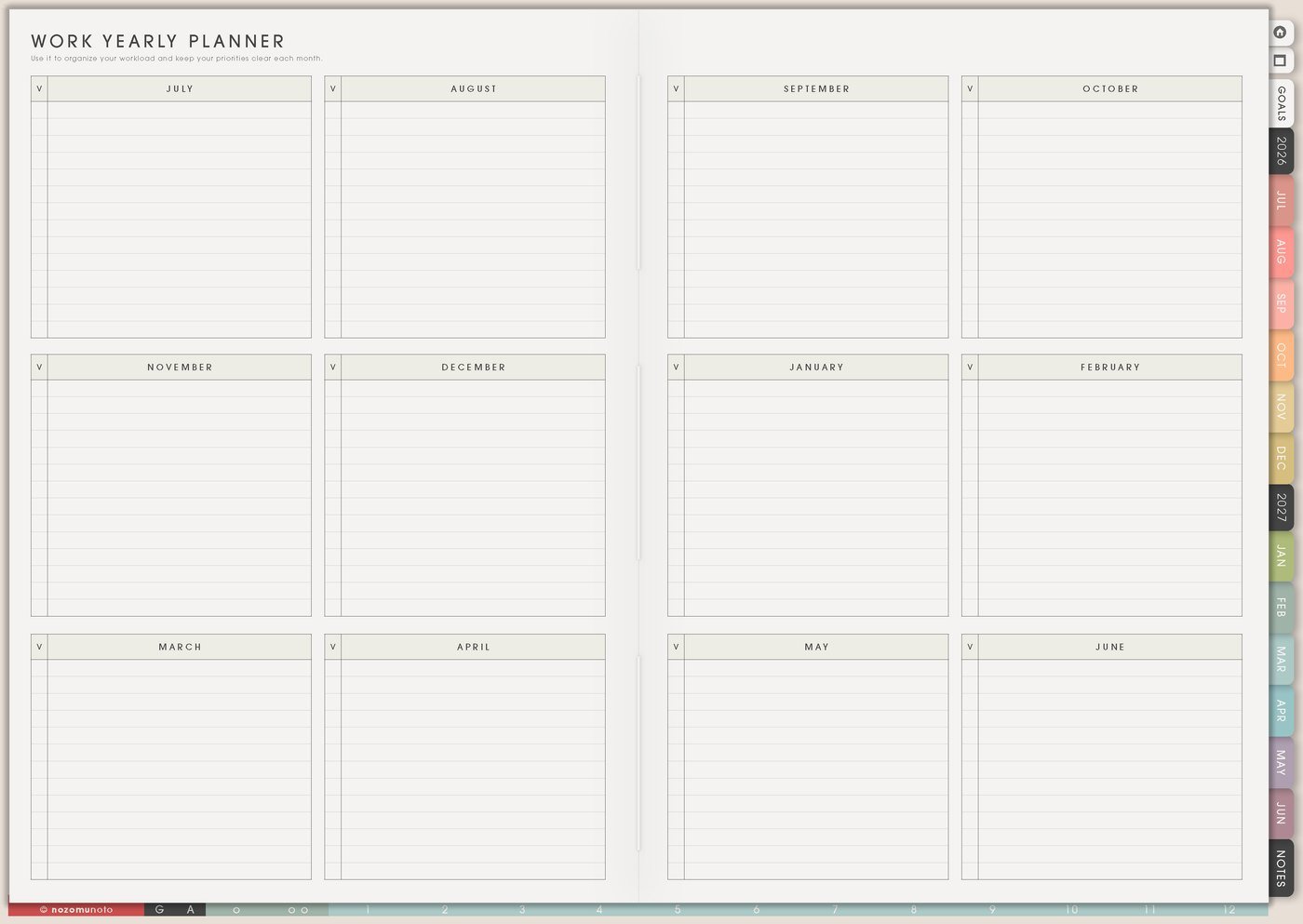
1. Use Work Yearly Planner for seasons and launches
Use Work Yearly Planner for launch months, sale seasons, product refresh windows, Etsy dates, tax reminders, email campaigns, school-year timing, family-heavy weeks, and shop maintenance.
I like seeing the year because launch work always starts earlier than my brain wants to admit. If an academic planner sells before school starts, the yearly page can show design time, testing time, listing updates, tutorial content, email reminders, delivery checks, and the week I need to stop adding new ideas.
Related Tips: Work Yearly Planner page ideas has more examples for mapping launch seasons, admin dates, and work-heavy months before they become urgent.
- Write here: launch windows, sale periods, content themes, tax/admin deadlines, update seasons, and rest weeks.
- Prepare early: photos, files, listing copy, Help Center articles, email, social posts, and delivery checks.
- Keep off this page: every tiny listing edit. Those belong on Kanban or Weekly.
2. Use Kanban for product and shop projects
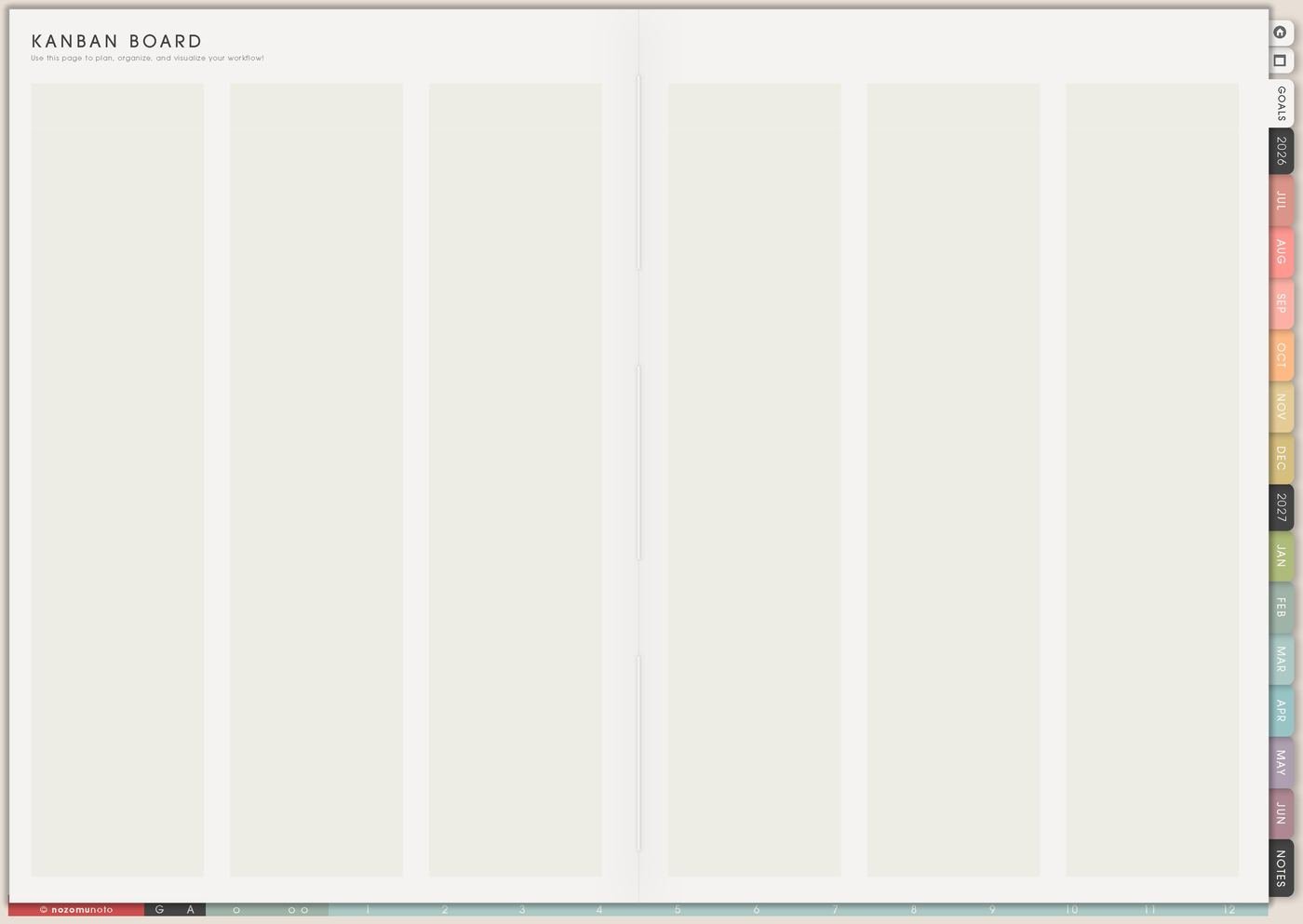
Use Kanban for product and shop projects that move through stages. Try columns like Ideas, Next, Doing, Waiting, Testing, Done. A product update might move through research, design, export, test, listing, photos, description, delivery check, Help Center update, publish, and review.
I give Waiting its own column so delayed tasks stop pretending to be active. Waiting might mean waiting for screenshots, customer feedback, a file export, a supplier, a decision, a proofread, or enough energy for careful testing.
This page is where I protect the shop from idea noise. The idea list can be generous, but Kanban should show only the product or improvement actually moving now.
Related Tips: Kanban Board ideas shows more ways to separate ideas, active work, waiting items, and finished projects.
3. Use Monthly Post Planner for useful marketing rhythm
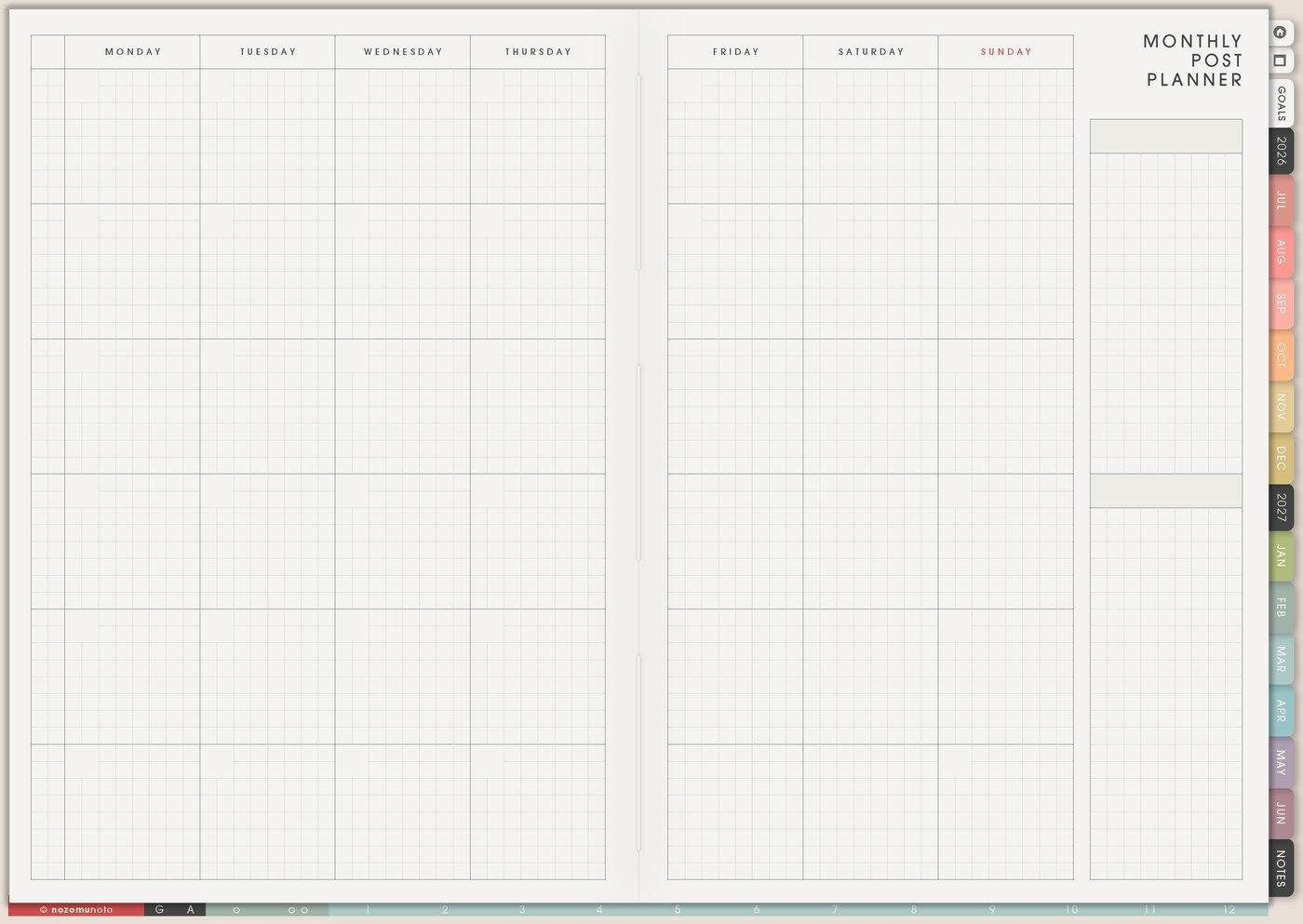
Use Monthly Post Planner to plan content around real questions: how to start, page ideas, ADHD setup, student setup, e-reader workflow, app setup, gift ideas, planner season reminders, and before/after page examples.
I connect each post to one product page, Tips article, Help Center article, freebie, or product example. That keeps content useful instead of random. A post can teach one page, answer one worry, show one use case, or explain why the product helps.
A month can be simple: one tutorial, one page idea, one customer question, one product reminder, one behind-the-scenes note, one gift idea, and one review or proof post.
Related Tips: Monthly Post Planner page ideas gives more ways to turn customer questions, launch education, and seasonal reminders into a real content month.
4. Use Resources / Tasks for customer questions and clarity clues
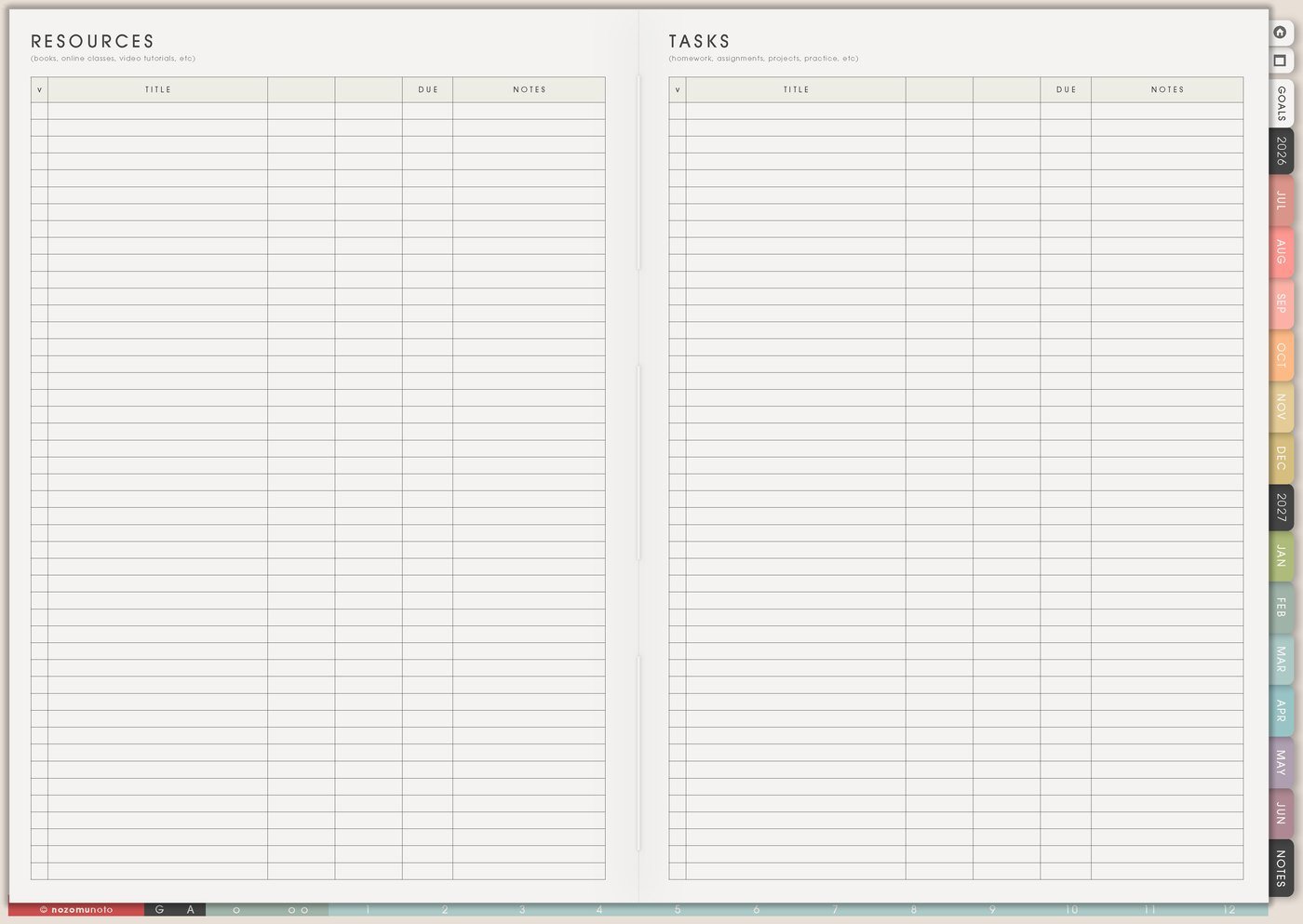
Use Resources / Tasks to collect customer questions, confusing steps, refund reasons, file issues, app setup questions, repeated Etsy messages, listing wording to fix, delivery questions, and Help Center articles to update.
I treat customer questions as product education clues. When the same question appears more than once, it belongs in clearer listing photos, a Tips article, a Help Center step, a short tutorial, or a better delivery note.
I write the clue and the action separately: question asked, where it happened, product affected, what page or listing needs fixing, and the next small update.
For privacy, I keep buyer names, raw messages, payment details, account numbers, addresses, and private order notes in secure shop tools. In Yume Techo, I write only anonymized patterns and next actions.
5. Use Yearly Finance Overview for plain money check-ins
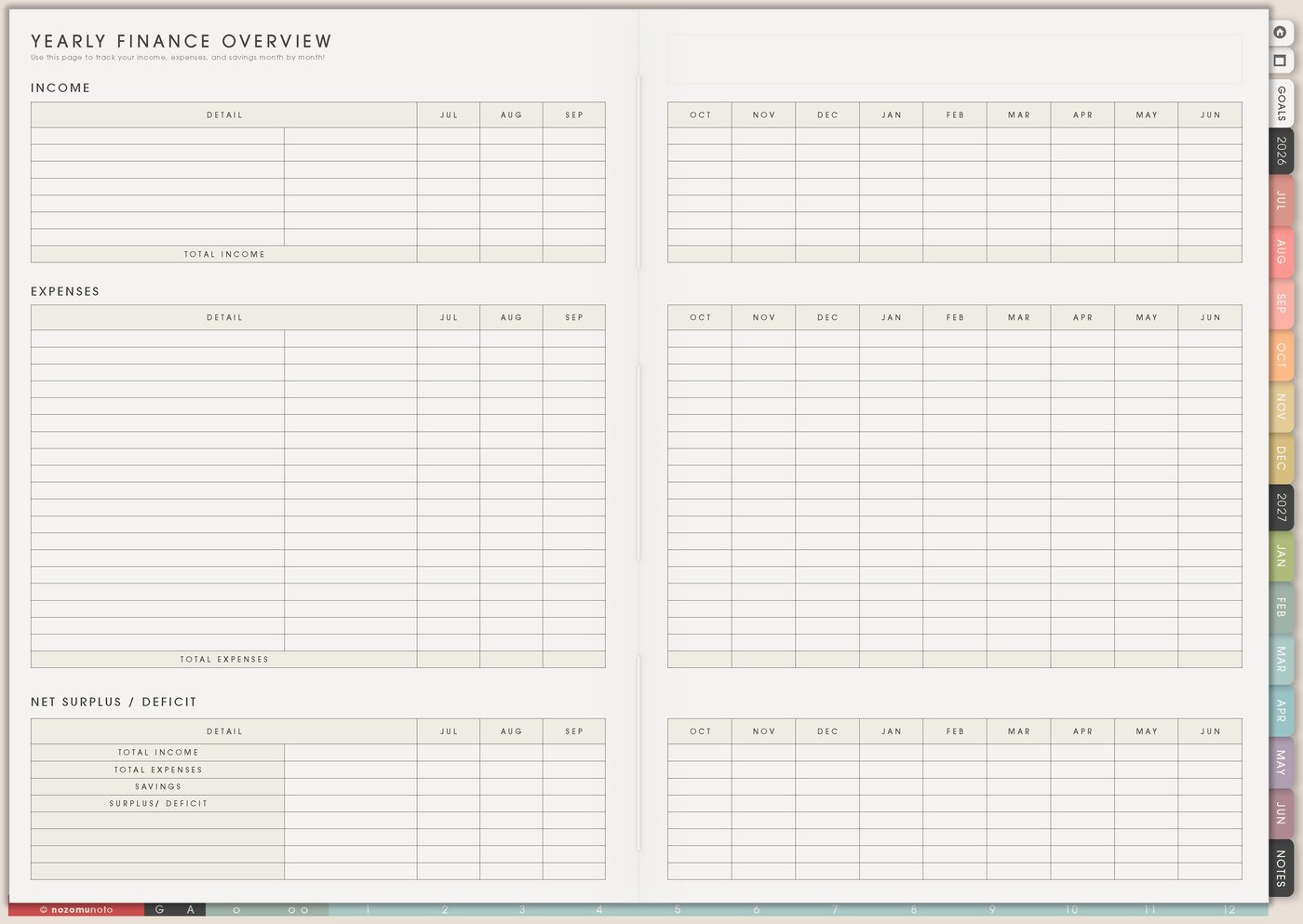
Use Yearly Finance Overview for light money awareness: revenue moments, Etsy fees, ad spend, subscriptions, software, product costs, tax reminders, payouts, refunds, yen targets, and renewal dates. This is not accounting software. It is the page that reminds me what needs attention before it becomes stressful.
A weekly money note can stay small: sales this week, ad spend check, one expense to review, one product to improve, one fee or subscription to cancel or keep, and one question for future tracking.
For digital products, I also watch file updates and question load. A product with many questions may need clearer education before heavier promotion.
Related Tips: Yearly Finance Overview page ideas has more examples for yearly money patterns, fees, renewals, and check-in dates.
6. Use Weekly for sales and clarity actions

Use Weekly to choose the few shop actions that matter now: improve one listing photo, answer repeated questions, test a download link, update one tutorial, write one product-use post, fix one confusing sentence, review one ad, prepare one email, or update one product file.
Small business work can feel full even when it does not move the shop. Weekly should make the useful action visible. A useful action makes the product easier to find, easier to understand, easier to use, easier to trust, or easier to get help with.
If the weekly list is huge, choose one product, one content piece, one customer-help fix, and one money/admin check.
7. Use Weekly Review to choose the next shop experiment
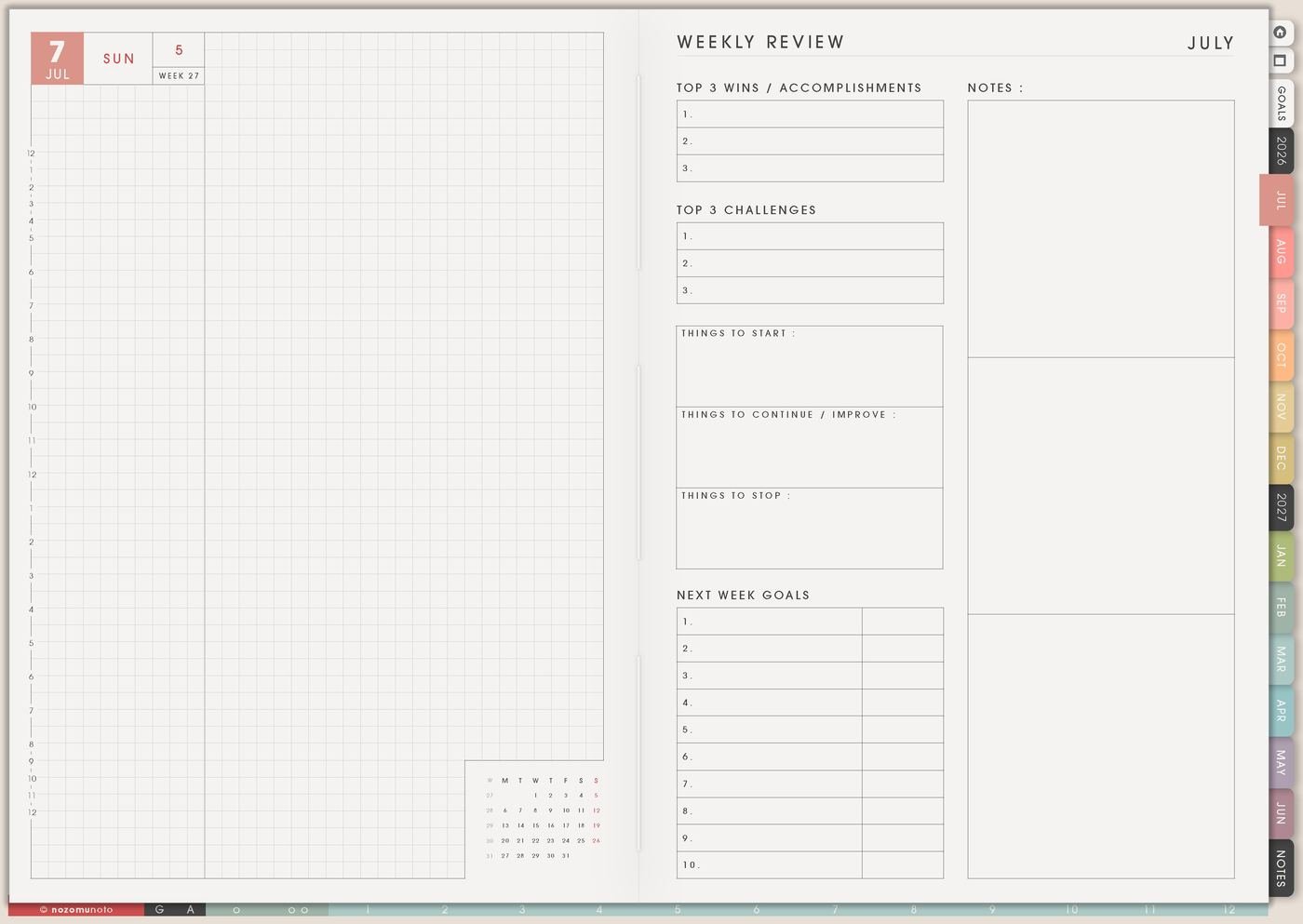
At the end of each week, I ask what made sales easier, what confused people, what product deserves the next update, what question repeated, what content got saved or clicked, what can be removed, and what is the next shop experiment.
This keeps the planner connected to results instead of busywork. A small business week can feel full, but review helps separate real movement from tasks that only made the list longer.
One experiment is enough: improve one listing image, update one tutorial, test one Etsy ad budget, rewrite one product title, publish one useful article, or make one help step clearer.
Set it up in ten minutes
- Choose one main product or offer. Start with the item that already gets attention or needs clearer instructions.
- Map the sales season. Put launch, sale, update, and tax/admin dates on Work Yearly Planner.
- Create one Kanban board. Add product stages, listing updates, tutorial tasks, testing, waiting, and done.
- Collect repeated questions. Put customer questions and clarity clues in Resources / Tasks.
- Plan one month of useful content. Use Monthly Post Planner for tutorials, page ideas, questions, and reminders.
- Do one money check. Note sales, fees, ad spend, subscriptions, and one product to improve.
- Pick three weekly actions. One product action, one content action, and one customer-help/admin action.
What I usually use it for and how I use it
Tips for using this setup
- Store ideas before making them active. Put product updates, freebies, post ideas, and listing changes in a holding page first. Move only one active project to Kanban and only this week’s next actions to Weekly.
- Tie each content idea to one real question. Link a post to a product, Tips article, Help Center article, useful page example, or buyer worry so marketing teaches instead of only filling space.
- Turn repeated questions into better instructions. If several people ask the same thing, make the answer easier to find in listing images, delivery notes, Help Center steps, product instructions, or a Tips article.
- Make money checks small and scheduled. Review sales, fees, ad spend, subscriptions, one expense, and one next decision. Keep detailed accounting elsewhere; Yume Techo can hold the reminder and summary.
- Protect product clarity from admin overflow. Inbox cleanup and file sorting matter, but each week still needs one action that makes a product easier to understand, buy, use, or get help with.
- Back up launch prep from the real date. Put launch season on Work Yearly Planner, then map design, testing, listing, tutorial, email, delivery check, and review stages on Kanban.
- Check clarity before paying for more attention. Before increasing ads or promotion, fix one path: listing image, title, description, delivery note, Help Center article, or page-use example.
When you need setup help
For the small business workflow, use Work Yearly Planner for launch seasons, Kanban Board for active product improvements, Monthly Post Planner for useful education, Resources / Tasks for repeated questions, Yearly Finance Overview for money check-ins, and Weekly for the few shop actions that matter now. If the problem is technical, like importing Yume Techo, copying a project board, adding product screenshots, or using hyperlinks, use the NozomuNoto Help Center for app-specific steps.
Final thought
A small business planner works best when it helps the shop become clearer. I hope this setup helps you keep ideas safe, move one improvement at a time, turn repeated questions into better education, and choose the few weekly actions that help customers understand, trust, and use what you sell!