
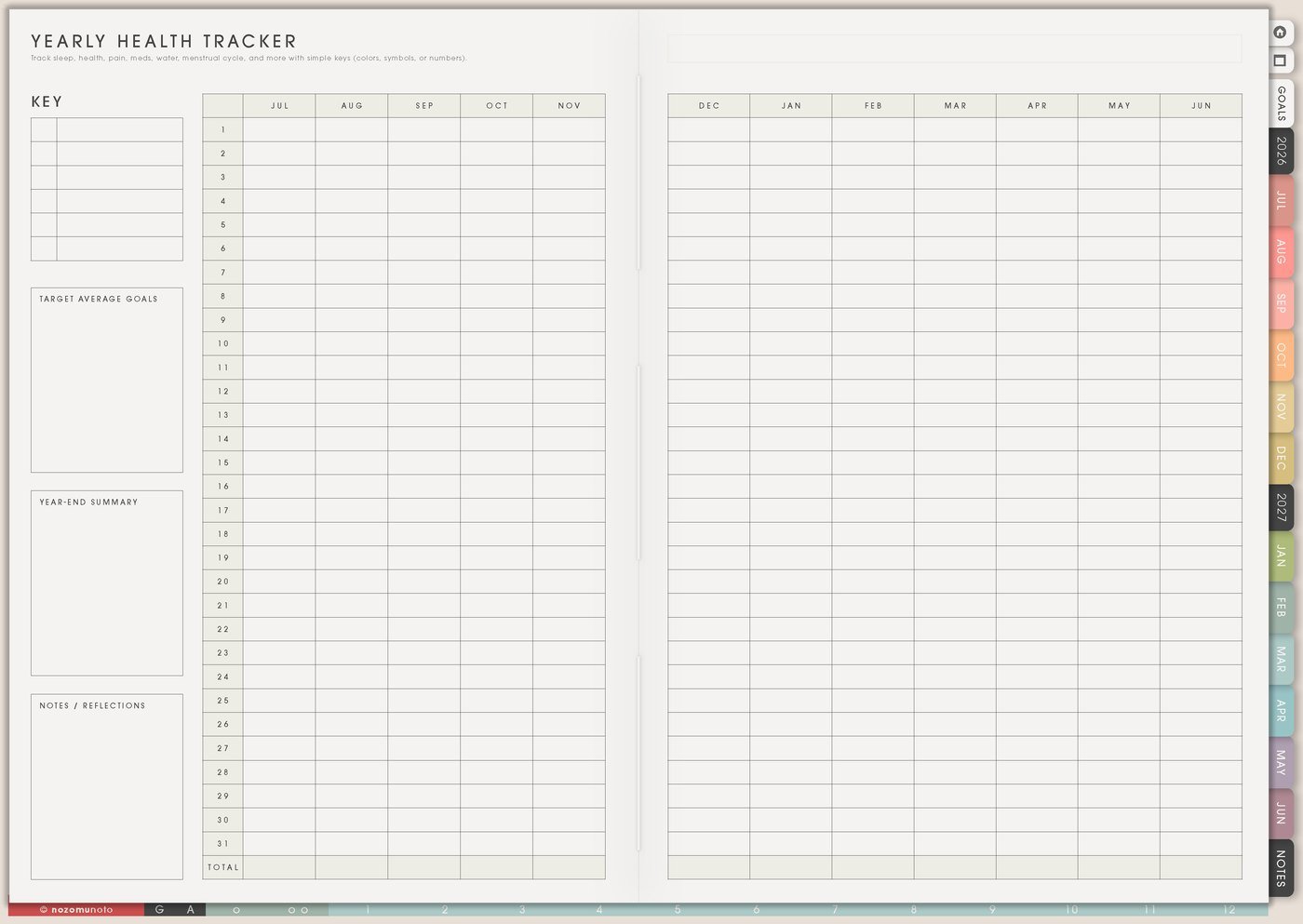
I use this Yume Techo fitness and health setup for appointment dates, refill memory, symptom notes, energy patterns, movement options, meal defaults, rest, and questions to bring to qualified professionals.
For me, health planning has to fit around work, parenting, commuting, caring for family, and normal tired days. I use it as a memory aid, not as a place to judge my body. The planner helps me see one useful pattern, keep refills visible, and choose a realistic next action.
This setup is for memory, reminders, and questions. It is not for diagnosis, treatment, medication decisions, or replacing advice from a doctor, pharmacist, therapist, clinician, or other qualified professional.
Use case ideas for a fitness and health planner
1. Use Yearly Health Tracker for long patterns
Use Yearly Health Tracker for patterns that need time: appointments, cycle notes, migraines, pain, sleep, energy dips, symptoms, medicine changes, therapy dates, lab dates, or health milestones.
I keep symbols small and the legend simple. The yearly view is for seeing patterns, not writing every detail. For example: does poor sleep appear before headaches, does energy drop after skipped meals, or do refills get missed during busy weeks?
Track only what helps a decision, a reminder, or a conversation. A page with three useful marks is easier to keep than a page trying to measure everything.
Related Tips: Yearly Health Tracker page ideas has more examples for long-view patterns, appointments, energy, and body notes.
2. Use Monthly Health Tracker for the current question
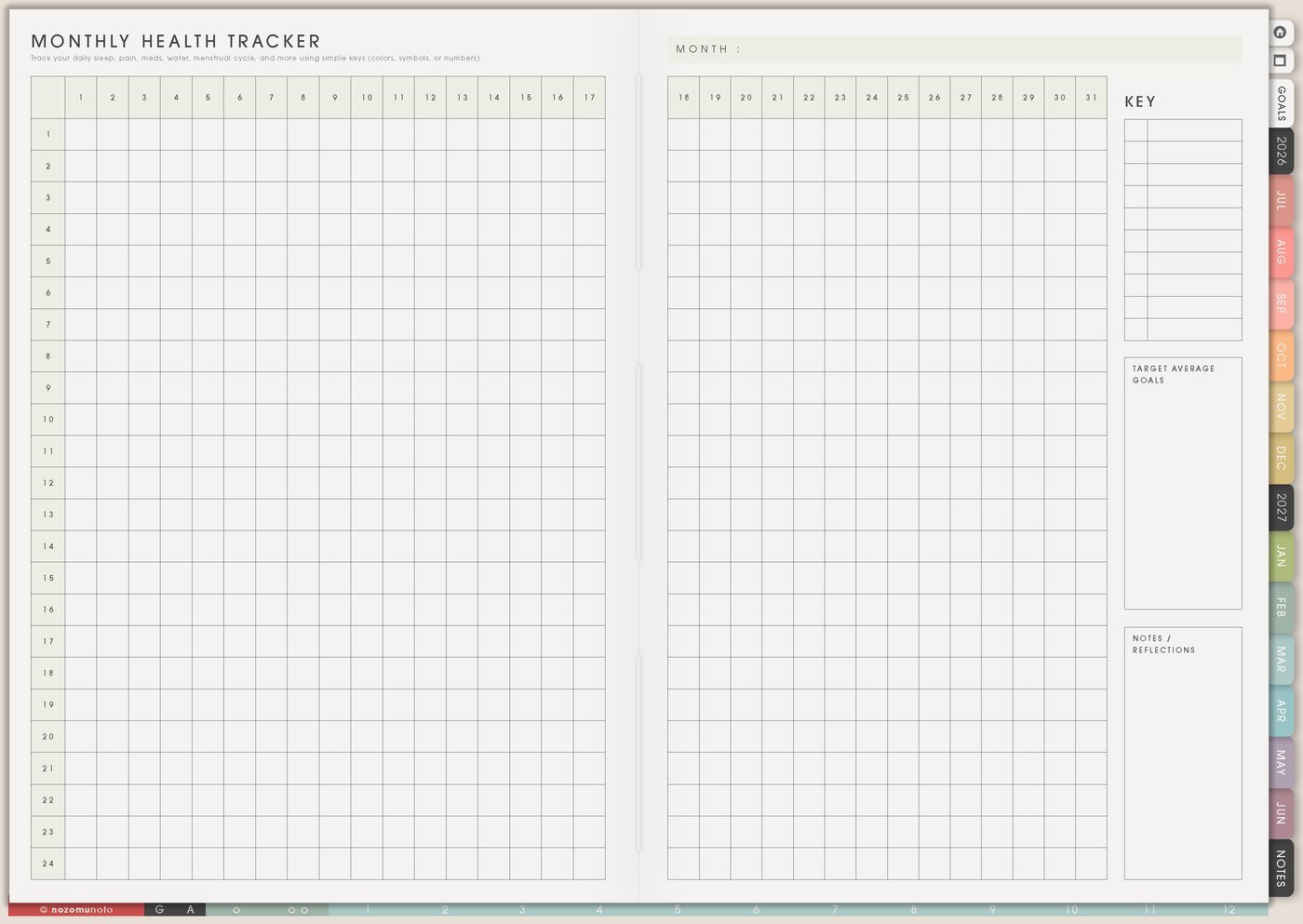
Use Monthly Health Tracker when one month needs closer attention. Choose one question first: sleep and headaches, meals and energy, movement and mood, medicine routine, appointments, symptoms, or recovery after a busy season.
A tracker gets easier when it is small. Instead of tracking ten health things at once, choose three useful marks and one notes area. The page should make the month easier to understand, not heavier.
At the end of the month, write one pattern and one next step to discuss, adjust, or remember.
Related Tips: Monthly Health Tracker page ideas gives more ways to track one current question without turning the month into a giant data project.
3. Use Vitamin & Medicine Tracker for routines and refills
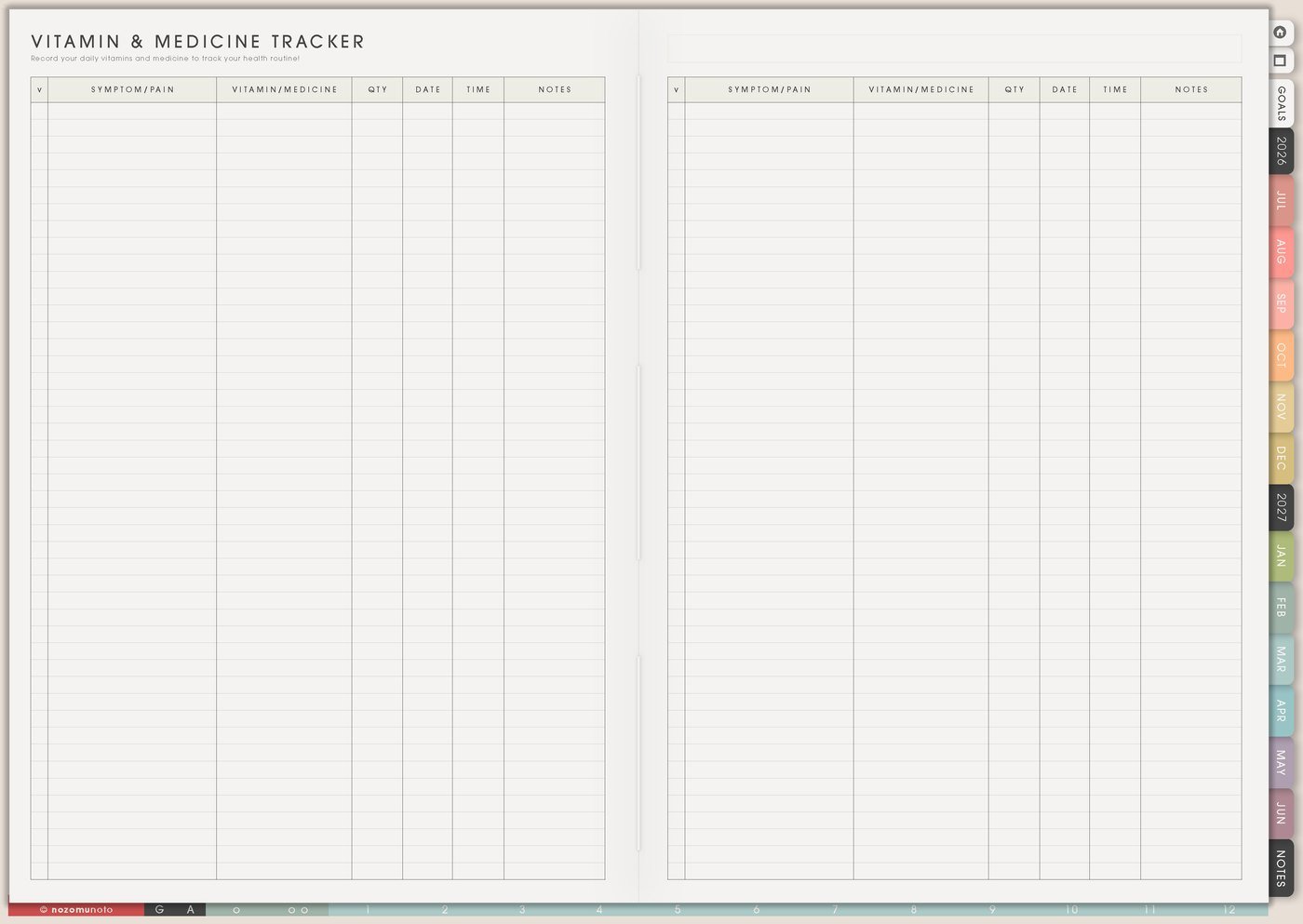
Use Vitamin & Medicine Tracker for medicine, vitamins, refill dates, pharmacy notes, appointment questions, routine timing, and changes to confirm with a doctor, pharmacist, or other qualified professional.
I write the refill date, where it is filled, what to ask, and whether the routine is morning, evening, or with food if that is part of the official instruction. Professional instructions stay in the official place too.
This page is especially useful for travel, school terms, busy work weeks, ADHD forgetfulness, caregiving, or any season where routine gets interrupted.
For privacy, I keep diagnoses, exact medication instructions, lab results, insurance details, and private health records in secure health tools. In Yume Techo, I write only reminders, questions, dates, and simple patterns.
Related Tips: Vitamin & Medicine Tracker page ideas has more examples for refills, pharmacy notes, and appointment questions.
4. Use Fitness Routines for normal and minimum movement
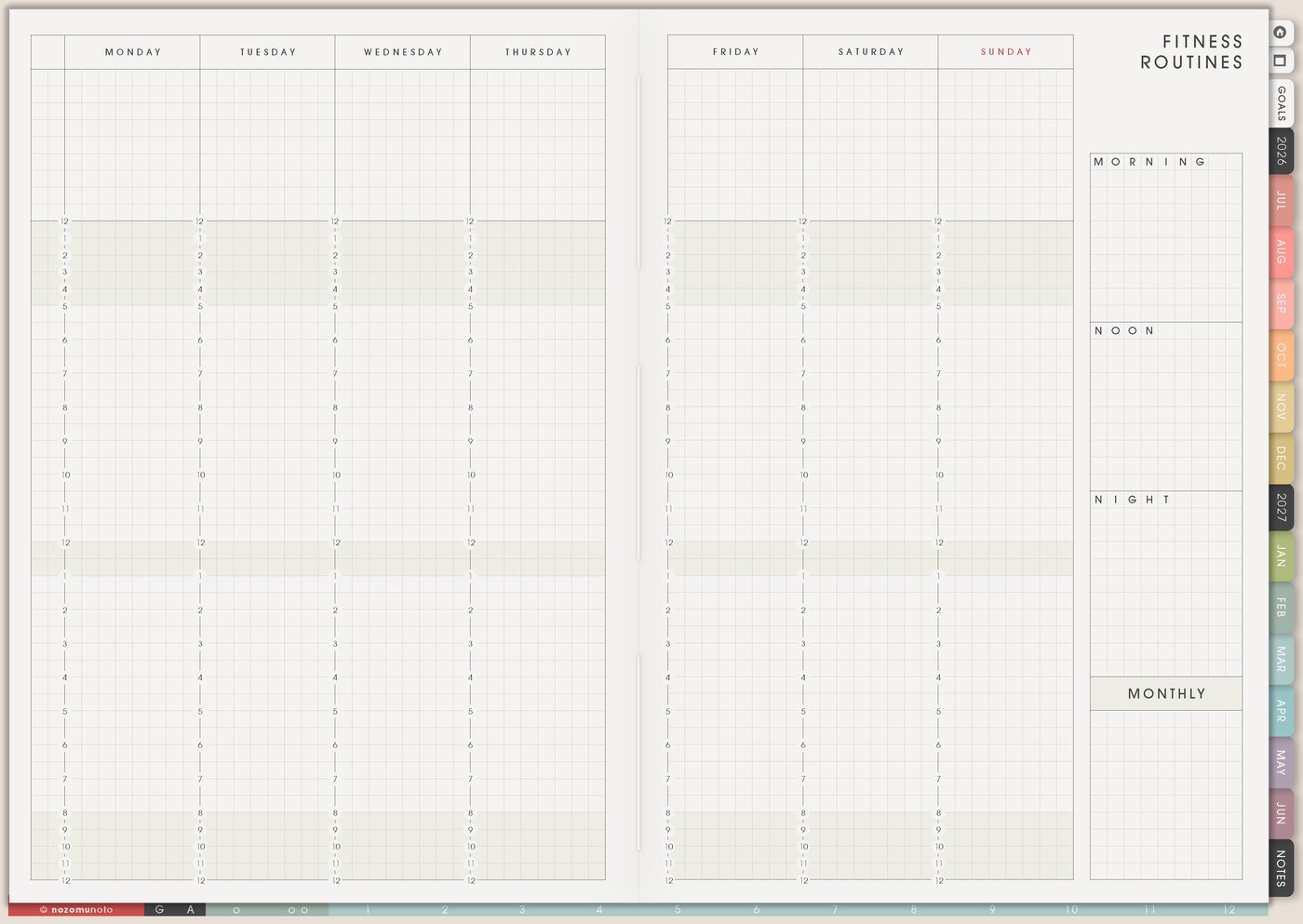
Use Fitness Routines for normal and minimum versions. Normal might be strength training, walk, stretch, class, or video. Minimum might be five minutes of stretching, a short walk, one mobility video, clothes ready for tomorrow, or a desk reset.
This keeps movement available on real-life days. A minimum routine is a real routine for the days when time, childcare, energy, weather, or work changes.
Write the cue beside the routine: after coffee, before shower, after school drop-off, lunch break, before bed, or after work shoes come off.
Related Tips: Fitness Routines page ideas has more examples for normal, tiny, short, full, and recovery versions of movement.
5. Use Monthly Workout Tracker for movement and rest
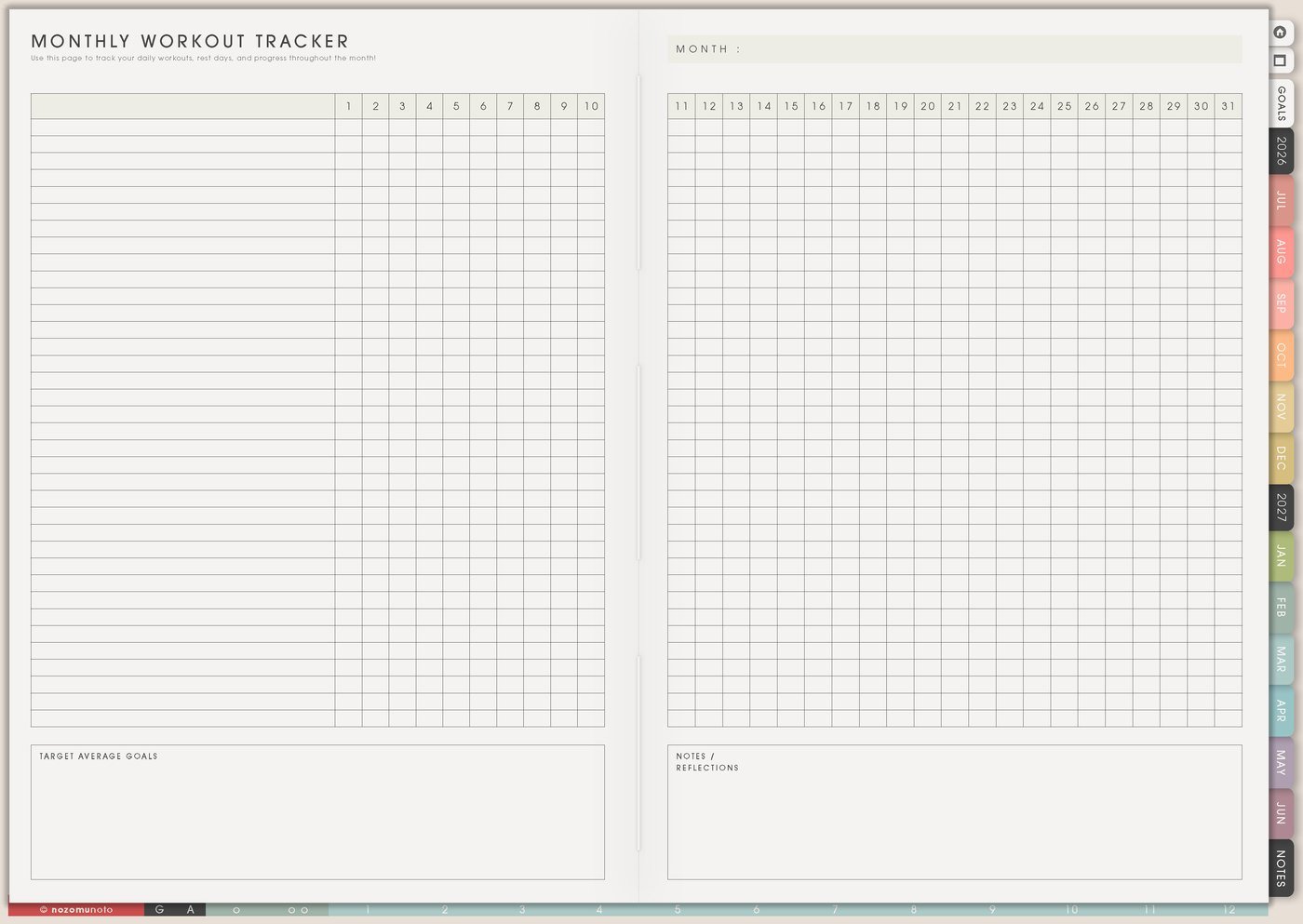
Use Monthly Workout Tracker to mark walks, stretching, strength, mobility, cardio, classes, short routines, rest, recovery, and days when movement looked smaller but still mattered.
Rest can have its own symbol. A tracker becomes more accurate when recovery is visible instead of treated like a blank failure.
At month end, look for the easiest timing pattern. If walks happened after lunch but evening workouts never happened, next month can use that information.
6. Use Meal Planner for realistic food planning
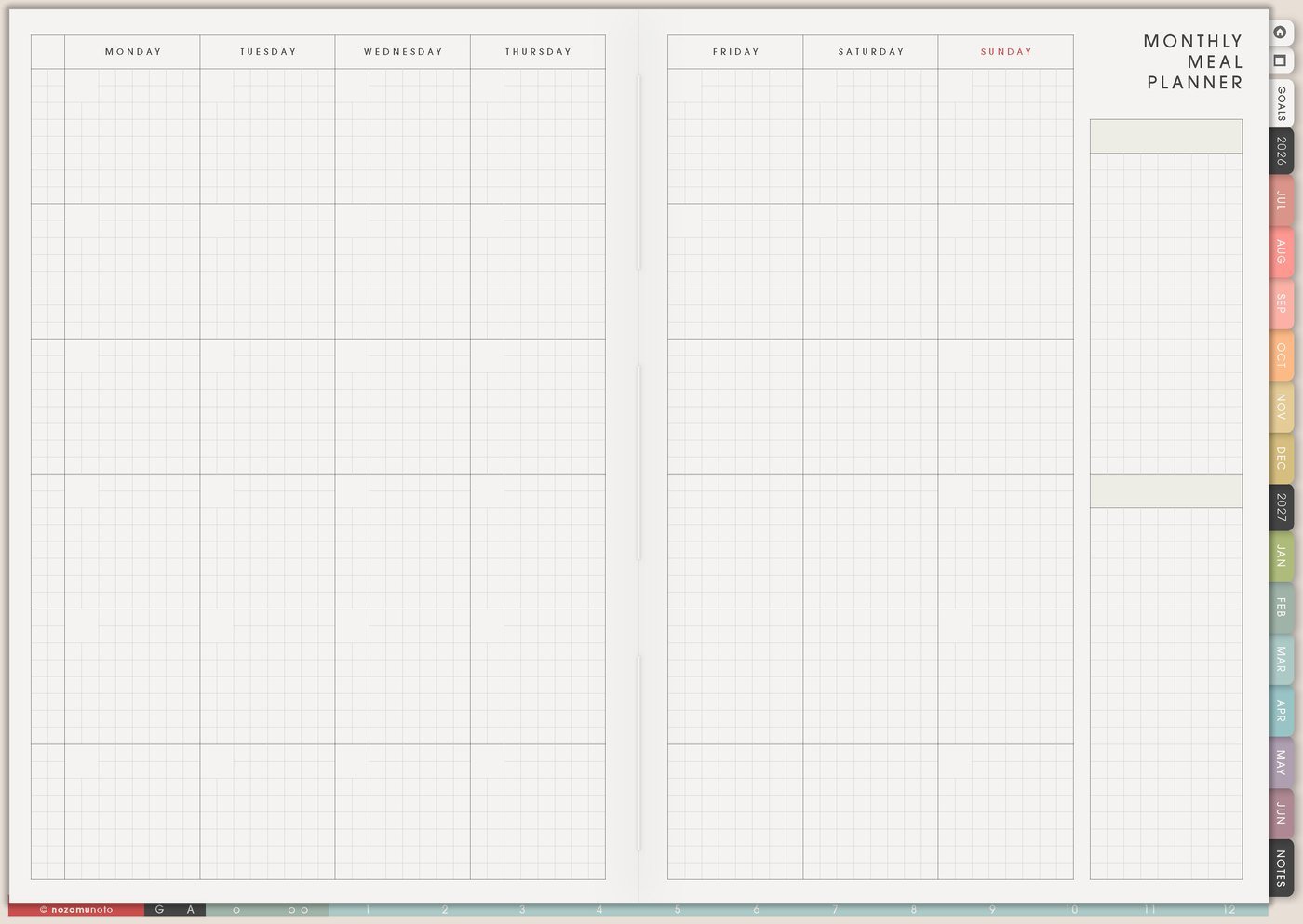
Use Meal Planner for realistic food planning: breakfast defaults, lunch ideas, easy dinners, snacks, grocery staples, freezer backups, hydration reminders, and tired-day meals. This is not about perfect eating. It is about making the next meal easier to choose.
I plan the low-energy option first. If Tuesday is always busy, Tuesday can have the easiest meal on purpose. If mornings are chaotic, breakfast can have two repeat options instead of a new decision every day.
Food planning helps most when it reduces decisions before everybody is tired, especially on work days, school days, and caregiving days.
7. Use Weekly Review for patterns and questions
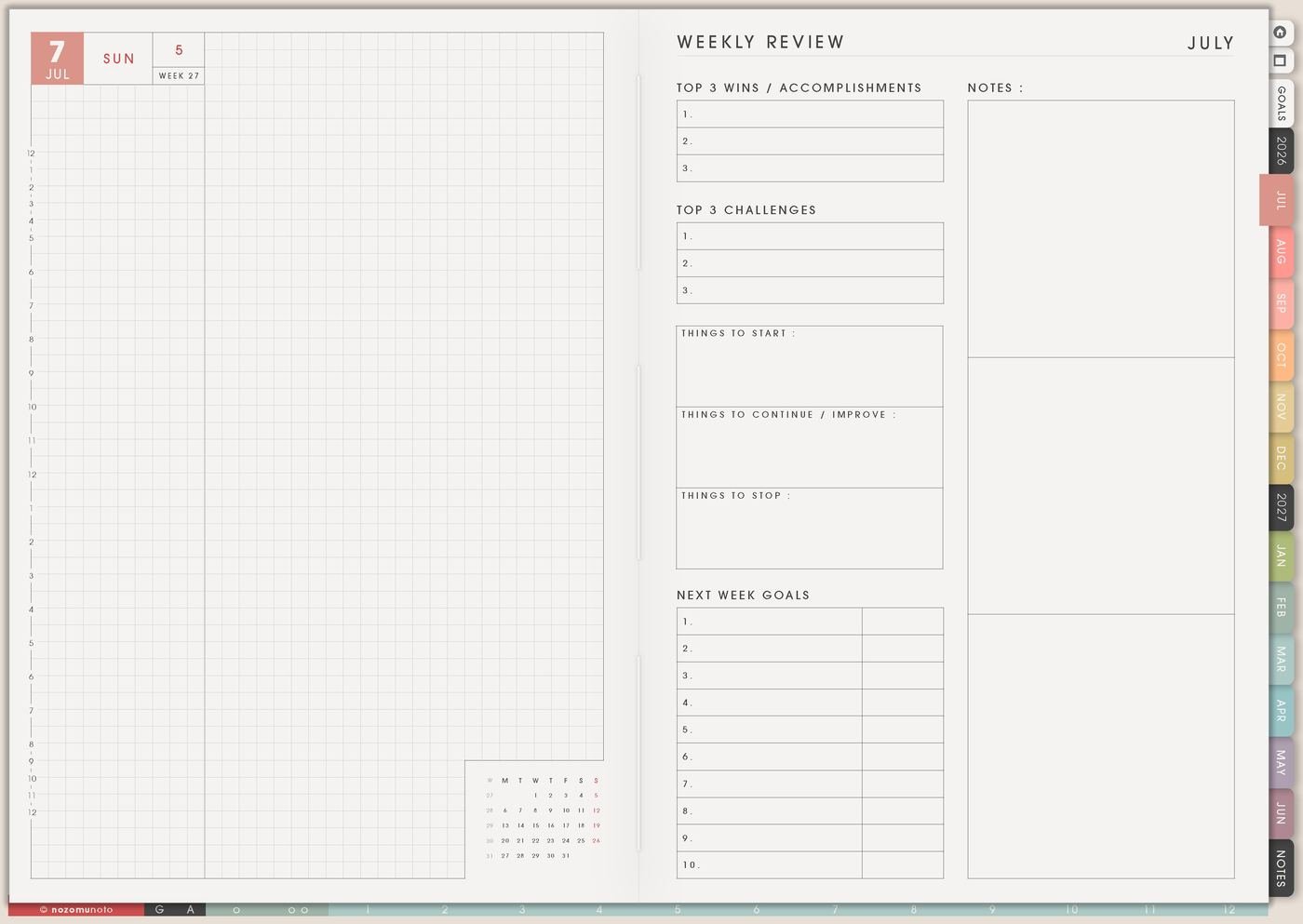
Use Weekly Review to ask what helped, what made the week harder, what got missed, what appointment or refill is coming, what movement was easiest, what food plan worked, and what question should be saved for the next appointment.
Write one useful note, not a judgment. A health review should help you understand the week and choose the next question, not punish you for being human.
If something feels sudden, severe, unsafe, or very different from normal, get appropriate professional or urgent help first. The planner can hold notes afterward.
Set it up in ten minutes
- Choose one tracking question. Start with sleep, energy, symptoms, refills, movement, meals, or appointments.
- Make a tiny legend. Use three to five symbols only.
- Add refill and appointment dates. Put what needs remembering where you will see it.
- Write one minimum movement routine. Choose the version for low-energy days.
- Choose one food default. Pick a breakfast, lunch, dinner, or snack that removes a decision.
- Put one health action on Weekly. Book, refill, walk, prep, ask, pack, rest, or review.
- Review without judging. Write what helped and what question should be saved.
What I usually use it for and how I use it
Tips for using this setup
- Start with one tracking question. Choose sleep, energy, symptoms, refills, movement, meals, or appointments. Three to five marks are enough for a first month.
- Track what helps too. Mark rest, medicine taken, easy meal, walk, appointment done, water, stretch, or early bedtime so the page shows what helped, not only what hurt.
- Put refills and appointment questions where you will see them. Use Vitamin & Medicine Tracker or Weekly for dates and questions, then keep longer details in Resources / Tasks.
- Write tiny, short, full, and recovery versions of movement. The tiny version counts on real-life days when time, weather, work, or caregiving changes the plan.
- Plan repeat meals and tired-day food first. Add new meals only where the week has room, budget, dishes, and energy.
- Turn notes into appointment questions. During Weekly Review, write one plain-language question: should I mention this pattern, what should I track next, or what changed this month?
- Get help before decorating the tracker. If something feels sudden, severe, unsafe, or very different from normal, get appropriate professional or urgent help first and use the planner afterward for dates, notes, and follow-up.
When you need setup help
For the health and fitness workflow, use Yearly Health Tracker for long patterns, Monthly Health Tracker for the current question, Vitamin & Medicine Tracker for refills and routines, Fitness Routines for normal and minimum movement, Meal Planner for tired-day food, and Weekly Review for useful questions. If the technical step is unclear, like importing Yume Techo, copying a tracker, adding images, or using hyperlinks, use the NozomuNoto Help Center for app-specific steps.
Final thought
A health planner should make the week easier to understand, not heavier to live through. I hope this setup helps you track one useful question, keep refills visible, make movement and food realistic, and turn review into one next step you can actually use!