
I use this Yume Techo journaling setup when I want reflection without needing to fill a perfect diary page every day. It helps me keep prompts, one-line memories, weekly reflection, favorite quotes, memory photos, future-self notes, and tiny proof that real life happened.
For me, journaling has to fit between parenting, work, study, shop tasks, music practice, and the days when my brain is already full. Journal Prompts gives me a starting question, One Line A Day keeps the tiny record, Weekly Review turns reflection into one next adjustment, and Memory Photos saves the moments words sometimes miss.
Use case ideas for journaling and reflection in Yume Techo
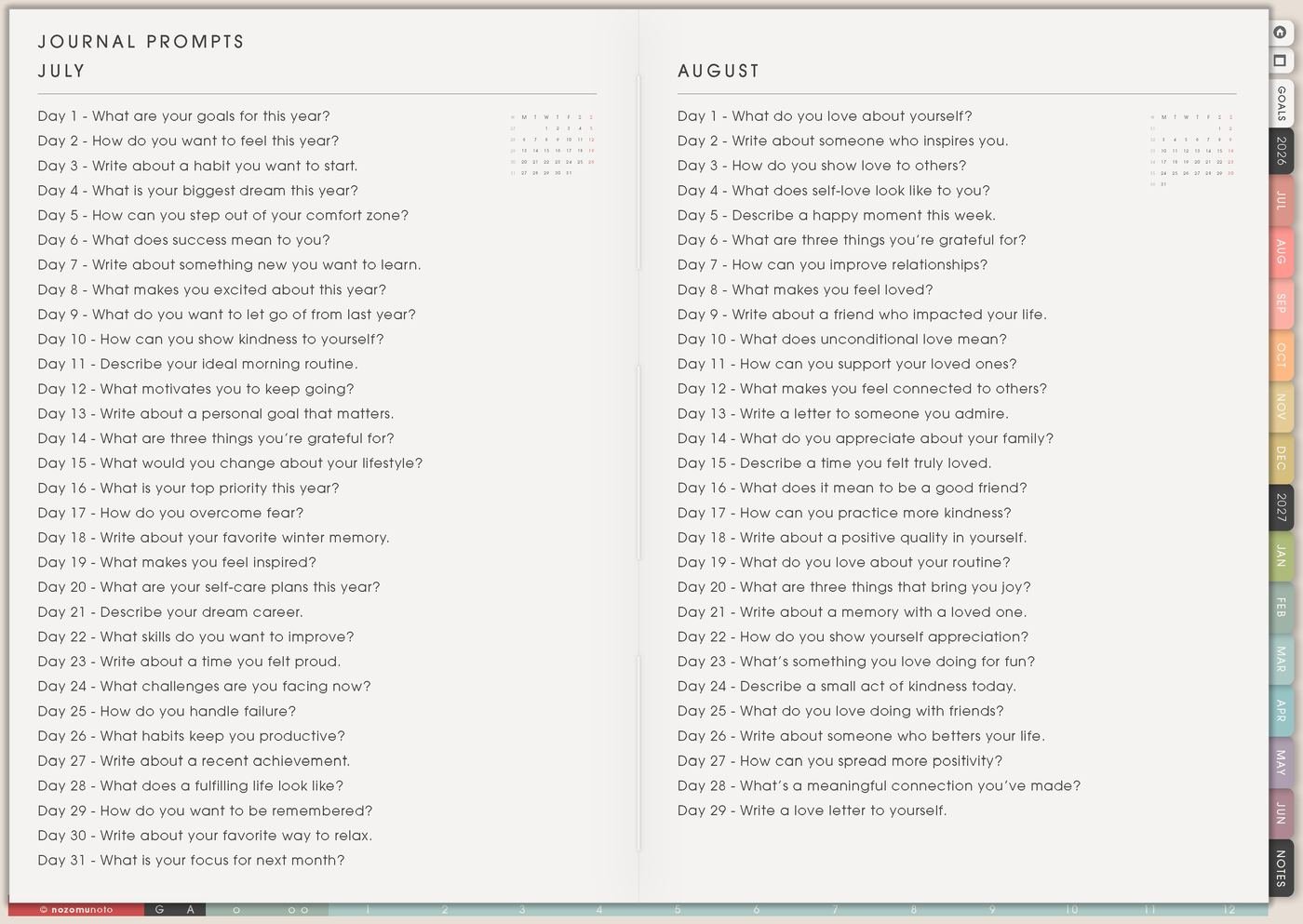
1. Use Journal Prompts when your mind is blank
Use Journal Prompts when you want to write but the page feels too open. Choose one question only. A good prompt should open the door, not ask you to explain your entire life before breakfast.
Try prompts like: What felt heavy today? What helped? What do I want to remember? What am I avoiding? What could make tomorrow easier? What was one tiny good thing? What should be smaller next week?
If the answer feels too big, write three lines. If three lines feels too big, write one sentence. A short honest answer is still journaling!
Related Tips: 31 Things and journal prompts has more short-list ideas for reflective writing.
2. Use One Line A Day – Journal for tiny consistency
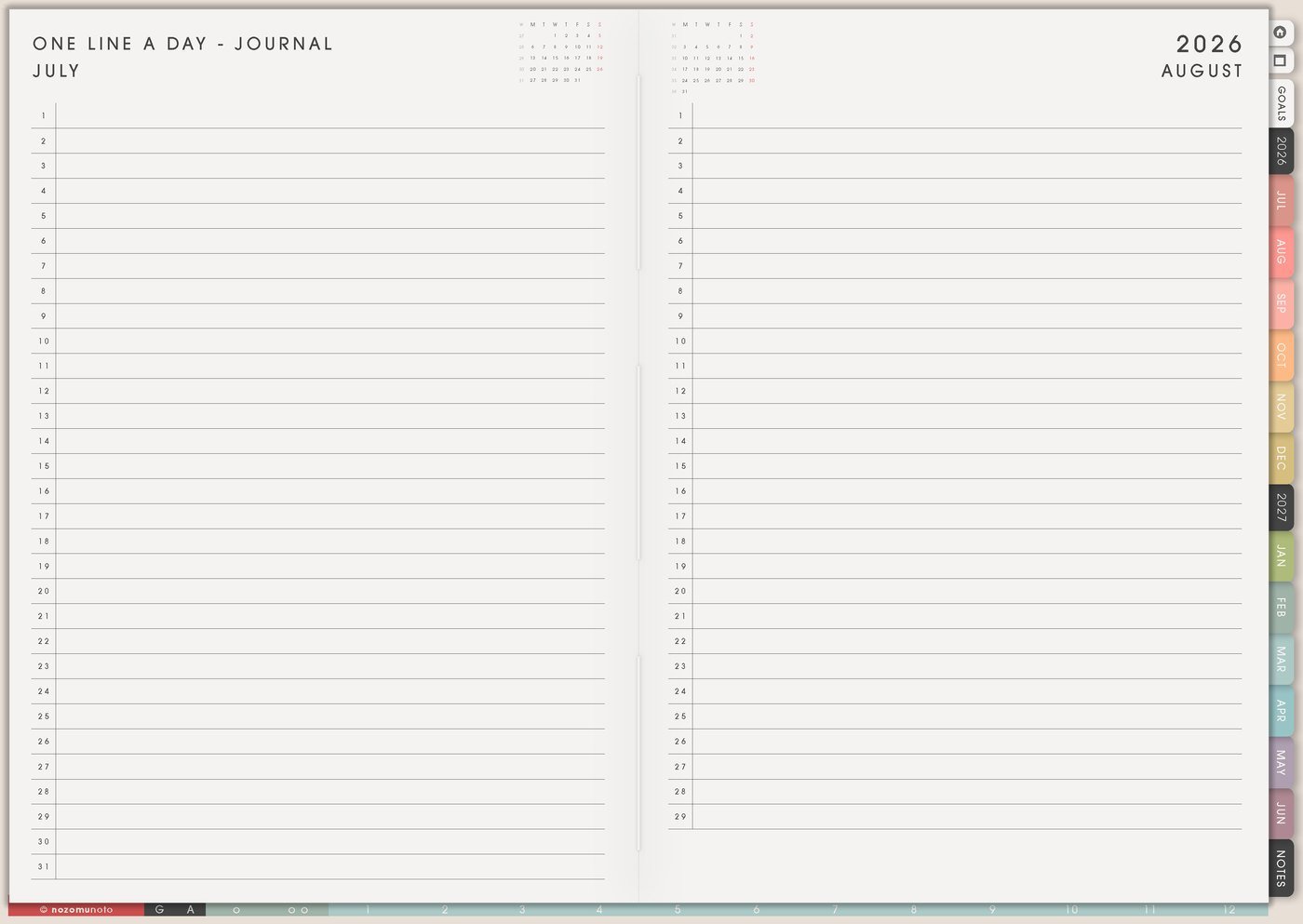
Use One Line A Day – Journal for the days when a full journal page is too much. One line can hold mood, weather, energy, memory, gratitude, the main event, or the sentence you want future-you to see.
Examples: tired but proud I mailed the package, hard morning and better evening, cooked dinner even though I wanted to quit, my son said something funny, opened the planner again, finished one scary email, or the rain made the room feel peaceful.
This page is especially good for busy seasons because it keeps the thread alive. A perfect streak is unnecessary. You only need a small place to come back to.
Related Tips: One Line A Day – Journal page ideas gives more examples for tiny daily notes.
3. Use Weekly Review to turn reflection into a next step
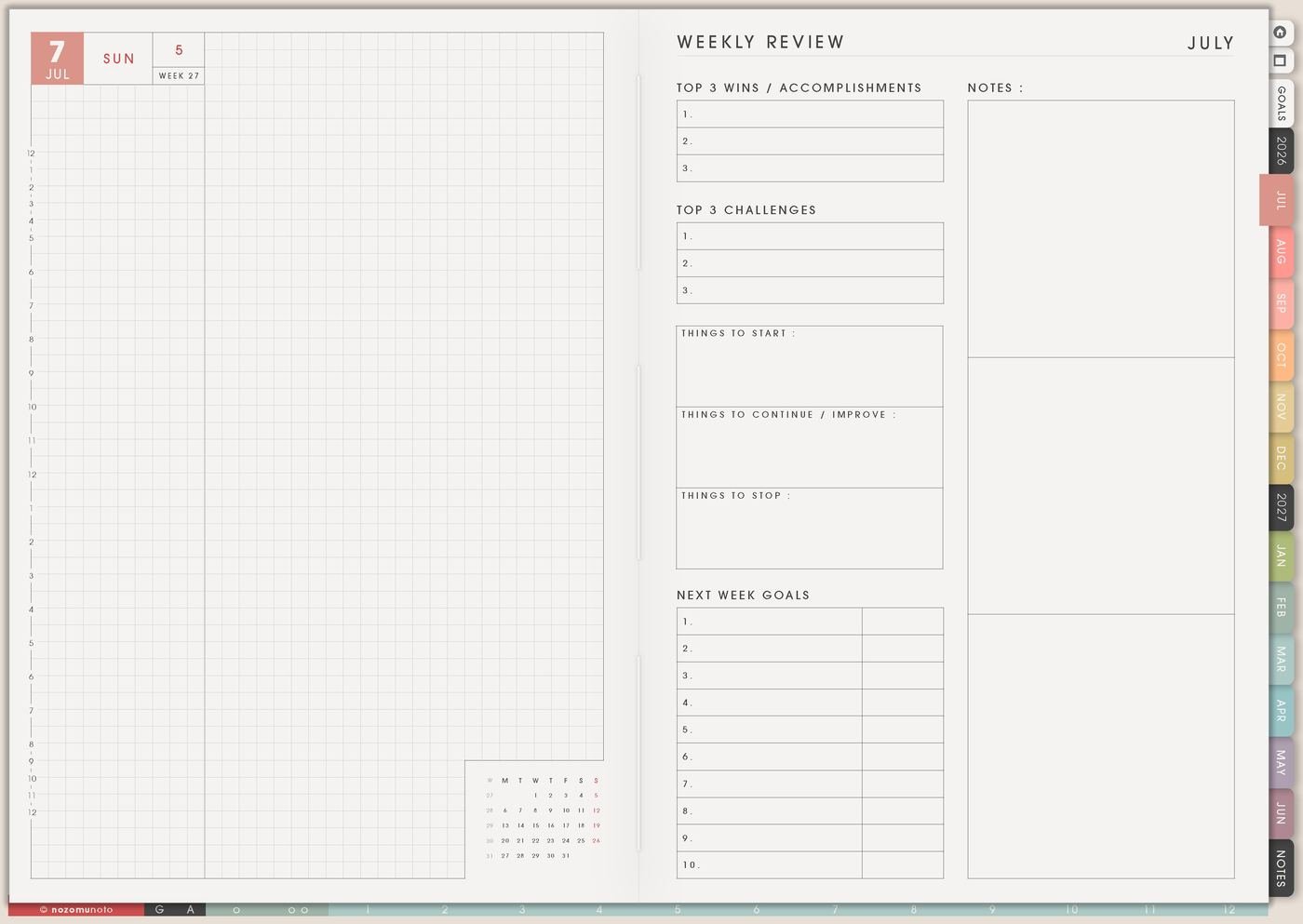
Use Weekly Review when you want journaling to help the next week, not only describe the last one. Write what worked, what was hard, what still matters, what can be smaller, and one tiny adjustment to try.
For example, if the week says mornings were chaotic, the reflection can become put bag by the door, choose breakfast default, write the first task at night, or keep Monday lighter. Reflection becomes useful when it changes one real choice.
A useful review can be five lines: one win, one hard thing, one pattern, one thing to release, and one tiny adjustment for next week.
4. Use Memory Photos for moments words miss
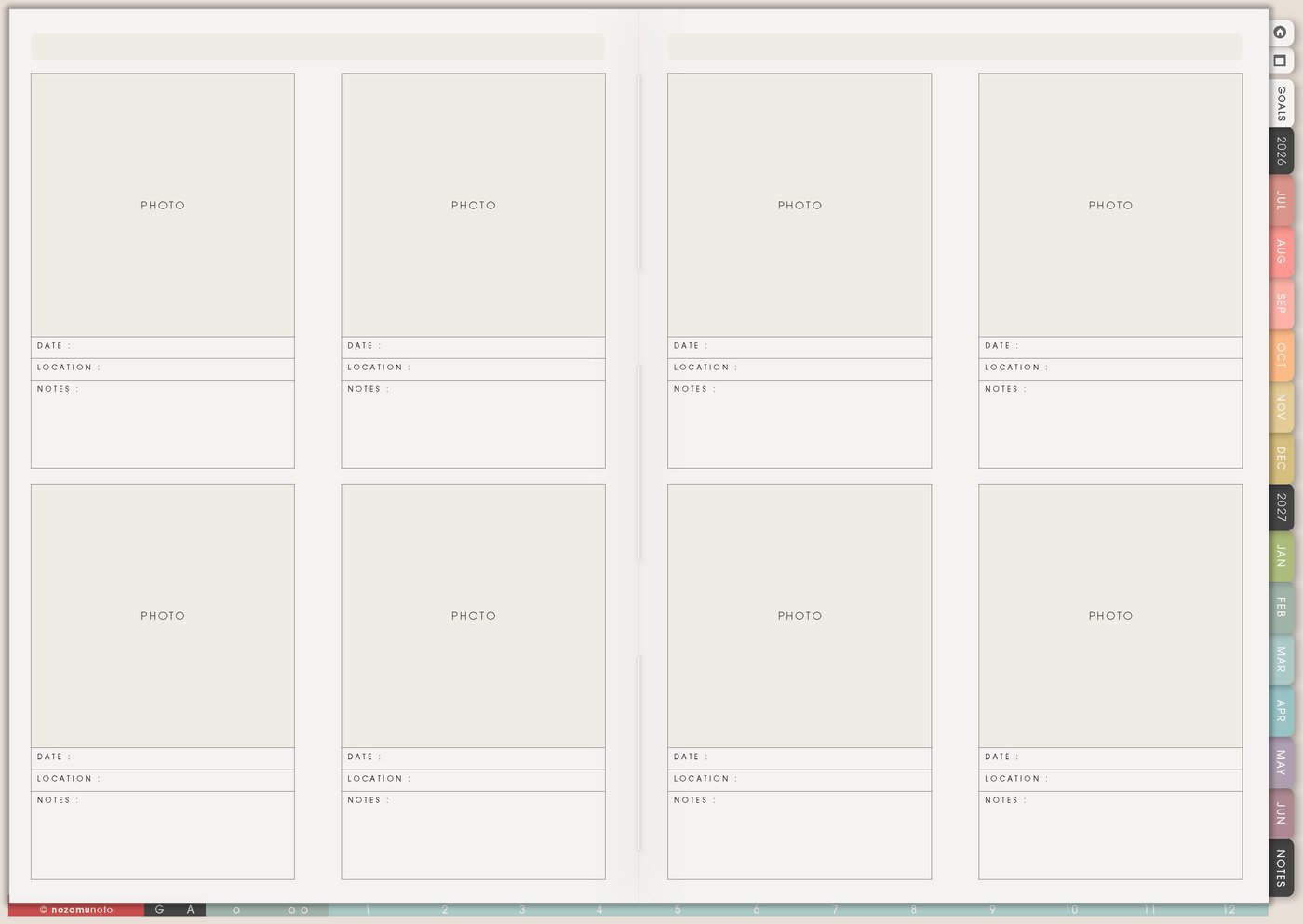
Use Memory Photos for ordinary proof: a meal, finished project, child drawing, shop milestone, garden corner, desk, walk, sunset, book page, outfit, sweet note copied without names, or tiny before-and-after.
Add one short caption under each image: where, when, and why it mattered. The caption is what turns a pretty photo into a memory. It can be simple: first quiet coffee in weeks, finally finished, favorite soup, or proof that the day had a good piece too.
Every photo does not need to go in the planner. Choose the few that tell the emotional story of the week or month.
For anything sensitive, I keep full names, faces, addresses, raw private messages, and heavy memories somewhere safer. The planner can hold the reminder without holding every private detail.
Related Tips: Memory Photos page ideas gives more ways to choose photos that carry the real story.
5. Use Favorite Quotes for words you return to
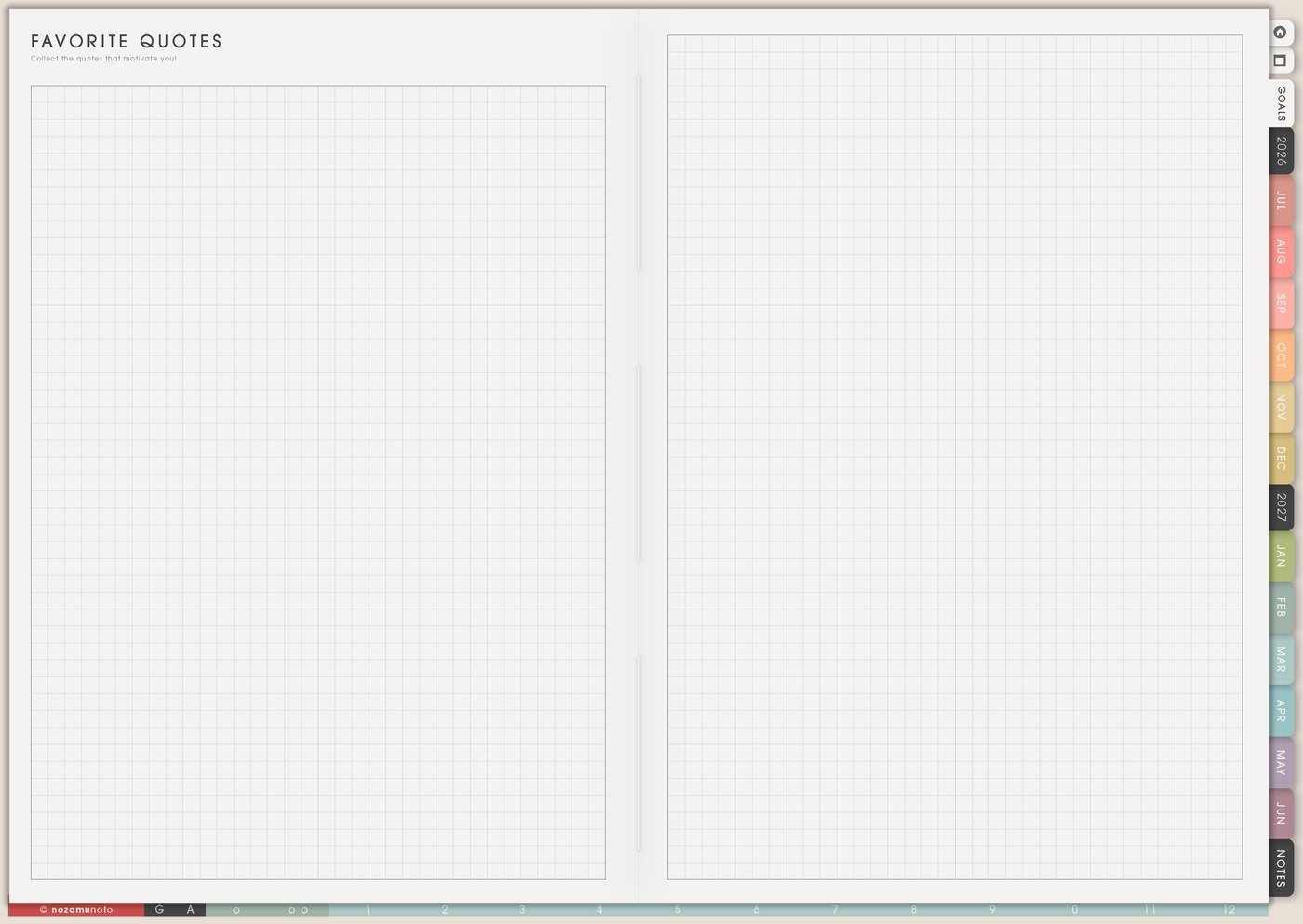
Use Favorite Quotes for book lines, Bible verses, therapist notes, advice from a friend, song titles that remind you of a season, or your own sentence from a hard day. Add why the words matter so the page becomes personal, not just decorative.
For example, under a quote about courage, write use this before the email. Under a verse about patience, write read this before answering while upset. Under your own sentence, write this helped me restart.
Quotes are strongest when they point back to a real moment.
Related Tips: Favorite Quotes page ideas has more examples for saved words that lead to action.
6. Use Best Life Moments for memories you want close
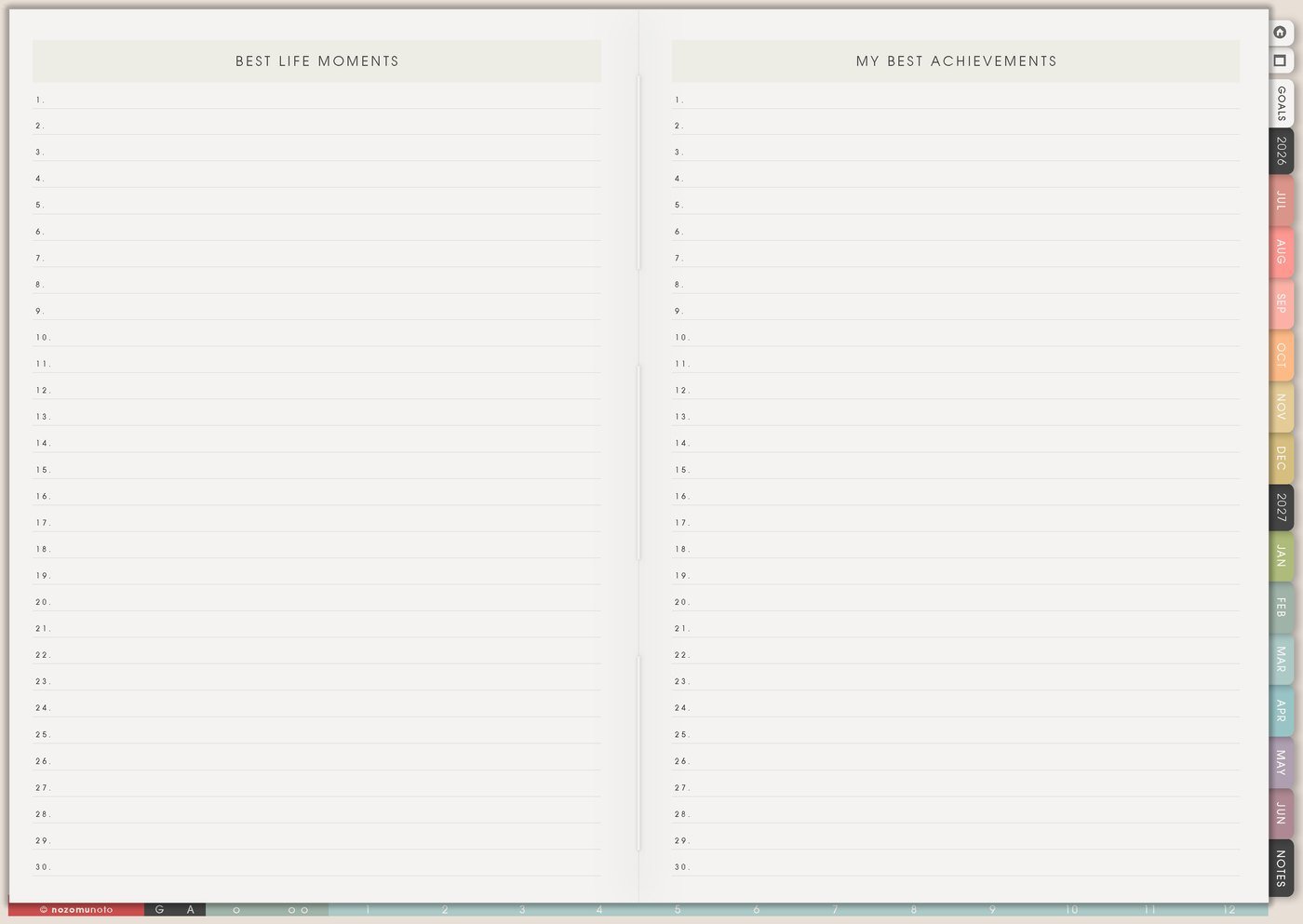
Use Best Life Moments for milestones and tiny wins: birthday, trip, finished course, product launch, hard conversation, peaceful morning, first sale, a child milestone, a friendship moment, or a day that felt like yourself again.
This page can hold small proof too. Finished the scary task, rested without guilt, made a simple dinner, went outside, or came back to the planner can belong there.
Write the date and why it mattered. The why is the treasure.
7. Use Future Self Note when you need a reset
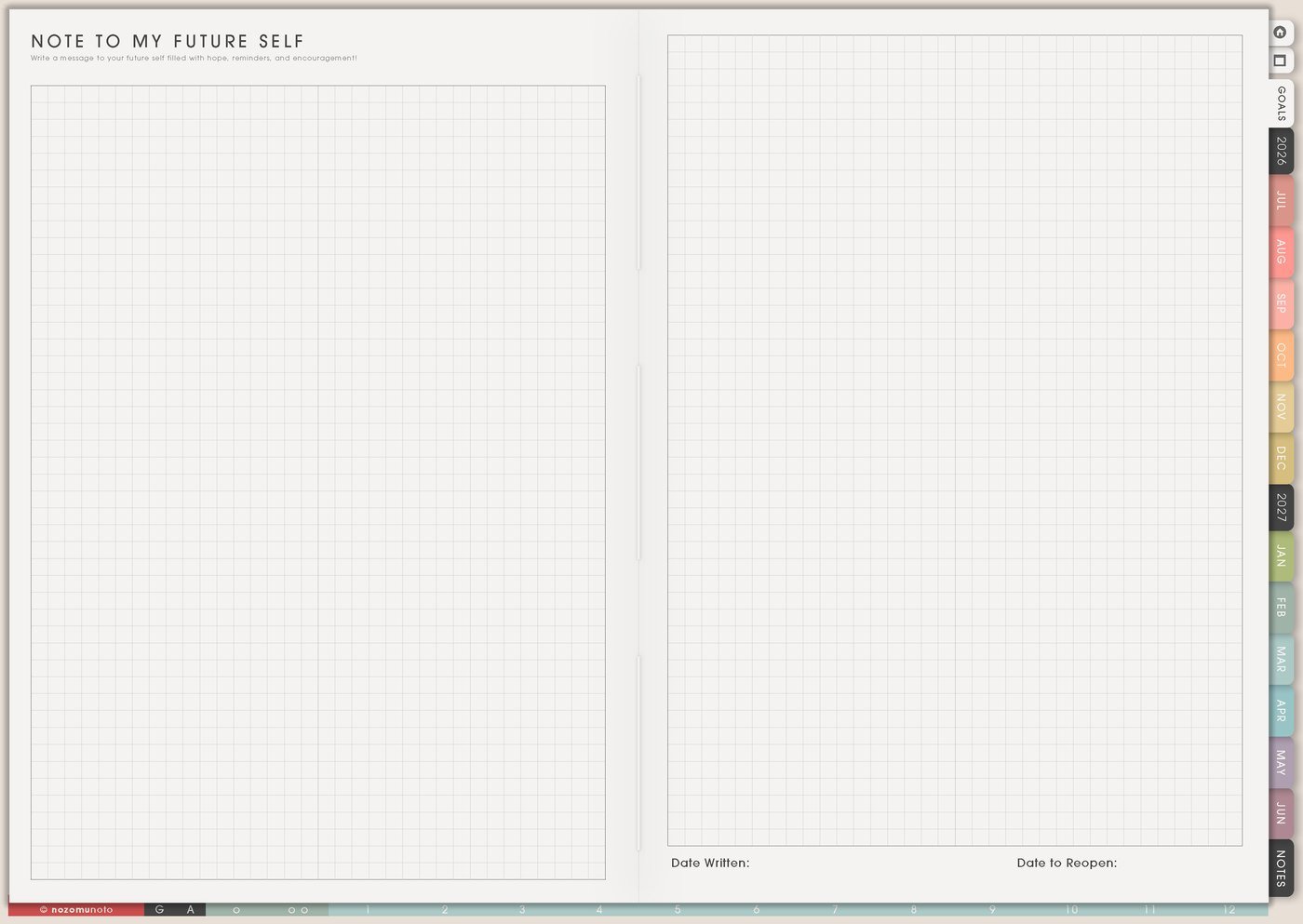
Use Future Self Note for a letter you can reread later: what you are working through, what you are proud of, what you hope feels easier, what you are learning, and what you want to remember when the season changes.
Try writing it like you are talking to a friend. You can say: this season is messy, but you are still showing up; remember what helped; keep the routines that gave you breathing room; restart from today.
This page is useful for birthdays, New Year, school year starts, after burnout, after moving, before a big project, or anytime you need a smaller restart.
Set it up in ten minutes
- Choose one main journal page. Start with Journal Prompts or One Line A Day – Journal.
- Pick a tiny writing rule. One sentence counts. Three lines count. A photo with a caption counts.
- Choose a review day. Weekly Review is where reflection becomes one next adjustment.
- Create one memory page. Use Memory Photos or Best Life Moments for ordinary proof.
- Save one quote or sentence. Add why it matters and when to return to it.
- Write a restart rule. If days are missed, restart today with one line.
- Keep private things private. Use short words, symbols, or a separate private note if a thought feels too sensitive.
What I usually use it for and how I use it
Tips for using this setup
- Answer one prompt only. One sentence counts, and three lines can be a full entry when the day has no room for more.
- Add ordinary proof too. Use One Line A Day or Memory Photos for good soup, clean sheets, sent the email, funny message, small walk, or a quiet morning.
- Use different sizes for different days. One line for normal days, one prompt for thoughtful days, and a longer entry only when it genuinely helps.
- Restart with today. If days are missed, write one line for today. If one missed detail matters, save it as a memory note or photo caption.
- End reflection with one next step. Mornings are stressful can become pack bag at night, choose breakfast default, or put the first task on Daily before bed.
- Caption photos and quotes. Add why it mattered, when to return to it, or what tiny action it reminds you to take.
- Use a safer format for private thoughts. Use initials, symbols, short phrases, or a private note app for sensitive details. The planner can hold the reminder without holding every private word.
When you need setup help
For the journaling workflow, use Journal Prompts when the page feels blank, One Line A Day – Journal for tiny memories, Weekly Review for patterns, Memory Photos for moments, Favorite Quotes for lines worth keeping, and Future Self Note for longer reflection. If the technical step gets confusing, like importing Yume Techo, adding photos, copying pages, or using hyperlinks, use the NozomuNoto Help Center for app-specific steps.
Final thought
Journaling can stay short and still be meaningful. I hope this setup helps you use a sentence, a prompt, a photo caption, a quote note, or a weekly reflection to make ordinary life visible in the season you are actually in!