
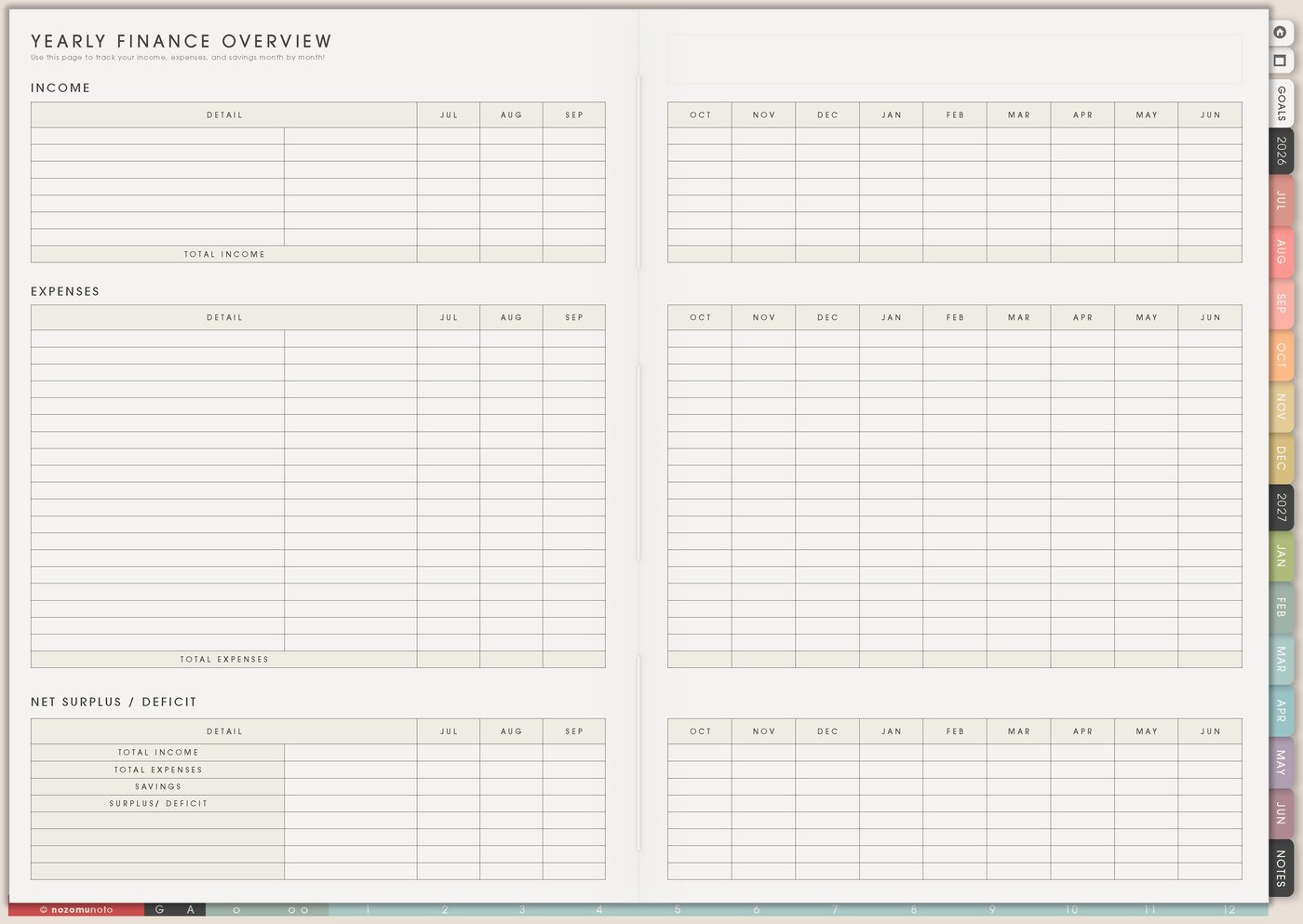
I use this Yume Techo budget and finance setup to make money dates, renewals, orders, subscriptions, savings goals, spending patterns, and next money actions easier to see.
For me, money planning has to work in expensive Japan with family costs, school needs, shop tools, app subscriptions, taxes, groceries, and the surprise expenses that appear at the worst time. I use Yume Techo for review-level visibility: what is due, what renewed, what surprised me, what needs saving for, and what action belongs this week.
Use case ideas for a budget and finance planner
1. Use Yearly Finance Overview for money seasons
Use Yearly Finance Overview for the costs that are easy to forget because they are not weekly: annual subscriptions, taxes, insurance, school fees, planner app renewals, holidays, birthdays, travel, business expenses, medical appointments, and months that usually run high.
I mark expensive months before they arrive. If December has gifts, school events, travel, and yearly renewals, the page can help me prepare in October or November instead of discovering the whole pile at once.
- Write here: annual bills, renewal months, tax dates, gift seasons, travel costs, school costs, savings targets, and known high-spend months.
- Use it for: seeing what needs preparation before Monthly and Weekly get crowded.
Related Tips: Yearly Finance Overview page ideas has more examples for yearly money patterns, fees, renewals, and check-in dates.
2. Use Recurring Bills / Subscriptions for fixed costs
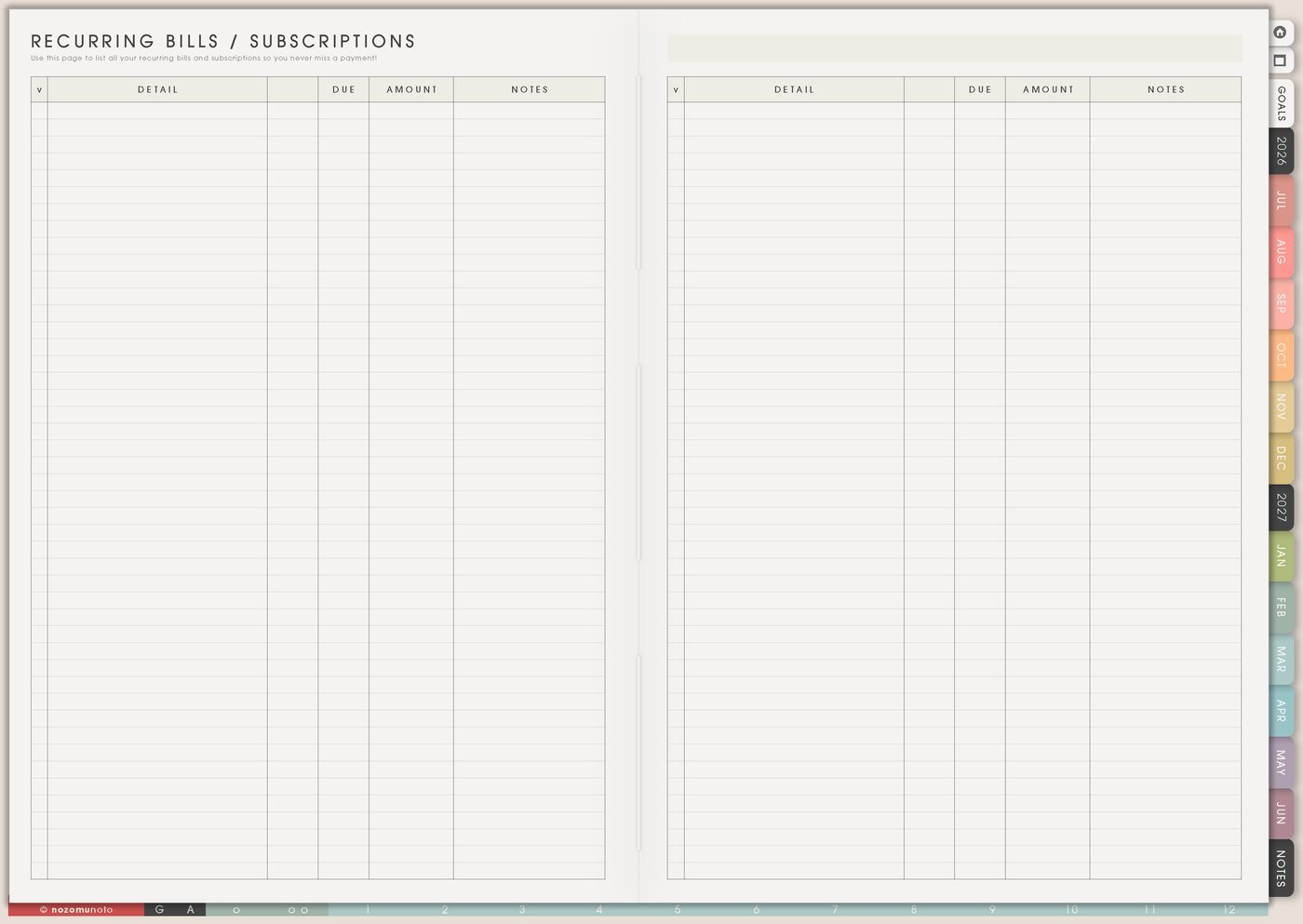
Use Recurring Bills / Subscriptions for rent, utilities, phone, internet, insurance, app subscriptions, memberships, school payments, software, cloud storage, website tools, and anything that repeats quietly.
Write the amount, due date, payment type or where to check, renewal date, cancel-by date, and whether to keep, cancel, pause, downgrade, or review. The page becomes useful when it helps you make a decision, not only record a bill.
For trials, add a review date before the renewal date. A trial is easier to handle when the planner tells you when to choose.
Related Tips: Recurring Bills / Subscriptions page ideas gives more ways to track renewals before they become surprises.
3. Use Money In And Out for simple monthly awareness
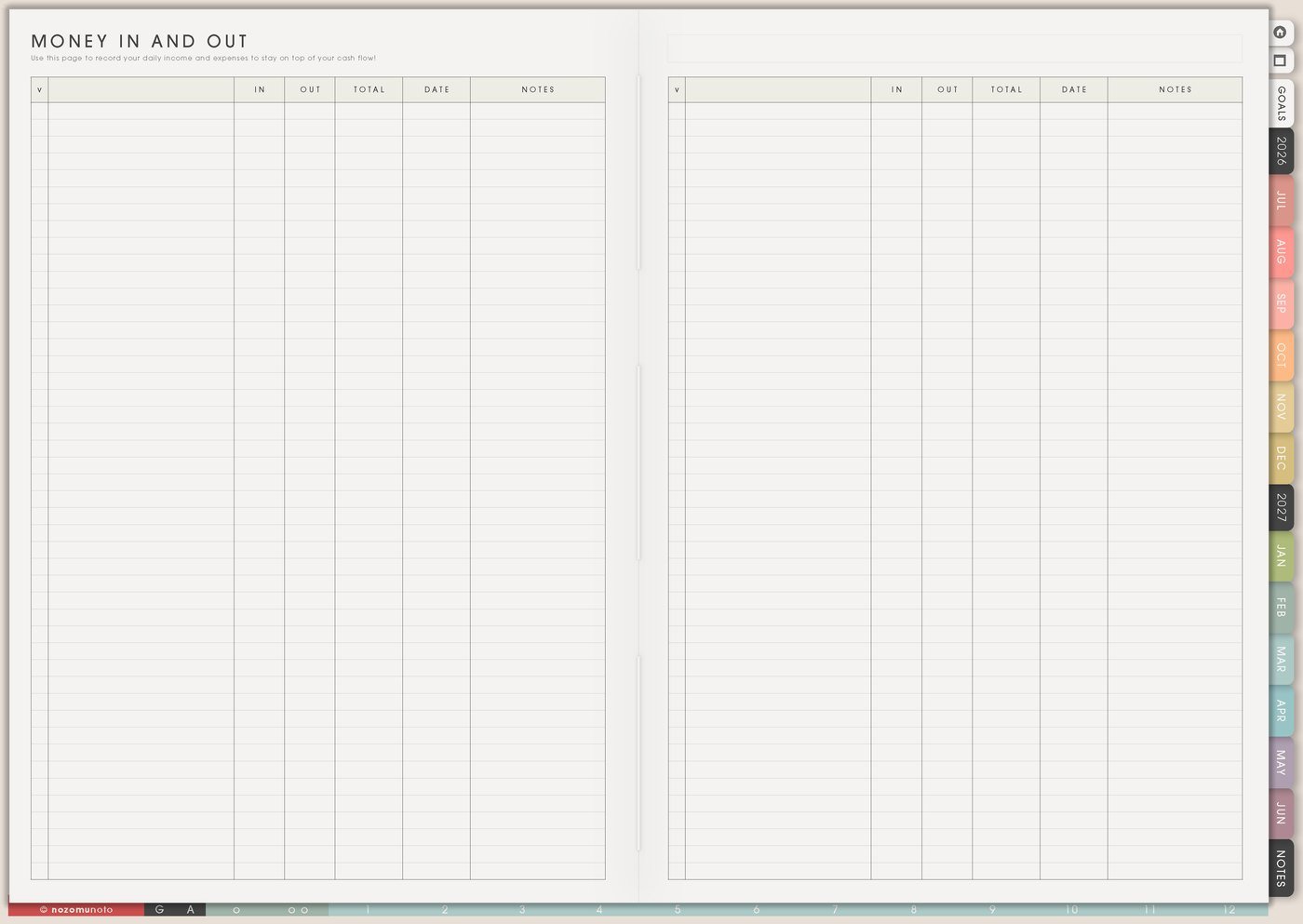
Use Money In And Out when you want a simple monthly view instead of full receipt tracking. Track broad categories: income, bills, groceries, home, health, school, kids, business, gifts, fun, savings, debt, and surprise spending.
If even that feels too much, use three lines: money in, money out, and what surprised me. A simple page I actually review is better than a perfect system I avoid after two days.
This page is good for noticing patterns: groceries are rising, takeout happens on late nights, subscriptions are stacking up, business supplies arrive in launch season, or school months cost more than expected.
Related Tips: Money In And Out page ideas has more examples for simple monthly money notes.
4. Use Online Purchase List for orders, returns, and downloads
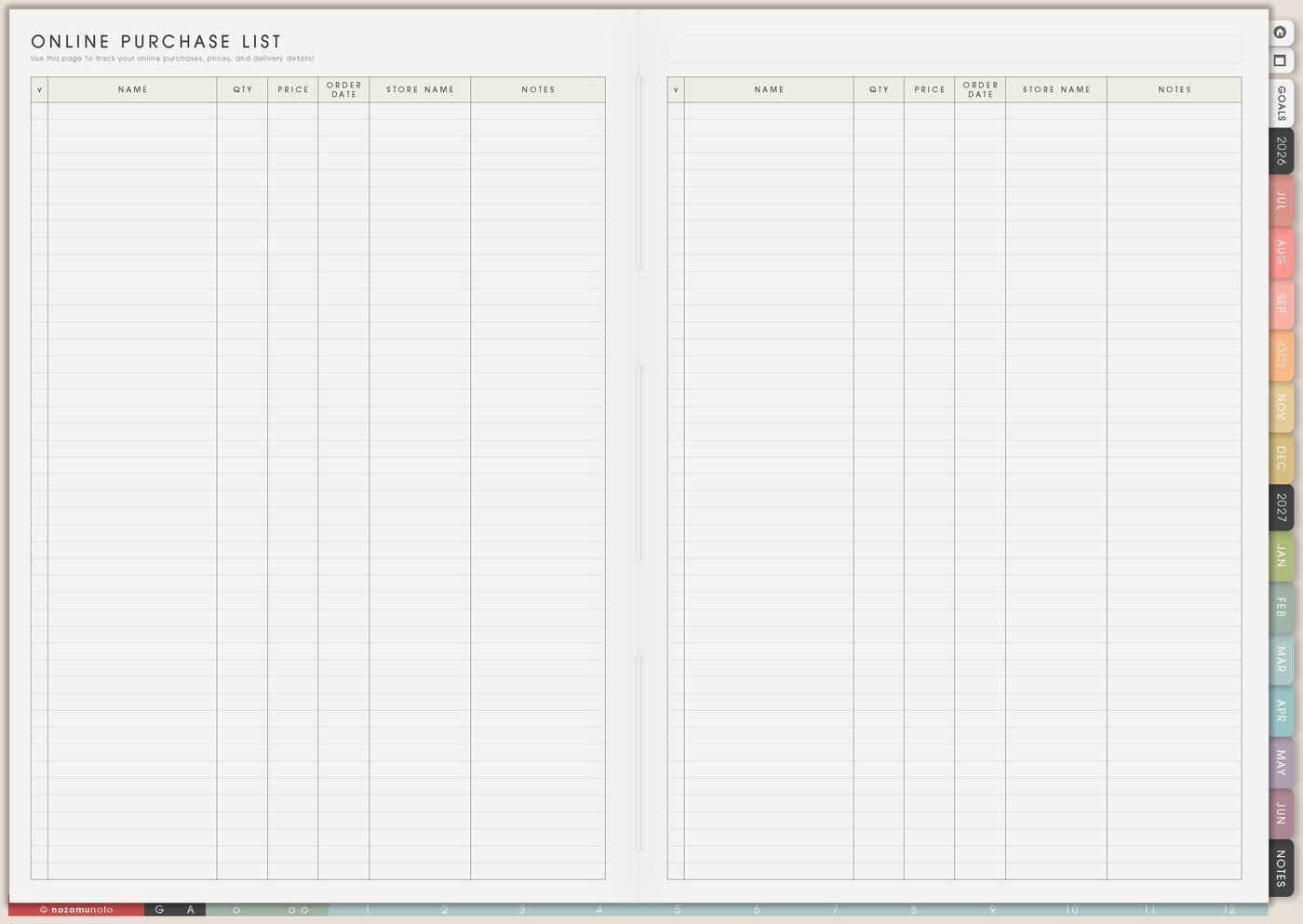
Use Online Purchase List for anything that needs a follow-up: shipped packages, digital downloads, Etsy files, school supplies, gifts, planner stickers, household items, business supplies, returns, refunds, and warranty notes.
Write shop, item, order date, amount, expected date, return window, download status, and next action. This keeps purchases from disappearing into email history.
For digital files, I add one extra column or note for where it was saved. A file is not truly handled until I know where it lives.
Related Tips: Online Purchase List page ideas gives more ways to track orders, returns, downloads, and refunds.
5. Use Wish List as a waiting room, not a shopping command
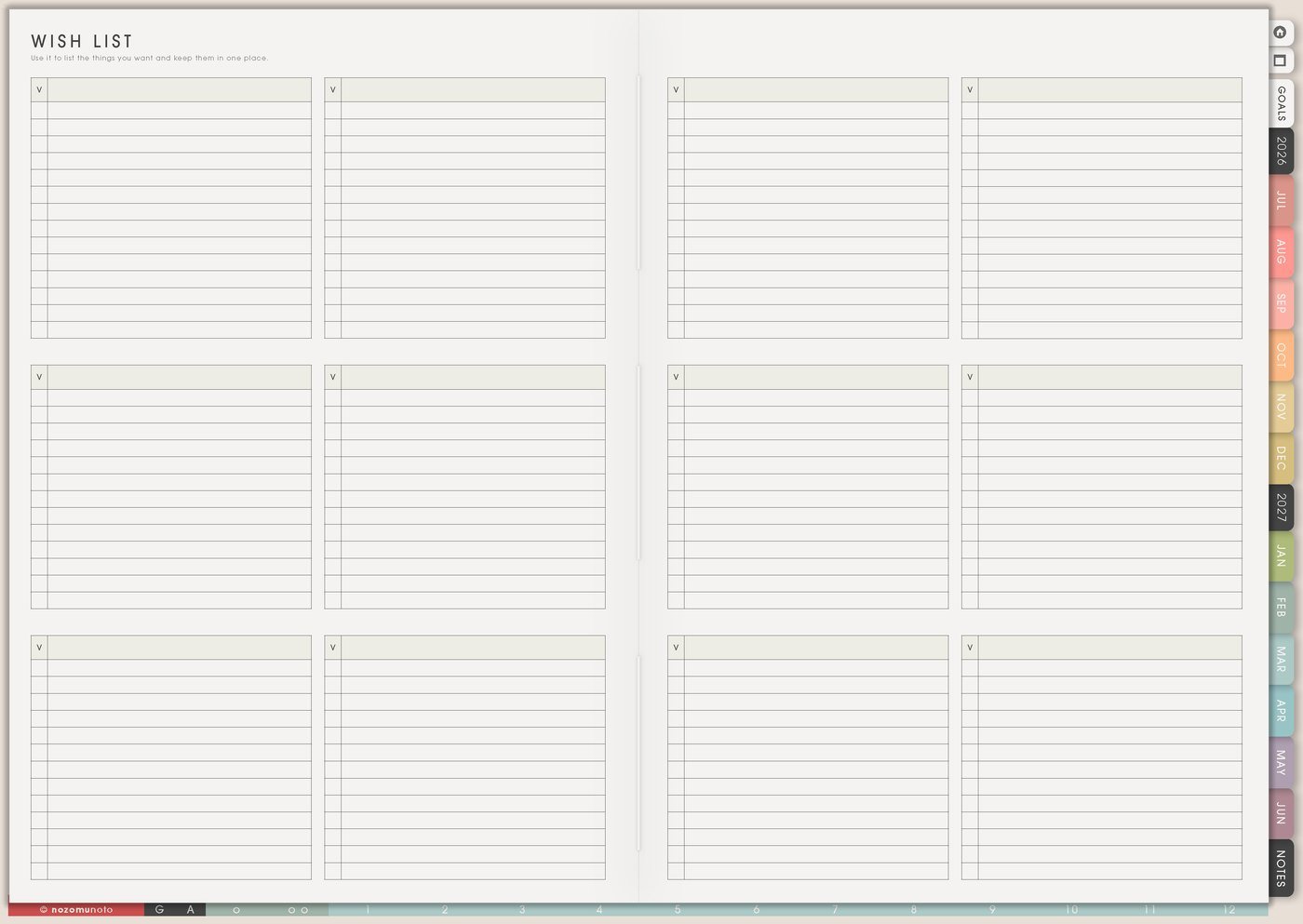
Use Wish List for wants, gift ideas, future tools, home items, books, courses, planner supplies, app upgrades, and nice-to-have purchases. Add why you want it, estimated cost, priority, and a wait-until date.
The wait date is the important part. It lets the page hold the desire without turning every idea into a purchase today.
Try labels like need soon, gift idea, later, compare, borrow first, wait for sale, or no longer needed. The best wish list also helps you release things.
6. Use Weekly for one money action

Use Weekly for the money task that belongs now: pay bill, cancel trial, check refund, move savings, update order list, compare two options, ask about a charge, review ad spend, plan groceries, or choose the next budget category to fix.
Weekly should not hold the entire budget. It should hold the next visible action. One small money action each week can make the whole setup feel lighter.
If the money list is huge, choose the action with the nearest consequence first, then the action that will create relief.
7. Use Monthly Overview for a money reset
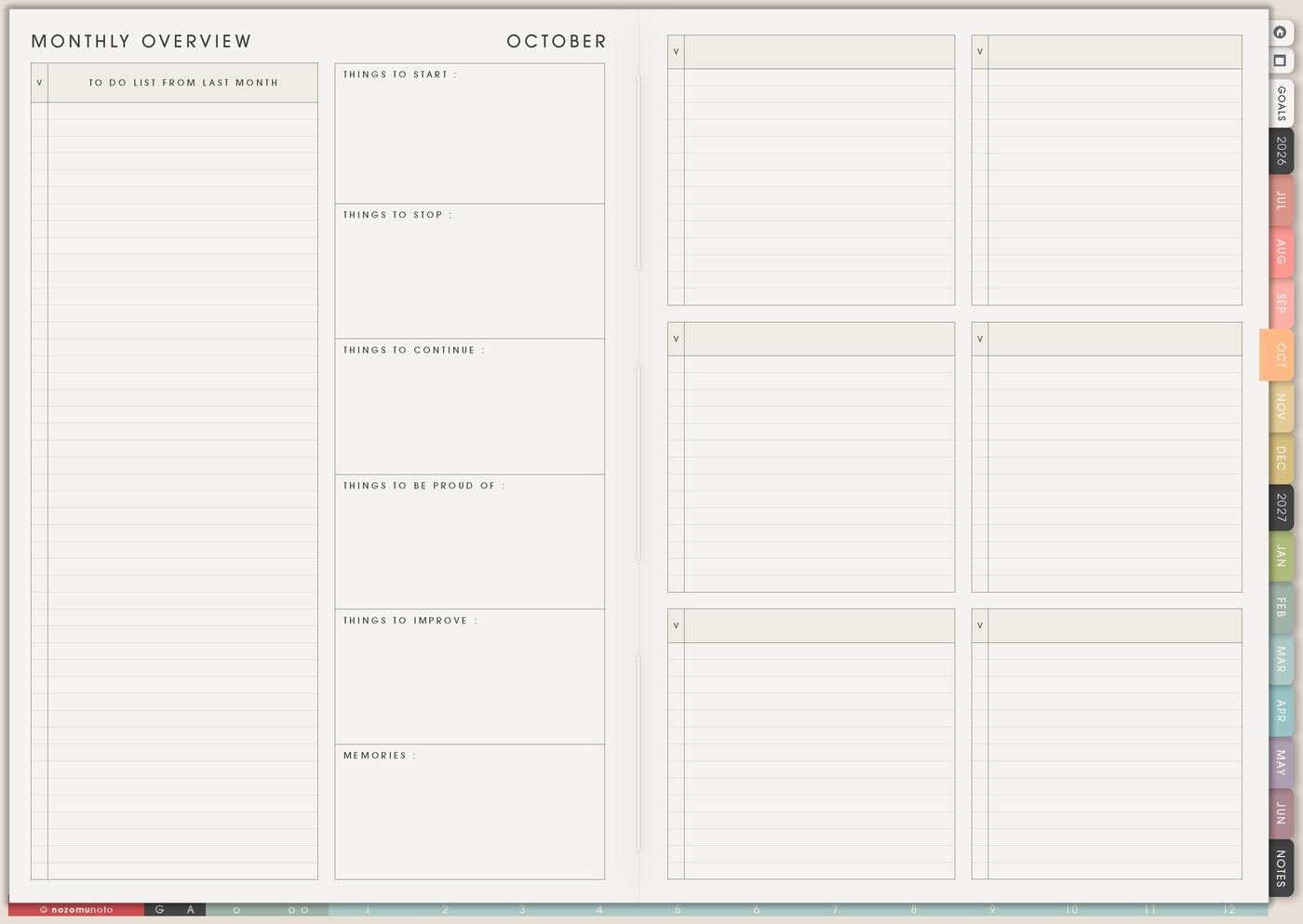
Use Monthly Overview at the end of the month to write what worked, what surprised you, what needs cancelling, what needs saving for, and one adjustment for next month.
Try start, stop, continue: start checking subscriptions before payday, stop buying supplies after midnight, continue putting tax money aside, start a gift sinking fund, stop ignoring returns, or continue one grocery habit that helped.
The reset should end with one next action, not a long list of regret.
Set it up in ten minutes
- Mark annual money seasons. Add renewals, tax dates, holiday costs, school costs, travel, and known expensive months.
- List recurring bills. Add amount, due date, payment method, renewal date, and cancel-by date.
- Choose broad monthly categories. Keep them simple enough to review.
- Add active orders. Track delivery, downloads, returns, refunds, and where files are saved.
- Create a wish-list waiting rule. Add cost, priority, reason, and wait-until date.
- Pick one weekly money action. Choose the nearest consequence or biggest relief.
- Review without rewriting everything. Write one lesson and one adjustment for next month.
What I usually use it for and how I use it
Tips for using this setup
- Keep Yume Techo at review level. Track due dates, renewals, broad categories, surprises, and next decisions. Use a bank app, spreadsheet, or accounting tool for exact records if needed.
- Keep private money details somewhere secure. Use the planner for reminders and categories, not passwords, full card numbers, full account numbers, tax IDs, exact login details, or private financial documents.
- Add renewal and cancel-by dates. Put the review date on Recurring Bills / Subscriptions, then copy it to Monthly or Weekly before the renewal happens.
- Track orders until they are handled. Add shop, item, amount, delivery or download status, return window, saved location, and next action. Move only urgent follow-ups to Weekly.
- Give Wish List a waiting rule. Add wait-until dates and labels: need soon, later, gift idea, compare, borrow first, wait for sale, or no longer needed.
- End monthly review with one neutral lesson. Groceries ran high, plan repeat meals. A bill surprised me, add it to yearly view. Night shopping happened, add a wait date.
- Turn numbers into verbs. Pay, cancel, move, save, return, compare, ask, download, file, or review. One verb belongs on Weekly.
- Make shared costs visible early. Mark school fees, family events, groceries, gifts, repairs, and shared bills on Monthly or Yearly, then move only the next action to Weekly.
When you need setup help
For the finance workflow, use Yearly Finance Overview for expensive seasons, Recurring Bills / Subscriptions for renewals, Money In And Out for the month shape, Online Purchase List for order follow-ups, Wish List for planned buying, and Weekly for one money action. If the technical step is unclear, like importing Yume Techo, copying a finance page, adding links, or using hyperlinks, use the NozomuNoto Help Center for app-specific steps.
Final thought
Money pages are most helpful when they make the next decision clearer. I hope this setup helps you keep the tracking simple, catch renewals before they surprise you, give every wish a waiting place, and let Weekly carry one money action at a time!