
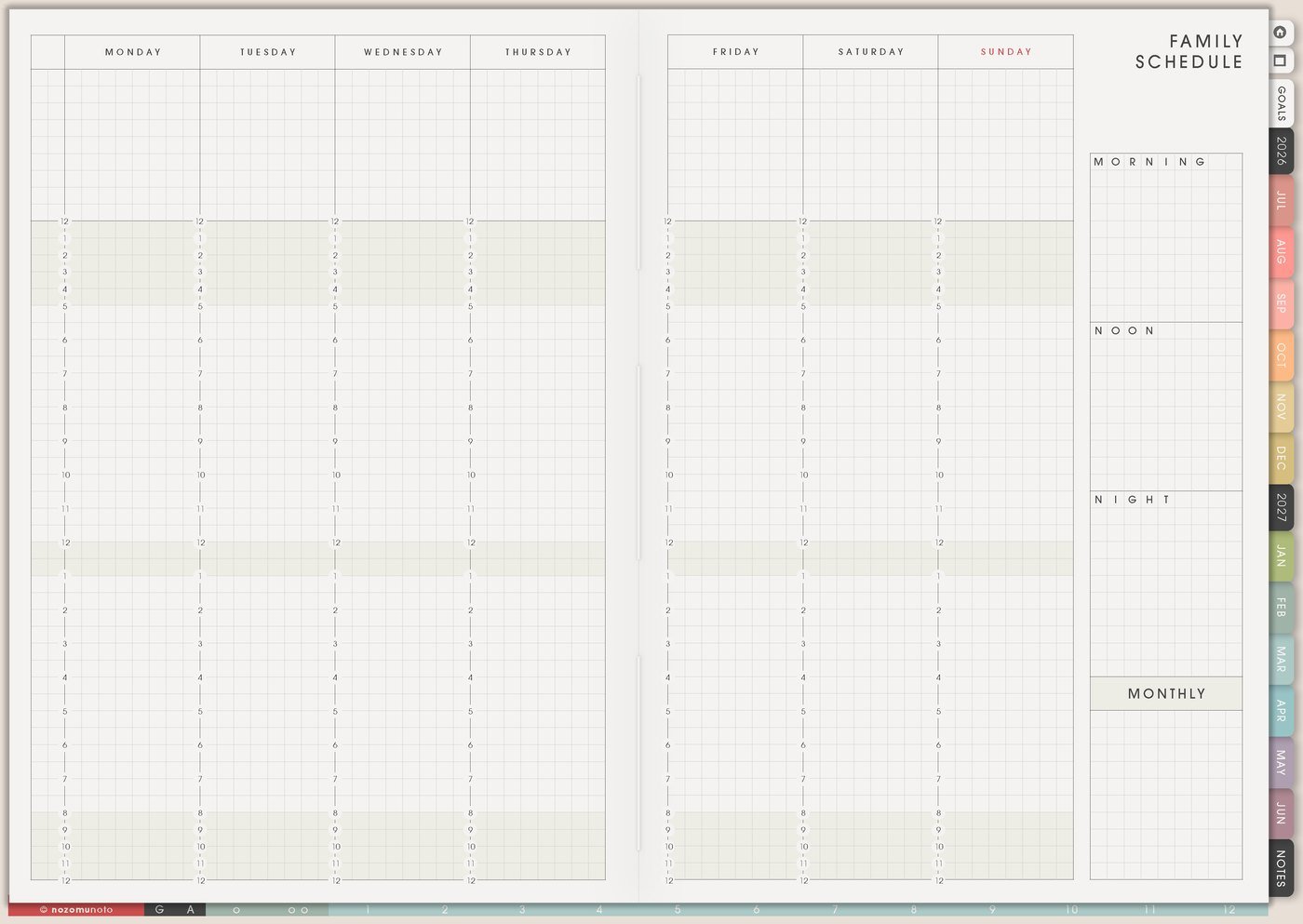
I use this Yume Techo home management setup for the repeating work that keeps a home running: chores, errands, repairs, supplies, bills, family admin, school papers, appointment prep, cleaning resets, and the tiny tasks that are easy to forget until they become urgent.
As a single mom with work, NozomuNoto, study, my son, and my grandmother to think about, I need home information to stop living only in my head. Family Schedule shows the shared rhythm, Daily Weekly Monthly Routines holds repeat chores, Resources / Tasks catches repairs and admin, Grocery List catches supplies, and Weekly carries only the next home actions.
How I split home management across Yume Techo
1. Use Family Schedule for the shared rhythm
I use Family Schedule for school days, work shifts, appointments, activities, trash day, pickup times, medicine times, family calls, meal rhythm, and the weekly things that affect the home.
This page helps me see why some days need a smaller home plan. A day with school forms, late work, and an appointment should not also become a giant cleaning reset.
I keep the page simple enough to scan. The schedule should show rhythm, not every detail of every chore.
Related Tips: Family Schedule page ideas has more ways to show weekly home rhythm without crowding the page.
2. Use Daily Weekly Monthly Routines for chores and resets
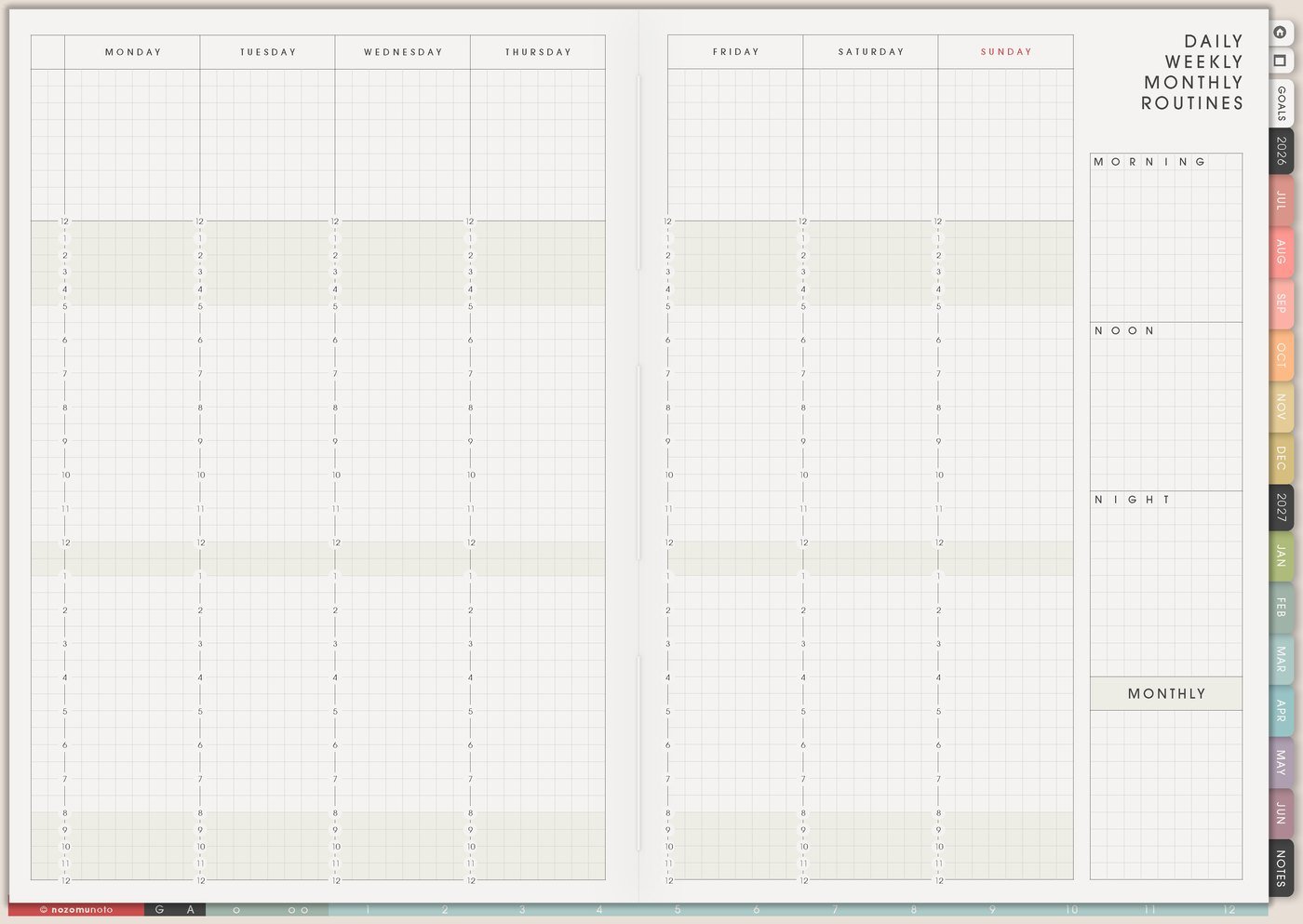
I use Daily Weekly Monthly Routines for repeating home helpers: dishes, laundry, trash, floors, bathroom reset, fridge check, school bags, medicine refill check, bill check, bedding, paperwork, donation bag, and Sunday reset.
I write a normal version and a minimum version. Normal evening reset might be dishes, counters, bags, clothes, and tomorrow note. Minimum version might be medicine checked, bag by door, sink usable, and one clean outfit. Minimum still protects tomorrow.
A home routine that bends is easier to return to after a hard week.
Related Tips: Daily Weekly Monthly Routines page ideas gives more examples for normal and minimum routines.
3. Use Resources / Tasks for repairs, errands, and invisible admin
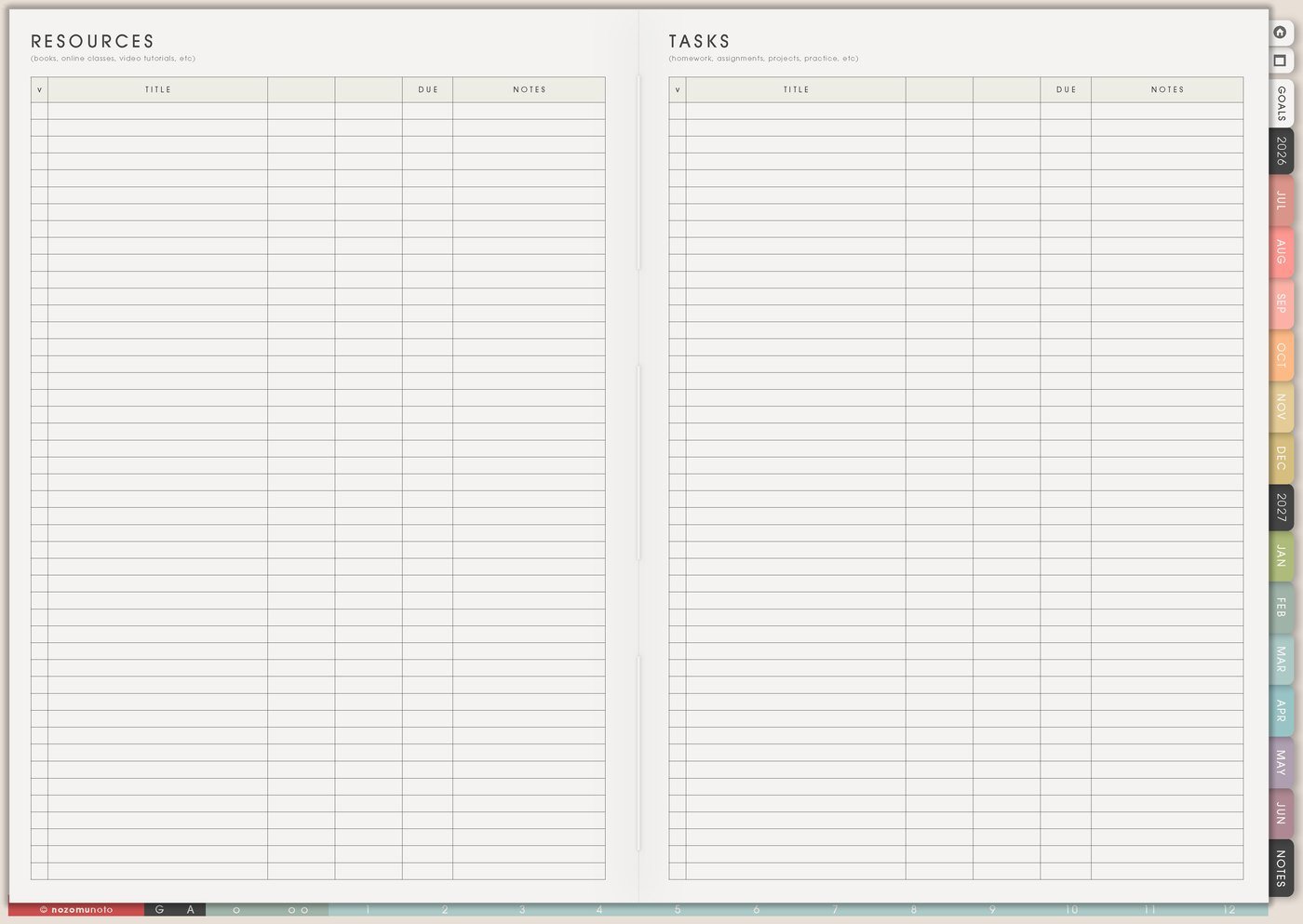
I use Resources / Tasks for home admin that does not belong on a daily list yet: repair calls, warranty notes, measurements, school forms, appointment questions, documents to print, returns, donation drop-off, contractor or company reminders, and errands that need details.
I write the detail and the next action separately. Detail: sink leaks under cabinet. Next action: take photo and message landlord. Detail: printer ink low. Next action: check cartridge number.
I keep full addresses, account numbers, passwords, private school details, medical details, and sensitive documents somewhere secure. The planner can hold the reminder and the next action.
This keeps home admin from becoming an unclear cloud called house stuff.
Related Tips: Resources / Tasks page ideas shows how to separate details from next actions.
4. Use Grocery List for home supplies
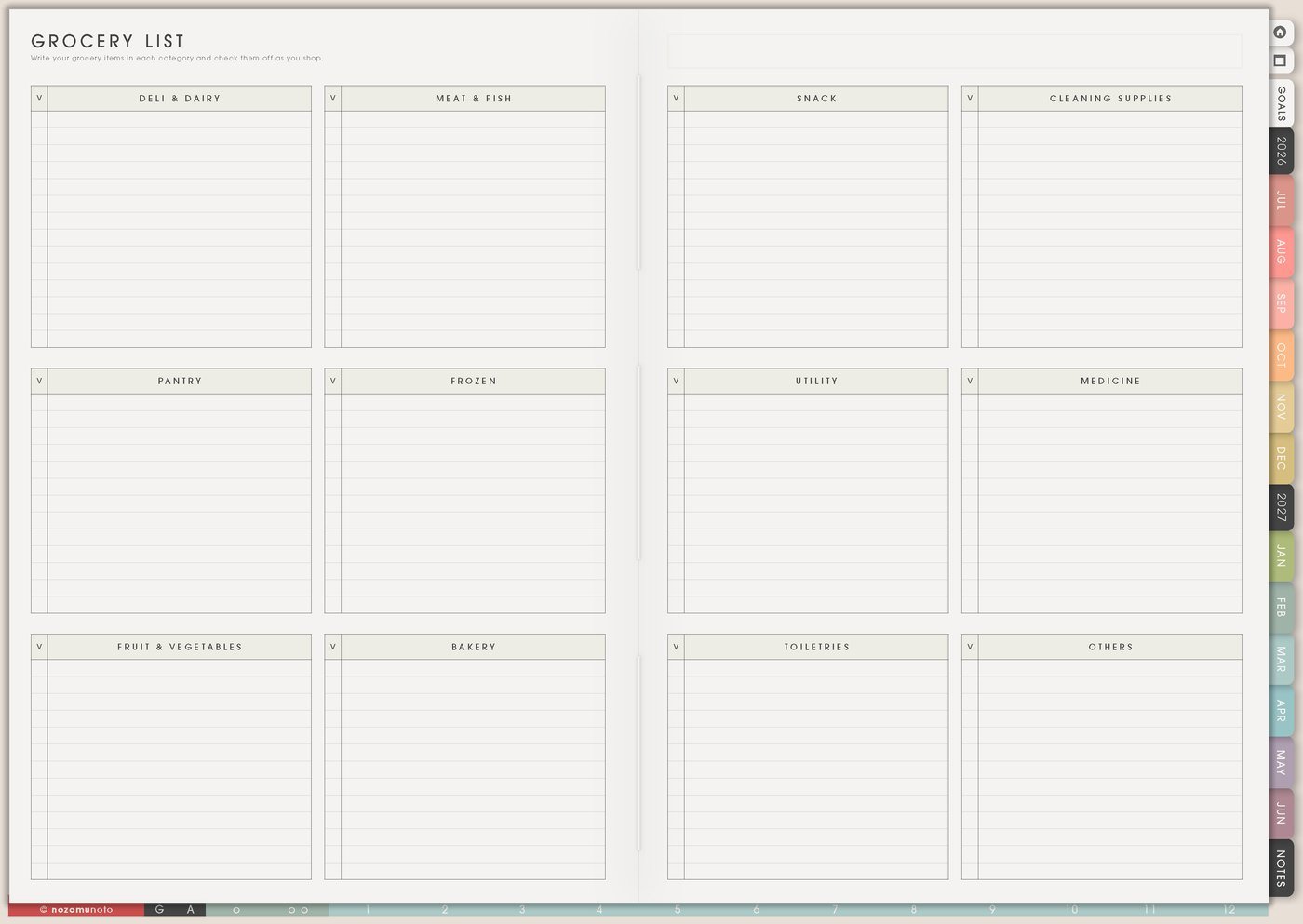
I use Grocery List for household supplies too: dish soap, laundry detergent, toothpaste, medicine, batteries, trash bags, wipes, light bulbs, printer paper, school snacks, first aid, and cleaning refills.
I group supplies by store area or home zone. This helps when the list has both food and non-food items.
If something runs out repeatedly, I add it to a home routine: check soap before grocery day, check medicine before payday, check batteries before storm season, or check school supplies on Sunday.
Related Tips: Grocery List page ideas gives more ways to keep food, household supplies, and repeat staples together.
5. Use Recurring Bills / Subscriptions for home bills
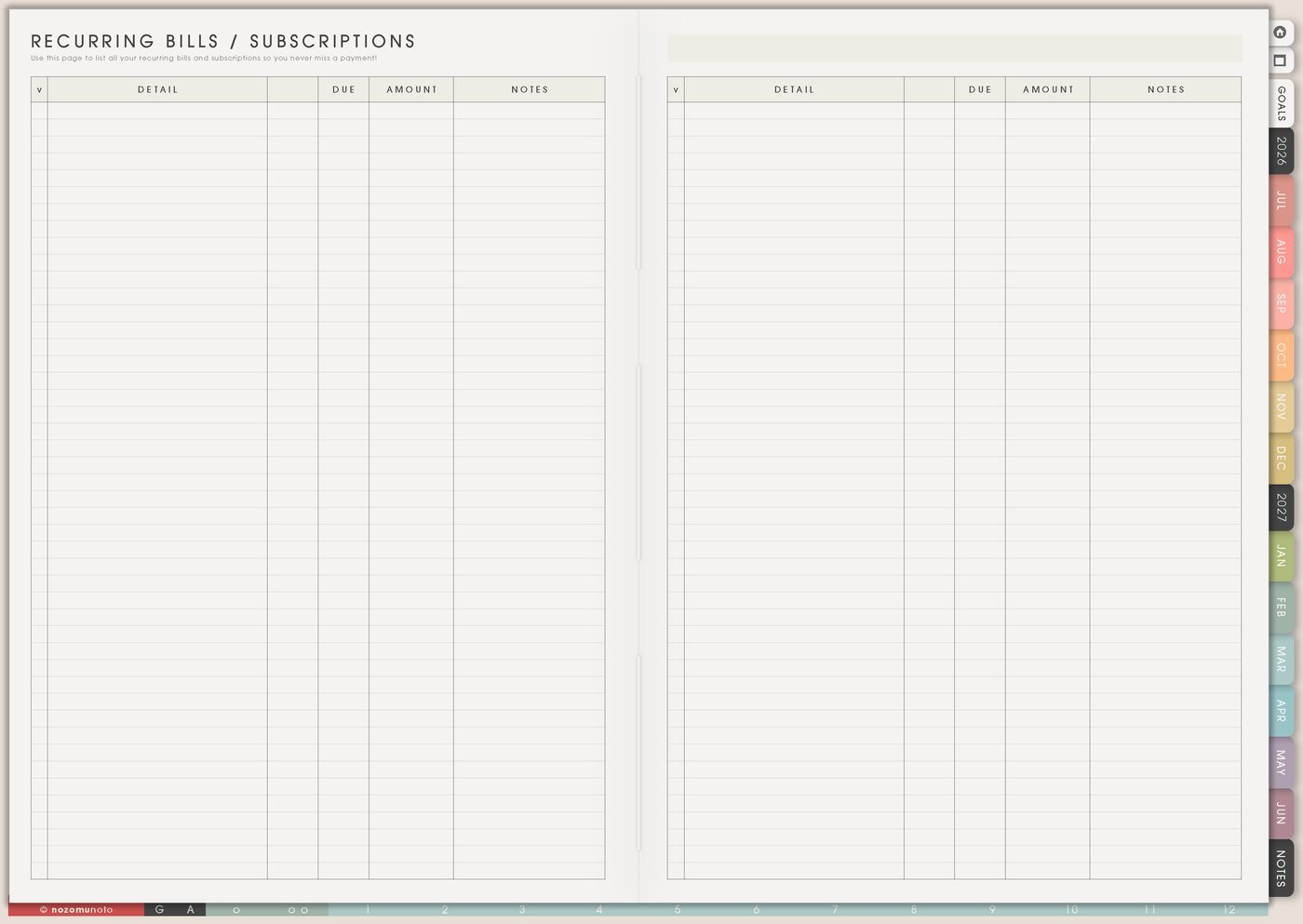
I use Recurring Bills / Subscriptions for rent, utilities, phone, internet, insurance, school payments, household services, streaming, storage, and app renewals that affect the home.
I add due date, amount, payment type or where to check, renewal date, and review date. If a bill needs action, I move only the action to Weekly: pay, check, cancel, ask, save, compare, or update card.
Home bills feel less surprising when they are visible before the week starts, especially in an expensive season.
6. Use Weekly for the next home actions

I use Weekly for the few home actions that need movement now: call repair, wash bedding, drop donation bag, check school form, pay water bill, refill medicine, order light bulb, clean fridge shelf, or reset entryway.
I write visible verbs. Clean house is too huge. Clear dining table, start one laundry load, wipe bathroom sink, or take trash out gives the brain a doorway.
If the home list is huge, I choose one safety task, one deadline task, and one relief task.
7. Use Weekly Review for the home reset
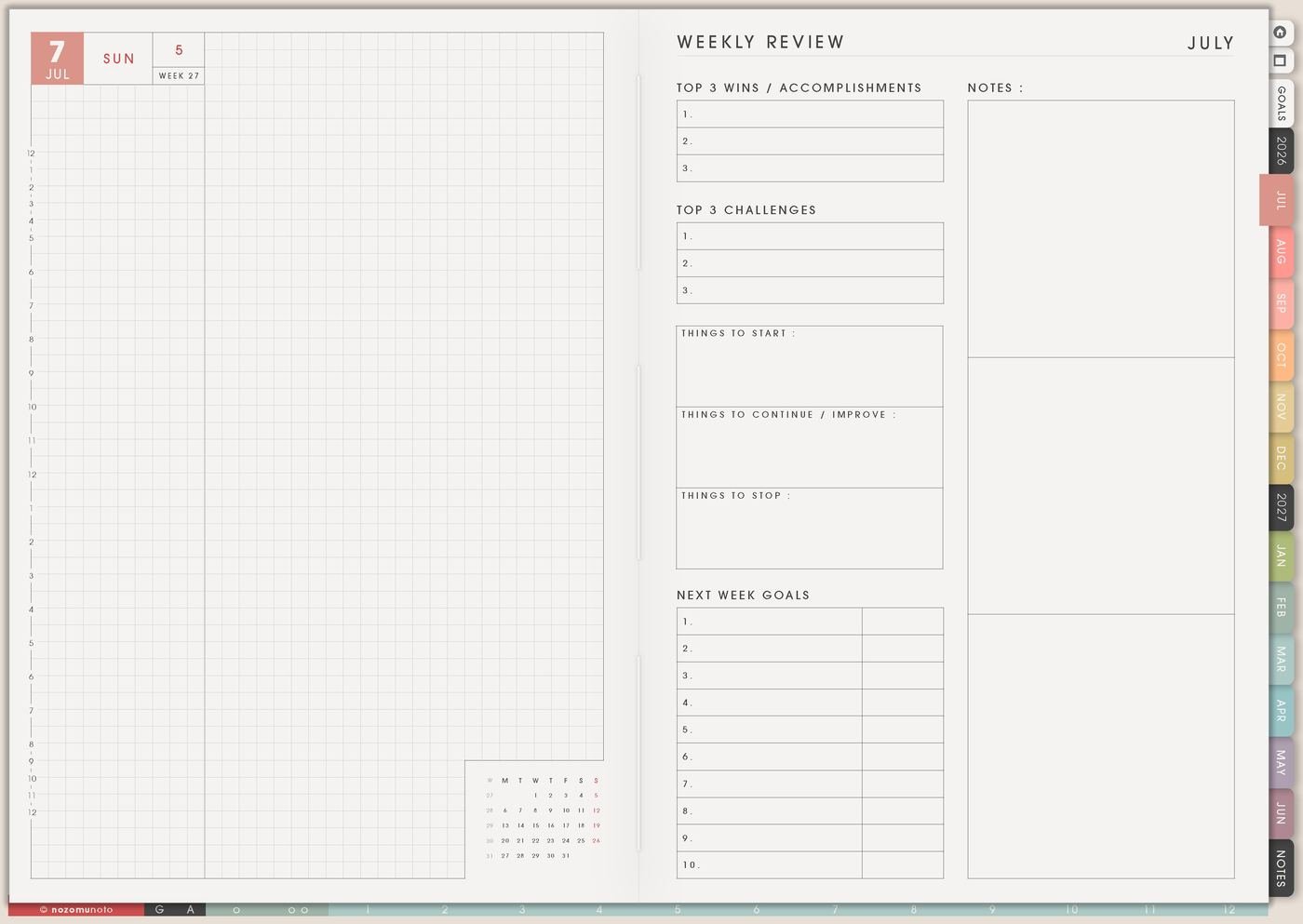
I use Weekly Review to ask what made the home easier, what kept repeating, what broke, what ran out, what is waiting, and what can be smaller next week.
A review should be practical: dishes worked when sink was cleared at night, laundry piled up because towels were skipped, school bags need Sunday check, and the repair call is still waiting.
I choose one home adjustment for next week. A small change that repeats is more useful than a dramatic reset that exhausts everybody.
Set it up in ten minutes
- Write the shared rhythm. School, work, appointments, trash day, activities, family care, and regular home events.
- Choose five repeat routines. Daily, weekly, or monthly home helpers.
- Add minimum versions. What protects tomorrow when time or energy is low?
- Capture repairs and admin. Put details in Resources / Tasks.
- List household supplies. Add repeat items to Grocery List.
- Move three actions to Weekly. One safety, one deadline, one relief.
- Review what repeated. Adjust the routine or supply list instead of blaming yourself.
What I usually use it for and how I use it
Tips for using this setup
- Separate repeat work from one-time work. Put repeat chores in Daily Weekly Monthly Routines, then keep repairs, forms, calls, and errands in Resources / Tasks until they need action.
- Make minimum versions on purpose. A minimum evening reset can be medicine checked, bag by door, sink usable, and one clean outfit. That still protects tomorrow.
- Write home tasks with visible verbs. Replace clean house with clear table, start laundry, wipe sink, take out trash, refill soap, sort papers, or put bags by the door.
- Use Grocery List for non-food supplies. Add detergent, dish soap, toothpaste, medicine, batteries, trash bags, printer paper, school snacks, and refills before they run out.
- Capture repair details once. Write what broke, where it is, photo needed, person to contact, supply needed, and the next action in Resources / Tasks.
- Choose only three home actions for Weekly. One safety task, one deadline task, and one relief task is usually more useful than a whole-house reset that collapses by noon.
- Review patterns, not personal failure. If laundry repeats, shrink the routine. If supplies run out, add a check. If forms are late, give school papers one home.
When you need setup help
For the home management workflow, use Family Schedule for the shared rhythm, Daily Weekly Monthly Routines for repeat chores, Resources / Tasks for repairs and admin, Grocery List for supplies, Recurring Bills / Subscriptions for renewals, and Weekly for the few home actions that need movement now. If the technical step is unclear, like importing Yume Techo, copying a routine page, adding links or images, or using hyperlinks, use the NozomuNoto Help Center for app-specific steps.
Final thought
I hope this setup helps home work feel less like a thousand loose tabs open in your head. Put each type of home work in the page where it belongs, keep Weekly small, and let the planner carry some of the household memory for you.