
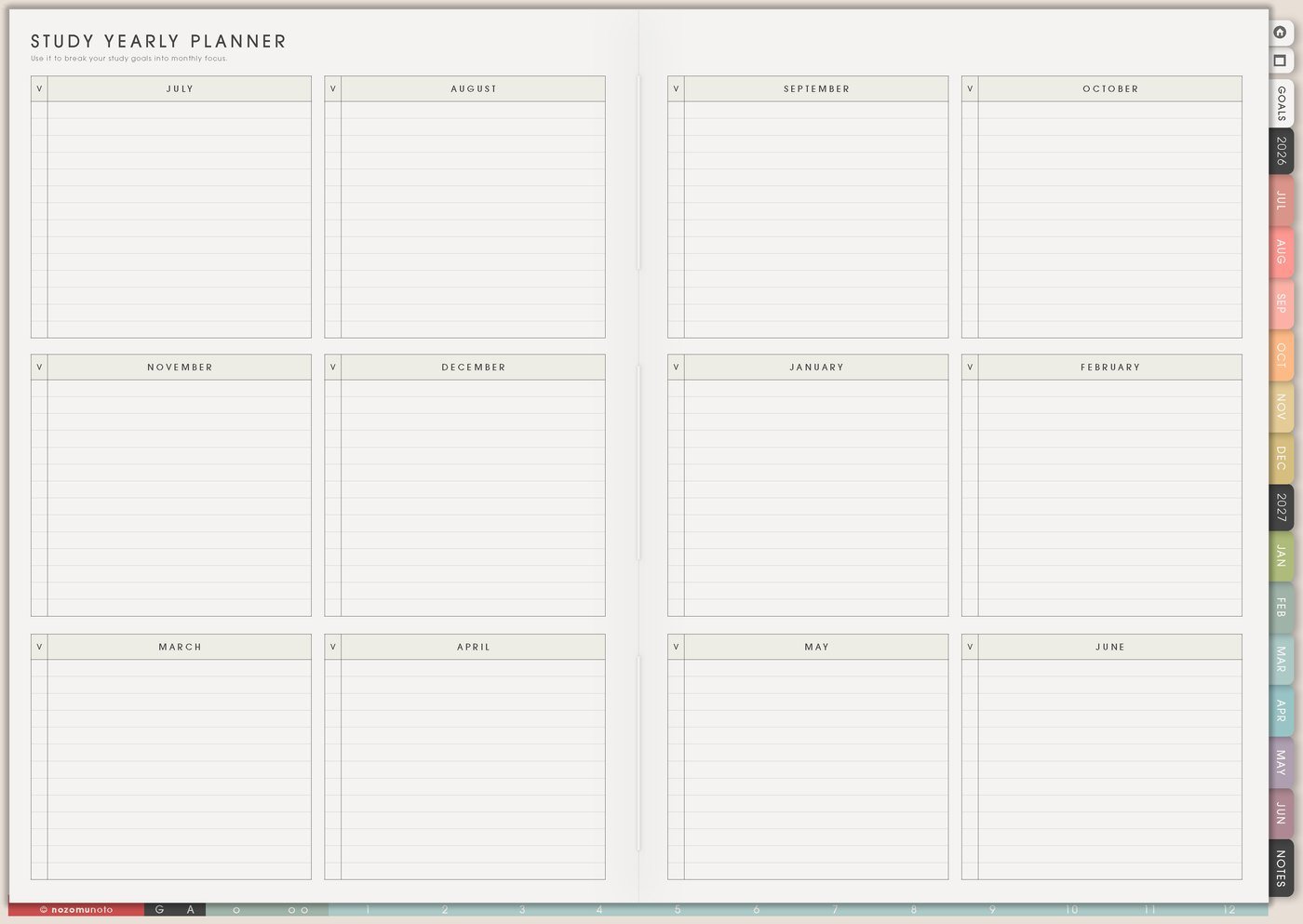
I use this Yume Techo homeschool planner setup as a family-learning dashboard for the learning year, subject plans, lesson rhythm, resources, records, routines, family life, and weekly adjustments.
The goal is flexible structure. Study Yearly Planner shows the year, Subject Planner keeps each subject from mixing together, Study Schedule gives the week a rhythm, Study Progress Tracker records what happened, Family Schedule protects real life, and Weekly Review helps the plan adjust before it gets too heavy.
How I split homeschool planning across Yume Techo
1. Use Study Yearly Planner for the learning year
I use Study Yearly Planner for terms, breaks, holidays, exam seasons, portfolio dates, co-op days, field trips, family travel, project months, reading goals, and broad learning themes.
I keep this page big-picture. It should show the shape of the year, not every worksheet. For example: September is routine building, October is nature study, November is catch-up and review, December is lighter lessons and memory work.
If the year changes, the page can change. Homeschool planning needs room for real family seasons.
Related Tips: Study Yearly Planner page ideas shows how I keep the learning year visible without forcing every lesson onto one page.
2. Use Subject Planner for each subject or child
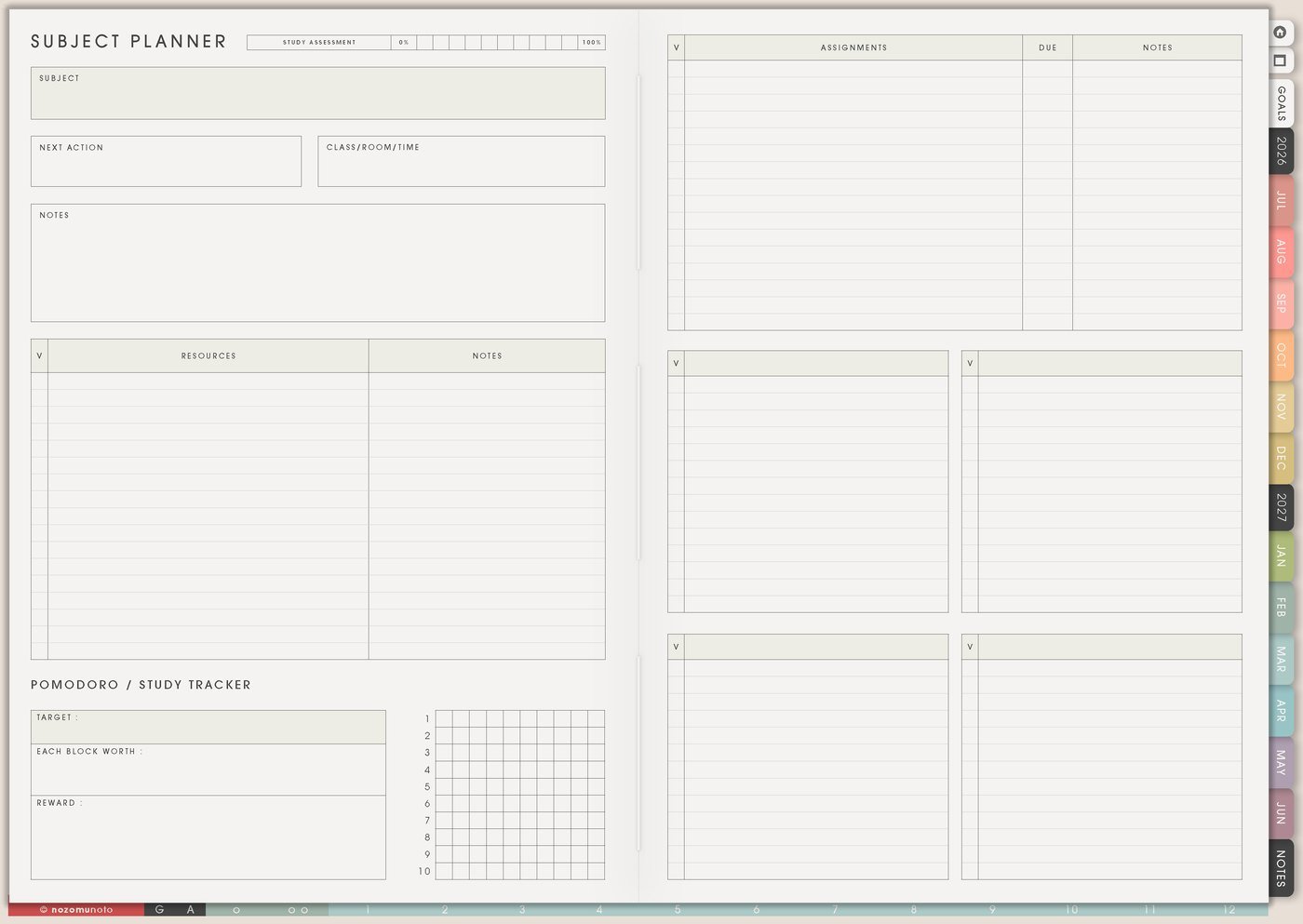
I use Subject Planner for math, reading, writing, science, history, language, Bible, music, art, or one subject for one child. I keep goals, curriculum, resources, lesson notes, next action, and what needs review in one place.
This helps when different subjects move at different speeds. Math might need daily practice, reading might need a book list, science might need project supplies, and writing might need feedback notes.
Subject pages protect Weekly from holding every detail.
Related Tips: Subject Planner page ideas shows how I separate goals, resources, review needs, and next lessons by subject.
3. Use Study Schedule for the weekly rhythm
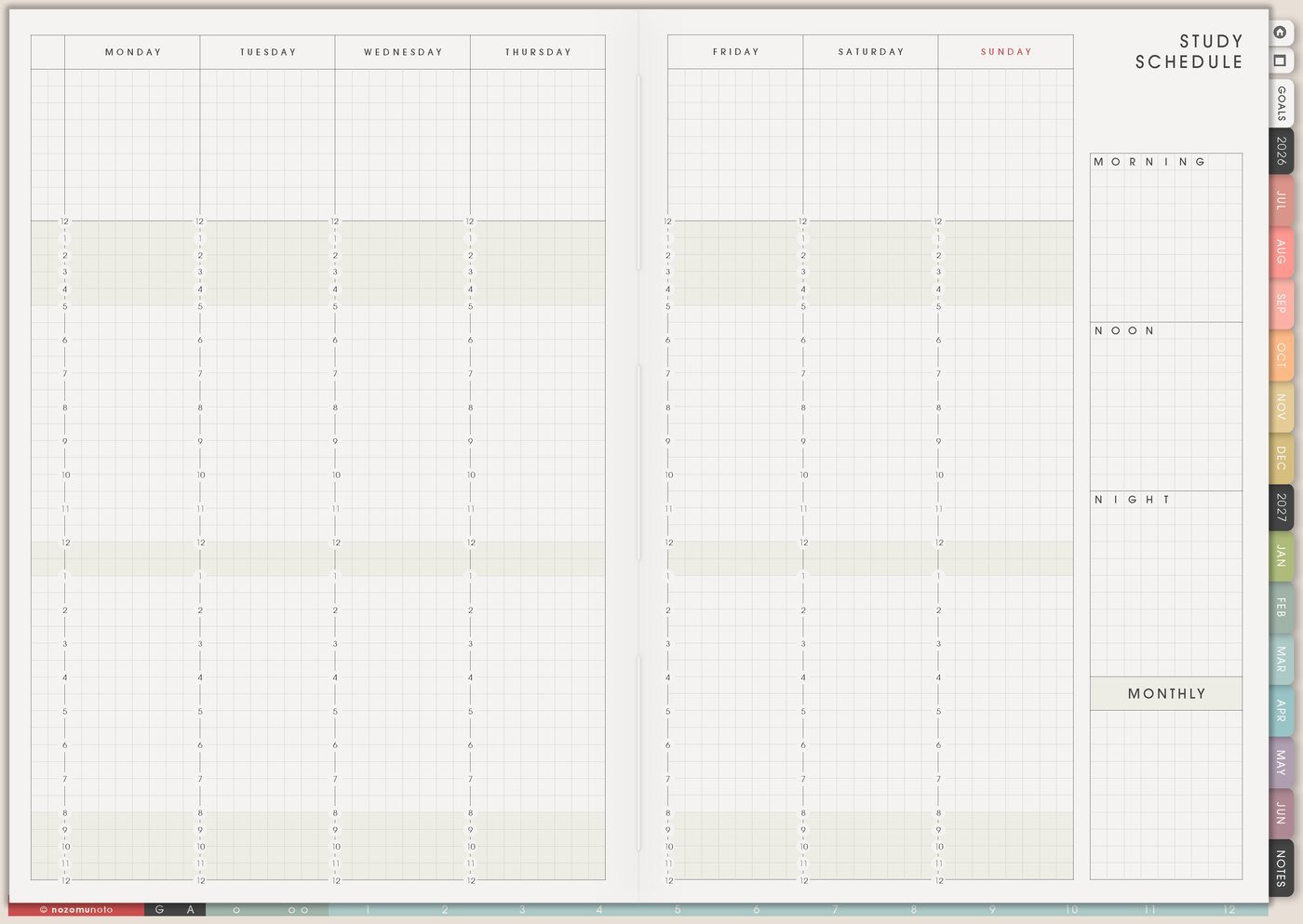
I use Study Schedule for the repeating rhythm: lesson blocks, read-aloud time, independent work, project time, outdoor time, quiet reading, co-op, appointments, chores, meals, and rest.
A homeschool schedule can be a rhythm instead of a strict bell schedule. My examples are morning basket, math, break, reading, lunch, project, outside, and review. Or subject anchors: math most days, science twice a week, writing three times, art Friday.
Leave buffer space. Kids, homes, and energy all need margins.
Related Tips: Study Schedule page ideas shows how I make a repeat rhythm for lessons, breaks, practice, and family life.
4. Use Study Progress Tracker for records and review
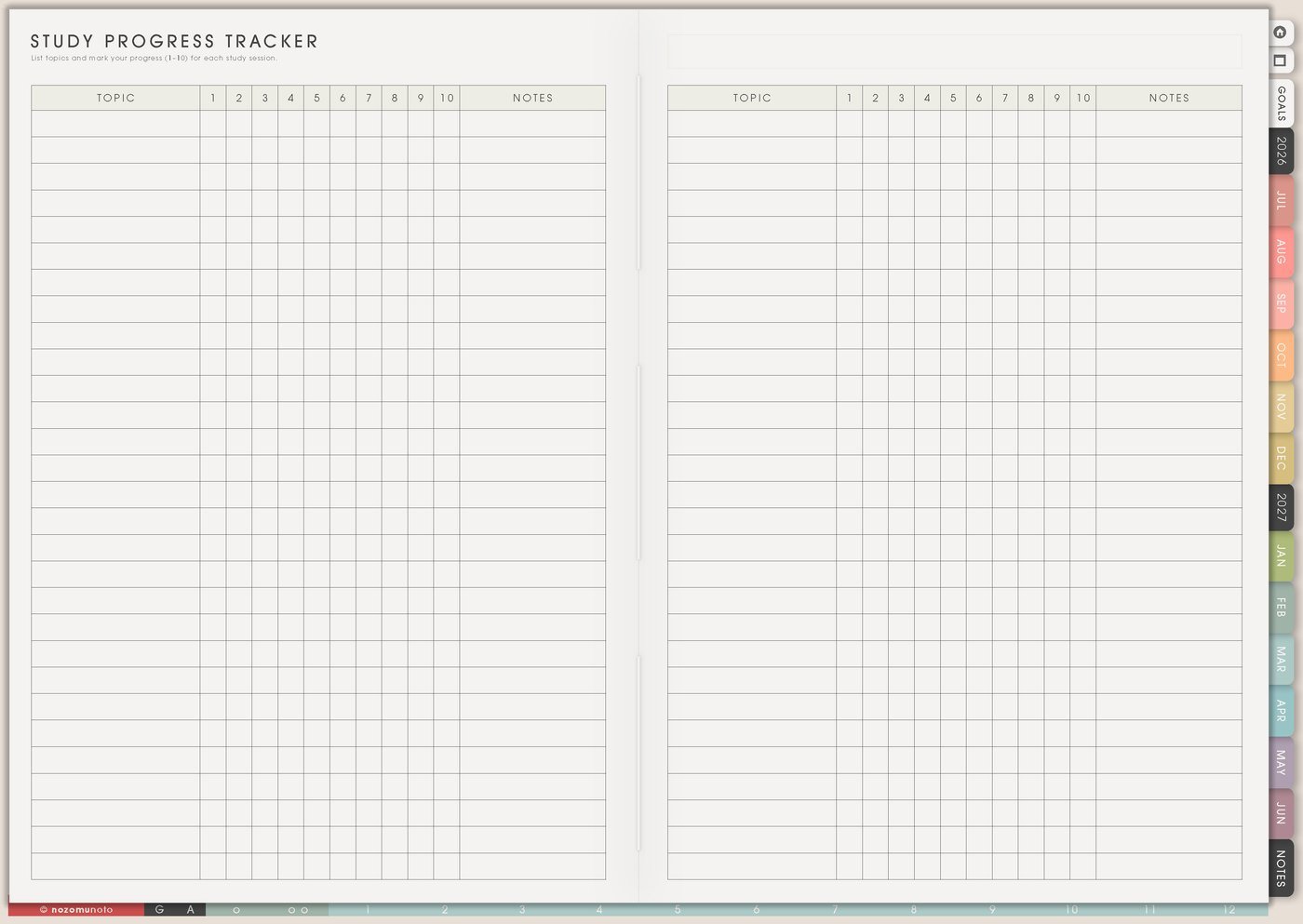
I use Study Progress Tracker for lessons completed, chapters read, skills practiced, projects finished, assignments submitted, books completed, portfolio pieces, tests, or review items.
I keep record notes short and useful: date, subject, what happened, what needs review, and next step. This is especially helpful when documentation matters, while official requirements still need to be checked locally.
Progress is not only pages finished. Progress can be understood concept, practiced aloud, tried again, asked a better question, or finished project.
Related Tips: Study Progress Tracker page ideas shows how I keep short learning records and review notes.
5. Use Resources / Tasks for curriculum, supplies, and links
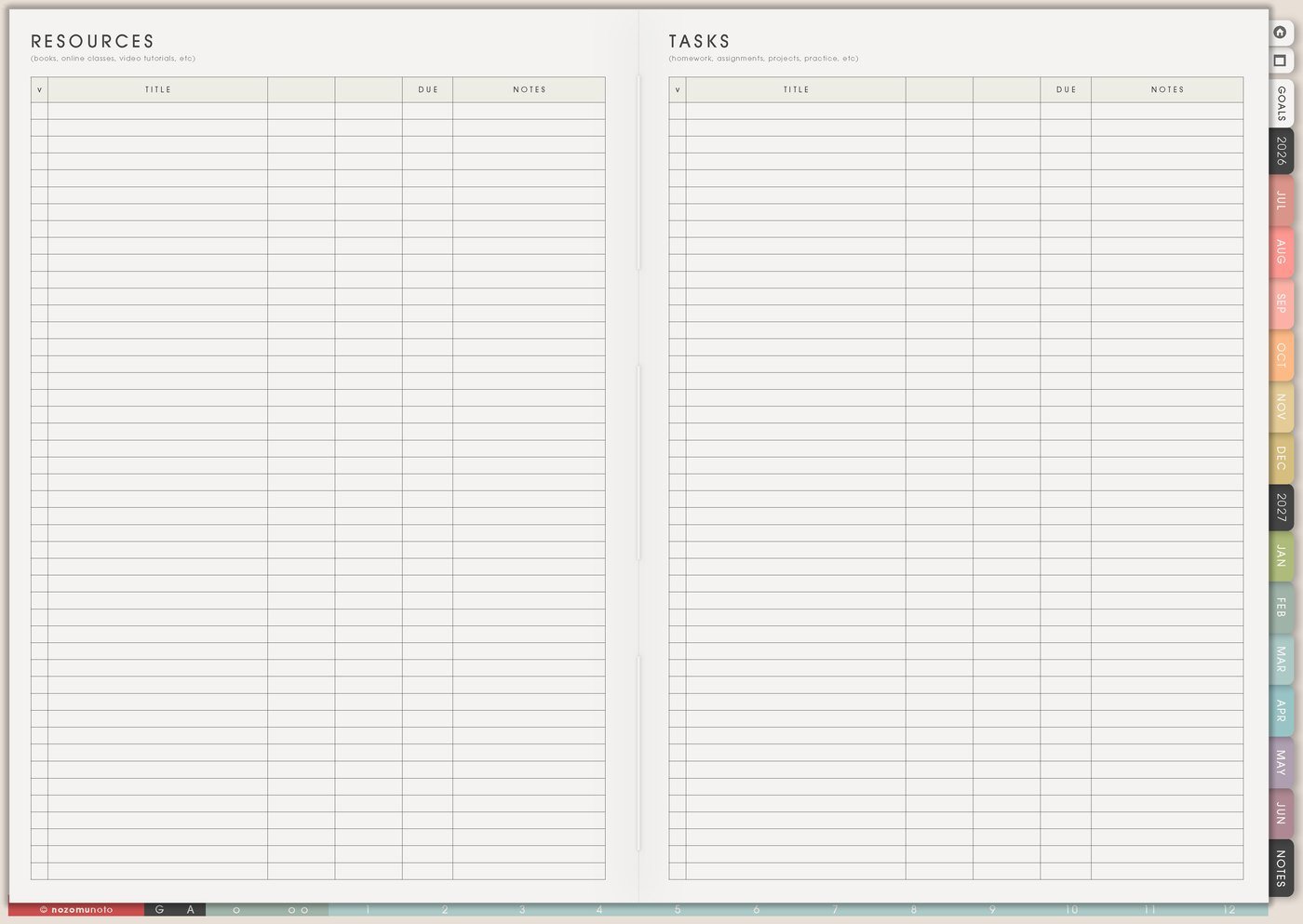
I use Resources / Tasks for curriculum links, library holds, supply lists, video links, printable pages, field trip ideas, co-op notes, book lists, questions to ask, and materials to gather.
I write the resource and the next action separately. Resource: science volcano video. Action: watch before Thursday lesson. Resource: library book list. Action: place holds by Friday.
This keeps lesson planning from becoming a pile of links.
6. Use Family Schedule and Daily Weekly Monthly Routines for the life around school
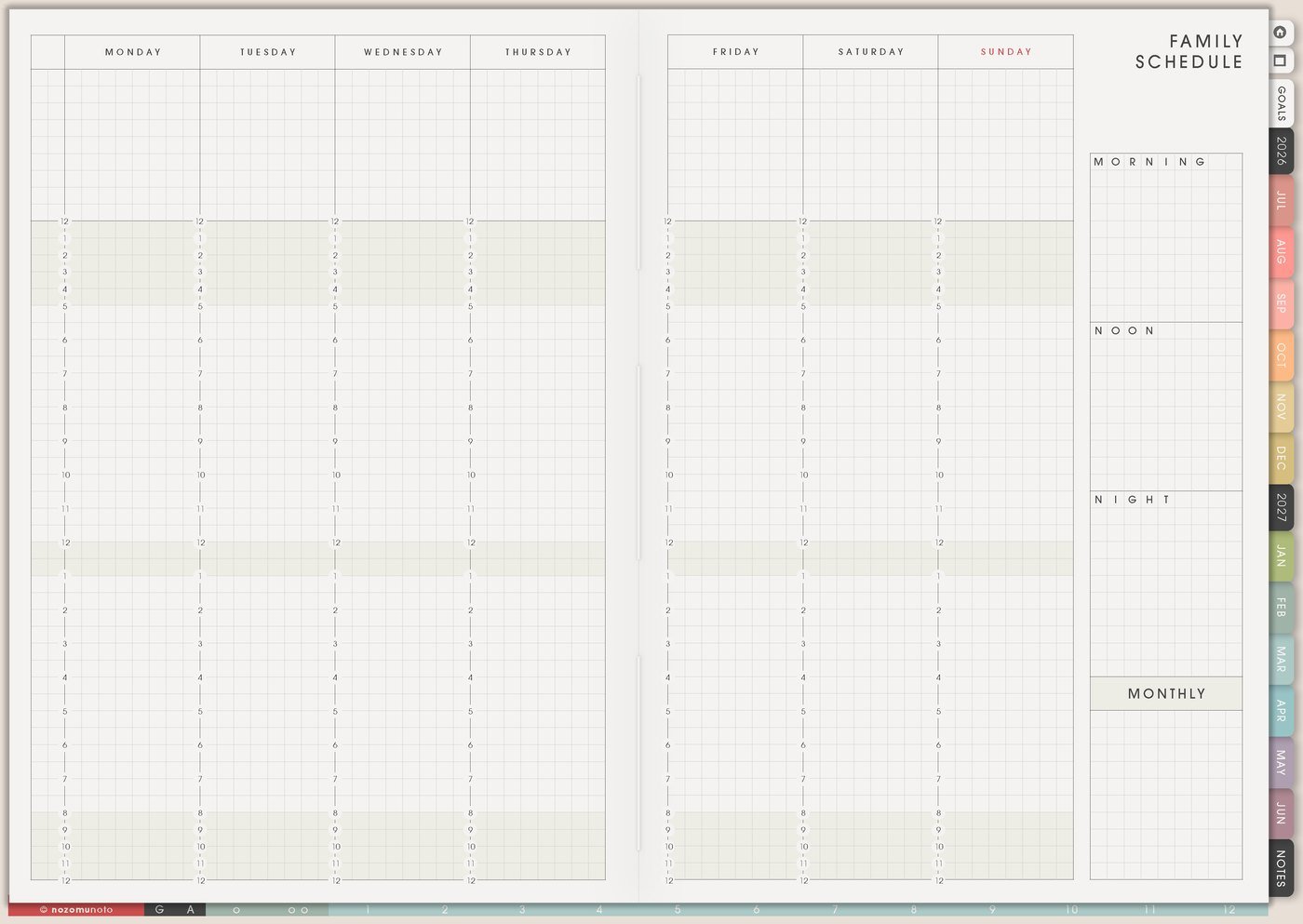
I use Family Schedule and Daily Weekly Monthly Routines for the life that surrounds homeschool: chores, meals, appointments, rest, outside time, errands, child care, work blocks, cleanup, and weekly reset.
Homeschool planning works better when it respects the home. A day with appointments and errands may need lighter lessons. A project-heavy week may need easier meals. A tired season may need review instead of new material.
The planner should fit the family rhythm, not pretend school happens in a separate world.
7. Use Weekly Review to adjust without panic
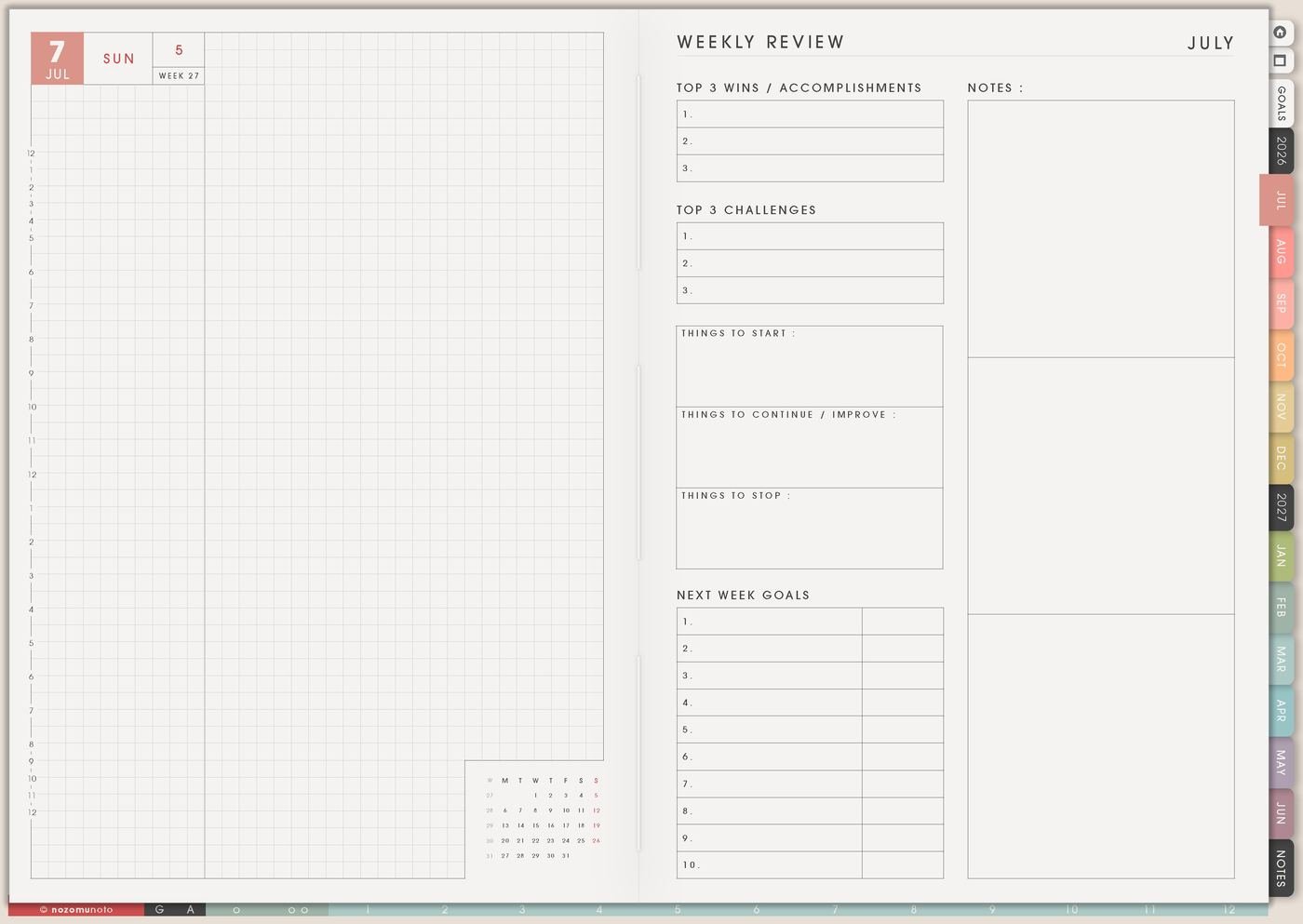
I use Weekly Review to ask what was learned, what was too much, what needs review, what can wait, what resource is missing, and what next week should make easier.
Try three review lines for each subject: done, needs review, next. Math: fractions practiced, review word problems, next lesson 12. Reading: finished chapter 4, discuss vocabulary, start chapter 5.
Review helps the plan bend before everyone feels behind.
Set it up in ten minutes
- Map the year lightly. Terms, breaks, trips, review weeks, project seasons, and documentation dates.
- Choose subject pages. One page per subject, child, or curriculum area.
- Build a weekly rhythm. Lesson blocks, reading, projects, outside, chores, meals, and rest.
- Pick record notes. What do you need to track: lessons, books, skills, projects, or portfolio pieces?
- Collect resources. Links, printables, books, supplies, field trips, and questions.
- Choose this week only. Put only the next lessons and prep actions on Weekly.
- Review with evidence. Done, needs review, next. Adjust the plan before it gets heavy.
What I usually use it for and how I use it
Tips for using this setup
- Keep the year broad. Use Study Yearly Planner for seasons, breaks, trips, review weeks, project months, and documentation dates. Put exact lesson choices closer to the current week.
- Separate subjects before Weekly gets crowded. Subject Planner can hold goals, resources, lesson notes, review needs, and next actions so Weekly only carries what moves now.
- Plan rhythm, not a fragile clock. Study Schedule can use anchors like math most days, science twice a week, writing three times, and art Friday instead of minute-by-minute pressure.
- Record during the week. Short notes are enough: date, subject, done, needs review, next. Local requirements still need local checking, but the planner can help memory.
- Give resources one inbox. Put curriculum links, printables, library holds, supply lists, field trip ideas, and questions in Resources / Tasks with the next action beside each one.
- Check family life before planning lessons. Appointments, errands, work blocks, meals, chores, rest, and care needs change what a realistic school day can hold.
- Use Weekly Review as the restart path. Write done, needs review, next for each subject. Then choose what still matters, what can wait, and what restarts next week.
When you need setup help
For the homeschool workflow, use Study Yearly Planner for the year map, Subject Planner for each learning area, Study Schedule for the weekly rhythm, Study Progress Tracker for records and stages, Resources / Tasks for supplies and links, Family Schedule for real-life logistics, and Weekly Review for practical adjustments. If the technical step is unclear, like importing Yume Techo, copying study pages, adding links or images, or using hyperlinks, use the NozomuNoto Help Center for app-specific steps.
Final thought
I hope this setup helps a homeschool plan hold both learning and real family life. Keep the year light, subjects separated, records simple, and review clear enough that everyone can restart after a messy week.