

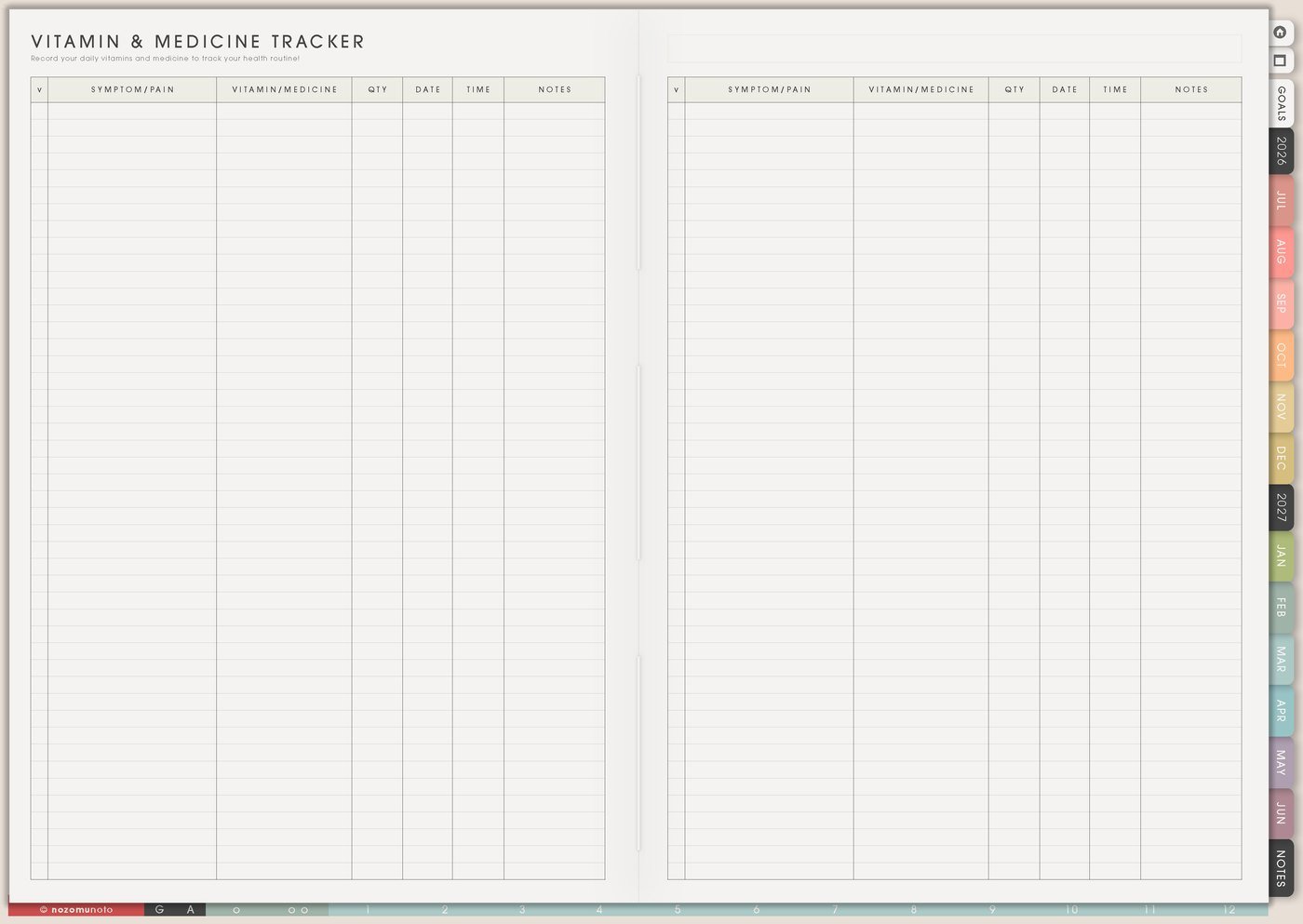
The Health pages in Yume Techo are for the details that are easy to forget when life is busy: vitamins, medicine, refill dates, appointments, symptoms, sleep, energy, cycles, questions, and patterns that only become visible after a few weeks. This article shows how to use the Health section as a practical memory page, not as another pressure system to maintain perfectly.
Use these pages as planning notes, not medical instructions. Keep following professional advice, and check with a qualified professional before starting, stopping, or changing medicine.
How to get to these pages
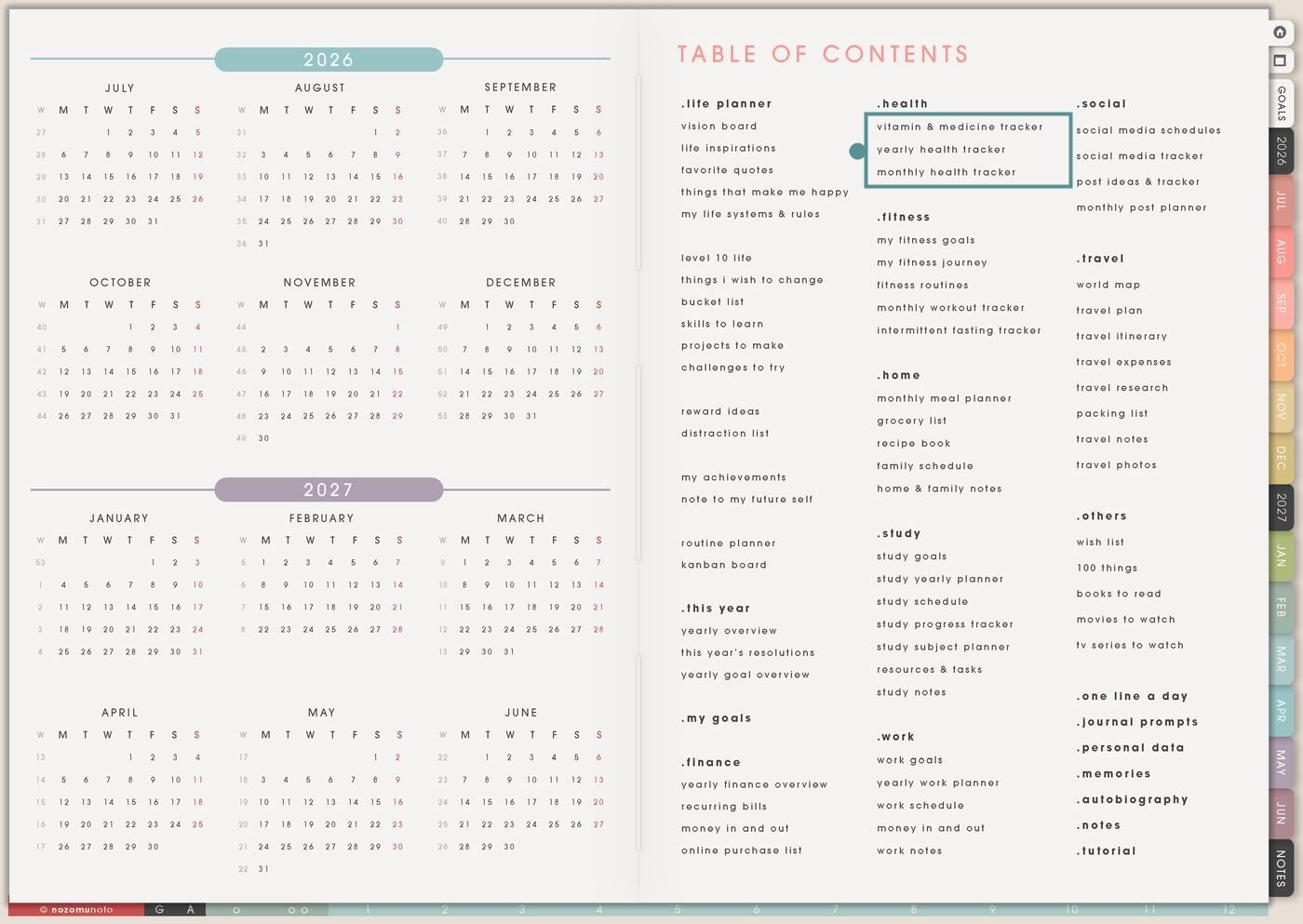
- Open the main Index / Table of Contents. The Health section is near the top middle of the Table of Contents page.
- Tap the Health page you need. The section includes Vitamin & Medicine Tracker, Yearly Health Tracker, and Monthly Health Tracker.
- Use one page first. If the real problem is refills, start with Vitamin & Medicine Tracker. If the problem is patterns, start with Monthly Health Tracker.
- Duplicate only when useful. Make a copy for a specific month, a family member, a treatment period, a symptom pattern, or appointment prep if the original page needs to stay clean.
Pages included in Health
- Vitamin & Medicine Tracker: for vitamins, medication names, dose notes, refill dates, start dates, side notes, and checkmarks.
- Yearly Health Tracker: for appointments, big patterns, body notes, cycles, yearly overview, and health events across many months.
- Monthly Health Tracker: for daily symptoms, sleep, energy, moods, movement, cycle notes, water, pain, medication, or habit notes during one month.
Ways to use the Health pages
1. Use Vitamin & Medicine Tracker for refills and daily care
Use Vitamin & Medicine Tracker when the important problem is remembering what you take, when to refill it, and what needs follow-up. Keep the page simple enough that it can be checked quickly.
- Medicine list: write medicine name, dose, time, start date, refill date, prescriber, pharmacy, and notes you may need later.
- Vitamin and supplement list: track what you take, why you take it, how often, and whether it needs to be reordered.
- Refill reminder: add the date to Weekly before the bottle runs out, especially for prescriptions that need approval or shipping time.
- Appointment prep: write questions, changes you noticed, side notes, or things you want to ask at the next appointment.
A good first setup is only four columns in your head: what, when, refill, note. If the page becomes too detailed, it will be harder to open when you need it.
2. Use Yearly Health Tracker for long-view patterns
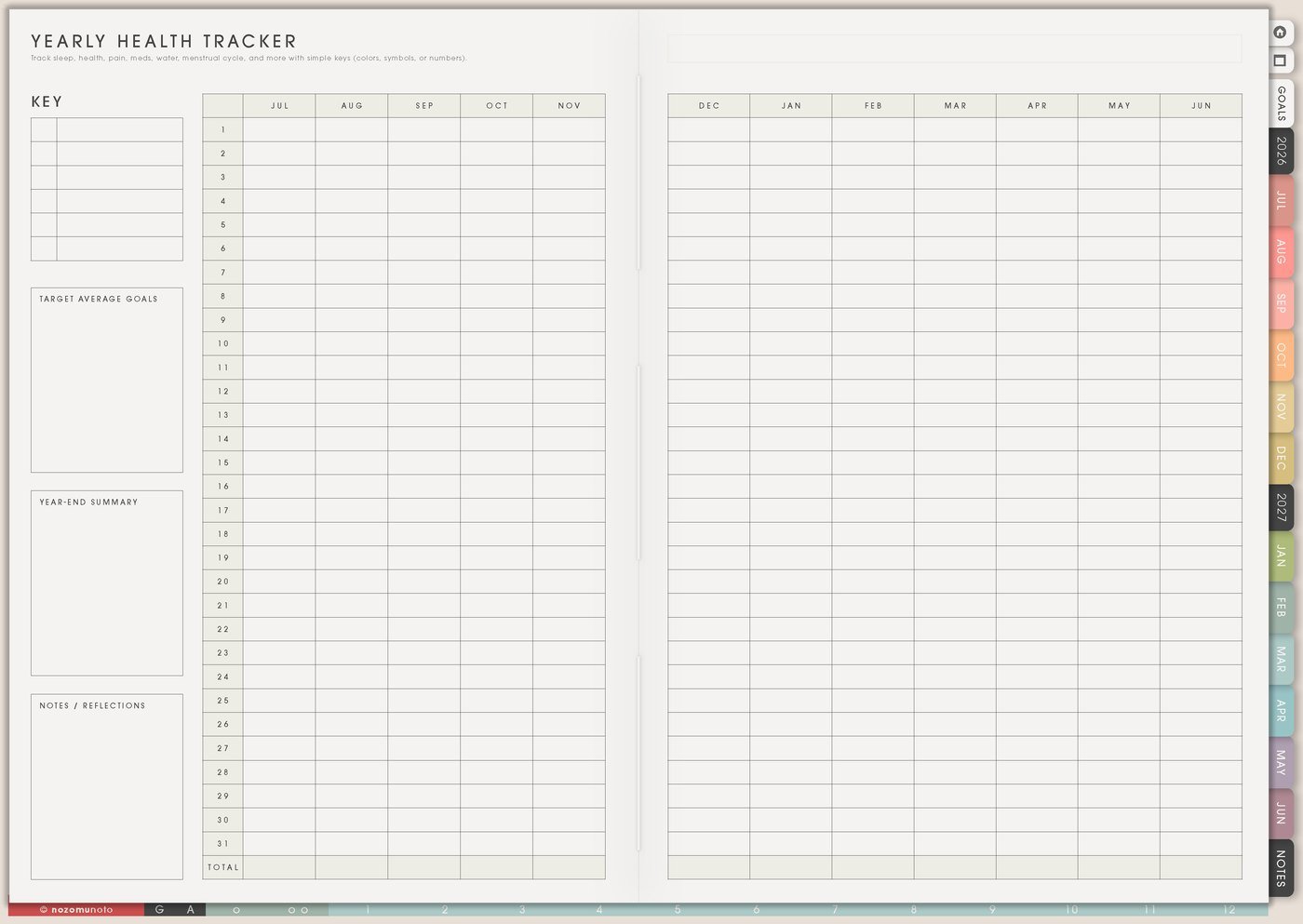
Use Yearly Health Tracker when the question needs more than one week of memory. This page is useful for appointments, recurring symptoms, cycle notes, migraines, allergies, sleep changes, energy dips, dental care, eye checks, yearly tests, or anything that repeats across seasons.
- Appointment map: mark checkups, dental visits, eye appointments, therapy sessions, lab dates, follow-ups, vaccine dates, or prescription reviews.
- Pattern view: use simple symbols or colors for headaches, low energy, pain, sleep trouble, period days, allergy days, or flare days.
- Question catcher: keep short notes that help you explain a pattern later instead of trying to remember everything at once.
- Season comparison: notice whether a problem appears around busy work seasons, school transitions, travel, heat, rainy season, holidays, or stress-heavy months.
For long-view tracking, choose one to three signals only. A yearly tracker with too many symbols becomes hard to read.
3. Use Monthly Health Tracker for one focused month
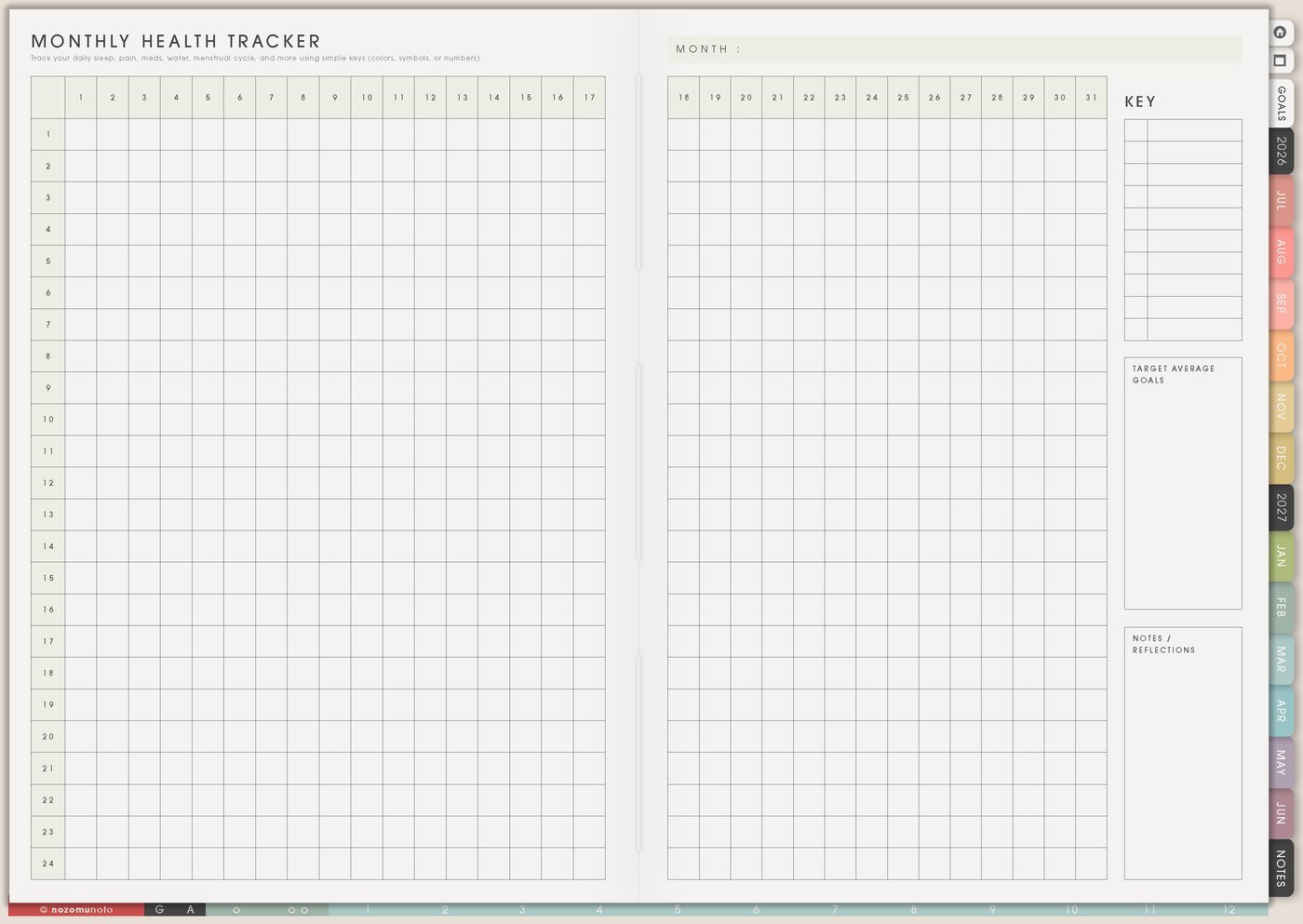
Use Monthly Health Tracker when you want to observe one month closely. This is the page for daily notes and small patterns: sleep, medicine, water, pain, movement, mood, cycle, energy, meals, screen time, caffeine, or symptoms.
- Sleep and energy: use quick marks like hours slept, bedtime, wake time, energy 1-5, nap, or tired day.
- Symptoms: track only the symptom you are trying to understand. Add a short note when something changes.
- Medicine and vitamins: use checkmarks for taken, skipped, refill needed, side note, or question to ask.
- Body-care habits: track movement, water, stretching, meals, sunlight, rest, breathing practice, or anything that helps the month.
At the end of the month, write what helped, what made things harder, and what needs attention. If something affects daily life, work, school, safety, or relationships, use the notes to ask for real help instead of carrying it alone.
4. Use Health pages for appointment prep
Before an appointment, use the Health pages to collect the few details that are hard to remember on the spot. A perfect health diary is unnecessary. The useful facts matter most.
- Write the date and reason. What made you book the appointment?
- Choose the top three notes. What changed, how often did it happen, and what made it better or worse?
- List current medicines or supplements. Include dose and refill questions if needed.
- Write questions before you go. Appointment brain can go blank; the page can hold the questions for you.
5. Use Health pages without tracking everything
The Health section works best when each page has a clear job. Vitamin & Medicine Tracker remembers the care list, Yearly Health Tracker shows long patterns, and Monthly Health Tracker watches one month closely. Weekly should only hold the next action.
- Use one tracker for one question.
- Use simple marks instead of long sentences when you are tired.
- Move refills, appointments, and questions into Weekly before they become urgent.
- Review the page weekly or monthly, not every hour.
For privacy, keep diagnoses, full medical records, insurance numbers, prescription label photos, and private family health details in a secure health app, patient portal, or document folder. In the planner, write the reminder, question, pattern, or place to check.
What I usually use it for and how I use it
Tips for using the Health pages
- Choose one main question for the month. If the question is sleep, track sleep plus one related note. Let everything else wait.
- Move refills into Weekly before they are urgent. Write the refill date on Vitamin & Medicine Tracker, then add a Weekly task several days earlier: request refill, call pharmacy, check stock, or order vitamins.
- Continue after blank days. Add a small note like missed tracking during busy week if that context matters, then continue from today.
- Add one tiny context note beside unusual days. Keep it short: slept 4h, rain, forgot lunch, new medicine, long screen day, travel.
- Prepare three appointment notes. Write what happened, how often, and what you want to ask. Bring the page or copy the notes into your phone.
When you need setup help
If the app step is the hard part, open the NozomuNoto Help Center for importing Yume Techo, using hyperlinks, duplicating pages, adding bookmarks, finding page thumbnails, and working with your app or device.
Tips for using this page
- Choose the one part of this page that helps the current week instead of trying to fill everything at once.
- Move one small next action to Weekly or Daily so the page changes what happens next.
- Keep the page easy to return to by linking it from Index, favorites, bookmarks, or the related planner section.
Final thought
Health pages are useful when they help everyone remember the small facts that are easy to lose. I hope this section helps you start with one question, track only what helps answer it, and move the real next action into Weekly!