

The Fitness pages in Yume Techo are for building a movement setup that can survive real weeks. Use them for fitness goals, progress notes, routines, monthly workout marks, and optional fasting notes if that fits your body and life. This article shows how to use the whole Fitness section without turning movement into another all-or-nothing scorecard.
How to get to these pages
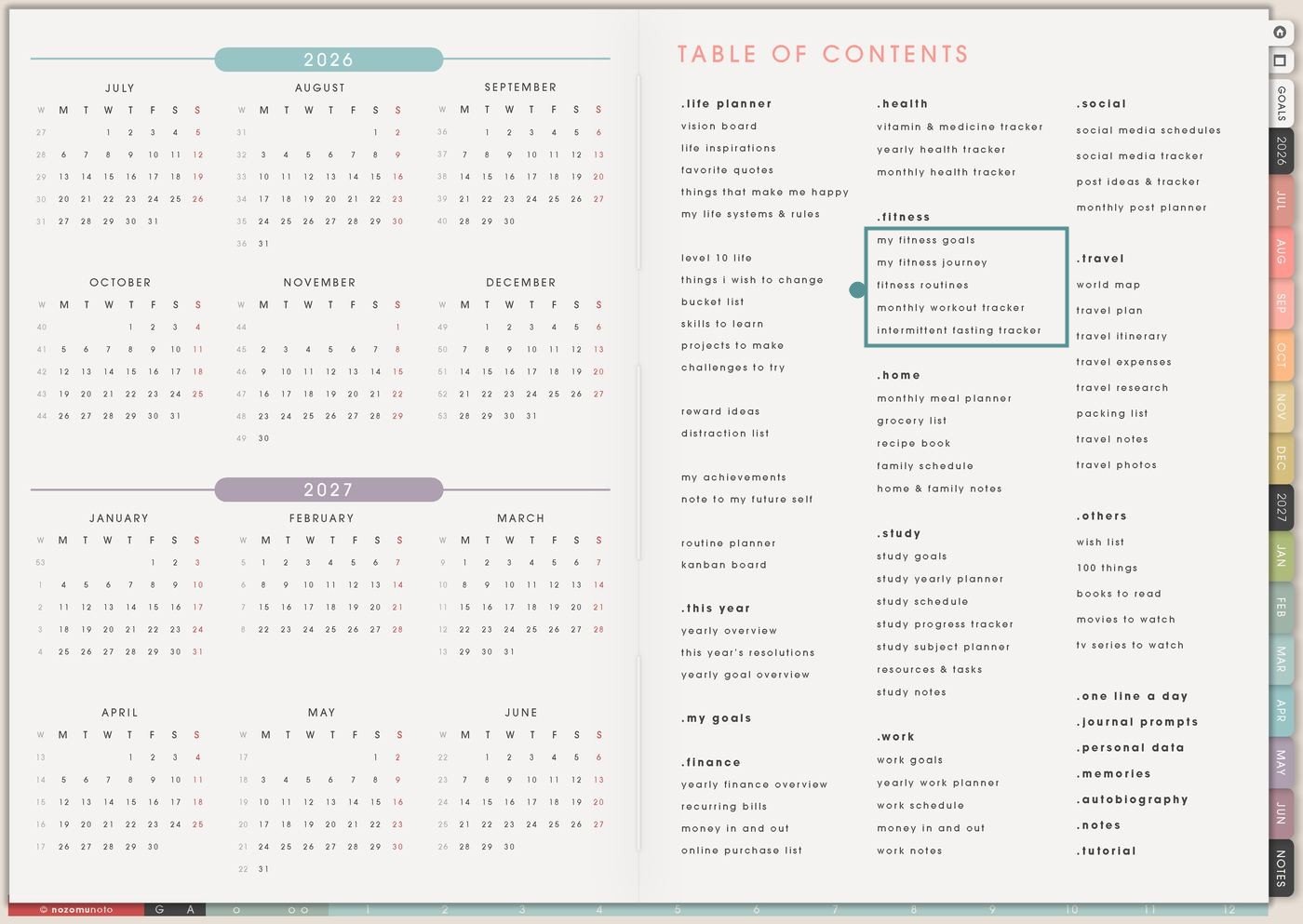
- Open the main Index / Table of Contents. The Fitness section is in the middle column under Health.
- Tap the Fitness page you need. The section includes My Fitness Goals, My Fitness Journey, Fitness Routines, Monthly Workout Tracker, and Intermittent Fasting Tracker.
- Start with one page. If you need direction, start with My Fitness Goals. If you need consistency, start with Monthly Workout Tracker.
- Duplicate for separate seasons. Make a copy for a 30-day movement reset, strength block, walking month, postpartum return, school semester, or low-energy routine.
Pages included in Fitness
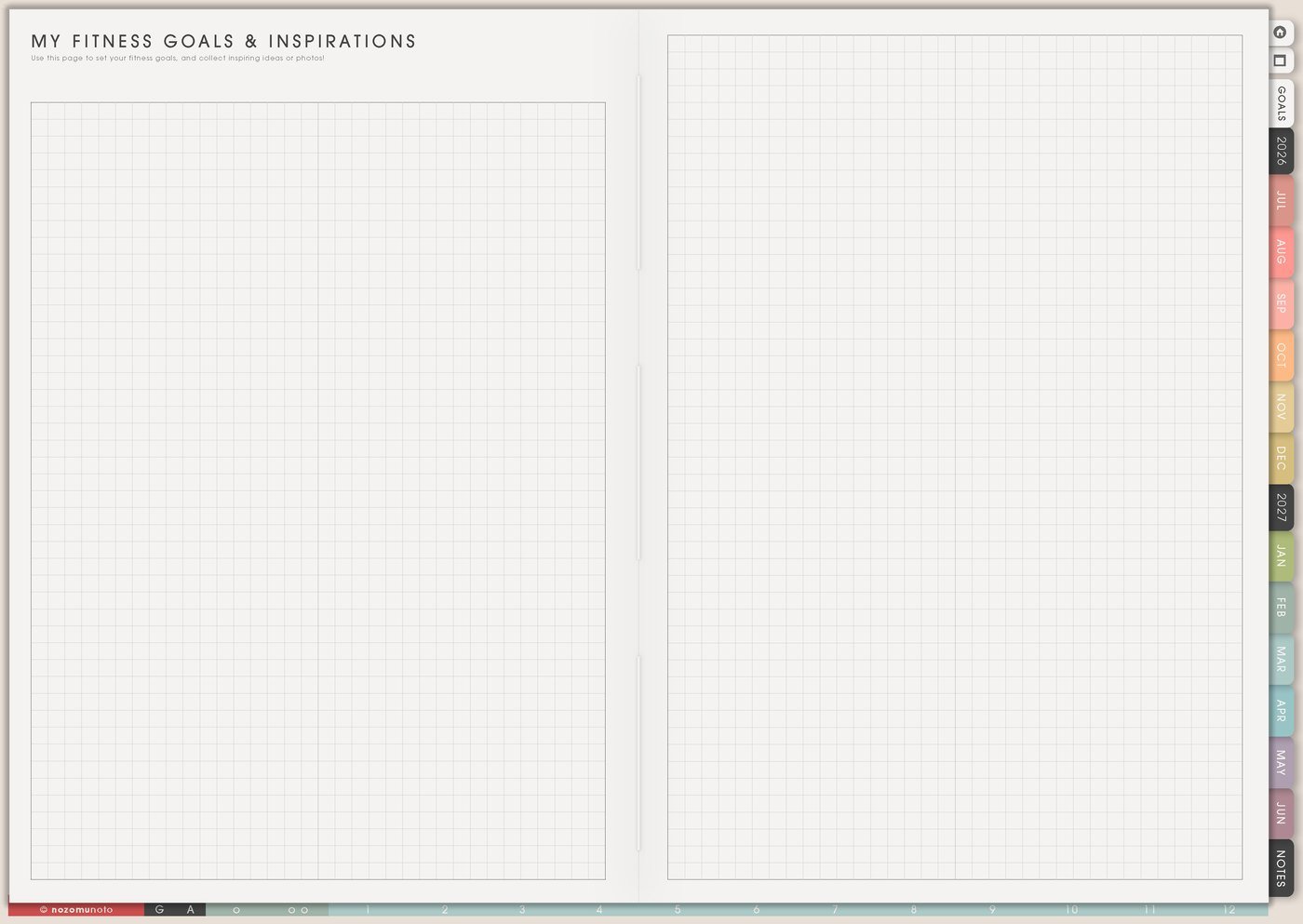
- My Fitness Goals: for motivation, body-care goals, inspiration, reasons, and realistic next steps.
- My Fitness Journey: for progress notes, measurements, photos, non-scale wins, and before/after reflections.
- Fitness Routines: for workout menus, weekly rhythm, low-energy options, rest days, warmups, and recovery plans.
- Monthly Workout Tracker: for daily workout marks, movement minutes, strength sessions, cardio, stretching, rest, and consistency.
- Intermittent Fasting Tracker: for fasting windows, meal timing, energy notes, and body cues when fasting fits your body and life.
Ways to use the Fitness pages
1. Use My Fitness Goals to choose the reason, not just the result
Use My Fitness Goals when you need an honest starting point. This page is for answering why movement matters, what type of strength or energy you want, and what the first realistic step looks like.
- Goal direction: write strength, walking, stretching, mobility, stamina, posture, back care, dance, yoga, gym, home workouts, or daily steps.
- Reason: write the reason in human words: lift groceries, play with kids, reduce stiffness, sleep better, feel stronger, climb stairs, or return after a break.
- Minimum version: define the smallest version that still counts: five minutes, one stretch, one walk around the block, or one set.
- Helper list: write shoes, mat, water bottle, playlist, reminder, gym bag, YouTube link, app, or friend.
A fitness goal becomes more usable when the page includes a tiny version. The tiny version is what keeps the system alive during busy weeks.
2. Use My Fitness Journey for progress that is not only weight
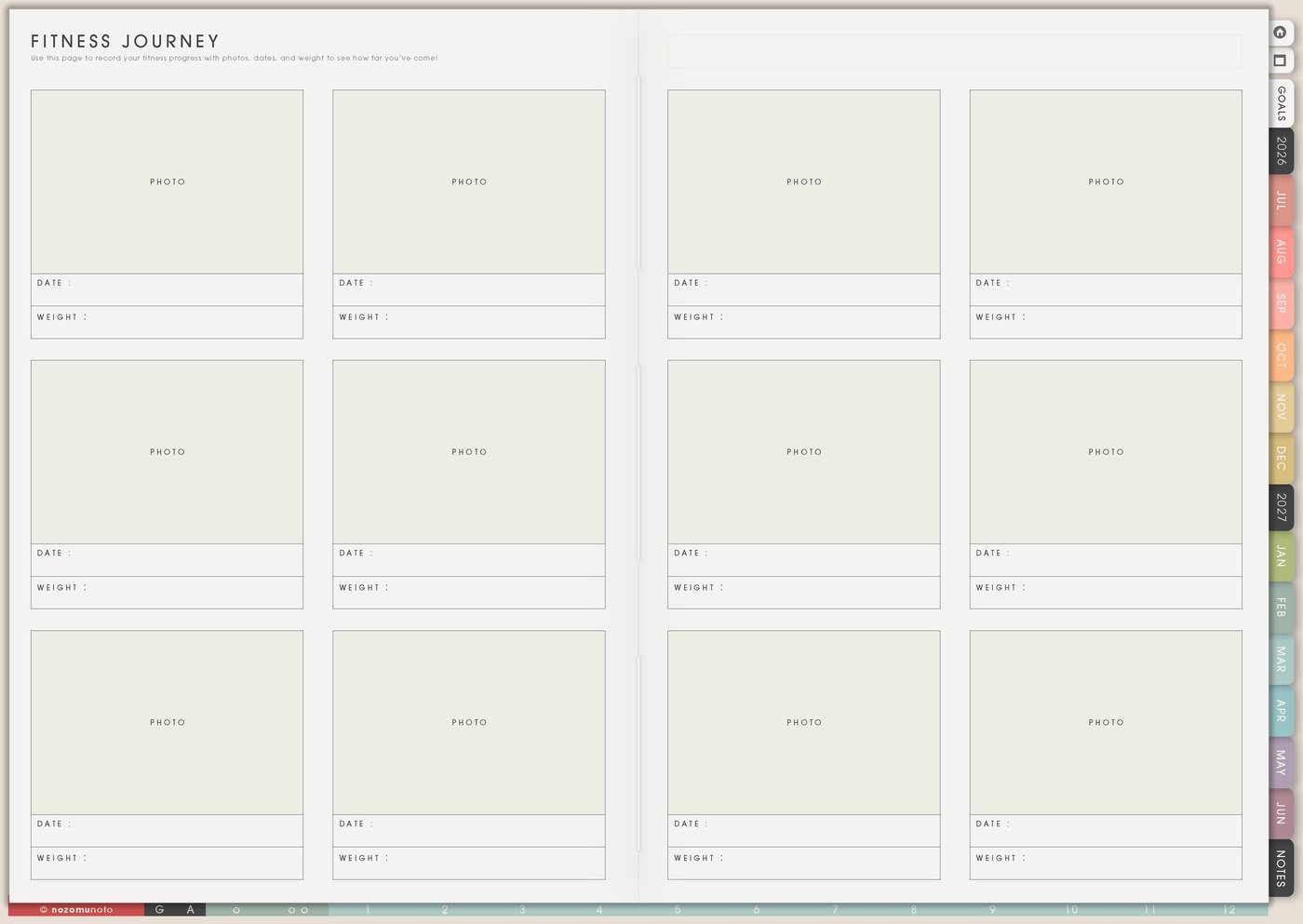
Use My Fitness Journey for the progress that a single number cannot show. This page can hold photos, notes, measurements, strength changes, energy changes, confidence, endurance, clothes fit, posture, or recovery milestones.
- Progress photos: use them only if they help you. You can also use screenshots, route photos, shoe photos, workout notes, or little proof-of-practice pictures.
- Measurements: track only the measurements that answer your real question. More numbers are not always more useful.
- Non-scale wins: write things like walked longer, lifted heavier, less stiffness, better sleep, more energy, fewer skipped weeks, or returned after a break.
- Milestone notes: add what helped, what hurt, what changed, and what you want to repeat.
This page is especially helpful when progress is slow but effort is real. It gives the effort somewhere to be seen.
3. Use Fitness Routines to make movement easier to start
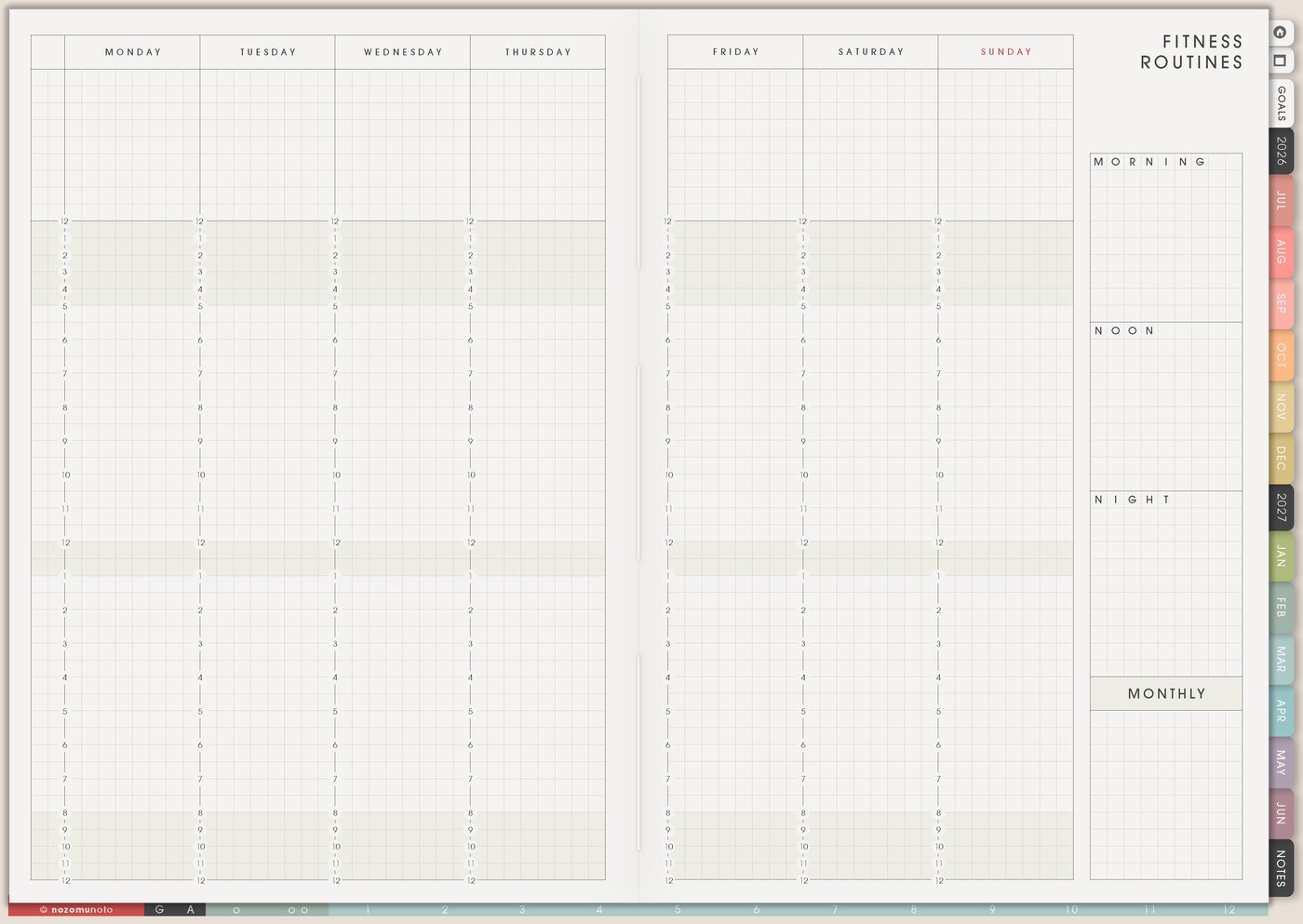
Use Fitness Routines to make a menu of movement options before the week gets busy. The page works best when it includes normal-day, short-day, and low-energy versions.
- Normal routine: warmup, main workout, stretch, water, shower, and notes.
- Short routine: ten-minute walk, one YouTube video, one strength circuit, one stretch flow, or one mobility set.
- Low-energy routine: easy stretch, sunlight, breathing, short walk, foam rolling, or lying-down mobility.
- Weekly rhythm: strength days, walking days, rest days, active recovery, and one flexible catch-up slot.
When the routine already exists, Weekly only needs the choice: Monday walk, Wednesday strength, Friday stretch, Sunday rest.
4. Use Monthly Workout Tracker for consistency, not punishment
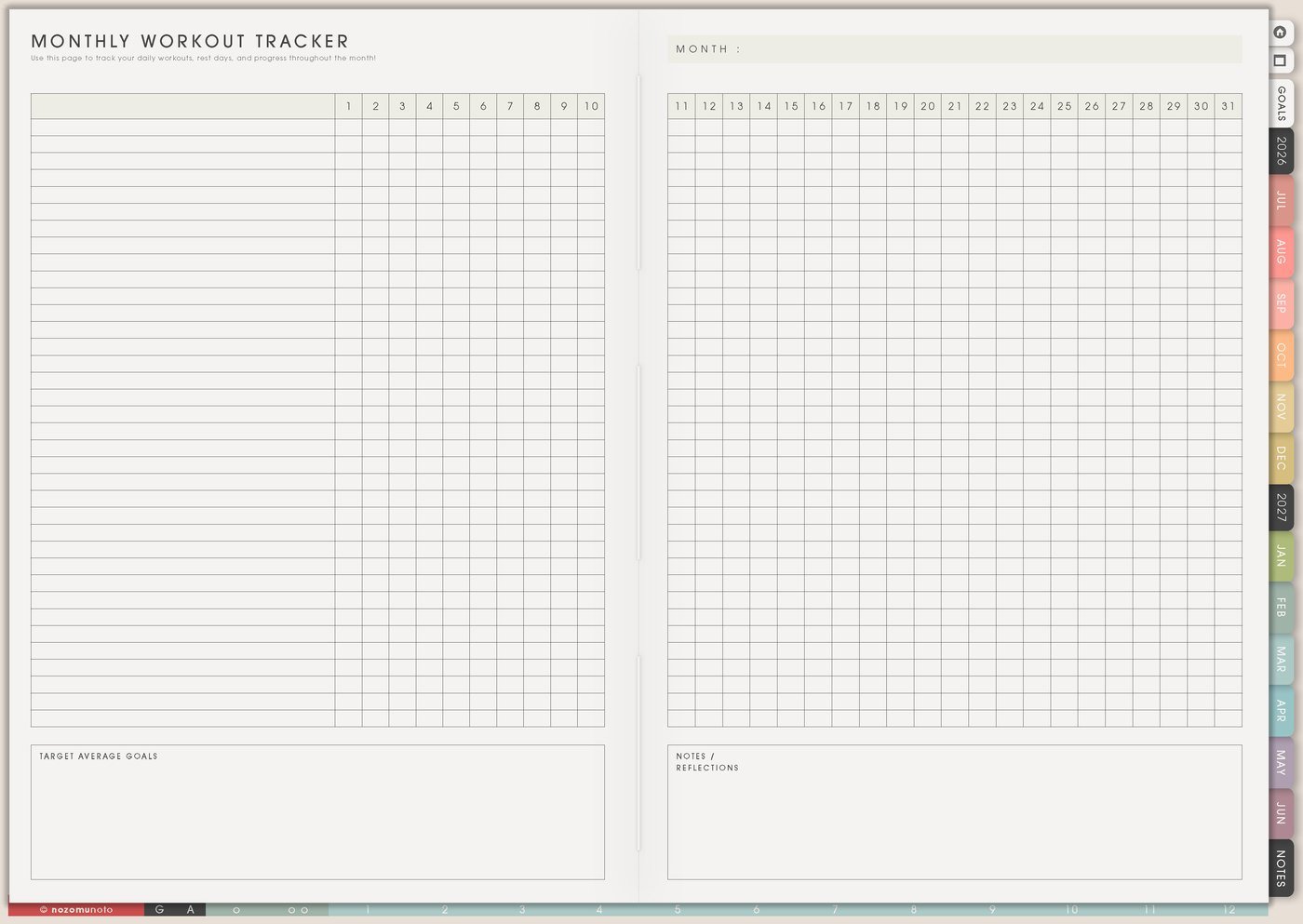
Use Monthly Workout Tracker to see what actually happened across a month. It is helpful for workouts, walking, steps, stretching, strength, cardio, rest, active recovery, or movement minutes.
- Simple mark: use a checkmark, color, letter, sticker, or number of minutes.
- Workout type: write W for walk, S for strength, Y for yoga, R for rest, M for mobility, C for cardio, or your own simple key.
- Weekly review: look at the pattern once a week and decide whether the plan needs to be smaller, moved, or easier to start.
- Rest as data: mark rest days on purpose. Rest is part of a usable fitness rhythm.
If the month has gaps, keep going. A tracker with gaps still shows real life, and real life is what the next plan has to fit.
5. Use Intermittent Fasting Tracker only when it fits your body and schedule
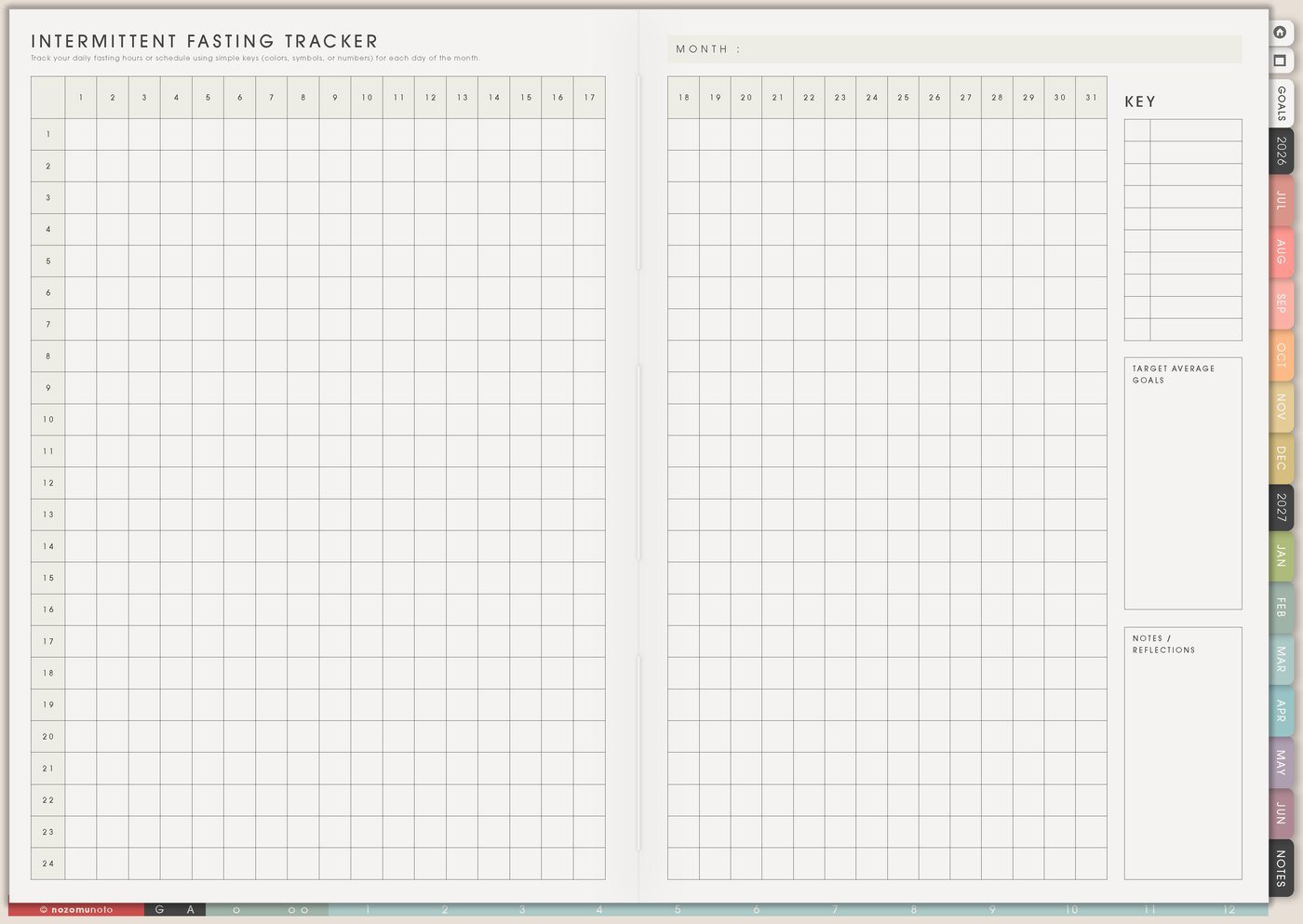
Use Intermittent Fasting Tracker only if fasting already fits your body, schedule, and professional health guidance. If it makes eating harder, increases stress, conflicts with health needs, or does not fit your life, skip this page. It is optional.
- Window notes: write start time, end time, eating window, energy, hunger, sleep, and any body cues that matter.
- Schedule fit: note whether the window worked with school runs, work shifts, family meals, workouts, medication, or appointments.
- Honest review: record whether it helped the day or made the day harder.
- Skip rule: write when not to use it, such as sick days, heavy workout days, travel, stressful seasons, or days when regular meals are the better choice.
The page is useful only if it helps you notice your body and make better choices. It does not need to be part of everybody’s planner.
6. Use Fitness pages together for one weekly movement plan
The Fitness section works best when each page has a different job. My Fitness Goals chooses the direction, My Fitness Journey records proof, Fitness Routines gives options, Monthly Workout Tracker shows consistency, and Weekly holds the actual movement plan.
- Choose the reason. Write one goal and one tiny version on My Fitness Goals.
- Choose the routine. Pick the normal or short routine for this week.
- Put only the workouts into Weekly. Keep the details on Fitness pages.
- Mark what happened. Use Monthly Workout Tracker at the end of the day or week.
- Review without drama. Adjust the next week based on what worked, not what looked impressive.
Fitness pages are planning notes, not medical or body instructions. If movement, fasting, recovery, pain, pregnancy/postpartum care, medication, or a health condition affects your plan, follow qualified professional guidance first.
What I usually use it for and how I use it
Tips for using the Fitness pages
- Treat return-to-plan as progress too. If you miss workout days, add a restart mark and continue from today.
- Write the tiny version on My Fitness Goals. Then schedule the realistic version on Weekly.
- Choose only two or three workouts for this week. Write them on Weekly and leave the rest as options.
- Mark rest and recovery on purpose. Rest is not a blank; it is part of the plan.
- Skip fasting notes when they fit poorly. Use Monthly Health Tracker, Fitness Routines, or Meal Planner instead.
When you need setup help
If the app step is the hard part, open the NozomuNoto Help Center for importing Yume Techo, using links, duplicating pages, adding bookmarks, and finding page thumbnails in your app.
Tips for using this page
- Choose the one part of this page that helps the current week instead of trying to fill everything at once.
- Move one small next action to Weekly or Daily so the page changes what happens next.
- Keep the page easy to return to by linking it from Index, favorites, bookmarks, or the related planner section.
Final thought
Fitness pages are useful when they make movement easier to start again. I hope this section helps you choose one reason, one tiny version, one weekly rhythm, and one place to mark what happened!