

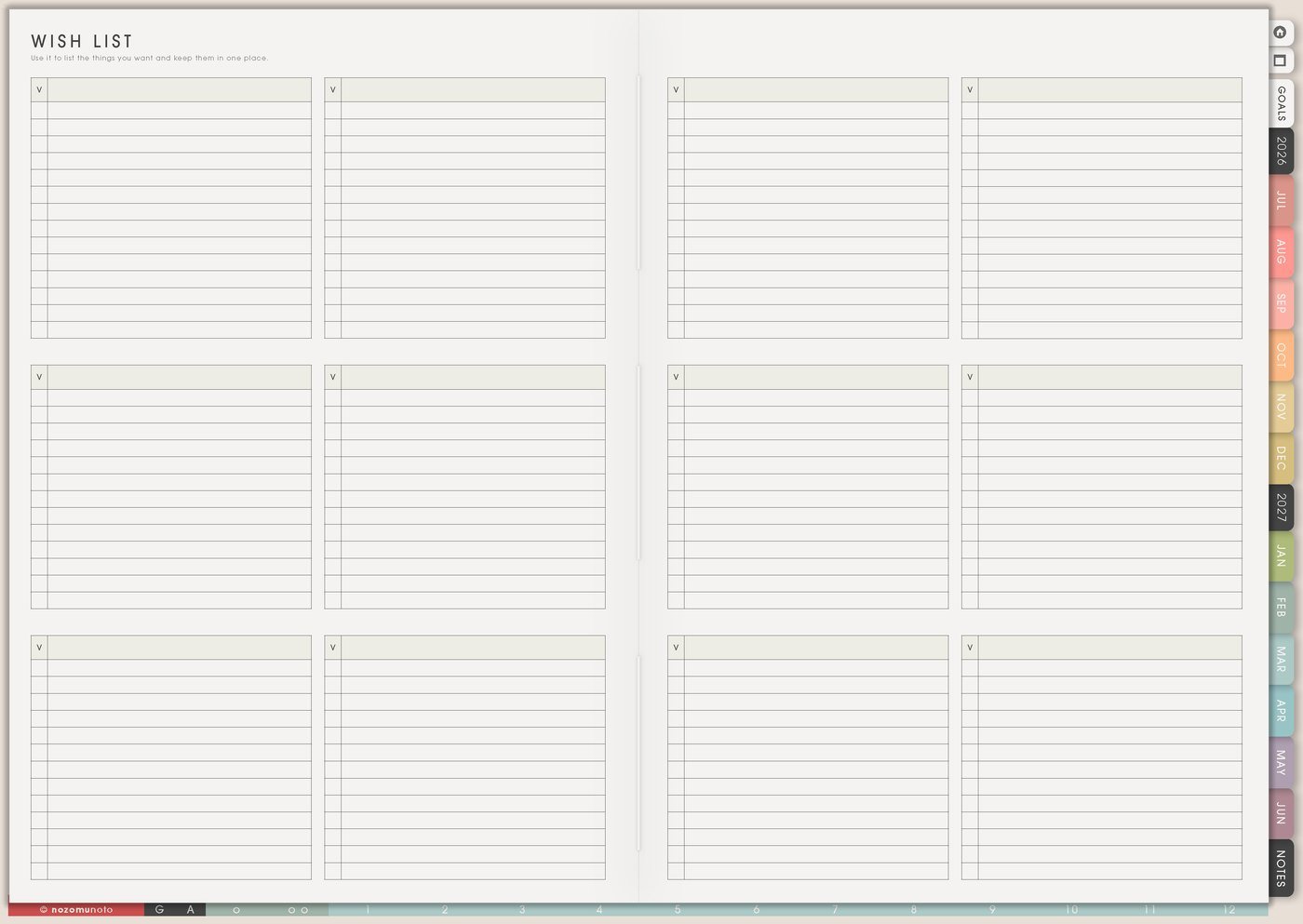
The Others pages in Yume Techo are for useful lists for later, not today’s task list. I use this section for wishes, big ideas, books, movies, shows, recommendations, and small memories that can disappear when they only live in my head.
How to get to these pages
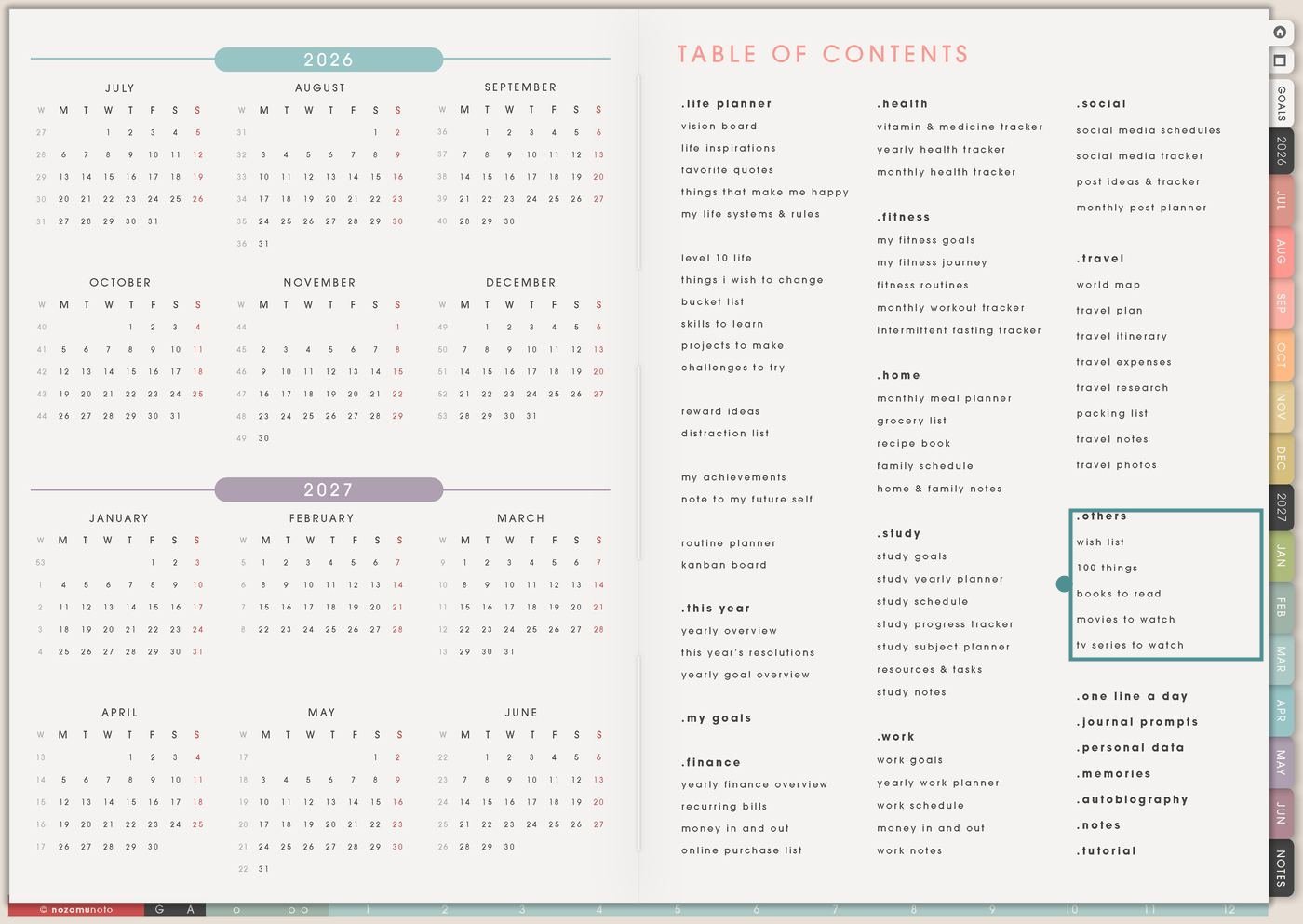
- Open the main Index / Table of Contents. The Others section is in the right column under Travel.
- Tap the Others page you need. The section includes Wish List, 100 Things, Books To Read, Movies To Watch, and TV Series To Watch.
- Choose a list by purpose. Use Wish List for choosing and saving, 100 Things for a bigger collection, and the media pages for what to read or watch next.
- Duplicate when a list needs its own theme. Make separate copies for gift ideas, classroom books, family movies, favorite shows, holiday wishes, craft supplies, or seasonal ideas.
Pages included in Others
- Wish List: for wanted items, gift ideas, prices, links, waiting periods, priorities, and buying decisions.
- 100 Things: for big collections, challenges, life ideas, seasonal lists, favorites, prompts, and long-term ideas.
- Books To Read: for book titles, authors, recommendations, progress, notes, and what to read next.
- Movies To Watch: for movie ideas, family watch lists, quiet nights, rainy-day picks, recommendations, and ratings.
- TV Series To Watch: for series ideas, seasons, episodes, watch status, recommendations, and shared watch plans.
Ways to use the Others pages
1. Make Wish List a decision space, not a shopping trap
Use Wish List when wants need a waiting place. This page can hold things you might buy, gifts you might ask for, gifts you might give, supplies to compare, tools to research, and small treats to save for.
- Personal wish list: item, reason, price, link, priority, wait-until date, and whether it still matters later.
- Gift list: person, occasion, idea, size/color, budget, deadline, shop link, and bought/wrapped/sent status.
- Business or craft supplies: item, vendor, price, purpose, project, deadline, and buy-later decision.
- Family list: school supplies, kid wishes, home items, seasonal needs, repair items, and shared priorities.
A wish list is most useful when it slows down impulse decisions. Add the reason and a wait date so the list helps you choose, not just collect.
2. Give big collections room with 100 Things
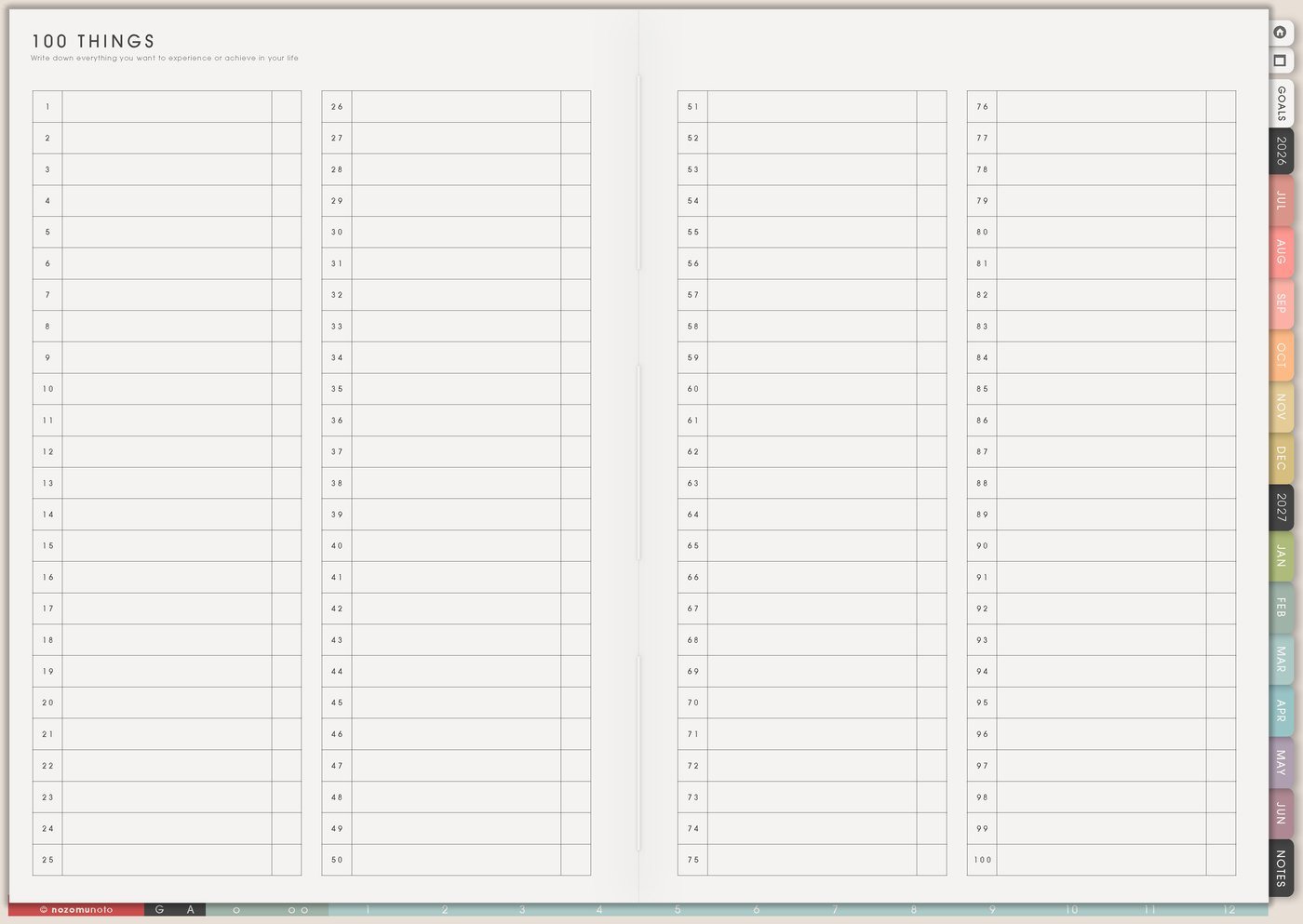
Use 100 Things when the list is too big for a normal page. This page works for bucket lists, ideas, challenges, prompts, favorites, memory lists, seasonal ideas, or any collection that benefits from one hundred open slots.
- 100 ideas: article ideas, video ideas, craft ideas, product ideas, writing prompts, recipe ideas, or date ideas.
- 100 memories: favorite moments, small wins, family memories, trip memories, photos to print, or things that made the year feel alive.
- 100 challenges: tiny habits, drawing prompts, gratitude prompts, walking ideas, decluttering spots, or study topics.
- 100 favorites: songs, books, movies, quotes, meals, places, games, stationery, or familiar favorites.
Use categories if the list feels too open: home, study, work, family, health, faith, money, travel, fun, and someday.
3. Turn Books To Read into useful takeaways
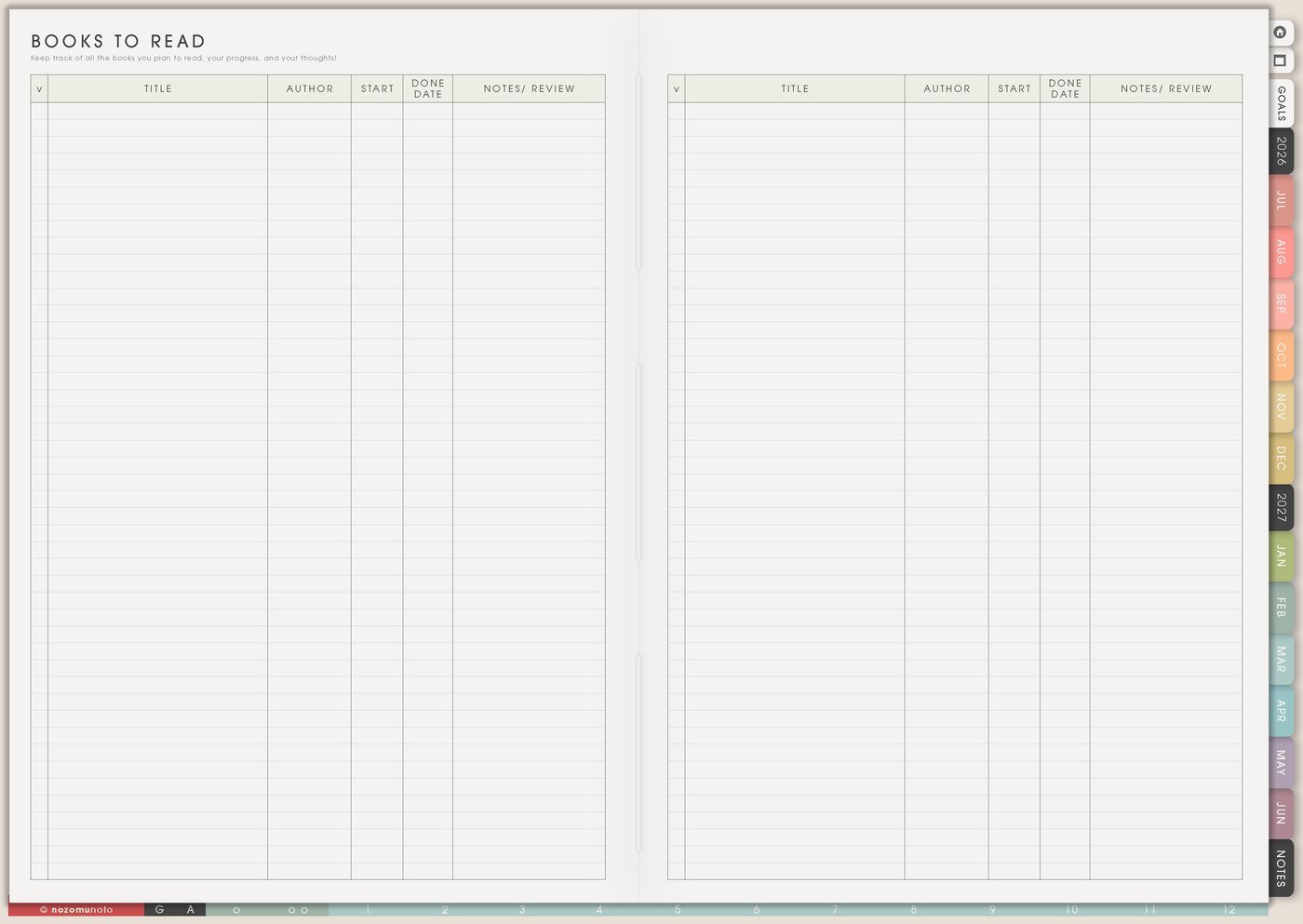
Use Books To Read for more than a title list. It can hold recommendations, why you want to read the book, whether it is library, ebook, audiobook, or paper, and one useful takeaway after reading.
- Reading queue: title, author, format, source, reason, priority, and start date.
- Study reading: course book, chapter focus, deadline, notes page, and review date.
- Personal growth: topic, one idea to try, related planner page, and whether the book is worth rereading.
- Family reading: read-aloud books, kids books, book club picks, library holds, and cozy night books.
After finishing a book, write one useful idea and where it belongs in the planner. A book becomes more helpful when one idea turns into a page, experiment, or small action.
4. Make movie night easier with Movies To Watch
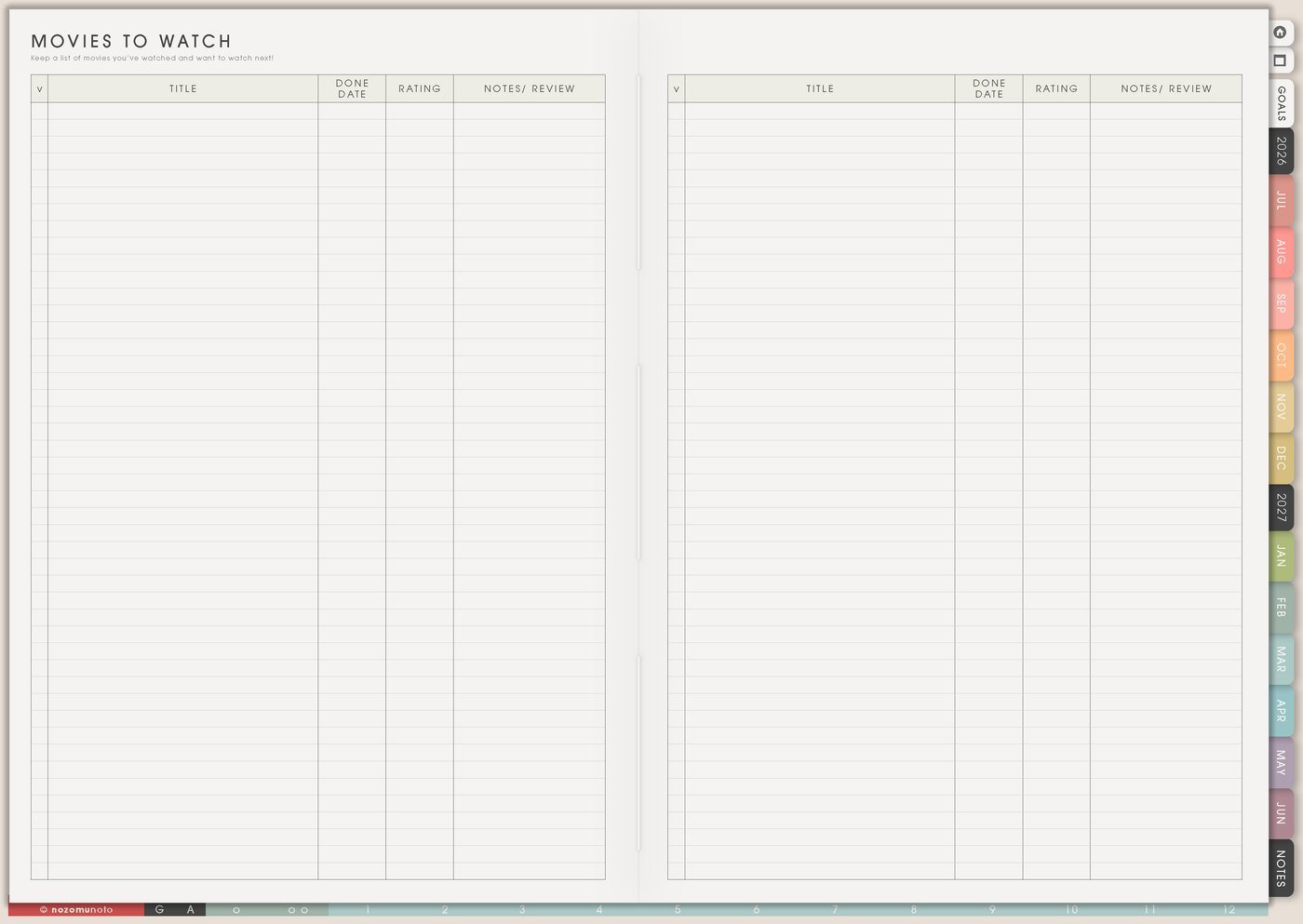
Use Movies To Watch when movie ideas keep disappearing or when family movie night turns into twenty minutes of searching. This page can hold movie title, genre, mood, who wants it, where to watch, and whether it was watched.
- Family movie list: kid-safe, teen, parent pick, holiday movie, short movie, and rainy-day movie.
- Mood list: funny, cozy, inspiring, action, romance, quiet, documentary, nostalgic, or background movie.
- Seasonal list: Halloween, Christmas, summer, birthday, school break, date night, or favorite rewatch.
- Recommendation list: who recommended it, why, streaming service, rating, and whether to recommend it back.
Keep one column for mood or reason. It makes choosing faster when everyone is tired.
5. Keep series progress in TV Series To Watch
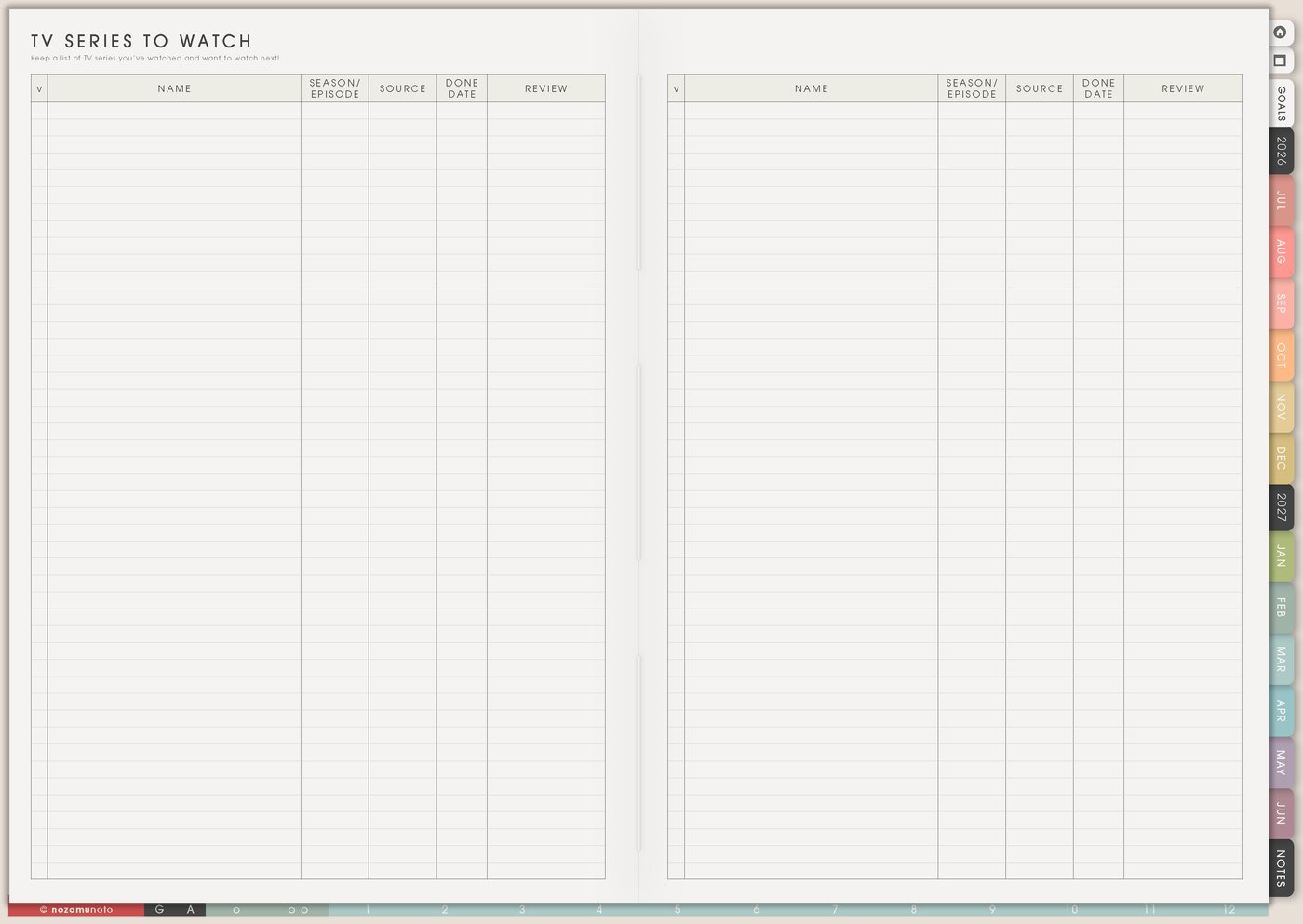
Use TV Series To Watch when shows have seasons, episodes, platforms, and watch status to remember. This is useful for solo watching, family shows, anime, dramas, documentaries, familiar shows, and shows paused halfway through.
- Series tracker: title, platform, season, episode, started, finished, rating, and next episode.
- Shared watch list: who wants to watch, which nights work, age rating, and where the show is available.
- Familiar show list: shows to rewatch when everyone wants something easy to choose.
- Learning list: documentaries, language practice shows, faith series, creative education, or business videos.
If a show starts feeling like another obligation, mark it paused or skip. Lists should make choosing easier, not heavier.
6. Use these pages as a choice library
The Others section works best when it becomes a library of choices. Wish List holds possible buys, 100 Things holds big collections, Books To Read holds reading choices, Movies To Watch holds movie choices, and TV Series To Watch holds longer watch plans.
- Add ideas freely. Let the list catch the thing before it disappears.
- Add one useful detail. Price, source, reason, mood, recommendation, platform, or wait date.
- Choose when needed. Use the list when you are ready to buy, read, watch, gift, plan, or remember.
- Move only real actions to Weekly. Buy the gift, request the book, watch one movie, start one series, or compare one item.
Related Tips: Wish List page ideas, 100 Things page ideas, Books To Read page ideas, and Movies To Watch page ideas go deeper into the individual list pages.
What I usually use it for and how I use it
Tips for using these pages
- Name each copy by job. A list called Gift Ideas For Mama is easier to use later than a page called Random Ideas.
- Add one choosing detail. Price, reason, mood, platform, wait date, recommender, or next episode can be enough.
- Let Wish List slow the buying decision. Add price, reason, priority, and wait-until date before moving anything to Weekly.
- Turn books into one takeaway. After reading, write one useful idea and where it belongs: Weekly, Routines, Notes, or a copied template page.
- Make media lists easy to choose from. Add mood, length, platform, who wants it, and watched status so movie night or series night starts faster.
- Move only active choices to Weekly. Later lists can stay full. Weekly only needs the gift to buy, book to borrow, movie to choose, or episode to start.
Keep private details out of list pages
Wish lists, gift lists, family watch lists, and shop research can collect personal details quickly. Keep full addresses, full payment details, passwords, private account links, order numbers, children’s personal details, and surprise gift secrets in a secure place outside the planner. In Yume Techo, write safe labels like gift budget, size checked, shop link saved in browser, family pick, or check streaming app.
When you need setup help
If the app step is the hard part, open the NozomuNoto Help Center for importing Yume Techo, duplicating list pages, adding links, bookmarking favorite pages, and finding page thumbnails in your app.
Tips for using this page
- Choose the one part of this page that helps the current week instead of trying to fill everything at once.
- Move one small next action to Weekly or Daily so the page changes what happens next.
- Keep the page easy to return to by linking it from Index, favorites, bookmarks, or the related planner section.
Final thought
Others pages are useful when choices need a home without becoming urgent. Let the pages catch ideas, add the detail that helps me choose later, and move only the next real action into Weekly. I hope these pages make lists feel clearer, more useful, and easier to return to when it is time to choose!