

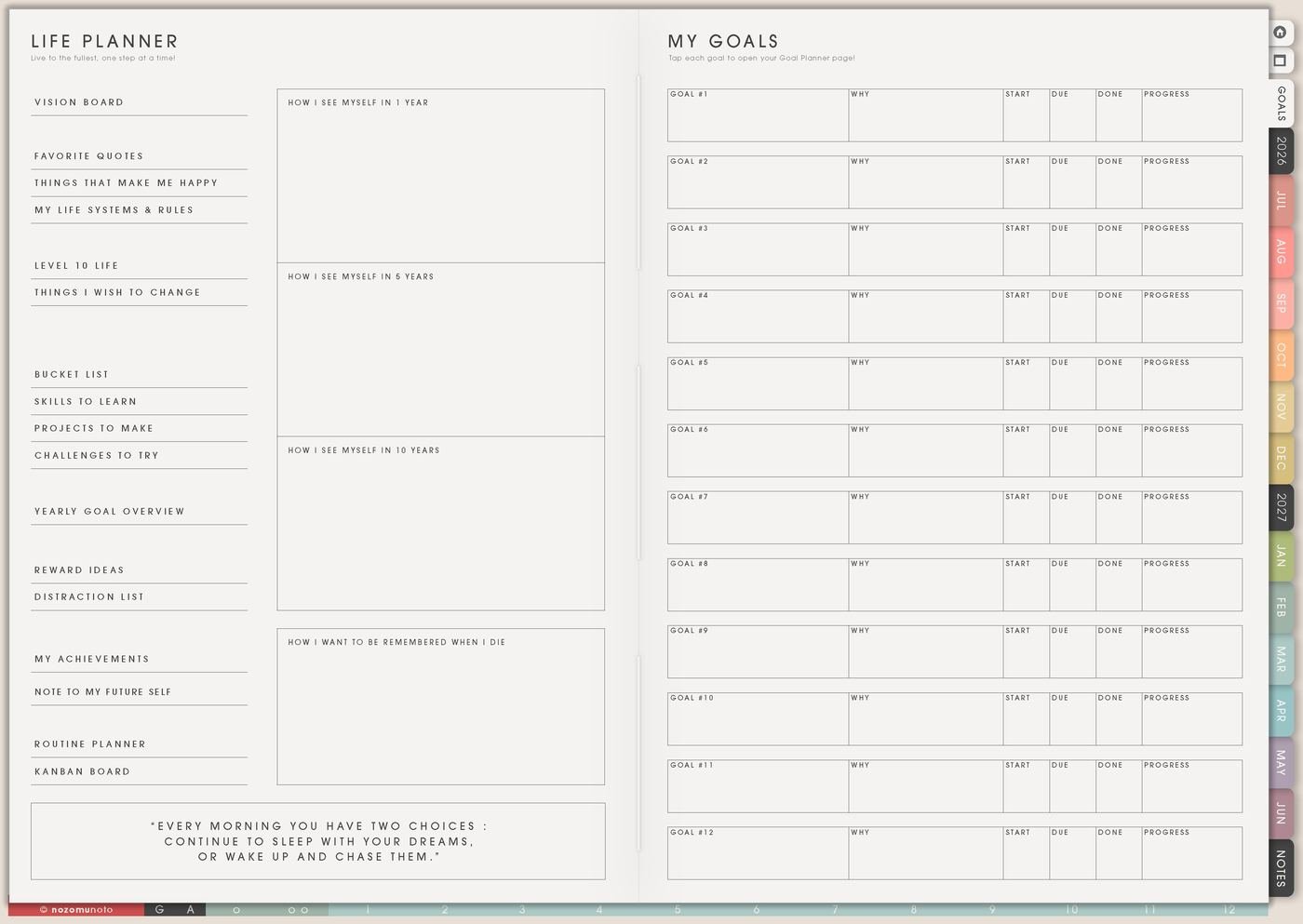
The Life Planner page is for one season of life direction. I use it when values, priorities, personal rules, helper pages, and next steps need one place before they spread across the planner.
This page works best as a season note, not a full life rebuild. It names what matters now, then sends one action to Monthly, Weekly, or another Life Planner page.
How to fill the Life Planner page
- Name the season. Use a short phrase: study season, rebuilding season, launch season, family season, recovery season, saving season, or creative season.
- Write what matters most. Choose three to five plain words or sentences that explain what deserves space.
- Write what needs less space. This can be overcommitting, late nights, scattered projects, clutter, rushing, comparison, or tasks with no owner.
- Add one helper page. Link the idea to Vision Board, Favorite Quotes, Happy List, Goal Planner, Routines, or Kanban only when that page has a real job.
- Move one action forward. Put one tiny action on Weekly or Monthly so the page does not stay only as a thought.
Ways to use Life Planner
1. Seasonal direction
Use the page at the start of a semester, year, work season, family shift, health reset, or creative season. Write what this season is asking for before choosing new goals.
2. Personal decision filter
Before saying yes to a project, event, purchase, routine, or goal, check the Life Planner page. If it matches the season and values, it can stay. If it only adds noise, it can wait.
3. Helper page map
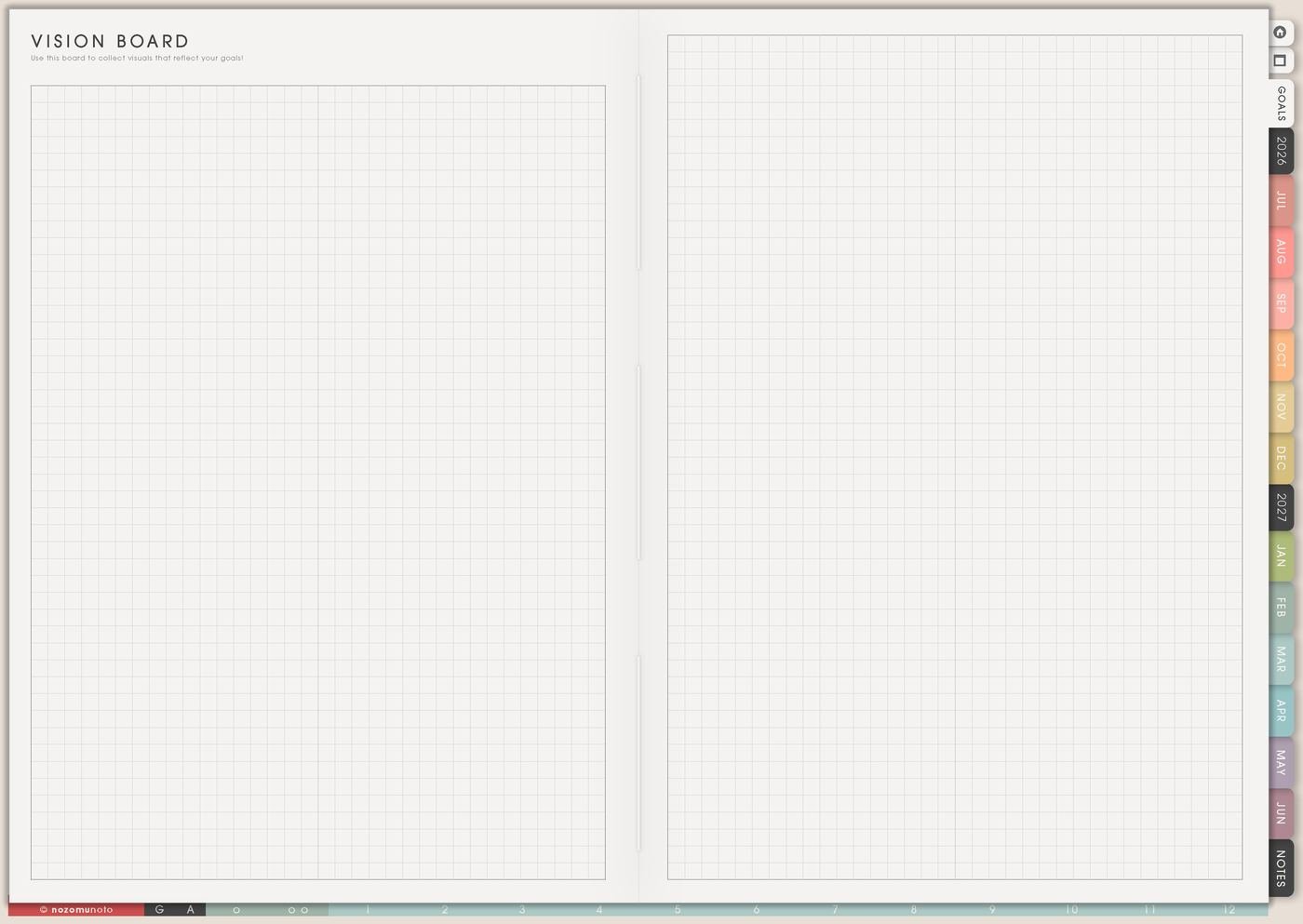
Use Life Planner as the page that points to the right helper page. Vision Board can hold images, Favorite Quotes can hold restart words, Happy List can hold tiny joy, and Goal Planner can hold one focused change.
4. Personal rules
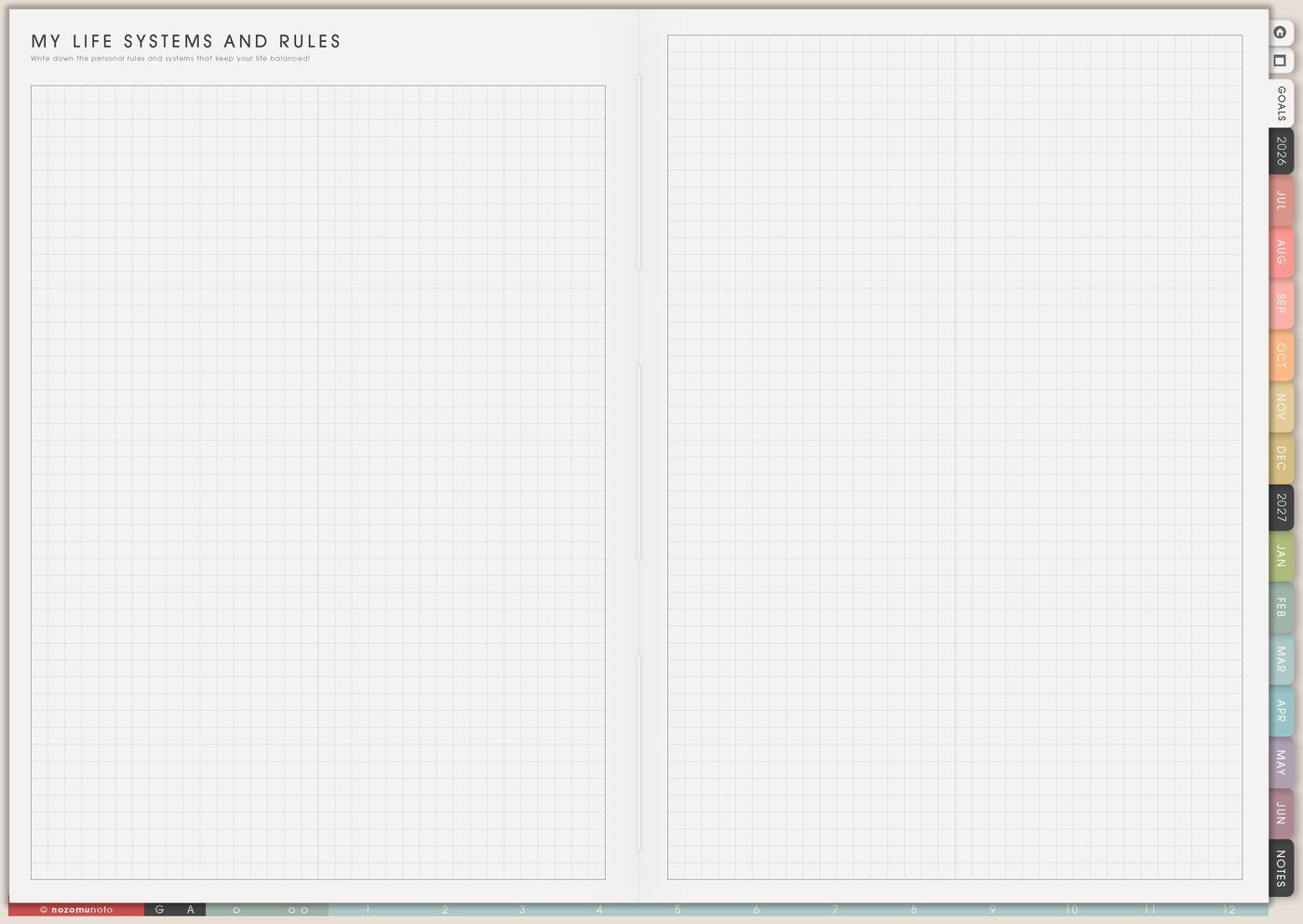
Write a few rules that reduce repeated decisions. A rule can be simple: no new project without a review date, money check on Friday, one evening reset, or weekly planning before messages.
5. Weekly bridge

At the end, choose one line from Life Planner and turn it into one weekly action. The page becomes useful when direction moves into the current week.
What I usually use it for and how I use it
Related Tips: Life Planner Index shows where this page sits, and Goal Planner Index and 12 goal pages helps when one Life Planner direction becomes a real goal with steps, roadblocks, review notes, and a weekly next action.
Tips for using this page
- Write one honest season sentence. If the page feels too important, start with: this season asks me to finish, recover, learn, save, simplify, or restart.
- Choose direction before goals multiply. Circle one direction, then send only one goal to Goal Planner if it needs its own page.
- Move one line into Weekly. Direction becomes useful when one small action has a verb: book, ask, sort, walk, write, save, review, or finish.
- Pick one helper page. Vision Board, Favorite Quotes, Happy List, Goal Planner, Routines, or Kanban can wait until each page has a real job.
Keep personal details safe
Life Planner can mention money, family, health, faith, work, school, or personal goals. Keep full account details, passwords, private family information, medical records, contract details, and sensitive documents in a secure place outside the planner. In Yume Techo, write safe labels like review budget, ask family, check health note, open secure file, or bring one question to Weekly Review.
When you need setup help
Life Planner helps with direction and personal planning. If you need exact app steps for copying pages, using hyperlinks, importing Yume Techo, or finding the Life Planner section, open the NozomuNoto Help Center for your app or device.
Final thought
Life Planner works best when it stays personal, honest, and small enough to revisit. Name the season, give space to what matters, and move one tiny piece into Weekly. I hope this page makes life direction feel easier to write and easier to use in an ordinary week!