
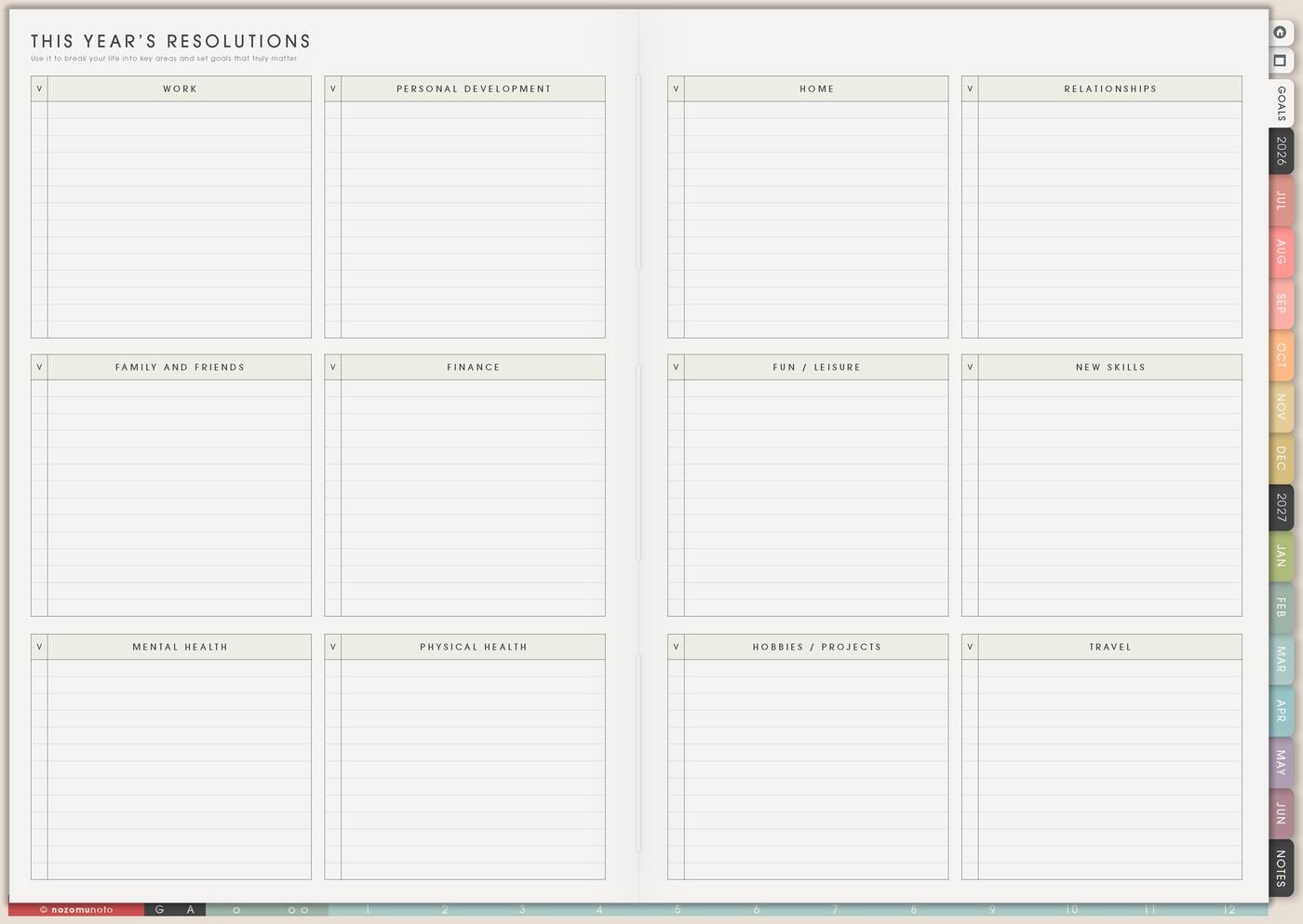
The Resolutions page is for a fresh-start promise that can survive real life. I use it for New Year, a birthday reset, a new semester, a new planner, a new season, or any moment when I want to begin again without making the promise too heavy.
A useful resolution is not only a big wish. It needs a reason, a small first version, a restart rule, and a review date so one messy week does not erase the whole intention.
How to fill the Resolutions page
- Choose one resolution first. Start with the promise that matters most now.
- Write the reason. Use normal words you will still understand later.
- Write the full version and minimum version. Decide what counts on a hard week.
- Plan the first seven days. Treat week one as a test.
- Add a restart rule. Decide how to come back after a miss.
- Add a review date. Use Weekly Review or Monthly Overview.
Ways to use Resolutions
1. A reason I can actually say
Write why the resolution matters in plain language: I want mornings to be easier, I want fewer late fees, I want school deadlines to stop surprising me, I want my home to be easier to enter, I want to make useful things without burning out, or I want to feel less scattered after work.
The reason does not need to sound impressive. It only needs to remind you why this fresh start deserves a little protection.
2. Full version and minimum version
Write the full version, then write the version that can survive a busy week. If the full version is exercise every day, the minimum version can be one walk, one stretch, or clothes ready by the door. If the full version is read more, the minimum version can be ten pages on Sunday. If the full version is save money, the minimum version can be checking subscriptions first.
The minimum version keeps the resolution alive when the first burst of energy fades.
3. First seven days as a test

Use the first week as a small experiment. Write what day one needs, what day two repeats, and what day seven reviews. A resolution becomes easier when it has a first test instead of a blurry forever plan.
For a resolution like open the planner more, I make day one save the Index as a favorite, day two add three real dates, day three choose one weekly focus, and day seven review which page I actually used.
4. Add a restart rule before you need it
Decide what happens after you miss a day, week, or month. A simple restart rule can be: open the current week, choose one action, and leave the old blank space alone.
Write the rule directly on the page: restart from today, minimum version counts, or review on Sunday and move only what still matters. My tired future self needs the rule already written.
5. Review before changing the resolution
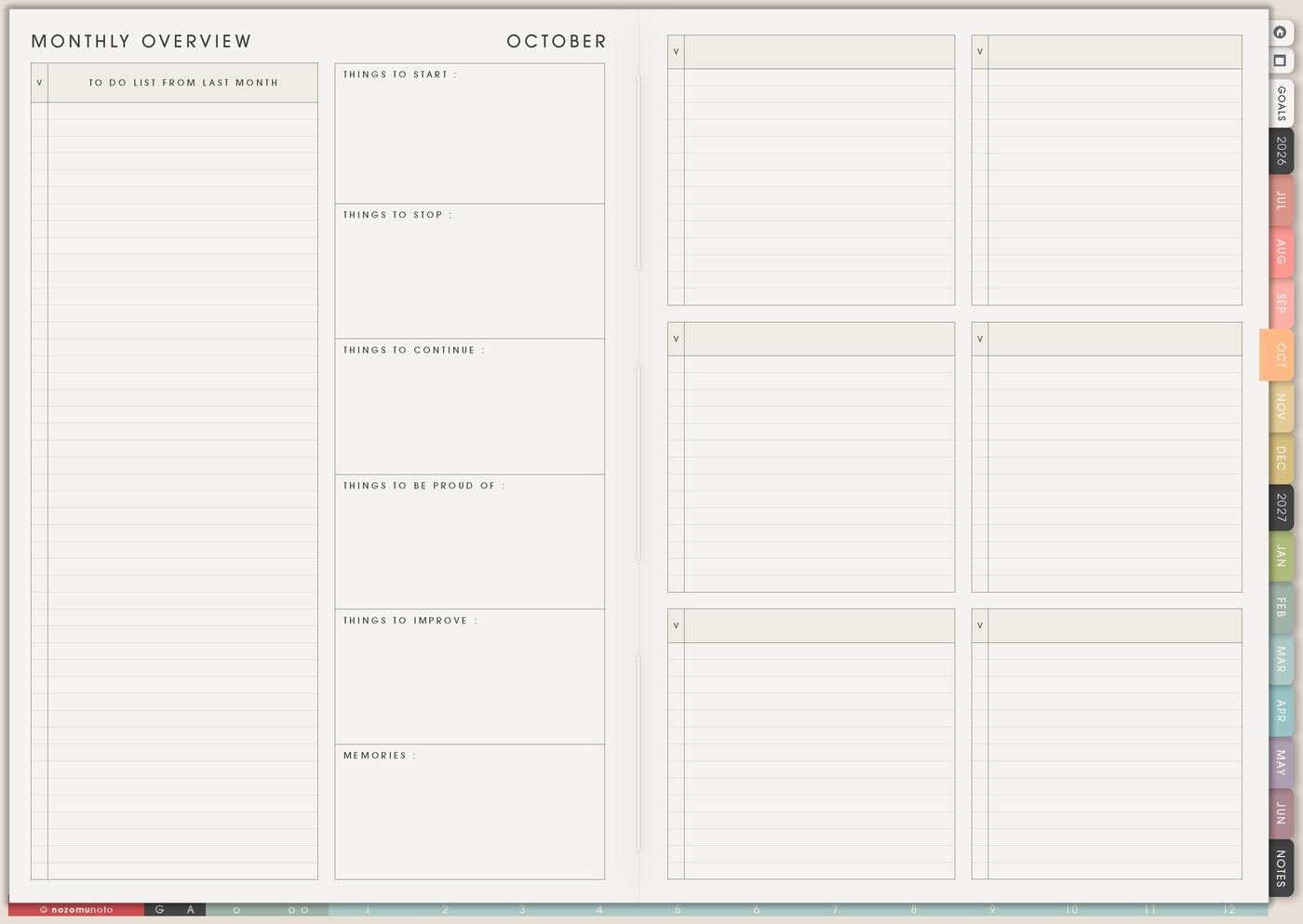
Put a review date on Weekly Review or Monthly Overview. Ask what helped, what was too big, what got in the way, and what needs a smaller version. Then update the resolution without turning it into a failure story.
Resolutions are allowed to change. A version that survives real life is more useful than a perfect version that disappears.
6. Bigger resolutions can become Goal Planner pages
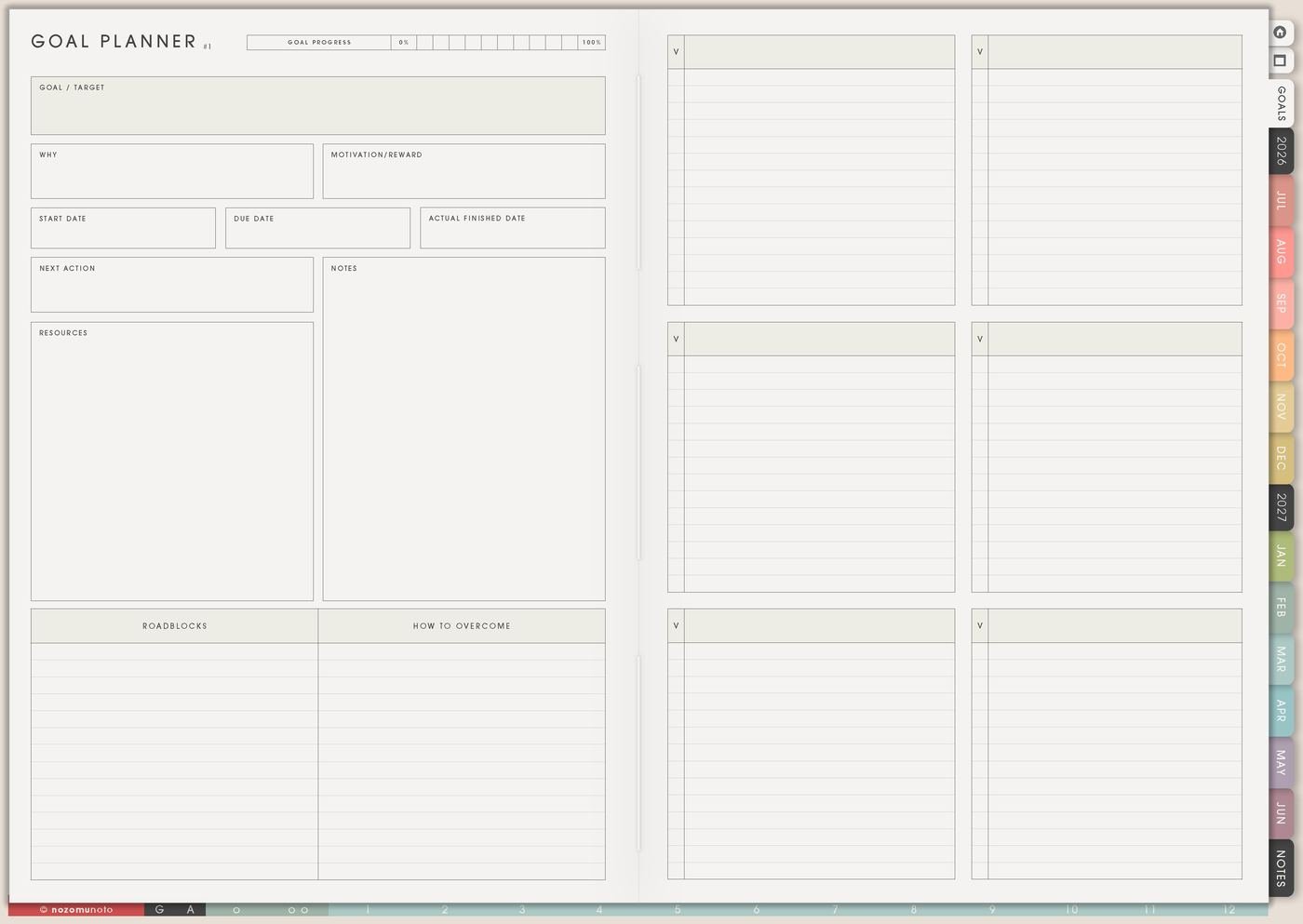
If the resolution has many parts, use Goal Planner for the deeper plan. Resolutions can hold the fresh-start promise. Goal Planner can hold why it matters, resources, roadblocks, backup plans, milestones, and next actions.
For example, grow the shop might need product cleanup, listing photos, useful articles, email list, and ad checks. The Resolutions page can name the intention. Goal Planner and Weekly can carry the work.
A simple Resolutions setup
- Choose one resolution. One fresh start is easier to protect than ten.
- Write the reason. Use words that still matter on a tired day.
- Add the minimum version. Decide what counts when life is busy.
- Plan the first seven days. Treat week one as information.
- Write the restart rule. Decide how to come back before the first miss happens.
- Choose the review date. Put it on Weekly Review or Monthly Overview.
What I usually use it for and how I use it
Related Tips: Goal Planner Index and 12 goal pages helps when the resolution needs a full plan, Weekly page setup helps me place the first action, Monthly Overview reset helps me review the promise, and Life Planner page ideas helps me choose a fresh start that fits the current season.
Tips for using this page
- Turn the promise into a behavior. Instead of writing be consistent, write open planner before lunch, check Monthly every Sunday, walk after breakfast, review notes after class, or publish one useful article.
- Choose one resolution first. Fresh-start energy can make every life area look ready for reset. I keep one promise active for the first month and let the rest wait on Yearly Goal Overview or a someday list.
- Write a minimum version. A promise survives longer when the tired-day version counts too: five-minute walk, one stretch, open book, one paragraph, one dish, or check planner once.
- Add the restart rule early. Write start from today, minimum version counts, or review on Sunday before the first miss happens.
- Check the season before committing. During a moving month, exam season, recovery season, or family-heavy month, make the promise smaller or move it to a better month.
Keep private resolution details safe
Resolutions can include health, money, family, school, faith, work, business, and private life changes. Keep medical records, full account details, passwords, private family information, client details, financial documents, and sensitive relationship notes in a secure place outside the planner. In Yume Techo, write safe labels like check subscriptions, book appointment, review school deadline, open budget file, or choose first action.
When you need setup help
Resolutions helps with planning a fresh start. If you need exact app steps for copying pages, using hyperlinks, importing Yume Techo, or finding template pages, open the NozomuNoto Help Center for your app or device.
Final thought
Resolutions work better when they are built to restart. Choose one, write the minimum version, test the first week, and decide how to come back. I hope the page helps your fresh start feel practical enough to keep!