

Browse tips
Yume Techo Use Cases
- As a Student
- As a Teacher
- For Moms & Family
- For Work
- For Creative Projects
- For Bible Study
- For Small Business
- For Content Creation
- For Fitness & Health
- For Travel
- For Rapid Logging
- For Life Planning
- For Journaling & Reflection
- For Budget & Finance
- For Meals & Grocery
- For Project Planning
- For Home Management
- For Creative Writing
- For Music Writing
- For Brainstorming
- For Homeschooling
Page-by-Page Use Ideas
Essential Template Pages
- Template Index
- Yearly Spread
- Yearly Grid
- Yearly - Day Month Tracker
- Monthly - Day Tracker
- Monthly Grid
- Monthly Overview
- Weekly Review
- Monthly Spread
- Weekly - Horizontal
- Weekly - Vertical
- Routines
- 30 Day Challenges
- 100 Day Challenges
- Vision Board
- 100 Things
- Multi Purpose Table
- Level 10 Life
- 31 Things
- Daily Page - Type 1
- Daily Page - Type 2
- Gantt Chart - Universal
- Gantt Chart - Weekly
- Photo Page
- World Map
- Multi Purpose Wheel
- Kanban - 4/6/8 columns
- Template Pages
- Level 10
- Daily Template
- Yearly Tracker
Life Planner Pages
- Life Planner Index
- Life Planner
- Vision Board
- Life Inspirations
- Favorite Quotes
- Things That Make Me Happy
- My Life Systems and Rules
- Level 10 Life
- Things I Need To Change
- Bucket List
- Skills To Learn
- Projects To Make
- Challenges To Try
- Resolutions
- Yearly Goal Overview
- Goal Planner
- Reward Ideas
- Distraction List
- My Achievements
- Note To My Future Self
- Routines
- 30 Day Challenges
- Kanban Board
Books
How to Use the Yume Techo Life Planner Page
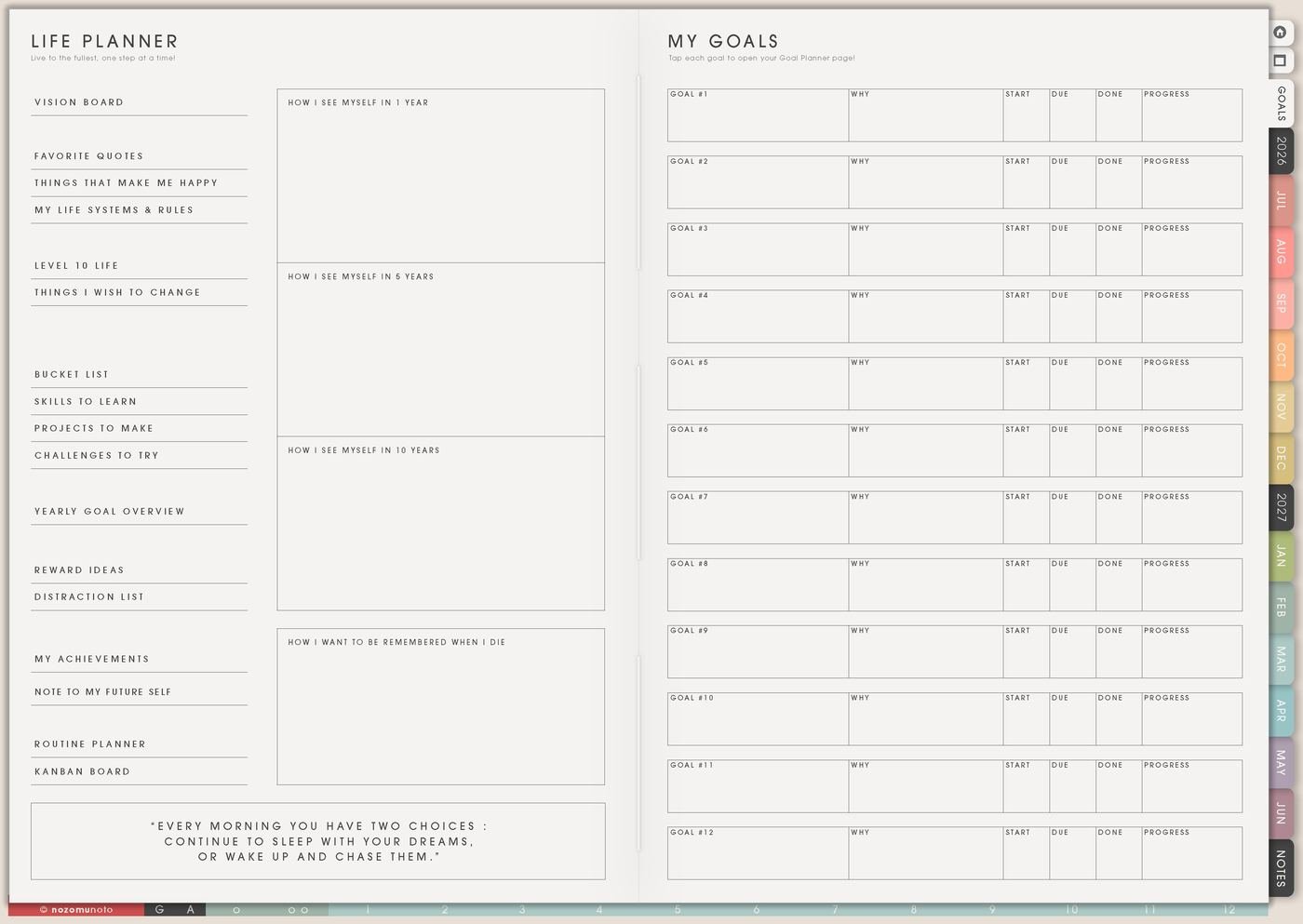
Use the Yume Techo Life Planner page to organize life areas, goals, routines, projects, current priorities, and small next steps.
The Life Planner page is for one season of life direction. I use it when values, priorities, personal rules, helper pages, and next steps need one place before they spread across the planner.
This page works best as a season note, not a full life rebuild. It names what matters now, then sends one action to Monthly, Weekly, or another Life Planner page.
How to use the Life Planner page
Use the Life Planner page when you want to think about your life as a whole without turning it into a strict makeover project.
Good things to write here include:
- Life areas that matter right now.
- Goals you want to explore.
- Routines you want to build.
- Projects you want to finish.
- Things you want to learn.
- Things you want to change.
- Small next steps.
You do not need to plan your whole life perfectly. Choose one area that feels important now, then write one small action you can take this week.
Related Tips: Life Planner Index, Level 10 Life for life areas, and digital life planner for goals, routines, and direction.
How to fill the Life Planner page
- Name the season. Use a short phrase: study season, rebuilding season, launch season, family season, recovery season, saving season, or creative season.
- Write what matters most. Choose three to five plain words or sentences that explain what deserves space.
- Write what needs less space. This can be overcommitting, late nights, scattered projects, clutter, rushing, comparison, or tasks with no owner.
- Add one helper page. Link the idea to Vision Board, Favorite Quotes, Happy List, Goal Planner, Routines, or Kanban only when that page has a real job.
- Move one action forward. Put one tiny action on Weekly or Monthly so the page does not stay only as a thought.
Ways to use Life Planner
1. Seasonal direction
Use the page at the start of a semester, year, work season, family shift, health recovery season, or creative season. Write what this season is asking for before choosing new goals.
2. Personal decision filter
Before saying yes to a project, event, purchase, routine, or goal, check the Life Planner page. If it matches the season and values, it can stay. If it only adds noise, it can wait.
3. Helper page map
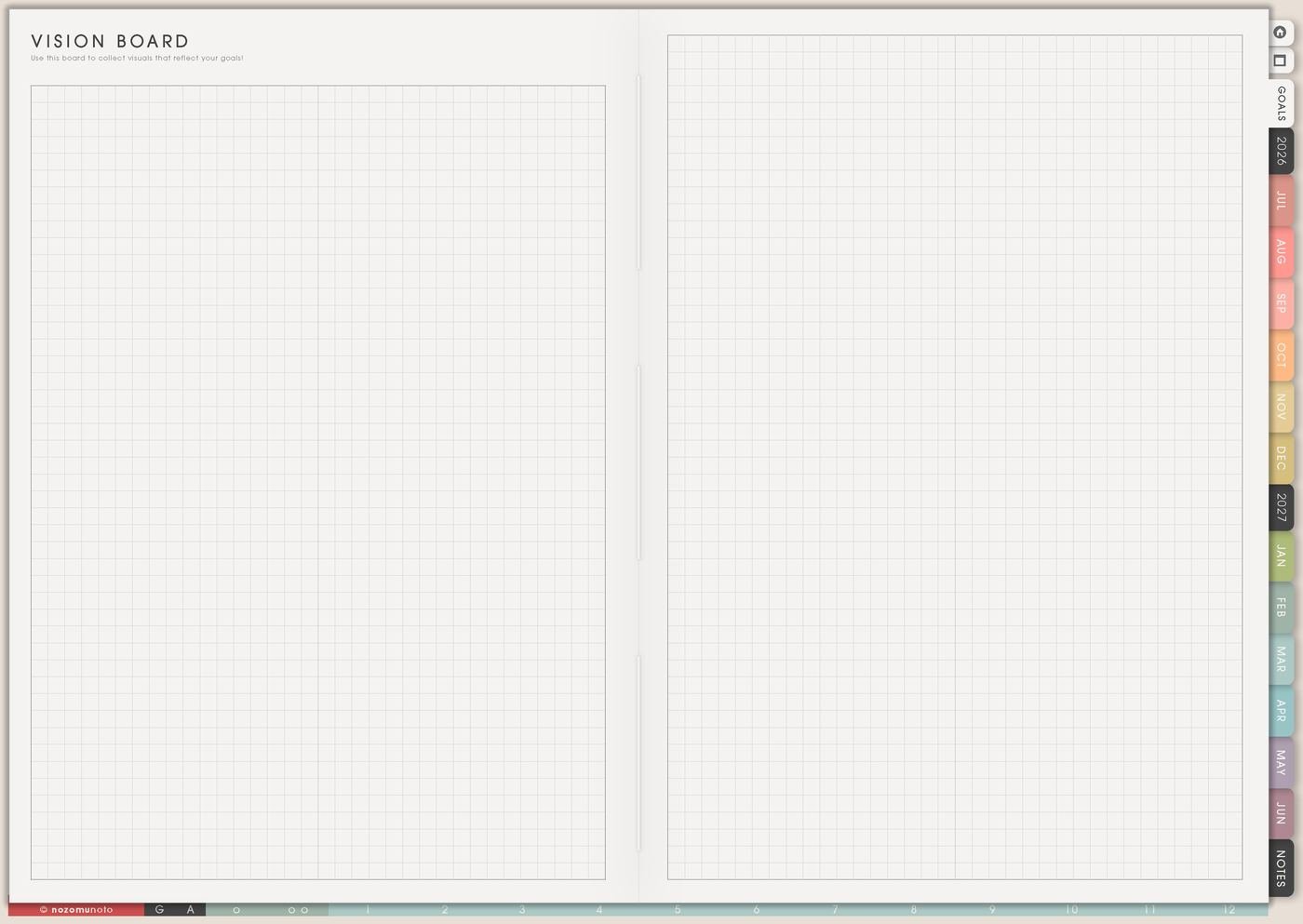
Use Life Planner as the page that points to the right helper page. Vision Board can hold images, Favorite Quotes can hold restart words, Happy List can hold tiny joy, and Goal Planner can hold one focused change.
4. Personal rules
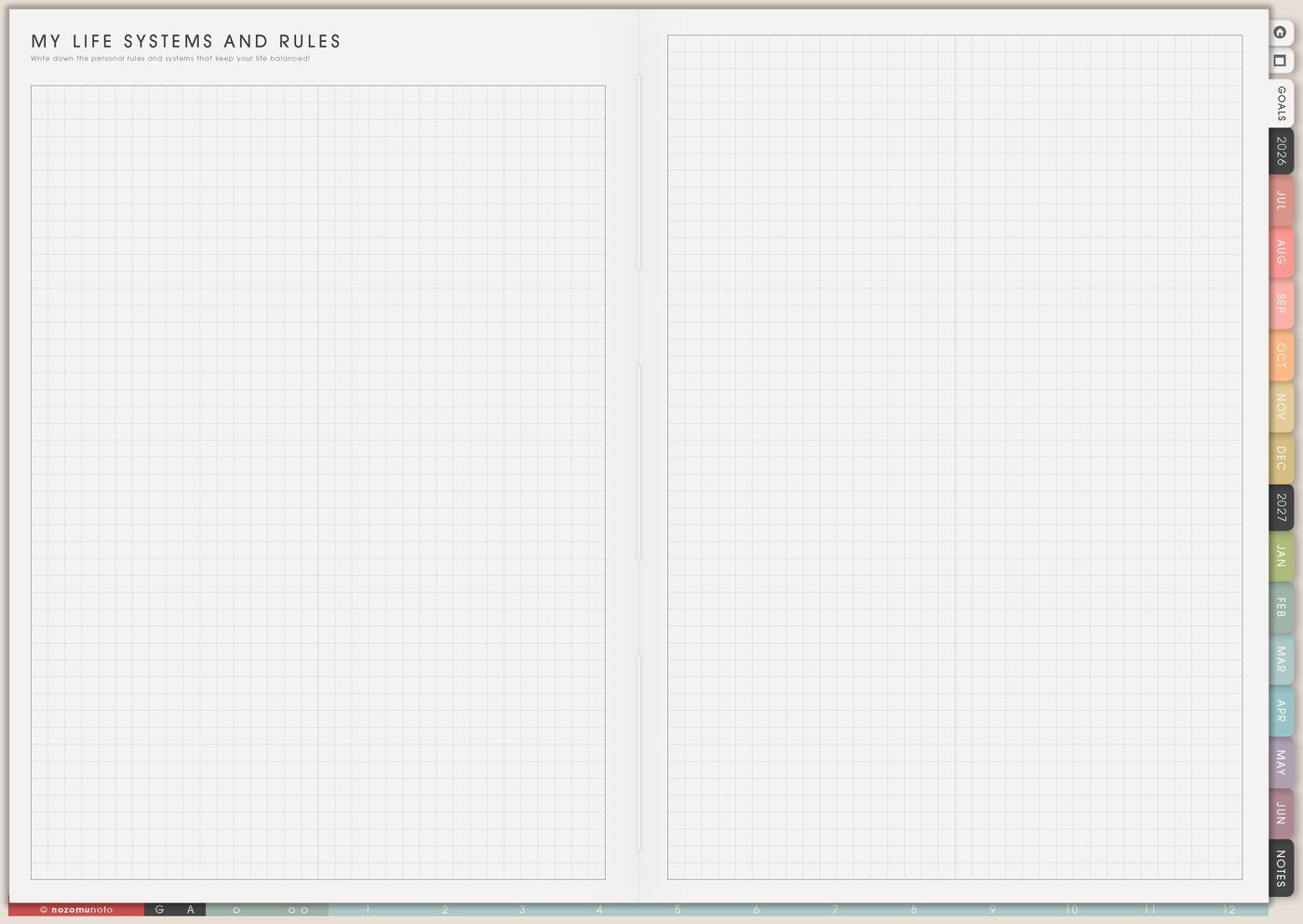
Write a few rules that reduce repeated decisions. A rule can be simple: no new project without a review date, money check on Friday, one evening tidy block, or weekly planning before messages.
5. Weekly bridge
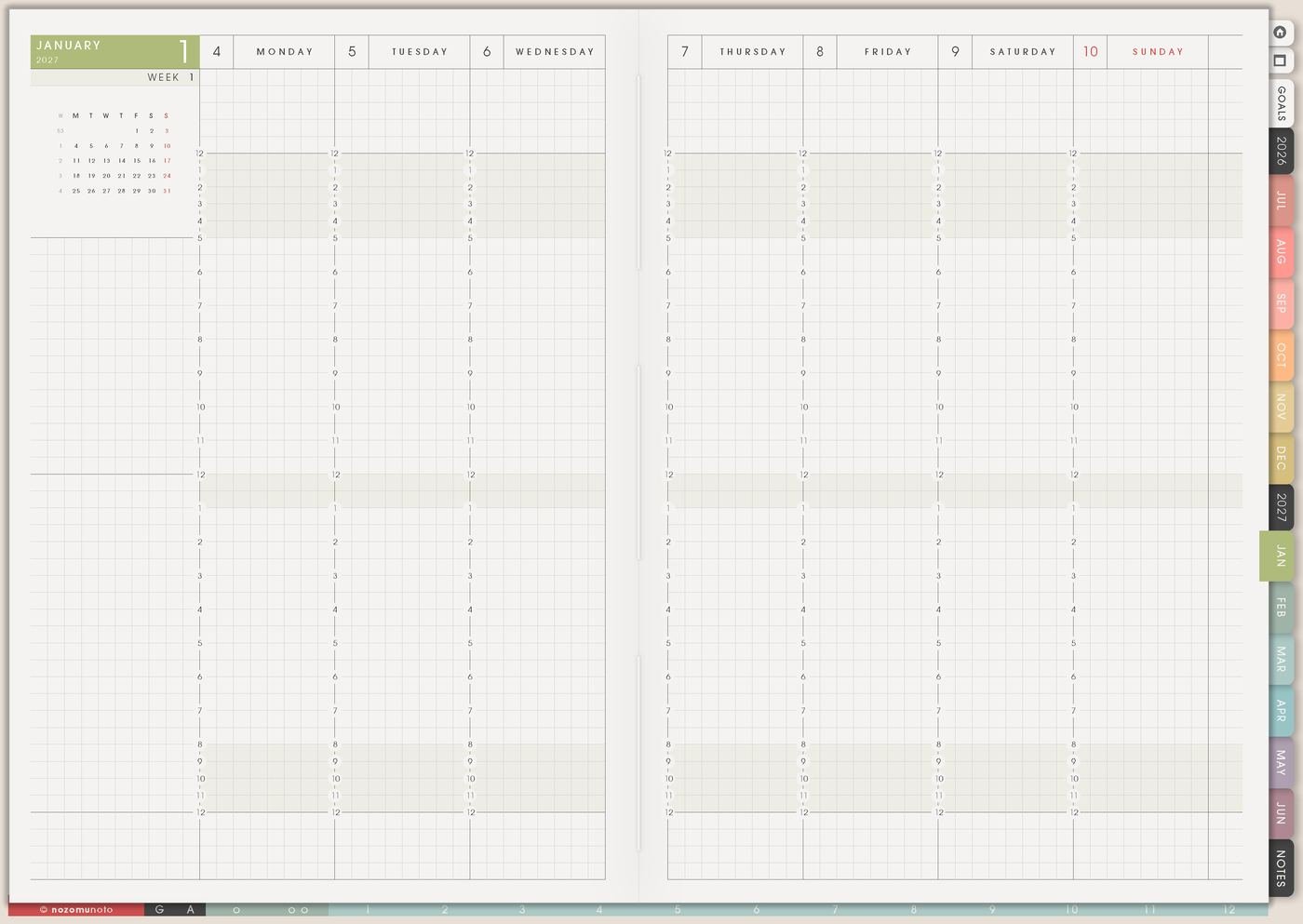
At the end, choose one line from Life Planner and turn it into one weekly action. The page becomes useful when direction moves into the current week.
What I usually use it for and how I use it
Related Tips: Life Planner Index shows where this page sits, and Goal Planner Index and 12 goal pages helps when one Life Planner direction becomes a real goal with steps, roadblocks, review notes, and a weekly next action.
Tips for using this page
- Write one honest season sentence. If the page feels too important, start with: this season asks me to finish, recover, learn, save, simplify, or restart.
- Choose direction before goals multiply. Circle one direction, then send only one goal to Goal Planner if it needs its own page.
- Move one line into Weekly. Direction becomes useful when one small action has a verb: book, ask, sort, walk, write, save, review, or finish.
- Pick one helper page. Vision Board, Favorite Quotes, Happy List, Goal Planner, Routines, or Kanban can wait until each page has a real job.
Keep personal details safe
Life Planner can mention money, family, health, faith, work, school, or personal goals. Keep full account details, passwords, private family information, medical records, contract details, and sensitive documents in a secure place outside the planner. In Yume Techo, write safe labels like review budget, ask family, check health note, open secure file, or bring one question to Weekly Review.
When you need setup help
Life Planner helps with direction and personal planning. If you need exact app steps for copying pages, using hyperlinks, importing Yume Techo, or finding the Life Planner section, open the NozomuNoto Help Center for your app or device.
Final thought
Life Planner works best when it stays personal, honest, and small enough to revisit. Name the season, give space to what matters, and move one tiny piece into Weekly. I hope this page makes life direction feel easier to write and easier to use in an ordinary week!
Browse NozomuNoto products
Find the planner, notebook, e-reader file, or add-on that fits the way you actually plan.
About NozomuNoto
NozomuNoto creates Japanese-inspired digital planners, notebooks, stickers, and e-reader PDFs for people who want useful pages that still work in real life.
Yume Techo is built with dated yearly, monthly, weekly, daily, Life Planner, Planner Pages, and Template Pages so one planner can hold study, work, home, ADHD-friendly routines, lists, and creative projects without adding paper bulk.
New to digital planning? Start there, use the Help Center for setup help, or browse NozomuNoto products when you are ready to choose your planner.