

Browse tips
Yume Techo Use Cases
- As a Student
- As a Teacher
- For Moms & Family
- For Work
- For Creative Projects
- For Bible Study
- For Small Business
- For Content Creation
- For Fitness & Health
- For Travel
- For Rapid Logging
- For Life Planning
- For Journaling & Reflection
- For Budget & Finance
- For Meals & Grocery
- For Project Planning
- For Home Management
- For Creative Writing
- For Music Writing
- For Brainstorming
- For Homeschooling
Page-by-Page Use Ideas
Essential Template Pages
- Template Index
- Yearly Spread
- Yearly Grid
- Yearly - Day Month Tracker
- Monthly - Day Tracker
- Monthly Grid
- Monthly Overview
- Weekly Review
- Monthly Spread
- Weekly - Horizontal
- Weekly - Vertical
- Routines
- 30 Day Challenges
- 100 Day Challenges
- Vision Board
- 100 Things
- Multi Purpose Table
- Level 10 Life
- 31 Things
- Daily Page - Type 1
- Daily Page - Type 2
- Gantt Chart - Universal
- Gantt Chart - Weekly
- Photo Page
- World Map
- Multi Purpose Wheel
- Kanban - 4/6/8 columns
- Template Pages
- Level 10
- Daily Template
- Yearly Tracker
Life Planner Pages
- Life Planner Index
- Life Planner
- Vision Board
- Life Inspirations
- Favorite Quotes
- Things That Make Me Happy
- My Life Systems and Rules
- Level 10 Life
- Things I Need To Change
- Bucket List
- Skills To Learn
- Projects To Make
- Challenges To Try
- Resolutions
- Yearly Goal Overview
- Goal Planner
- Reward Ideas
- Distraction List
- My Achievements
- Note To My Future Self
- Routines
- 30 Day Challenges
- Kanban Board
Books
How to use the Yume Techo Kanban Board for projects and tasks
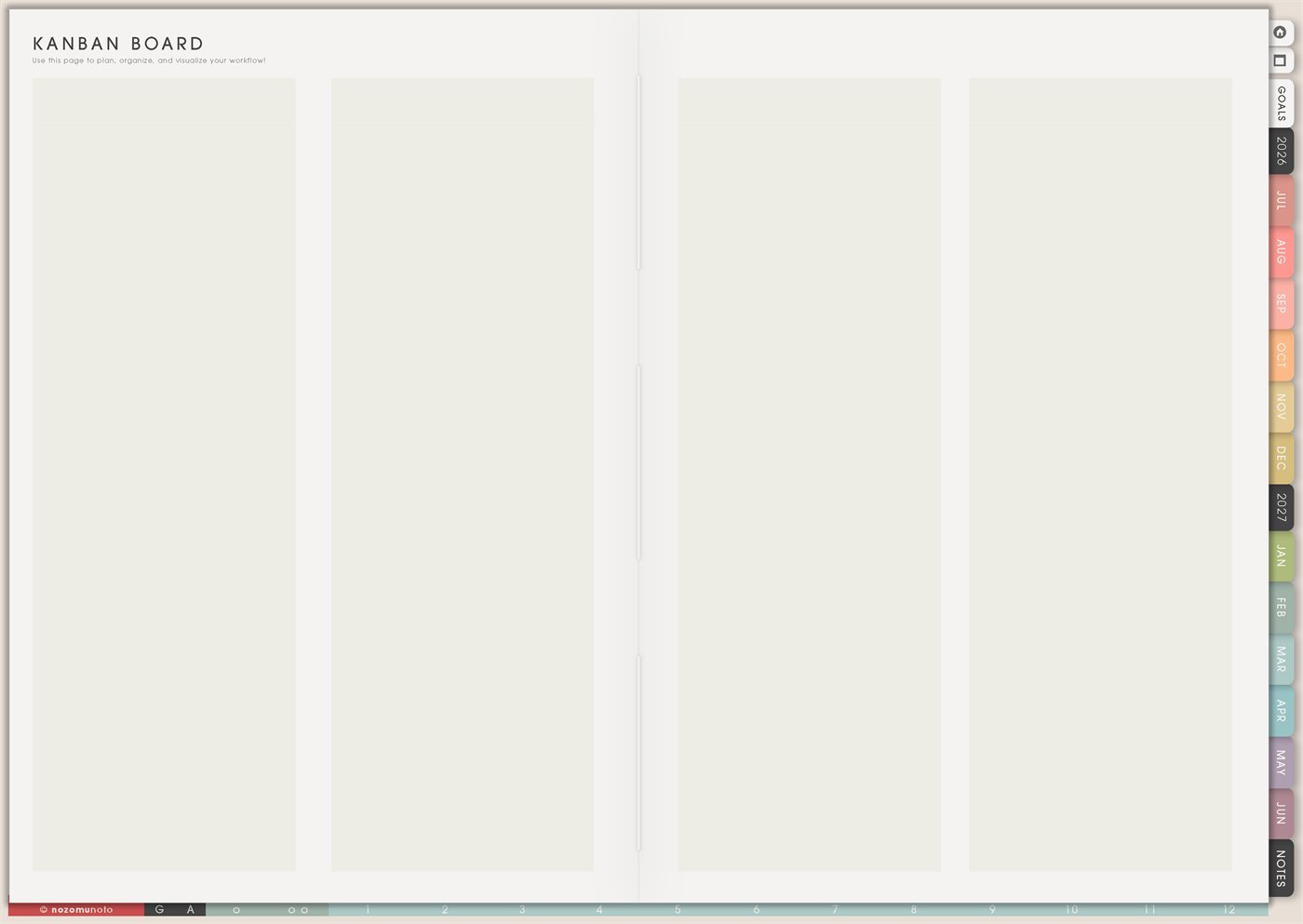
Use the Yume Techo Kanban Board for projects, tasks, home, study, content workflows, and moving work through simple stages.
The Yume Techo Kanban Board pages are reusable project boards for tasks that move through stages. Use Kanban when a normal list becomes too long, when a project has waiting parts, or when everyone needs to see what is active, what is stuck, and what is finished.
Yume Techo includes 4-column, 6-column, and 8-column Kanban templates. They are not separate topics. They are three sizes of the same idea: choose fewer columns for simple action, more columns when a workflow has real stages.
How to use the Kanban Board
Use the Kanban Board when tasks need to move through stages. I like it when a task list starts feeling heavy because Kanban shows what is waiting, what is active, what needs checking, and what is already done.
Simple columns can be To do, Doing, Waiting, Checking, and Done. Good uses include project tasks, content workflow, study assignments, home projects, shop updates, creative work, and admin tasks.
Write each task as a small card or note, then move it across the board as the work changes. If one task feels too big, split it into smaller cards like choose photo, draft caption, check link, send email, buy folder, or upload file.
Related guides: digital project planner ideas, Universal Gantt for longer timelines, and digital content creator planner ideas.
How to get to this page
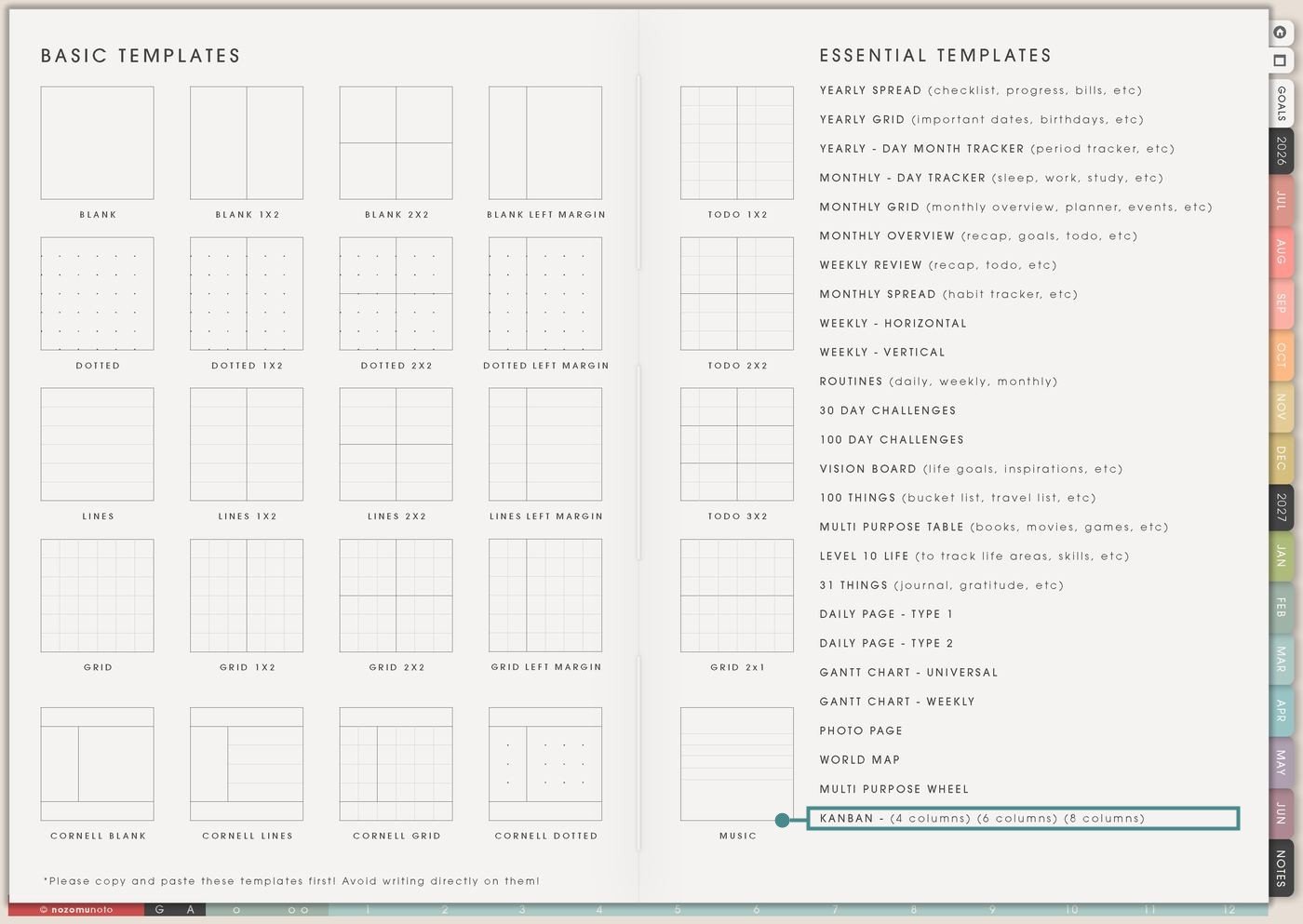
- Open the main Index page: use the planner Index if you need to return to the template section.
- Tap the Template Pages icon: this opens the Template Index with reusable clean pages.
- Tap Kanban: choose the 4-column, 6-column, or 8-column version from the Kanban row.
- Copy the page before writing: this is a clean template master. Duplicate the version you need first, then write on the copy.
Choose the right Kanban size
Pick the smallest board that can show the real movement of the work. More columns are useful only when they make decisions clearer.
4 columns: simple and fast
The first image above shows the 4-column board. Use it for most everyday projects. Good column sets are Backlog / Next / Doing / Done, To Do / Doing / Waiting / Done, Ideas / This Week / Active / Finished, or Assigned / Working / Waiting / Submitted.
6 columns: enough stages for a real workflow
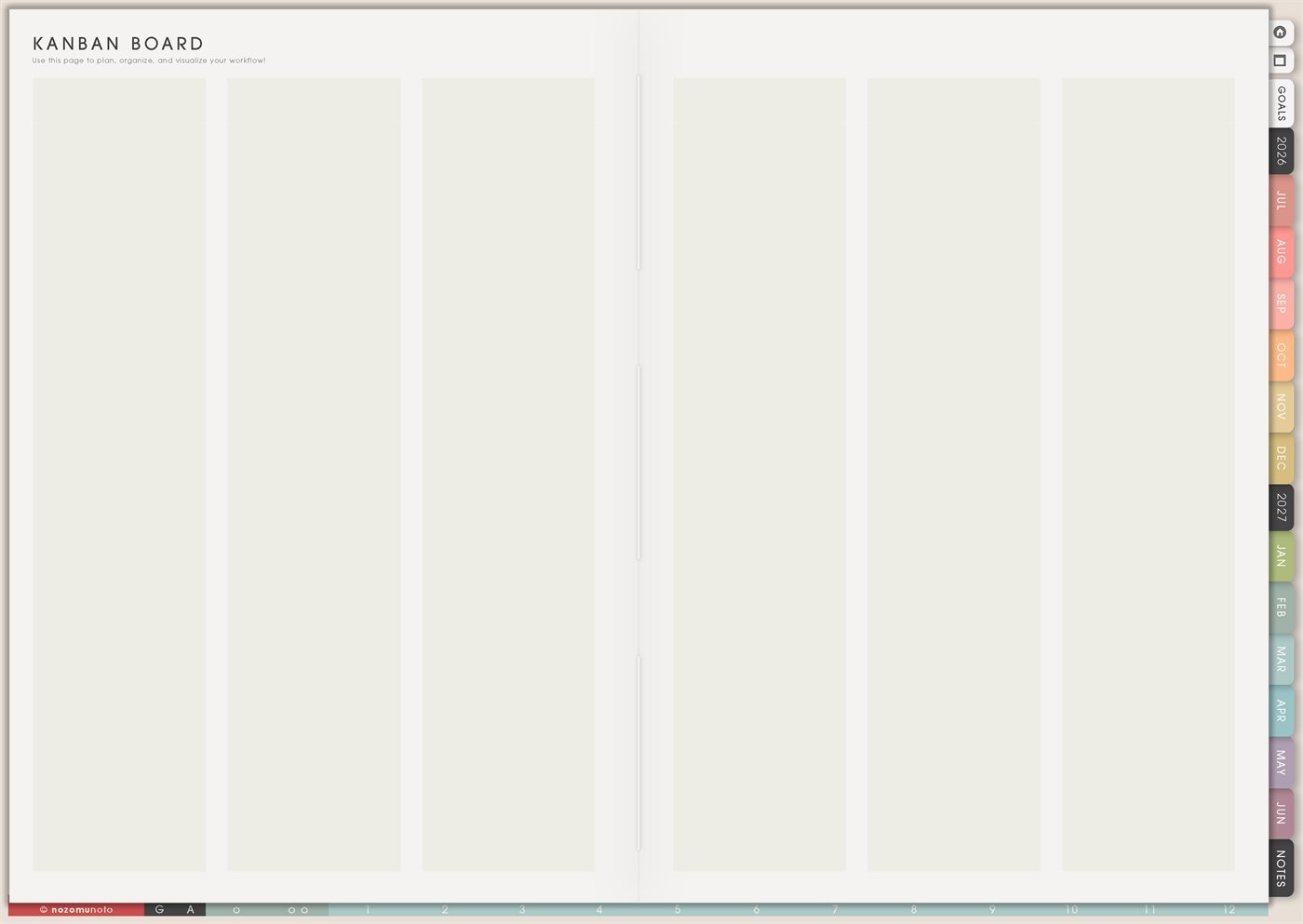
Use the 6-column board when the project has middle steps that matter. Good column sets are Ideas / Chosen / Draft / Review / Waiting / Done, Backlog / This Week / Doing / Waiting / Check / Done, or Supplies / Start / Make / Photo / List / Done.
8 columns: complex projects only
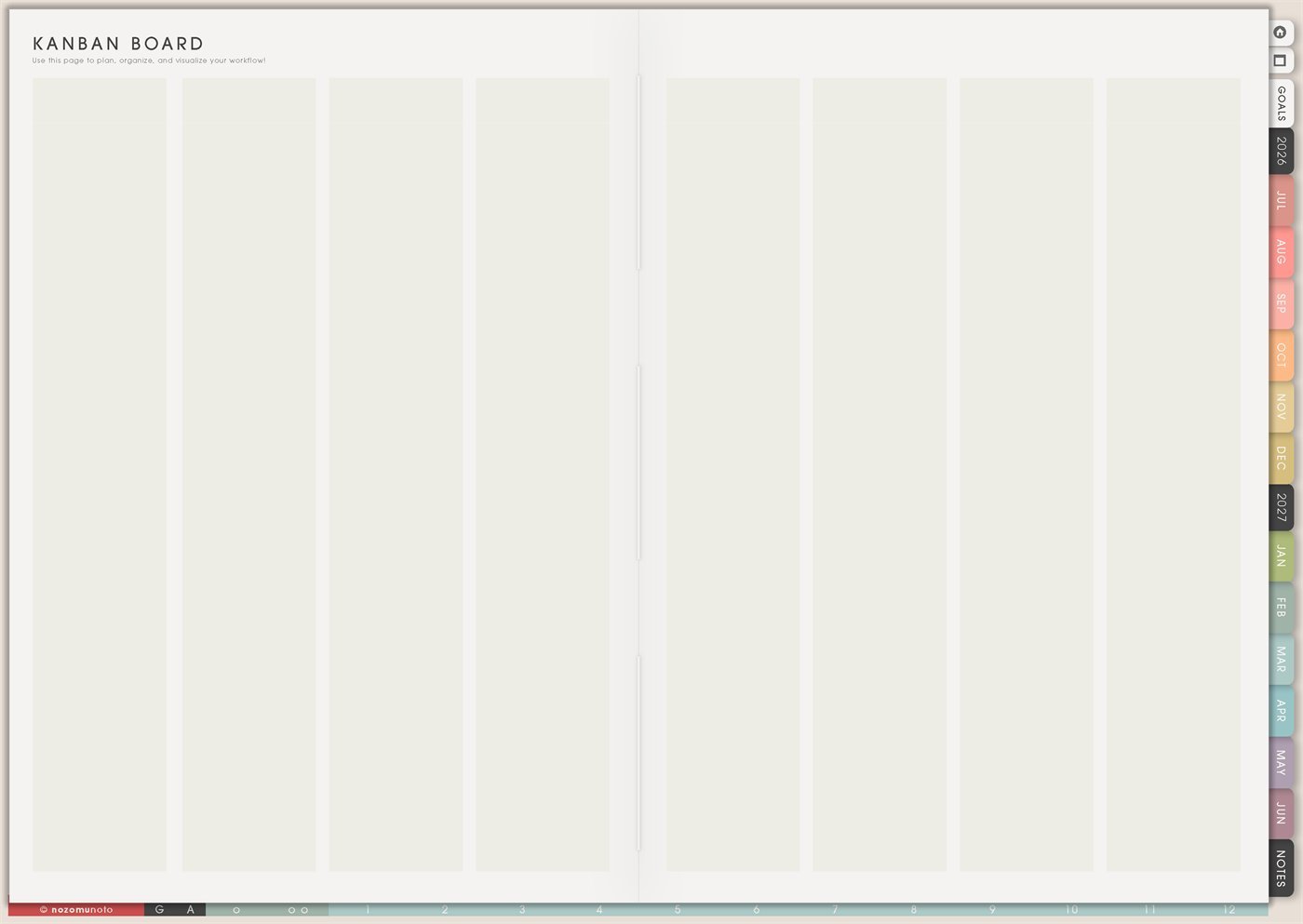
Use the 8-column board when each stage is different enough to need its own place. This works for launches, content pipelines, craft production, course work, product updates, house projects, or big event prep.
Before you build the board: write the column names first
Kanban is an Essential Template Page. Keep the original clean, copy the version you need, then name the board and the columns before adding tasks.
- Name the board. Examples: Website Fixes, Exam Paper, Spring Cleaning, Etsy Listing Update, Birthday Party, Craft Orders, or Weekly Admin.
- Choose the column flow. Use stages that show movement, not categories that hide decisions.
- Write cards as next actions. “Essay” is too big. “Draft introduction” or “find 3 sources” can move.
- Limit the Doing column. A Kanban board helps because it shows what is active. Too many active cards turns it back into a messy list.
- Review and clear the board. Move finished cards, update waiting cards, and remove tasks that no longer matter.
Ways to use this page
1. Simple project board
Use the 4-column Kanban for one project that keeps spreading. The board shows what exists, what should happen next, what is actively being worked on, and what is finished.
2. Study assignment or exam board
Use Kanban for school work with several stages. This is helpful when assignments become unclear in the planner and need a visible path.
3. Home admin and family follow-up
Use Kanban for home tasks that involve waiting, calls, forms, appointments, school papers, repairs, or errands. A Waiting column is especially useful here.
4. Content or launch workflow
Use the 6-column or 8-column board when content has repeatable stages. This keeps ideas separate from posts that are truly active.
5. Small business product help
Use Kanban for product updates, customer questions, listing improvements, tutorial pages, screenshots, and delivery fixes. The board helps you see what is blocked and what is shippable.
6. Craft, art, or making workflow
Use Kanban for creative projects with materials, test versions, photos, finishing, packaging, or sharing. This works better than a plain list when the project has stages.
7. Travel or event preparation
Use Kanban when a trip, party, school event, holiday, or family gathering has many moving pieces. The board keeps open loops visible.
8. Weekly command board
Use a small Kanban for the week when normal to-do lists feel crowded. Only put tasks that are alive this week on the board.
9. Procrastination and stuck-task board
Use Kanban to separate tasks that are truly active from tasks that are unclear, waiting, or too big. Stuck tasks usually need a smaller next action or a missing decision.
10. Team, family, or classroom board
Use Kanban when several people are involved and tasks need a visible status. Keep names simple and avoid private details if the planner is shared or shown to others.
What I usually use it for and how I use it
Tips for using this page
- Keep Doing tiny. Limit the Doing column to one to three cards. If ten cards sit there, the board becomes another crowded to-do list.
- Name columns by movement. Backlog, Next, Doing, Waiting, Review, and Done are usually clearer than home, work, school, money, and ideas.
- Make each card movable. Rewrite “launch product” into smaller cards like take cover photo, write first paragraph, test link, send email, or export ZIP.
- Add Waiting early. Waiting, Blocked, Reply Needed, or Follow Up keeps stalled tasks separate from work I can actually do today.
- Use the smallest board that fits. I use 4 columns for simple tasks, 6 columns for real workflows, and 8 columns only when the stages are truly different.
- Clear Done during review time. During Weekly Review, I clear finished cards and move important notes to the right place.
- Protect the clean template. Copy Kanban before writing. If I need more reusable page ideas, I use Template Pages Ideas as the next guide.
- Keep private cards private. If the board includes family, school, client, customer, money, account, health, or travel details, I use initials or broad labels and keep sensitive details in a secure place.
Related guides: use Multi Purpose Table when a project needs rows and columns instead of movement stages, and Gantt Chart Universal when dates matter more than status.
Final thought
Kanban is useful when work needs movement instead of storage. Copy the clean board, choose the smallest column count that fits, write movable next-action cards, protect the Doing column, and review the board weekly. I hope this page helps the next step become easier to see!
Need exact app steps for copying Kanban?
If you need the exact buttons for duplicating this template, moving the copied page, importing Yume Techo, using hyperlinks, adding stickers, or using page overview tools, use the Help Center app guide for your device.
Browse NozomuNoto products
Find the planner, notebook, e-reader file, or add-on that fits the way you actually plan.
About NozomuNoto
NozomuNoto creates Japanese-inspired digital planners, notebooks, stickers, and e-reader PDFs for people who want useful pages that still work in real life.
Yume Techo is built with dated yearly, monthly, weekly, daily, Life Planner, Planner Pages, and Template Pages so one planner can hold study, work, home, ADHD-friendly routines, lists, and creative projects without adding paper bulk.
New to digital planning? Start there, use the Help Center for setup help, or browse NozomuNoto products when you are ready to choose your planner.