
Browse tips
Yume Techo Use Cases
- As a Student
- As a Teacher
- For Moms & Family
- For Work
- For Creative Projects
- For Bible Study
- For Small Business
- For Content Creation
- For Fitness & Health
- For Travel
- For Rapid Logging
- For Life Planning
- For Journaling & Reflection
- For Budget & Finance
- For Meals & Grocery
- For Project Planning
- For Home Management
- For Creative Writing
- For Music Writing
- For Brainstorming
- For Homeschooling
Page-by-Page Use Ideas
Essential Template Pages
- Template Index
- Yearly Spread
- Yearly Grid
- Yearly - Day Month Tracker
- Monthly - Day Tracker
- Monthly Grid
- Monthly Overview
- Weekly Review
- Monthly Spread
- Weekly - Horizontal
- Weekly - Vertical
- Routines
- 30 Day Challenges
- 100 Day Challenges
- Vision Board
- 100 Things
- Multi Purpose Table
- Level 10 Life
- 31 Things
- Daily Page - Type 1
- Daily Page - Type 2
- Gantt Chart - Universal
- Gantt Chart - Weekly
- Photo Page
- World Map
- Multi Purpose Wheel
- Kanban - 4/6/8 columns
- Template Pages
- Level 10
- Daily Template
- Yearly Tracker
Life Planner Pages
- Life Planner Index
- Life Planner
- Vision Board
- Life Inspirations
- Favorite Quotes
- Things That Make Me Happy
- My Life Systems and Rules
- Level 10 Life
- Things I Need To Change
- Bucket List
- Skills To Learn
- Projects To Make
- Challenges To Try
- Resolutions
- Yearly Goal Overview
- Goal Planner
- Reward Ideas
- Distraction List
- My Achievements
- Note To My Future Self
- Routines
- 30 Day Challenges
- Kanban Board
Books
Distraction List Page Ideas for Protecting Focus in Yume Techo
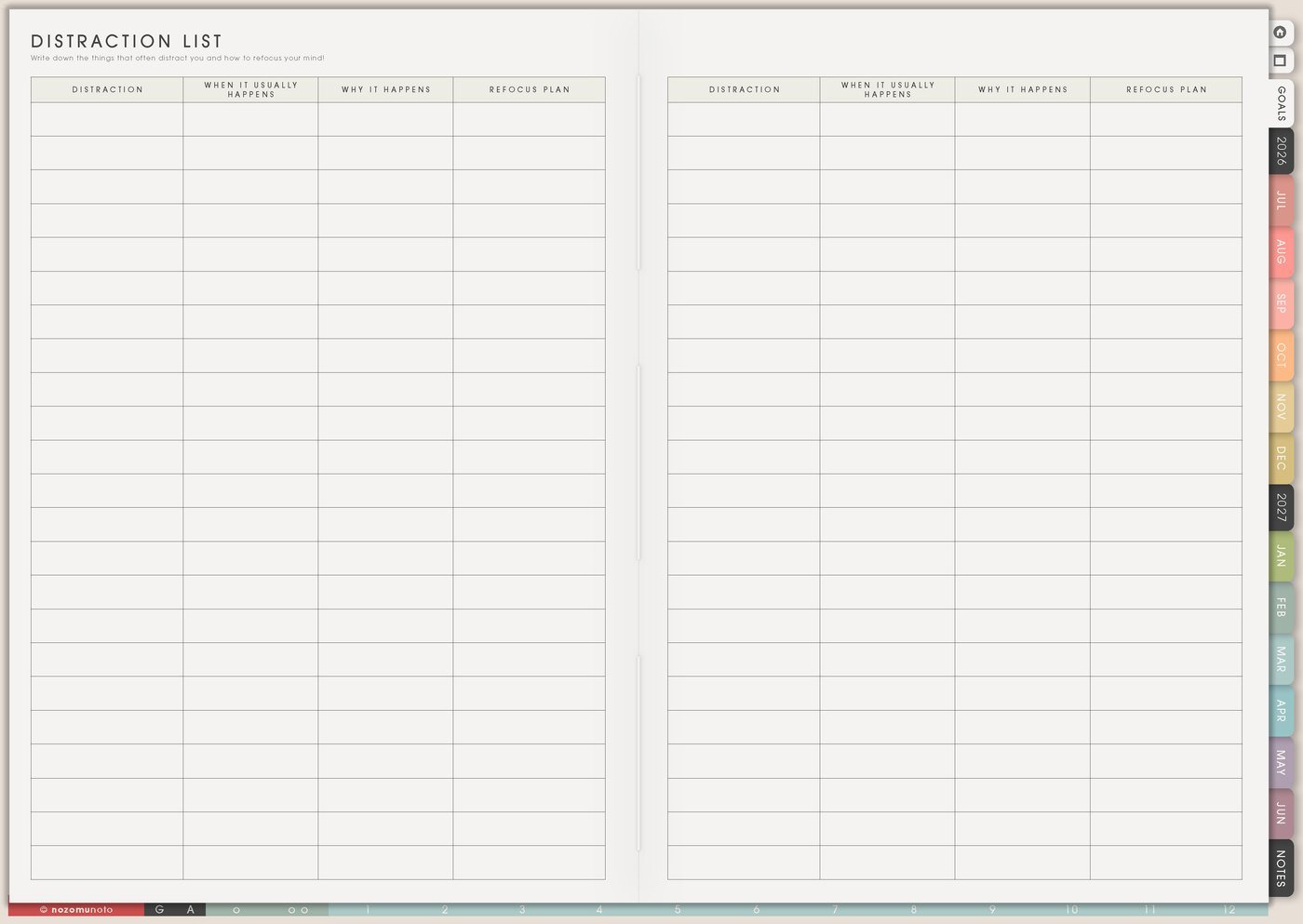
Use a Yume Techo Distraction List page to capture thoughts, ideas, tasks, reminders, and interruptions so you can return to focus.
The Distraction List page is for parking interruptions, ideas, errands, tabs, worries, cravings, and random thoughts without chasing them immediately. Use it during work, study, planning, cleaning, reading, or any focus block where your attention keeps opening new loops.
This page is not meant to turn every thought into a task. It is a temporary holding place: write the distraction, return to the original task, and review the list later.
Distraction List page ideas
Use this page when your brain keeps throwing new things at you while you are trying to focus.
Write down:
- Random tasks.
- Ideas.
- Things to search later.
- Messages to send later.
- Shopping thoughts.
- Project ideas.
- Questions.
- Worries or reminders.
After you write it down, return to the task you were doing.
Review the list later and decide what should become a task, project, note, or something to delete.
Related Tips: How to use rapid logging in a digital planner without losing thoughts, Deep Work by Cal Newport: book review and key takeaways, and How to use Yume Techo Weekly Review to reset the week, carry tasks forward, and plan next week.
How to fill Distraction List
- Write the distraction quickly. Use short words, not a full note.
- Add the trigger if it repeats. Note tired, hungry, unclear, noisy, phone, tabs, waiting, or worry.
- Return to the original task. Read the next action and work for five minutes.
- Review the list later. Sort items after the focus block or during Weekly Review.
- Move useful items home. Send ideas to the correct planner page.
- Choose one boundary. Test one helper for the biggest pattern.
Ways to use Distraction List
1. Parking lot during focus time
When a thought appears, write it quickly and return to the current task. The list can hold check package, look up recipe, reply later, new product idea, buy batteries, organize photos, worry about bill, change planner cover, or message teacher.
The point is not to make every distraction important. The point is to show the thought is saved so your attention can come back to what is in front of you.
2. Trigger beside repeated distractions
Add what happened right before the distraction: tired, hungry, bored, anxious, task unclear, too many tabs, noise, phone nearby, waiting for reply, perfectionism, or needing a break.
If distraction appears every time a task feels blurry, the helper may be a clearer next action. If it appears every afternoon, the helper might be food, water, light, or a shorter focus block.
3. Sort during review time
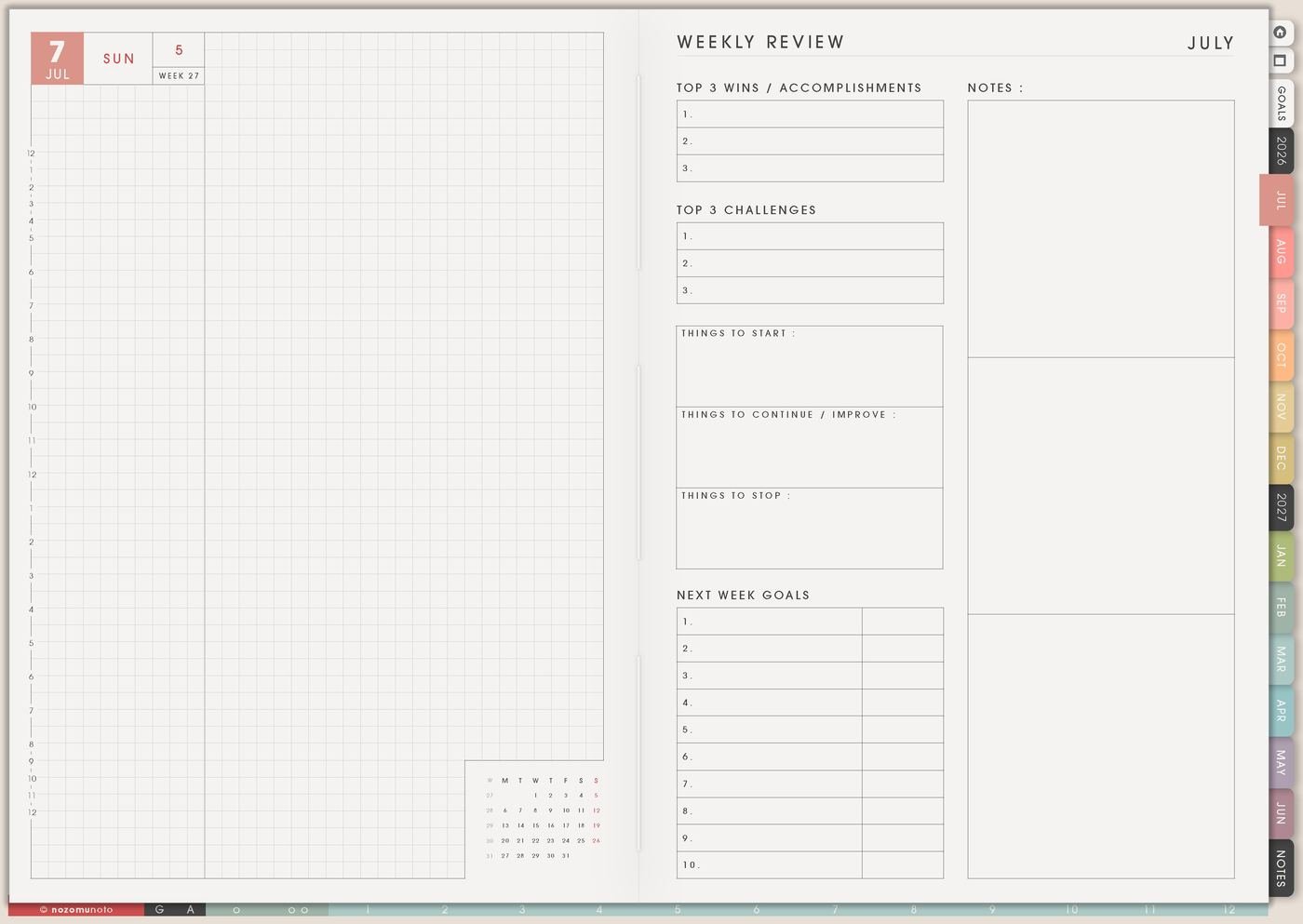
At the end of a focus block or week, mark each item as do, schedule, save, delete, waiting, or not mine during Weekly Review. This keeps the page from becoming another giant to-do list.
A recipe idea can go to Meal Planner. A product idea can go to Projects To Make. A random shopping thought can go to Wish List. A worry can become one real next step or move to Notes. Some items can simply leave.
4. One boundary for the biggest pattern
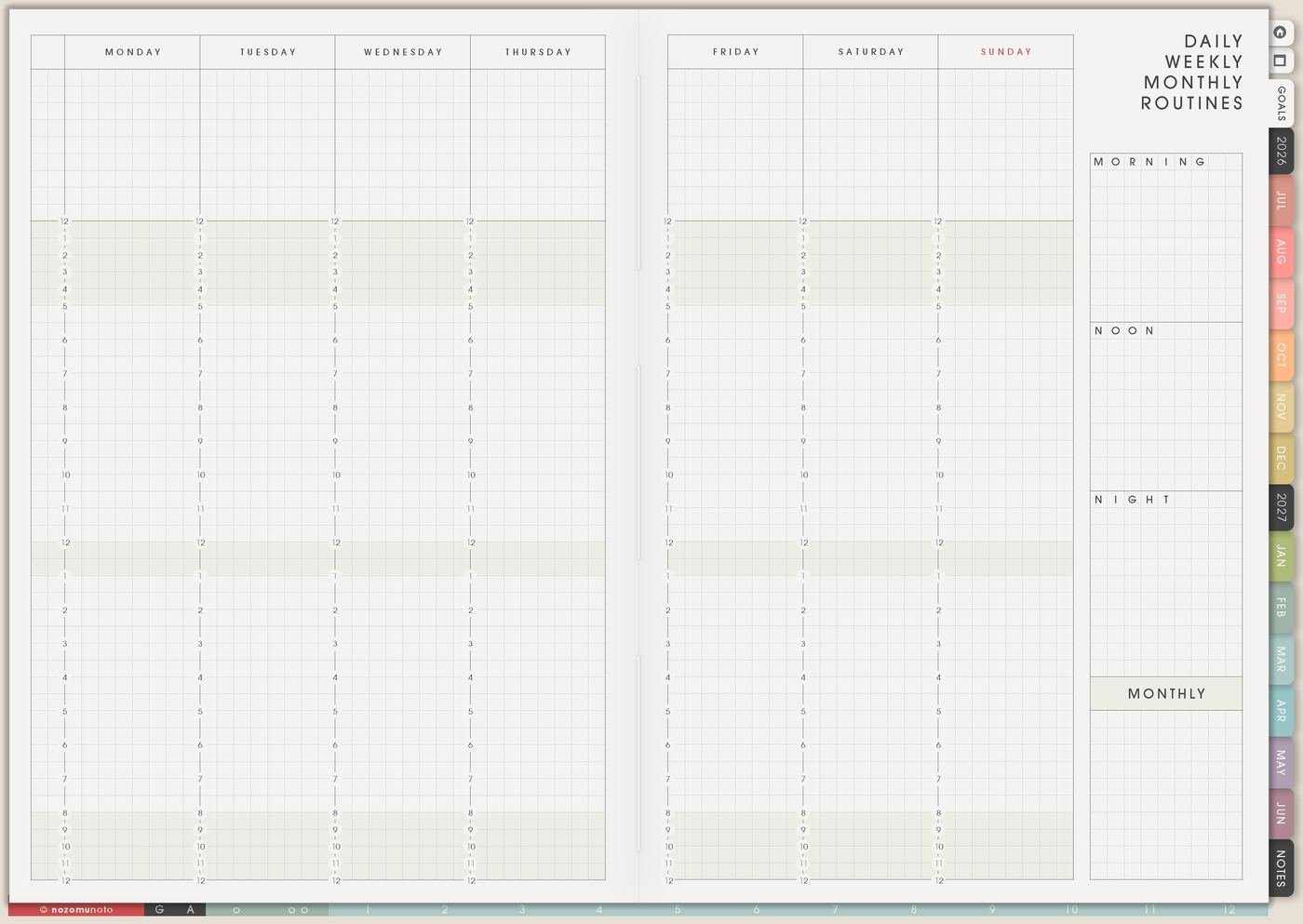
Choose the pattern that repeats most and design one boundary. Try one tab open, phone across the room, snack before study, message timer, first step written on Daily, headphones, or ideas wait here until Friday.
Start with one boundary. Too many focus rules can become a distraction too.
5. Return script
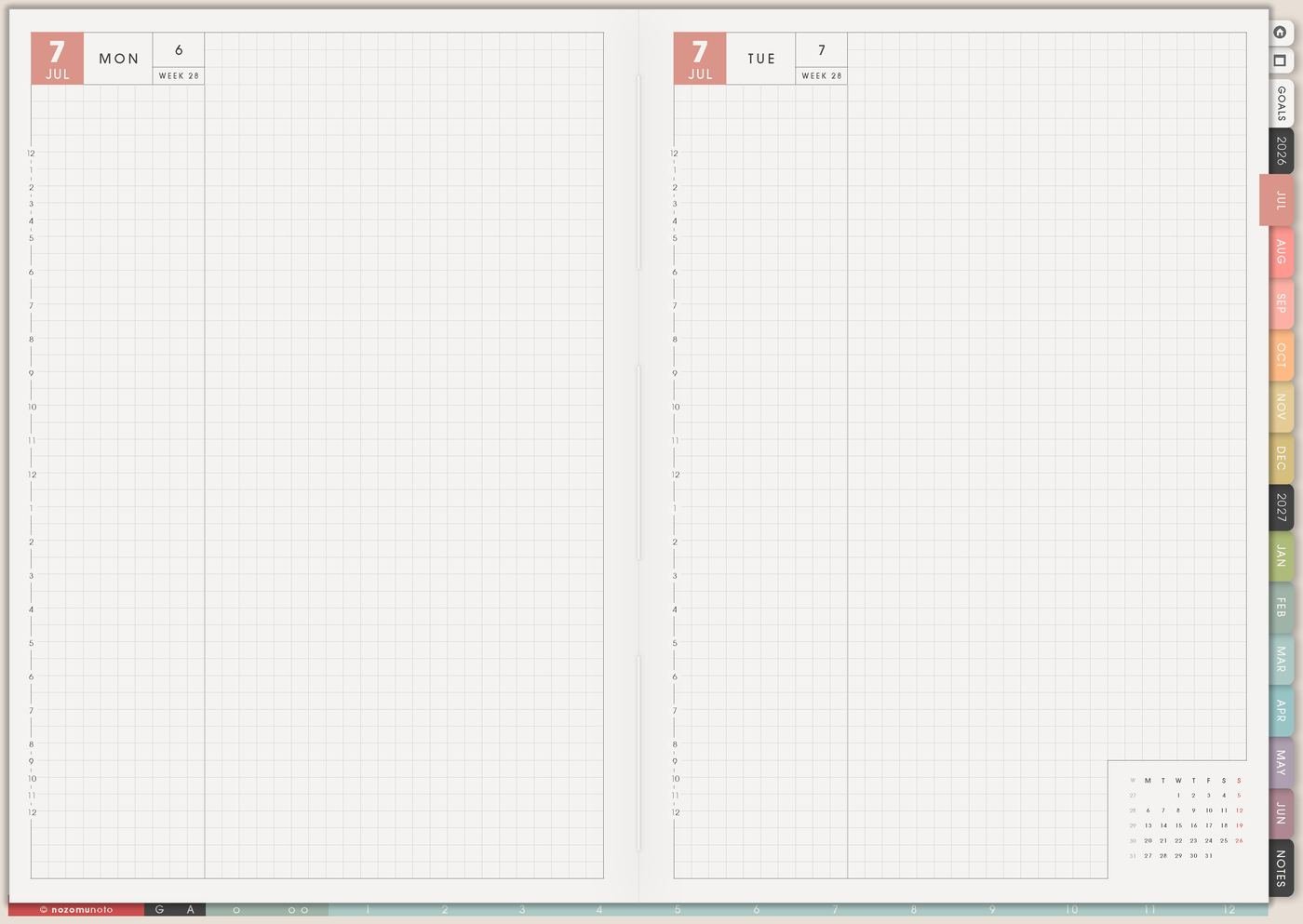
A return script tells you what to do after writing the distraction: open Weekly, read the next action, restart for five minutes, move the task to later, lower the size, or ask for help.
Example: when tabs pull attention away, write the tab idea on Distraction List, close the tab, and do five minutes of the original task. The script makes returning easier than negotiating every time.
6. Useful ideas go to the right page
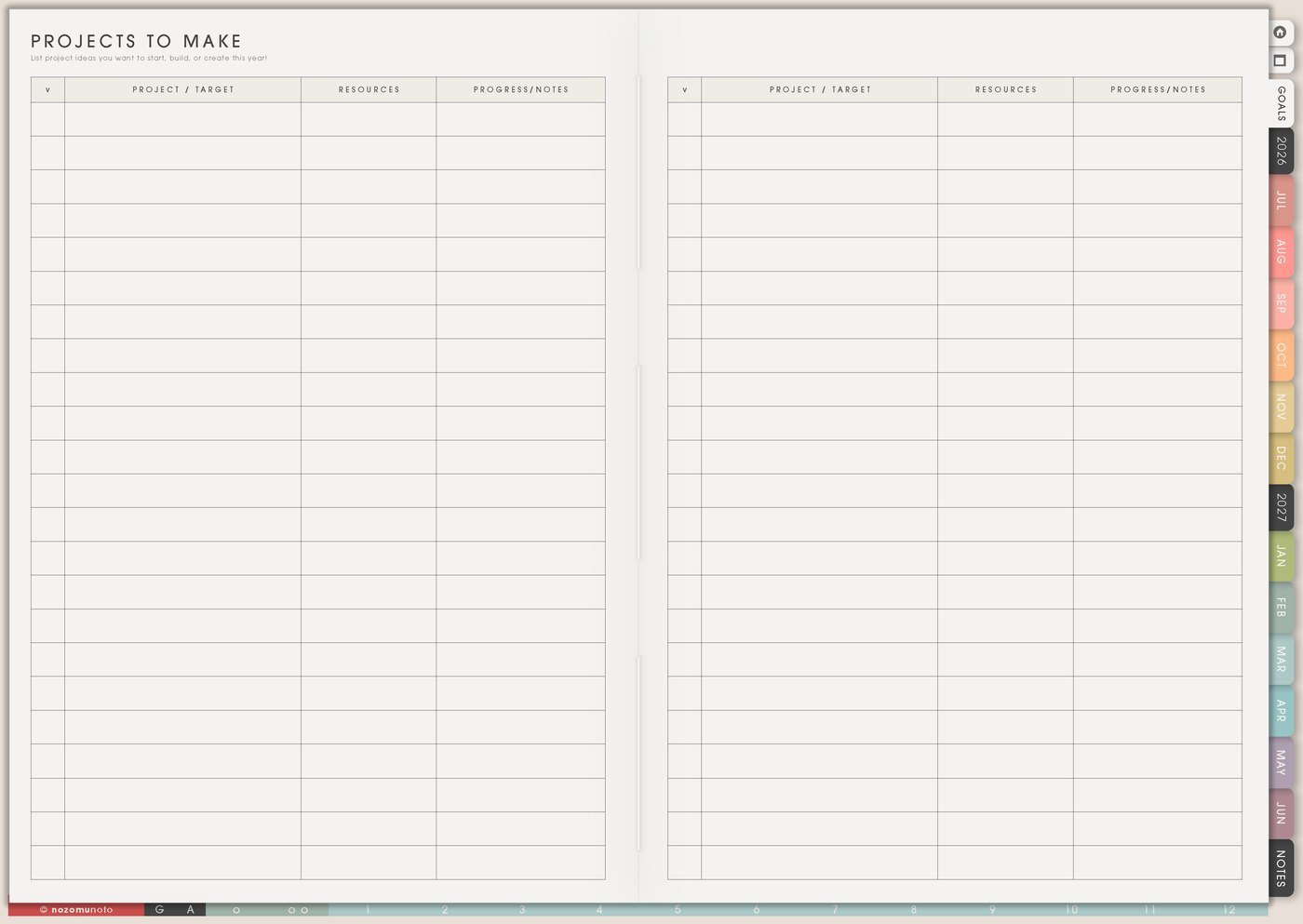
Some distractions are actually useful ideas arriving at the wrong time. Move them to the page where they belong: Projects To Make, Wish List, Grocery List, Post Ideas, Resources / Tasks, Monthly, or Notes.
This protects focus without losing good ideas. The idea gets a home, and the current task gets a fair chance to continue.
A simple Distraction List setup
- Open Distraction List before a focus block. Keep it ready beside the task.
- Write interruptions quickly. Use short words.
- Add triggers for repeats. Tired, hungry, unclear, noisy, phone, tabs, or waiting.
- Return with a script. Read the next action and work for five minutes.
- Sort the list later. Do, schedule, save, delete, waiting, or not mine.
- Move useful ideas home. Send them to the planner page where they belong, such as Resources / Tasks for links and research.
What I usually use it for and how I use it
Tips for using Distraction List
- Review with labels. Use do, schedule, save, delete, waiting, or not mine. Only real tasks move to Weekly.
- Add one trigger word beside repeats. If phone checking appears when the task is unclear, fix the next action instead of only blaming the phone.
- Check the body before blaming discipline. Food, water, bathroom, movement, medicine, light, quiet, or rest may make the next focus block smaller and easier.
- Keep a return path visible. After writing the distraction, read the action on Daily or Weekly and work for five minutes.
- Move good ideas to their real home. During review, move ideas to Projects To Make, Grocery List, Wish List, Post Ideas, Resources / Tasks, or Notes.
When you need setup help
Distraction List helps with focus and review. If you need exact app steps for writing on Yume Techo, copying pages, importing the planner, adding bookmarks, or using hyperlinks, open the NozomuNoto Help Center for your app or device.
Tips for using this page
- Choose the one part of this page that helps the current week instead of trying to fill everything at once.
- Move one small next action to Weekly or Daily so the page changes what happens next.
- Keep the page easy to return to by linking it from Index, favorites, bookmarks, or the related planner section.
Final thought
Distraction List works when it gives thoughts a parking place and gives focus a way back. I hope this page helps you write the loop, return to the task, review later, and keep only what truly belongs!
Browse NozomuNoto products
Find the planner, notebook, e-reader file, or add-on that fits the way you actually plan.
About NozomuNoto
NozomuNoto creates Japanese-inspired digital planners, notebooks, stickers, and e-reader PDFs for people who want useful pages that still work in real life.
Yume Techo is built with dated yearly, monthly, weekly, daily, Life Planner, Planner Pages, and Template Pages so one planner can hold study, work, home, ADHD-friendly routines, lists, and creative projects without adding paper bulk.
New to digital planning? Start there, use the Help Center for setup help, or browse NozomuNoto products when you are ready to choose your planner.