
Browse tips
Yume Techo Use Cases
- As a Student
- As a Teacher
- For Moms & Family
- For Work
- For Creative Projects
- For Bible Study
- For Small Business
- For Content Creation
- For Fitness & Health
- For Travel
- For Rapid Logging
- For Life Planning
- For Journaling & Reflection
- For Budget & Finance
- For Meals & Grocery
- For Project Planning
- For Home Management
- For Creative Writing
- For Music Writing
- For Brainstorming
- For Homeschooling
Page-by-Page Use Ideas
Essential Template Pages
- Template Index
- Yearly Spread
- Yearly Grid
- Yearly - Day Month Tracker
- Monthly - Day Tracker
- Monthly Grid
- Monthly Overview
- Weekly Review
- Monthly Spread
- Weekly - Horizontal
- Weekly - Vertical
- Routines
- 30 Day Challenges
- 100 Day Challenges
- Vision Board
- 100 Things
- Multi Purpose Table
- Level 10 Life
- 31 Things
- Daily Page - Type 1
- Daily Page - Type 2
- Gantt Chart - Universal
- Gantt Chart - Weekly
- Photo Page
- World Map
- Multi Purpose Wheel
- Kanban - 4/6/8 columns
- Template Pages
- Level 10
- Daily Template
- Yearly Tracker
Life Planner Pages
- Life Planner Index
- Life Planner
- Vision Board
- Life Inspirations
- Favorite Quotes
- Things That Make Me Happy
- My Life Systems and Rules
- Level 10 Life
- Things I Need To Change
- Bucket List
- Skills To Learn
- Projects To Make
- Challenges To Try
- Resolutions
- Yearly Goal Overview
- Goal Planner
- Reward Ideas
- Distraction List
- My Achievements
- Note To My Future Self
- Routines
- 30 Day Challenges
- Kanban Board
Books
Skills To Learn Page Ideas for Yume Techo Digital Planner
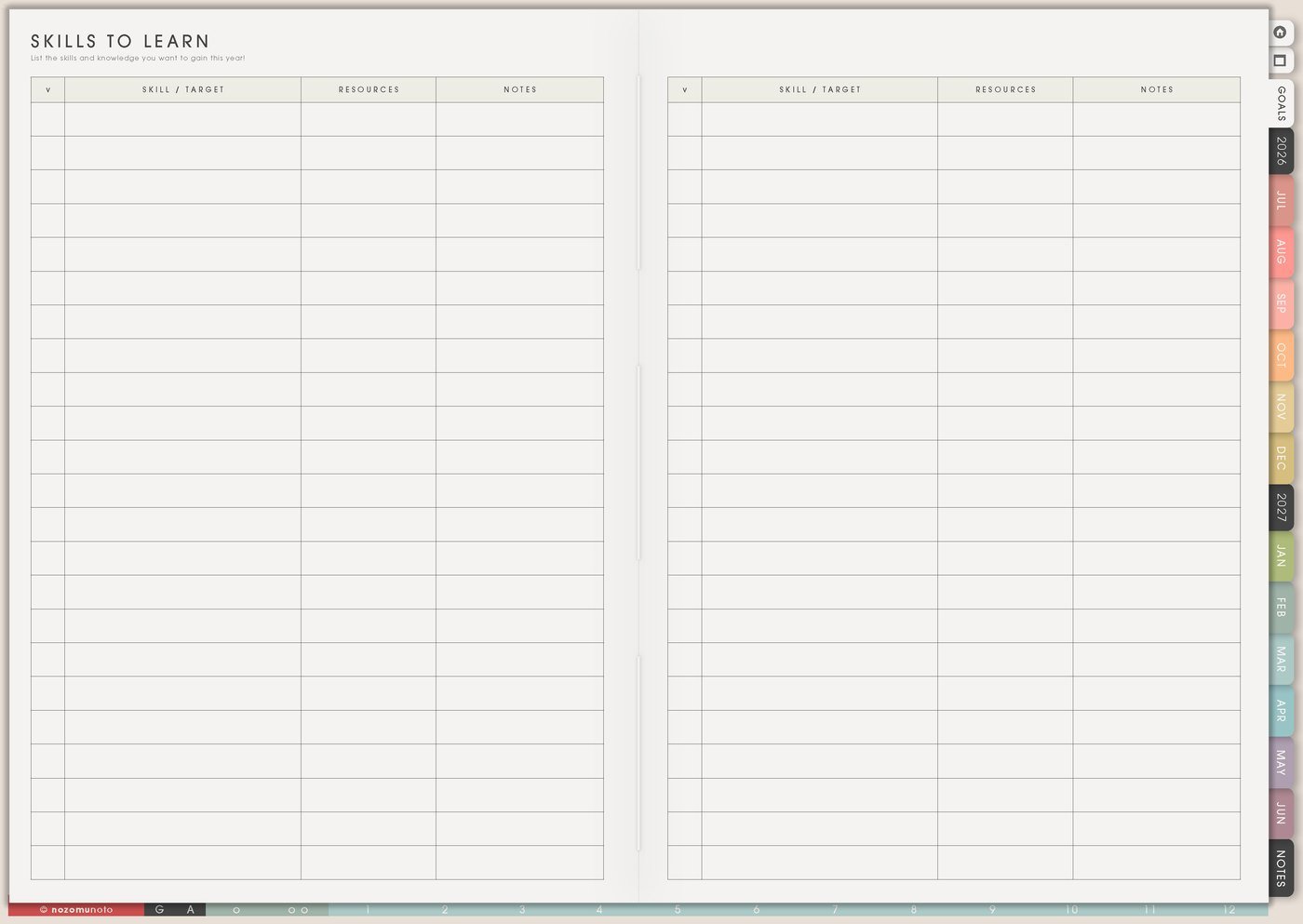
Use a Yume Techo Skills To Learn page for study goals, work skills, hobbies, creative skills, life skills, and simple practice plans.
The Skills To Learn page is for choosing one skill to practice next and giving it a real place in your planner. It can hold study skills, work skills, home skills, creative skills, money skills, language practice, digital planning skills, health routines, or business skills.
This page works best when it separates someday skills from active practice. You can keep many ideas here, but only one or two should move into Weekly at a time.
Skills To Learn page ideas
Use this page to collect skills you want to learn or improve, then choose one skill that has a real reason and a small first practice step.
You can add:
- Study skills.
- Work skills.
- Creative skills.
- Language learning.
- Music practice.
- Digital tools.
- Home skills.
- Hobby skills.
- Communication skills.
- Skills for a future project.
For each skill, write why you want to learn it and the first small practice step.
Do not start every skill at once. Choose one skill to practice this week.
Related Tips: 100 Day Challenges for practice streaks and study goals, digital music planner for songwriting and practice, and digital homeschool planner for lessons and family rhythm.
How to fill Skills To Learn
- Write the skill name. Make it specific enough to practice.
- Add why it matters. Name where this skill will help.
- Choose one active skill. Circle the skill for this month, term, or season.
- Write the first practice step. Make it small and visible.
- Save resources separately. Put links, courses, notes, or books on Resources / Tasks or Notes.
- Review proof of practice. Write what you tried and what got easier.
Ways to use Skills To Learn
1. Skill name plus real use
Instead of writing only a big skill name, add where you want to use it. Try spreadsheet formulas for monthly reports, meal prep for school nights, color theory for product photos, note-taking for exam review, budgeting for bill weeks, or PDF annotation for digital planning.
The reason helps you choose. A skill with a real use is easier to practice than a skill that only sounds impressive.
Related Tips: Things I Need To Change page ideas shows how I turn a broad improvement wish into one smaller practice experiment.
2. One active skill for the season
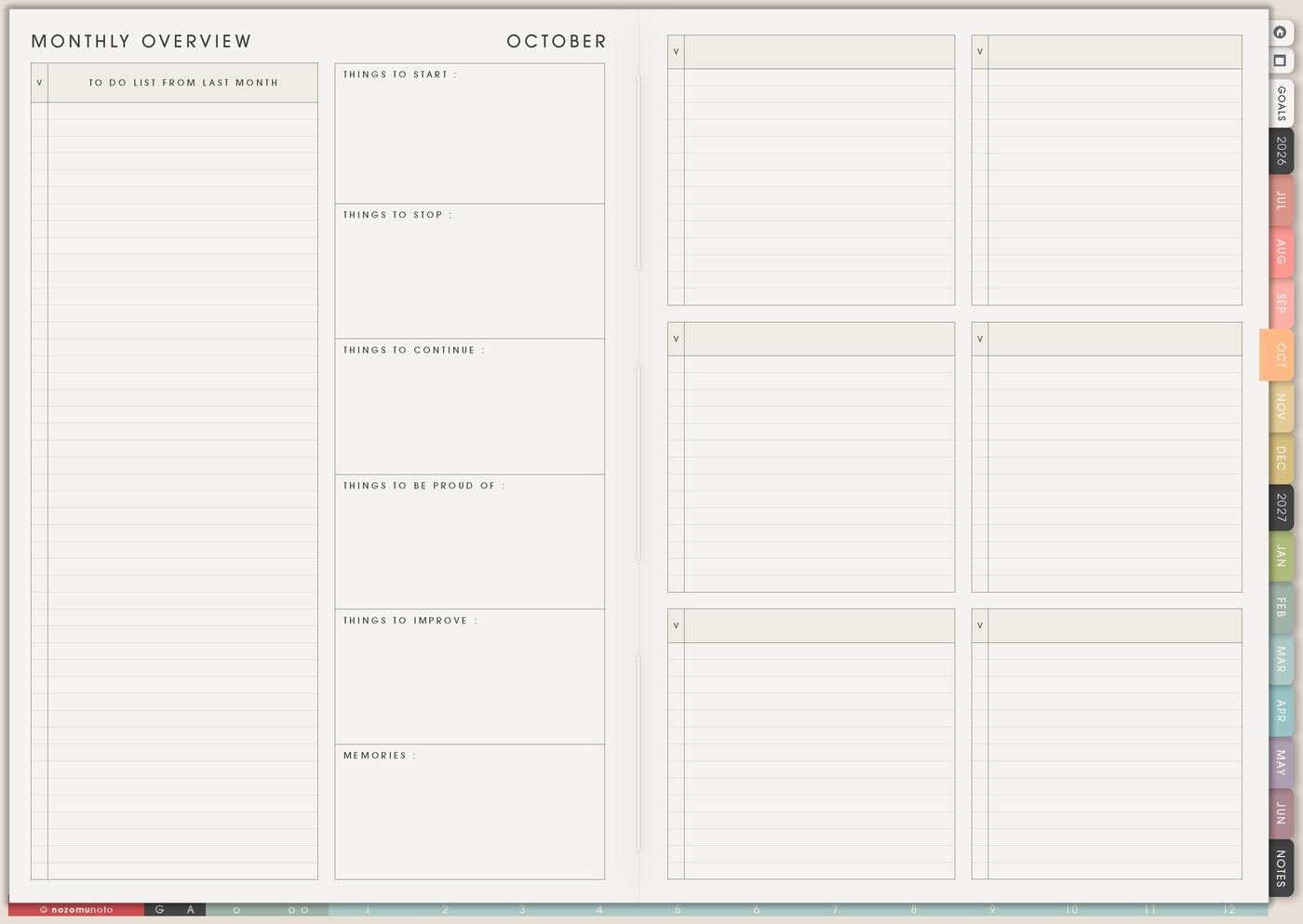
Circle the skill you are actually practicing this month. The other skills can stay on the page as later options. This keeps the list useful without letting every idea become an obligation.
If the active skill is product photography, the month might include one lighting test, one background test, one editing lesson, and one finished photo set. If the active skill is essay writing, the month might include one outline, one timed paragraph, and one feedback note.
3. Practice ladder
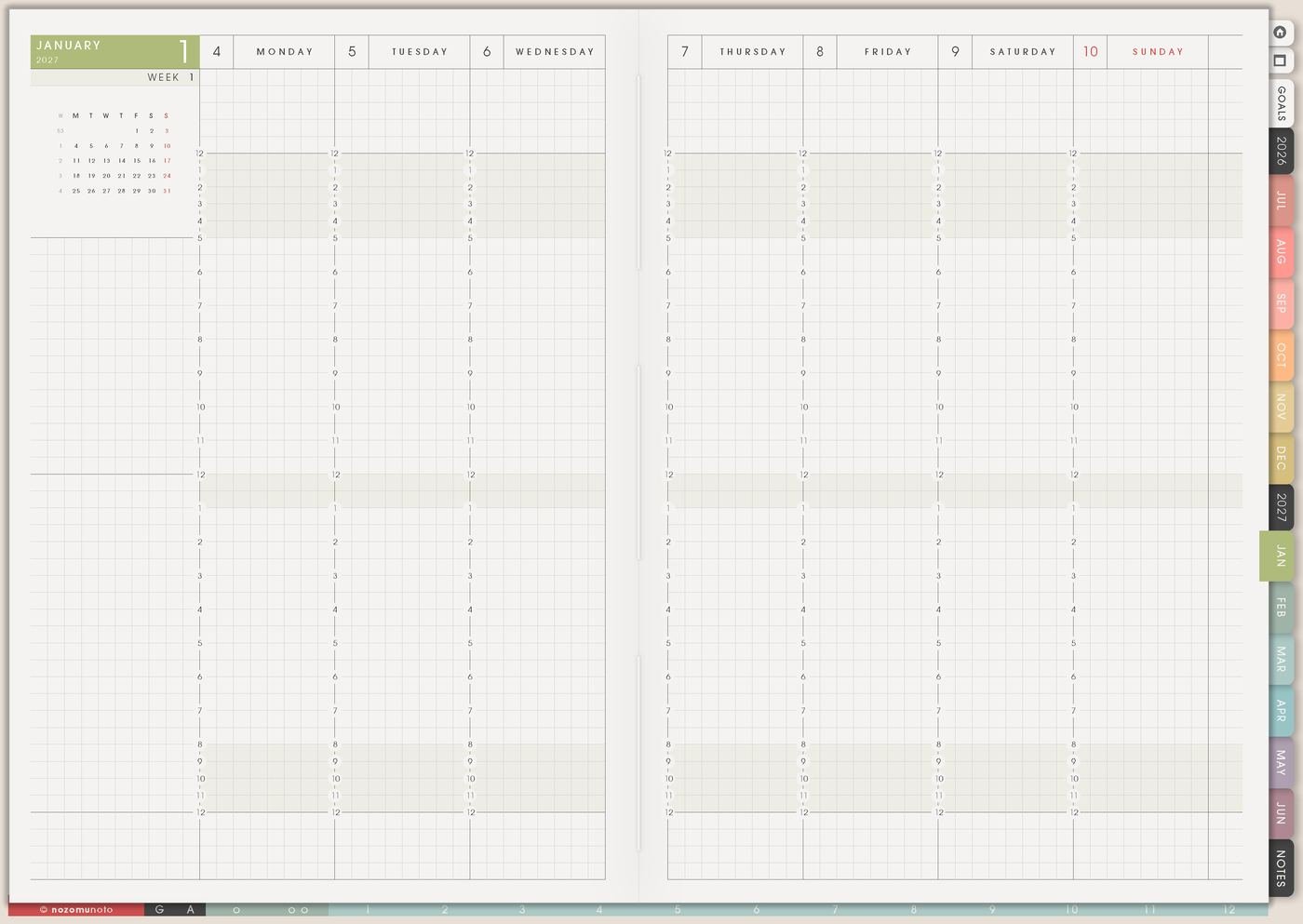
Break the skill into small steps that can be repeated: watch one lesson, copy one example, practice ten minutes, review mistakes, ask one question, make one draft, repeat one exercise, or compare two attempts.
A practice ladder makes the next step visible. For drawing, the first rung might be sketch five simple shapes. For language, it might be review ten words. For digital planning, it might be duplicate one page and move it to the right section.
4. Resources are not the same as practice
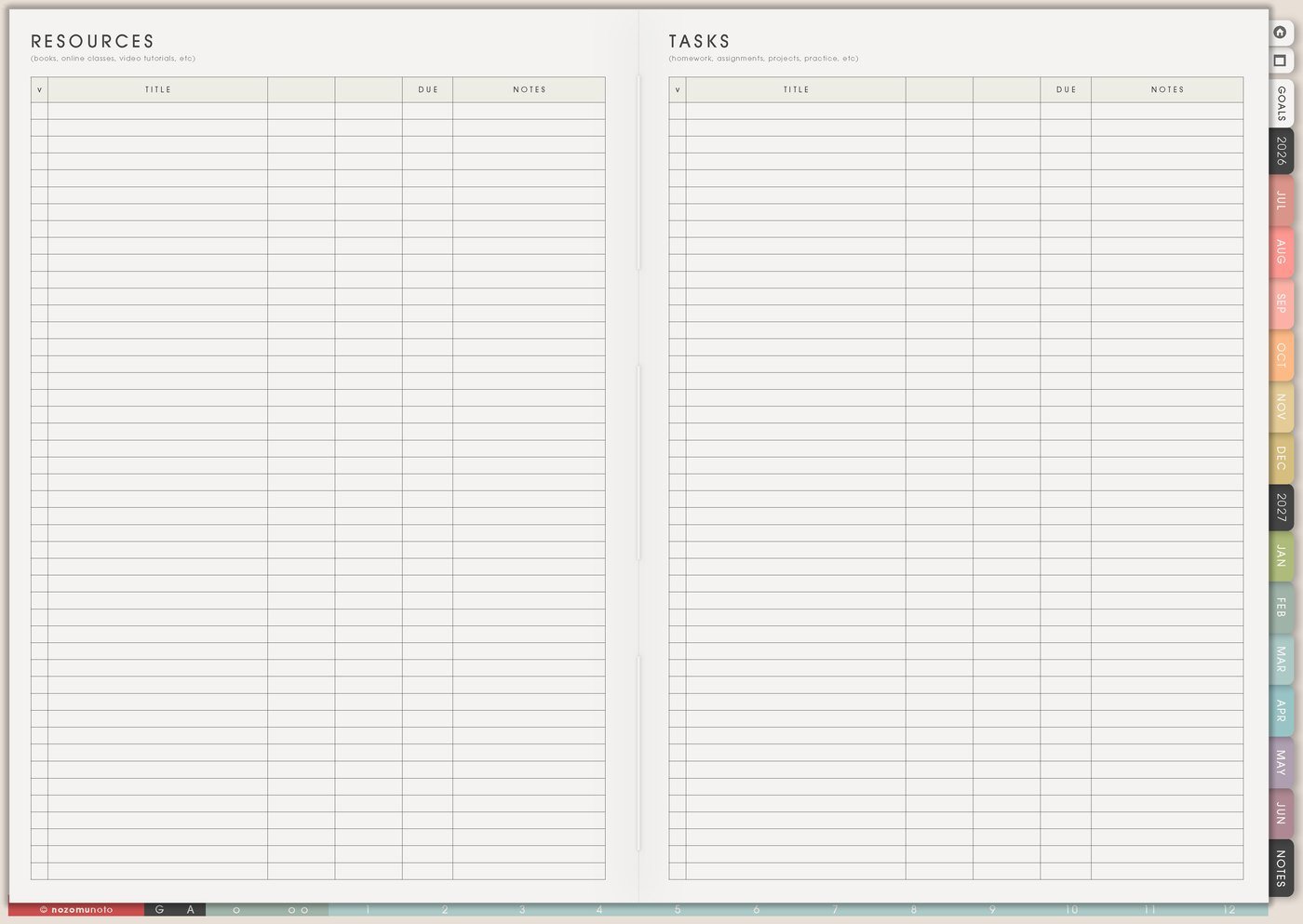
Use Resources / Tasks or Notes for course links, videos, books, prompts, supply lists, teachers, saved posts, and examples. Let Skills To Learn show the skill, reason, active status, and next practice.
Collecting resources can feel productive, but the skill grows when you try something. Beside each resource, write one action: copy one example, answer five questions, make a tiny draft, record one attempt, or ask for feedback.
Related Tips: Resources / Tasks page ideas shows how I keep links, courses, and examples from crowding the practice page.
5. Weekly practice block
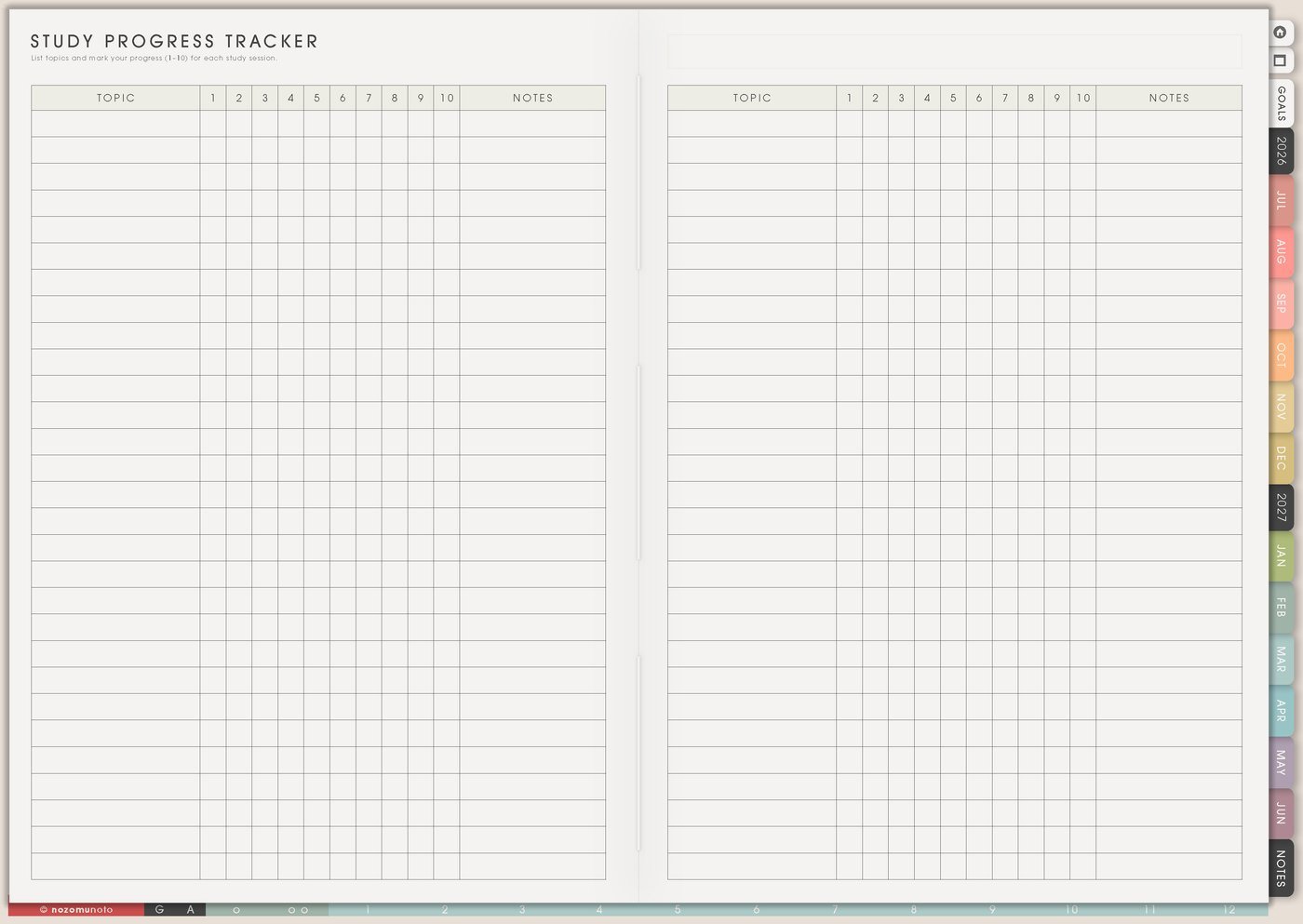
Move one practice block to Weekly. It can be short: ten minutes of flashcards, one customer reply draft, one photo edit, one recipe test, one budget review, one sketch page, or one software exercise.
If the skill needs a longer session, still write the smallest start. Open file, prepare supplies, choose lesson, or set timer can be the action that helps practice begin.
Related Tips: Weekly page setup shows how I place one small practice block into a real week.
6. Proof of practice
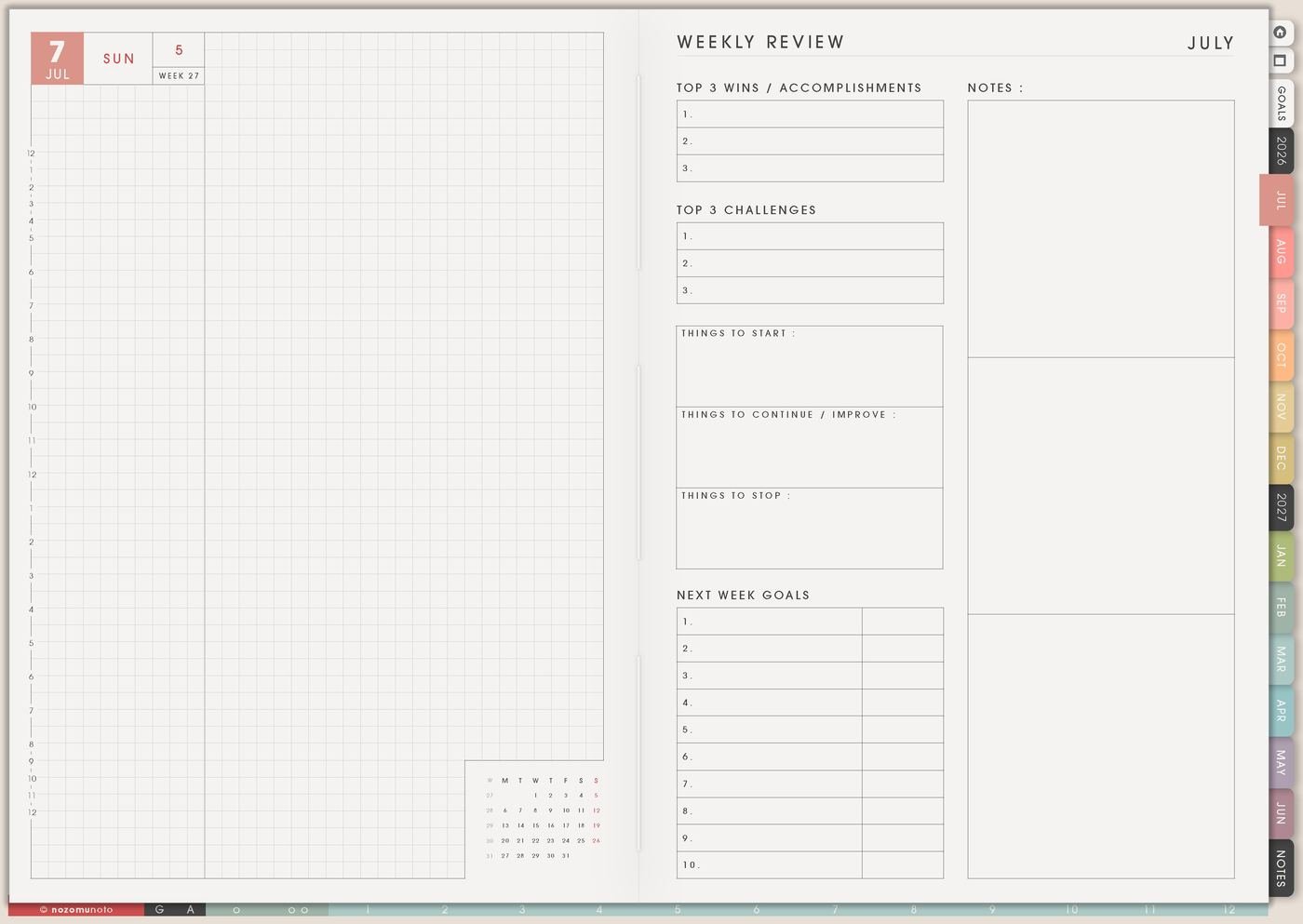
At Weekly Review, write proof that practice happened: date practiced, lesson finished, sample made, mistake corrected, question answered, page created, confidence rating, or one sentence about what became easier.
Skills often improve quietly. Proof helps you see progress before the final result looks polished.
Related Tips: Study Progress Tracker page ideas shows how I record practice proof without making learning heavy.
A simple Skills To Learn setup
- List five skills. Add one practical reason beside each skill.
- Circle one active skill. Choose the current month, term, project, or season.
- Write the first practice step. Keep it small enough to start this week.
- Move links and course notes elsewhere. Use Resources / Tasks or Notes.
- Put one practice block on Weekly. Protect one realistic session.
- Review proof. Write what you tried, what improved, and what to practice next.
What I usually use it for and how I use it
Tips for using Skills To Learn
- Circle one active skill. Mark the rest as later so the list can stay inspiring without becoming the whole week.
- Turn every resource into one practice action. Copy one example, record one attempt, answer five questions, or make one tiny draft.
- Make broad skills smaller. Learn design can become choose product color palette, make one listing graphic, practice one header layout, or edit one photo.
- Put one short practice block on Weekly. Ten minutes counts if it keeps the skill alive.
- Keep a later list for skill hopping. Choose one active skill for the season and let the other skills wait as future options.
When you need setup help
Skills To Learn helps with choosing and practicing skills. If you need exact app steps for writing on Yume Techo, copying pages, organizing notes, importing the planner, or using hyperlinks, open the NozomuNoto Help Center for your app or device.
Tips for using this page
- Choose the one part of this page that helps the current week instead of trying to fill everything at once.
- Move one small next action to Weekly or Daily so the page changes what happens next.
- Keep the page easy to return to by linking it from Index, favorites, bookmarks, or the related planner section.
Final thought
I hope Skills To Learn turns interest into practice. Choose one active skill, make the first step small, keep resources in their own place, and let Weekly protect a little practice time!
Browse NozomuNoto products
Find the planner, notebook, e-reader file, or add-on that fits the way you actually plan.
About NozomuNoto
NozomuNoto creates Japanese-inspired digital planners, notebooks, stickers, and e-reader PDFs for people who want useful pages that still work in real life.
Yume Techo is built with dated yearly, monthly, weekly, daily, Life Planner, Planner Pages, and Template Pages so one planner can hold study, work, home, ADHD-friendly routines, lists, and creative projects without adding paper bulk.
New to digital planning? Start there, use the Help Center for setup help, or browse NozomuNoto products when you are ready to choose your planner.