

Browse tips
Yume Techo Use Cases
- As a Student
- As a Teacher
- For Moms & Family
- For Work
- For Creative Projects
- For Bible Study
- For Small Business
- For Content Creation
- For Fitness & Health
- For Travel
- For Rapid Logging
- For Life Planning
- For Journaling & Reflection
- For Budget & Finance
- For Meals & Grocery
- For Project Planning
- For Home Management
- For Creative Writing
- For Music Writing
- For Brainstorming
- For Homeschooling
Page-by-Page Use Ideas
Essential Template Pages
- Template Index
- Yearly Spread
- Yearly Grid
- Yearly - Day Month Tracker
- Monthly - Day Tracker
- Monthly Grid
- Monthly Overview
- Weekly Review
- Monthly Spread
- Weekly - Horizontal
- Weekly - Vertical
- Routines
- 30 Day Challenges
- 100 Day Challenges
- Vision Board
- 100 Things
- Multi Purpose Table
- Level 10 Life
- 31 Things
- Daily Page - Type 1
- Daily Page - Type 2
- Gantt Chart - Universal
- Gantt Chart - Weekly
- Photo Page
- World Map
- Multi Purpose Wheel
- Kanban - 4/6/8 columns
- Template Pages
- Level 10
- Daily Template
- Yearly Tracker
Life Planner Pages
- Life Planner Index
- Life Planner
- Vision Board
- Life Inspirations
- Favorite Quotes
- Things That Make Me Happy
- My Life Systems and Rules
- Level 10 Life
- Things I Need To Change
- Bucket List
- Skills To Learn
- Projects To Make
- Challenges To Try
- Resolutions
- Yearly Goal Overview
- Goal Planner
- Reward Ideas
- Distraction List
- My Achievements
- Note To My Future Self
- Routines
- 30 Day Challenges
- Kanban Board
Books
Routine Page Ideas for ADHD-Friendly Planning in Yume Techo
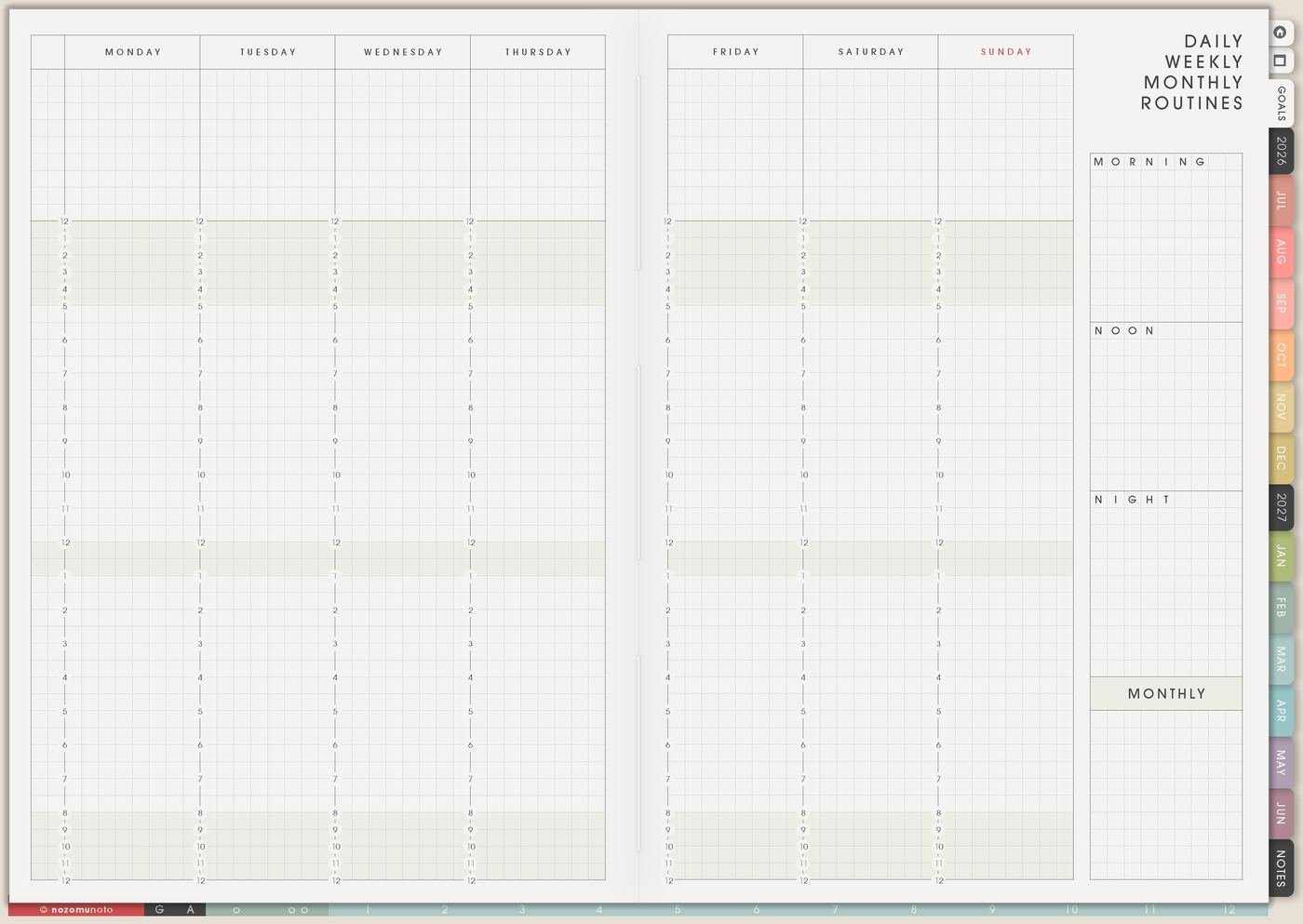
Use Yume Techo routine pages for ADHD-friendly planning, simple fallback lists, morning routines, evening routines, and repeat tasks.
The Routines page is for repeated parts of life that I should not need to invent from zero every day. I use it for morning, evening, weekly reset, monthly reset, meals, cleaning, study review, shop admin, bedtime, medication reminders, and low-energy defaults.
A routine is more useful when it has more than one size. Full version, medium version, and minimum version let the routine keep working when the day changes.
Routine page ideas
Use routine pages as menus you can return to, especially on ADHD-brain days, low-energy days, or busy weeks when deciding from zero takes too much.
- Morning routine: water, medicine, breakfast, planner, clothes, and bag.
- Evening routine: dishes, charger, tomorrow clothes, alarm, and one planner check.
- Work start routine: open the main file, check the first task, close extra tabs, and start the timer.
- Study start routine: open notes, choose one topic, review one page, and write the first question.
- Cleaning routine: trash bag, clear sink, one basket, and reset one surface.
- Leaving the house routine: wallet, keys, bottle, bag, medicine, and door check.
- Weekly review routine: move tasks, pick priorities, check appointments, and choose one reset area.
- Simple fallback day routine: food, water, medicine, one must-do task, and early shutdown.
Keep each routine short. A routine with five steps you can actually use is better than a perfect routine you avoid.
Yume Techo can help you organize routines, but it is not medical advice or ADHD treatment.
Related Tips: How to use Yume Techo as an ADHD planner, Yume Techo Routines for daily, weekly, monthly, and low-energy reset systems, and My Life Systems and Rules page ideas.
How to fill Routines
- Choose one routine first. Morning, evening, meals, study, cleaning, weekly reset, or admin.
- Write why it helps. Name the decision or stress it removes.
- Write three sizes. Full, medium, and minimum.
- Add the cue. Choose when or where the routine begins.
- Choose where it lives. Keep the full routine here and move only current actions to Weekly.
- Review one detail. Change time, place, size, cue, or supplies when it drops.
Ways to use Routines
1. Full, medium, and minimum versions
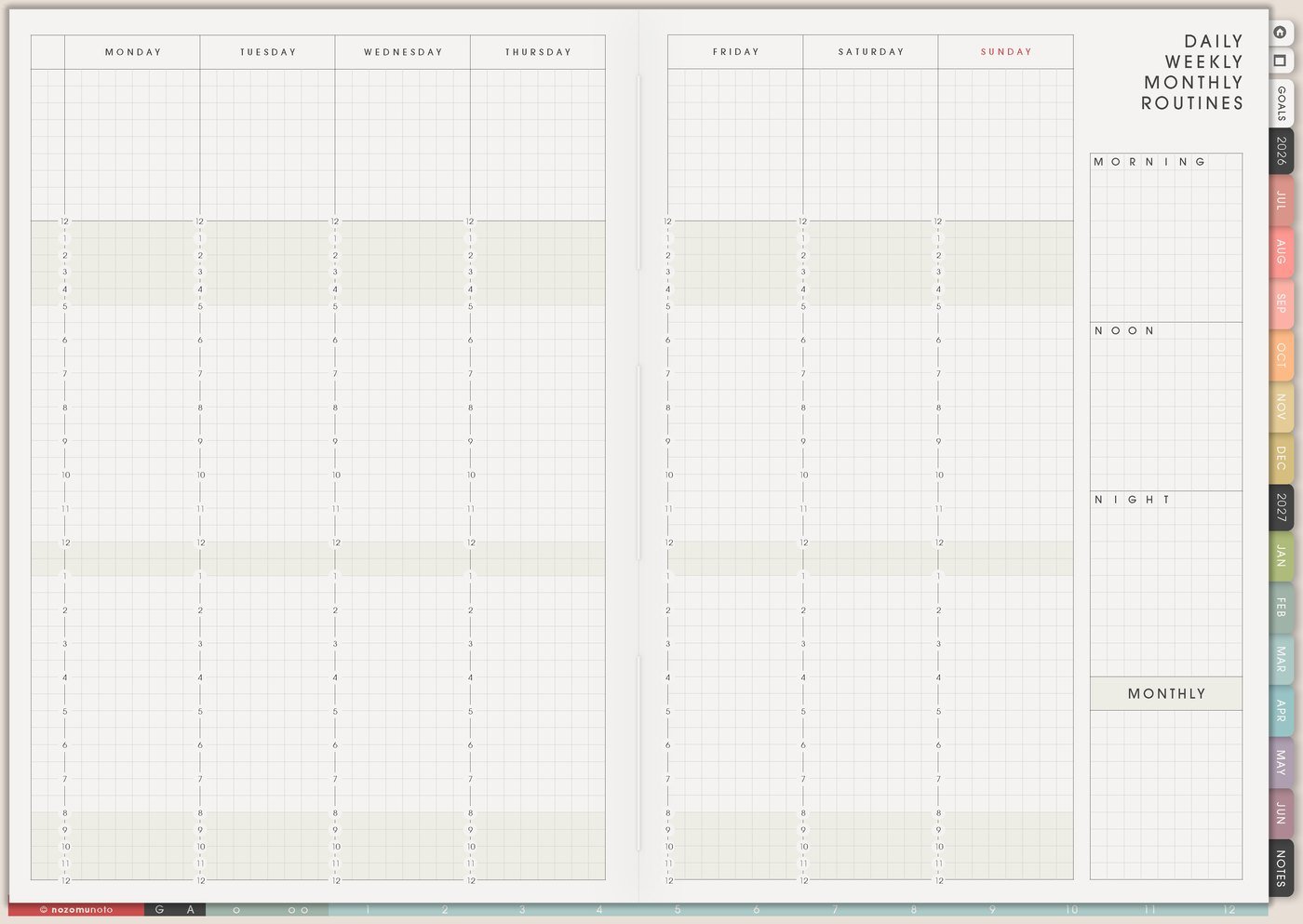
For each important routine, write three sizes. Full version is the ideal day. Medium version is the busy-day version. Minimum version is the low-energy version that still helps.
Morning full can be water, medicine, breakfast, planner, clothes, bag, and leave. Medium can be medicine, breakfast, clothes, bag. Minimum can be medicine, water, clean shirt, leave.
2. Repeated decisions
Use routines for decisions you are tired of remaking: meal defaults, cleaning days, laundry rhythm, school bag prep, shop admin, study review, workout options, Sunday reset, bedtime shutdown, or opening the planner.
Instead of deciding dinner from zero every day, write Monday rice bowl, Tuesday leftovers, Wednesday freezer meal, Thursday udon. Instead of deciding when to review the planner, write Sunday tea plus Weekly Review.
3. Cue and location
A routine needs a starting cue. Write where it begins: after coffee, after school drop-off, beside toothbrush, before opening email, after dinner, when the tablet charges, before leaving the desk, after payday, or when the kitchen closes.
Without a cue, the routine depends on memory. With a cue, the routine has a visible doorway.
4. Minimum version that says exactly what counts
A minimum routine should not say do less. It should say exactly what counts. Minimum cleaning can be trash bag, clear sink, one basket. Minimum study can be open notes, read one paragraph, make three flashcards. Minimum work can be open file, answer one message, save one draft.
Specific minimum routines reduce the decision at the hardest moment.
5. Weekly carries only the current helper action

Routines can live on the Routines page, while Weekly carries the one routine action that needs attention now. If bedtime has been slipping, Weekly can say set charger outside bedroom. If laundry is stuck, Weekly can say wash work clothes Tuesday.
This keeps Weekly from storing the full routine while still making the current helper action visible.
6. Review one detail at a time
If a routine keeps dropping, change one detail: time, place, cue, reminder, supplies, or minimum version. A routine should become easier after review, not heavier.
Ask: is it too long, too hidden, too late, too blurry, attached to the wrong cue, or missing a realistic minimum? Change one thing and try again.
A simple Routines setup
- Choose one routine. Pick the routine that removes the most repeated decision.
- Write three sizes. Full, medium, and minimum.
- Add a cue. Attach the routine to something that already happens.
- Choose where it lives. Keep the full routine on Routines and the current action on Weekly.
- Review monthly. Change one detail if the routine keeps dropping.
What I usually use it for and how I use it
Related Tips: Weekly page setup helps me move only the current routine action forward, Monthly Overview reset helps me review routines without restarting everything, 30 Day Challenges page ideas helps when I want to test one routine for a month, and My Life Systems and Rules page ideas helps when a routine becomes a personal rule.
Tips for using this page
- Write three sizes. Full version is the ideal day, medium version is the busy day, and minimum version is the hard-day path back.
- Attach the routine to a real cue. Use after dinner, after brushing teeth, when the tablet charges, before opening email, after coffee, or after school drop-off.
- Shrink the tiny version until it is truly tiny. Low-energy cleaning can be dishes to sink, trash bag, clear one counter, or put one basket by the washer.
- Track useful information, not guilt. Write cue worked, too late, too many steps, forgot, tired, sick, travel, or needs smaller version.
- Start one routine at a time. Try one routine for two weeks before adding another, especially during busy family, school, shop, or recovery seasons.
Keep private routine details safe
Routines can include health, medicine, family care, school, work, home, money, and private daily habits. Keep medical records, full account details, passwords, client information, private family details, addresses, and sensitive health notes in a secure place outside the planner. In Yume Techo, use safe labels like medicine check, weekly reset, school bag, shop admin, laundry, bill check, or bedtime routine.
When you need setup help
Routines helps with repeated planning. If you need exact app steps for copying routine pages, adding checkboxes or stickers, importing Yume Techo, or using hyperlinks, open the NozomuNoto Help Center for your app or device.
Final thought
Routines work better when they include real-life versions. Make the minimum version before the hard day arrives, attach it to a visible cue, and review one detail at a time. I hope the page gives you a way back on the messy days too!
Browse NozomuNoto products
Find the planner, notebook, e-reader file, or add-on that fits the way you actually plan.
About NozomuNoto
NozomuNoto creates Japanese-inspired digital planners, notebooks, stickers, and e-reader PDFs for people who want useful pages that still work in real life.
Yume Techo is built with dated yearly, monthly, weekly, daily, Life Planner, Planner Pages, and Template Pages so one planner can hold study, work, home, ADHD-friendly routines, lists, and creative projects without adding paper bulk.
New to digital planning? Start there, use the Help Center for setup help, or browse NozomuNoto products when you are ready to choose your planner.