

Browse tips
Yume Techo Use Cases
- As a Student
- As a Teacher
- For Moms & Family
- For Work
- For Creative Projects
- For Bible Study
- For Small Business
- For Content Creation
- For Fitness & Health
- For Travel
- For Rapid Logging
- For Life Planning
- For Journaling & Reflection
- For Budget & Finance
- For Meals & Grocery
- For Project Planning
- For Home Management
- For Creative Writing
- For Music Writing
- For Brainstorming
- For Homeschooling
Page-by-Page Use Ideas
Essential Template Pages
- Template Index
- Yearly Spread
- Yearly Grid
- Yearly - Day Month Tracker
- Monthly - Day Tracker
- Monthly Grid
- Monthly Overview
- Weekly Review
- Monthly Spread
- Weekly - Horizontal
- Weekly - Vertical
- Routines
- 30 Day Challenges
- 100 Day Challenges
- Vision Board
- 100 Things
- Multi Purpose Table
- Level 10 Life
- 31 Things
- Daily Page - Type 1
- Daily Page - Type 2
- Gantt Chart - Universal
- Gantt Chart - Weekly
- Photo Page
- World Map
- Multi Purpose Wheel
- Kanban - 4/6/8 columns
- Template Pages
- Level 10
- Daily Template
- Yearly Tracker
Life Planner Pages
- Life Planner Index
- Life Planner
- Vision Board
- Life Inspirations
- Favorite Quotes
- Things That Make Me Happy
- My Life Systems and Rules
- Level 10 Life
- Things I Need To Change
- Bucket List
- Skills To Learn
- Projects To Make
- Challenges To Try
- Resolutions
- Yearly Goal Overview
- Goal Planner
- Reward Ideas
- Distraction List
- My Achievements
- Note To My Future Self
- Routines
- 30 Day Challenges
- Kanban Board
Books
How to use Yume Techo as a digital music planner
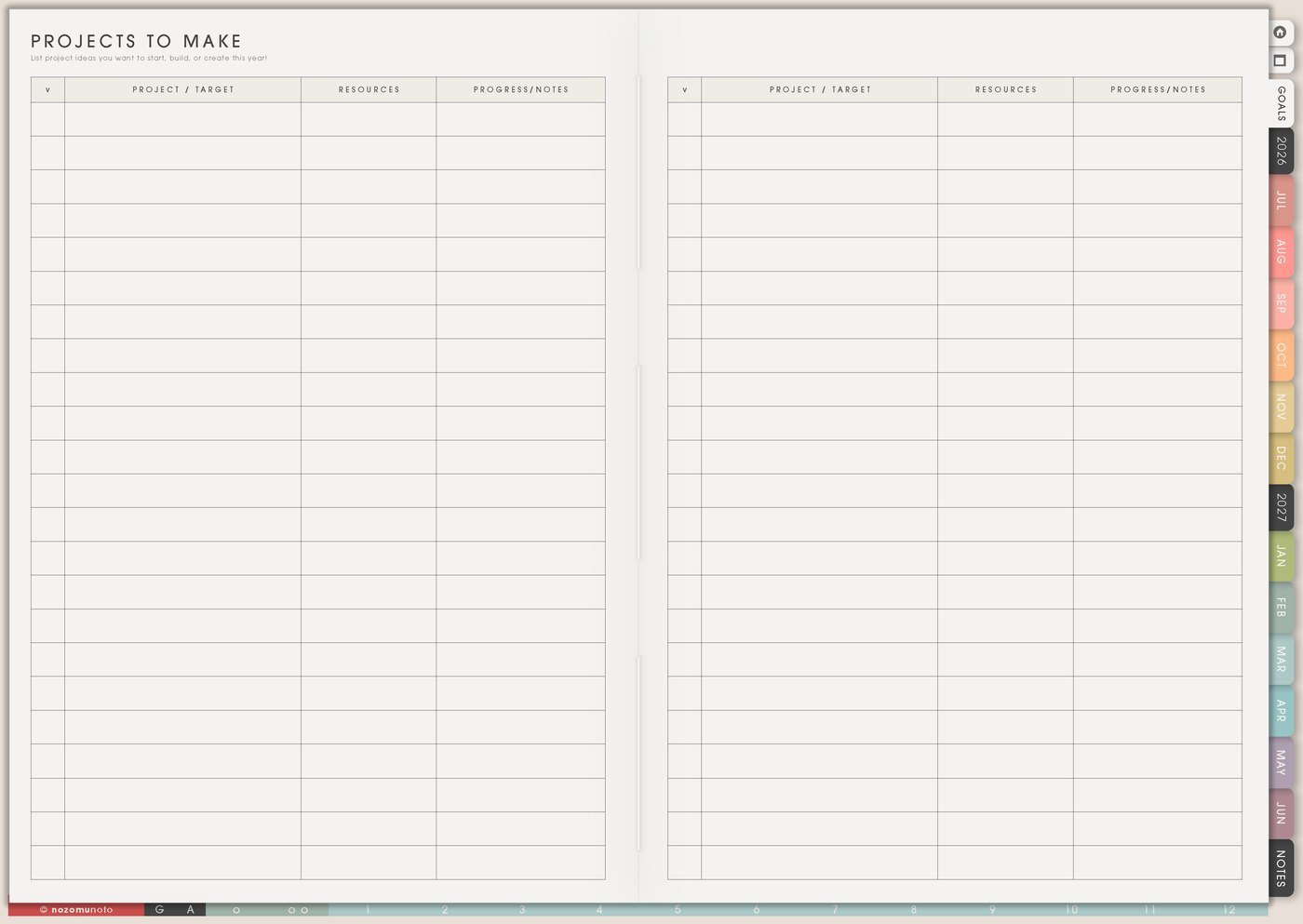
Use Yume Techo as a digital music planner for songwriting, practice, lyrics, song ideas, recording notes, arrangements, and music projects.
I use this Yume Techo music writing setup for piano and guitar ideas, lyric drafts, melody notes, practice skills, reference tracks, voice memo follow-up, recording tasks, set lists, arrangement ideas, and weekly creative sessions.
Music ideas disappear fast when they stay as unnamed voice memos or half-remembered chords. Projects To Make catches song starts, Skills To Learn gives practice direction, Resources / Tasks holds references and voice memo notes, Kanban shows active and waiting pieces, and Weekly carries one small music move at a time.
A simple music planner setup
Use Yume Techo to keep your song ideas, lyrics, practice notes, and music projects together.
Try this setup:
- Use the monthly pages for practice goals, lesson dates, recording dates, release plans, and performance notes.
- Use the weekly pages for practice sessions, songwriting time, listening notes, and project tasks.
- Use the daily pages for today’s practice focus, lyric ideas, chord ideas, and quick song notes.
- Use notebook sections for lyrics, song ideas, practice logs, arrangements, recording notes, and music references.
- Use template pages for song plans, practice trackers, lyric drafts, project checklists, and idea boards.
- Use the Index page to jump quickly between active songs and practice notes.
Start with one song idea and one practice log. Add more sections only when your music work needs them.
For related workflows, see the digital brainstorming planner for ideas and mind maps, the digital project planner for work and creative projects, and the digital writing planner for stories and creative projects.
How I split music ideas across Yume Techo
1. Use Projects To Make for songs and pieces
I use Projects To Make for original songs, covers, arrangements, practice pieces, recording projects, set lists, recital prep, worship sets, album ideas, or tiny melody starts that might become something later.
I write title or working name, mood, key idea, lyric draft, voice memo name, instrument, reference track, deadline, and next action. The idea needs enough context so I can recognize it later.
For example: soft piano song, rainy mood, voice memo June 4, chorus idea starts with home imagery, test chorus chords next.
Related Tips: Projects To Make page ideas shows how I keep creative starts visible without making every idea active.
2. Use Skills To Learn for practice direction
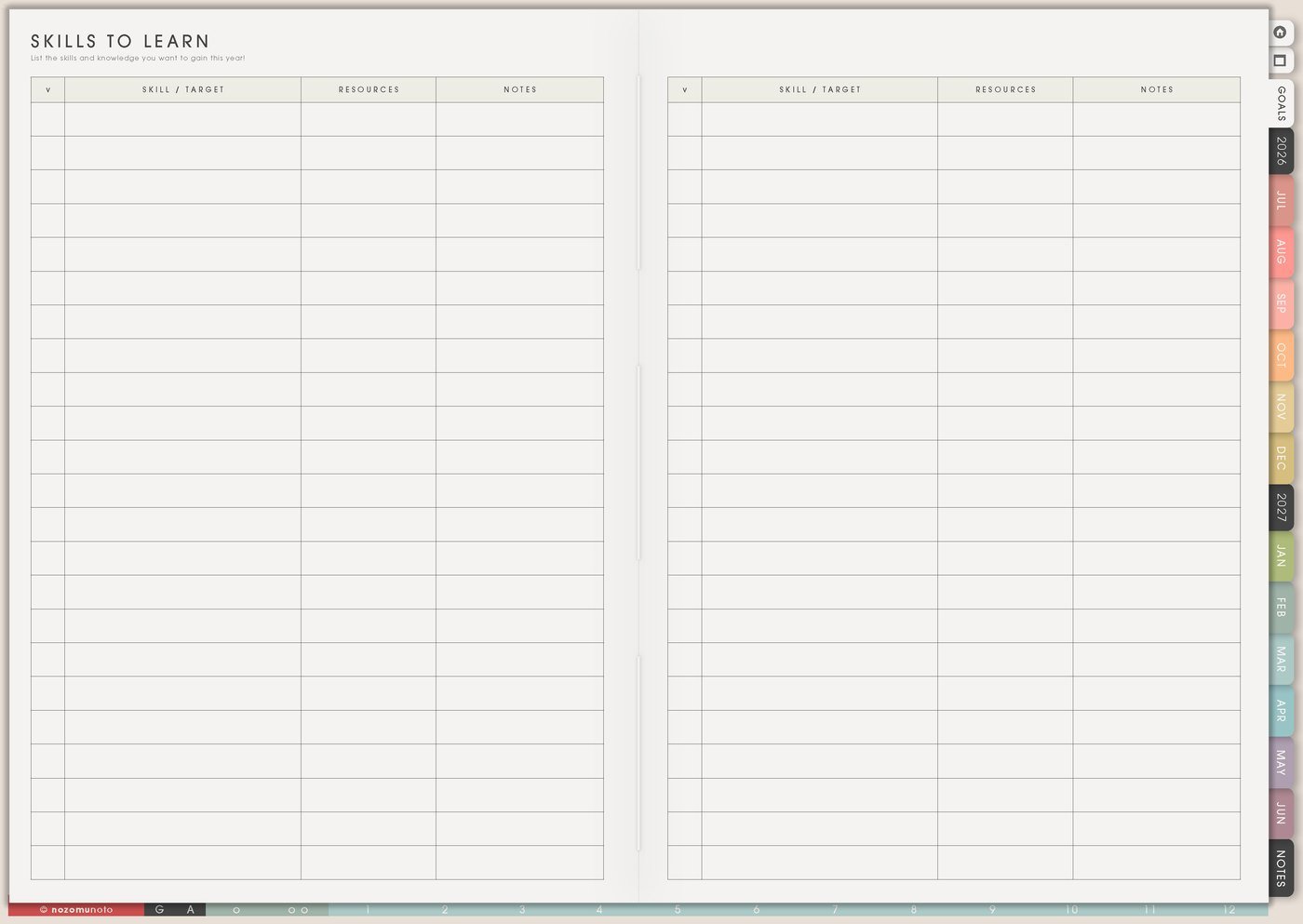
I use Skills To Learn for chord changes, sight reading, mixing, singing, finger strength, rhythm, improvisation, notation, breath control, ear training, harmony, or recording workflow.
I choose one skill for the season. Practice feels less random when the planner says what I am building.
Instead of practice more, I write practice F to C chord change for five minutes, sing chorus slowly with metronome, record one rough take, or listen for bass line in reference track.
Related Tips: Skills To Learn page ideas shows how I choose one learning focus and turn it into small practice blocks.
3. Use Resources / Tasks for voice memos and references
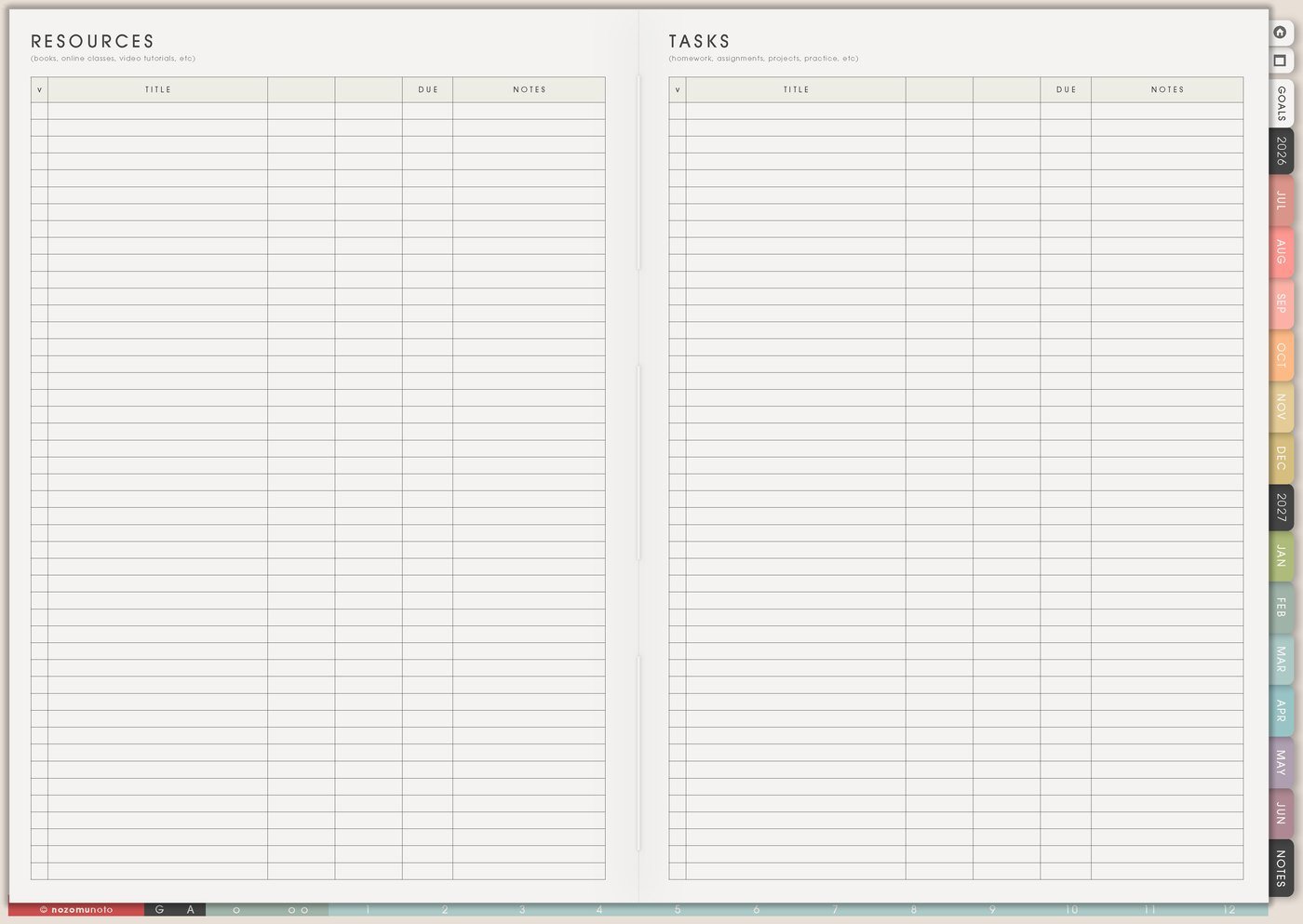
I use Resources / Tasks for voice memo names, reference tracks, chord links, recording notes, lyric draft locations, feedback, instrument settings, file names, set list notes, and questions for later.
Voice memos are easy to capture and hard to use later. I give promising memos a small label: mood, song idea, chorus, verse, rhythm, harmony, or random spark.
When a resource needs action, I move only the action to Weekly: rename memo, test chorus, ask for feedback, export demo, clean up lyric draft, or practice eight bars.
Related Tips: Resources / Tasks page ideas shows how I keep links, files, notes, and follow-ups separate from Weekly.
4. Use Kanban for active, waiting, and parked music ideas
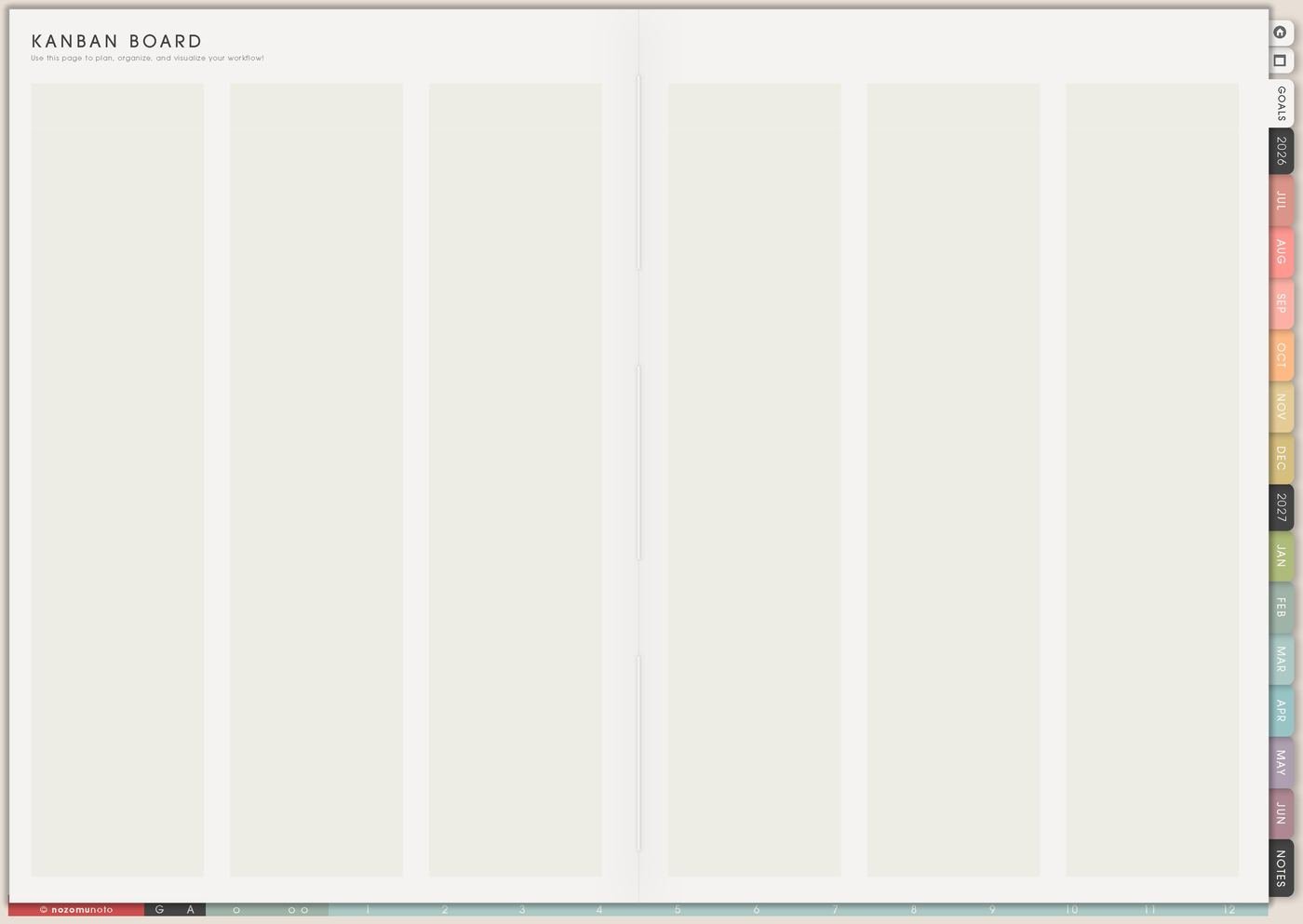
I use Kanban to separate music ideas into Active, Next, Waiting, Parked, and Done. This helps when every melody suddenly feels important.
Waiting can mean waiting for feedback, recording time, collaborators, lyrics, better energy, a quiet room, or the right instrument. Parked means the idea is saved but not asking for attention now.
I keep Active small. One or two active pieces is usually enough for one week.
Related Tips: Kanban Board ideas shows more ways to sort active, waiting, parked, and finished creative work.
5. Use Weekly for realistic music sessions
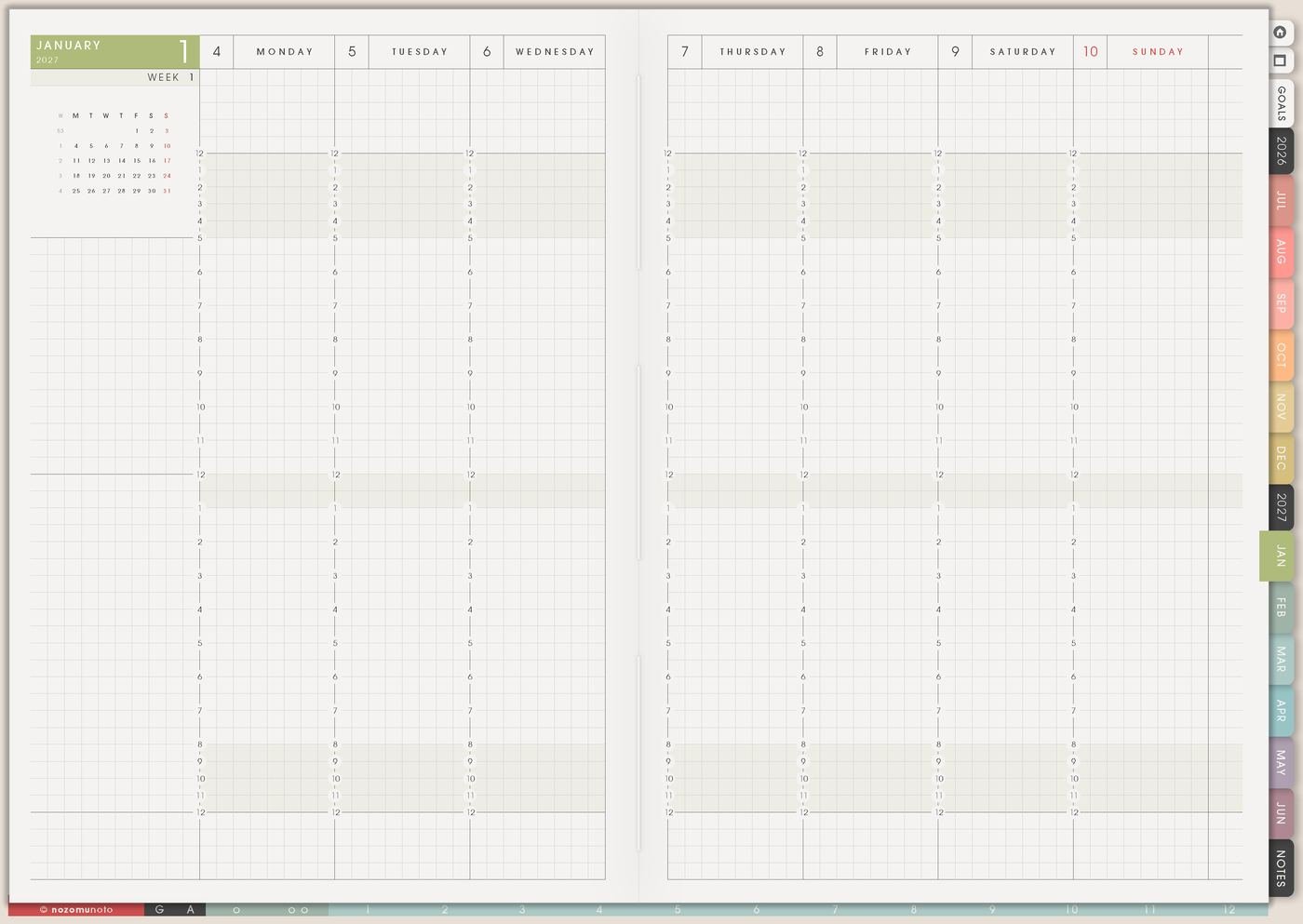
I use Weekly for music actions that fit real life: write chorus options, practice eight bars, record one rough voice memo, clean up lyrics, test chord progression, listen to references, organize project files, or export one demo.
Music sessions count even when they are tiny. Ten focused minutes can keep a song alive.
If the task says work on song, I make it smaller: open memo June 4, test chorus chords, rewrite verse 1, practice bridge transition, or record one rough take.
6. Use 30 Day Challenge Tracker for practice contact
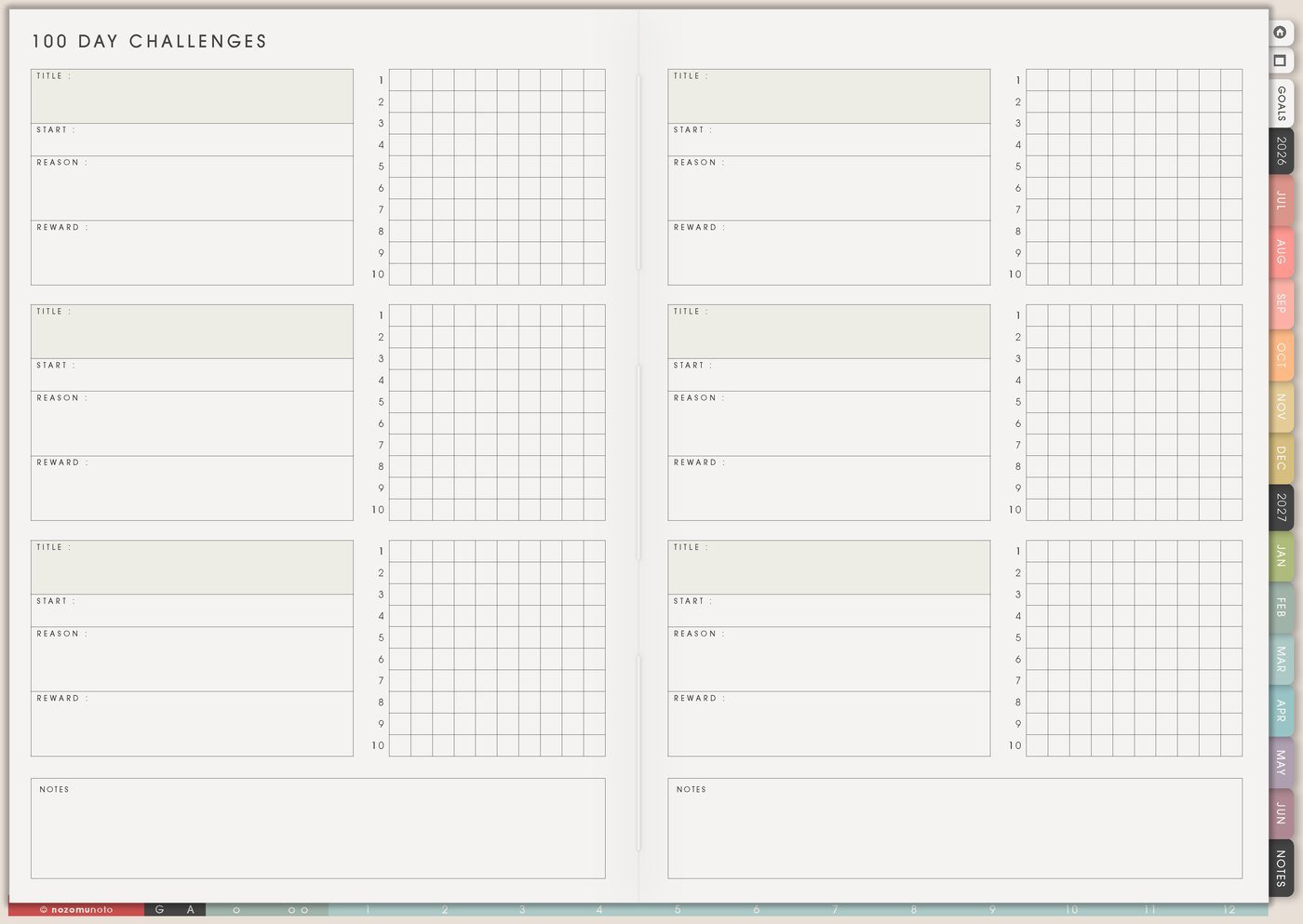
I use 30 Day Challenge Tracker for a realistic music experiment: five minutes of scales, one lyric line, one voice memo, one chord transition, one listening note, one metronome session, or one rough take.
I make a minimum version before the challenge begins. Minimum can be tune instrument, sing one line, open project file, listen once, or play the first four bars.
The point is musical contact, not a perfect streak.
7. Use Weekly Review to decide the next song move
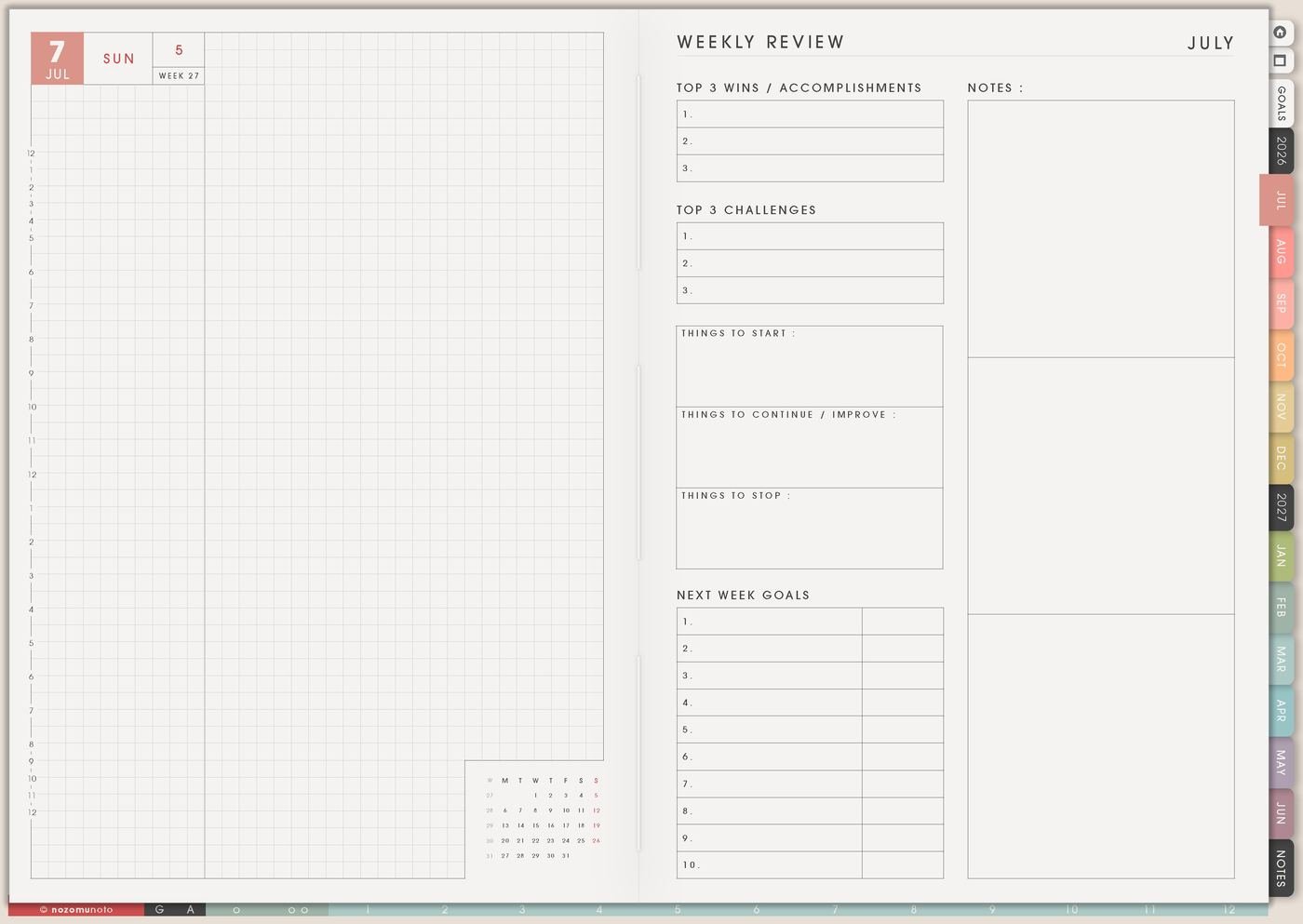
I use Weekly Review to ask what sounded good, what needs practice, what is stuck, what should be parked, and what the next small creative move is.
I end with one specific handoff: record verse idea, rewrite bridge, practice harmony, send demo, choose key, organize files, or park this song for later.
Music projects move better when review stays specific and useful.
Set it up in ten minutes
- Choose one active music project. Keep other ideas parked safely.
- Write the song card. Mood, memo name, lyric draft, reference, instrument, and next action.
- Choose one skill to practice. Put it on Skills To Learn.
- Label important voice memos. Mood, section, or next action.
- Sort ideas on Kanban. Active, Next, Waiting, Parked, Done.
- Plan one tiny music session. Use a visible action and a realistic size.
- Leave a handoff. What to open or play next time.
What I usually use it for and how I use it
Tips for using this setup
- Name promising voice memos fast. Add memo date, mood, section, instrument, lyric fragment, and next action before the idea becomes impossible to recognize.
- Choose one practice focus for the season. Skills To Learn can hold chord changes, sight reading, rhythm, singing, harmony, or recording workflow so practice has direction.
- Keep only one or two active pieces. Kanban can save the rest as Next, Waiting, Parked, or Done so every idea is not asking for attention this week.
- Connect lyrics, chords, and files. Resources / Tasks can list where the lyric draft, memo, reference, chord screenshot, and export file live.
- Make music sessions tiny enough to happen. Weekly can say test chorus chords, practice eight bars, rewrite verse 1, record one rough take, or listen to one reference track.
- Give practice trackers a restart rule. Missed days are blanks, not failure. Continue with the next tiny music contact and review what got in the way.
- Separate creative tasks from technical tasks. Writing lyrics, choosing chords, naming files, exporting demos, and asking for feedback can live in different Kanban columns.
- Leave a handoff after each week. Open memo name, test chorus chord, rewrite bridge, practice harmony, send demo, choose key, organize files, or park song until later.
When you need setup help
For the music writing workflow, use Projects To Make for song starts, Skills To Learn for practice focus, Resources / Tasks for references and memo labels, Kanban for active or parked songs, Weekly for one tiny music session, and Weekly Review for the next handoff. If the technical step is unclear, like importing Yume Techo, copying music pages, adding links or images, or using hyperlinks, use the NozomuNoto Help Center for app-specific steps.
Final thought
I hope this setup helps music stay close even when practice time is small. Capture the rough start, choose one tiny creative move, and leave a note that helps the song welcome you back.
Build this full setup in Yume Techo
Use the pages shown above as a complete workflow, then adjust the setup until it fits your real week.
Browse NozomuNoto products
Find the planner, notebook, e-reader file, or add-on that fits the way you actually plan.
About NozomuNoto
NozomuNoto creates Japanese-inspired digital planners, notebooks, stickers, and e-reader PDFs for people who want useful pages that still work in real life.
Yume Techo is built with dated yearly, monthly, weekly, daily, Life Planner, Planner Pages, and Template Pages so one planner can hold study, work, home, ADHD-friendly routines, lists, and creative projects without adding paper bulk.
New to digital planning? Start there, use the Help Center for setup help, or browse NozomuNoto products when you are ready to choose your planner.