
Browse tips
Yume Techo Use Cases
- As a Student
- As a Teacher
- For Moms & Family
- For Work
- For Creative Projects
- For Bible Study
- For Small Business
- For Content Creation
- For Fitness & Health
- For Travel
- For Rapid Logging
- For Life Planning
- For Journaling & Reflection
- For Budget & Finance
- For Meals & Grocery
- For Project Planning
- For Home Management
- For Creative Writing
- For Music Writing
- For Brainstorming
- For Homeschooling
Page-by-Page Use Ideas
Essential Template Pages
- Template Index
- Yearly Spread
- Yearly Grid
- Yearly - Day Month Tracker
- Monthly - Day Tracker
- Monthly Grid
- Monthly Overview
- Weekly Review
- Monthly Spread
- Weekly - Horizontal
- Weekly - Vertical
- Routines
- 30 Day Challenges
- 100 Day Challenges
- Vision Board
- 100 Things
- Multi Purpose Table
- Level 10 Life
- 31 Things
- Daily Page - Type 1
- Daily Page - Type 2
- Gantt Chart - Universal
- Gantt Chart - Weekly
- Photo Page
- World Map
- Multi Purpose Wheel
- Kanban - 4/6/8 columns
- Template Pages
- Level 10
- Daily Template
- Yearly Tracker
Life Planner Pages
- Life Planner Index
- Life Planner
- Vision Board
- Life Inspirations
- Favorite Quotes
- Things That Make Me Happy
- My Life Systems and Rules
- Level 10 Life
- Things I Need To Change
- Bucket List
- Skills To Learn
- Projects To Make
- Challenges To Try
- Resolutions
- Yearly Goal Overview
- Goal Planner
- Reward Ideas
- Distraction List
- My Achievements
- Note To My Future Self
- Routines
- 30 Day Challenges
- Kanban Board
Books
My Achievements Page Ideas for Yume Techo Digital Planner
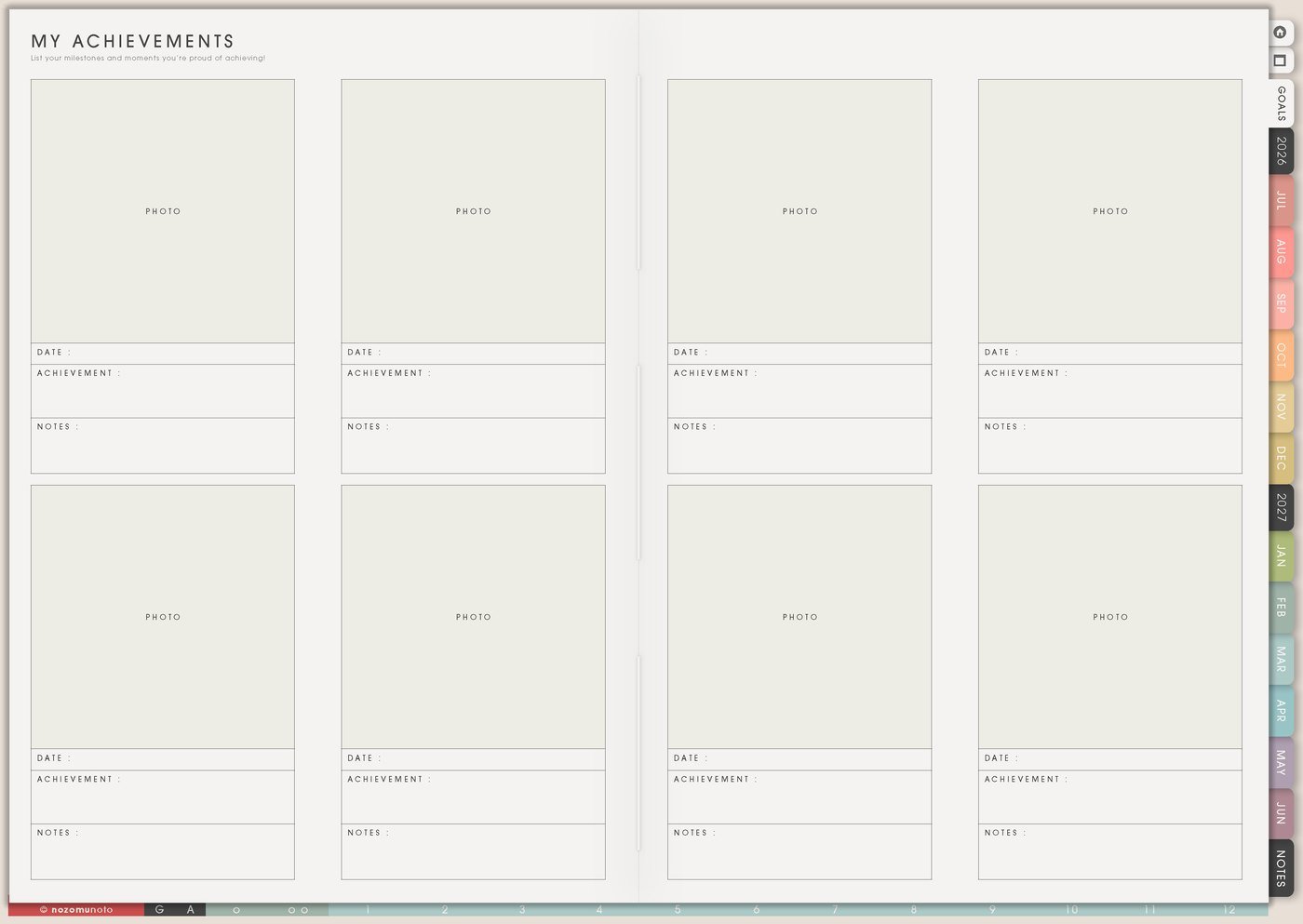
Use a Yume Techo My Achievements page to remember progress, tiny wins, finished projects, milestones, learning, and meaningful moments.
The My Achievements page is for proof of progress that is easy to forget. Use it for finished projects, brave messages, study wins, health steps, money wins, home resets, creative work, rest choices, appointments made, and small restarts.
This page should not be only for impressive milestones. It is also for ordinary proof: you started, asked, repaired, learned, rested, returned, practiced, finished, or handled something better than before.
My Achievements page ideas
Use this page to remember what you have already done.
You can add:
- Finished projects.
- Small wins.
- Skills you practiced.
- Hard things you handled.
- Family or personal moments.
- Creative progress.
- Study progress.
- Work milestones.
- Habits you returned to.
- Things you are proud of.
Do not wait for something huge to count it.
Review this page when you feel like nothing is moving. Progress is easier to see when you write it down.
Related Tips: Reward Ideas page ideas for healthy motivation, How to use Yume Techo 100 Day Challenges for long projects, practice streaks, study goals, and creative progress, and Digital journal planner for prompts and weekly reflection.
How to fill My Achievements
- Write the win. Keep it specific.
- Add proof. Use a date, photo, number, screenshot, link, grade, or one sentence.
- Mark the life area. Study, work, home, money, health, creative, courage, rest, or relationships.
- Write what helped. Notice the routine, timing, person, tool, or small step that worked.
- Choose whether it needs a next step. Some wins can simply be complete.
- Review monthly. Add three wins before choosing the next focus.
Ways to use My Achievements
1. Small wins before they disappear
Add finished tasks, solved problems, brave conversations, study blocks, routines kept, rest chosen, rooms reset, money handled, messages sent, projects finished, or anything that took courage.
Called the dentist, opened the planner after missed days, sent the hard email, cleaned one drawer, and finished one practice block are all valid achievements.
2. Proof detail
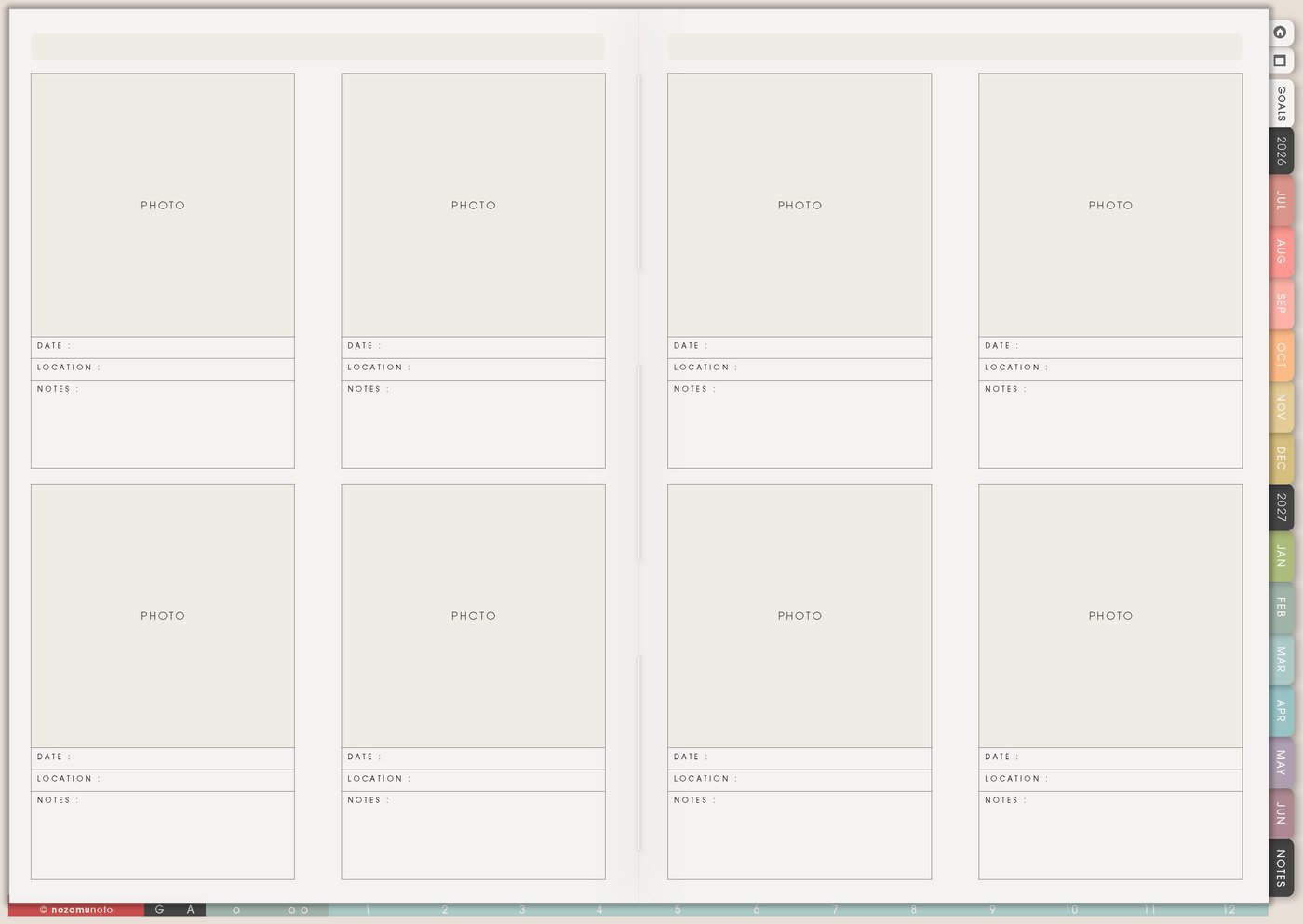
Use dates, photos, screenshots, numbers, notes, links, grades, order counts, before-after pictures, or one sentence about what changed. Memory Photos can hold the visual proof when the win has a picture.
Finished closet reset, June 12, donated two bags is more useful than organized. Submitted essay after a hard week is more specific than school win.
3. Life area labels
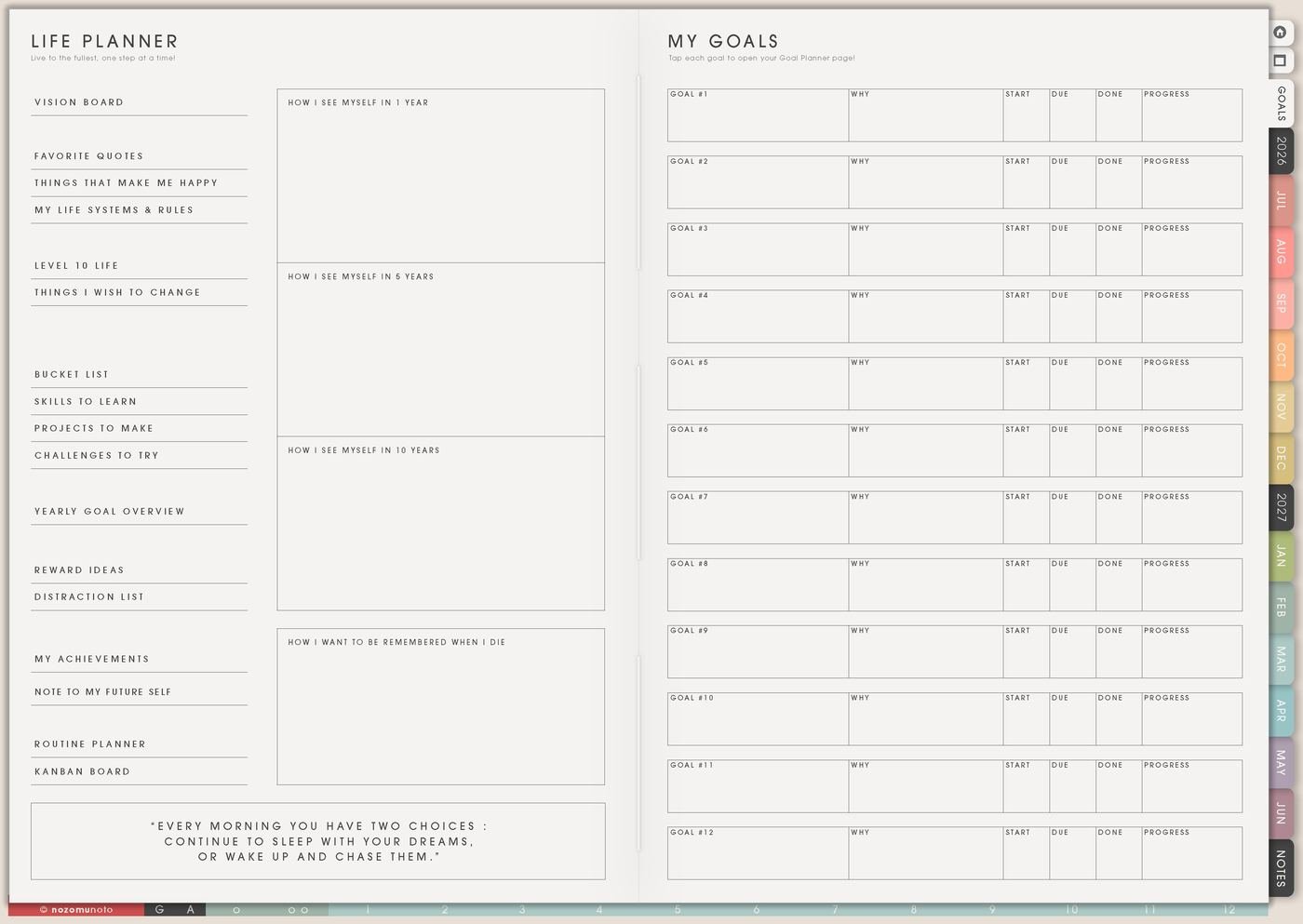
Use simple labels like study, work, shop, home, health, money, relationships, faith, creativity, parenting, courage, rest, or recovery. Labels help you notice areas that are quietly improving.
If one area feels empty, treat it as information. Maybe that area needs smaller wins, more visible helpers, or a goal that fits the current season better.
4. Read achievements before new goals
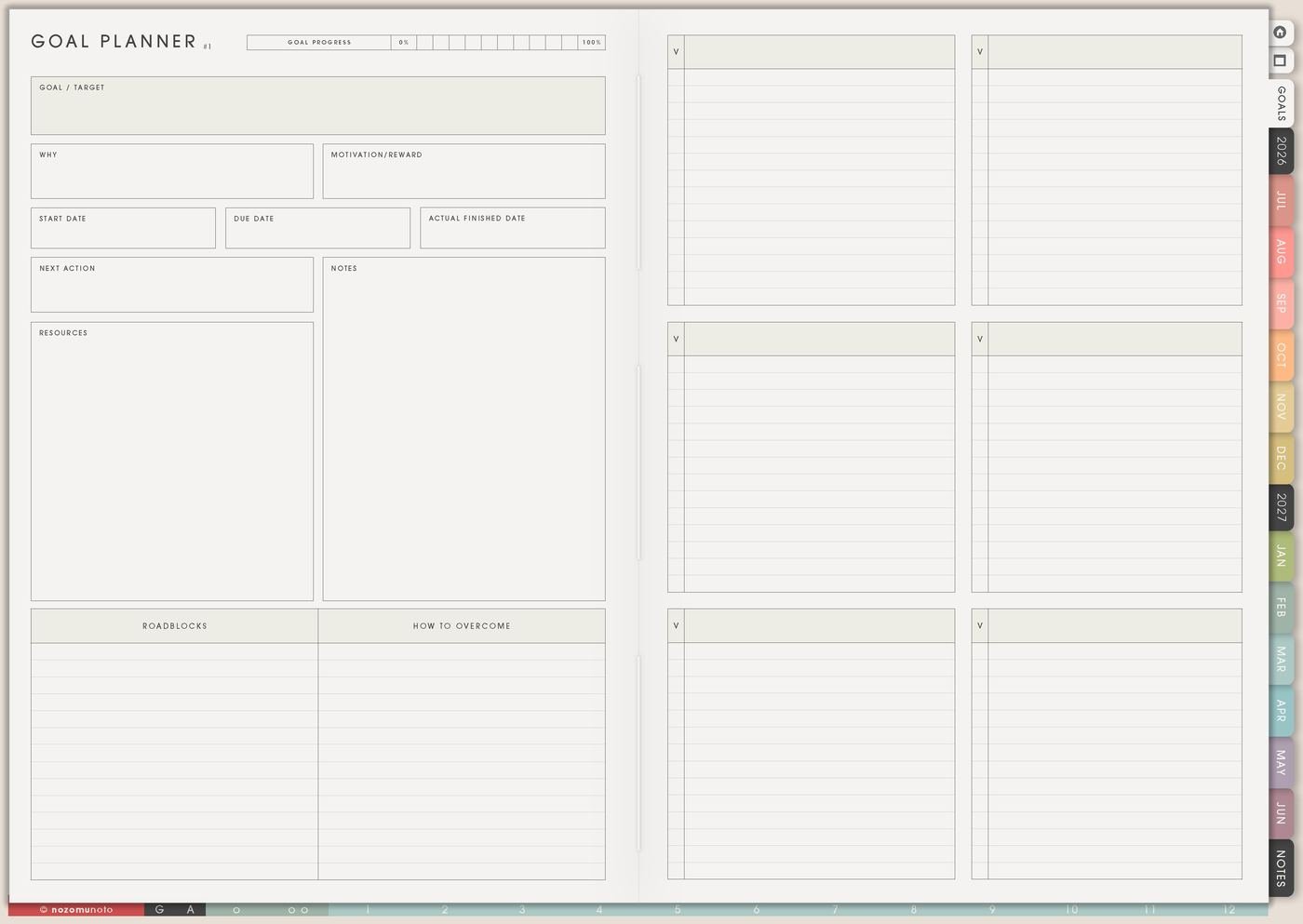
Before writing new goals, read My Achievements first. It can show what worked, what gave energy, what was too heavy, and what deserves to continue before opening the Goal Planner.
If the wins came from small weekly actions, the next goal should probably use that structure. If progress happened because the first step was tiny, keep the tiny first step.
5. Some wins become next steps
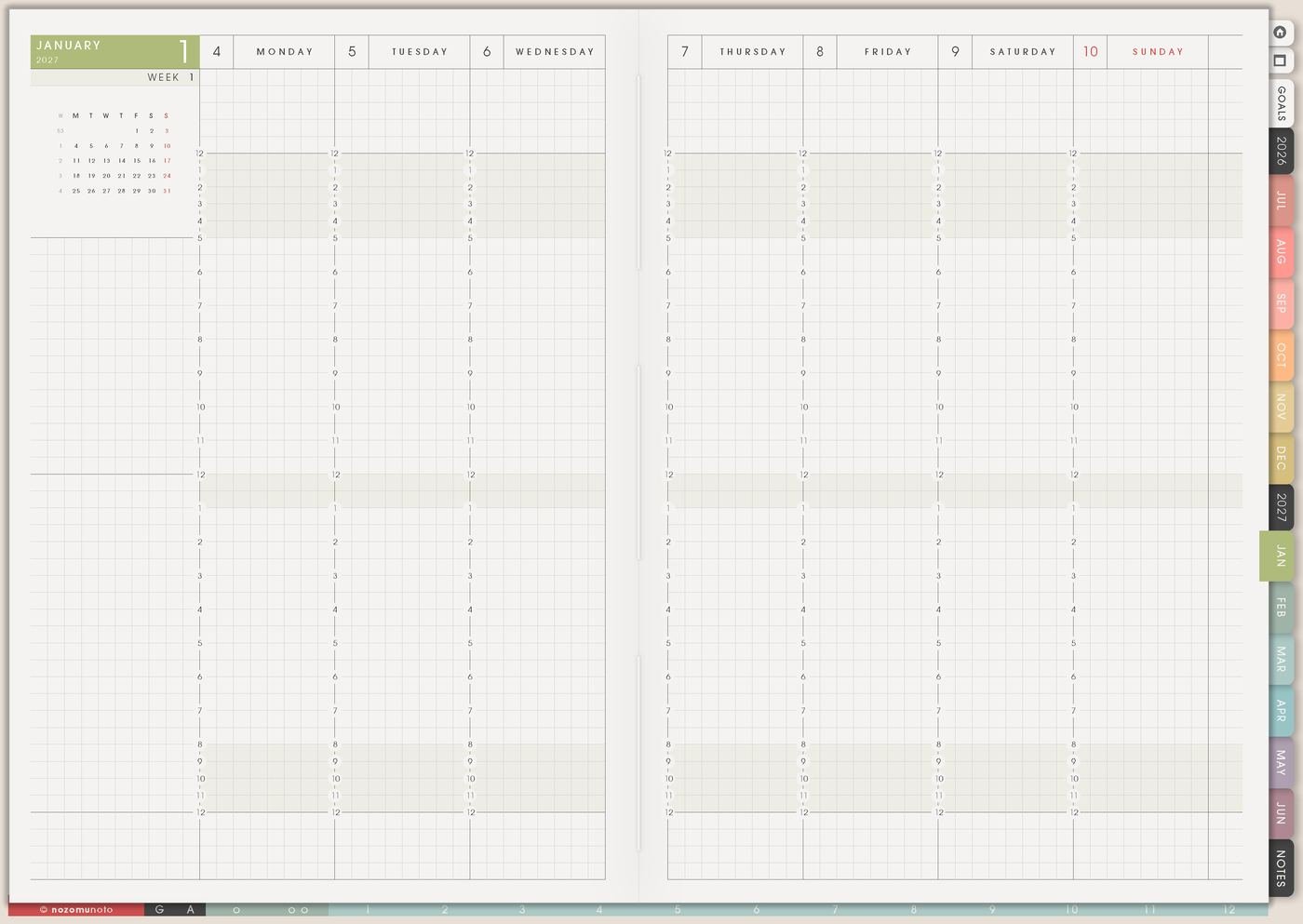
Sometimes a win points to the next small step. Finished one lesson? Schedule the next practice. Cleaned one shelf? Choose the next shelf. Sent one message? Plan the follow-up. Finished one product photo? Edit the next one.
Not every win needs to become more work. Add a done note first, then choose only one next step for Weekly if it truly helps.
6. Monthly three-win review
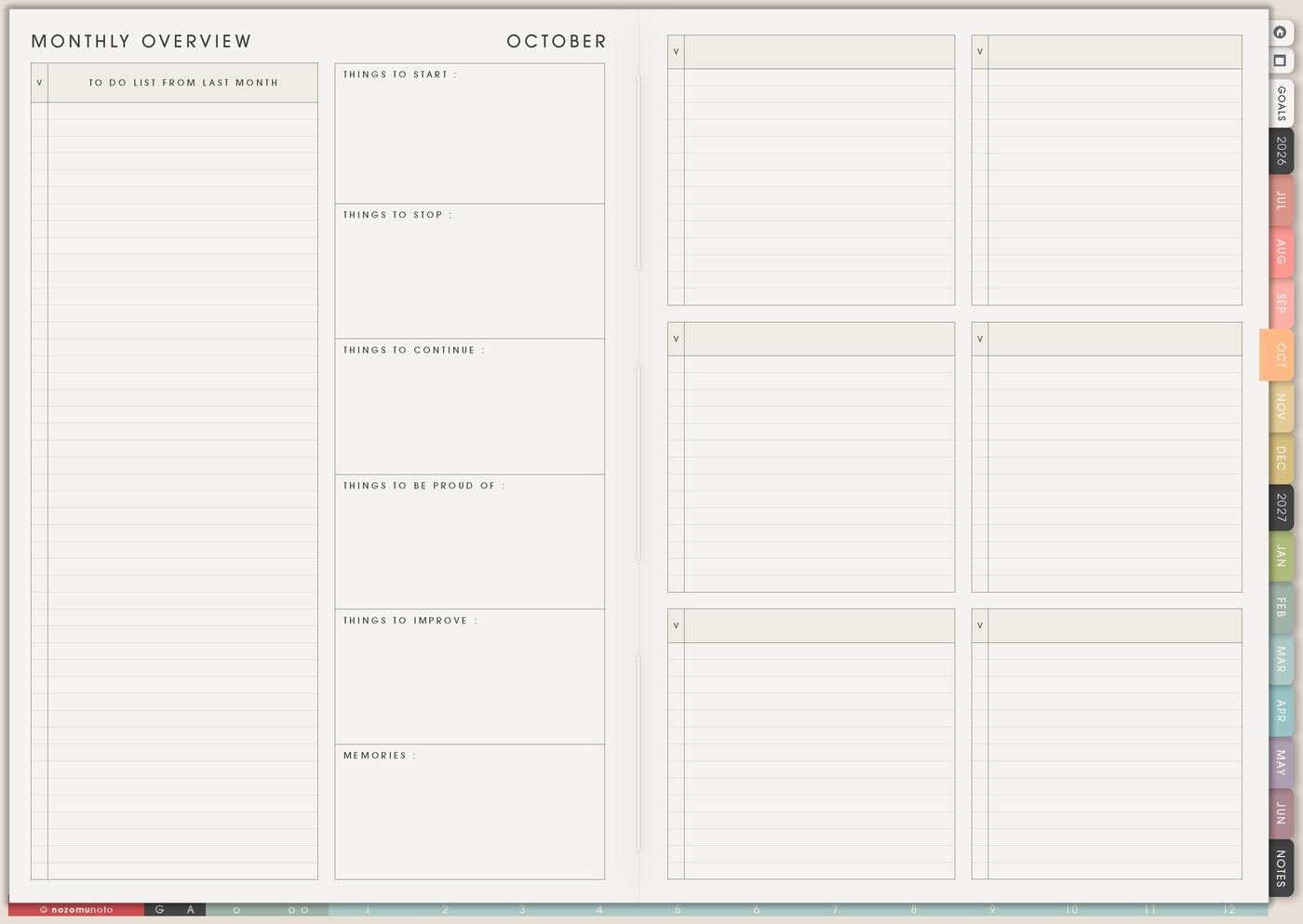
At the end of each month, add three wins. They can be practical, emotional, tiny, visible, or invisible from the outside.
This keeps the page alive all year. Waiting until December makes it easy to forget the small things that made the month survivable or sweet.
A simple My Achievements setup
- Add three wins from this month. Start with ordinary progress.
- Add one proof detail beside each. Date, number, photo, link, screenshot, or sentence.
- Mark the life area. Study, work, home, health, money, creativity, courage, rest, or relationships.
- Circle one win that taught you something. Notice what helped.
- Decide if there is a next step. Move only one useful next step to Weekly.
- Review before new goals. Let old proof guide the next Life Planner choice.
What I usually use it for and how I use it
Tips for using My Achievements
- Let small wins count. Add started, asked, finished, rested, repaired, learned, restarted, and survived. Small proof is still proof.
- Add one proof detail. Use a date, number, photo, screenshot, link, or sentence. Keep the proof tiny but specific.
- Write the obstacle beside the win. Submitted while tired or restarted after missing days shows the real weight of the achievement.
- Let some wins be complete. Add a done note first. If there is a next step, choose only one and move it to Weekly later.
- Review before choosing the next goal. Add a Monthly Overview reminder to write three wins and read the page before planning what comes next.
- Protect private proof. Health, money, school, client, customer, family, account, and private work details can use safe labels here, while sensitive details stay in a secure place outside the planner.
When you need setup help
My Achievements helps with remembering progress. If you need exact app steps, open how to import the PDF, how to use hyperlinks, how to use NozomuNoto template pages, or how to install and use digital stickers. The main NozomuNoto Help Center is there for your app or device too.
Tips for using this page
- Choose the one part of this page that helps the current week instead of trying to fill everything at once.
- Move one small next action to Weekly or Daily so the page changes what happens next.
- Keep the page easy to return to by linking it from Index, favorites, bookmarks, or the related planner section.
Final thought
My Achievements is proof that progress is happening in tiny, ordinary, brave ways. I hope this page helps you save the small wins, add one detail, and let old proof make the next step feel possible!
Browse NozomuNoto products
Find the planner, notebook, e-reader file, or add-on that fits the way you actually plan.
About NozomuNoto
NozomuNoto creates Japanese-inspired digital planners, notebooks, stickers, and e-reader PDFs for people who want useful pages that still work in real life.
Yume Techo is built with dated yearly, monthly, weekly, daily, Life Planner, Planner Pages, and Template Pages so one planner can hold study, work, home, ADHD-friendly routines, lists, and creative projects without adding paper bulk.
New to digital planning? Start there, use the Help Center for setup help, or browse NozomuNoto products when you are ready to choose your planner.