
Browse tips
Yume Techo Use Cases
- As a Student
- As a Teacher
- For Moms & Family
- For Work
- For Creative Projects
- For Bible Study
- For Small Business
- For Content Creation
- For Fitness & Health
- For Travel
- For Rapid Logging
- For Life Planning
- For Journaling & Reflection
- For Budget & Finance
- For Meals & Grocery
- For Project Planning
- For Home Management
- For Creative Writing
- For Music Writing
- For Brainstorming
- For Homeschooling
Page-by-Page Use Ideas
Essential Template Pages
- Template Index
- Yearly Spread
- Yearly Grid
- Yearly - Day Month Tracker
- Monthly - Day Tracker
- Monthly Grid
- Monthly Overview
- Weekly Review
- Monthly Spread
- Weekly - Horizontal
- Weekly - Vertical
- Routines
- 30 Day Challenges
- 100 Day Challenges
- Vision Board
- 100 Things
- Multi Purpose Table
- Level 10 Life
- 31 Things
- Daily Page - Type 1
- Daily Page - Type 2
- Gantt Chart - Universal
- Gantt Chart - Weekly
- Photo Page
- World Map
- Multi Purpose Wheel
- Kanban - 4/6/8 columns
- Template Pages
- Level 10
- Daily Template
- Yearly Tracker
Life Planner Pages
- Life Planner Index
- Life Planner
- Vision Board
- Life Inspirations
- Favorite Quotes
- Things That Make Me Happy
- My Life Systems and Rules
- Level 10 Life
- Things I Need To Change
- Bucket List
- Skills To Learn
- Projects To Make
- Challenges To Try
- Resolutions
- Yearly Goal Overview
- Goal Planner
- Reward Ideas
- Distraction List
- My Achievements
- Note To My Future Self
- Routines
- 30 Day Challenges
- Kanban Board
Books
Life Inspirations Page Ideas for Yume Techo Digital Planner
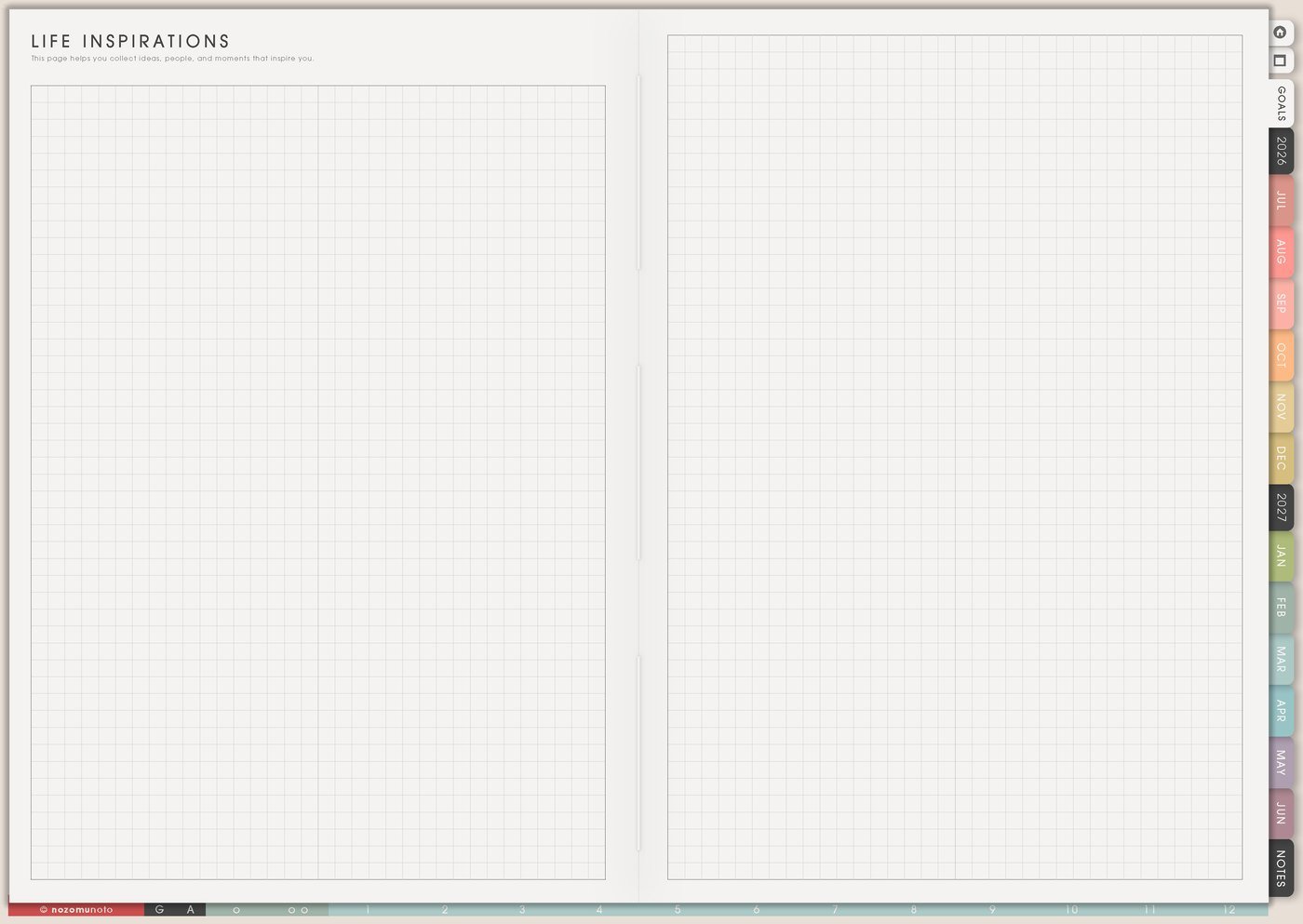
Use a Yume Techo Life Inspirations page for values, people, ideas, references, reminders, and inspiration that guides your life planning.
The Life Inspirations page is for people, places, memories, ideas, faith notes, colors, rooms, songs, stories, and little proof that a life direction is worth returning to. Use it when planning starts feeling like only tasks.
Inspiration should sound like real life here. It can be a teacher who helped, a room that felt safe, a verse, a favorite meal, a creator you admire, a family ritual, or one sentence that makes the next step feel possible.
Life Inspirations page ideas
Use this page to collect what guides you, then write why each item matters. That small reason is what turns inspiration into something you can use later.
You can add:
- Values you want to remember.
- People who inspire you.
- Ideas that changed how you think.
- Books, shows, artists, or creators you return to.
- Places that make you feel motivated.
- Phrases that help you choose what matters.
- Visual references for your goals.
- Notes about the life you want to build.
After adding inspiration, write one sentence about why it matters to you. This makes the page more useful than a mood board alone.
Related Tips: Favorite Quotes page ideas, simple Vision Board ideas, and Life Planner page ideas.
How to fill the Life Inspirations page
- Add one person. Someone whose way of living, working, loving, studying, creating, or believing helps you remember what matters.
- Add one place. A home corner, library, church, cafe, classroom, city, garden, studio, or trip memory that changes how life feels.
- Add one memory. A moment that still gives courage, gratitude, direction, or proof.
- Add one phrase. Words you want this season to remember.
- Add why it matters. A short reason makes the page useful later.
Ways to use Life Inspirations
1. A page for real-life examples
Add examples from real life: a grandmother cooking rice, a quiet library, a walk after rain, a verse, a favorite cafe, a teacher who believed in you, a product creator you respect, or one room that helped you breathe.
Related Tips: Life Planner page ideas shows how I connect inspiration to bigger life direction without turning it into a giant task list.
2. A filter before Goal Planner
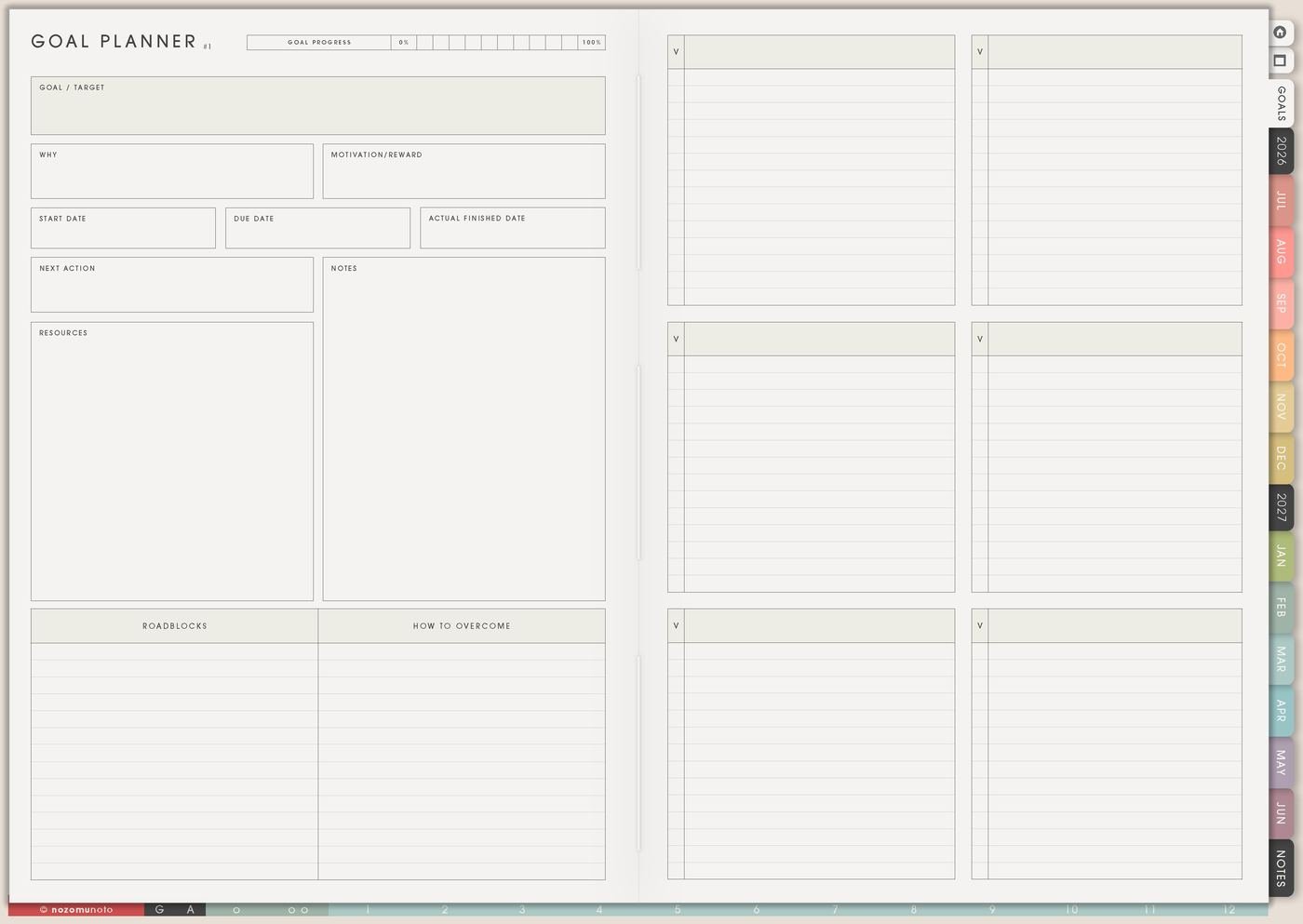
Before writing goals, open Life Inspirations and ask whether the goal matches the life you actually want. A goal can look impressive and still be wrong for this season.
If the page points toward family time, steady study, honest work, faith, creativity, or a lighter home rhythm, use that as a filter. The goal can become smaller, more honest, or better timed.
Related Tips: Goal Planner example shows how I turn one direction into a smaller next step.
3. A borrowed-courage list
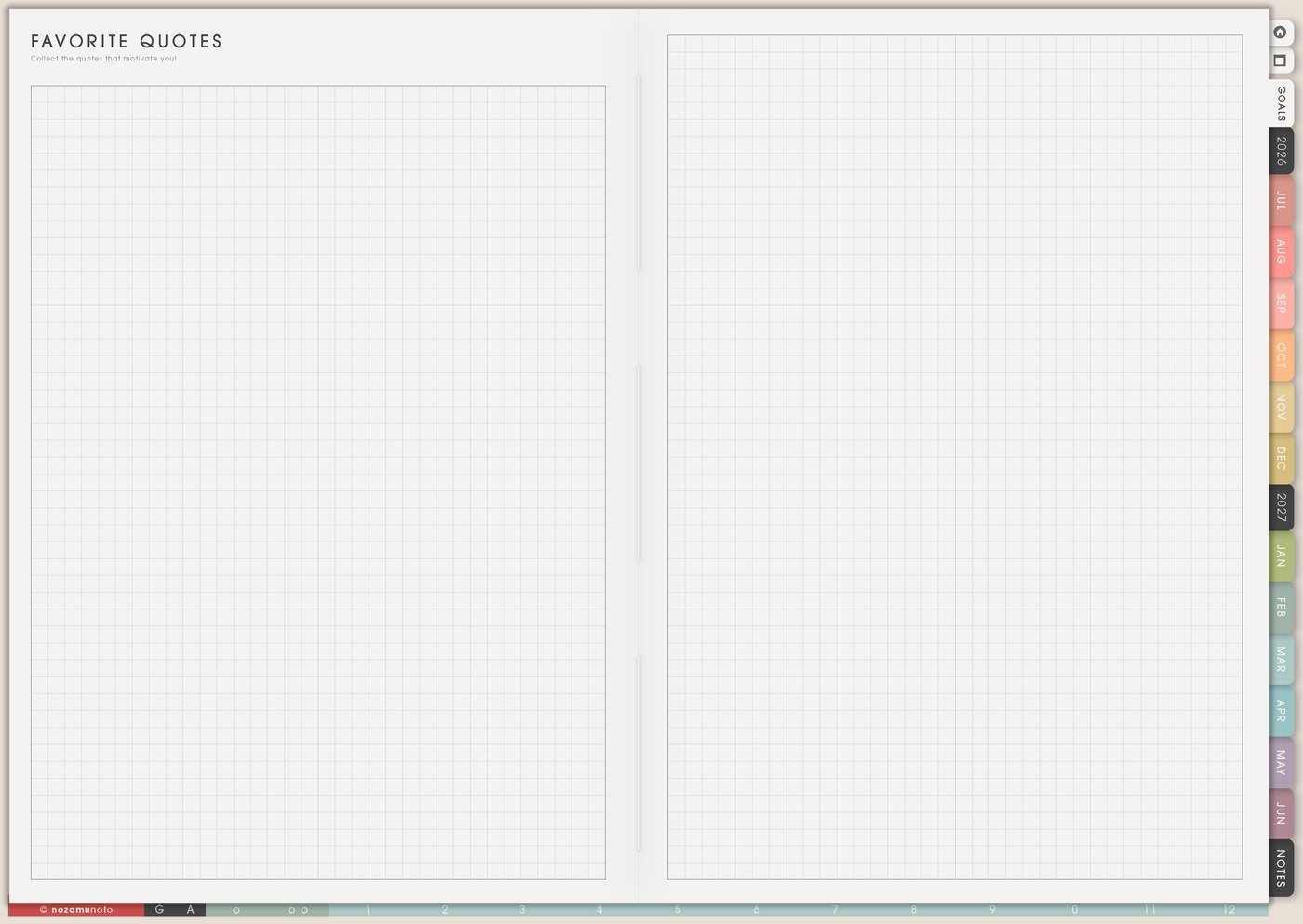
Use one section for people, quotes, stories, verses, songs, or memories that help courage come back. This is useful on days when confidence disappears and everyone needs proof that they have restarted before.
Write the reason beside each item: reminds me to start messy, helps me rest, makes me want to study, reminds me to ask for help, or makes home feel worth caring for.
Related Tips: Favorite Quotes page ideas shows how I keep words that actually change what I choose next.
4. Turn one inspiration into a Weekly action
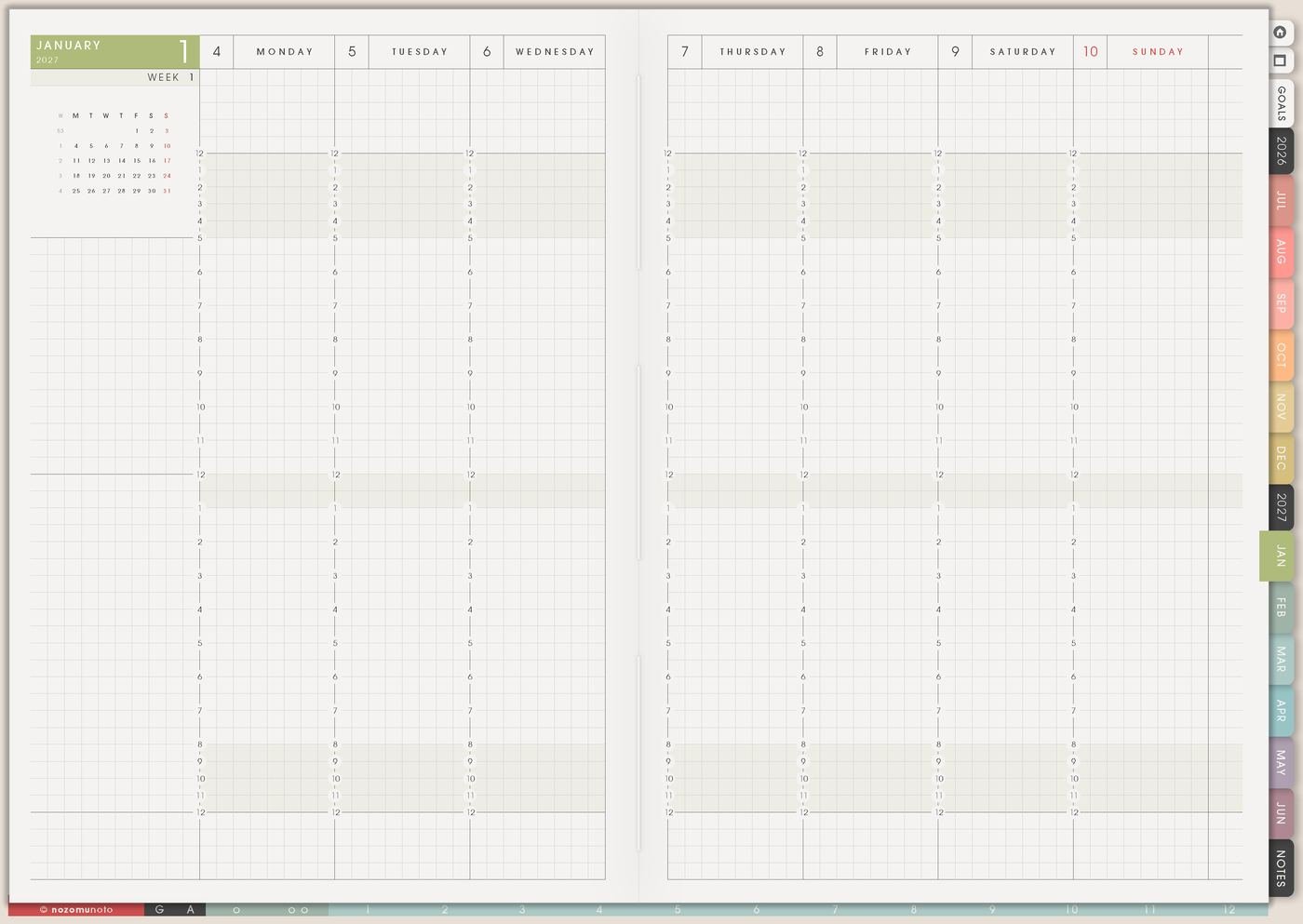
Inspiration becomes more useful when one tiny piece moves into the current week. If the page says nature, the weekly action might be a ten-minute walk. If it says music, the action might be one song practice. If it says peaceful home, the action might be clean one corner.
The action should be small enough to do this week. Big life direction can begin with a very ordinary step.
Related Tips: Weekly page setup shows how I move only the next real action into the current week.
5. Different inspiration for different seasons
For low-energy weeks, circle one small rest or courage cue. For creative work, save colors, artists, places, songs, photos, and ideas that help the next project feel alive. For family life, add memories, traditions, people, food, rituals, and places that remind everyone what home can feel like.
For study or work, add teachers, mentors, future places, skills, and reasons that make the hard work feel connected to something bigger.
6. Review Life Inspirations during Monthly Overview
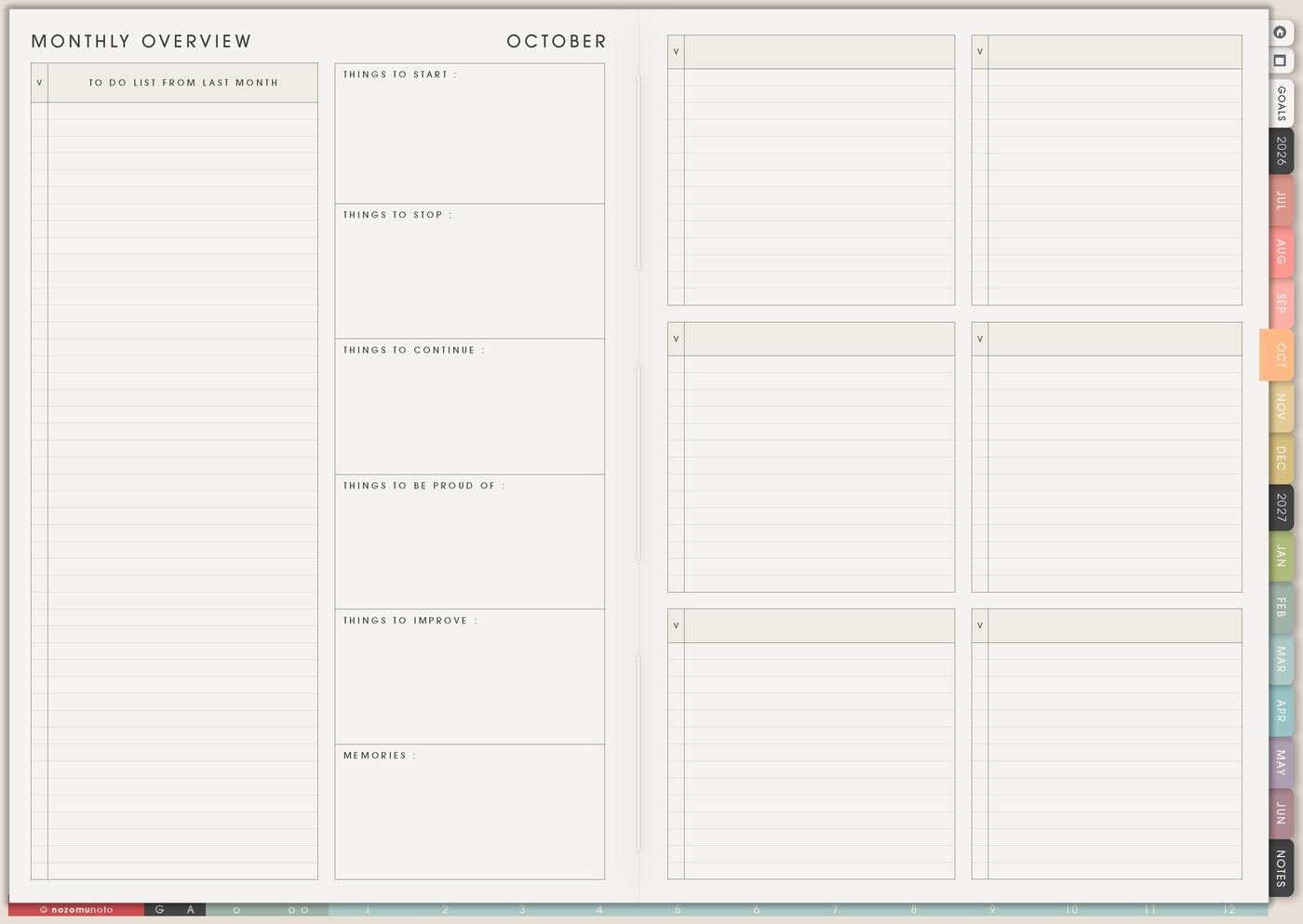
During Monthly Overview, circle what still feels true and add what changed. Inspiration is allowed to evolve. A page that felt perfect in July might need softer words in November.
Keep old items if they still matter. Move outdated items into memory if they were important once but no longer guide the current season.
What I usually use it for and how I use it
Tips for using Life Inspirations
- Write why each item matters. A beautiful page becomes easier to use when every person, place, image, phrase, or memory has one short reason beside it.
- Move only one piece into Weekly. Nature can become a ten-minute walk. Music can become one song practice. A peaceful home image can become clean one corner.
- Review the page each month or season. Keep what still feels true, move old items into memory, and add what fits the current season.
- Make big words specific. Peace can mean quiet breakfast before messages. Family can mean Sunday dinner. Art can mean one sketch before bed.
- Let inspiration stay meaningful without becoming work. Choose one weekly action and let the rest stay as reminders until their season comes.
When you need setup help
Life Inspirations helps with personal direction. If you need exact app steps for adding images, copying pages, importing Yume Techo, writing on the PDF, or using hyperlinks, open the NozomuNoto Help Center for your app or device.
Tips for using this page
- Choose the one part of this page that helps the current week instead of trying to fill everything at once.
- Move one small next action to Weekly or Daily so the page changes what happens next.
- Keep the page easy to return to by linking it from Index, favorites, bookmarks, or the related planner section.
Final thought
I hope Life Inspirations keeps meaning close to the plan. Save what gives courage, write why it matters, and move one tiny version into Weekly. Inspiration can be soft and still be practical!
Browse NozomuNoto products
Find the planner, notebook, e-reader file, or add-on that fits the way you actually plan.
About NozomuNoto
NozomuNoto creates Japanese-inspired digital planners, notebooks, stickers, and e-reader PDFs for people who want useful pages that still work in real life.
Yume Techo is built with dated yearly, monthly, weekly, daily, Life Planner, Planner Pages, and Template Pages so one planner can hold study, work, home, ADHD-friendly routines, lists, and creative projects without adding paper bulk.
New to digital planning? Start there, use the Help Center for setup help, or browse NozomuNoto products when you are ready to choose your planner.