
Browse tips
Yume Techo Use Cases
- As a Student
- As a Teacher
- For Moms & Family
- For Work
- For Creative Projects
- For Bible Study
- For Small Business
- For Content Creation
- For Fitness & Health
- For Travel
- For Rapid Logging
- For Life Planning
- For Journaling & Reflection
- For Budget & Finance
- For Meals & Grocery
- For Project Planning
- For Home Management
- For Creative Writing
- For Music Writing
- For Brainstorming
- For Homeschooling
Page-by-Page Use Ideas
Essential Template Pages
- Template Index
- Yearly Spread
- Yearly Grid
- Yearly - Day Month Tracker
- Monthly - Day Tracker
- Monthly Grid
- Monthly Overview
- Weekly Review
- Monthly Spread
- Weekly - Horizontal
- Weekly - Vertical
- Routines
- 30 Day Challenges
- 100 Day Challenges
- Vision Board
- 100 Things
- Multi Purpose Table
- Level 10 Life
- 31 Things
- Daily Page - Type 1
- Daily Page - Type 2
- Gantt Chart - Universal
- Gantt Chart - Weekly
- Photo Page
- World Map
- Multi Purpose Wheel
- Kanban - 4/6/8 columns
- Template Pages
- Level 10
- Daily Template
- Yearly Tracker
Life Planner Pages
- Life Planner Index
- Life Planner
- Vision Board
- Life Inspirations
- Favorite Quotes
- Things That Make Me Happy
- My Life Systems and Rules
- Level 10 Life
- Things I Need To Change
- Bucket List
- Skills To Learn
- Projects To Make
- Challenges To Try
- Resolutions
- Yearly Goal Overview
- Goal Planner
- Reward Ideas
- Distraction List
- My Achievements
- Note To My Future Self
- Routines
- 30 Day Challenges
- Kanban Board
Books
My Life Systems and Rules Page Ideas for Yume Techo
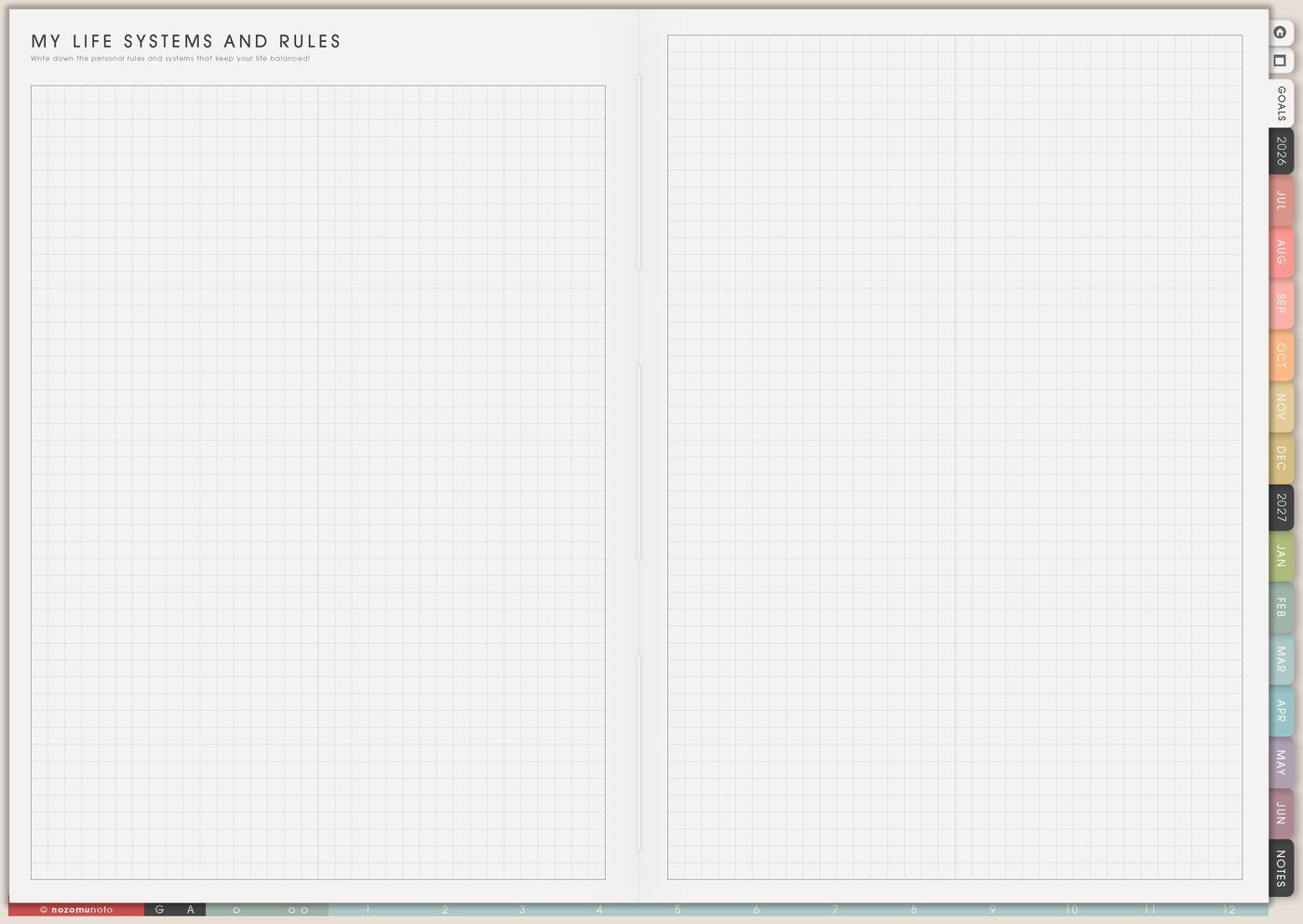
Use a Yume Techo Life Systems and Rules page for personal rules, routines, decision shortcuts, boundaries, and repeatable planning systems.
The My Life Systems and Rules page is for repeated decisions. Use it when mornings, meals, money, study, work, chores, planning, rest, or restart days keep asking the same question every week.
A useful rule is a shortcut, not a strict life command. It should make the next step easier to choose, especially on ordinary busy days.
My Life Systems and Rules page ideas
Use this page for personal rules and systems that make life easier to repeat. The goal is not a perfect rulebook. It is a set of short decisions future you can reuse.
You can write systems for:
- Morning and evening routines.
- Work or study starts.
- Cleaning days.
- Meal planning.
- Shopping decisions.
- Phone or screen habits.
- Project planning.
- Weekly Review.
- Budget notes.
- Rest and recovery days.
Keep each rule short and practical. If a system does not work in real life, change it. Your planner should fit your life, not the other way around.
Related Tips: Routines for daily, weekly, monthly, and low-energy systems, Weekly Review for carry-forward tasks and planning next week, and Life Planner page ideas.
How to fill My Life Systems and Rules
- Choose one life area. Morning, money, home, study, work, health, planning, rest, or restart.
- Name the repeated decision. Write the question that keeps coming back, like when do receipts get handled?
- Write the normal rule. Make it specific enough to follow.
- Write the minimum rule. Add the smallest version for tired, busy, or behind days.
- Add the trigger. Decide when the rule begins.
- Test one rule for one week. Put it on Weekly before adding more.
Ways to use My Life Systems and Rules
1. Repeated decisions
Start with decisions that keep stealing energy: when laundry starts, when groceries are planned, where receipts go, when money gets checked, how the workday starts, what counts as kitchen closed, where school papers live, or what to do after ignoring the planner for a few days.
Good rules sound plain and usable: laundry starts after Sunday breakfast, planner opens before inbox, receipts go into one finance folder, bills are checked on payday, and no new planning system starts at night. The rule should save a decision, not create another performance.
Related Tips: Things I Need To Change page ideas shows how I turn one repeated pattern into a small experiment.
2. Normal and minimum versions
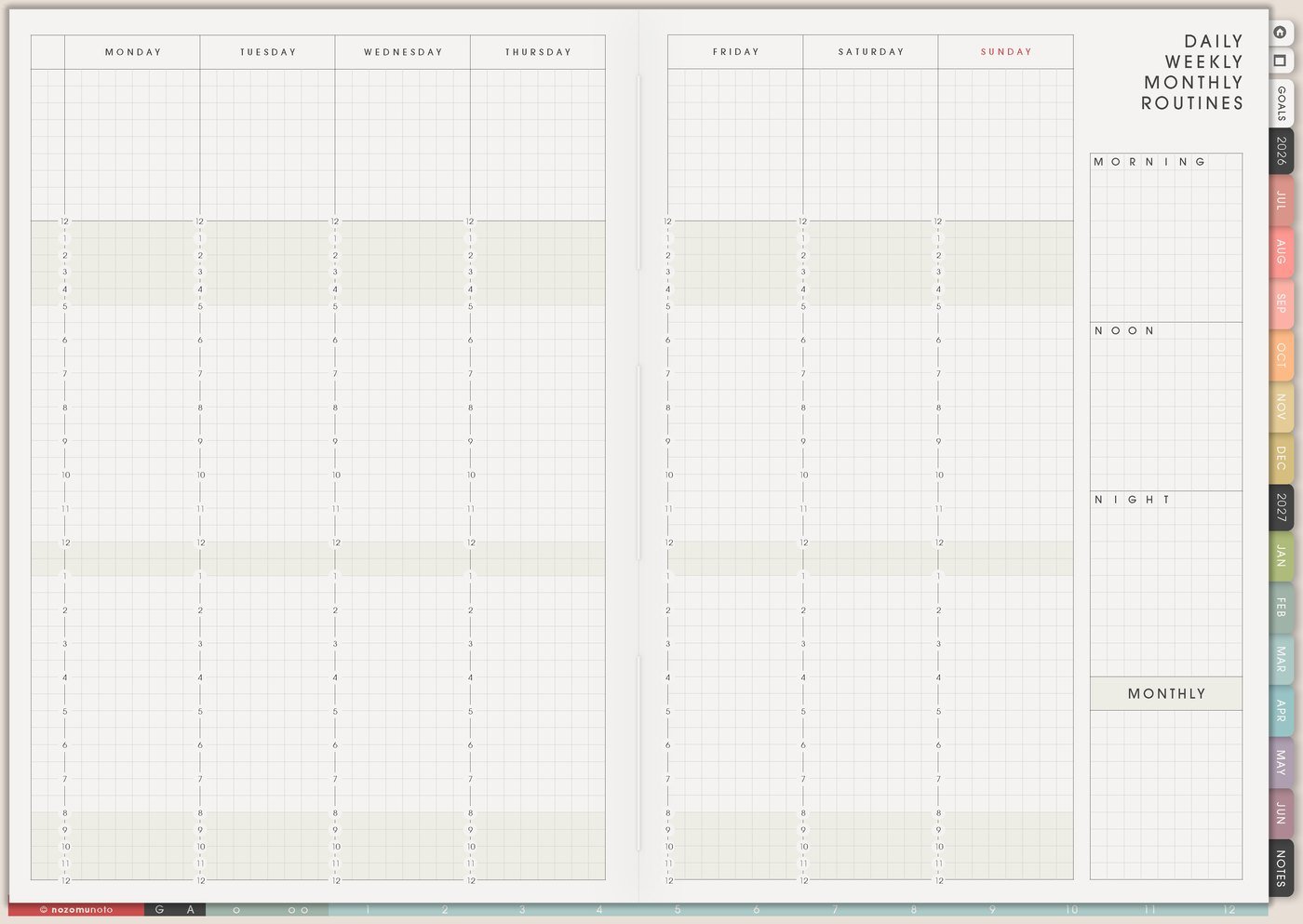
Every helpful system needs two sizes. The normal version might be a full Sunday review: laundry, groceries, Weekly Review, meal plan, and desk tidy. The minimum version might be laundry only, three must-do tasks, and one easy dinner idea.
This helps during busy weeks, ADHD weeks, sick days, parenting days, exam weeks, travel weeks, and heavy work seasons. The smaller version keeps everyone inside the system instead of making one missed day feel like the whole plan is ruined.
Related Tips: Daily Weekly Monthly Routines page ideas shows how I keep normal and minimum versions for real weeks.
3. Triggers that make the rule visible
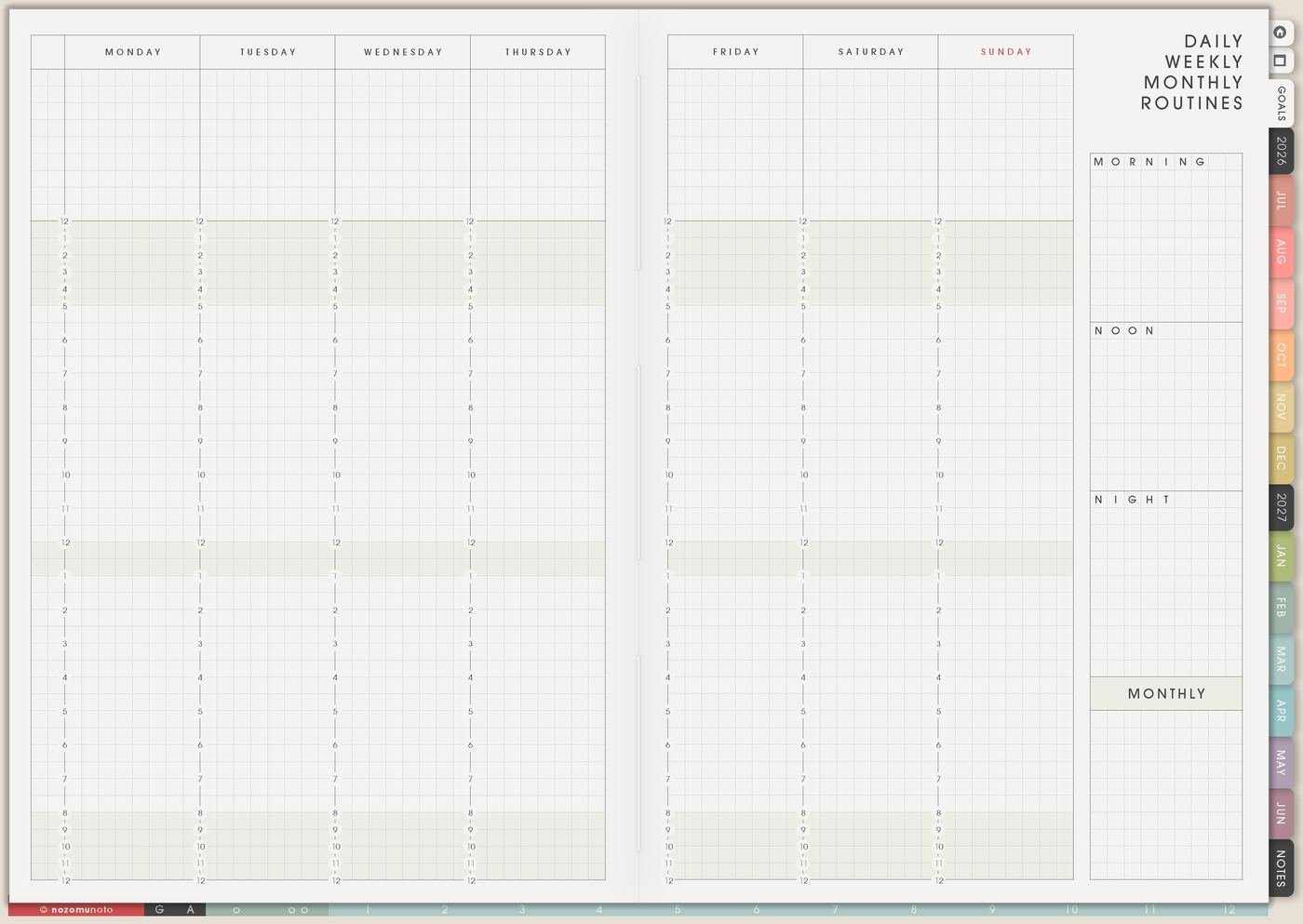
A rule is easier to remember when it begins after something specific. Use triggers like after breakfast, before school pickup, before opening messages, after payday, when the kitchen closes, after class, when the tablet is charging, or before leaving the desk.
For example, plan tomorrow becomes after dinner, open Weekly and write tomorrow’s first three tasks. Spend less becomes before buying planner supplies, check the wish list and wait 24 hours. The trigger turns a good idea into something the day can hold.
4. Systems for different parts of life
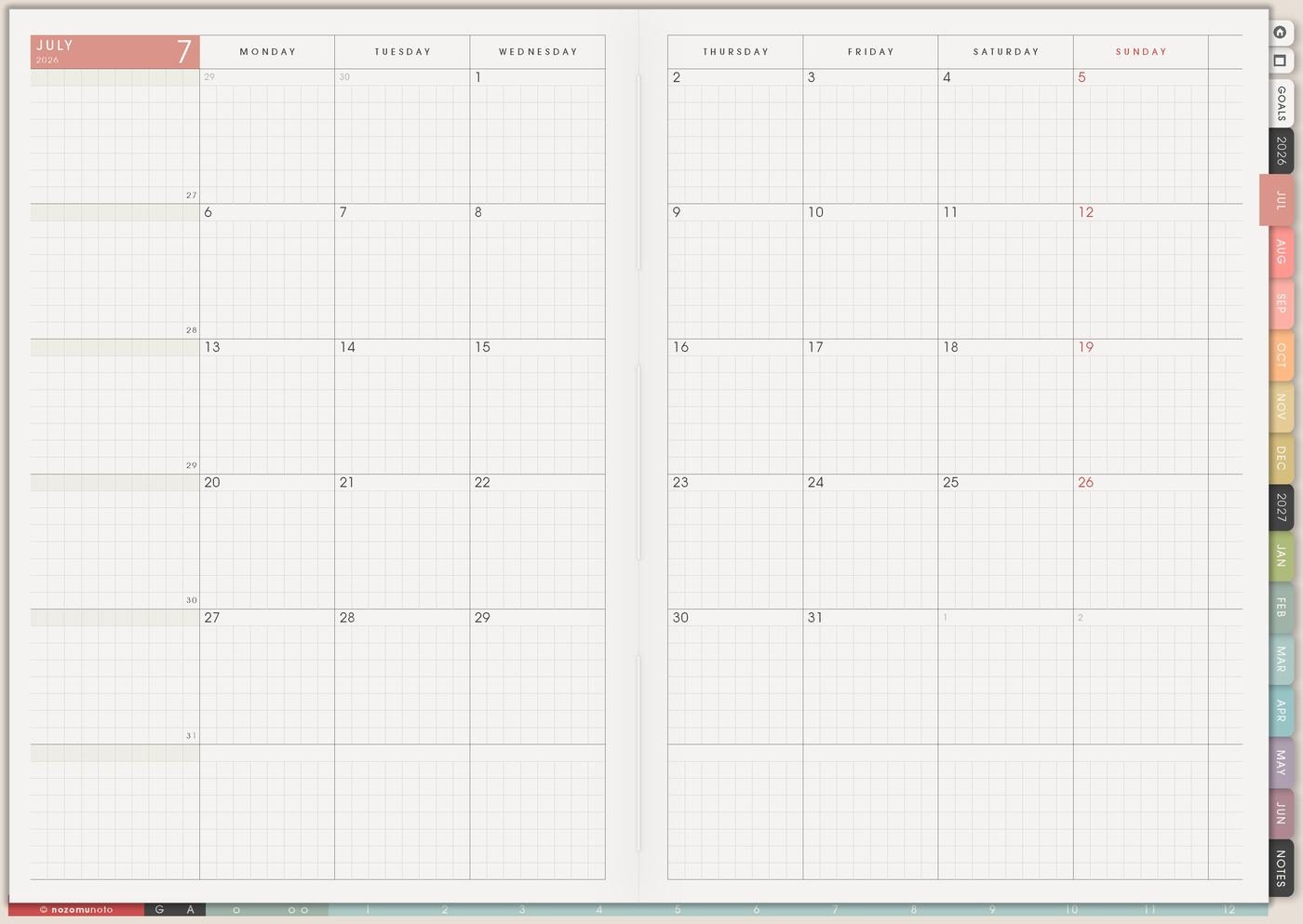
For home, write rules for dishes, laundry, groceries, mail, school bags, bedtime, meal planning, and family check-in time. For work, write rules for inbox blocks, meeting notes, project review, admin time, follow-ups, and end-of-day shutdown.
For money, write rules for payday review, subscriptions, receipts, impulse buys, wish-list waiting, and bill reminders. For study, write rules for class review, assignment stages, exam prep, resources, office hours, and catch-up blocks. For creative projects, write rules for idea parking, active project limits, supplies, practice time, draft days, and finishing rituals.
Related Tips: Recurring Bills / Subscriptions page ideas shows how one money rule can become visible before renewals surprise me.
5. One active rule in Weekly
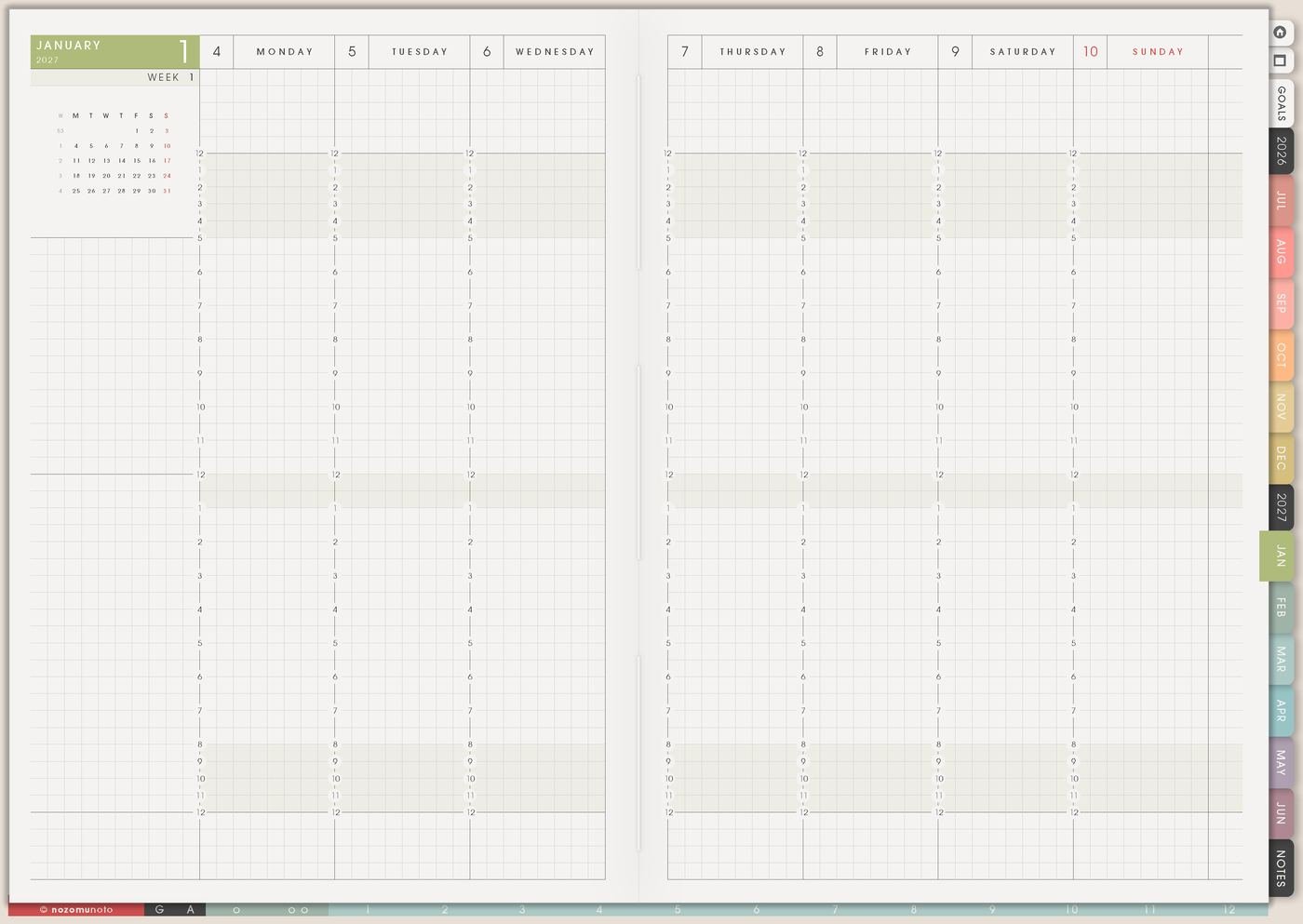
Choose one rule for the week and copy it to Weekly as a tiny cue. If the page says planner before inbox, Weekly can say open planner first on Monday through Friday. If the page says receipts go to finance folder, add a payday check-in to the week.
One active rule gives better feedback than twelve rules hiding on a page. If it works, keep it. If it feels clunky, adjust the trigger, size, or location before adding more rules.
Related Tips: Weekly page setup shows how I keep only the active rule in the current week.
6. Review rules when life changes
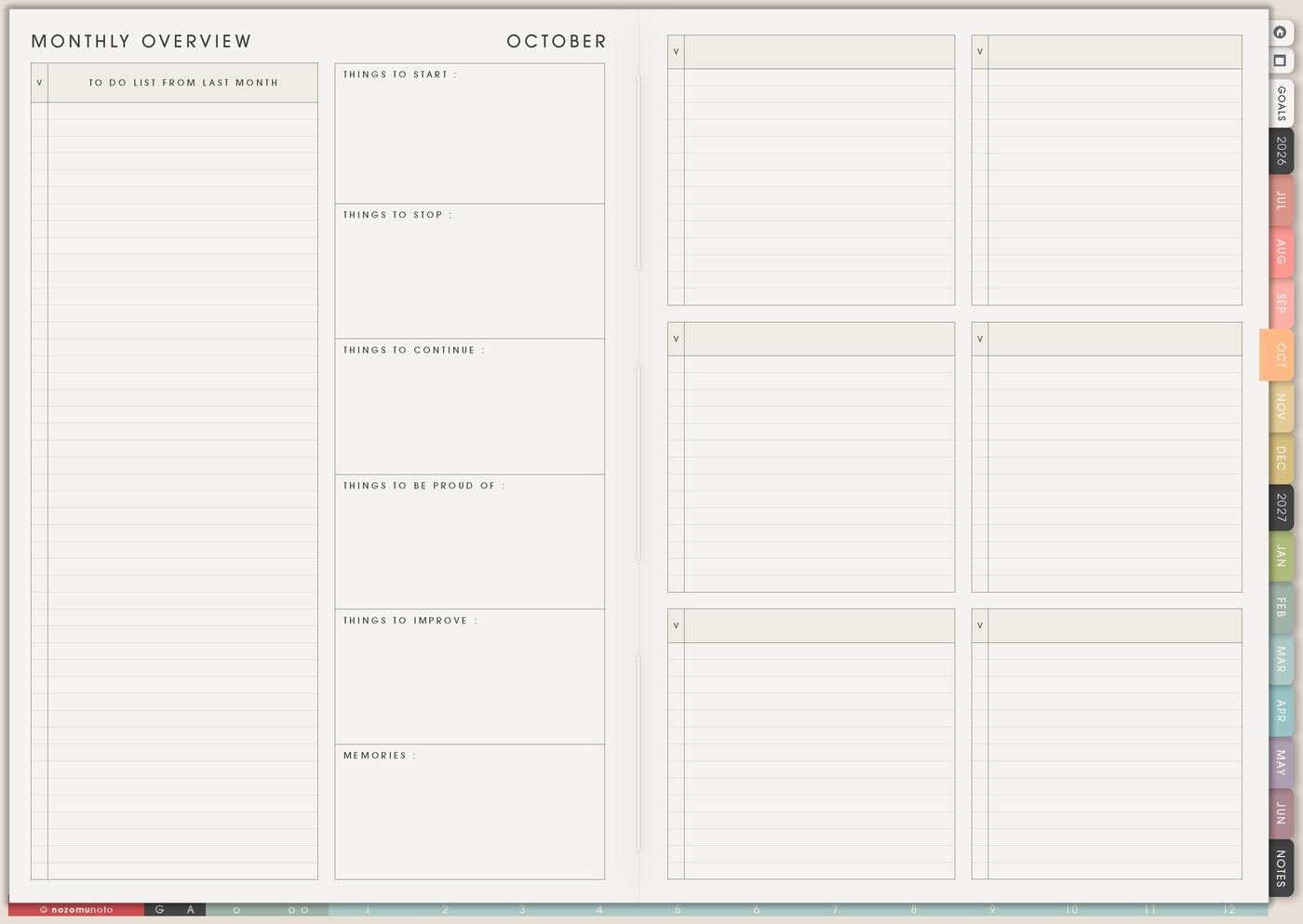
A rule that helped in July might not fit October. During Monthly Overview, mark each rule as keep, change, pause, or retire. This keeps the page honest.
A school-season dinner rule may need a holiday version. A work rule may need a launch-week version. A planner rule may need a low-energy version. Systems should serve the real season, not an imaginary perfect week!
What I usually use it for and how I use it
Tips for using My Life Systems and Rules
- Write two sizes for every important rule. Normal version and minimum version. The minimum can be open planner, drink water, and choose one must-do task.
- Make each rule concrete. Be more organized becomes after opening mail, put bills in the finance folder, or after dinner, write tomorrow’s first task.
- Keep one active rule for the week. Let the rest stay as ideas until the first rule has been tested long enough to learn from it.
- Let rules change with real life. Move the weekly review to Friday, split it into two smaller blocks, or pause it for the season when the old timing stops fitting.
- Put the active rule where the day can see it. Copy it to Weekly, add it to the morning area, or place it beside the app or device you use first.
When you need setup help
My Life Systems and Rules helps with planning decisions. If you need exact app steps for copying pages, linking sections, importing Yume Techo, writing on the PDF, or using bookmarks, open the NozomuNoto Help Center for your app or device.
Tips for using this page
- Choose the one part of this page that helps the current week instead of trying to fill everything at once.
- Move one small next action to Weekly or Daily so the page changes what happens next.
- Keep the page easy to return to by linking it from Index, favorites, bookmarks, or the related planner section.
Final thought
I hope My Life Systems and Rules helps repeated decisions become lighter. Pick one repeated decision, write the normal and minimum version, and let Weekly test it with less pressure!
Browse NozomuNoto products
Find the planner, notebook, e-reader file, or add-on that fits the way you actually plan.
About NozomuNoto
NozomuNoto creates Japanese-inspired digital planners, notebooks, stickers, and e-reader PDFs for people who want useful pages that still work in real life.
Yume Techo is built with dated yearly, monthly, weekly, daily, Life Planner, Planner Pages, and Template Pages so one planner can hold study, work, home, ADHD-friendly routines, lists, and creative projects without adding paper bulk.
New to digital planning? Start there, use the Help Center for setup help, or browse NozomuNoto products when you are ready to choose your planner.