
Browse tips
Yume Techo Use Cases
- As a Student
- As a Teacher
- For Moms & Family
- For Work
- For Creative Projects
- For Bible Study
- For Small Business
- For Content Creation
- For Fitness & Health
- For Travel
- For Rapid Logging
- For Life Planning
- For Journaling & Reflection
- For Budget & Finance
- For Meals & Grocery
- For Project Planning
- For Home Management
- For Creative Writing
- For Music Writing
- For Brainstorming
- For Homeschooling
Page-by-Page Use Ideas
Essential Template Pages
- Template Index
- Yearly Spread
- Yearly Grid
- Yearly - Day Month Tracker
- Monthly - Day Tracker
- Monthly Grid
- Monthly Overview
- Weekly Review
- Monthly Spread
- Weekly - Horizontal
- Weekly - Vertical
- Routines
- 30 Day Challenges
- 100 Day Challenges
- Vision Board
- 100 Things
- Multi Purpose Table
- Level 10 Life
- 31 Things
- Daily Page - Type 1
- Daily Page - Type 2
- Gantt Chart - Universal
- Gantt Chart - Weekly
- Photo Page
- World Map
- Multi Purpose Wheel
- Kanban - 4/6/8 columns
- Template Pages
- Level 10
- Daily Template
- Yearly Tracker
Life Planner Pages
- Life Planner Index
- Life Planner
- Vision Board
- Life Inspirations
- Favorite Quotes
- Things That Make Me Happy
- My Life Systems and Rules
- Level 10 Life
- Things I Need To Change
- Bucket List
- Skills To Learn
- Projects To Make
- Challenges To Try
- Resolutions
- Yearly Goal Overview
- Goal Planner
- Reward Ideas
- Distraction List
- My Achievements
- Note To My Future Self
- Routines
- 30 Day Challenges
- Kanban Board
Books
Challenges To Try Page Ideas for Yume Techo Digital Planner
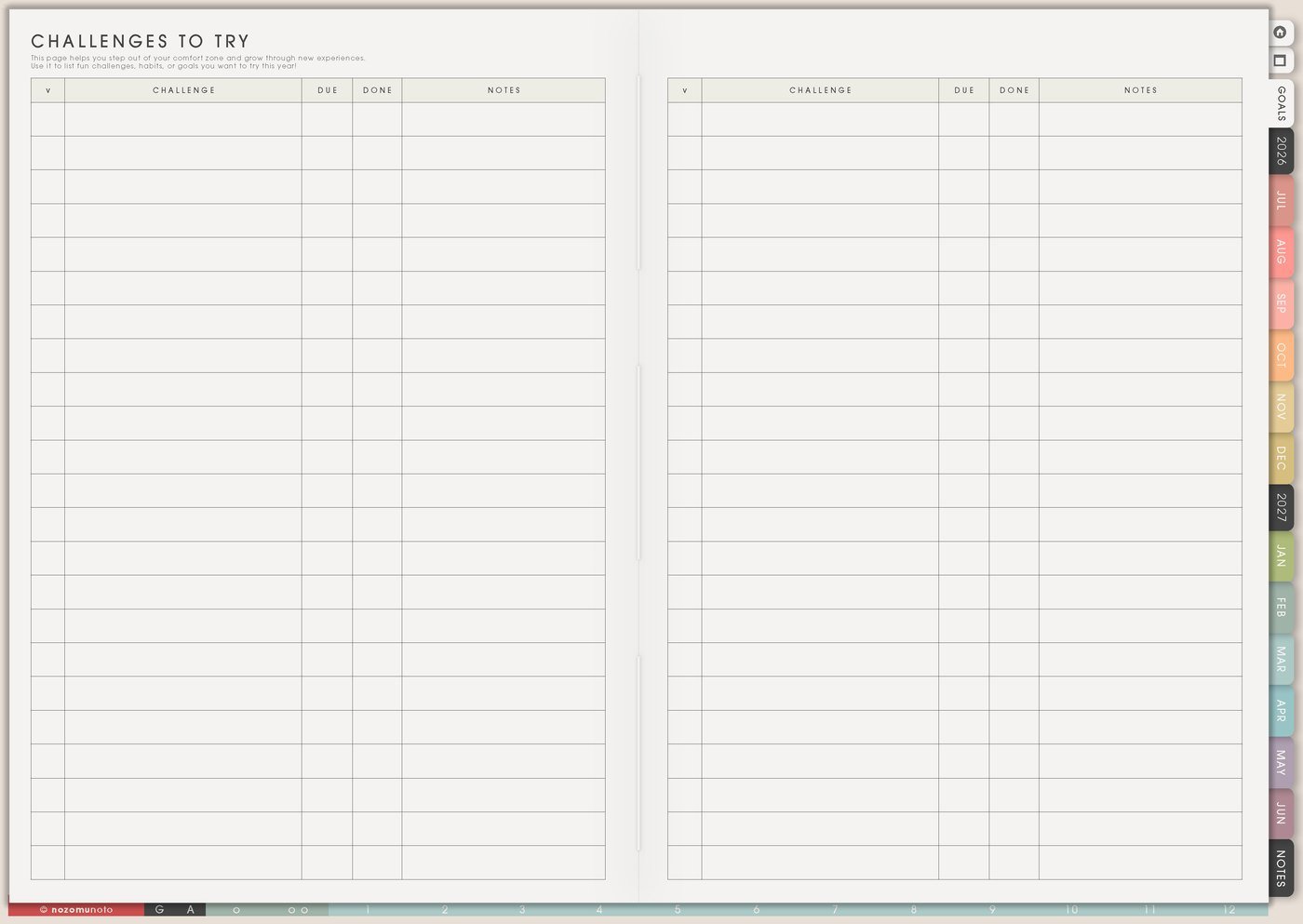
Use a Yume Techo Challenges To Try page for small experiments, habit tests, creative prompts, study challenges, and personal challenge ideas.
The Challenges To Try page is for small experiments you may want to test before they become routines, goals, or systems. Use it for planner restarts, study practice, home resets, creative prompts, spending experiments, reading, movement, digital cleanup, or a tiny habit you want to try.
A challenge should teach you something useful. A perfect streak is optional. The page is most helpful when you choose the reason, the size, the minimum version, and the review before you begin.
Challenges To Try page ideas
Use this page to collect challenges and small experiments you might want to try.
Good challenge ideas include:
- 7 day tidy challenge.
- 14 day reading challenge.
- 30 day drawing challenge.
- Study challenge.
- No-spend challenge.
- Walking challenge.
- Cooking challenge.
- Writing challenge.
- Skill practice challenge.
- Phone break challenge.
Choose one challenge at a time. Write what you want to test, how long it will run, and how you will know whether it helped.
After the challenge, review what worked before starting another one.
Related Tips: 30 Day Challenges for habits, study, creativity, home resets, and small experiments, 100 Day Challenges for long projects and practice streaks, and Skills To Learn page ideas for study, work, and hobbies.
How to fill Challenges To Try
- Name the challenge idea. Keep it clear and small.
- Write why it matters. Choose what you want to learn or improve.
- Pick the length. Try 3, 7, 14, or 30 days.
- Write the minimum version. Decide what still counts on a hard day.
- Add a restart rule. Missed days continue from today.
- Review the lesson. Keep, change, drop, or repeat the challenge.
Ways to use Challenges To Try
1. Start with the reason
Before choosing the length, write the reason. Are you trying to restart the planner, read again, study earlier, clear one surface, practice a skill, walk outside, post consistently, lower screen time, or make mornings easier?
The reason shapes the challenge. Open planner for 7 days might be about making the planner easier to remember. Ten minutes of reading might be about giving evenings a better landing place.
2. Choose the right size
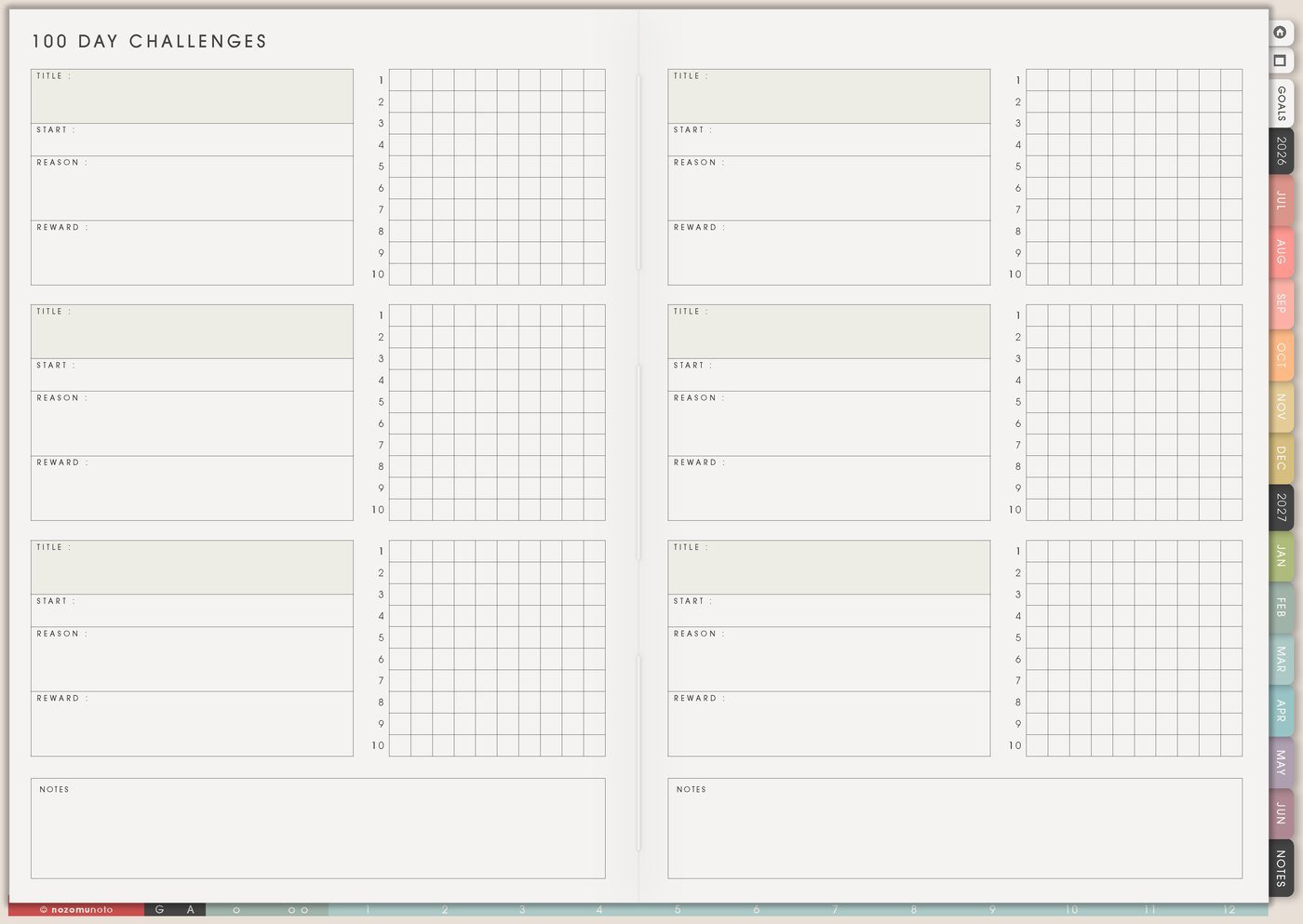
Use 3 days for something new, 7 days for a reset, 14 days for a routine test, and 30 days for something tiny. The longer the challenge, the smaller the daily action should be.
Examples: 3 days of opening the planner, 7 days of clearing one surface, 14 days of ten-minute reading, 30 days of one sentence journaling, 10 days of spending notes, or 5 days of reviewing class notes.
3. Minimum version and restart rule
Write the minimum version before day one. If the full action is 30 minutes of study, the minimum might be open notes and review one flashcard. If the full action is cleaning, the minimum might be put away five items. If the full action is writing, the minimum might be one sentence.
Also write the restart rule: if a day is missed, continue from today. No backfilling, no punishment, no pretending the challenge is ruined.
4. Match the challenge to the right page
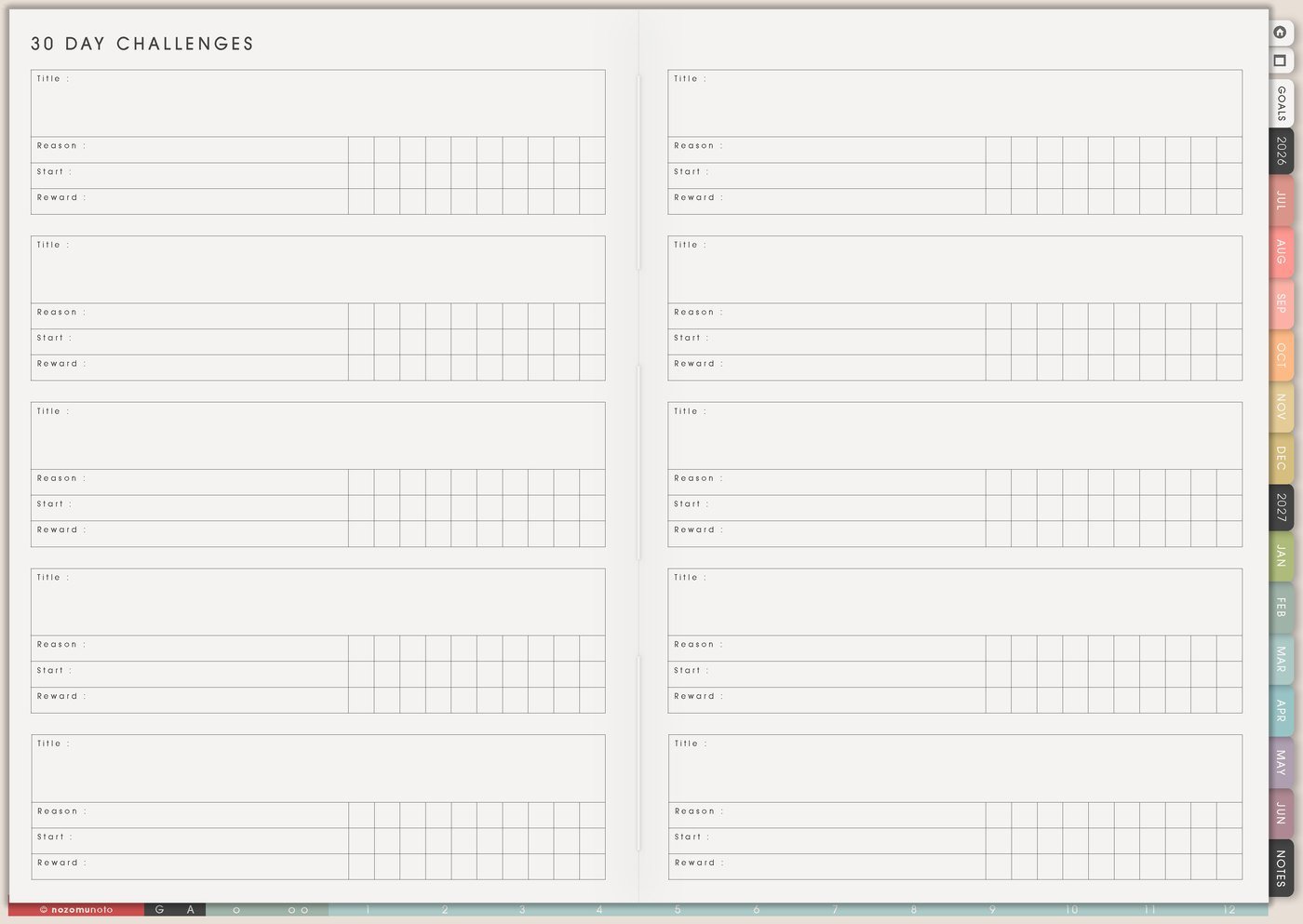
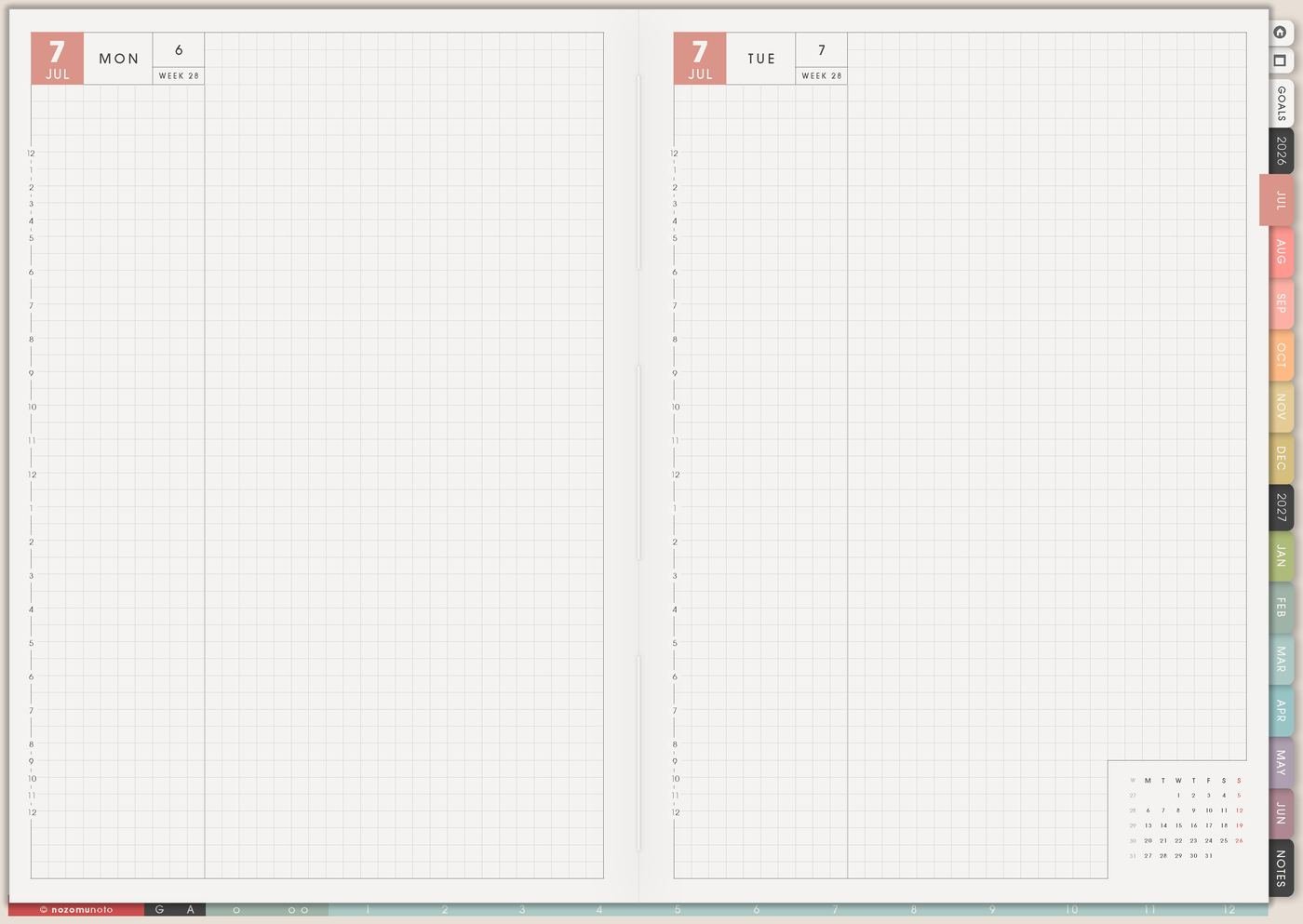
Keep challenge ideas here, then move the active challenge to the page that fits. A 30-day habit can use 30 Day Challenges. A daily action can land on Daily. A bigger routine test can connect to Routines, Weekly, or Monthly Overview.
For planning, try 7 days of opening Index, Weekly, and Daily. For study, try 10 days of reviewing notes after class. For home, try 7 days of one clean surface. For creativity, try 30 days of tiny sketches or 7 days of one paragraph.
5. Track the lesson, not only the check marks
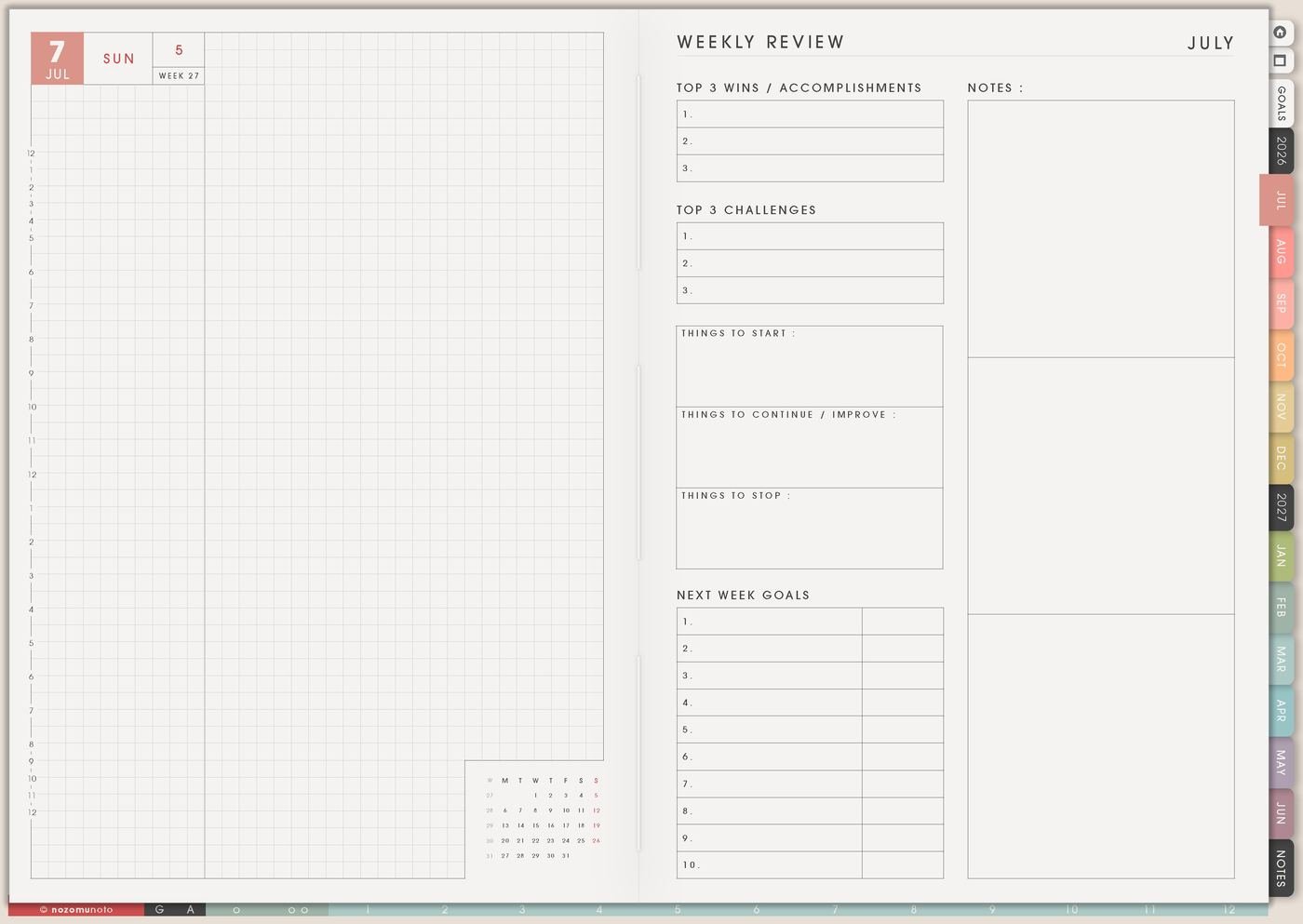
Use Weekly Review to write what helped, what blocked you, what time worked, and what needs to change. A missed day can still teach you something useful.
If the challenge failed every evening but worked at lunch, the lesson is timing. If it failed when supplies were missing, the lesson is setup. If it stopped after day three, the daily action may be too big.
6. Turn the result into a next step
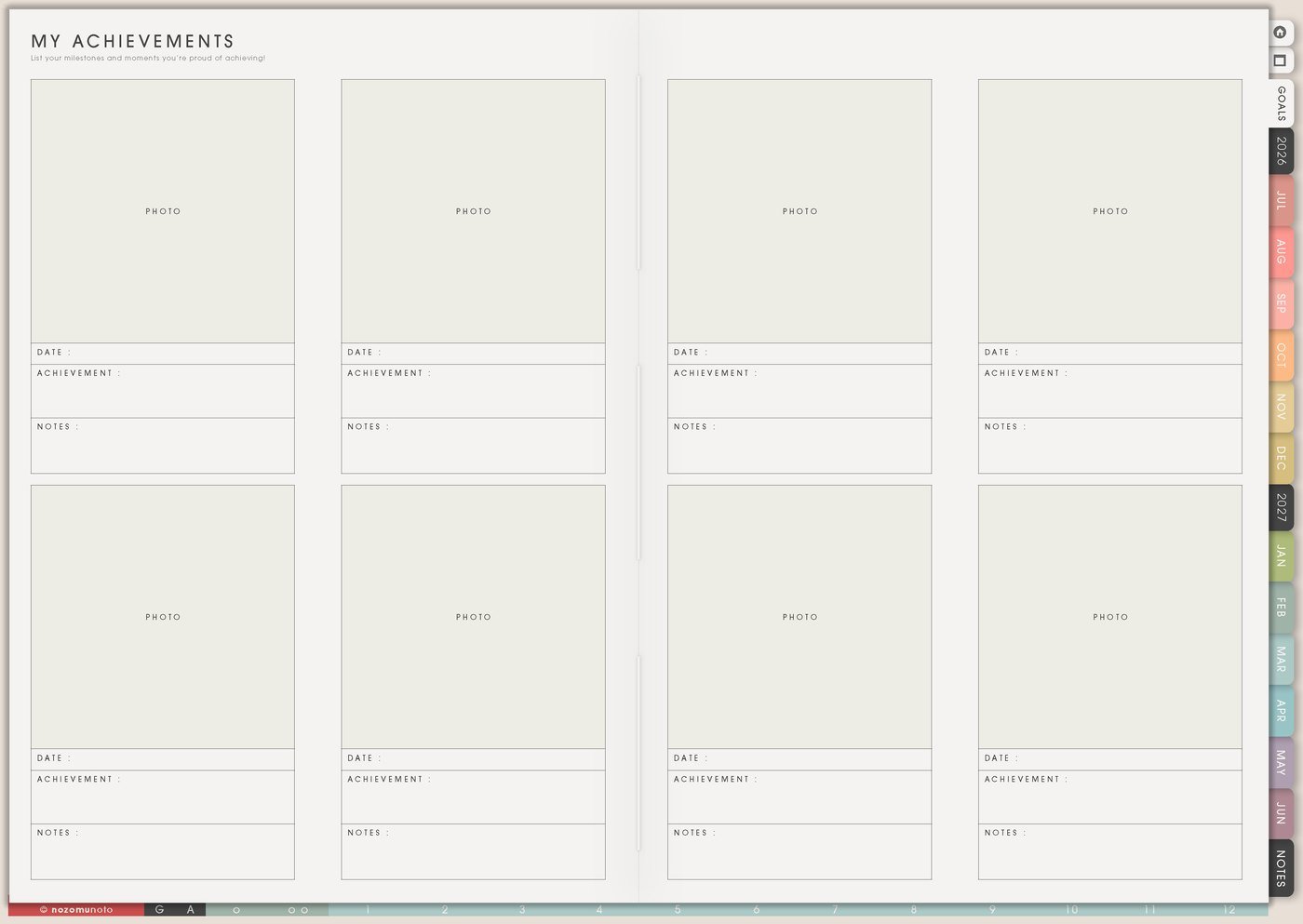
At the end, write keep, change, drop, or repeat. If it worked, save proof in My Achievements or move the useful part to Routines or My Life Systems and Rules. If it did not work, save the lesson before you design the next version.
The challenge still counts as useful when it teaches you what real life needs.
A simple Challenges To Try setup
- List three challenge ideas. Keep each idea small enough to test.
- Choose one reason. Write what you want the challenge to help you learn.
- Choose the length. Pick 3, 7, 14, or 30 days.
- Write full and minimum versions. Decide what counts on an ordinary day and a hard day.
- Add the restart rule. Missed days continue from today.
- Review the result. Keep, change, drop, or repeat.
What I usually use it for and how I use it
Tips for using Challenges To Try
- Write the restart rule before day one. Missed days never erase the challenge. Continue from today and write what got in the way.
- Choose a size for normal life. A 60-minute daily workout may disappear after two busy evenings. Five minutes, one page, one check mark, or one tiny reset can keep the experiment alive.
- Name the reason clearly. If the challenge is 30 days of journaling, write whether it is for memory, stress, gratitude, writing practice, or planning.
- Add the minimum version. Clear one surface, put away five items, open the notes, read one page, or write one sentence before calling the day finished.
- End with a lesson. Write keep, change, drop, or repeat. Save the useful part to My Life Systems and Rules, Weekly, or Routines.
When you need setup help
Challenges To Try helps with choosing and reviewing experiments. If you need exact app steps for writing on Yume Techo, copying tracker pages, importing the planner, adding bookmarks, or using hyperlinks, open the NozomuNoto Help Center for your app or device.
Tips for using this page
- Choose the one part of this page that helps the current week instead of trying to fill everything at once.
- Move one small next action to Weekly or Daily so the page changes what happens next.
- Keep the page easy to return to by linking it from Index, favorites, bookmarks, or the related planner section.
Final thought
A challenge should help you learn, not make you afraid to open the planner. I hope this page helps you choose a useful size, write the minimum version, restart from today when needed, and keep the lesson!
Browse NozomuNoto products
Find the planner, notebook, e-reader file, or add-on that fits the way you actually plan.
About NozomuNoto
NozomuNoto creates Japanese-inspired digital planners, notebooks, stickers, and e-reader PDFs for people who want useful pages that still work in real life.
Yume Techo is built with dated yearly, monthly, weekly, daily, Life Planner, Planner Pages, and Template Pages so one planner can hold study, work, home, ADHD-friendly routines, lists, and creative projects without adding paper bulk.
New to digital planning? Start there, use the Help Center for setup help, or browse NozomuNoto products when you are ready to choose your planner.