
Browse tips
Yume Techo Use Cases
- As a Student
- As a Teacher
- For Moms & Family
- For Work
- For Creative Projects
- For Bible Study
- For Small Business
- For Content Creation
- For Fitness & Health
- For Travel
- For Rapid Logging
- For Life Planning
- For Journaling & Reflection
- For Budget & Finance
- For Meals & Grocery
- For Project Planning
- For Home Management
- For Creative Writing
- For Music Writing
- For Brainstorming
- For Homeschooling
Page-by-Page Use Ideas
Essential Template Pages
- Template Index
- Yearly Spread
- Yearly Grid
- Yearly - Day Month Tracker
- Monthly - Day Tracker
- Monthly Grid
- Monthly Overview
- Weekly Review
- Monthly Spread
- Weekly - Horizontal
- Weekly - Vertical
- Routines
- 30 Day Challenges
- 100 Day Challenges
- Vision Board
- 100 Things
- Multi Purpose Table
- Level 10 Life
- 31 Things
- Daily Page - Type 1
- Daily Page - Type 2
- Gantt Chart - Universal
- Gantt Chart - Weekly
- Photo Page
- World Map
- Multi Purpose Wheel
- Kanban - 4/6/8 columns
- Template Pages
- Level 10
- Daily Template
- Yearly Tracker
Life Planner Pages
- Life Planner Index
- Life Planner
- Vision Board
- Life Inspirations
- Favorite Quotes
- Things That Make Me Happy
- My Life Systems and Rules
- Level 10 Life
- Things I Need To Change
- Bucket List
- Skills To Learn
- Projects To Make
- Challenges To Try
- Resolutions
- Yearly Goal Overview
- Goal Planner
- Reward Ideas
- Distraction List
- My Achievements
- Note To My Future Self
- Routines
- 30 Day Challenges
- Kanban Board
Books
Reward Ideas Page Ideas for Yume Techo Digital Planner
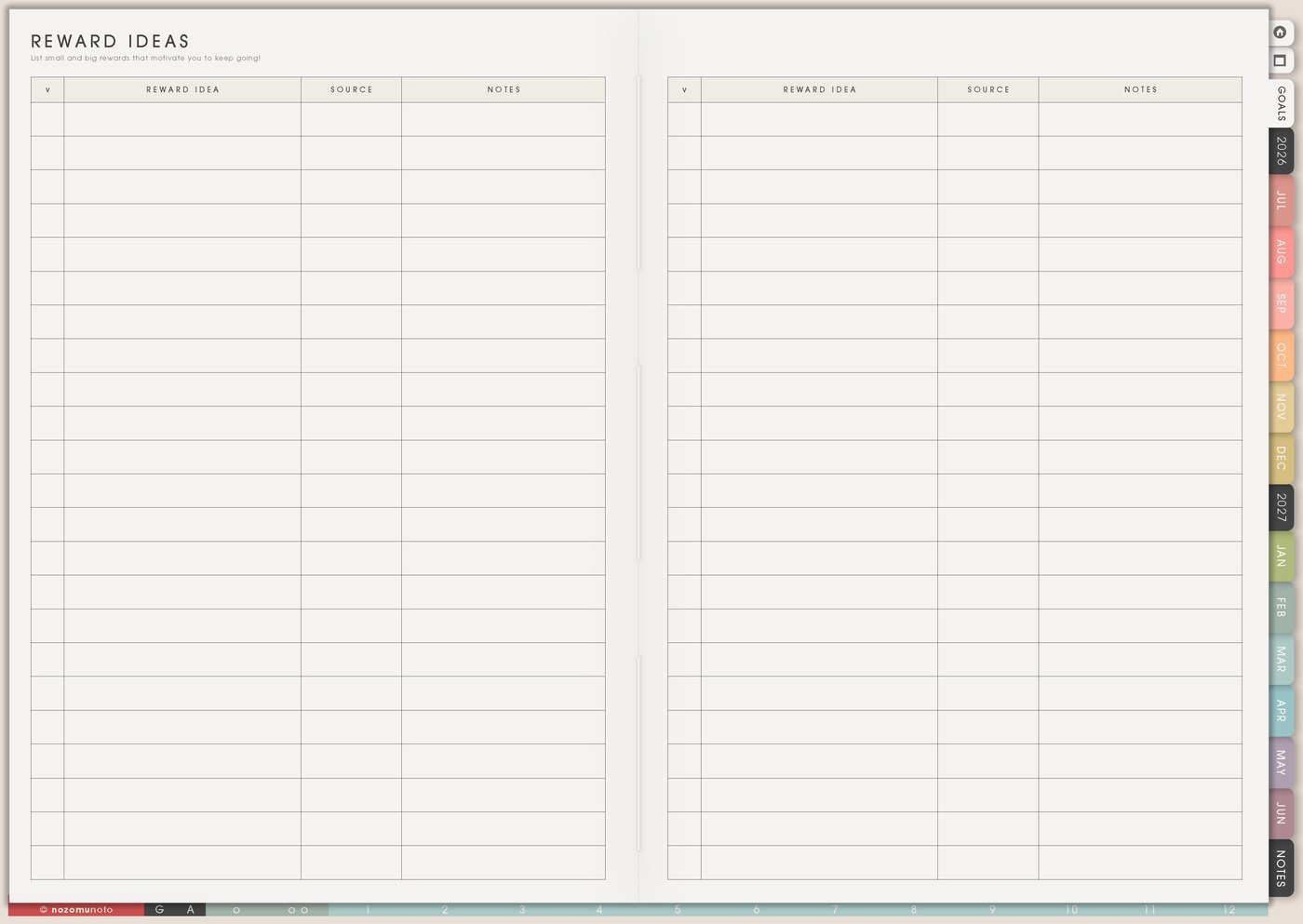
Use a Yume Techo Reward Ideas page to collect motivating rewards, small treats, breaks, experiences, and ways to celebrate progress.
The Reward Ideas page is for planning small rewards, recovery choices, and milestone treats before you are tired. Use it for free rewards, low-cost rewards, rest, joy, connection, creative play, and bigger celebrations after hard seasons.
A good reward page gives you options besides shopping. It helps Weekly include recovery after hard tasks and gives progress a place to feel seen.
Reward Ideas page ideas
Use this page as a menu of rewards you can choose from after progress.
You can add:
- Free rewards.
- Small treats.
- Break ideas.
- Game time.
- A favorite drink.
- A manga, book, or show.
- A walk or outing.
- Creative time.
- A bath or rest break.
- A bigger reward for a bigger milestone.
Choose rewards that make progress feel worth noticing.
A reward does not need to be expensive. It just needs to feel like something you actually enjoy.
Related Tips: Things That Make Me Happy page ideas for low-energy days, How to use Yume Techo 30 Day Challenges for habits, study, creativity, home resets, and small experiments, and My Achievements page ideas for remembering progress.
How to fill Reward Ideas
- Write free rewards first. Make sure the page works during tight months.
- Add recovery rewards. Choose options for tired, emotional, social, or screen-heavy days.
- Add joy rewards. Include fun, creative, food, movement, or connection ideas.
- Add milestone rewards. Save bigger rewards for completed projects, exams, launches, or hard seasons.
- Mark cost, time, and energy. Make choosing easier later.
- Put one reward on Weekly. Pair it with a hard task or milestone.
Ways to use Reward Ideas
1. Free and low-cost rewards first
Start with rewards without extra spending: clean sheets, library book, favorite playlist, stretching, one hour without errands, sunset walk, home movie night, printed old photos, or a quiet morning.
Paid rewards can still belong here, but the page should not become unusable whenever money is tight.
2. Match reward to the type of effort
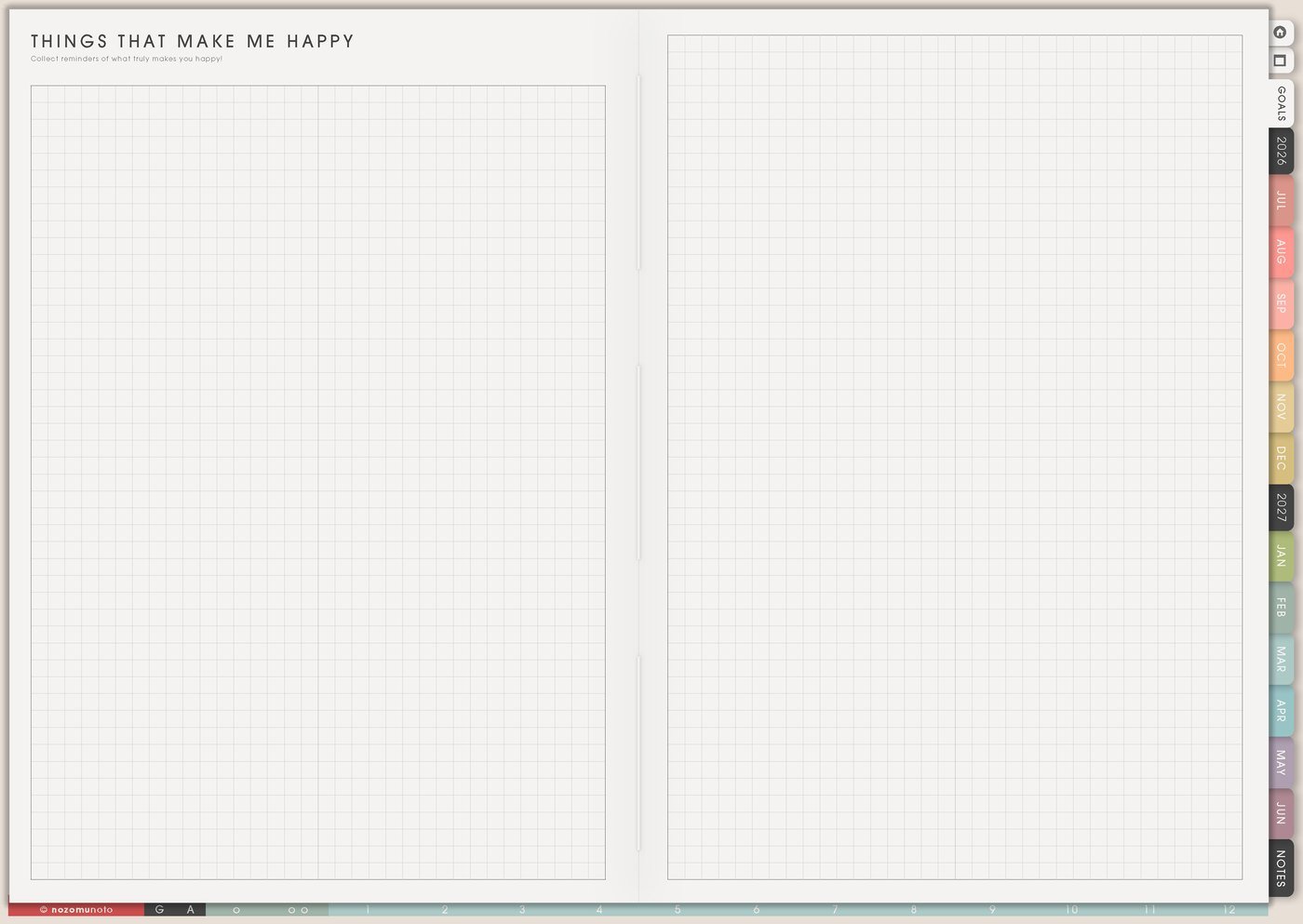
Different tasks need different rewards. After social effort, quiet might help. After screen work, movement might help. After a scary email, a soft reset might help. After heavy admin, play or a nice drink might make the day feel human again.
Things That Make Me Happy can hold joy ideas. Reward Ideas connects those ideas to effort, milestones, and recovery.
3. Reward size that fits the milestone
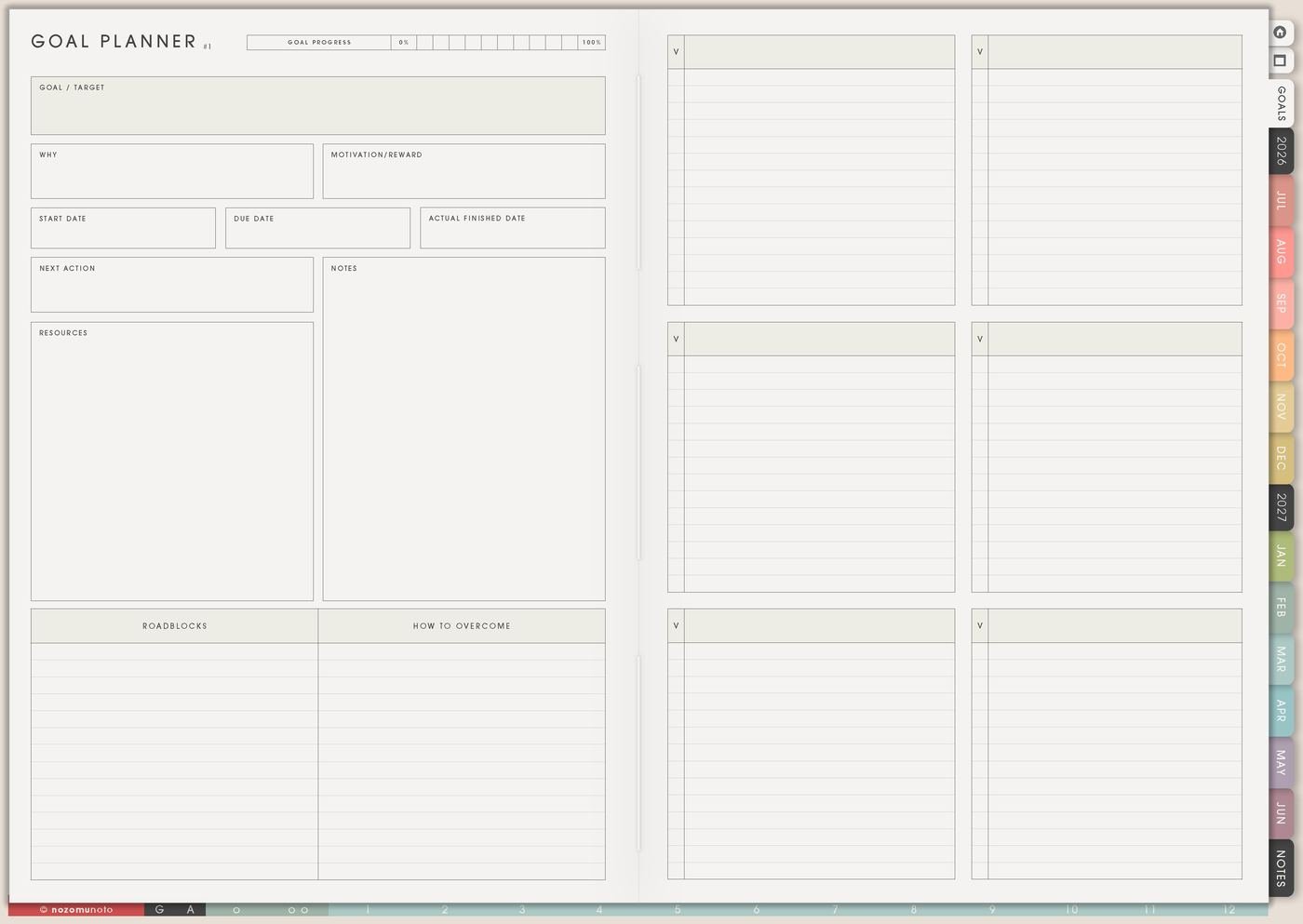
Use tiny rewards for starts and daily actions, medium rewards for milestones, and bigger rewards for finished projects, exam weeks, launches, decluttering zones, health milestones, or hard seasons.
Examples: tea after a study block, favorite movie after submitting an assignment, new brush after a drawing challenge, soft evening after a doctor appointment, or rest day after a launch.
4. Wish List for paid rewards
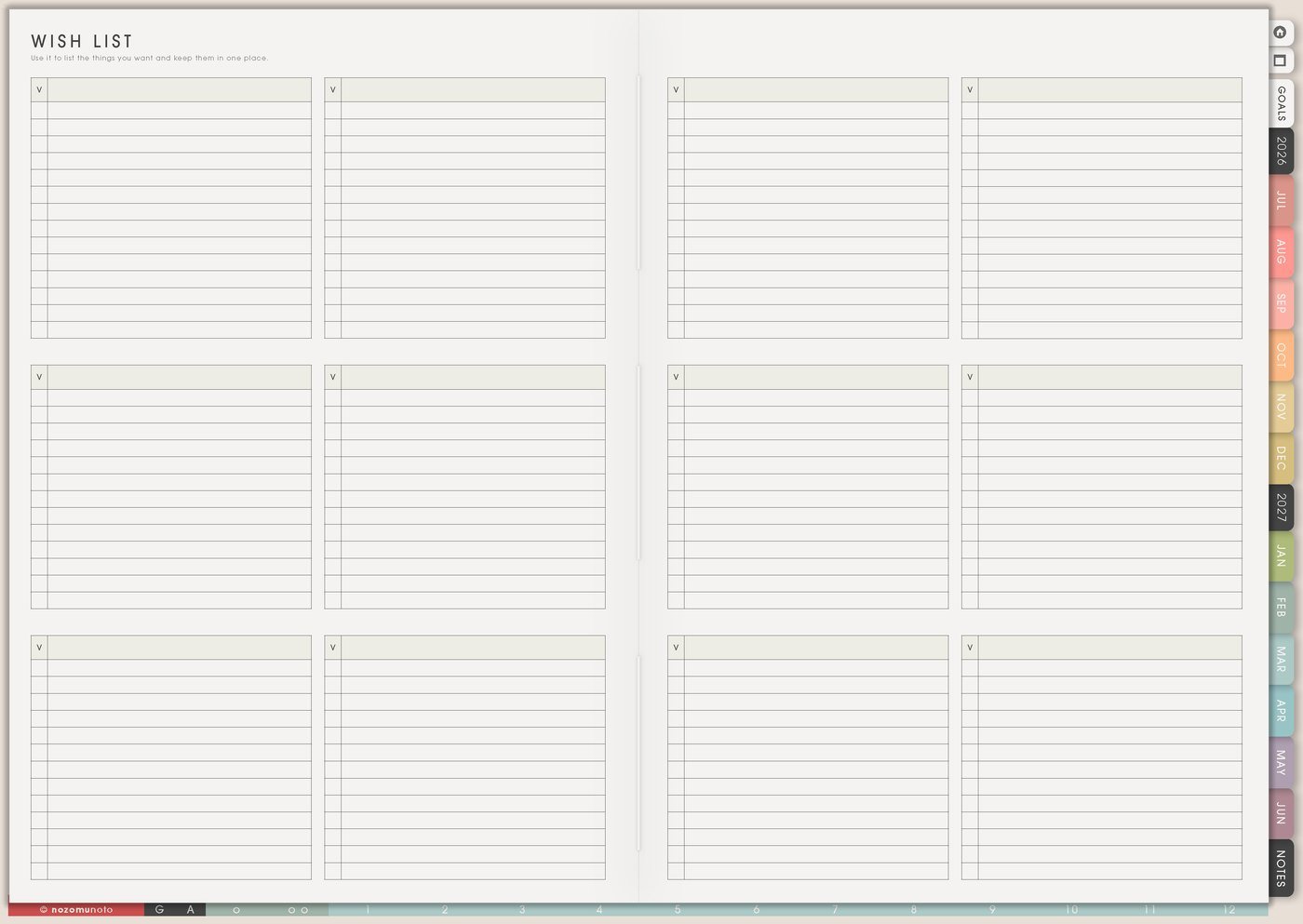
If a reward costs money, move it through Wish List first. Add price, wait-until date, and why it feels worth it.
This keeps paid rewards intentional. The reward can still exist without becoming an impulse purchase.
5. One reward on Weekly after a hard step
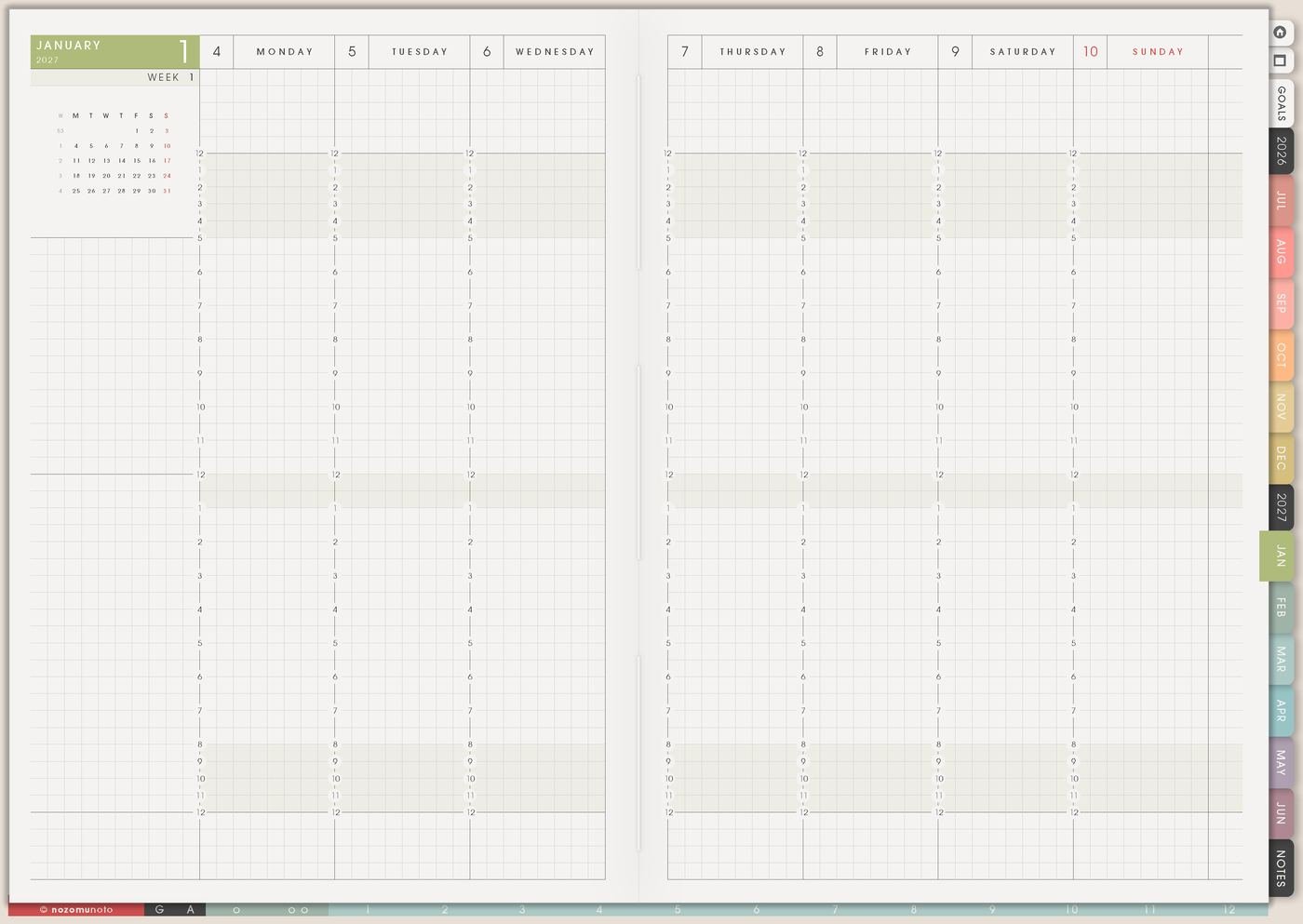
Write the reward beside the hard step on Weekly. If Friday has submit final file, add movie night afterward. If Tuesday has doctor appointment, add an easier evening. If Saturday has deep cleaning, add clean sheets and favorite dinner.
This makes Weekly more realistic. Recovery space belongs in the plan too.
6. Review whether the reward helped
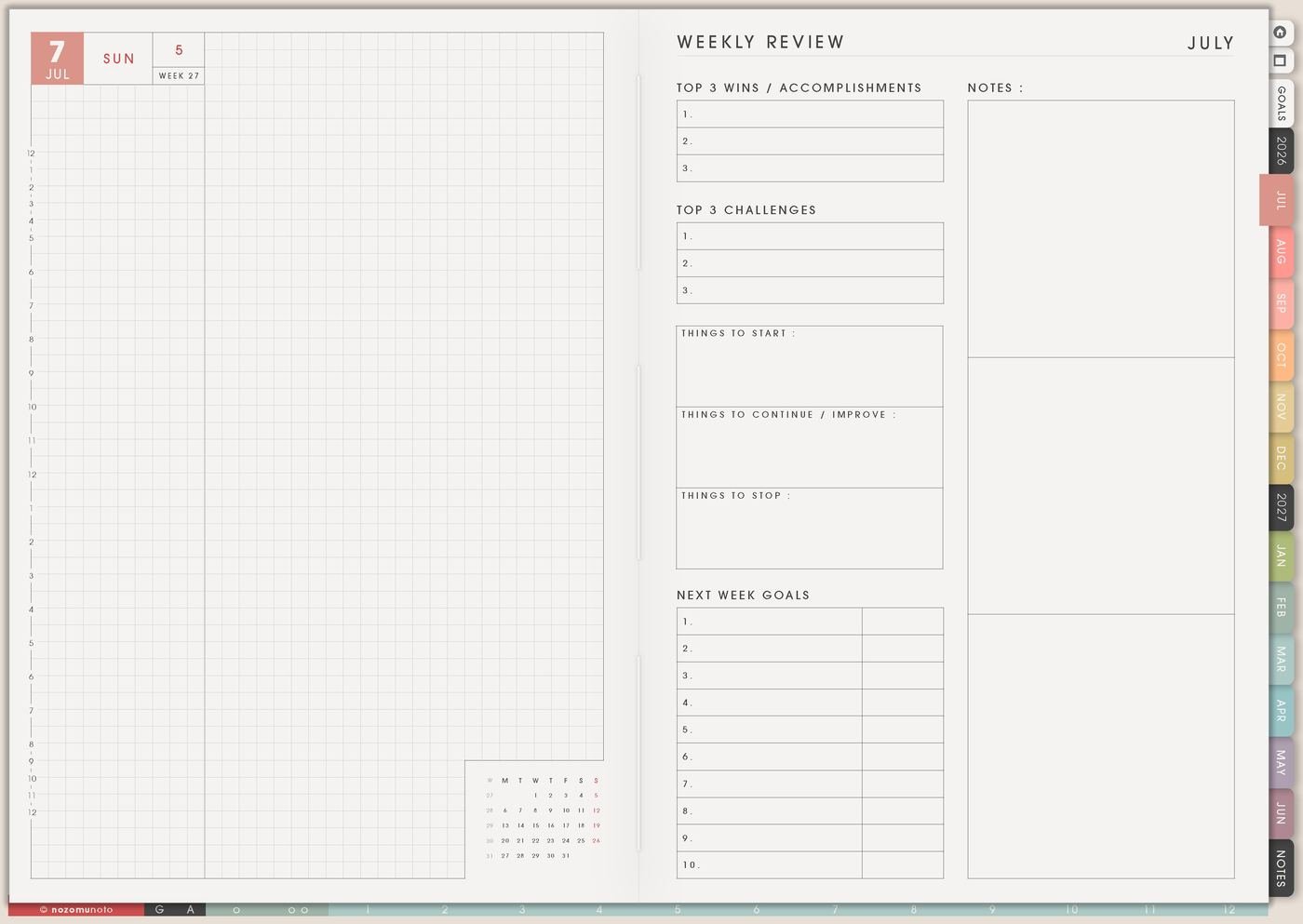
During Weekly Review, write whether the reward was helpful, distracting, expensive, too late, too small, worth repeating, or not the right fit.
Over time, the page becomes a personal menu of what actually helps motivation. A walk might help more than shopping. A quiet evening might help more than a crowded outing.
A simple Reward Ideas setup
- Write five free rewards. Make sure the page works without spending.
- Add recovery rewards. Choose options for tired, social, emotional, or screen-heavy days.
- Add joy rewards. Include fun, creative, food, movement, rest, or connection.
- Add milestone rewards. Save bigger rewards for finished projects, exam weeks, launches, or hard seasons.
- Add labels. Mark free, paid, quick, longer, solo, social, rest, or energy.
- Put one reward on Weekly. Pair it with a hard task or milestone.
What I usually use it for and how I use it
Tips for using Reward Ideas
- Write free and low-cost rewards first. Paid rewards are fine, but the page needs to work during tight months too. Keep paid rewards in Wish List with a wait-until date.
- Give screen rewards clear edges. Choose one episode, ten-minute walk, one chapter, tea break, or set a timer before starting.
- Reward effort milestones too. Started, asked for help, submitted draft, showed up, or restarted after a missed day can count.
- Match the reward to the drain. Choose quiet after social exhaustion, movement after screen fatigue, a soft reset after emotional tasks, and play after heavy admin.
- Add tiny rewards along the way. Tea after the first block, a sticker after submitting a draft, or a walk after an appointment can make long projects easier to return to.
When you need setup help
Reward Ideas helps with motivation and recovery planning. If you need exact app steps for writing on Yume Techo, copying pages, adding bookmarks, importing the planner, or using hyperlinks, open the NozomuNoto Help Center for your app or device.
Tips for using this page
- Choose the one part of this page that helps the current week instead of trying to fill everything at once.
- Move one small next action to Weekly or Daily so the page changes what happens next.
- Keep the page easy to return to by linking it from Index, favorites, bookmarks, or the related planner section.
Final thought
Reward Ideas makes hard things feel more possible. I hope this page helps you keep free options visible, match rewards to the effort spent, and let Weekly include recovery too!
Browse NozomuNoto products
Find the planner, notebook, e-reader file, or add-on that fits the way you actually plan.
About NozomuNoto
NozomuNoto creates Japanese-inspired digital planners, notebooks, stickers, and e-reader PDFs for people who want useful pages that still work in real life.
Yume Techo is built with dated yearly, monthly, weekly, daily, Life Planner, Planner Pages, and Template Pages so one planner can hold study, work, home, ADHD-friendly routines, lists, and creative projects without adding paper bulk.
New to digital planning? Start there, use the Help Center for setup help, or browse NozomuNoto products when you are ready to choose your planner.