
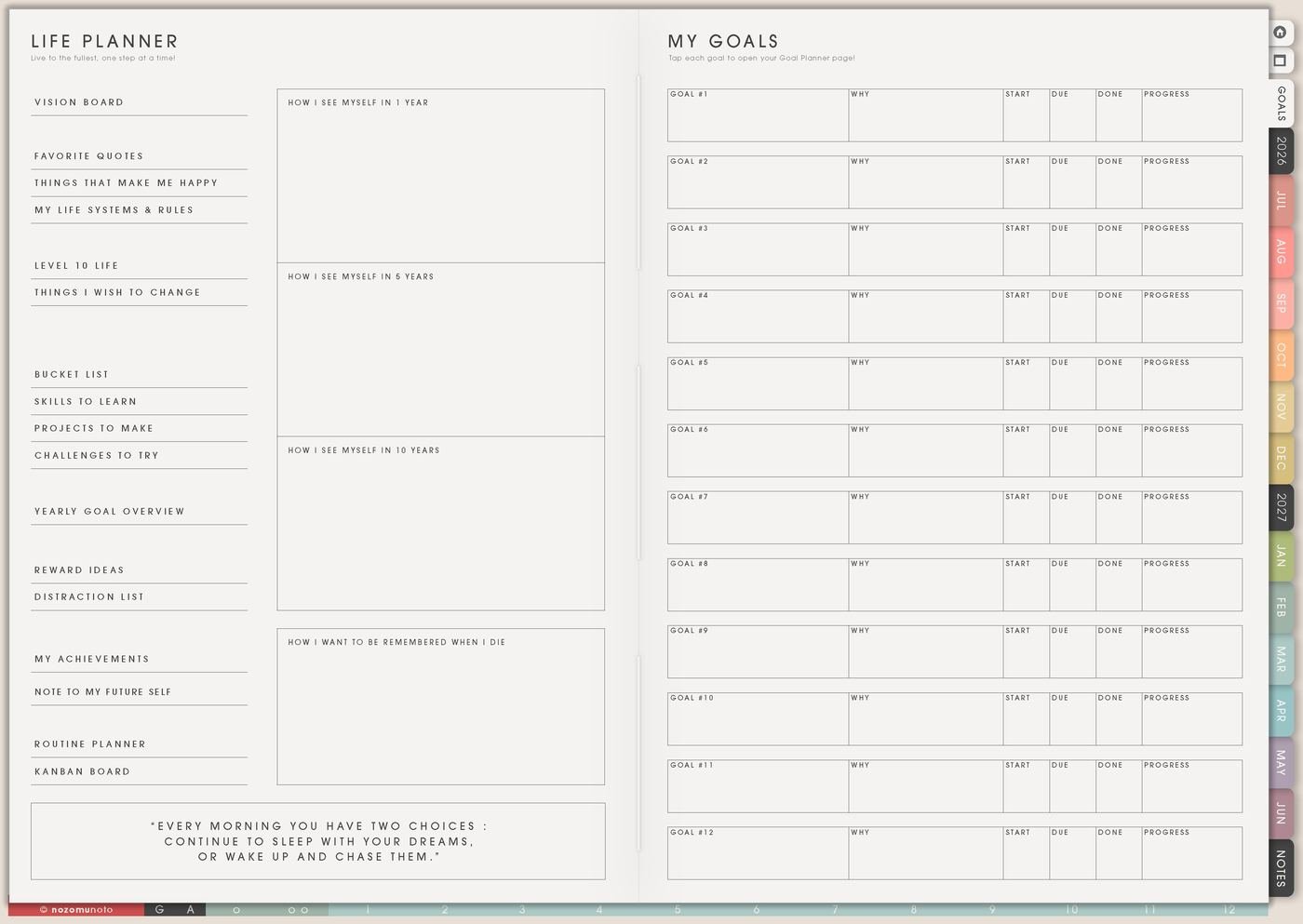
I use this Yume Techo life planner setup for values, direction, goals, life areas, routines, projects, honest changes, visual reminders, and the weekly choices that make a bigger life direction usable.
For me, life planning has to include real life: my son, my grandma, work, NozomuNoto, illustration study, money pressure in Japan, creative dreams, and the small home things that still need doing. The planner helps me turn a huge life thought into one weekly choice I can actually make.
Use case ideas for a life planner
1. Use Life Planner Index before choosing pages
Open Life Planner Index first so the life pages have a starting point. Write the season you are in, what you want more of, what you want less of, and what matters most right now. Keep the words plain and useful: steadier mornings, finished work, more art, more family time, better sleep, less rushing, less scrolling, or more courage.
Then use the index as a decision filter. If the season says less rushing, the weekly plan should stay smaller. If it says more art, Weekly needs a small creative block, even if it is only twenty minutes.
Related Tips: Life Planner Index ideas explains how the index works as the top doorway for Life Planner pages and the Goal Planner Index.
- Write here: season, values, life direction, things to protect, things to release.
- Use it for: choosing what belongs in the month, week, and daily page.
2. Use Vision Board as a visual reminder
Use Vision Board for visual cues that remind you of the life you are building: a room feeling, a family rhythm, a study goal, a shop dream, a quiet morning, a place to visit, a health rhythm, a creative identity, or a phrase you want to live near.
I keep the board connected to real life. Beside each visual, write what it means in plain words: breakfast without rushing, art once a week, less clutter, steady study, walk outside, or save for trip.
A vision board becomes more useful when one tiny piece moves into Weekly.
3. Use Level 10 Life as a check-in, not a scorecard
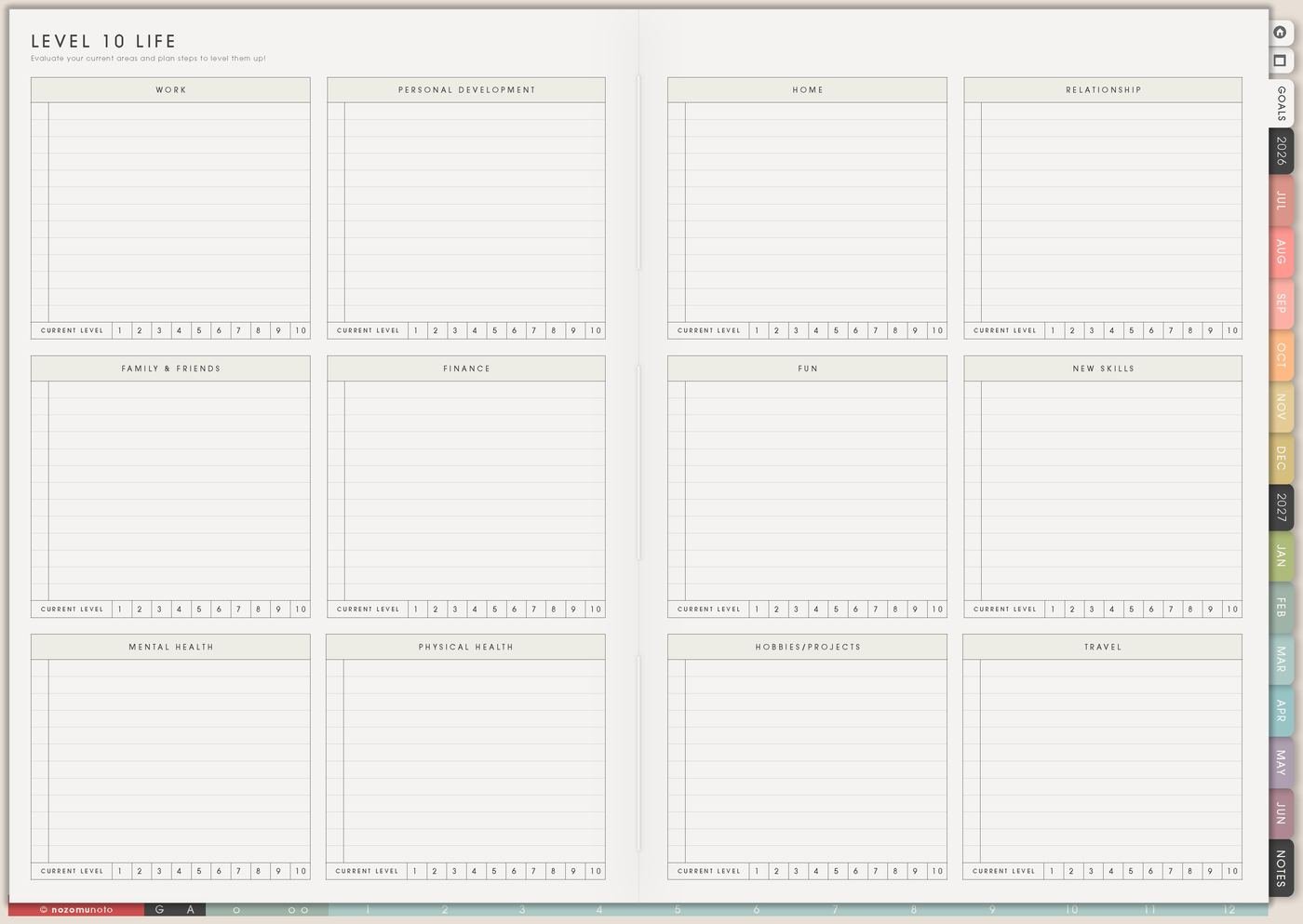
Use Level 10 Life to notice which area needs attention, not to judge yourself. Rate life areas quickly, then choose one area to work with this month. The point is not to make every score perfect. The point is to see where one small change could help.
If home feels low, the next action might be clear one drawer, set donation bag by the door, or schedule a repair. If friendship feels low, the action might be send one message. Small counts!
Choose one life area only. Trying to raise every area at once usually makes the page heavier than it needs to be.
Related Tips: Level 10 Life ideas has more examples for choosing one life area without turning every area into homework.
4. Use Goal Planner to choose the right goal page
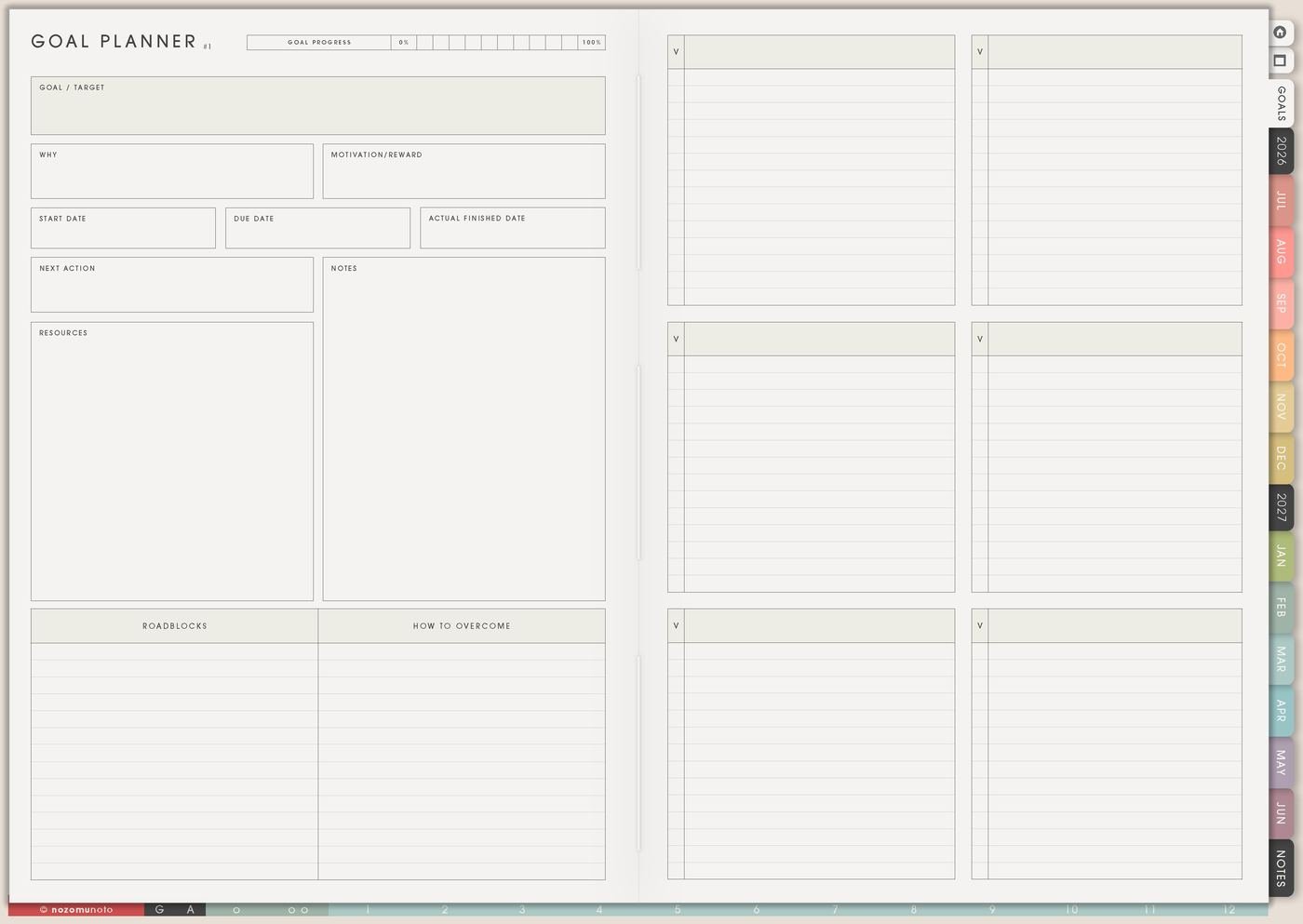
Use Goal Planner Index as the goal hub on the right side of the Life Planner Index, then choose which of the 12 goal pages needs attention. The right page depends on the goal: health, money, study, shop, home, creative work, relationship, travel, skill, or another life area.
A life goal should not stay as be healthier, be organized, or grow business. Translate it into something visible: walk twice this week, clear the desk, update one listing, ask for help, save one amount, or read one chapter.
Goal Planner Index is where the dream becomes a path. The 12 goal pages hold the details so Weekly only needs the next action.
On the chosen goal page, I fill in why the goal matters, the first few steps, roadblocks, resources, check-in rhythm, and the next action small enough for this week.
Related Tips: Goal Planner Index and 12 goal pages explains how to fill the index, choose a goal page, write why it matters, list steps, roadblocks, and review notes.
5. Use Things I Need To Change as a helper page
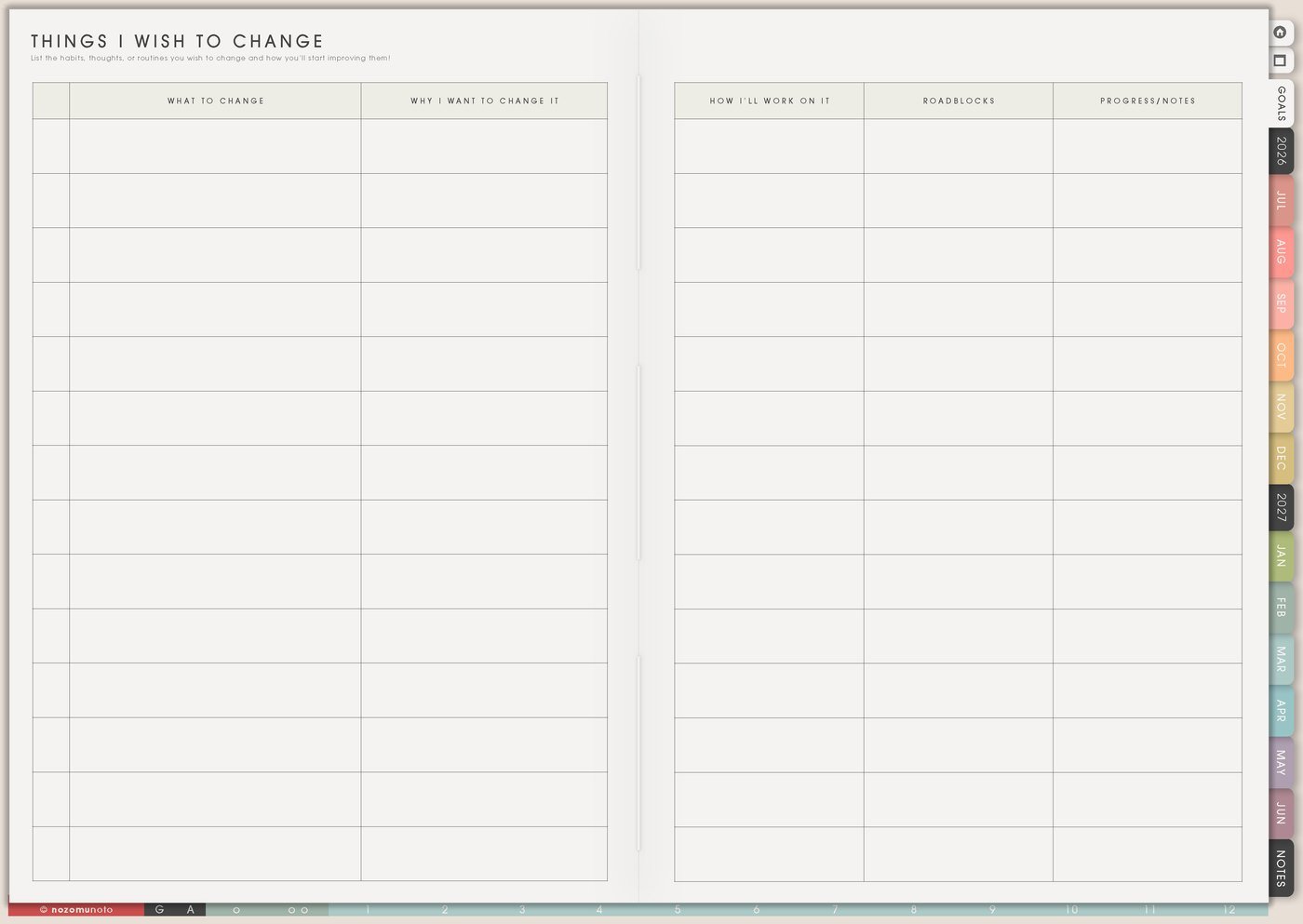
Use Things I Need To Change for honest notes that need a next step: too much rushing, skipping meals, late bedtime, clutter pile, unfinished projects, spending leaks, hard conversations, phone scrolling, or avoiding appointments.
Write the helper beside the change. Instead of I need to stop procrastinating, write make the first step visible. Instead of fix mornings, write put clothes and bag ready before bed.
The page should create a usable setup, not shame. A change is easier when the next version of the environment helps.
Related Tips: Things I Need To Change page ideas shows how to turn an honest note into a clear next step.
6. Use Routines and Kanban for systems
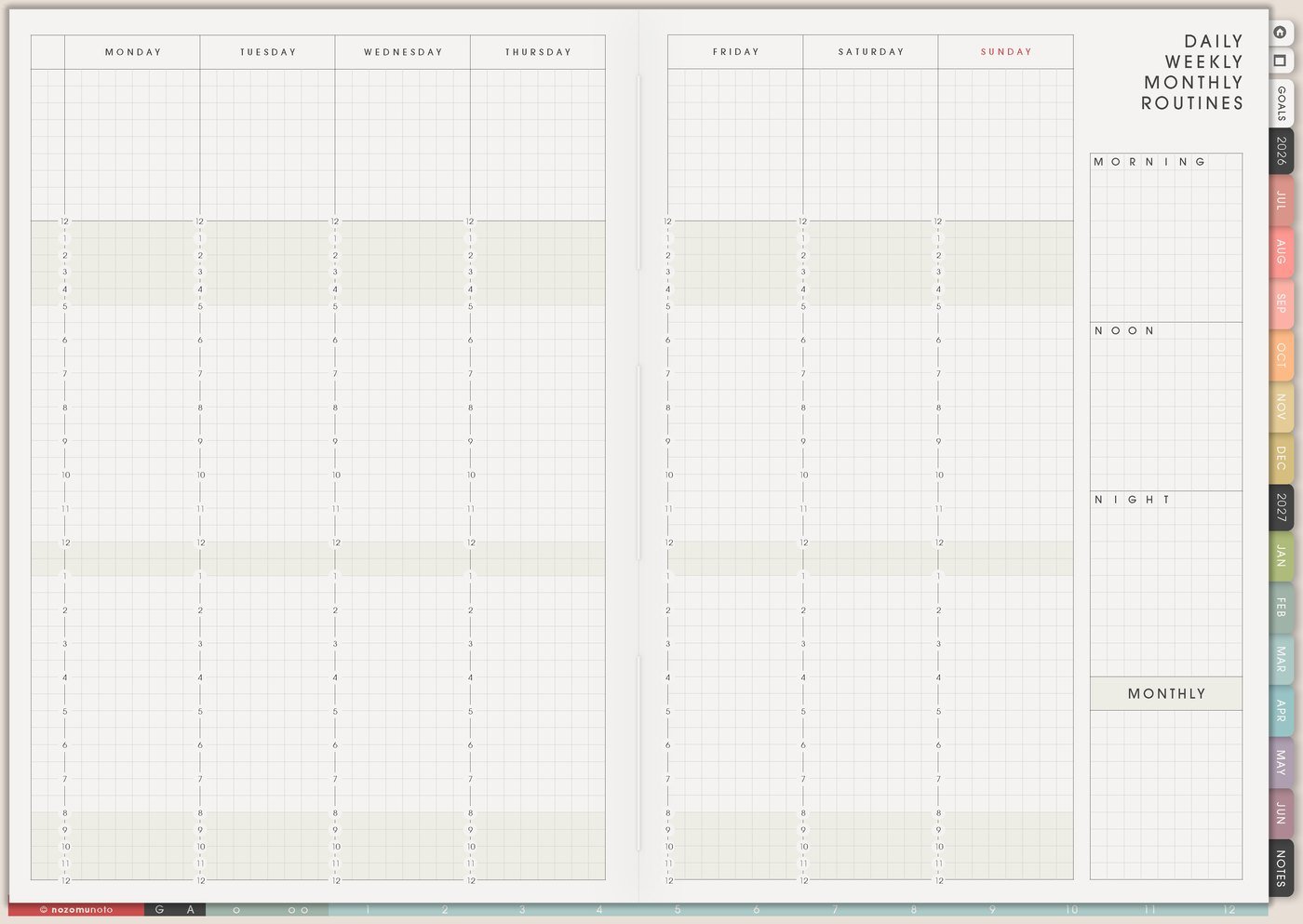
Use Daily Weekly Monthly Routines for repeated defaults: morning reset, bedtime, admin hour, family reset, planning day, bill check, content day, reading time, or weekly cleanup. Use Kanban when the change has stages, waiting items, or project steps.
This matters because life planning often fails when everything stays as a wish. Routines make repeated help visible. Kanban makes active projects and waiting items visible.
Choose one system first. The planner does not need to redesign your whole life in one weekend.
7. Use Weekly Review to bring life direction back to the week
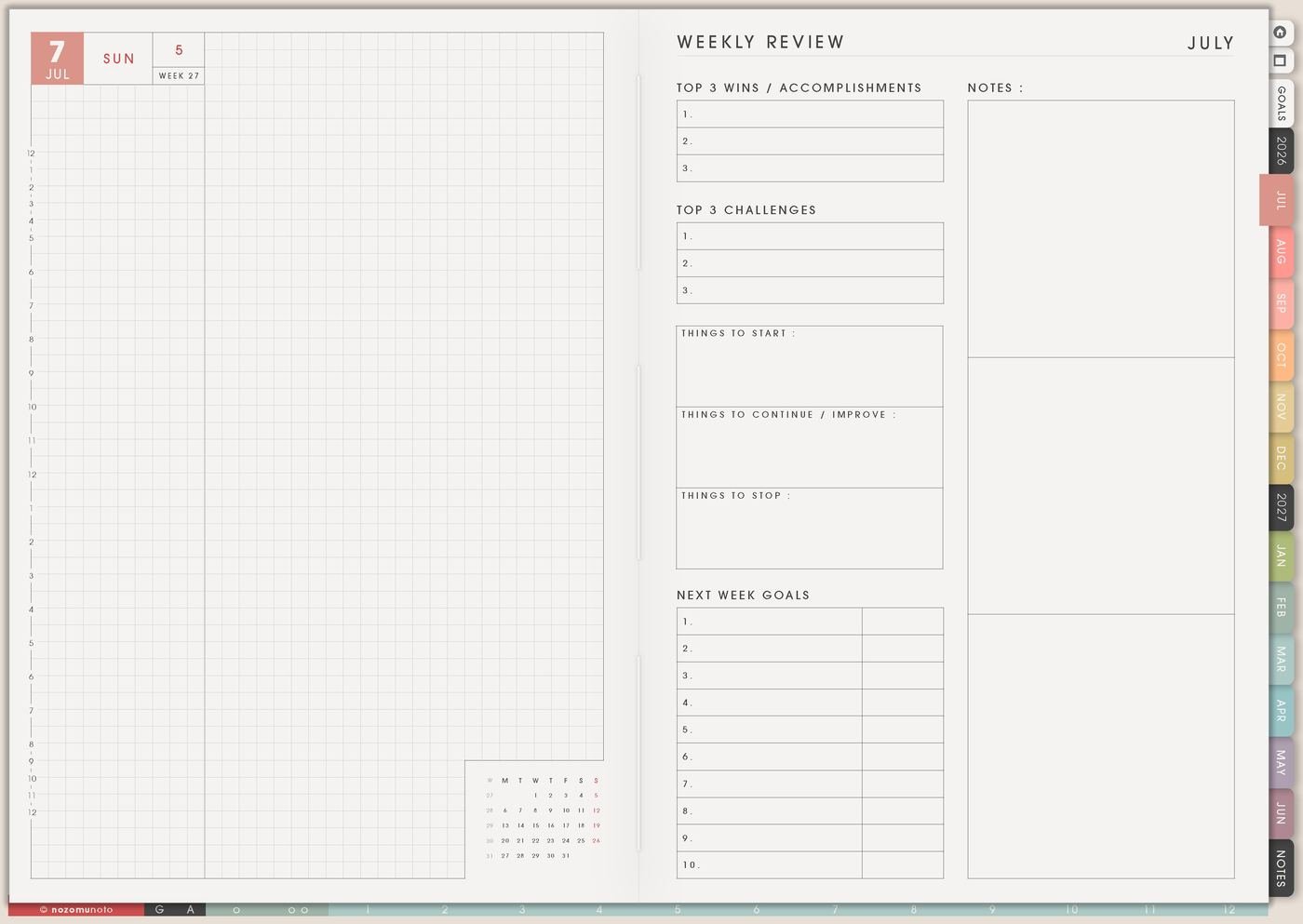
Use Weekly Review to ask what matched the life direction, what felt too heavy, what can be smaller, what needs protection, and what tiny action belongs next week.
This is where Life Planner becomes practical. If the index says steadier home, the review might choose one donation bag. If it says creative life, the review might protect one art block. If it says better sleep, the review might make bedtime easier instead of harsher.
Review should create one useful adjustment, not a list of everything wrong.
Set it up in ten minutes
- Name the season. What does life need more or less of right now?
- Choose one life area. Use Level 10 Life or a simple gut check.
- Write one goal. Keep it specific enough to see.
- Write the helper. What environment, routine, page, or reminder could make it easier?
- Move one action to Weekly. Make it small enough for this real week.
- Protect one visual reminder. Use Vision Board, Life Inspirations, or Favorite Quotes.
- Review honestly. Ask what helped and what should be smaller next time.
What I usually use it for and how I use it
Tips for using this setup
- Connect inspiration to the week. Move one tiny version into Weekly: rest block, walk, art time, family note, listing update, or study page.
- Choose one life area for the month. Keep home, work, money, health, family, friendship, creativity, and faith visible, but make only one area active.
- Rewrite unclear goals as visible actions. Walk ten minutes, clear one drawer, update one listing, send one message, save one amount, or read one chapter.
- Turn change notes into helper notes. Make first step visible, put phone away during work block, create grocery list before shopping, or set clothes out at night.
- Move one image from Vision Board into Weekly. A tidy room image can become clear one table. A children’s book dream can become sketch one character.
- Match the plan to current capacity. During heavy seasons, maintenance and recovery can be valid life planning.
- Use review to adjust the helper. Ask what helped, what was too big, and what should be smaller next week.
When you need setup help
For the life planning workflow, use Life Planner Index for the current season, Goal Planner Index for choosing the right one of the 12 goal pages, Vision Board for direction, Level 10 Life for a check-in, Things I Need To Change for helper steps, Kanban Board for active projects, and Weekly for the next action. If the technical step is unclear, like importing Yume Techo, copying a page, adding images, or using hyperlinks, use the NozomuNoto Help Center for app-specific steps.
Final thought
Life planning becomes useful when the big direction can reach a small week. I hope this setup helps you choose one area, one helper, one goal page, and one next action that fits the season you are actually living!