
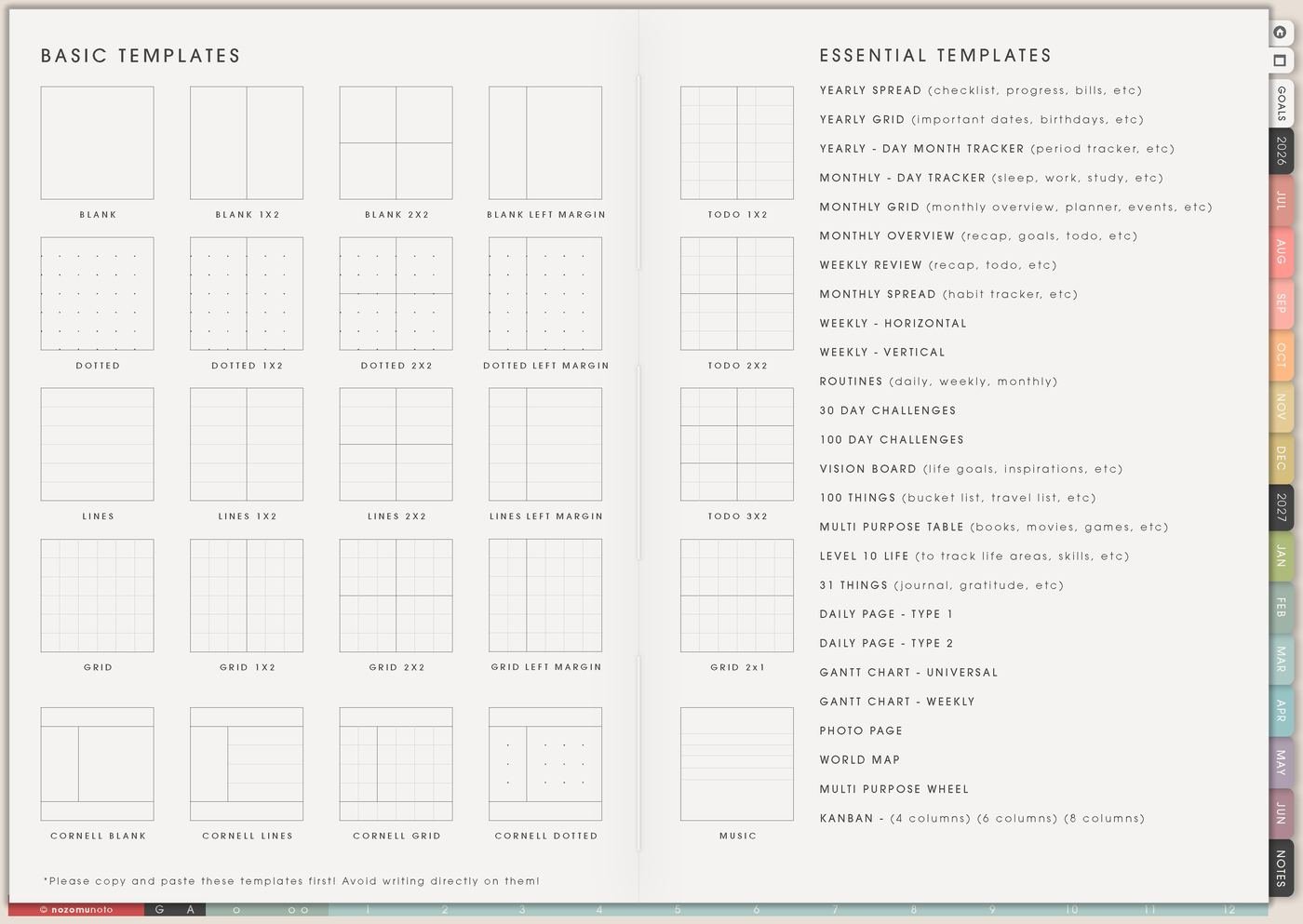
I use this Yume Techo brainstorming setup for product ideas, content ideas, gift ideas, home plans, writing starts, illustration study questions, sewing projects, page ideas, and the thoughts that need room to be messy before they become a plan.
The goal is to separate capture from commitment. Template Pages give messy ideas room, 100 Things helps with volume, Kanban sorts what belongs now or later, Distraction List parks interruptions, and Weekly carries one chosen idea as a real next action.
How I turn messy ideas into one next action
1. Use Template Pages for messy thinking
I use Template Pages when an idea needs room before it has structure. I copy blank, dotted, grid, lined, todo, or table pages depending on the thinking shape I need.
Blank pages are good for mind maps. Grid pages are good for layouts. Lined pages are good for lists. Todo pages are good when ideas quickly become actions. Table pages are good when ideas need categories like cost, time, person, link, and next step.
The first page is allowed to be messy. Sorting can come after the ideas are out.
Related Tips: Template Pages ideas shows how I choose the blank, lined, grid, todo, or table page that fits the thought.
2. Use 100 Things for big idea dumps
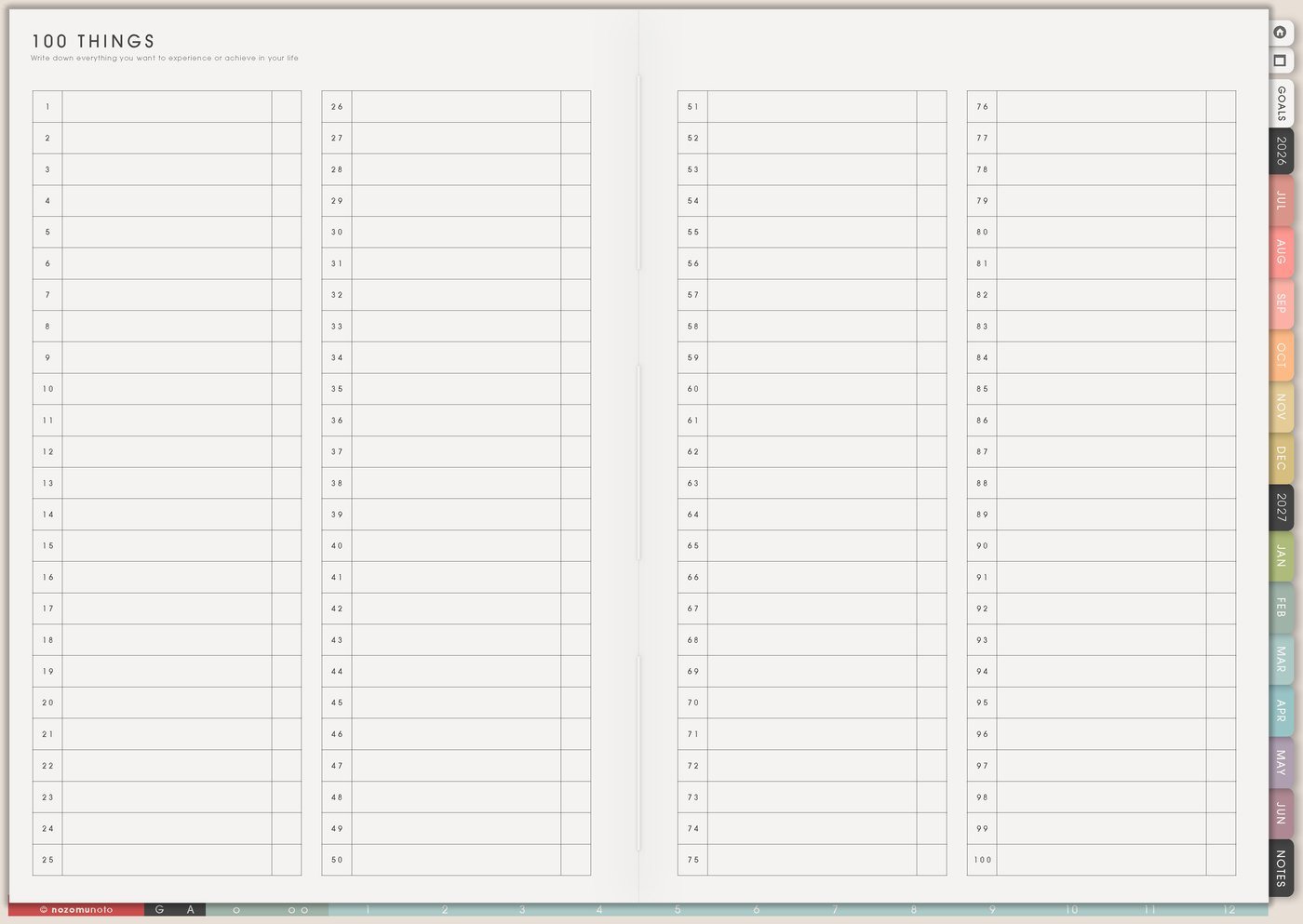
I use 100 Things when I need volume: product ideas, writing prompts, video topics, gift ideas, places to visit, meals, home tasks, craft projects, challenge ideas, prayer topics, study questions, or planner page ideas.
I hold judgment until the list has enough material. A strange idea can lead to the useful idea underneath it.
After the dump, I mark ideas with simple symbols: now, later, maybe, ask, research, tiny, expensive, seasonal, or no longer needed.
Related Tips: 100 Things page ideas shows how I use one big list without turning every item into a task.
3. Use Kanban to sort ideas into simple groups
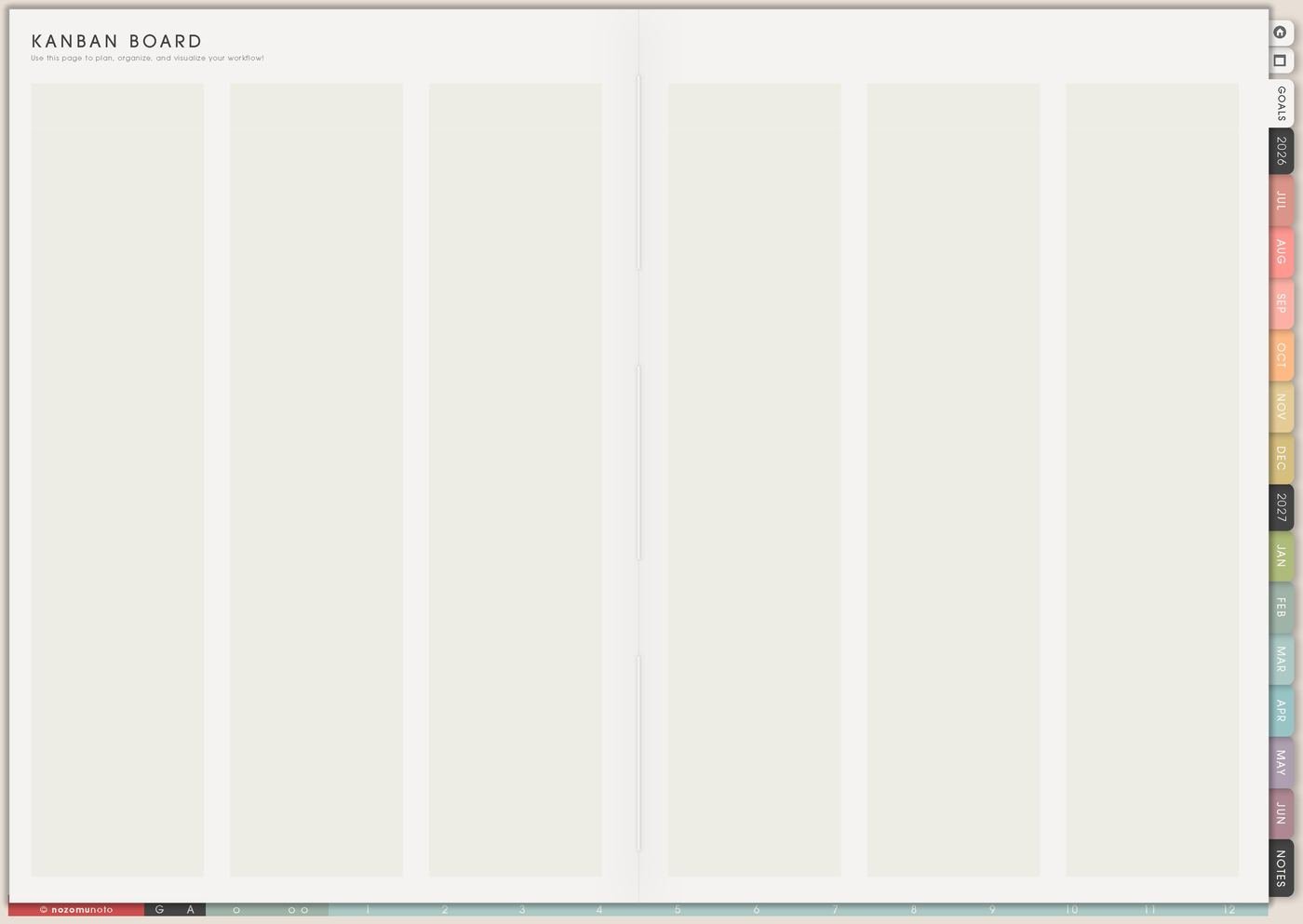
I use Kanban after the messy dump. My columns are Now, Next, Later, Waiting, and Archive. This prevents every idea from acting urgent.
Now should be tiny. One or two ideas only. Later can be generous. Waiting can hold ideas that need money, supplies, screenshots, feedback, time, or a different season.
Archive does not mean bad. It means not for this season.
Related Tips: Kanban Board ideas shows more ways to sort active ideas, waiting ideas, and finished projects.
4. Use Resources / Tasks for research and details
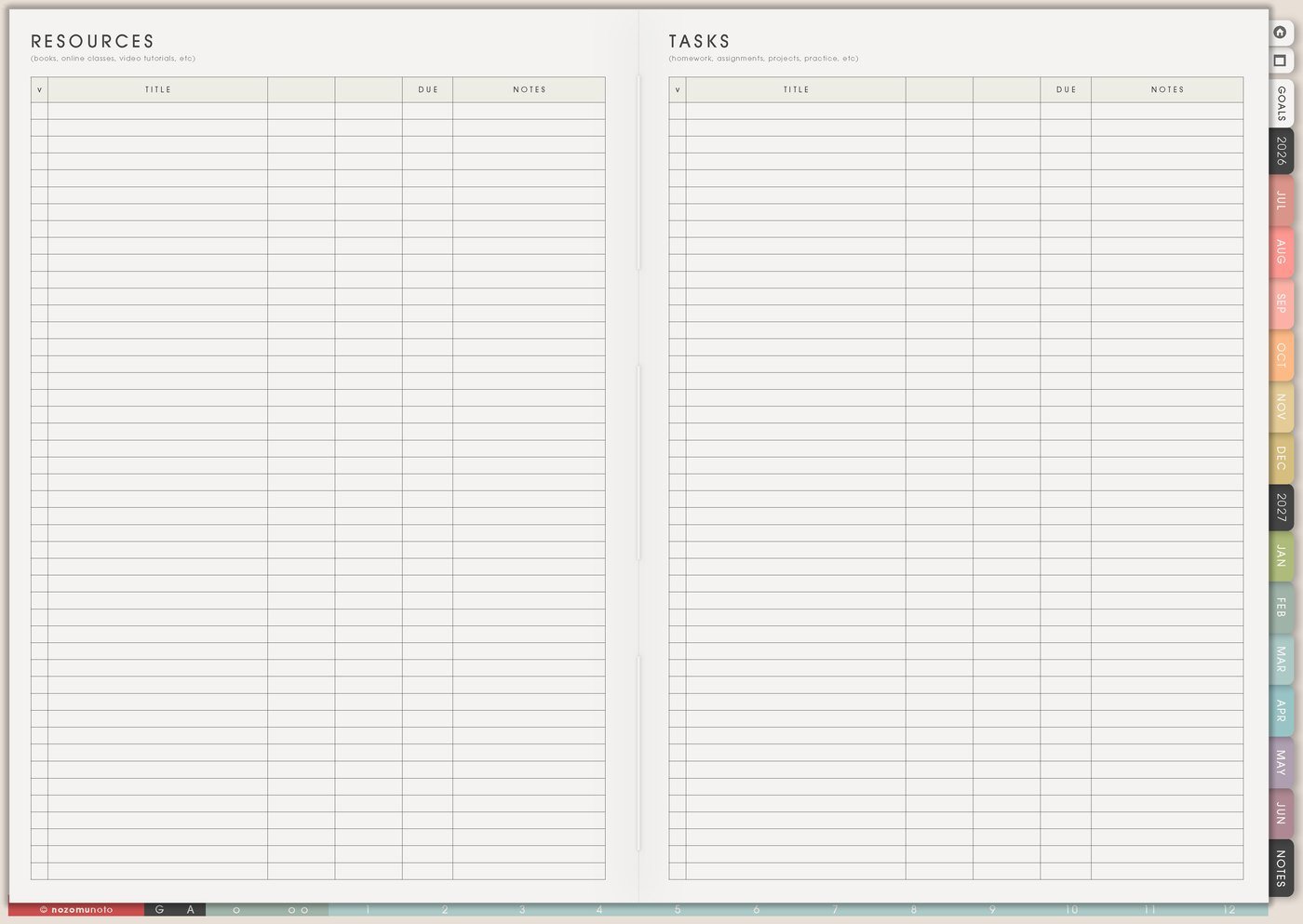
I use Resources / Tasks when an idea needs links, examples, screenshots, costs, people to ask, file names, notes, references, or questions before I choose.
I write the detail separately from the action. Detail: compare three shelf ideas. Action: measure wall. Detail: possible Mother’s Day gift guide. Action: list ten products that fit.
This keeps the brainstorming page free for ideas and gives research its own place.
5. Use Distraction List for ideas that interrupt other work
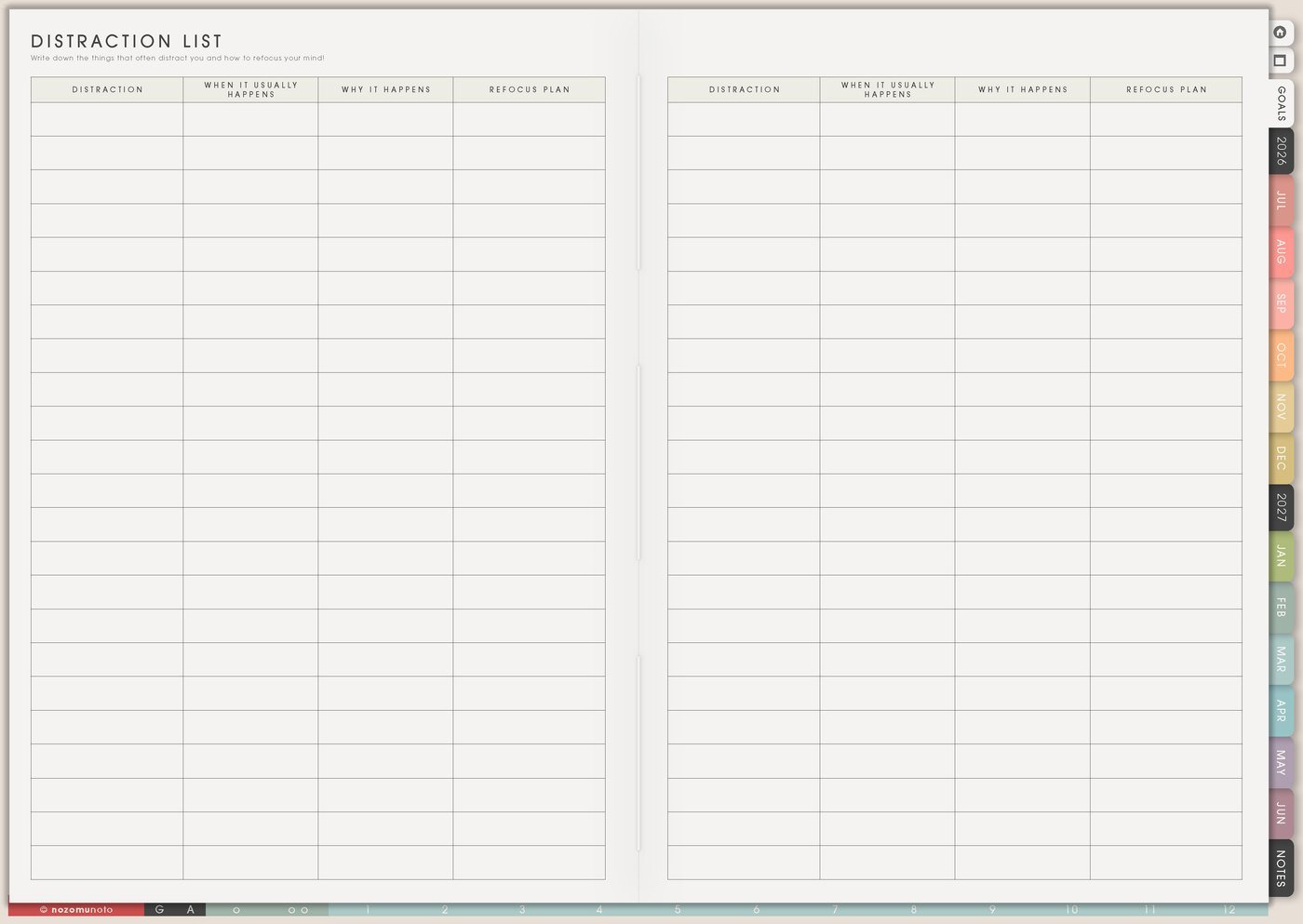
I use Distraction List for ideas that appear while I am trying to finish something else. Parking the idea gives my brain proof that it is saved without letting it take over the current task.
I write only enough to recognize it later: gift guide idea, new sticker set, closet shelf, essay title, video hook, homeschool unit, recipe to try, or app screenshot needed.
I review the list later and decide: useful now, later, already done, no longer needed, or move to Weekly.
Related Tips: Distraction List page ideas shows how I park sudden ideas while I finish the task already in front of me.
6. Use Weekly to turn one idea into action

I use Weekly for one chosen idea only after it has a next action. Start YouTube becomes write five video titles. Redesign room becomes measure desk wall. Mother’s Day gift guide becomes list ten gift ideas using products I already have.
The moment an idea gets a physical verb, it becomes easier to start: open, list, measure, draft, choose, ask, test, print, photograph, or compare.
If the action still feels huge, it is probably still an idea. Make it smaller before it reaches Weekly.
7. Use Weekly Review to choose what survives
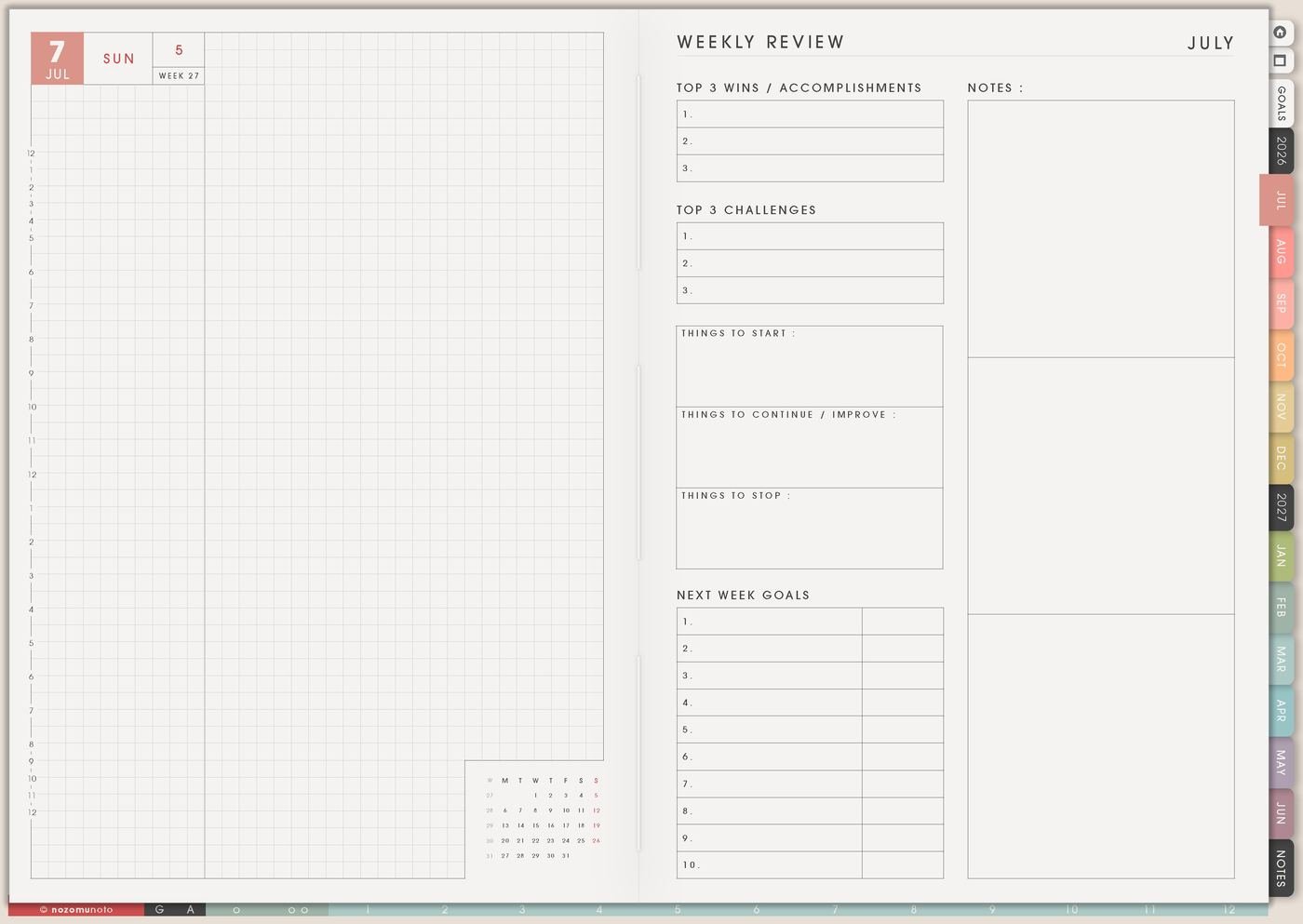
I use Weekly Review to ask which ideas still feel useful, which are for later, which need research, which can be released, and which one deserves the next action.
This keeps brainstorming alive without letting it take over the planner. An idea can wait until its season comes.
Review also helps me notice idea patterns: content themes, product requests, home fixes, repeated worries, or projects that keep returning.
Set it up in ten minutes
- Choose the right blank space. Blank, grid, lined, todo, dotted, or table.
- Dump ideas without sorting. Give yourself a short timer or a page limit.
- Mark simple labels. Now, later, maybe, waiting, research, tiny, no longer needed.
- Move details to Resources / Tasks. Keep links and research out of the idea dump.
- Park interruptions. Use Distraction List while doing other work.
- Choose one idea for Weekly. Give it a physical next action.
- Review and release. Keep useful ideas; let expired ones go.
What I usually use it for and how I use it
Tips for using this setup
- Separate capture from commitment. A brainstorm is allowed to collect many ideas. Kanban decides what belongs in Now, Next, Later, Waiting, or Archive.
- Start messy before making categories. Use a blank or lined Template Page first, then sort after the first wave of ideas is out.
- Choose one idea for action. Move only one chosen idea to Weekly after it has a physical verb: gather, photograph, measure, draft, list, ask, test, print, or compare.
- Park interruptions quickly. If a new idea appears while I am writing copy, studying, designing, or doing home tasks, I write a few words on Distraction List and return to the current task.
- Review Later before it gets crowded. Once a week or once a month, I move one idea forward, archive expired ideas, and keep only ideas that still feel useful.
- Translate big ideas into one doorway. Make course becomes outline five lessons. Write book becomes write one paragraph. Clean office becomes measure desk wall.
- Archive without guilt. Releasing an idea from Now does not mean it was bad. It means it is not asking for this week.
When you need setup help
For the brainstorming workflow, use Template Pages for messy capture, 100 Things for idea volume, Kanban for sorting, Resources / Tasks for research links, Distraction List for parked interruptions, Weekly for one chosen next action, and Weekly Review for cleanup. If the technical step is unclear, like importing Yume Techo, copying idea pages, adding links or images, or using hyperlinks, use the NozomuNoto Help Center for app-specific steps.
Final thought
I hope this setup helps brainstorming become useful instead of noisy. Capture freely, sort after the ideas are out, choose only the idea that fits now, and let the rest wait until its season comes.