
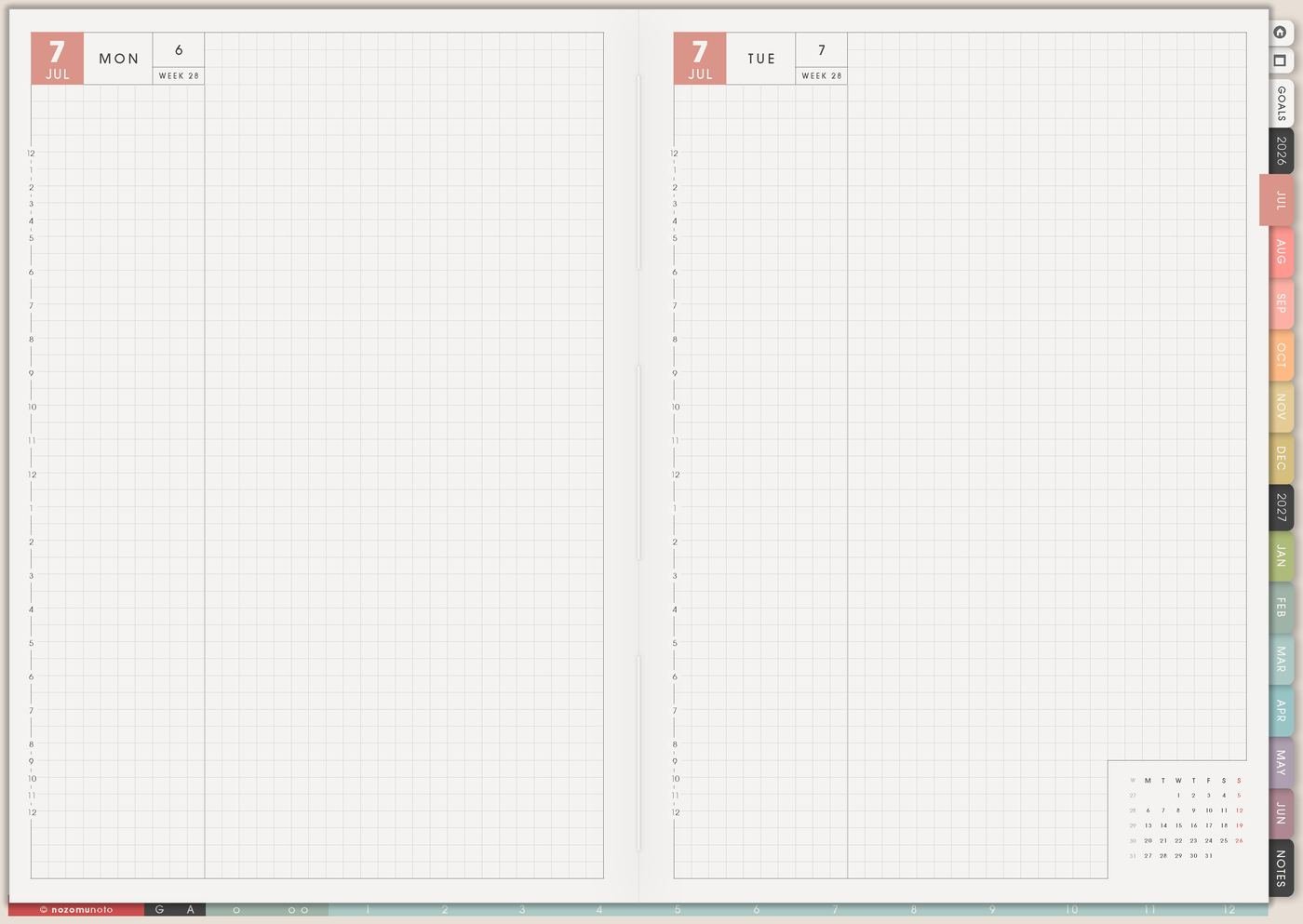
I use this Yume Techo rapid logging setup for quick daily capture: tiny tasks, notes, reminders, memories, numbers, questions, decisions, and the thoughts that disappear when I wait for a perfect journal page.
For me, rapid logging is the page I need when life is moving faster than my planner: work notes, product ideas, school or family reminders, bills, customer questions, practice ideas, and the small things I want to remember. Daily catches first; Weekly Review sorts later.
Use case ideas for rapid logging in Yume Techo
1. Use Daily for capture, not perfection
Use Daily for the raw stream of life. Write short bullets as they happen: tasks, notes, reminders, tiny memories, numbers, questions, and things to decide later. Catch the thought first; organize it later.
The page can be messy because the job is capture. Organization can happen during Weekly Review, when you have more context and less pressure.
Good rapid log bullets are small: email teacher, pay bill, headache after late lunch, customer prefers blue, son needs white shirt, order link broken, dinner was good, or ask about refill.
Related Tips: Daily Page ideas has more ways to use Daily for realistic actions, notes, and quick capture.
2. Put a tiny symbol key on Index
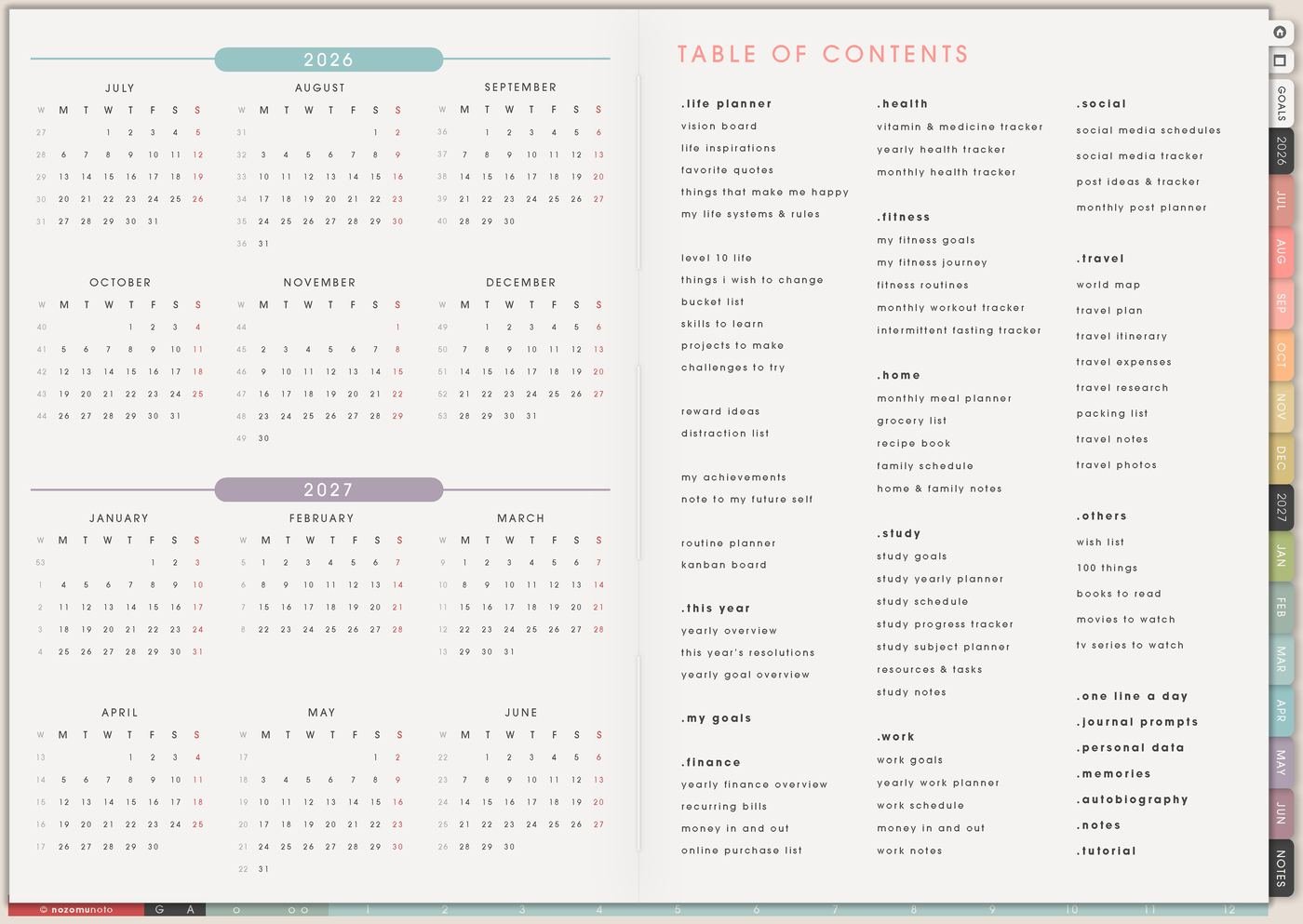
Start with a symbol key you can remember without checking instructions. Try dot for task, dash for note, star for important, heart for memory, and question mark for a decision. Put the legend on Index, a Notes page, or the first Daily page you use.
I keep the key boring and useful. If the symbols get too fancy, they slow down the exact moment when I need to catch the thought quickly.
- Task: email teacher, pay bill, print recipe, check order.
- Note: energy dipped after lunch, client prefers blue, app link tested.
- Memory: funny sentence, good meal, quiet morning, tiny win.
3. Use Template Pages for overflow thoughts
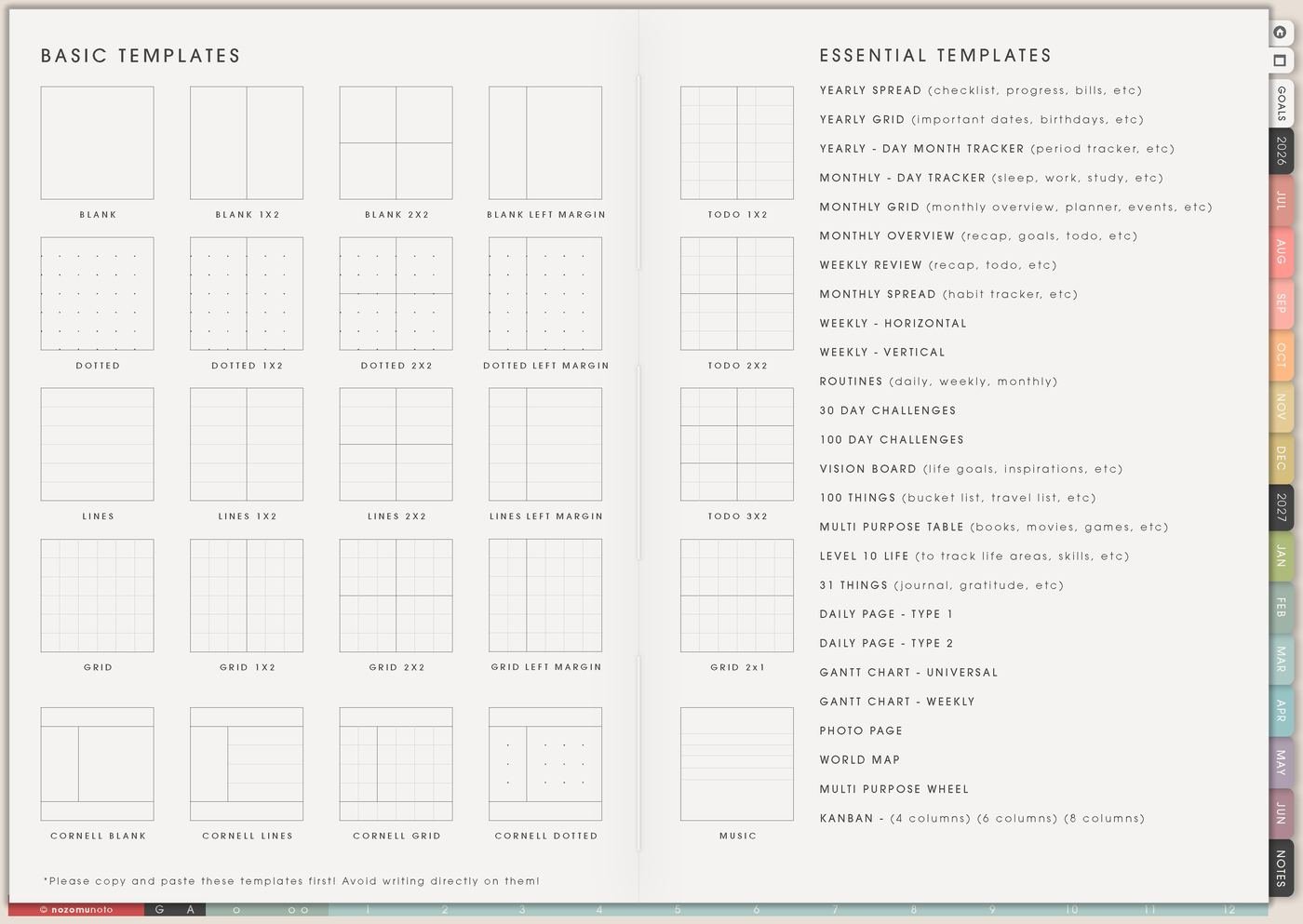
Copy a Notes page from Template Pages when the daily log becomes too full: brain dumps, meeting notes, class notes, sermon notes, project ideas, worries, long lists, product ideas, or planning decisions that need more room.
Daily can point to the copied Notes page instead of holding everything. For example: see gift ideas note, project dump on copied Notes, or customer questions on Resources / Tasks.
This keeps Daily fast and readable while still giving big thoughts somewhere to land.
Related Tips: Template Pages ideas helps when a quick bullet turns into a longer note, list, or project dump.
4. Move real tasks during Weekly Review
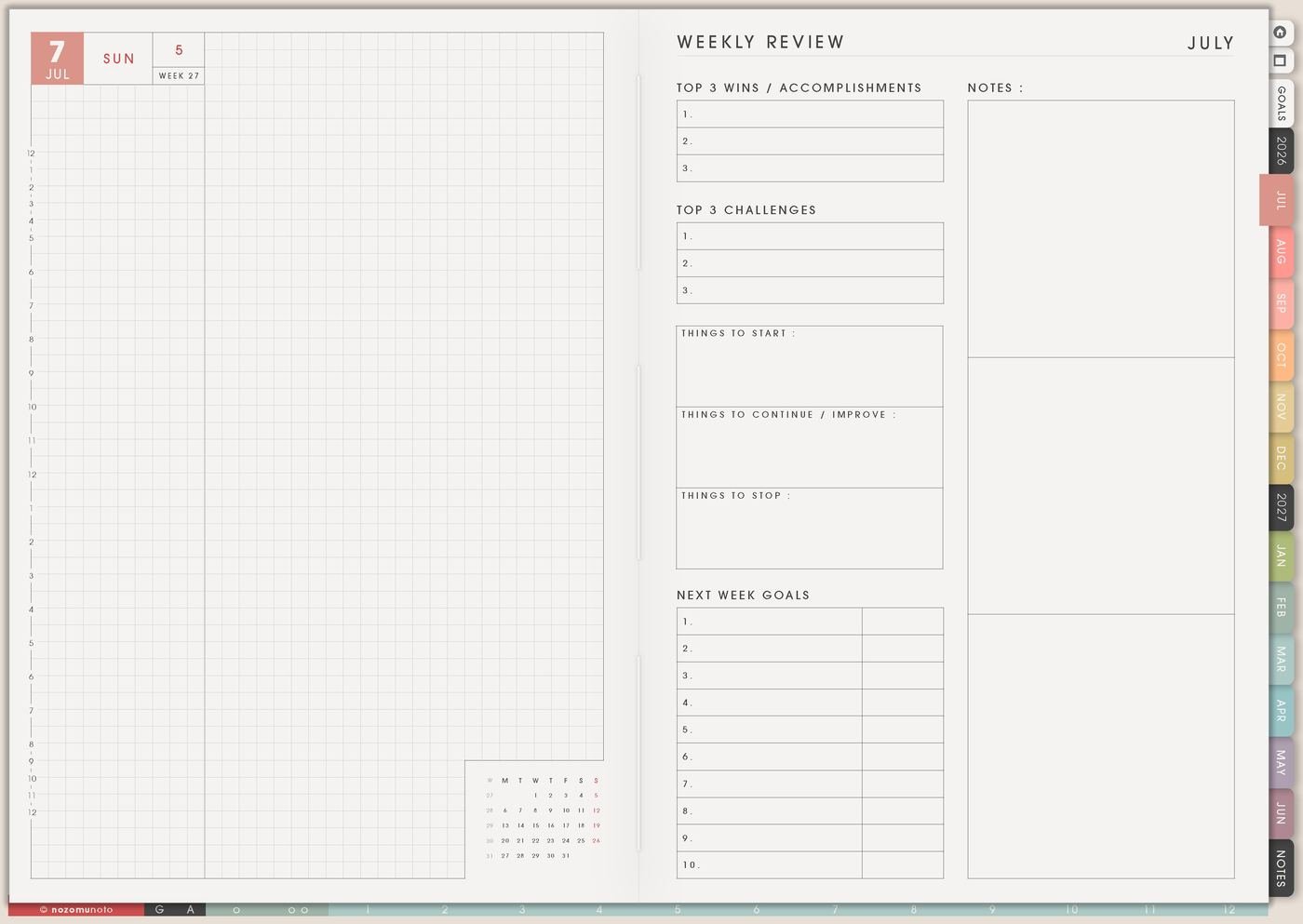
At the end of the week, scan the daily bullets. Move only the tasks that still matter to Weekly, Kanban, Finance, Family Schedule, Resources / Tasks, or another proper home. Cross out stale tasks instead of carrying them forever.
I ask three questions: does it still matter, where does it belong, and what is the next physical action?
This is the part that keeps rapid logging from becoming a pile of old unfinished thoughts.
Related Tips: Weekly Review reset ideas shows how to move tasks forward without dragging every old bullet into the new week.
5. Use Weekly for the chosen actions

Use Weekly after review to choose the tasks that truly belong to this week. Rapid logging can catch everything, but Weekly should not carry everything. It should carry the few actions that need a real place.
If a bullet says website, school, email, or house, rewrite it before moving it: test download link, review chapter 3, reply to teacher, clear kitchen counter, or pay water bill.
The weekly page becomes the decision page, not the dumping page.
6. Keep one-line memories separate
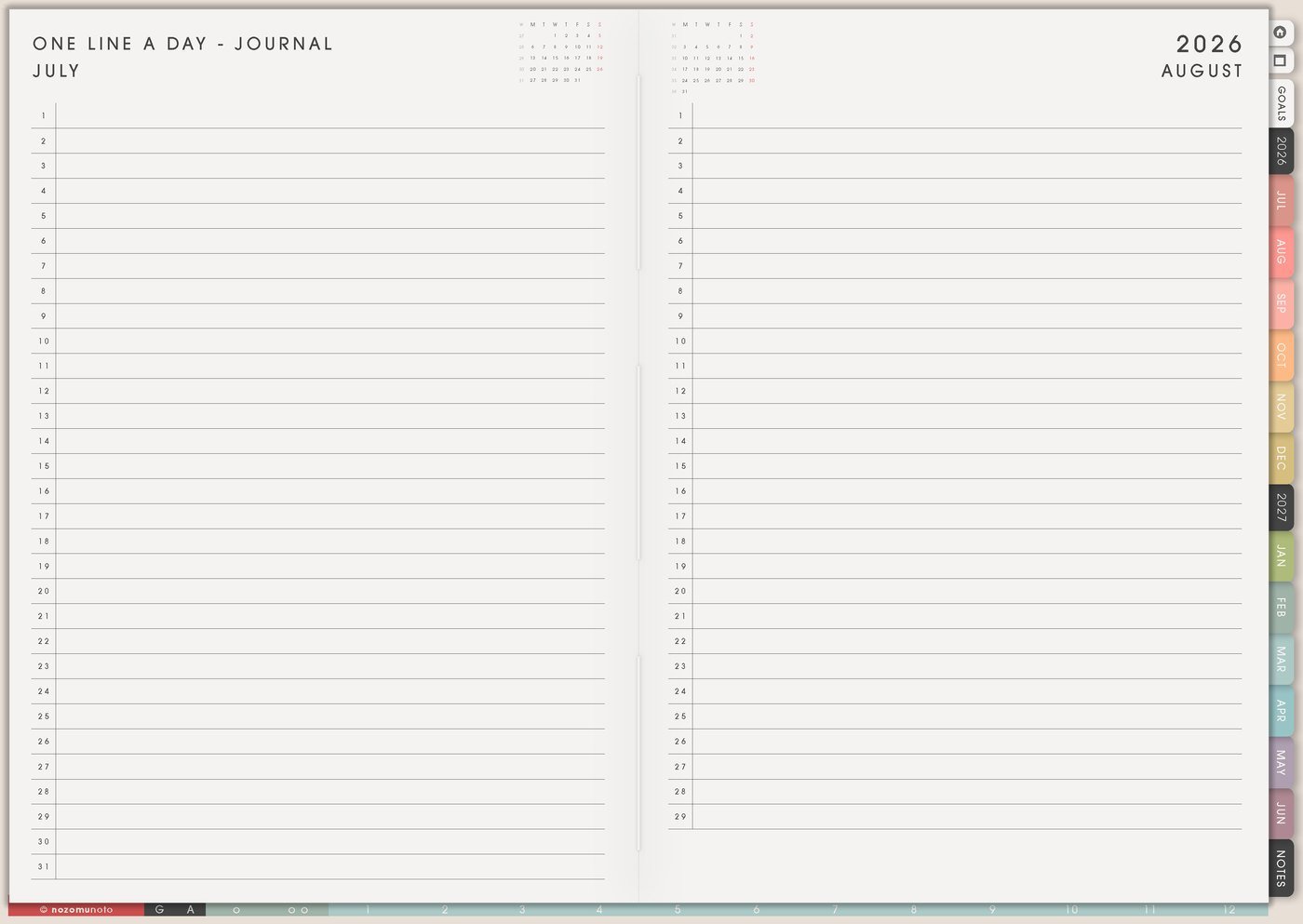
If a daily bullet becomes a memory, copy the short version to One Line A Day – Journal, Memory Photos, or Best Life Moments. This keeps Daily useful for action while still saving the human parts of the week.
A memory can be tiny: rainy walk, finished the file, grandma laughed, good soup, opened the planner again, or everybody sat down for dinner. Tiny counts!
One-line memories help the planner feel like real life happened, not only tasks.
Related Tips: One Line A Day – Journal page ideas gives more ways to save small memories without turning Daily into a long journal.
7. Create a restart rule
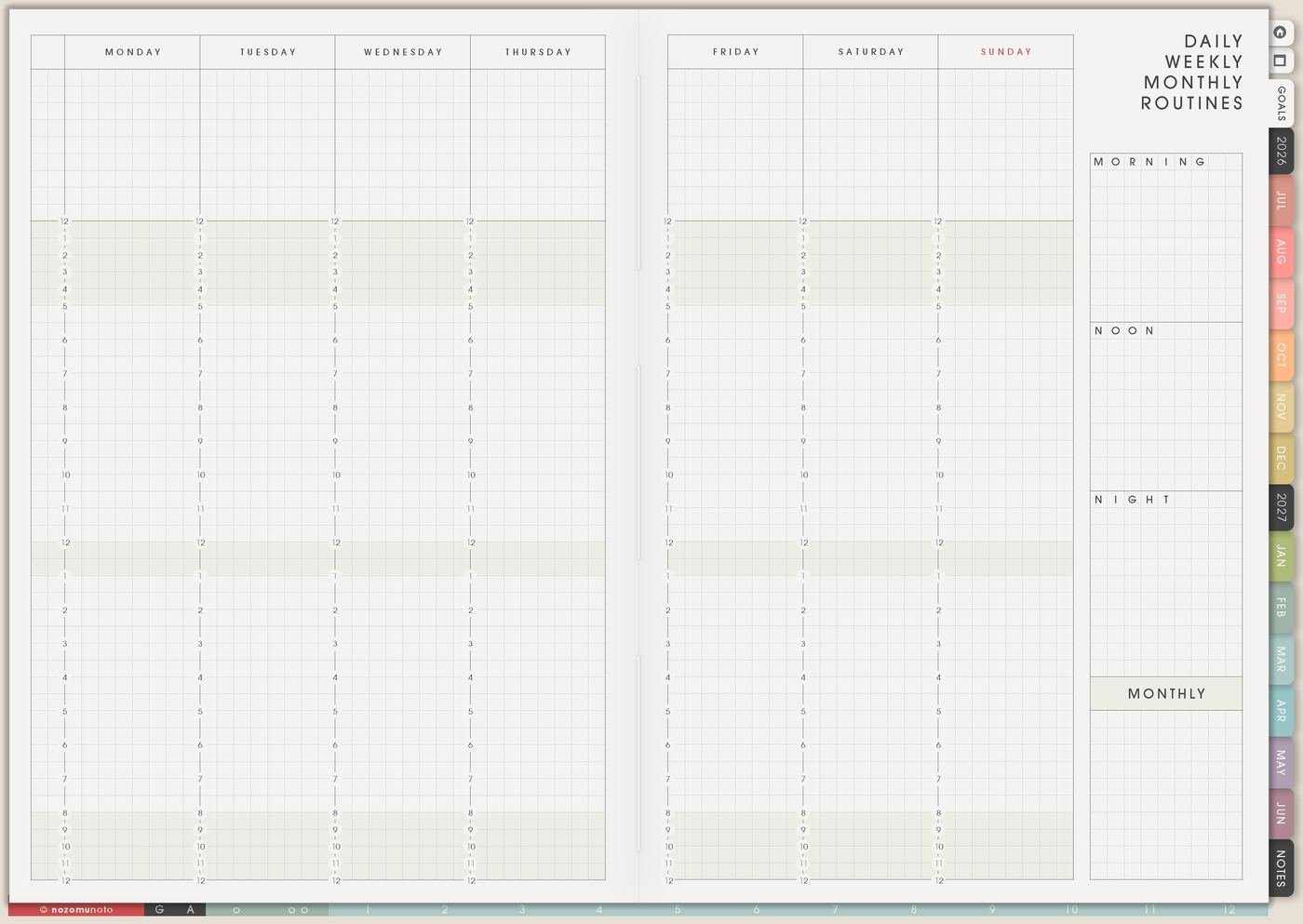
Rapid logging should survive missed days. Write a rule like: if I miss a day, start on the next blank Daily page and write only today. No backfill required.
The restart rule matters because rapid logging is for real life. A system that collapses after two blank days is too fragile.
Put the restart rule somewhere visible: Index, Routines, or the first Daily page. The rule makes it easier to come back quickly.
Set it up in ten minutes
- Choose three to five symbols. Keep the key small enough to remember.
- Put the key somewhere visible. Index, first Daily page, or a copied Notes page.
- Open today’s Daily page. Capture tasks, notes, questions, and memories in short bullets.
- Copy one overflow page if needed. Use Template Pages for long thoughts.
- Pick a review day. Weekly Review is when sorting happens.
- Move only what still matters. Weekly, Kanban, Resources / Tasks, Finance, or the right page.
- Write a restart rule. Start again today; no backfill required.
What I usually use it for and how I use it
Tips for using this setup
- Keep the symbol key tiny. Start with three to five marks only. Add a new symbol only after you keep needing it for several weeks.
- Move long thoughts out of Daily. Use Notes, Resources / Tasks, Kanban, or the matching Yume Techo page during review. Daily is for capture and today.
- Give migration a weekly home. Move still-relevant tasks to Weekly, Kanban, Monthly, or Resources / Tasks. Cross out what expired.
- Use a restart rule for missed days. Write restart today on the next Daily page. Capture what matters now and leave old blank days alone unless one detail is still useful.
- Rescue memories from the task pile. Copy tiny memories to One Line A Day – Journal, Memory Photos, or Best Life Moments so they stay visible between chores and admin notes.
- Sort urgency during review. Put bullets into today, this week, waiting, later, and delete. Short bullets need context before they become real tasks.
- Move important details to their home page. A doctor question, project link, or school note should leave Daily during review and get a short pointer on Index if you will revisit it.
When you need setup help
For the rapid logging workflow, use Daily for raw bullets, Index for a tiny symbol key, Template Pages for overflow notes, Weekly Review for sorting, Weekly for current actions, and One Line A Day – Journal for small memories. If the technical step gets confusing, like importing Yume Techo, copying a notes page, adding images, or using hyperlinks, use the NozomuNoto Help Center for app-specific steps.
Final thought
Rapid logging in Yume Techo works best when it stays fast and returnable. I hope this setup helps you capture now, sort later, save the little memories, and let short imperfect bullets become useful planning data!