

Use these steps to work with NozomuNoto PDF planners, notebooks, stickers, covers, and template pages in Noteful. The official links below are for downloads, updates, and current help pages.
Reference links
Use these for current app or device help, downloads, updates, vendor support, and manual references.
- Noteful: Import a file as a new notebook
- Noteful: Import a file as part of a notebook
- Noteful: Insert a page in a notebook
- Noteful: Add and rename a bookmark in a notebook
- Noteful: Add, resize, style and crop an image
- Noteful: Export one or more pages of a notebook
- Noteful: Add a page at the beginning or the end of a notebook
- Noteful: Clear the content of a page of your notebook
Use template pages in Noteful
- Open the planner and go to the NozomuNoto Template Pages section.
- Tap Grid view to see all pages in gallery view.
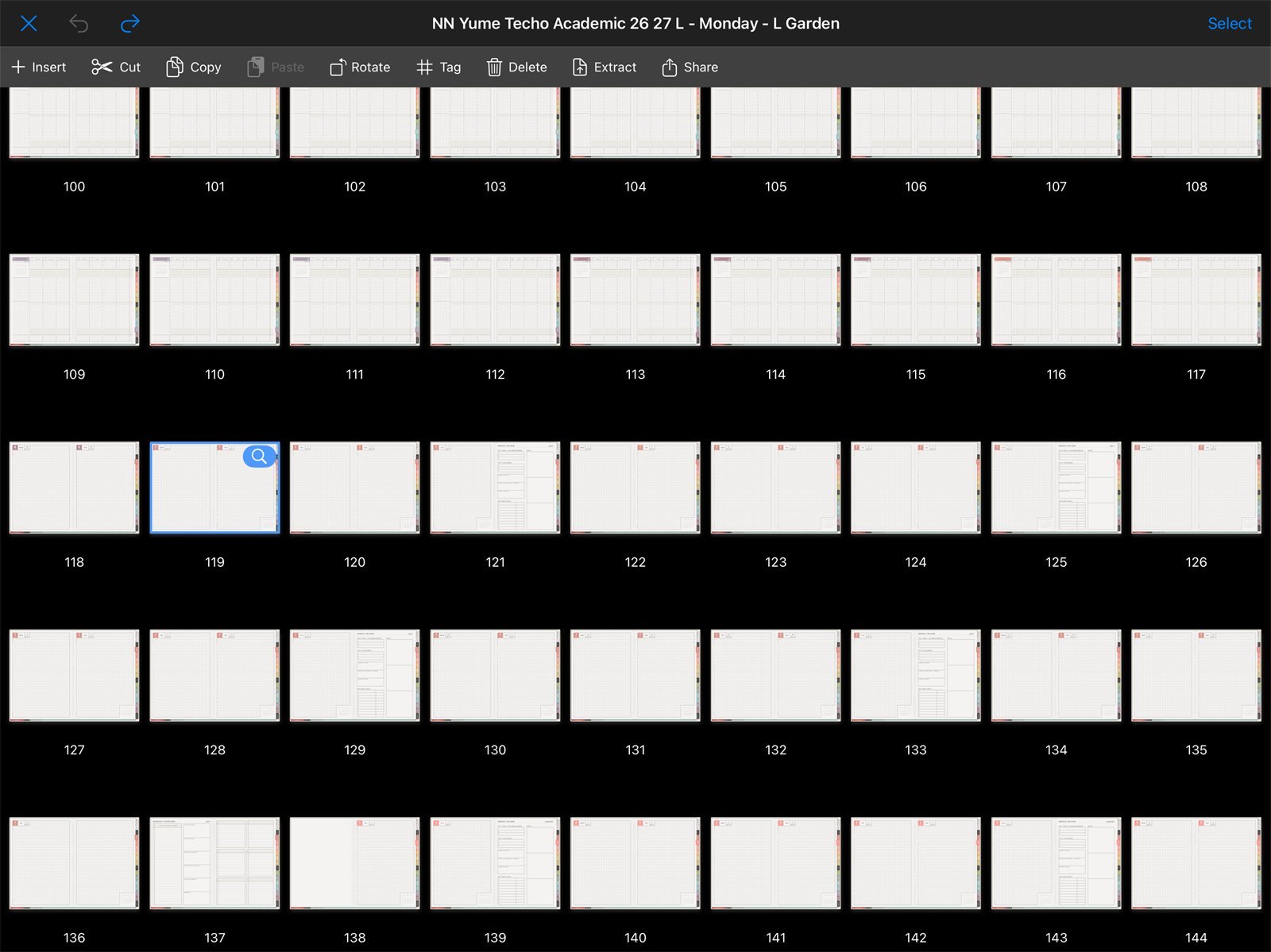
Find template pages in Grid viewUse Noteful Grid view to find clean Yume Techo template pages before adding or recreating working pages. - Find the clean template page before writing on it.
- Use Insert + when you want to insert a new Noteful paper page near the selected page.
- Use the clean original NozomuNoto PDF as your reset copy if you need the exact linked template page again.
- Keep one clean NozomuNoto template page untouched and write on a copied, inserted, or recreated working page.
Notes
- NozomuNoto templates and Noteful paper are different: NozomuNoto Template Pages are PDF pages inside the planner. They can include the same style, tabs, and product structure as the planner. Noteful paper templates are app backgrounds. Both are useful, but they are not the same thing.
Useful template workflow
- Find the clean page. Use the Index or Grid view.
- Make a working copy. Insert or recreate the page before writing if needed.
- Name or bookmark the active page. This helps you find it again.
- Keep the original PDF outside Noteful. That is your reset copy.
If the clean template is already filled
Re-import the original NozomuNoto PDF and copy the clean page again. This is why the original download should stay outside Noteful.
- If the clean template is already filled, re-import a fresh copy, find the clean template page, and duplicate it again.