

Use these steps to work with NozomuNoto PDF planners, notebooks, stickers, covers, and template pages in Kilonotes. The official links below are for downloads, updates, and current help pages.
Reference links
Use these for current app or device help, downloads, updates, vendor support, and manual references.
Use the Index page in Kilonotes on iPad
- Open the imported planner and switch to the hand / navigation tool.
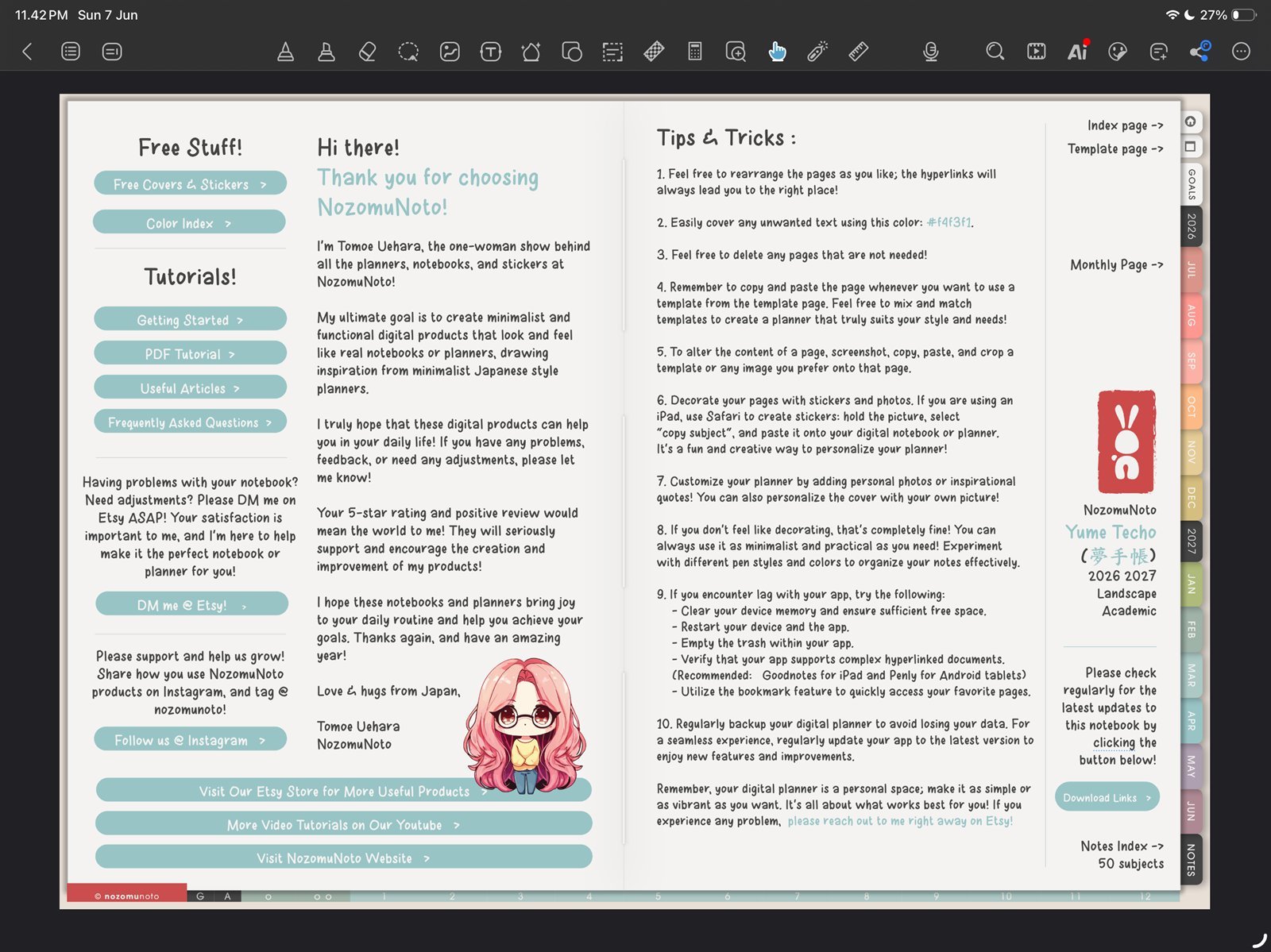
Hand tool firstUse the hand tool before tapping the NozomuNoto Index. Product shown: Yume Techo Academic 26-27 Landscape. - Go to the NozomuNoto Index page or tap the printed Index tab inside the planner.
- Tap the linked section, month, template group, or planner area you want to open.
- Open the Kilonotes page / navigation panel when you want page thumbnails or outline entries.
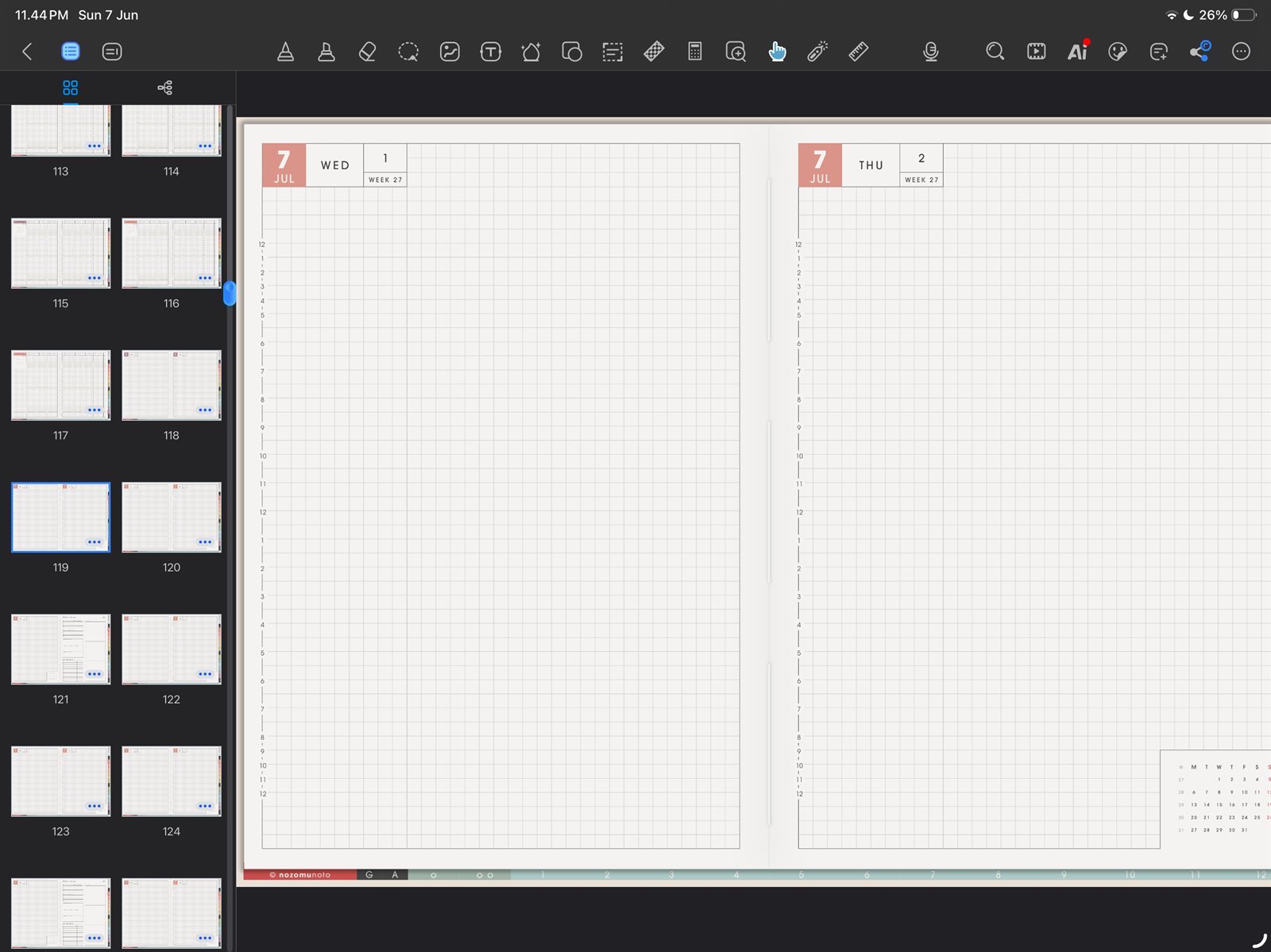
Page thumbnailsUse page thumbnails when you want a visual map of the planner. Product shown: Yume Techo Academic 26-27 Landscape. - Create a custom outline bookmark for Index, current month, or current week if you return to those pages every day.
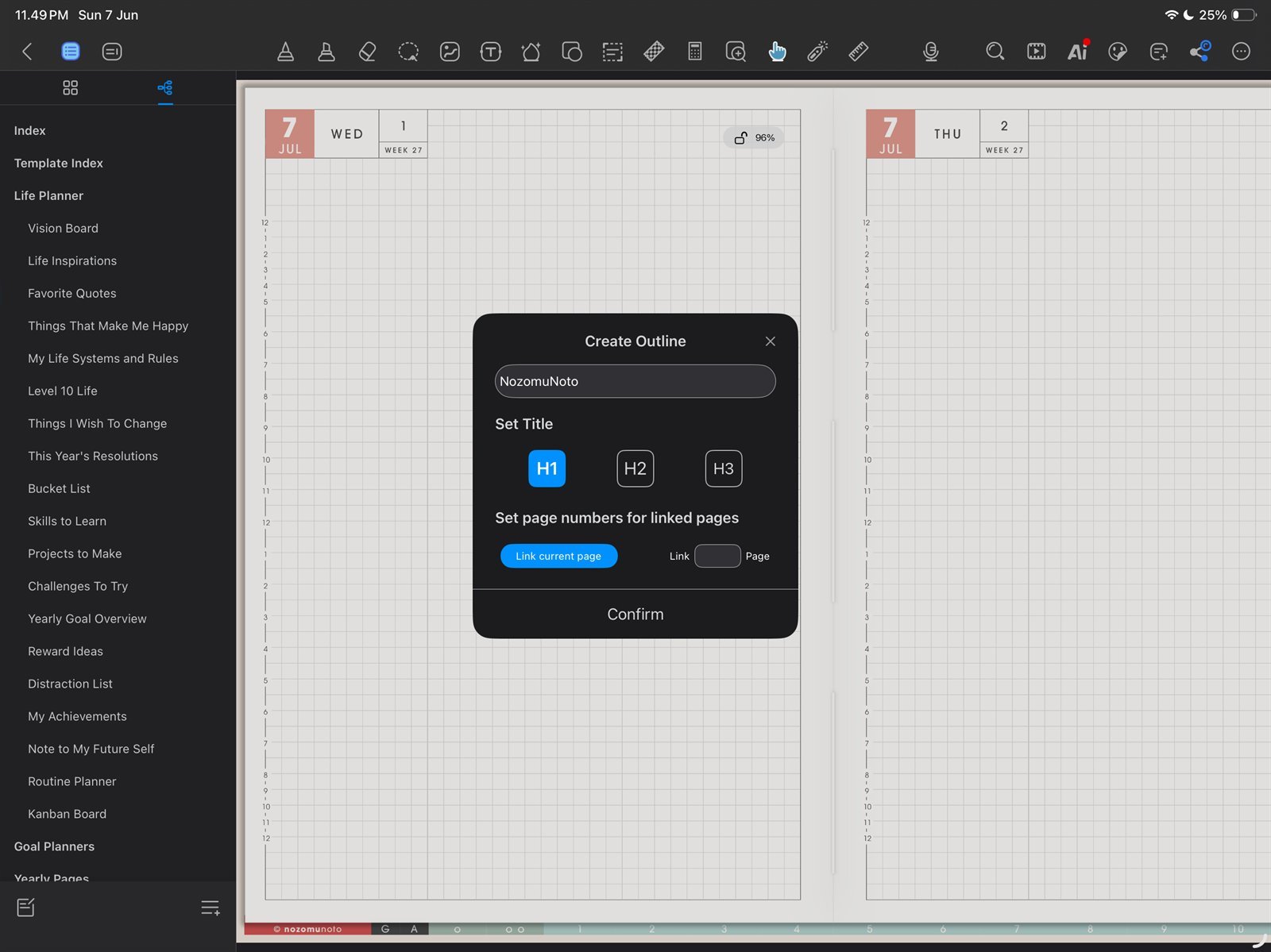
Custom outlineCreate a custom outline entry for Index, current month, or current week. Product shown: Yume Techo Academic 26-27 Landscape.