

Use these steps to work with NozomuNoto PDF planners, notebooks, stickers, covers, and template pages in Kilonotes. The official links below are for downloads, updates, and current help pages.
Reference links
Use these for current app or device help, downloads, updates, vendor support, and manual references.
Small Kilonotes habits that prevent confusion
- Use the Kilonotes library to reopen the same imported planner instead of importing the same PDF again and again.
- Use the hand / navigation tool for planner tabs and links.
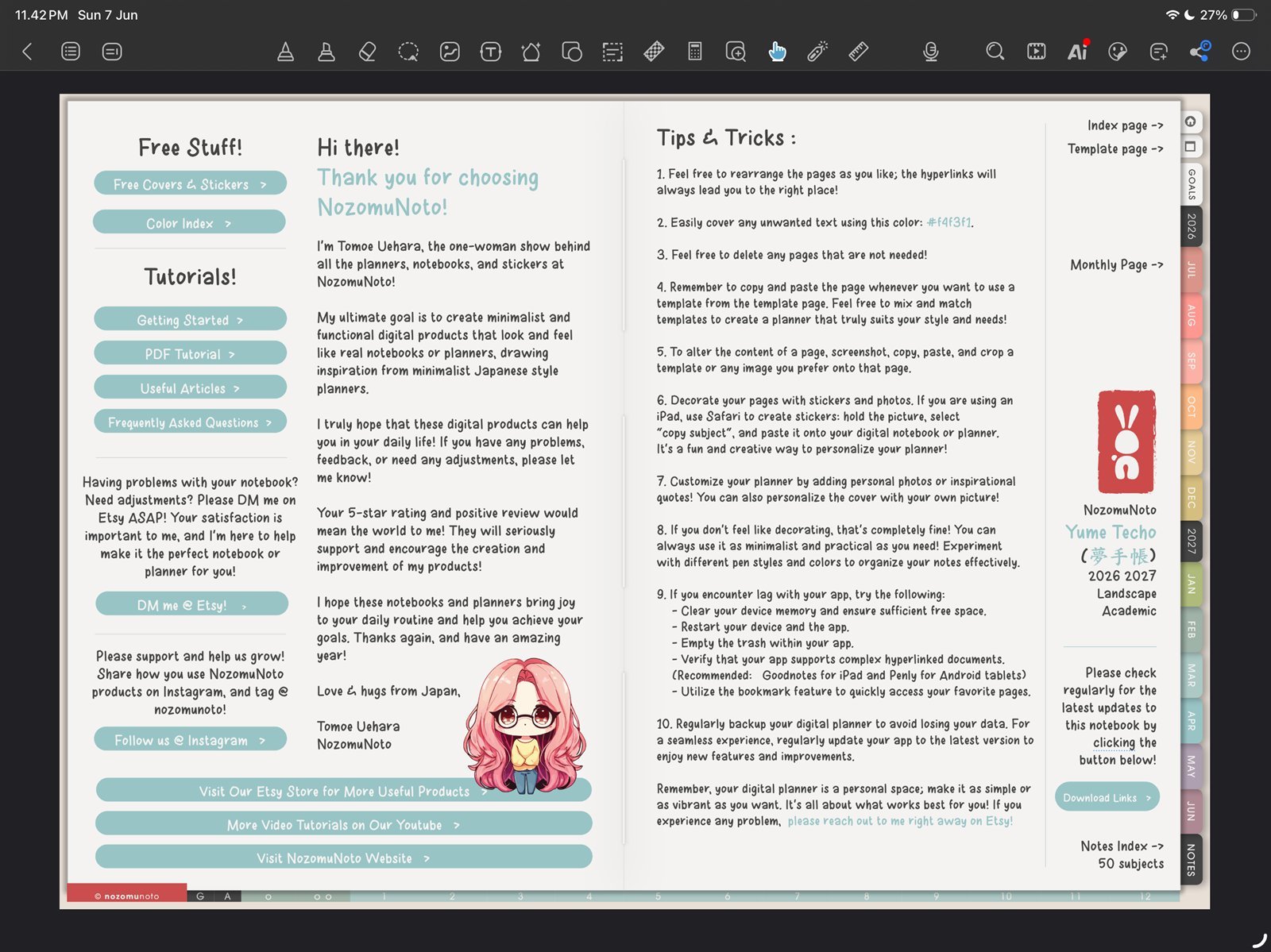
Use the hand toolUse the hand tool for links and tabs, then switch back to writing tools. Product shown: Yume Techo Academic 26-27 Landscape. - Use page thumbnails when you need to find, copy, or add pages.
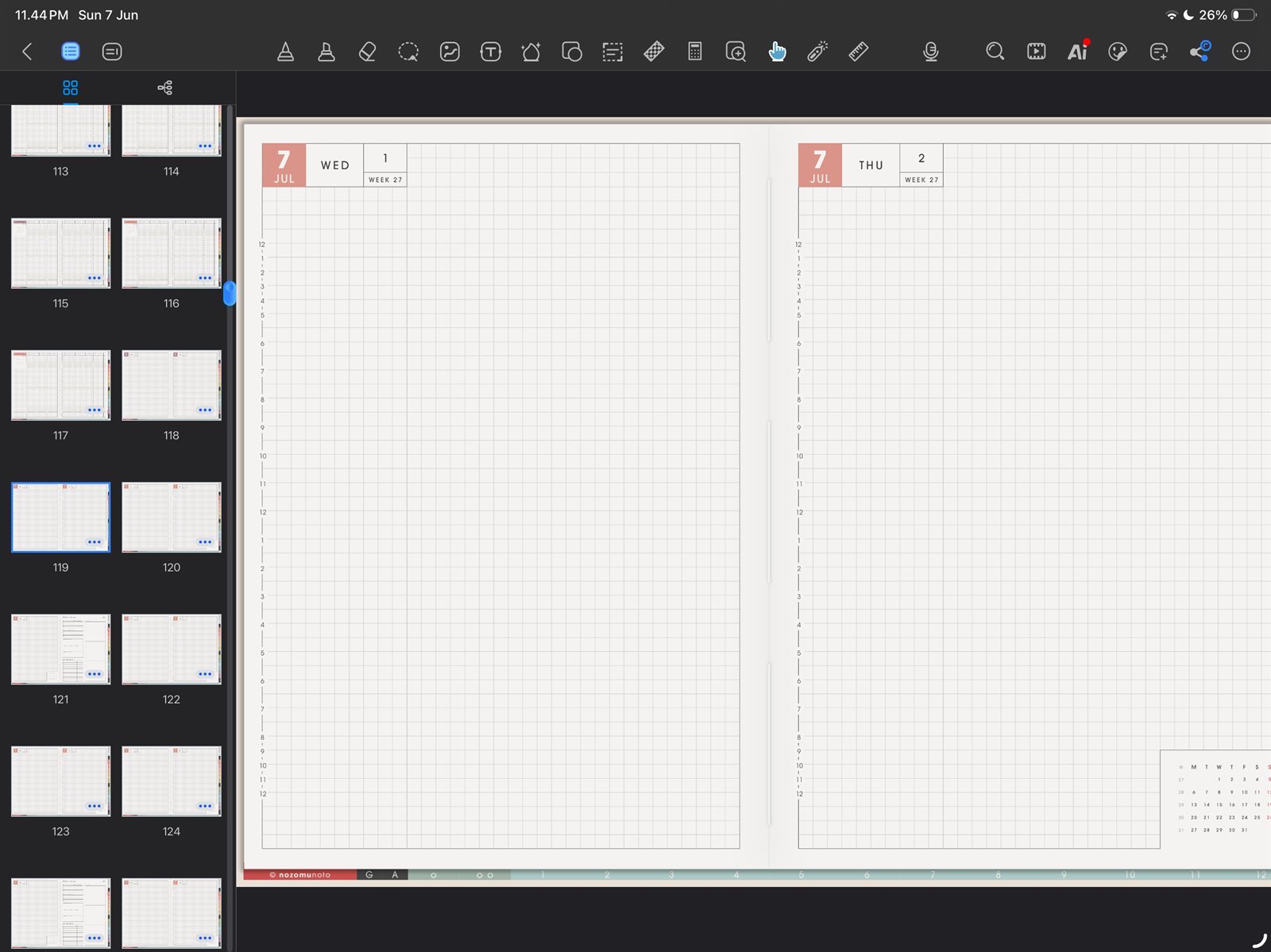
Use thumbnails for page workUse thumbnails when you need to find, copy, or add pages. Product shown: Yume Techo Academic 26-27 Landscape. - Use custom outline bookmarks for pages you visit every day.
- Keep page copying for template pages unless you are comfortable testing links after page changes.
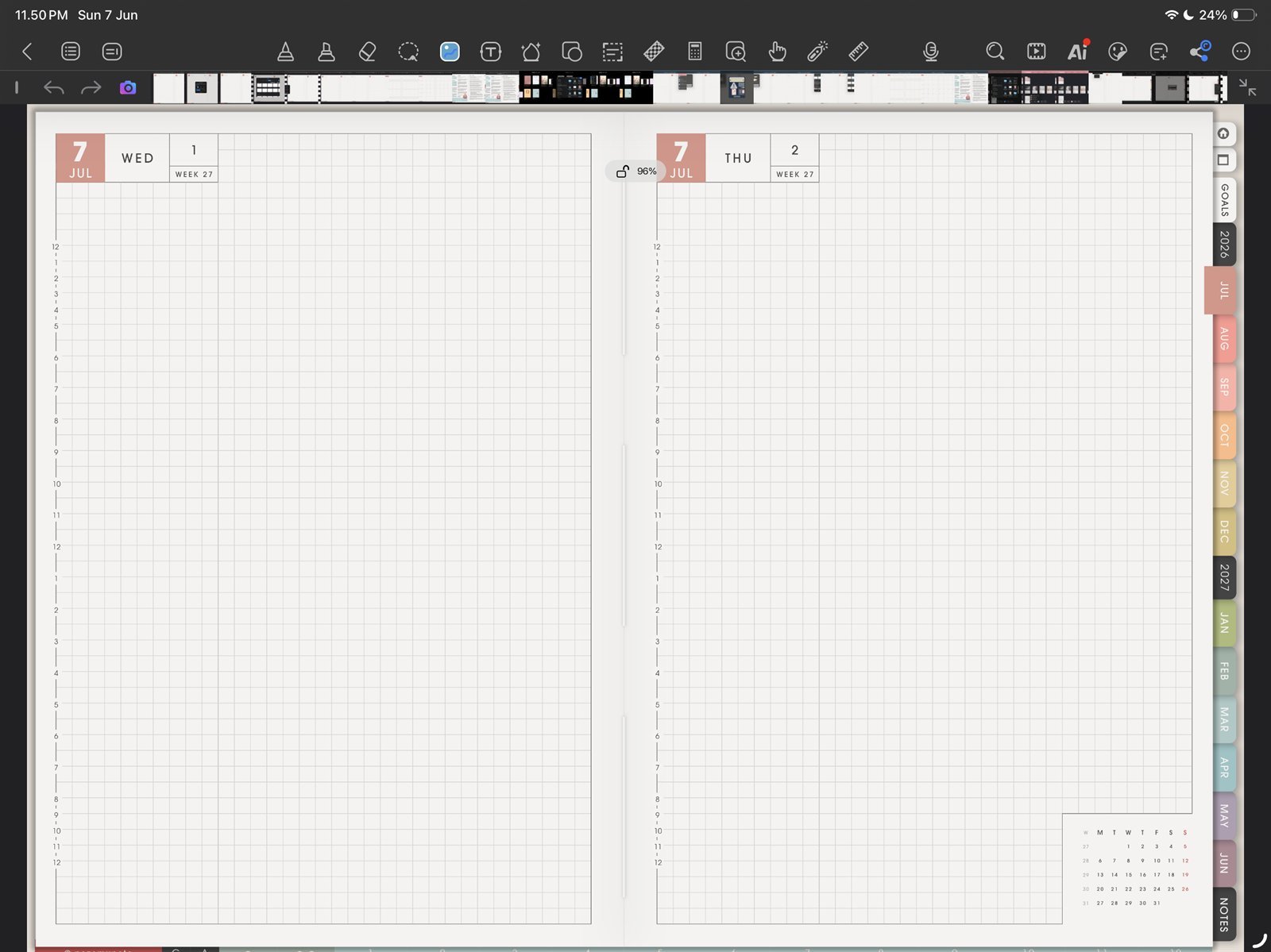
Keep images lightInsert one image test before adding many stickers. Product shown: Yume Techo Academic 26-27 Landscape.