

Use these steps to work with NozomuNoto PDF planners, notebooks, stickers, covers, and template pages in Penly. The official links below are for downloads, updates, and current help pages.
Reference links
Use these for current app or device help, downloads, updates, vendor support, and manual references.
Keep important pages easy to find in Penly
- Use the NozomuNoto index page as the main bookmark for the planner.
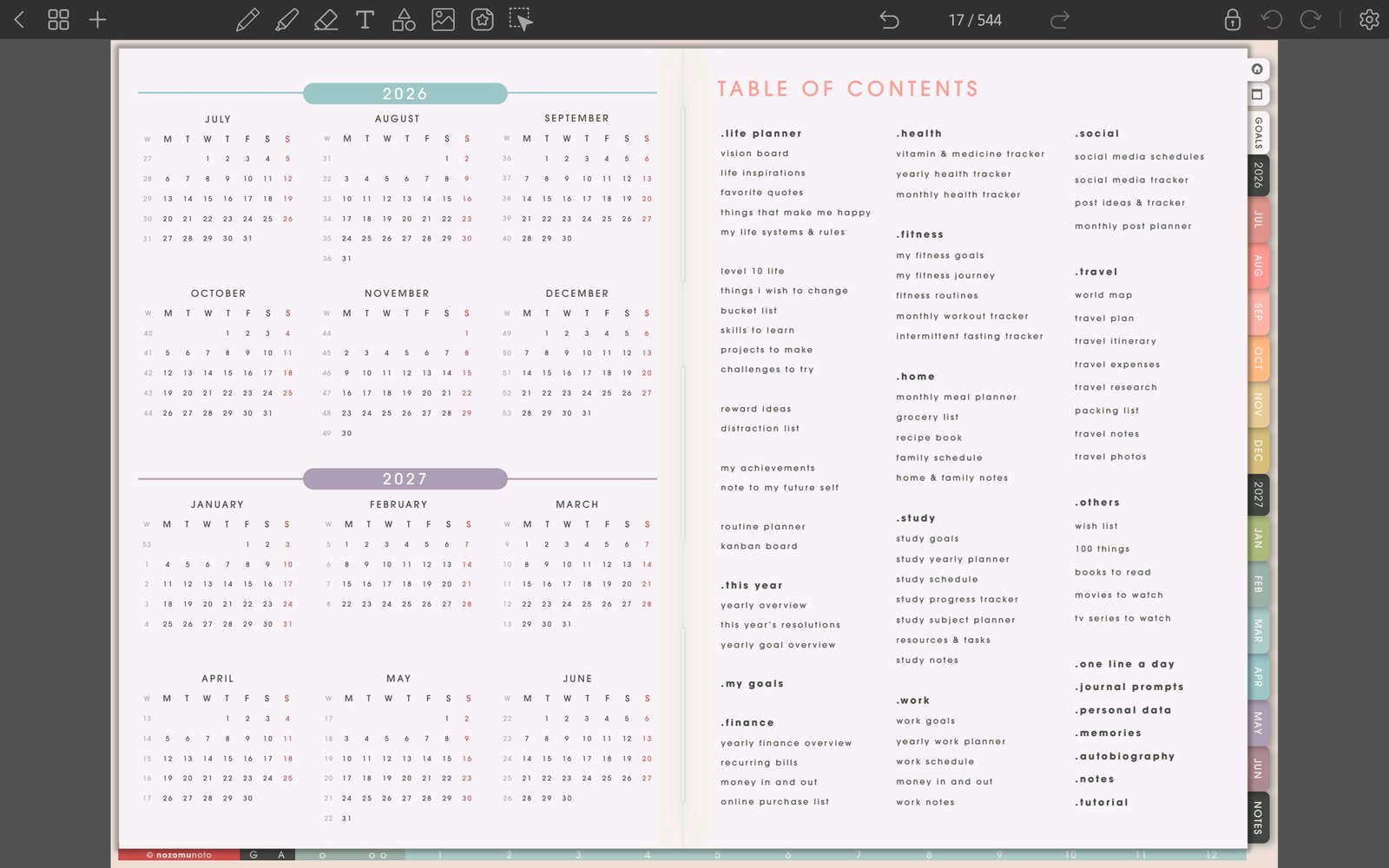
Full planner navigation screenFull screen view first, then use the cropped highlight below to see the exact area. 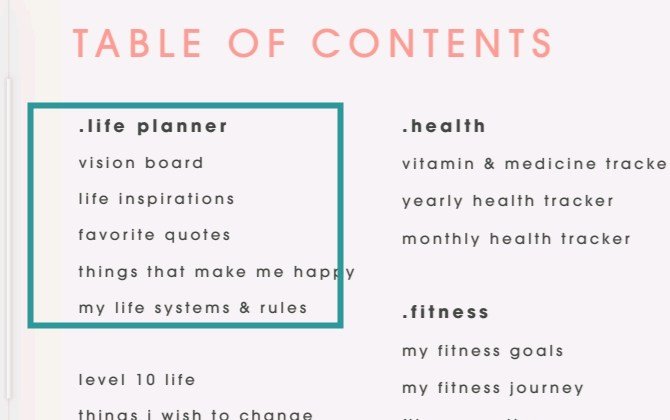
Index as home baseUse the NozomuNoto index or table of contents as the main return point. - Use the page overview icon when you need to jump visually by thumbnail.
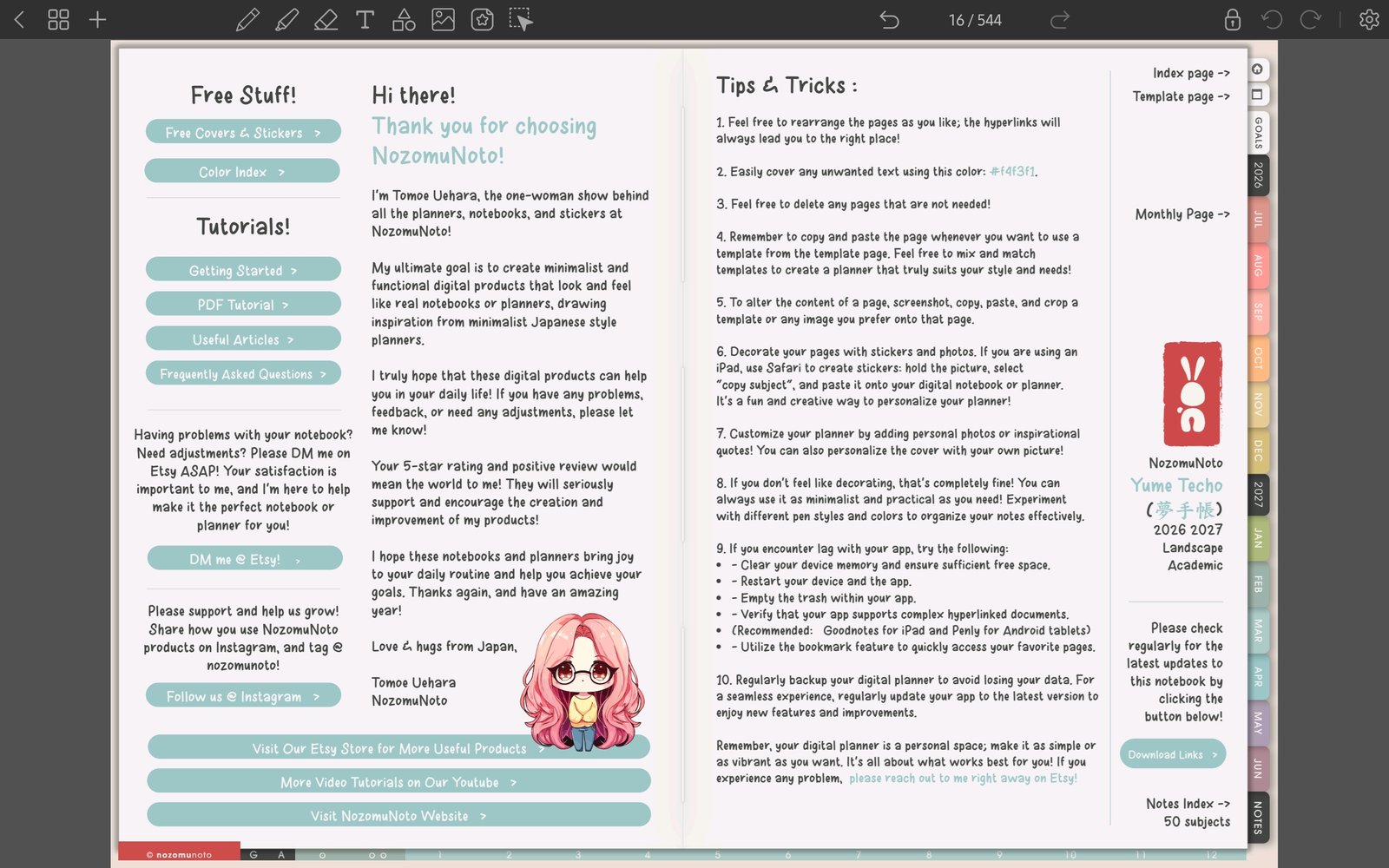
Full Penly toolbar screenFull screen view first, then use the cropped highlight below to see the exact area. 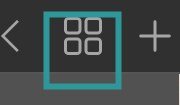
Page overview iconUse the grid icon when you need to jump visually by thumbnail. - Keep the pages you open most often simple: Index, current month, current week, today, and one notes or template page.
- If Penly opens the document where you left off, use that together with the index instead of making too many saved places.
- Review your quick-access pages once a month and remove any page you no longer use.
Notes
- Simple setup: For everyday use, the fastest Penly setup is usually Index, current Monthly, current Weekly, Today, and one Notes page. Add more shortcuts only after those feel natural.
- If bookmarks become crowded, keep only Index, current month, current week, and pages you reopen often.