

Use these steps to work with NozomuNoto PDF planners, notebooks, stickers, covers, and template pages in Penly. The official links below are for downloads, updates, and current help pages.
Reference links
Use these for current app or device help, downloads, updates, vendor support, and manual references.
Small Penly habits that help
- Use the same imported planner from My Notes instead of importing many duplicate copies.
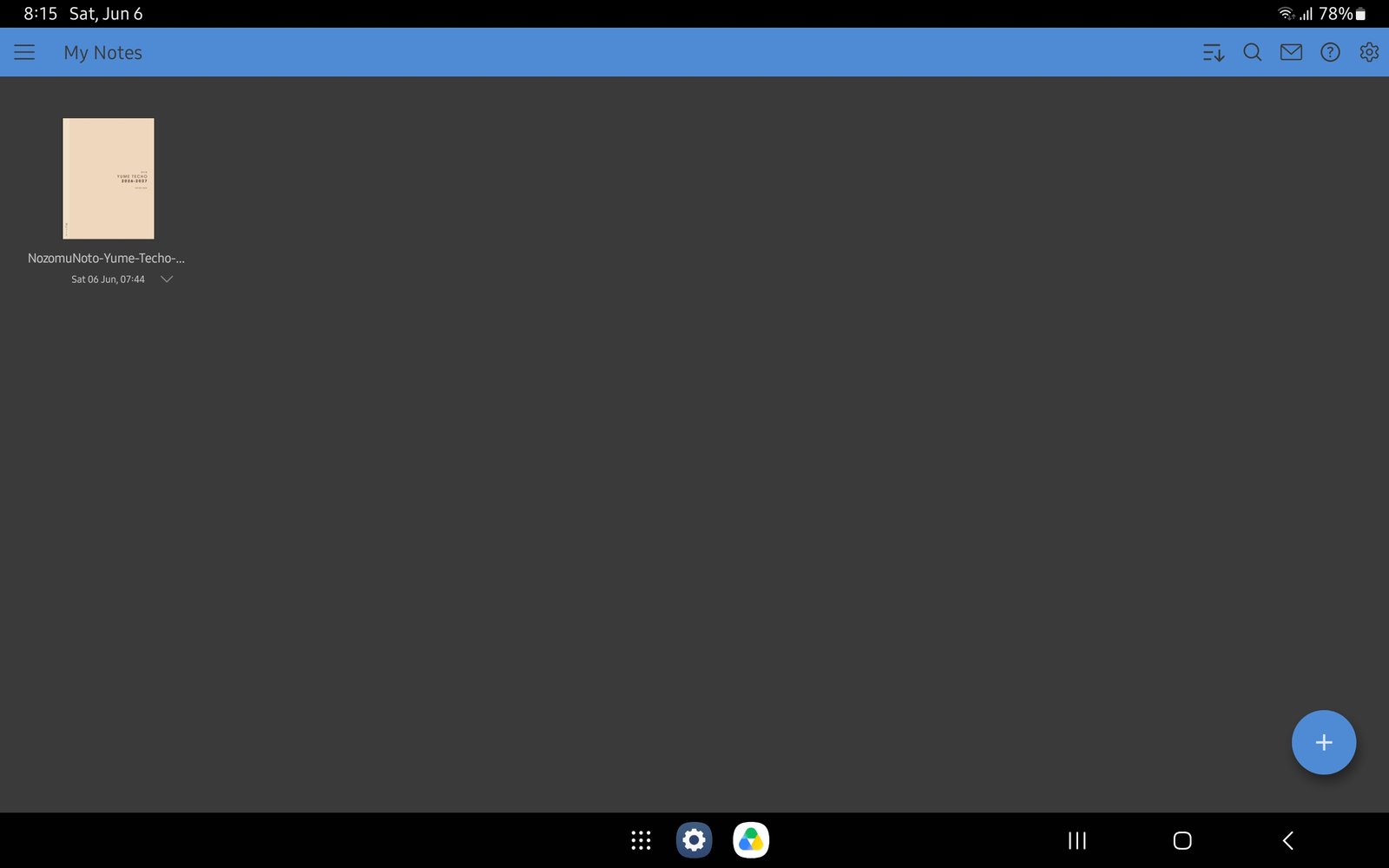
Full Penly library screenFull screen view first, then use the cropped highlight below to see the exact area. 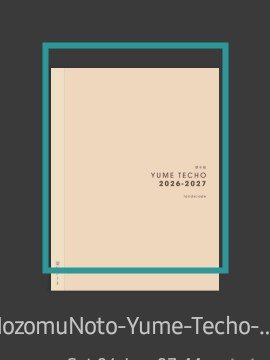
Use the same planner copyReopen the same imported planner from My Notes instead of creating duplicate copies. - Use the NozomuNoto Index as the main map when the planner feels big.
- Use the page overview grid before copying, moving, deleting, or exporting pages.
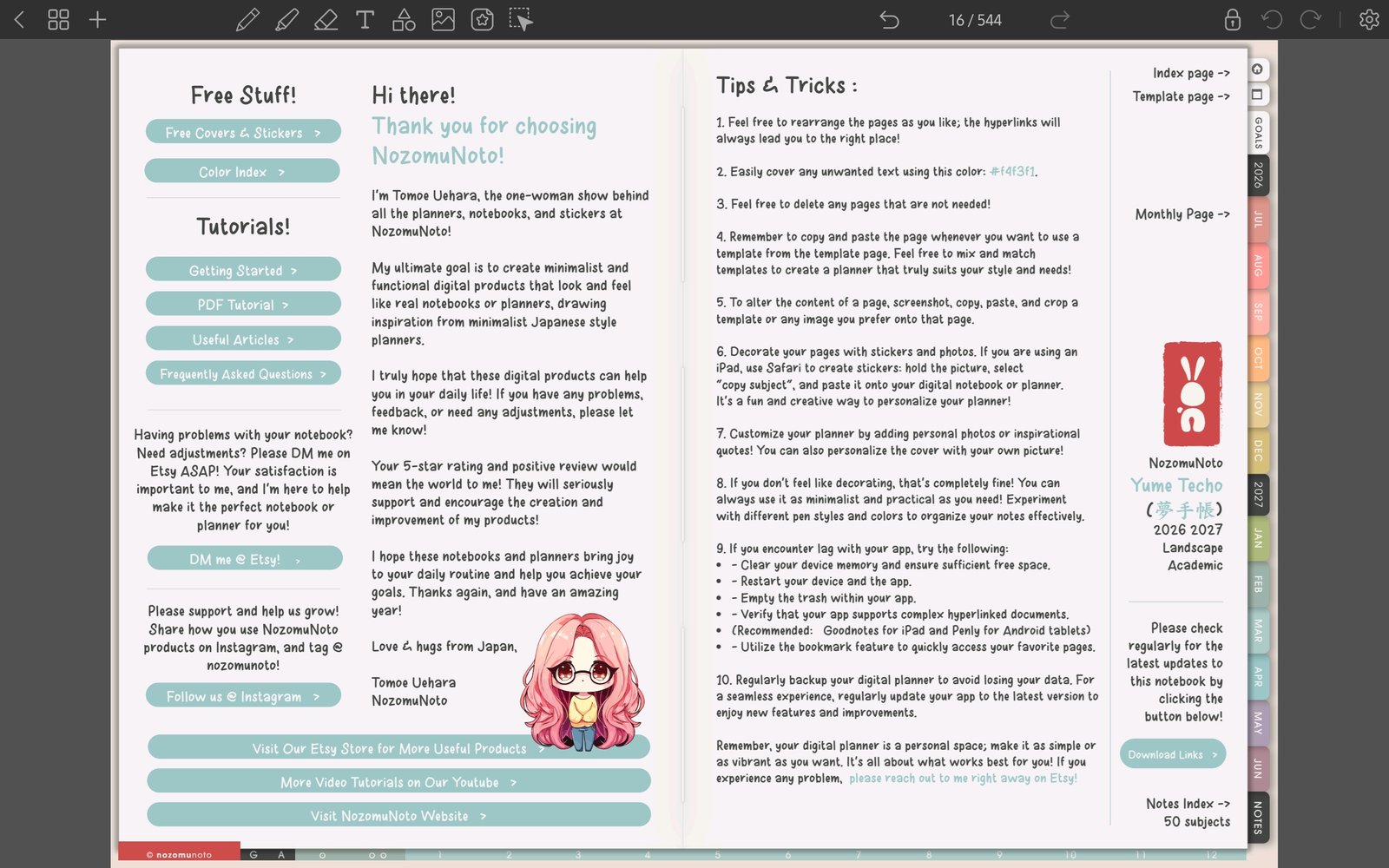
Full Penly toolbar screenFull screen view first, then use the cropped highlight below to see the exact area. 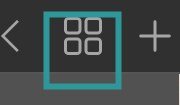
Use page overviewTap the grid icon before copying, moving, deleting, or exporting pages. - Keep page copying for reusable NozomuNoto template pages unless you are comfortable testing links afterward.
- Use one small PNG sticker or image test before decorating many pages.
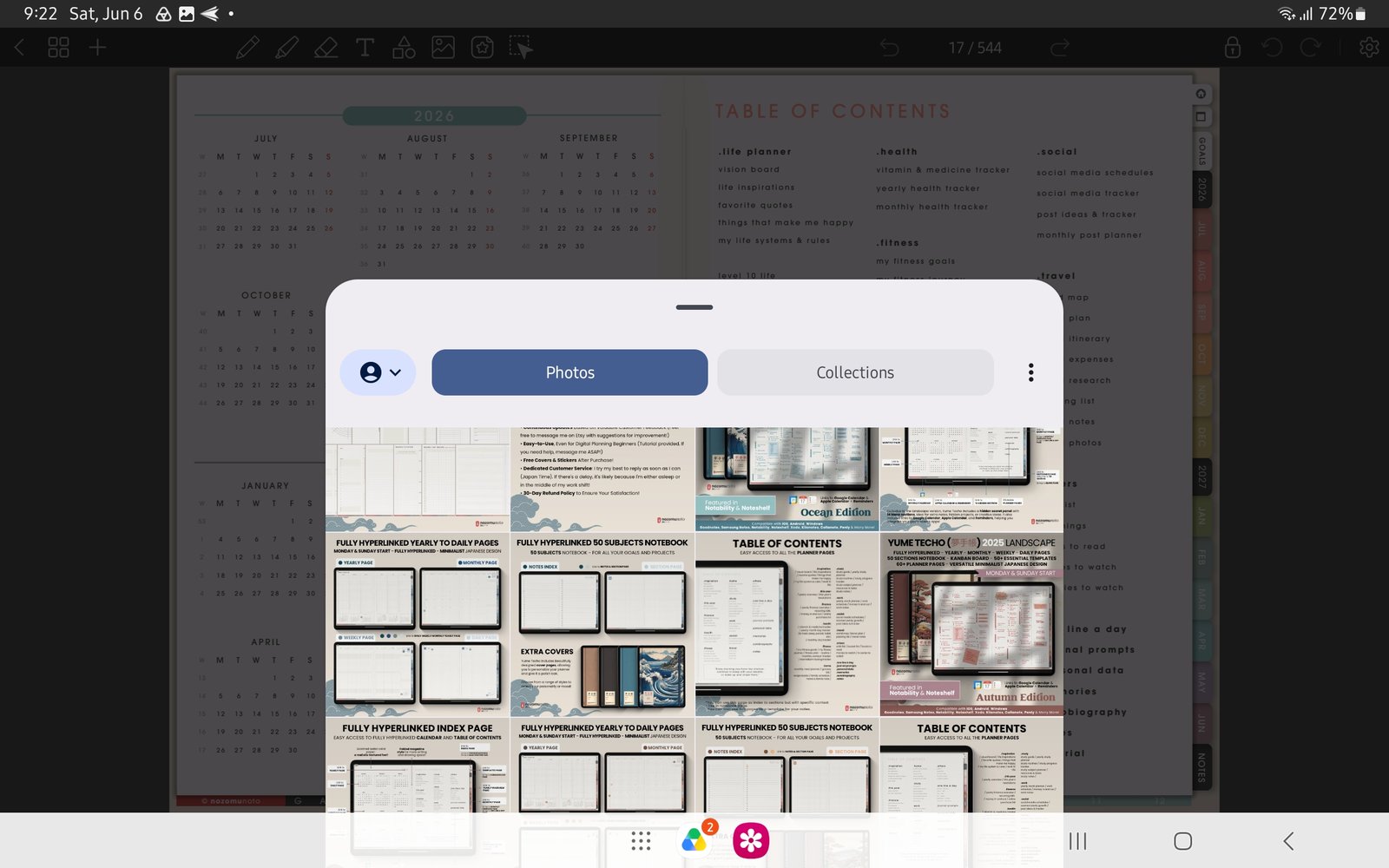
Full image import screenFull screen view first, then use the cropped highlight below to see the exact area. 
Test one stickerUse one small PNG image test before decorating many pages. - Keep the original NozomuNoto PDF outside Penly so you can restart cleanly when experiments get messy.
Notes
- Best Penly rhythm: Penly is strongest when it stays simple: one planner copy, Index for navigation, page overview for page work, and small sticker tests before heavy decorating.
- If the app starts to feel heavy, return to import, links, page navigation, and one small test page first.