

Use these steps to work with NozomuNoto PDF planners, notebooks, stickers, covers, and template pages in Xodo. The official links below are for downloads, updates, and current help pages.
Reference links
Use these for current app or device help, downloads, updates, vendor support, and manual references.
Small Xodo habits that prevent confusion
- Use View for planner navigation and switch modes only when you need a tool.
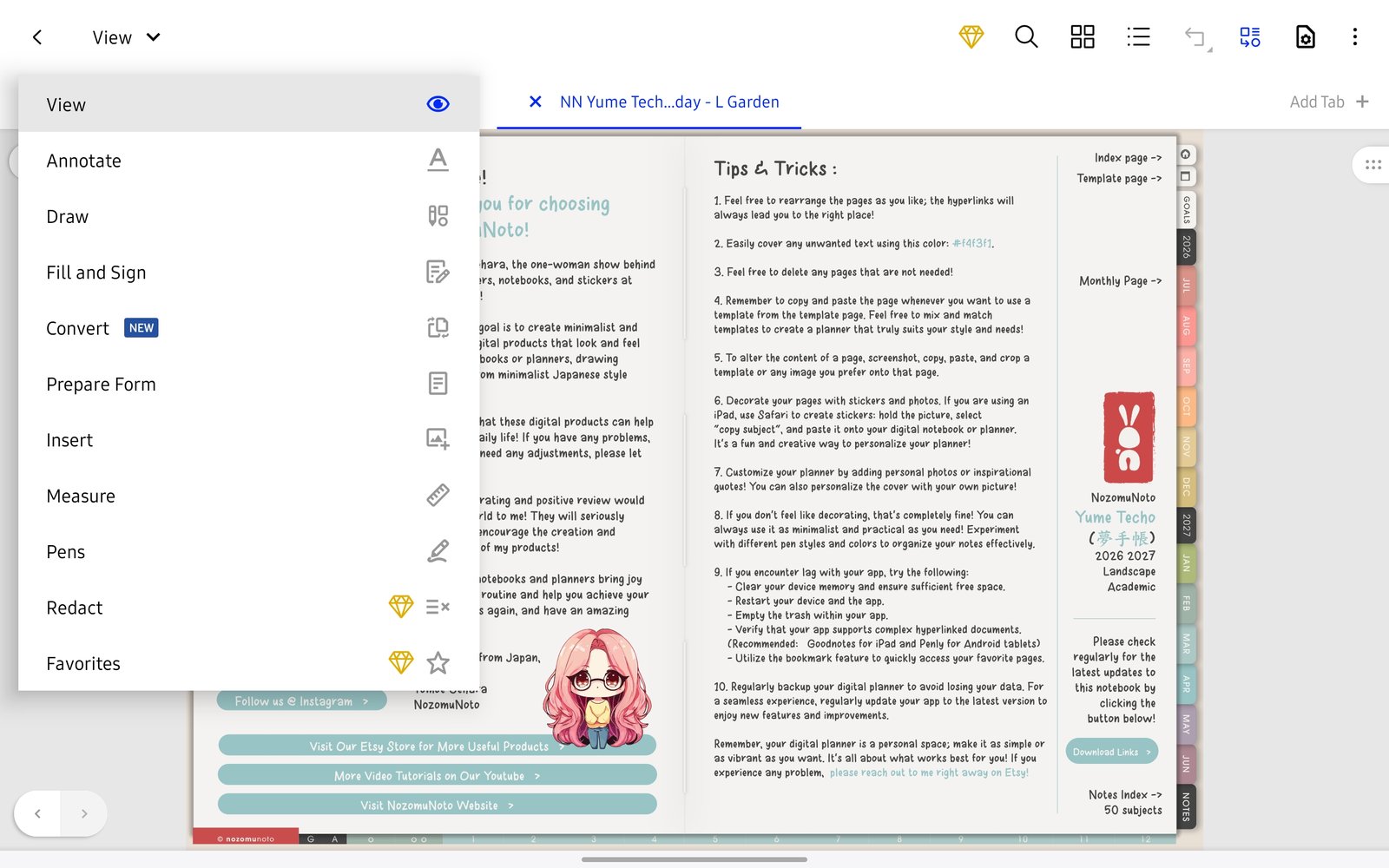
Mode selectorUse View for navigation, then switch tools only when you need to edit. Product shown: Yume Techo Academic 26-27 Landscape. - Use Files and Recent to reopen the planner instead of importing the same PDF many times.
- Use the Pages grid when you need thumbnails, template copies, or page actions.
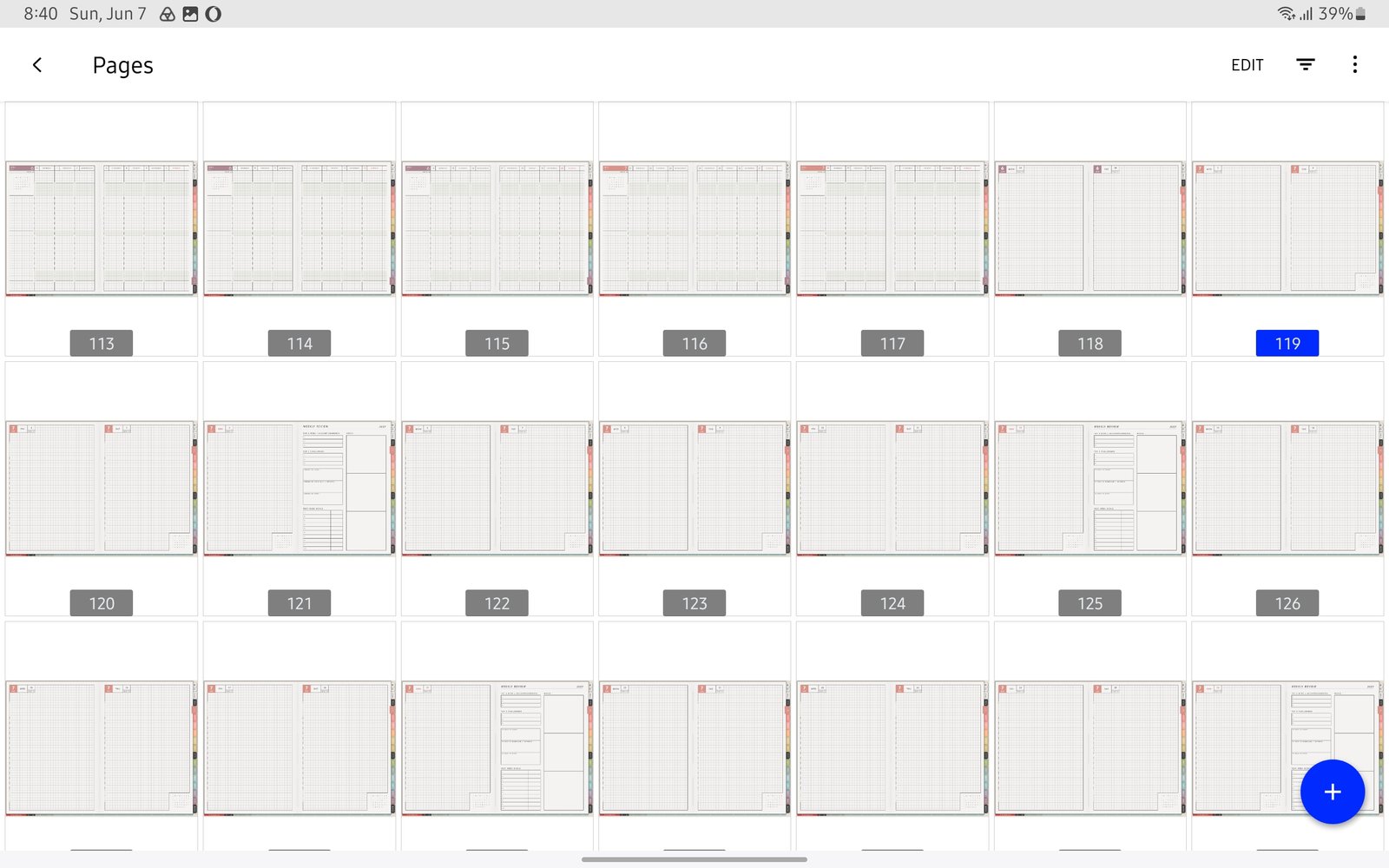
Pages gridUse Pages when you need thumbnails, page actions, or template copies. Product shown: Yume Techo Academic 26-27 Landscape. - Use the Bookmarks panel for pages you return to often.
- Keep the original NozomuNoto PDF outside Xodo so you can restart if a page edit gets messy.