

Reference links
Use these for current app or device help, downloads, updates, vendor support, and manual references.
Use PDF navigation on reMarkable
- Open the PDF planner.
- Tap Page overview to jump by thumbnail.
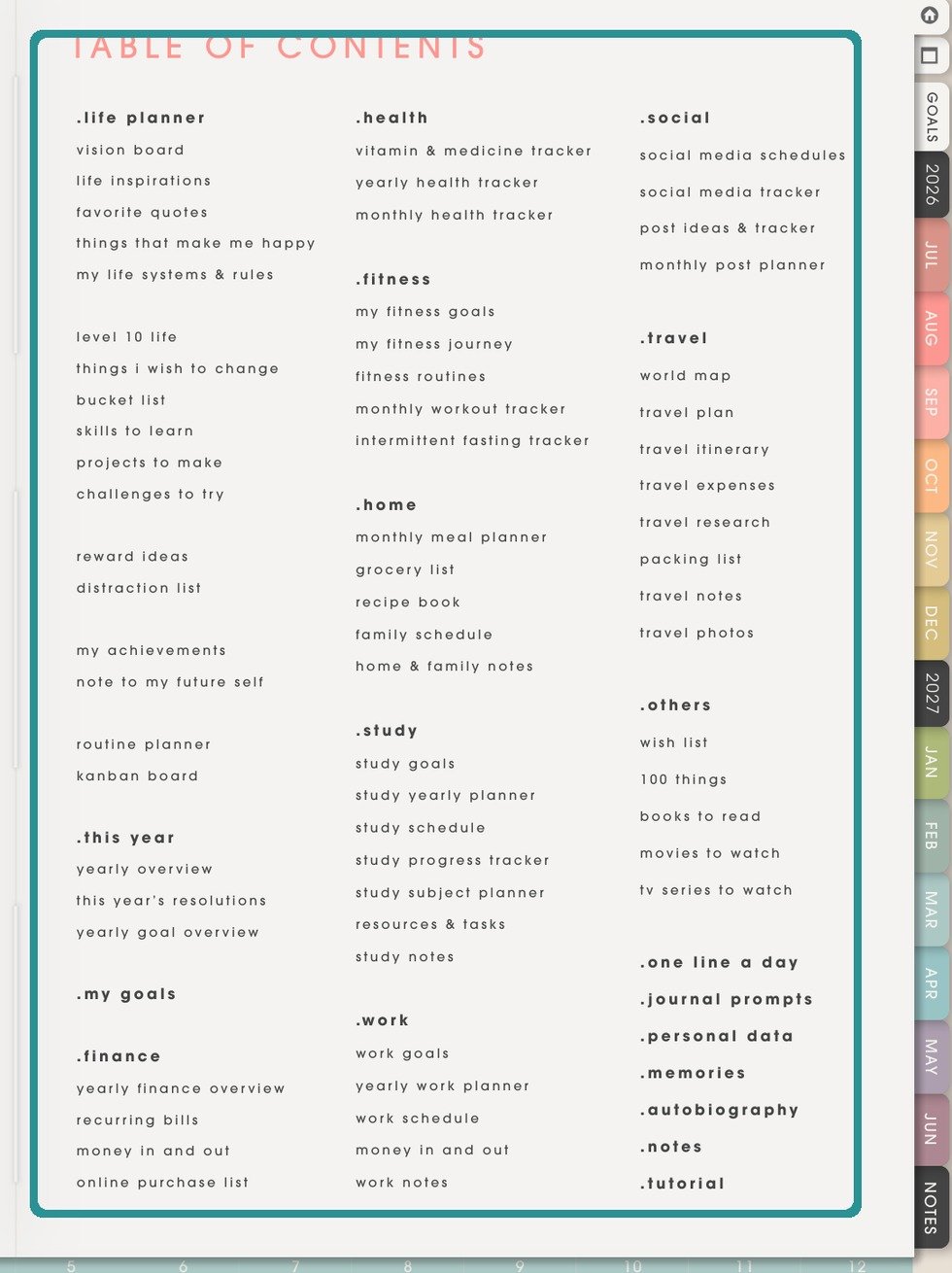
NozomuNoto Index pageUse the printed NozomuNoto Index page as the planner map, then use reMarkable page overview or Quick browse to move around. - Swipe left or right to turn pages.
- Use NozomuNoto index pages and printed page labels inside the planner as the main navigation.
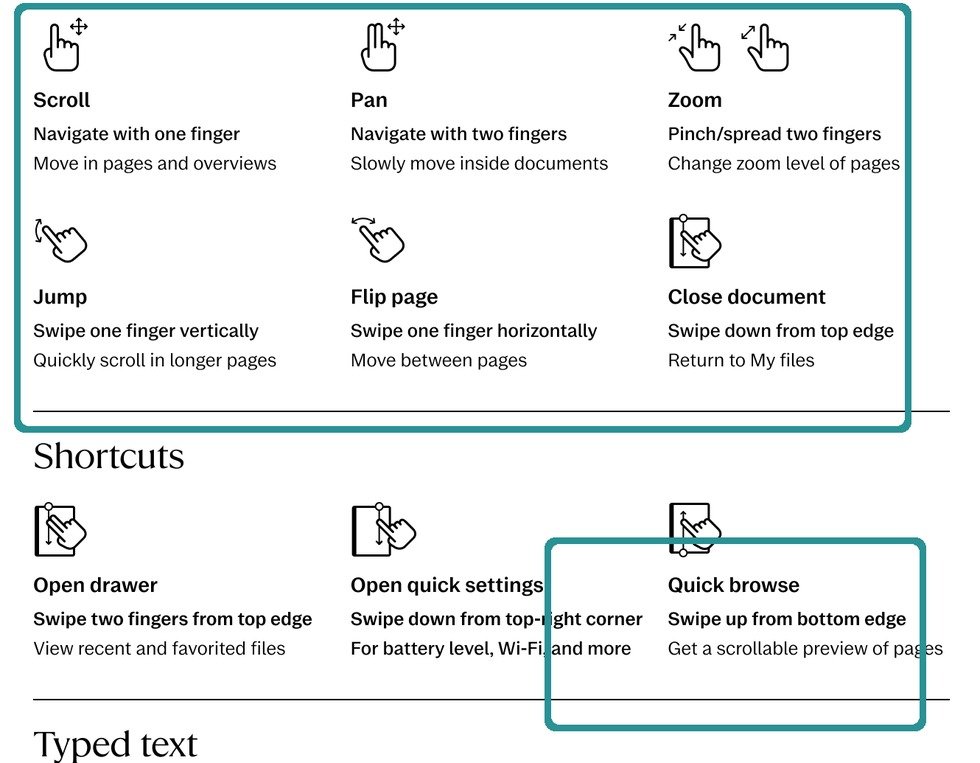
Quick browseQuick browse is a reMarkable navigation shortcut, not a NozomuNoto page. - This reMarkable guide does not rely on tappable PDF links. Use Page overview, quick browse, printed planner tabs or labels, and page numbers as the dependable navigation path.