

Use these steps to work with NozomuNoto PDF planners, notebooks, stickers, covers, and template pages in Kilonotes. The official links below are for downloads, updates, and current help pages.
Reference links
Use these for current app or device help, downloads, updates, vendor support, and manual references.
A good first Kilonotes planner setup on iPad
- Import one clean NozomuNoto PDF through Create > Import.
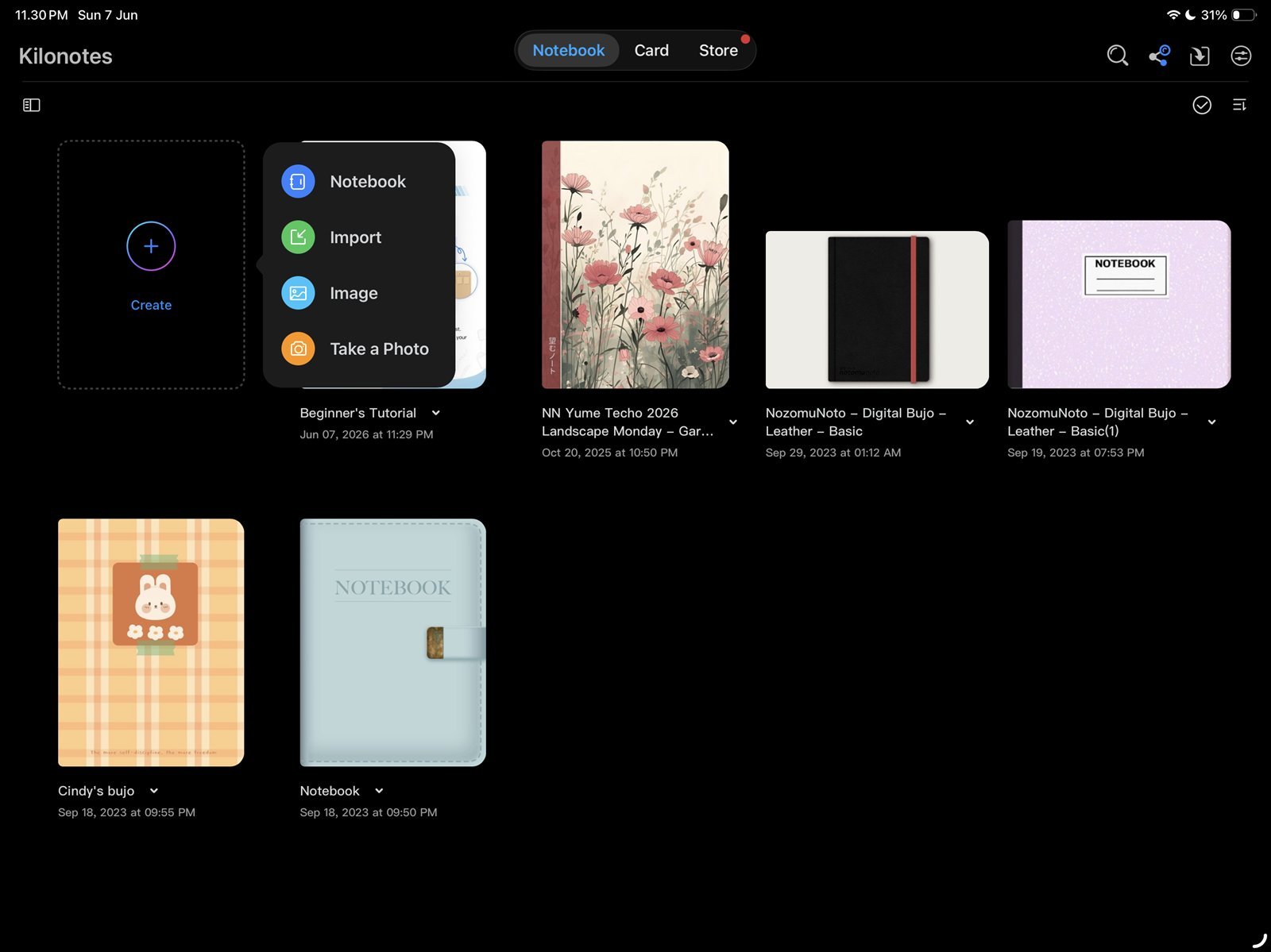
Import firstStart with one clean imported planner copy. Product shown: Yume Techo Academic 26-27 Landscape. - Open the planner and switch to the hand / navigation tool.
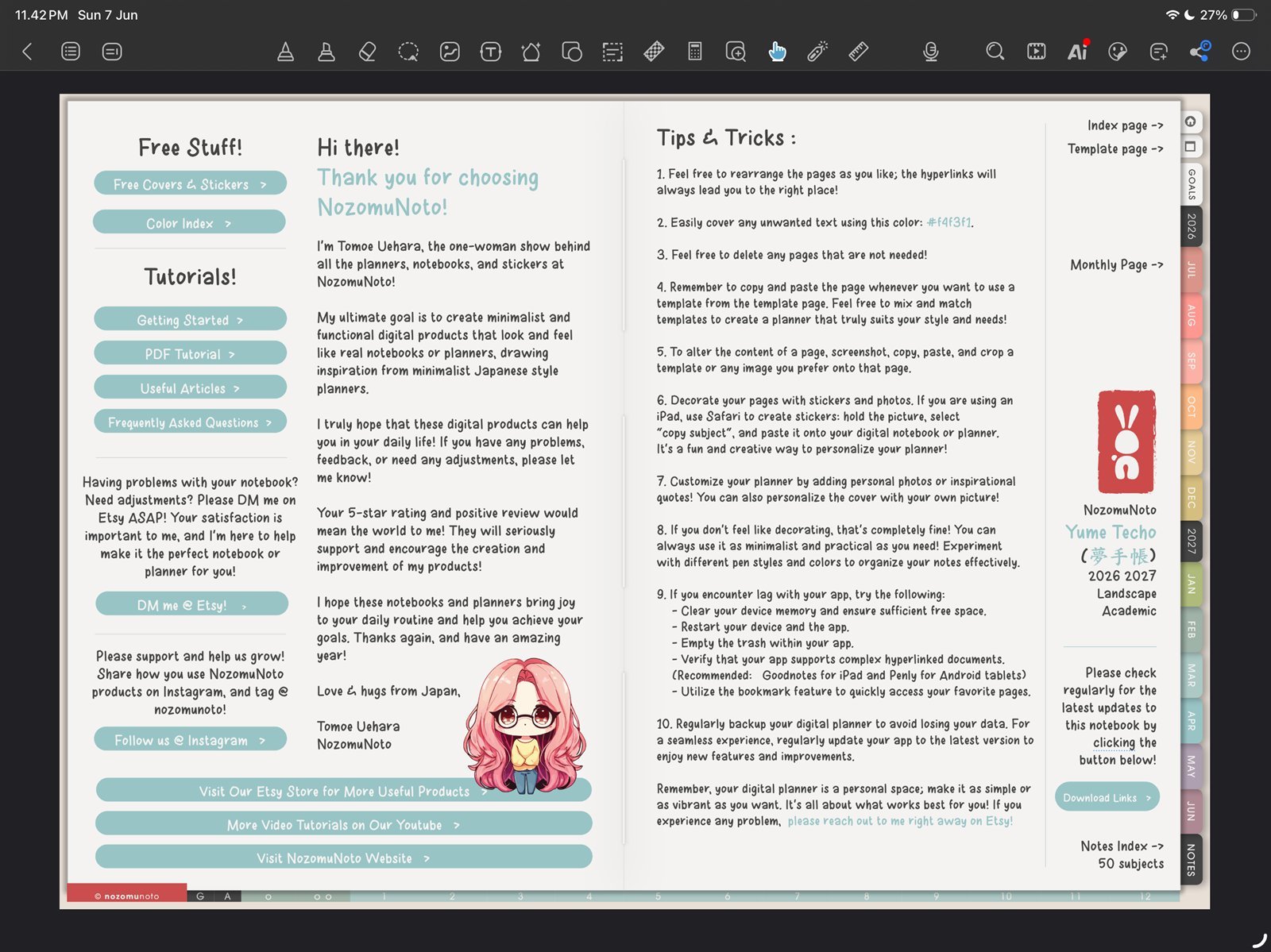
Test linksUse the hand tool before testing month, week, and daily links. Product shown: Yume Techo Academic 26-27 Landscape. - Test one month tab, one weekly link, and one daily link before writing heavily.
- Open page thumbnails and test copying one clean template page with Copy Page.
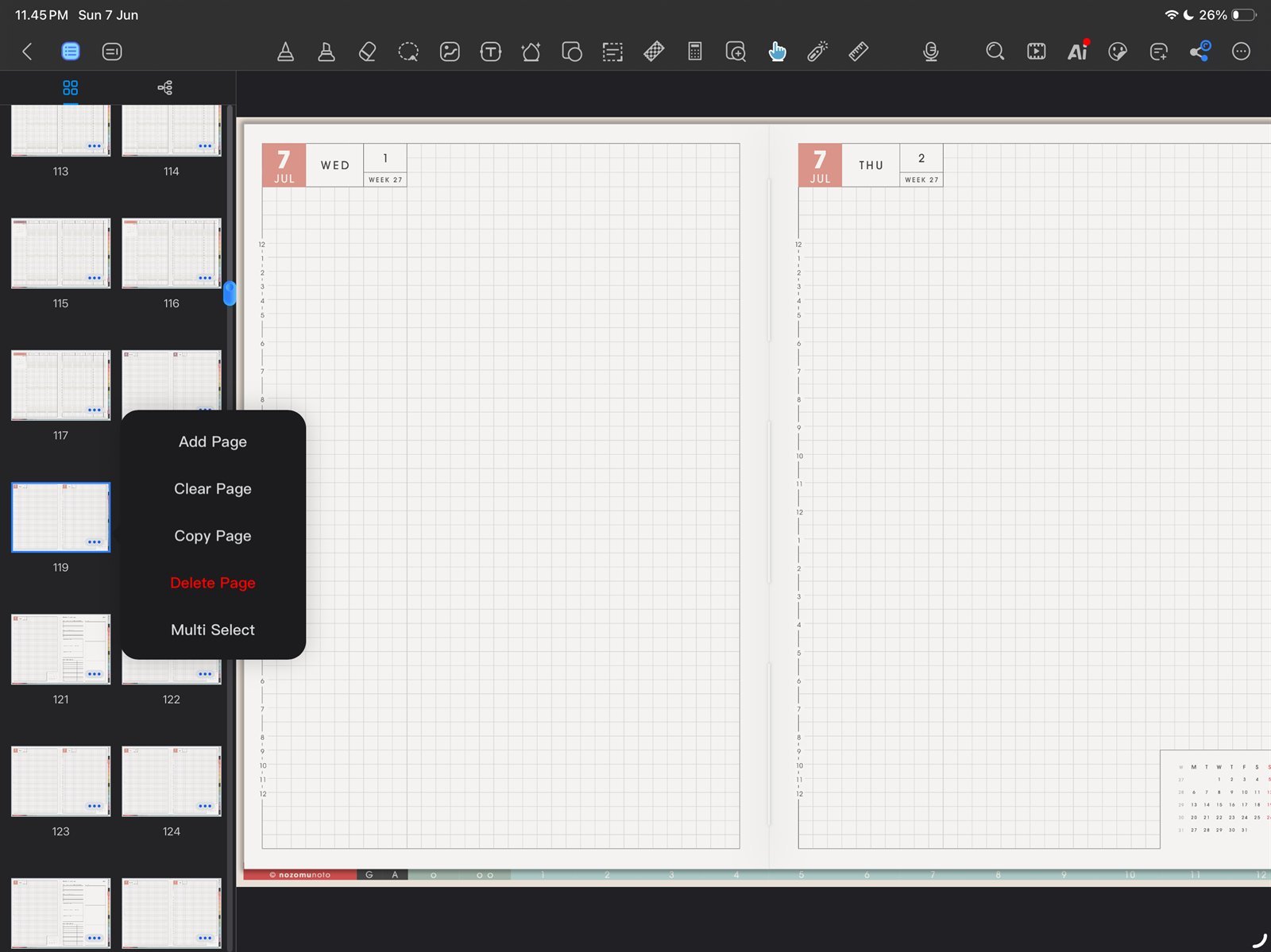
Copy one templateTest Copy Page once on a clean template page. Product shown: Yume Techo Academic 26-27 Landscape. - Create one custom outline bookmark for Index or the current month.
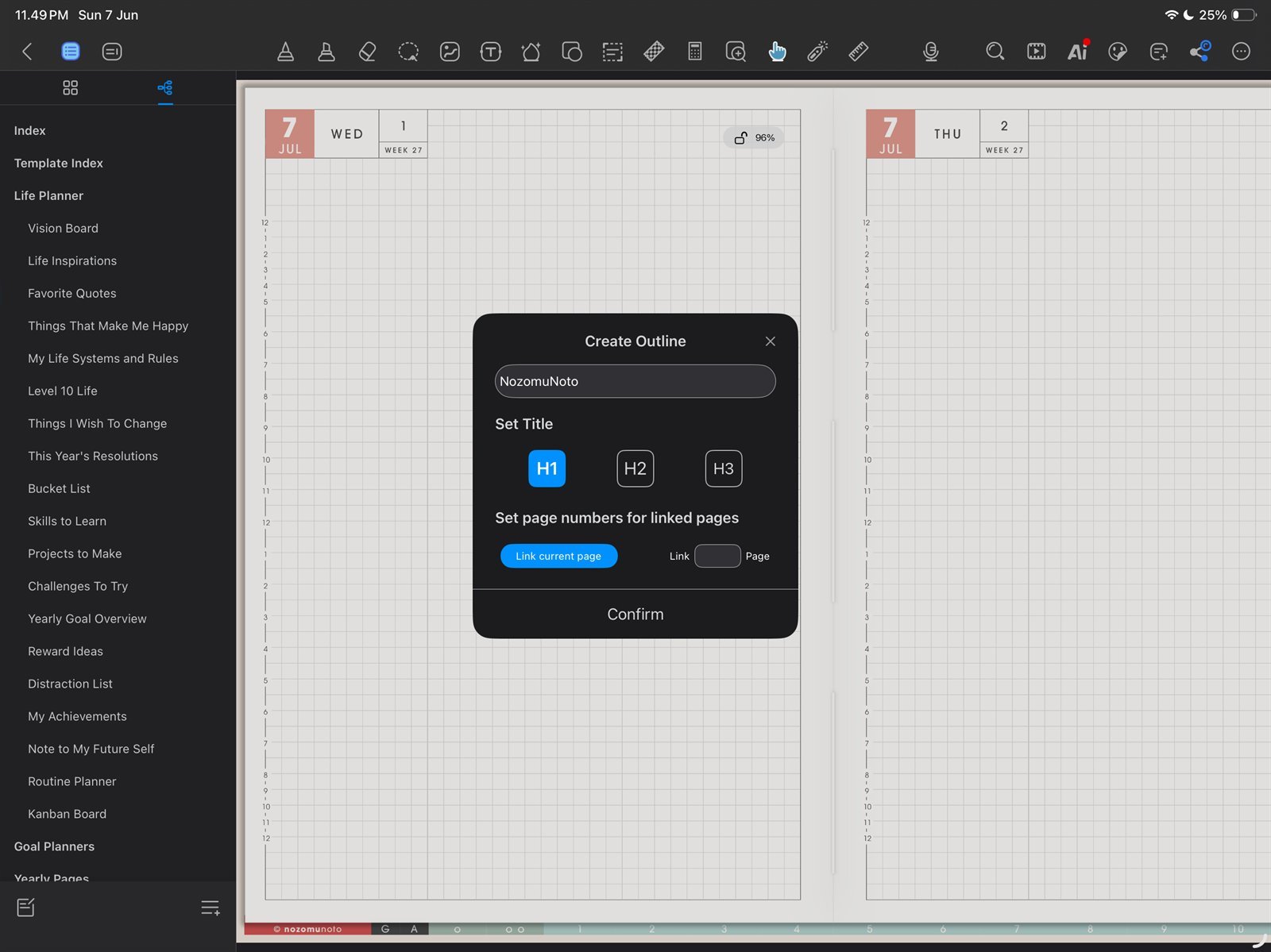
Create one outline shortcutSave one return point before making many shortcuts. Product shown: Yume Techo Academic 26-27 Landscape. - Insert one small PNG sticker or image as a test.
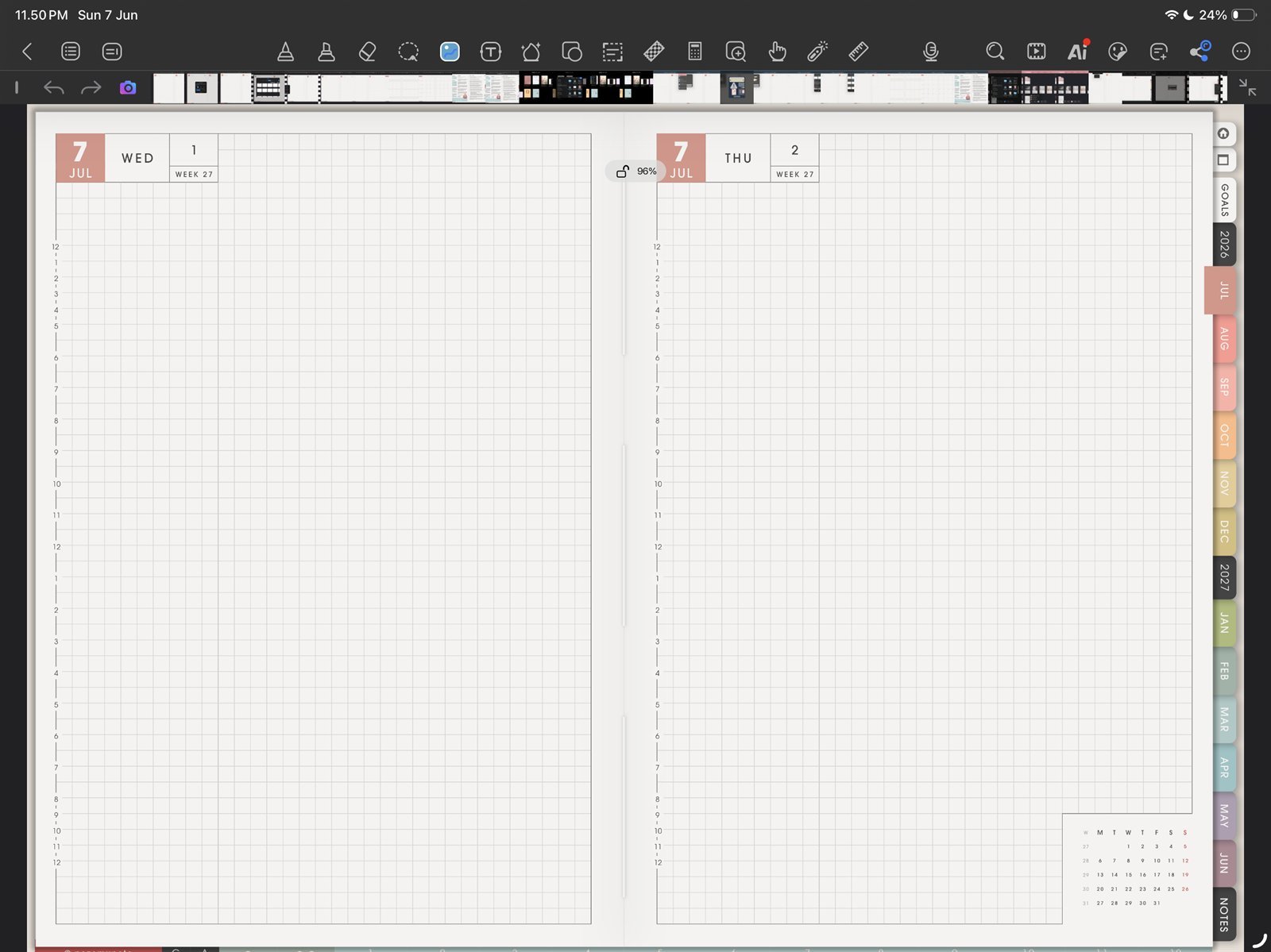
Insert one imageTry one PNG sticker or image before decorating many pages. Product shown: Yume Techo Academic 26-27 Landscape.
Notes
- Good first Kilonotes setup: Kilonotes works best when the first setup stays small: import, link test, page thumbnail test, custom bookmark, and one image test. After those work, the planner is ready for normal use.
- If the full planner feels too big, use only Index, current month, current week, and one notes or template page for the first week.