

Use these steps to work with NozomuNoto PDF planners, notebooks, stickers, covers, and template pages in Penly. The official links below are for downloads, updates, and current help pages.
Reference links
Use these for current app or device help, downloads, updates, vendor support, and manual references.
Set up your first NozomuNoto planner in Penly
- Import one clean working copy of the NozomuNoto PDF into Penly.
- Open the index and test one month tab, one week or day link, and one template link.
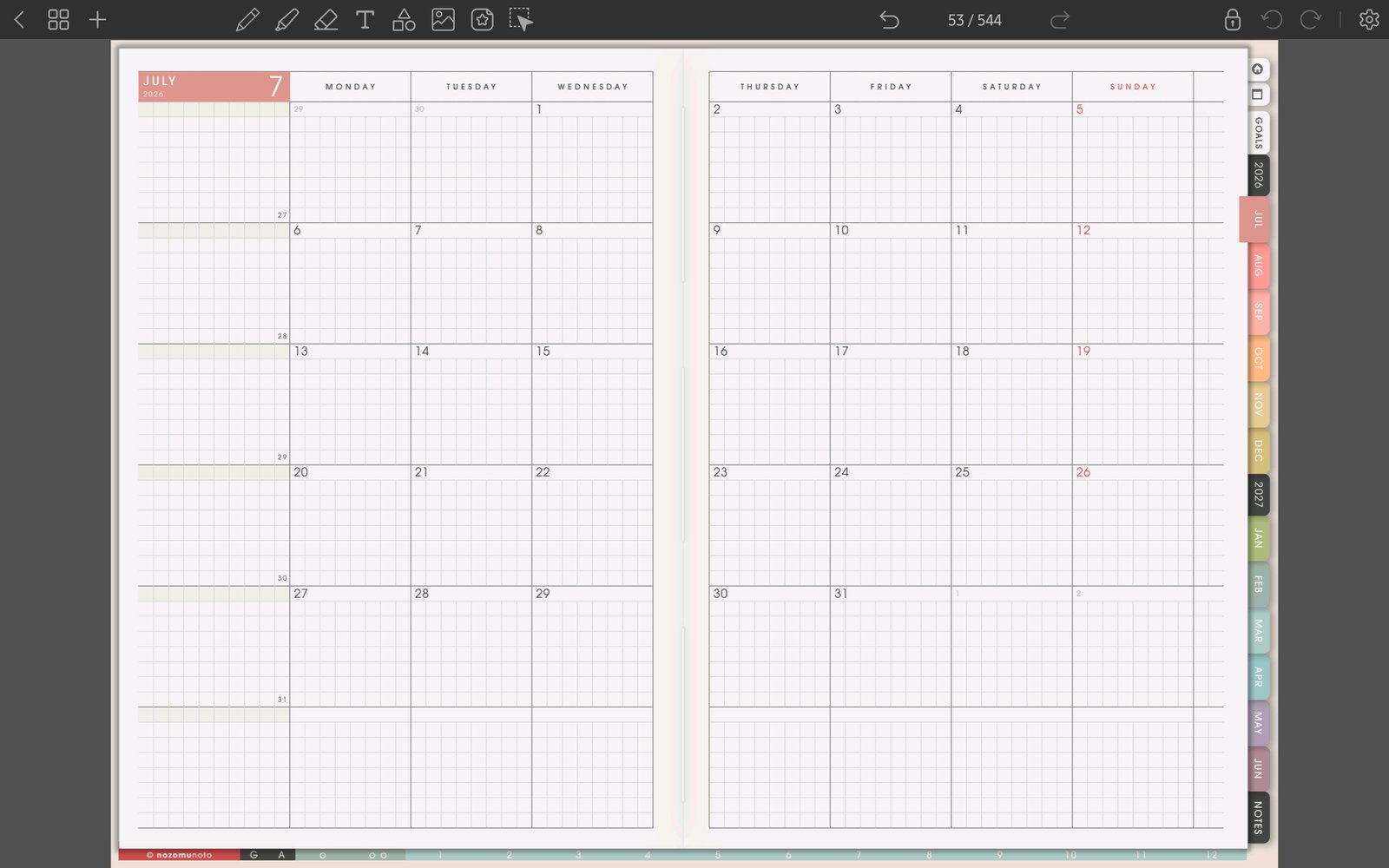
Full monthly tab screenFull screen view first, then use the cropped highlight below to see the exact area. 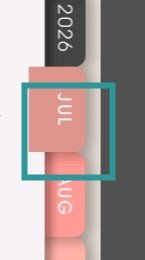
Month side tabTest one linked month tab after importing the planner. - Write one small test mark on a blank or notes page.
- Open the page overview and duplicate one template page.
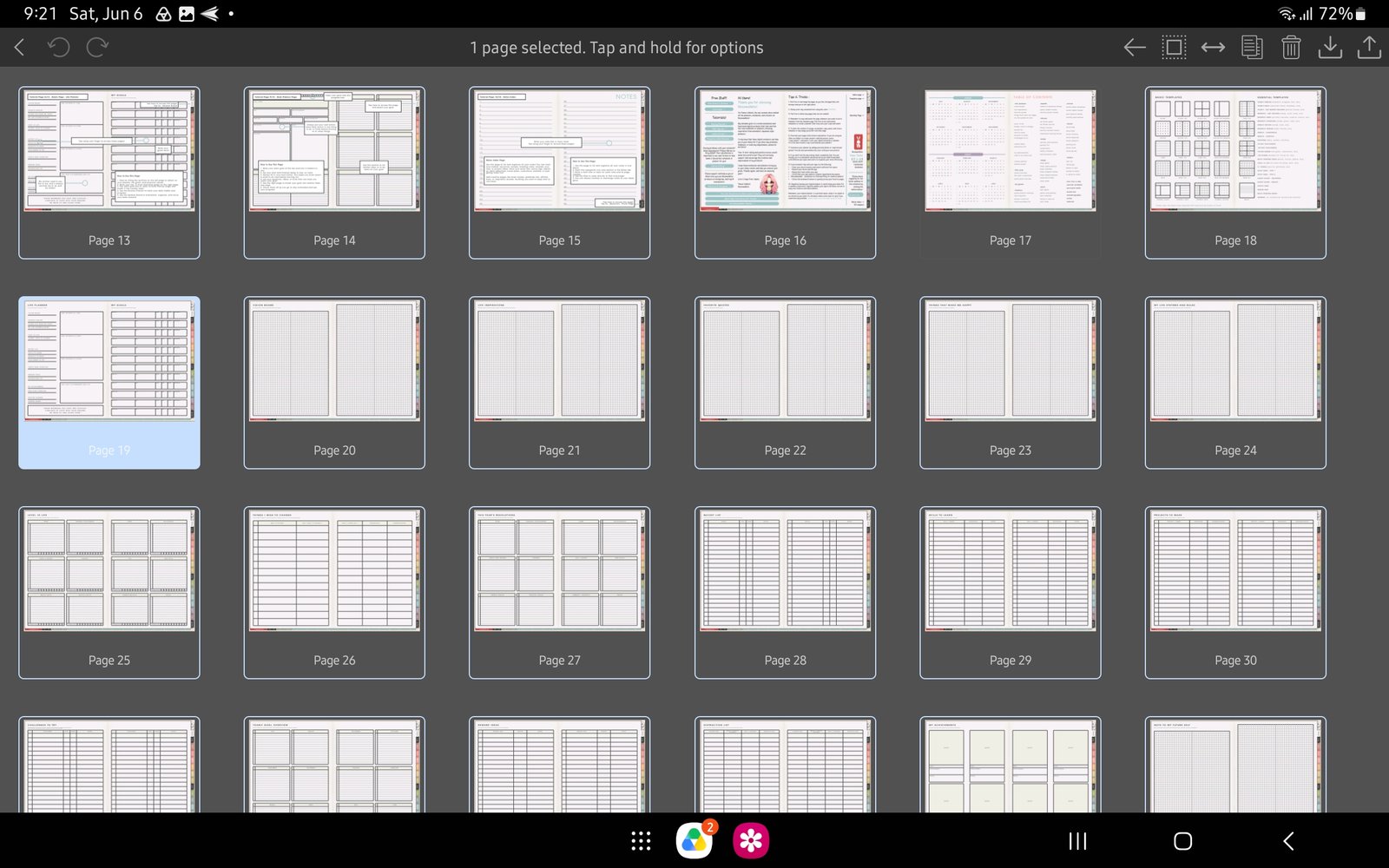
Full page actions screenFull screen view first, then use the cropped highlight below to see the exact area. 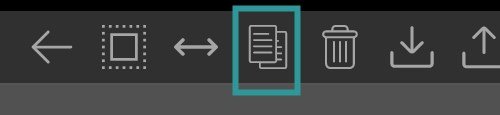
Page overview testUse the selected page toolbar to test one copy or duplicate action. - Insert one PNG sticker or image as a test.
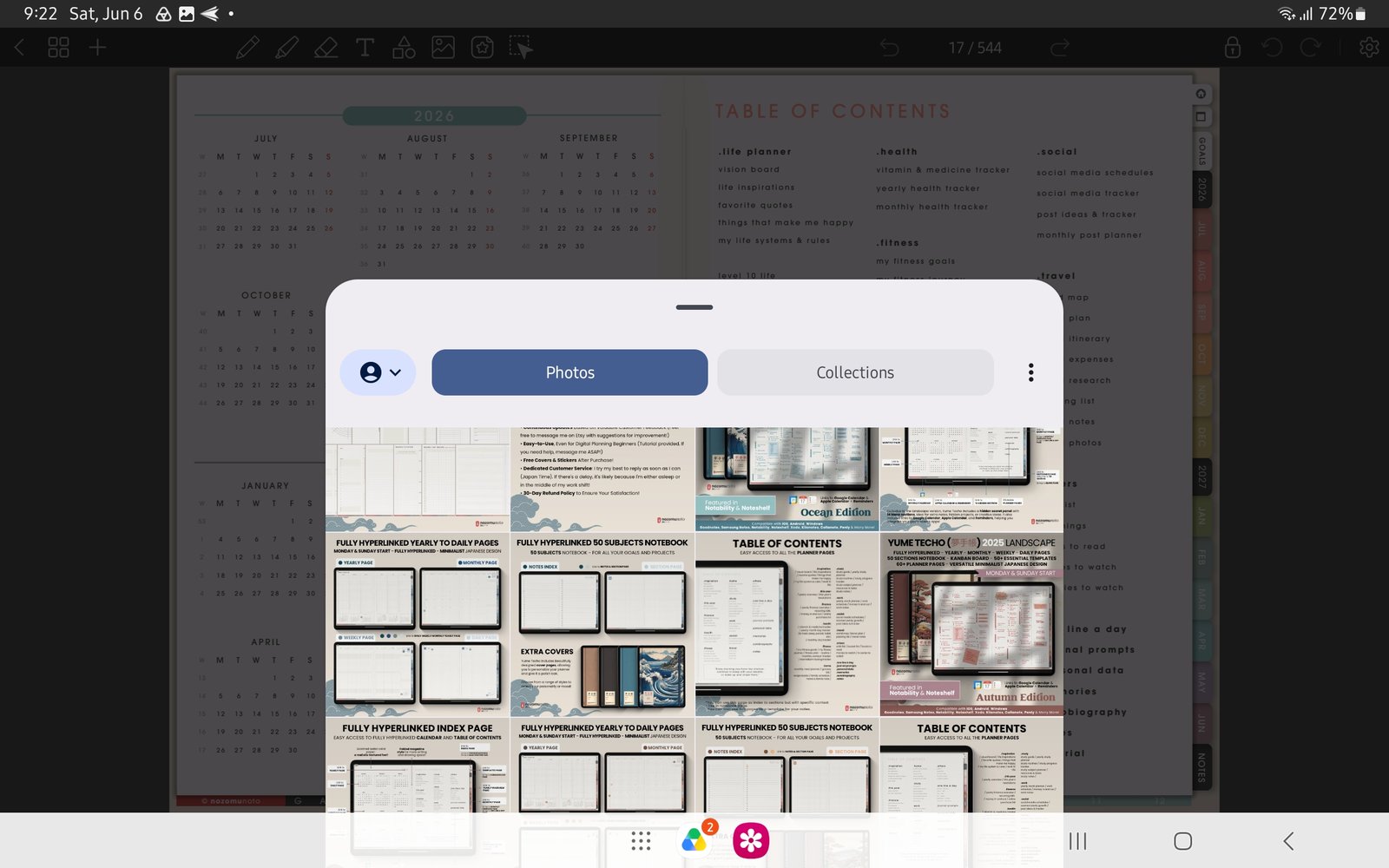
Full image import screenFull screen view first, then use the cropped highlight below to see the exact area. 
Sticker/image testUse Photos or Collections to test one PNG sticker before decorating many pages. - Start with only Index, current Monthly, current Weekly, Today, and one Notes page for the first week.
Notes
- Good first Penly setup: Keep the first setup tiny. Once links, writing, page copy, and one sticker work, you can build the full planner slowly without risking the original download.
- If the full planner feels too big, use only Index, current month, current week, and one notes or template page for the first week.