

Reference links
Use these for current app or device help, downloads, updates, vendor support, and manual references.
Fix common Boox planner problems
- If links do not move, open the NeoReader menu and switch away from pen, annotation, selection, or handwriting tools before tapping again.
- If the page is hard to find, use Contents, bookmarks, page jump, thumbnails, or the printed NozomuNoto Index page instead of scrolling through the whole planner.
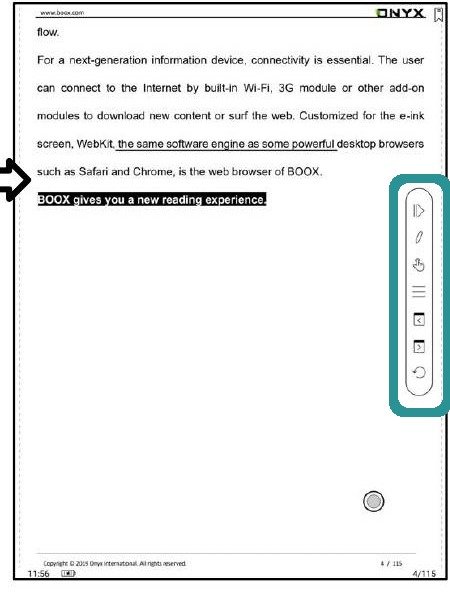
BOOX reader toolsIf tapping or writing feels wrong, check the BOOX reader tool mode before blaming the PDF. - If handwriting disappears, test one mark on a fresh copy of the PDF, close it, reopen it, and check whether NeoReader saved the annotation.
- If page edits create confusion, stop using that edited copy and transfer the untouched backup PDF again.
- If the article menu names do not match your Boox, send the Boox model, firmware version, NeoReader version if visible, and a screenshot of the menu before trying random tools.
Notes
- Before asking for help: Send the NozomuNoto product name, Boox model, firmware version, NeoReader version if visible, and the exact step that failed. A short screen recording helps a lot.
- If the same issue happens in a fresh copy, note the product name, device, app version, and exact step before asking for help.