

Use these steps to work with NozomuNoto PDF planners, notebooks, stickers, covers, and template pages in Flexcil. The official links below are for downloads, updates, and current help pages.
Reference links
Use these for current app or device help, downloads, updates, vendor support, and manual references.
Tap planner links in Flexcil
- Open the imported NozomuNoto PDF.
- Switch from writing tools to Gesture mode on the Flexcil toolbar.
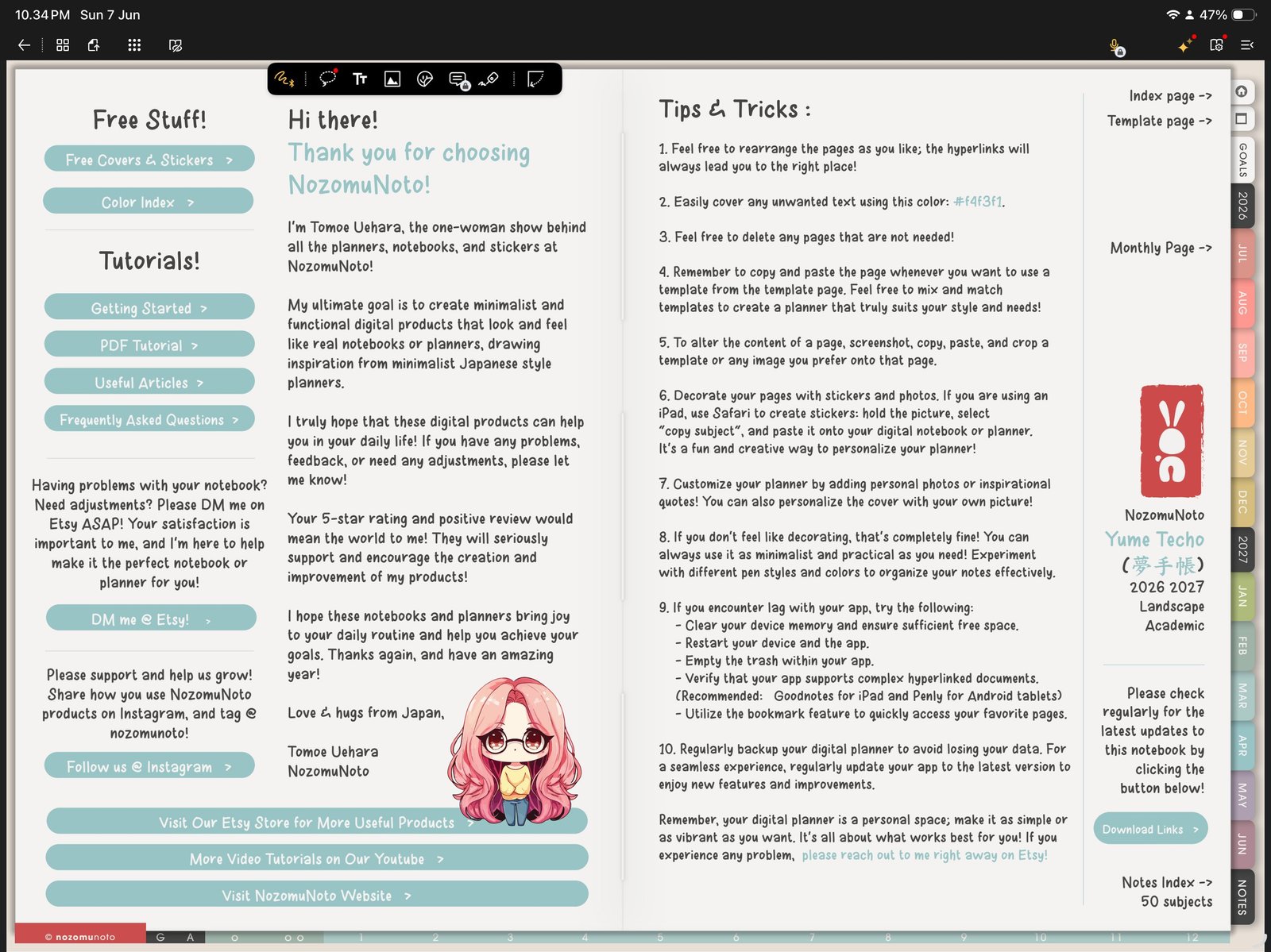
Gesture modeUse Gesture mode before tapping planner tabs, Index links, or date buttons. Product shown: Yume Techo Academic 26-27 Landscape. - Tap one obvious planner tab first, such as a month tab or the Index button.
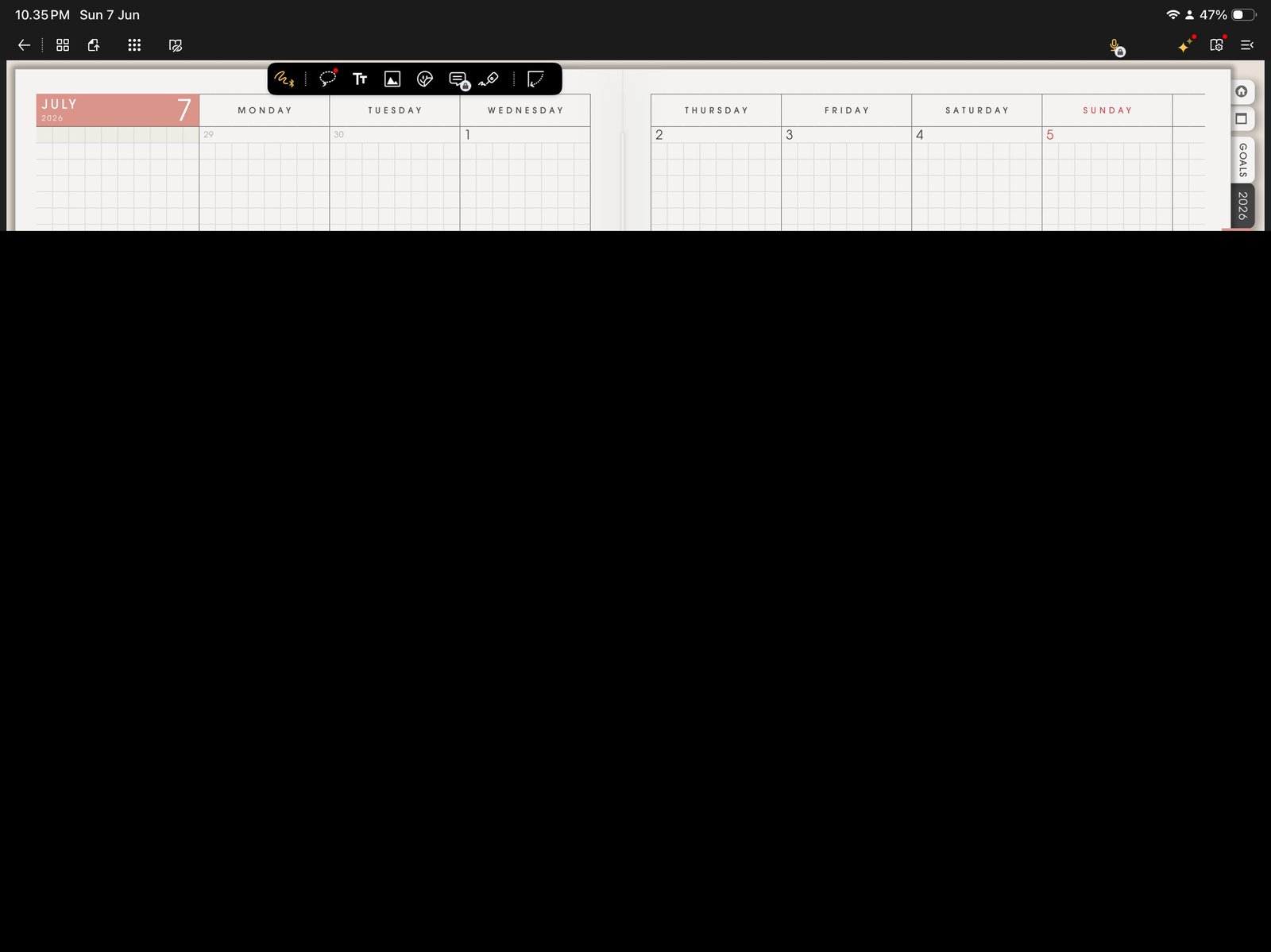
First link testTap one obvious planner tab first. Product shown: Yume Techo Academic 26-27 Landscape. - Tap one second link from inside the planner, such as a monthly-to-weekly or Index-to-template link.
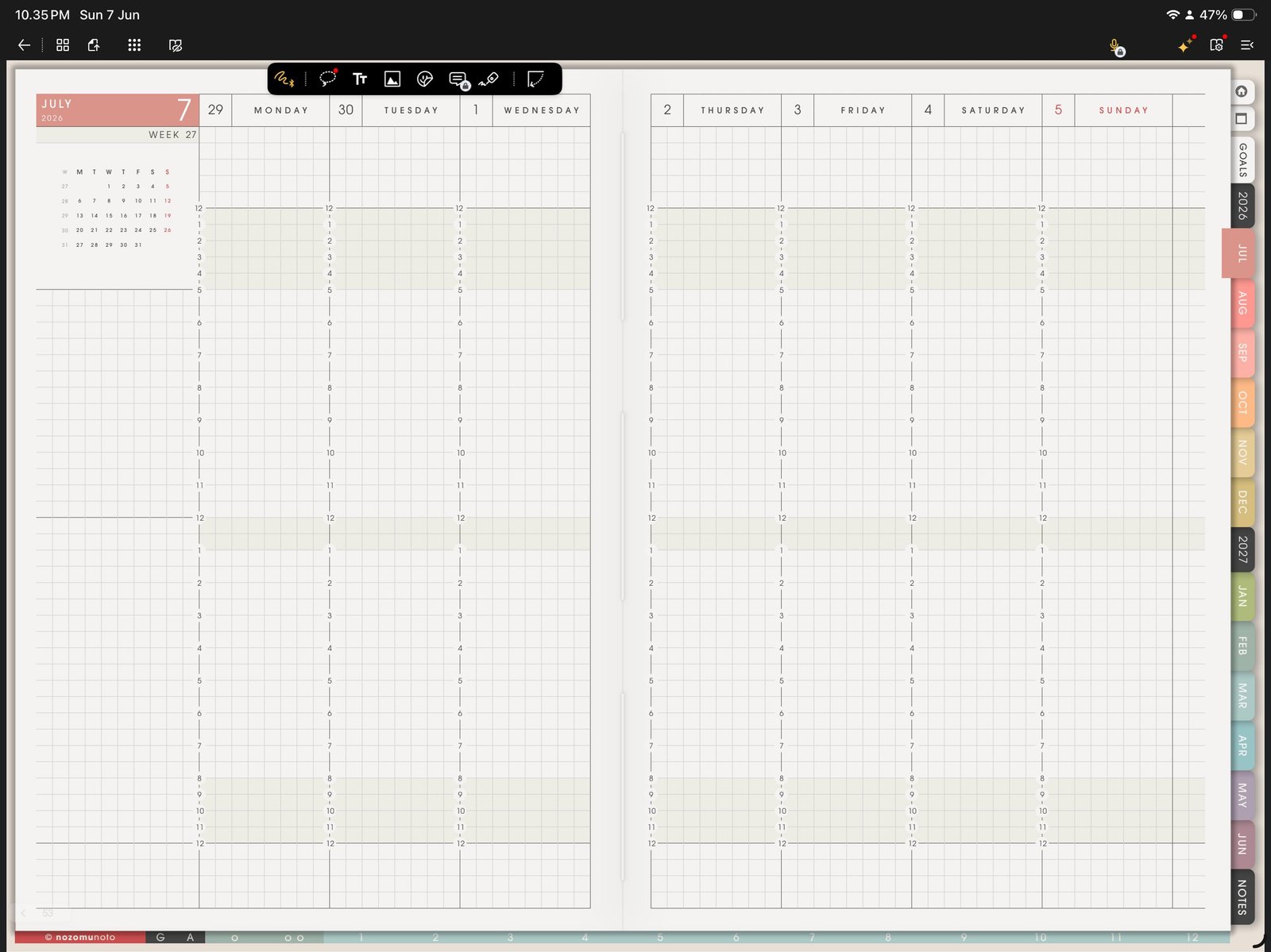
Second link testTest one more link inside the planner before writing heavily. Product shown: Yume Techo Academic 26-27 Landscape. 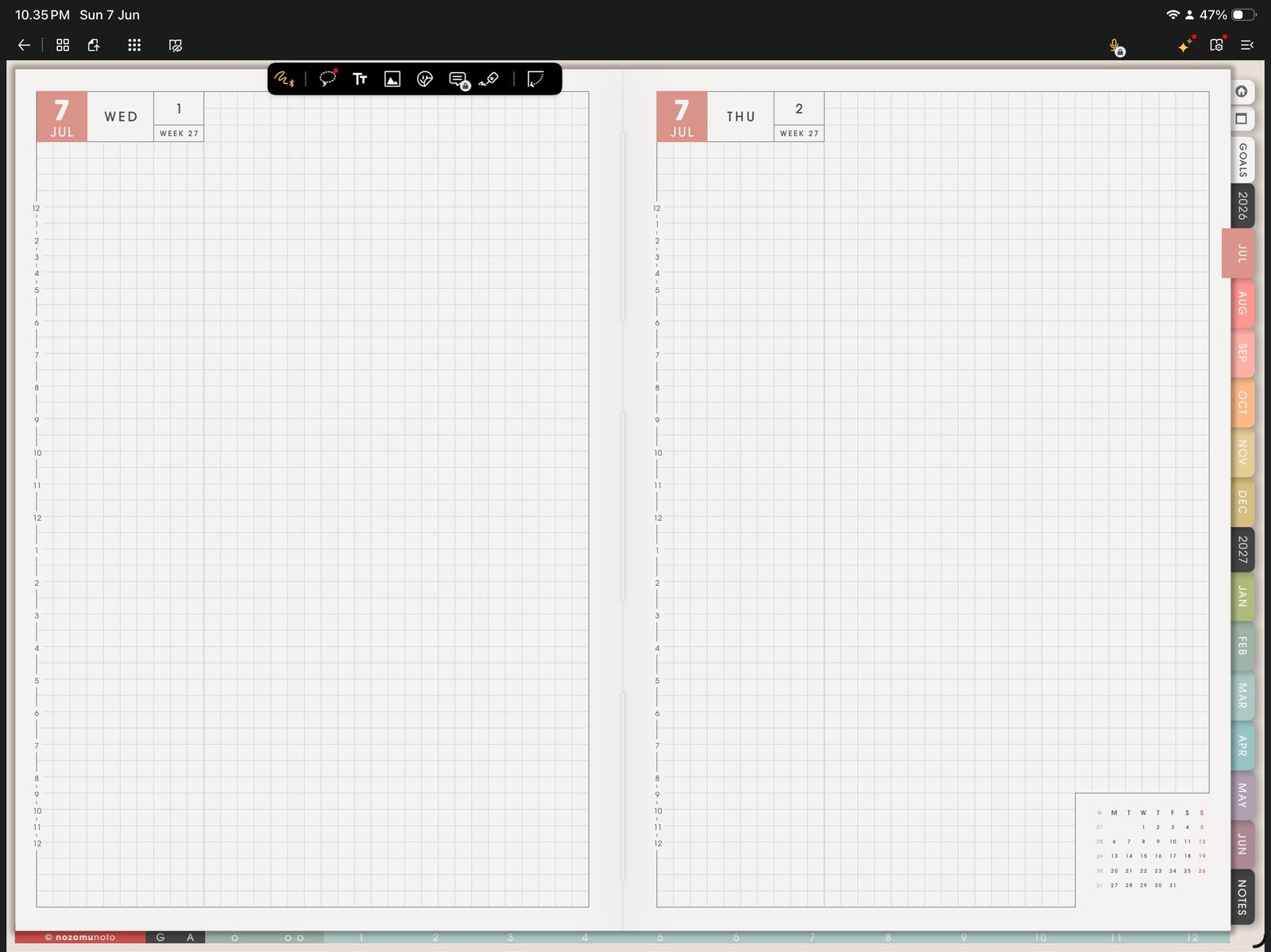
Daily or weekly link testConfirm another planner jump works in the same imported PDF. Product shown: Yume Techo Academic 26-27 Landscape. - Return to Pen mode only after navigation works.
- If the link does not move, test the same original PDF in Apple Files or another PDF viewer before editing pages.
Notes
- Why Gesture mode matters: Flexcil separates writing from navigation. If the pen tool is active, tapping a tab can feel like the link is broken because Flexcil is ready to write or select instead of navigate. Test links in Gesture mode first, then switch back to writing.
Quick link test
- Test one outside tab. Tap an obvious month, section, or Index tab.
- Test one inside link. From the Index or monthly page, tap a weekly, daily, template, or notes link.
- Return and write. After the jump works, switch back to Pen mode and write a small test note.
If links still do not move
1. The wrong mode is active
What happens: tapping the tab writes ink, selects something, or does nothing useful.
What to do: switch to Gesture mode and tap the same link again.
2. The working copy was changed too much
What happens: links worked at first, then became unreliable after page moves, exports, or heavy edits.
What to do: import a fresh copy of the original PDF and test the same link before moving pages again.
3. The original file needs checking
What happens: the same link does not work in Apple Files or another PDF viewer either.
What to do: contact NozomuNoto with the product name, page, link you tapped, device, iPadOS version, and Flexcil version.
- If planner links still fail, test the same original PDF in another PDF viewer before changing pages or exporting.