

Use these steps to work with NozomuNoto PDF planners, notebooks, stickers, covers, and template pages in Flexcil. The official links below are for downloads, updates, and current help pages.
Reference links
Use these for current app or device help, downloads, updates, vendor support, and manual references.
Use the index page in Flexcil
- Open the imported NozomuNoto PDF in Flexcil.
- Switch to Gesture mode before tapping linked planner areas.
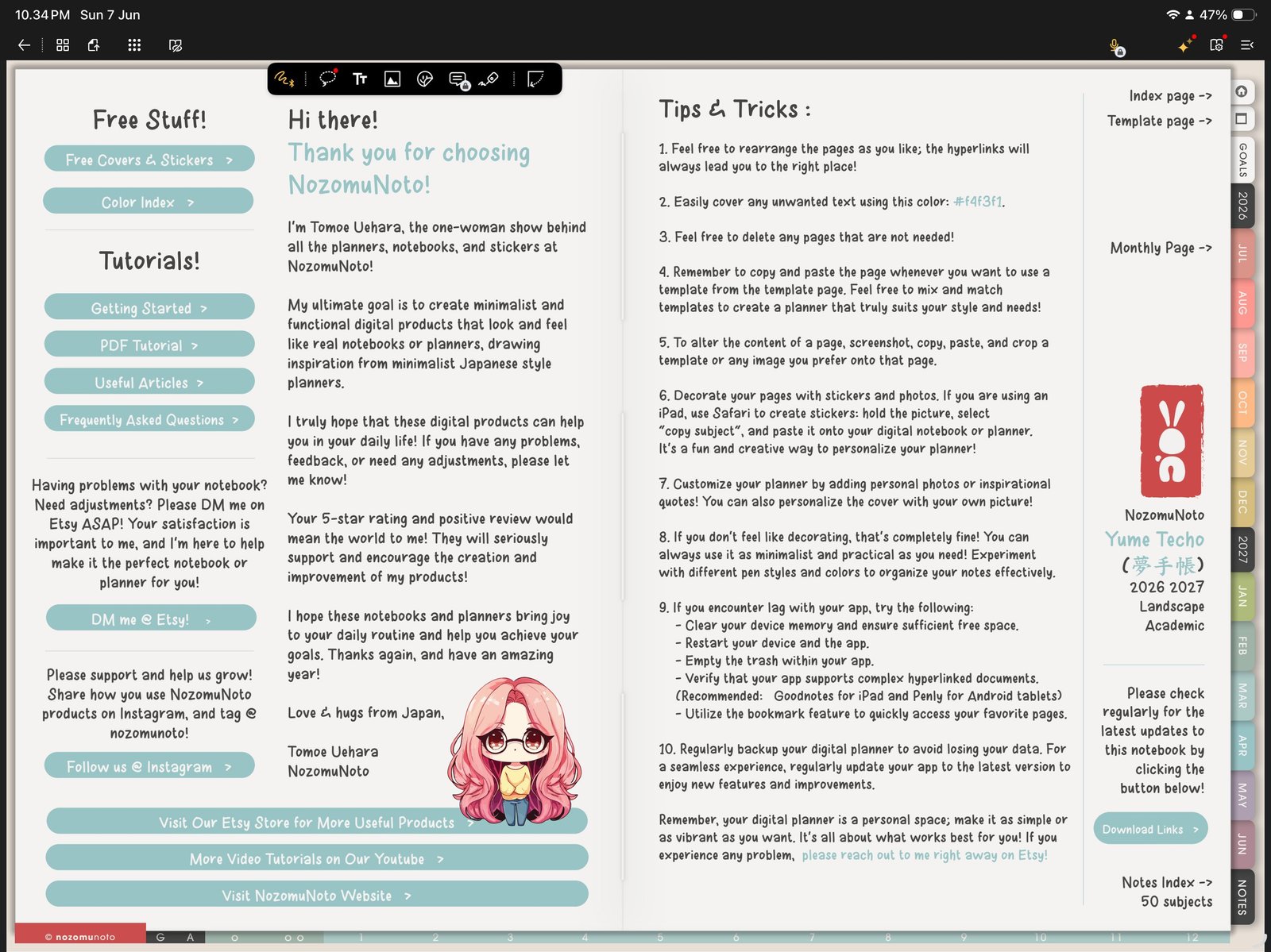
Index link modeSwitch to Gesture mode before using the NozomuNoto Index. Product shown: Yume Techo Academic 26-27 Landscape. - Open the NozomuNoto Index page near the beginning of the file or behind the Index tab.
- Tap a linked section, month, template, or notebook divider.
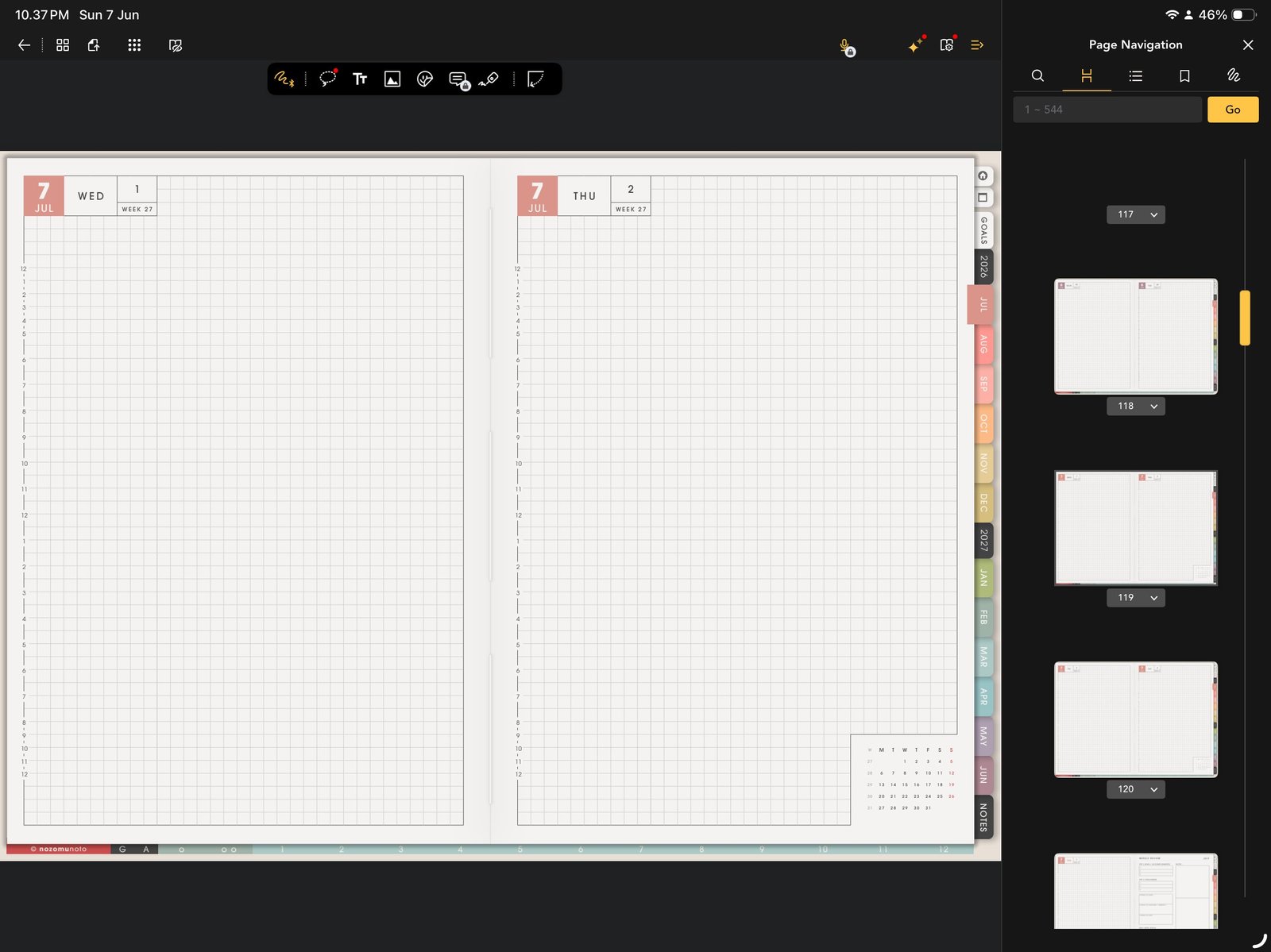
Page NavigationUse Page Navigation when you want thumbnails instead of Index links. Product shown: Yume Techo Academic 26-27 Landscape. - Open Page Navigation when you want to jump by thumbnail instead of using linked Index text.
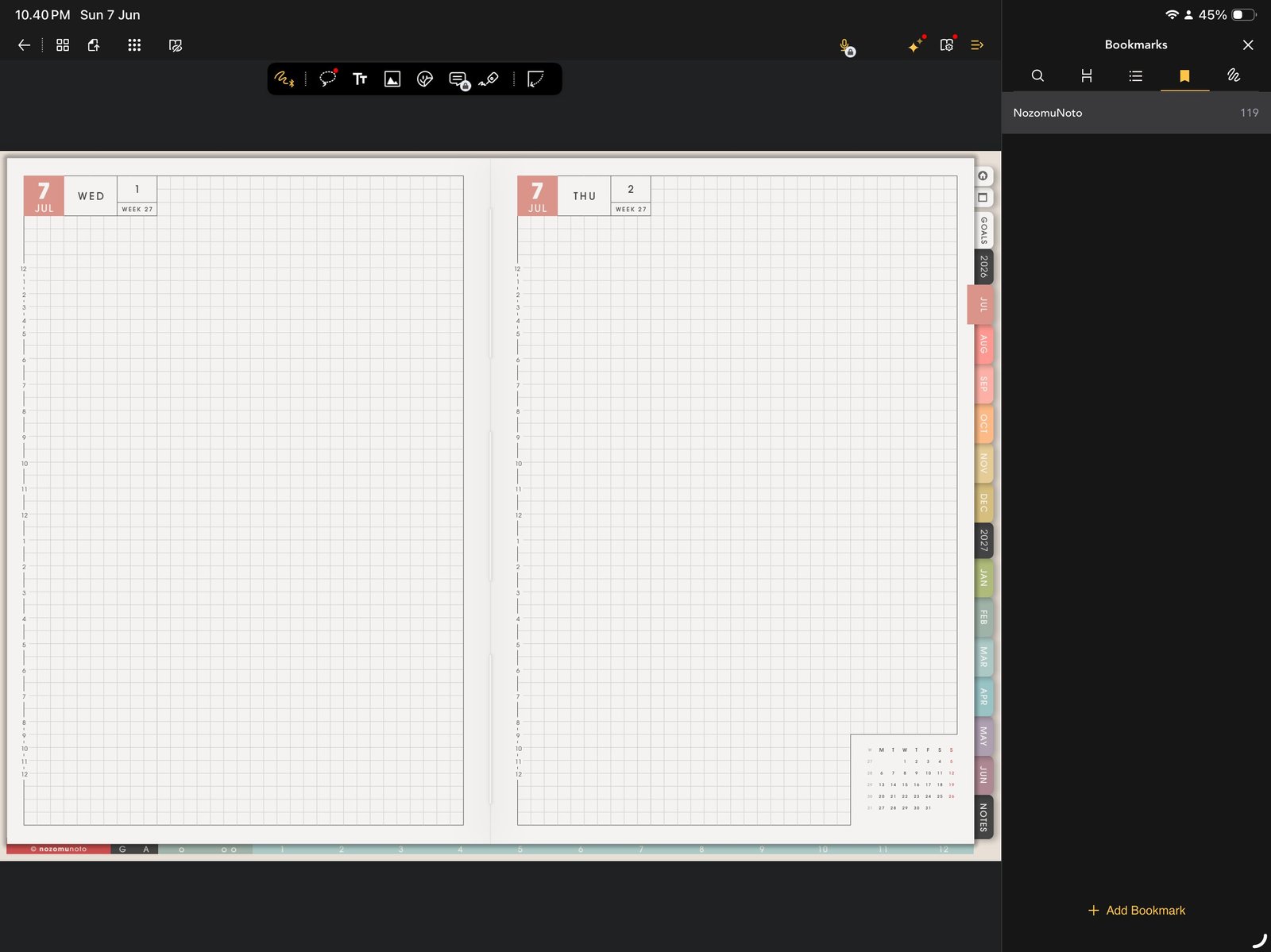
Bookmark return pointsBookmarks can hold return points such as Index, current month, current week, and Notes. Product shown: Yume Techo Academic 26-27 Landscape. - Bookmark the Index, current month, current week, and any page you return to often.
Notes
- Index vs Page Navigation: Use the NozomuNoto Index when you already know the section you want. Use Flexcil Page Navigation when you want to see thumbnails, bookmarks, outlines, or page actions. They work best together: Index is the planner map, and Page Navigation is the app map.
Good first bookmarks
For a large dated planner, do not bookmark every useful page at once. Start with four return points: Index, current month, current week, and Notes. Add more only when a page becomes part of your real routine.
If the Index feels too big
Choose only one path for today. For example: Index to Monthly, Monthly to this week, and this week to today or Notes. The rest of the planner can stay quiet until it is actually needed.
- If the Index works but a copied page is hard to find, use bookmarks, favorites, thumbnails, or a small personal index note.