

Use these steps to work with NozomuNoto PDF planners, notebooks, stickers, covers, and template pages in Flexcil. The official links below are for downloads, updates, and current help pages.
Reference links
Use these for current app or device help, downloads, updates, vendor support, and manual references.
Change the visible cover in Flexcil
- Open Documents and look at the planner thumbnail. Flexcil usually uses the first page as the visible document thumbnail.
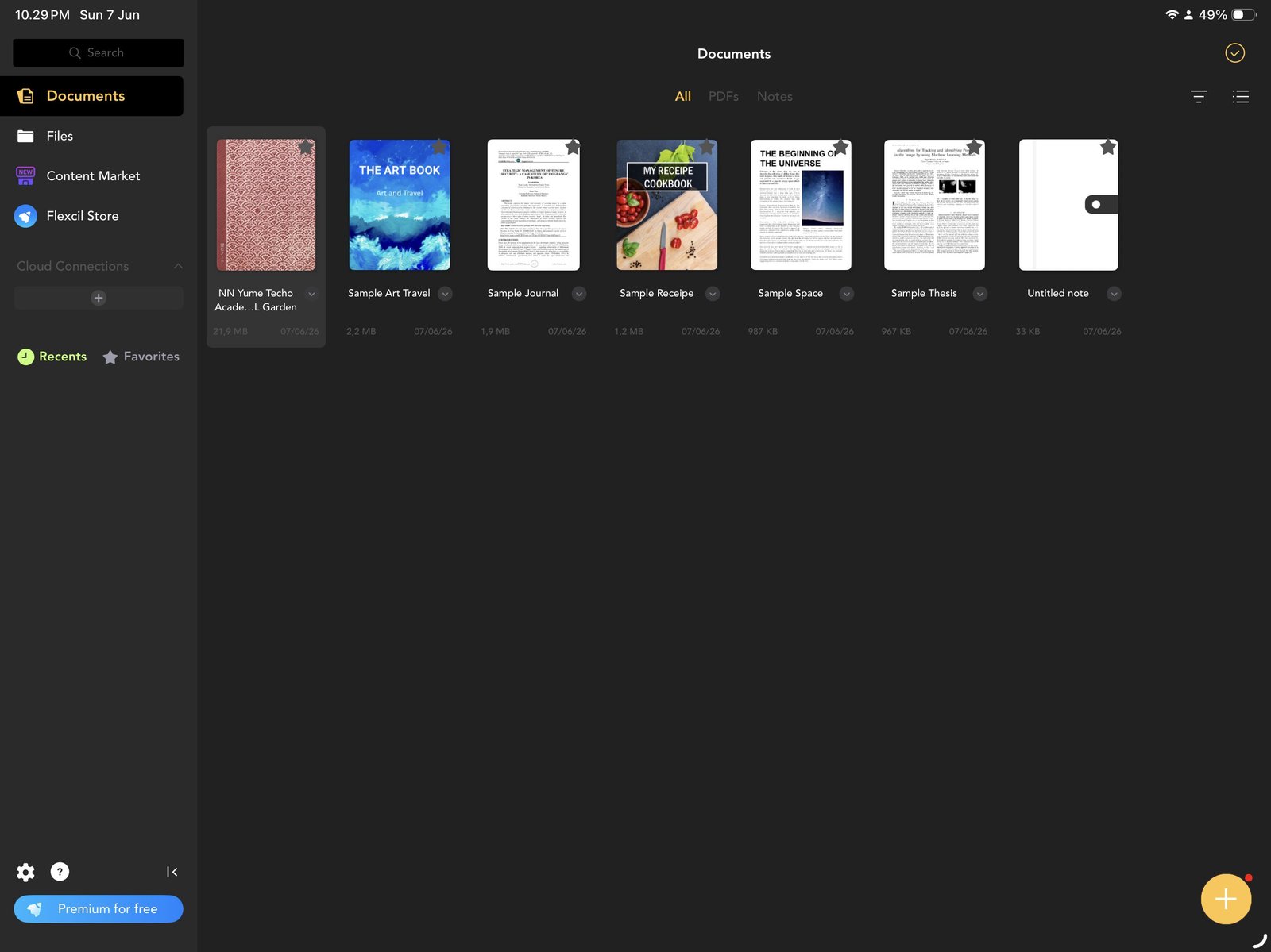
Planner thumbnailFlexcil Documents shows the planner thumbnail from the imported PDF. Product shown: Yume Techo Academic 26-27 Landscape. - Open the planner and open Page Navigation.
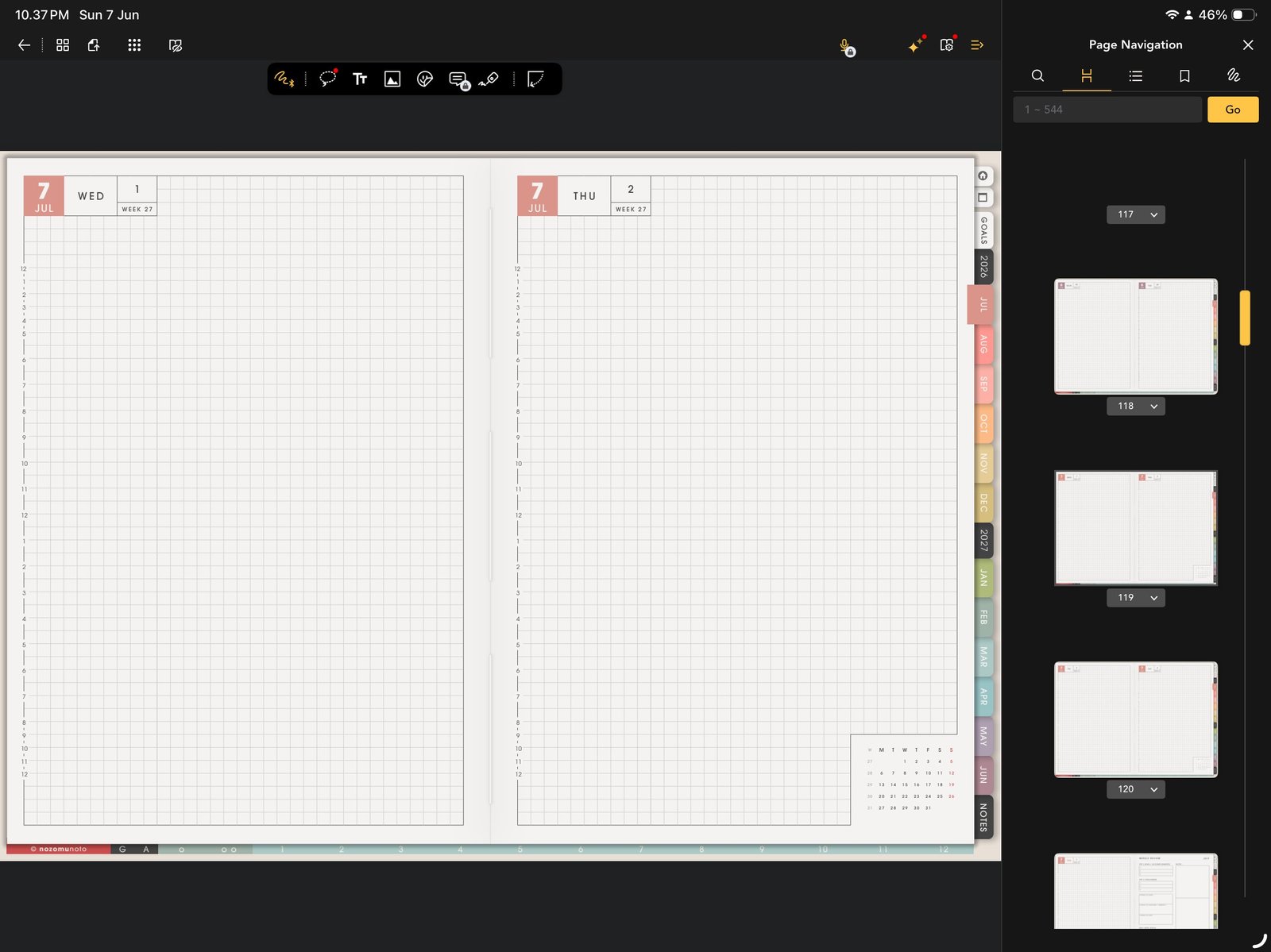
Page 1 checkUse Page Navigation to check the first page before attempting any cover workflow. Product shown: Yume Techo Academic 26-27 Landscape. - Confirm that page 1 is the cover or front page you want Flexcil to show.
- If the Flexcil page menu does not show a clear reorder or move-to-front action, keep the cover unchanged in Flexcil and use bookmarks or the NozomuNoto Index for quick access.
- For heavy cover customization, make the cover change in an app with a dedicated cover/page reorder workflow, then reopen the finished PDF in Flexcil.
Notes
- Honest Flexcil cover note: The screenshot-ready Flexcil iPad workflow shows useful page actions like Duplicate Page, Add Bookmark, Export, and Delete. It does not show a dedicated Change Cover button. That is why this guide treats cover changes carefully instead of promising a button that may not be on the screen.
Simple cover rule
If Flexcil already shows a clear planner thumbnail, leave it alone. A calm, working planner is better than a cover experiment that makes the file harder to use. Use bookmarks, folders, or clear document names when the visible thumbnail is not enough.
If the cover does not look right
1. Wrong orientation
What happens: a portrait cover looks squeezed on a landscape planner, or a landscape cover feels cropped on a portrait planner.
What to do: use a cover made for the same orientation and product size.
2. Cover work breaks the flow
What happens: you spend more time moving pages than planning.
What to do: keep the original cover and make the document name clear, such as Yume Techo 26-27 Landscape Garden.
- If the cover looks wrong or the thumbnail does not update as expected, keep the original cover page and use a clear document name.